
I remember when upgrading Wi-Fi used to be a once-in-a-decade thing. Now, every few years, there is a new standard promising faster speeds, better coverage, and a smoother internet experience.
Lately, I have seen many people struggling between Wi-Fi 6 and Wi-Fi 6E, and asking whether they should stick with Wi-Fi 6 or go for Wi-Fi 6E.
On paper, the two sound similar, but there is more to the story. In this guide, I will take you through their differences, how each one works, and which one might be the right choice for you.
What is Wi-Fi 6?
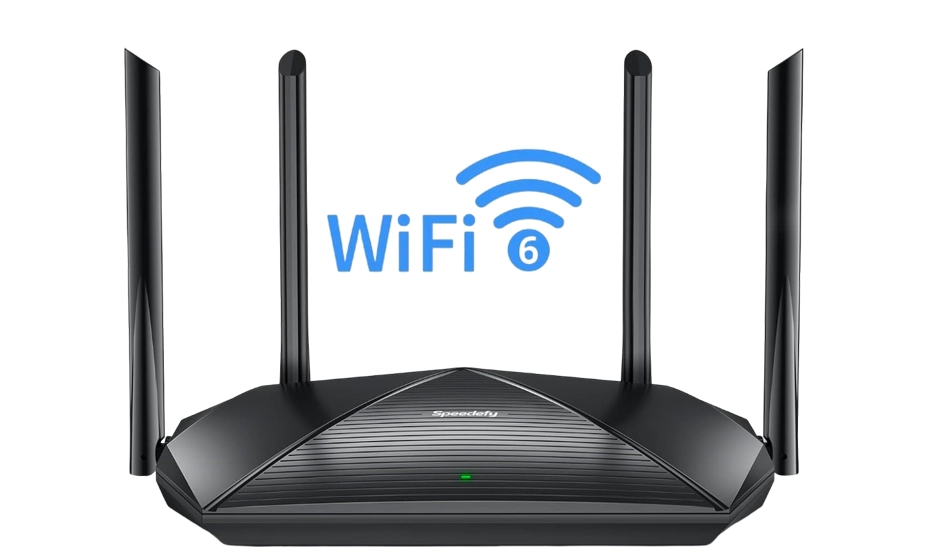
Wi-Fi 6, officially known as 802.11ax, is the sixth generation of WiFi technology. It operates mainly on the 2.4 GHz and 5 GHz frequency bands.
The main goal of Wi-Fi 6 is to improve speed, efficiency, and capacity. It means more devices can connect without slowing each other down.
What is Wi-Fi 6E?
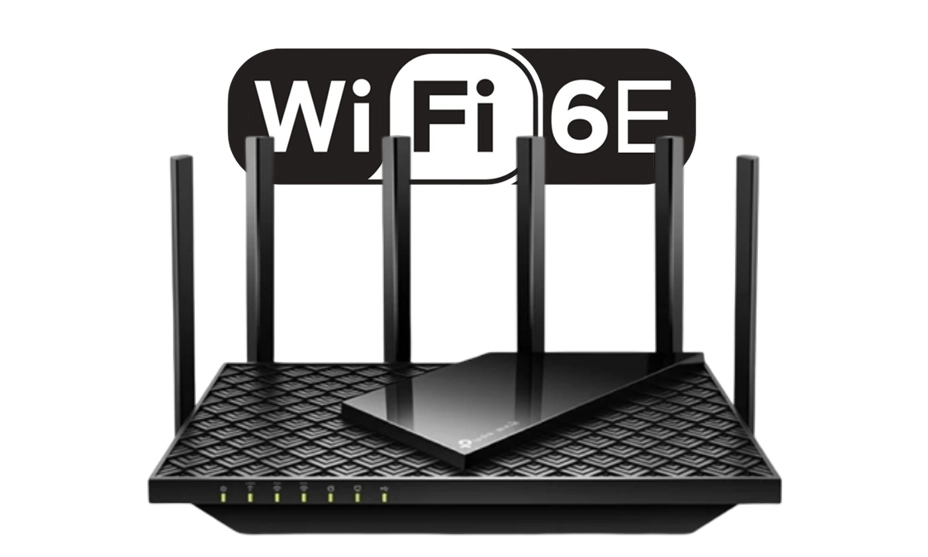
Wi-Fi 6E is essentially an extended version of Wi-Fi 6. It brings in the 6 GHz frequency band, which is a huge deal for speed and congestion.
The “E” in 6E stands for “Extended,” and it literally extends Wi-Fi 6 into this new frequency range and gives you more space for your devices to work with less interference.
Because 6 GHz has a shorter range, you’ll often get the best 6E speeds in the same room as the router; for whole‑home coverage, consider a Wi‑Fi extender or rely on 5 GHz/2.4 GHz bands for farther rooms.
👉 Important Note: As wireless technology continues to evolve, newer standards like WiFi 7 are already pushing performance even further. If you’re curious about what comes next, check out my detailed guide on WiFi 7 and how it compares to current standards.
Wi-Fi 6 vs Wi-Fi 6E Key Differences
On the surface, Wi-Fi 6 and Wi-Fi 6E seem like close cousins, as they share the same core technology and both aim to make your internet faster, smoother, and more reliable.
Also, when you explore how WiFi works, there is a hell of a difference between them.
| Feature | Wi-Fi 6 | Wi-Fi 6E |
|---|---|---|
| Frequency Bands | 2.4 GHz and 5 GHz | 2.4 GHz, 5 GHz, and 6 GHz |
| Maximum Channel Width | Up to 160 MHz (on 5 GHz) | Up to 160 MHz (on 6 GHz, with less interference) |
| Speed Potential | Gigabit-level speeds under ideal conditions | Higher gigabit speeds thanks to wider, cleaner 6 GHz channels |
| Latency | Low latency due to OFDMA and MU-MIMO | Even lower latency with the 6 GHz band |
| Range | Better long-range coverage on 2.4 GHz | Shorter range on 6 GHz, best for same-room use |
| Interference | Can be affected by crowded 2.4 GHz and 5 GHz bands | Minimal interference on 6 GHz as it’s less congested |
| Device Compatibility | Works with most modern devices from the past few years | Requires both router and device to support 6 GHz |
| Best Use Case | Large coverage areas and mixed-device compatibility | High-speed, low-latency connections in close range |
| Cost | Generally more affordable | Higher cost due to newer technology |
| Future-Proofing | Good for current needs, moderate future-proofing | Highly future-proof as more devices adopt 6 GHz |
Here’s how Wi-Fi 6 and Wi-Fi 6E compare across speed and latency, device compatibility, and real-world performance.
1. Speed and Latency – How Fast and How Responsive
Speed is not just about how quickly you can download a movie. It is also about latency, like how fast your device can send a request and get a response.
- Wi-Fi 6: Capable of gigabit speeds under the right conditions. It uses advanced tech like OFDMA (Orthogonal Frequency-Division Multiple Access) to split channels efficiently among devices, reducing waiting times.
- Wi-Fi 6E pushes this further by giving you wider channels on the 6 GHz band, up to 160 MHz wide. This extra width means data can flow at much higher rates and makes 1 Gbps speeds easier to achieve. Latency drops too because you are operating on a cleaner, interference-free frequency.
If you are into gaming or real-time video conferencing, that reduced latency can mean the difference between a crisp, smooth call and one that lags just when you need it most.
2. Device Compatibility – The Upgrade Catch
A Wi-Fi 6E router does not make every device faster. Your devices must also support Wi-Fi 6E to use its benefits.
- Wi-Fi 6: Supported by many modern devices. Older Wi-Fi devices can still connect to a Wi-Fi 6 router but won’t use Wi-Fi 6-specific features.
- Wi-Fi 6E requires both your router and your device to have 6 GHz support. If you are not planning to upgrade your devices soon, you may not see the full potential of 6E right away.
3. Real-World Performance – Lab Tests vs Daily Use
On paper, Wi-Fi 6E sounds like the winner in every category, but real-life scenarios can tell a different story.
In a crowded network environment, like offices, apartment complexes, or smart homes with dozens of devices, Wi-Fi 6E shines. The extra channels at 6 GHz keep internet speeds high even when many devices are connected.
In a large home with mixed devices, Wi-Fi 6 often outperforms 6E because of its 2.4/5 GHz bands in terms of consistent coverage and reliability for most users. You will get fewer dropouts when moving between rooms, especially with devices that aren’t 6 GHz compatible.
When to Choose Wi-Fi 6?
If you are thinking about upgrading, there are situations where Wi-Fi 6 is the more practical choice, as TP-Link confirms.
- Larger Coverage Area: If you need Wi-Fi across a large home or office, Wi-Fi 6 might serve you better because its 2.4 GHz band travels farther.
- Better Device Compatibility: Since almost all modern devices work with Wi-Fi 6, you won’t have to worry about buying new gadgets just to get the benefits.
- Balanced Performance and Cost: Wi-Fi 6 routers are generally cheaper than Wi-Fi 6E models, which makes them a great choice if you want better performance without spending a lot.
When to Choose Wi-Fi 6E?
Wi-Fi 6E is worth upgrading in specific scenarios.
- Need for Ultra-Fast Speeds: If you have gigabit or multi-gigabit internet, Wi-Fi 6E could let you use that speed fully with fewer bottlenecks.
- Crowded Network Environments: In places like offices or smart homes with dozens of connected devices, the 6 GHz band offers more breathing room.
- Future-Proofing Your Setup: If you plan to keep your router for many years, Wi-Fi 6E could be more relevant as more devices support 6 GHz in the future.
If your internet service provider offers high-speed fiber plans, upgrading to WiFi 6E can unlock better performance. However, if your Internet plan is slower than what Wi-Fi 6 can already handle, upgrading to Wi-Fi 6E may offer little benefit.
Final Thoughts: My Experience With Wi-Fi 6 vs Wi-Fi 6E
I tested both standards in my apartment. Wi-Fi 6 handled 4K video streaming and online gaming without issues.
With Wi-Fi 6E and a compatible laptop, speeds were noticeably higher in the same room as the router. A few walls away, Wi-Fi 6 provided a more stable connection.
Based on my experience, Wi-Fi 6 is a better all-round option for most users due to its coverage and compatibility. Wi-Fi 6E makes more sense if you have compatible devices, a fast Internet plan, and want access to the 6 GHz band.



Your posts 🌈 always leave me feeling more 💫 hopeful about life and 🙏 future ahead for everyone
This was a very engaging read.