WiFi & Routers
This section helps home users set up and fix WiFi. It covers router setup, router placement, mesh WiFi, WiFi extenders, weak signals, network names, passwords, security settings, and common wireless connection problems.
-

How to Protect WiFi From Hackers and Threats
Your WiFi network connects almost everything in your home, from phones and laptops to smart TVs and security cameras. No…
Read More » -
Slow WiFi? Find the Problem Before Upgrading
Your internet plan may promise 300 Mbps, 500 Mbps, or even 1 Gbps, yet your phone can still struggle to…
Read More » -
What is WiFi? The Complete Guide to Wireless Internet (2026)
WiFi (Wireless Fidelity) is a wireless networking technology that uses radio waves to connect devices like smartphones, laptops, smart TVs,…
Read More » -
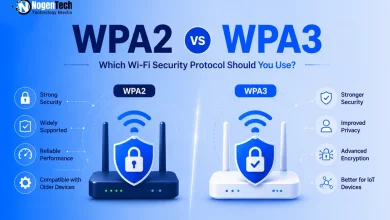
WPA2 vs WPA3: What’s the Difference & Which Should You Use in 2026?
Your Wi-Fi password might be strong. Your protocol isn’t. There’s a good chance your Wi-Fi is still running on a…
Read More » -
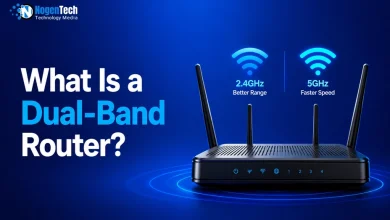
What Is a Dual-Band Router? Fix Wi-Fi Slowdowns at Home
If your WiFi slows down when someone starts streaming Netflix, joins a Zoom meeting, or downloads a large file, your…
Read More » -
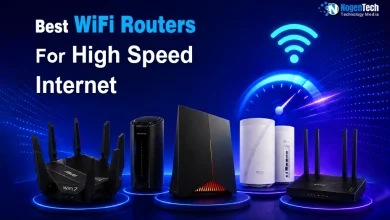
Best Wi-Fi Routers for High-Speed Internet: Cable, Fiber, and Home Internet
When looking for a high-speed WiFi router, the choice depends heavily on how the internet gets into your house, like…
Read More » -
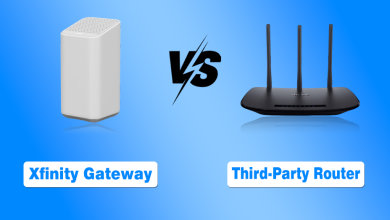
Xfinity Gateway vs Third-Party Router: Pros and Cons for Home
Most of us just want reliable Home Internet that reaches every corner of the house without breaking the bank or…
Read More » -
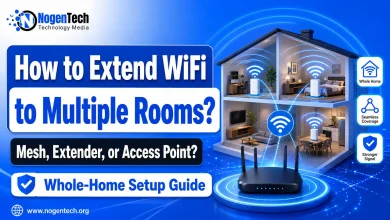
Why Your WiFi Fails in Some Rooms and How to Fix It
Quick answer: The best way to extend WiFi to multiple rooms in your house is to place your router in…
Read More » -
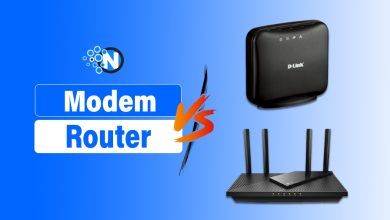
Modem vs Router – The Key Differences Explained
Modem vs Router is one of the key battles in the world of home networking. Most people are unaware of…
Read More »