Internet Troubleshooting
This category helps users fix home internet problems step by step. It covers WiFi not working, blinking router lights, app login errors, modem issues, dropped connections, slow speeds, and basic checks before calling support.
-

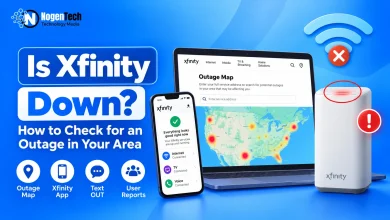
Is Xfinity Down? How to Check for an Outage in Your Area
If your Xfinity internet suddenly stopped working, don’t start restarting everything just yet. First, find out whether Xfinity is actually…
Read More » -
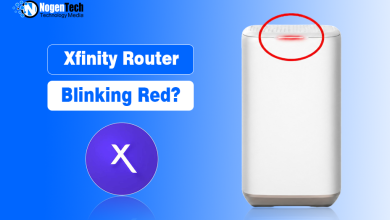
Xfinity Router Blinking Red? What It Means & How to Fix It
If I go strictly by what Xfinity says, a red light means there’s no internet connection. And interestingly, they don’t…
Read More » -
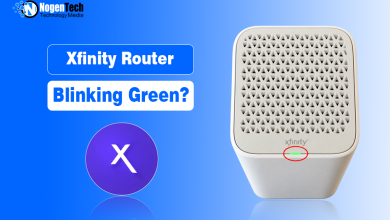
Xfinity Router Blinking Green? What It Means & How to Fix It
A blinking green light on an Xfinity Gateway often appears while the device is trying to connect to Xfinity systems.…
Read More » -
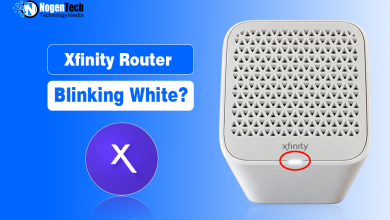
Xfinity Router Blinking White? What It Means & How to Fix It
Setting up a new Xfinity Gateway? A blinking white light can be part of the activation process rather than a…
Read More » -
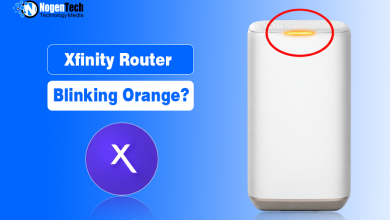
Xfinity Router Blinking Orange? What It Means & How to Fix It
A blinking orange light on an Xfinity Gateway usually appears while the device is trying to establish a connection with…
Read More » -
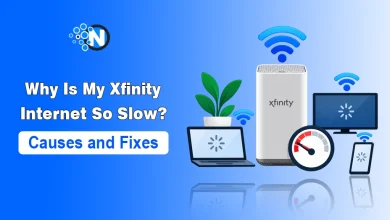
Why Is My Xfinity Internet So Slow? Causes and Fixes
Xfinity internet can feel slow because of an outage, weak WiFi coverage, heavy activity from connected devices, unsuitable equipment, a…
Read More » -
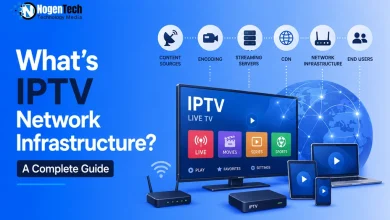
What’s IPTV Network Infrastructure? A Complete Guide
IPTV buffering ruining your streams? Your internet type isn’t always the problem. Nothing is more frustrating than an IPTV stream…
Read More » -
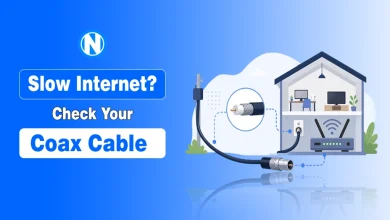
Does Coaxial Cable Internet Still Work in 2026? Speed, Setup & Fixes
Why does your home internet still lag despite high-speed service from ISPs in the US? Most homeowners in the US…
Read More »