Creating a social post is easy with basic design tools, but things get harder when your project involves detailed vectors, custom brand assets, UI designs, or graphics that need precise editing.
That is where advanced online graphic tools become useful. They offer greater control over layouts, layers, vectors, assets, and collaborative workflows without restricting you to basic templates.
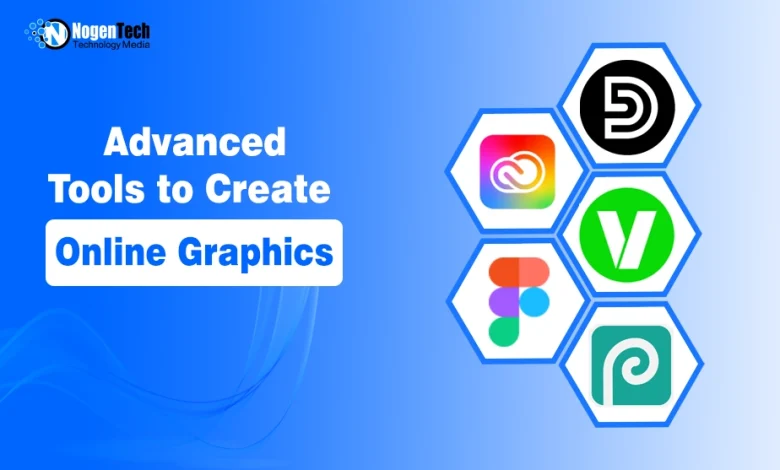
Yesterday, NogenTech’s team shared a list of beginner-friendly graphic design software. Now, we are taking it a step further with 6 advanced tools to create graphics online, each suited to different creative projects and professional design needs.
Here is a quick look at their comparison before discussing each in detail:
| Tool | Best For | Key Strength | Free Option | Skill Level |
|---|---|---|---|---|
| Adobe Creative Cloud | Professional creative projects | Advanced editing and creative workflows | Trial | Advanced |
| Figma | UI/UX and collaborative design | Real-time collaboration and prototyping | Yes | Intermediate–Advanced |
| Design.com | Branding and marketing graphics | AI-powered design and brand tools | Yes | Intermediate |
| Vectr | Vector graphics | Precise vector editing | Yes | Intermediate |
| Pixlr | Online image editing | Layer-based editing and AI tools | Yes | Intermediate–Advanced |
| Photopea | Browser-based image editing | Layers, masks, and PSD file support | Yes | Advanced |
This shift from beginner to more capable creative tools is also showing up in real workflows. According to Adobe’s 2026 Creators’ Toolkit Report, 87% of creators who use or have tried creative AI now consider it essential for their business.
6 Best Graphic Tools to Create Graphics Online
Now that you know what separates advanced tools from beginner-friendly options, let’s look at the 6 advanced tools to create graphics online, about which I gave you a table above.
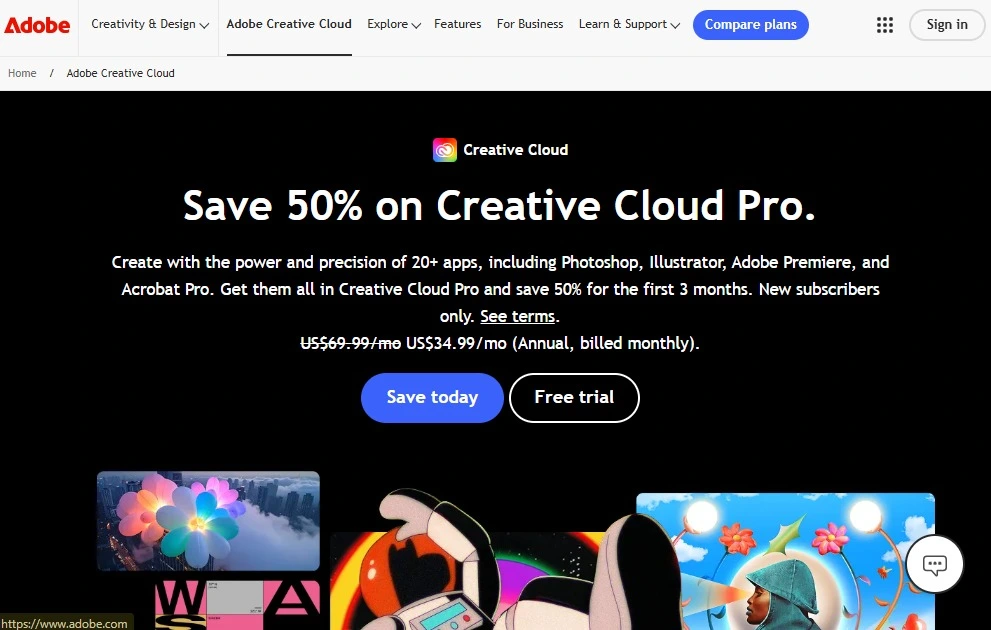
1. Adobe Creative Cloud – Best for Professional Design Work
Adobe Creative Cloud is a strong choice when your work goes beyond quick graphics and involves photo editing, vector illustrations, brand assets, layouts, or other detailed creative projects.
Instead of relying on one editor, you get access to specialized apps such as Photoshop and Illustrator within the same ecosystem. This flexibility is useful for professional designers and U.S. creative teams that work on different types of visual projects.
Adobe also integrates Firefly AI into its creative workflow, helping with tasks such as image generation, generative fill, and vector creation.
Key Features
- 20+ apps for photo, graphic, video, and creative work
- Professional raster and vector editing
- Adobe Firefly generative AI tools
- Cloud storage and connected creative workflows
- Fonts, templates, and other creative assets
Pricing
- Creative Cloud Pro: $69.99/month
- Single-app plans: Starting at $22.99/month
- Promotional and student pricing may also be available
2. Figma – Best for UI/UX and Collaborative Design
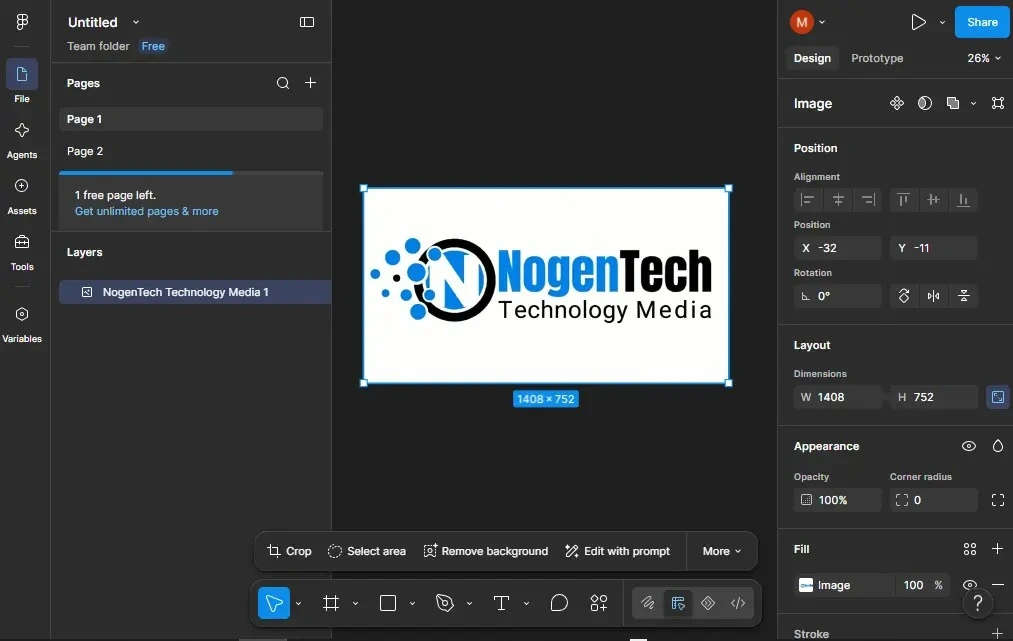
Figma is a browser-based design platform that makes more sense when your graphics are part of a website, app, interface, or digital product.
Designers can work with vectors, layers, grids, components, responsive layouts, and interactive prototypes without moving the project between multiple tools.
Its biggest advantage is collaboration. Multiple designers can work in the same file, while reusable components and team libraries help keep larger projects consistent.
Figma also supports developer handoff, making it particularly useful when a design eventually needs to become a working digital product. This workflow is already widely used at scale, as Figma reports that 95% of the Fortune 500 use its platform.
Key Features
- Vector and advanced drawing tools
- Auto layout and reusable components
- Interactive prototyping
- Real-time team collaboration
- Shared design libraries and developer handoff
Pricing
- Starter: Free
- Professional: $16/month per full seat
- Organization: $55/month per full seat, billed annually
- Enterprise: $90/month per full seat, billed annually
3. Design.com – Best for AI-Powered Brand Graphics
Design.com is useful when you need to create more than one graphic around the same brand. Though it is considered an intermediate-friendly tool, our team uses it well for professional purposes as well.
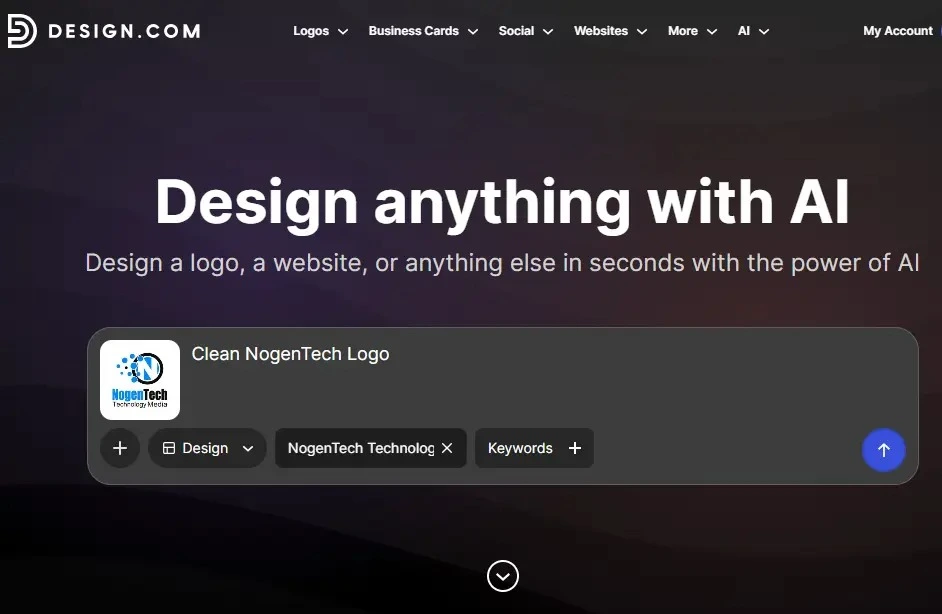
Its AI design tools can help produce logos, social media visuals, business cards, posters, flyers, and other marketing assets without rebuilding your brand style for every project.
You can start with AI-generated ideas and then refine the design through customization tools and its AI chat editor. This makes Design.com particularly practical for businesses and creators who want to produce a consistent collection of branded graphics online rather than work on every asset separately.
Key Features
- AI-powered design generation
- AI chat editor for design changes
- Logo and branding tools
- Social media and print designs
- 50+ branding and design tools
Pricing
- Free plan available
- Starter: $3/month, billed annually
- Value: $4/month, billed annually
- Premium: $5/month, billed annually
4. Vectr – Best for Creating Vector Graphics Online
Vectr is built for projects where graphics need to remain sharp when resized, such as logos, icons, illustrations, and other scalable brand assets. Its vector-based editor gives you more control over shapes and design elements than a typical template-first graphic maker.
It is especially useful when you want to create vector graphics online without moving immediately into a large professional design suite. This makes Vectr a more focused option for designers who need scalable graphics but do not need dozens of unrelated creative tools.
Key Features
- Browser-based vector editing
- Scalable graphic creation
- Shape and path editing
- Useful for logos, icons, and illustrations
- Online design workflow
Pricing
- Free access available
- Plus Plan: $1.99/month right now
- Premium Plan: $4.99/month right now
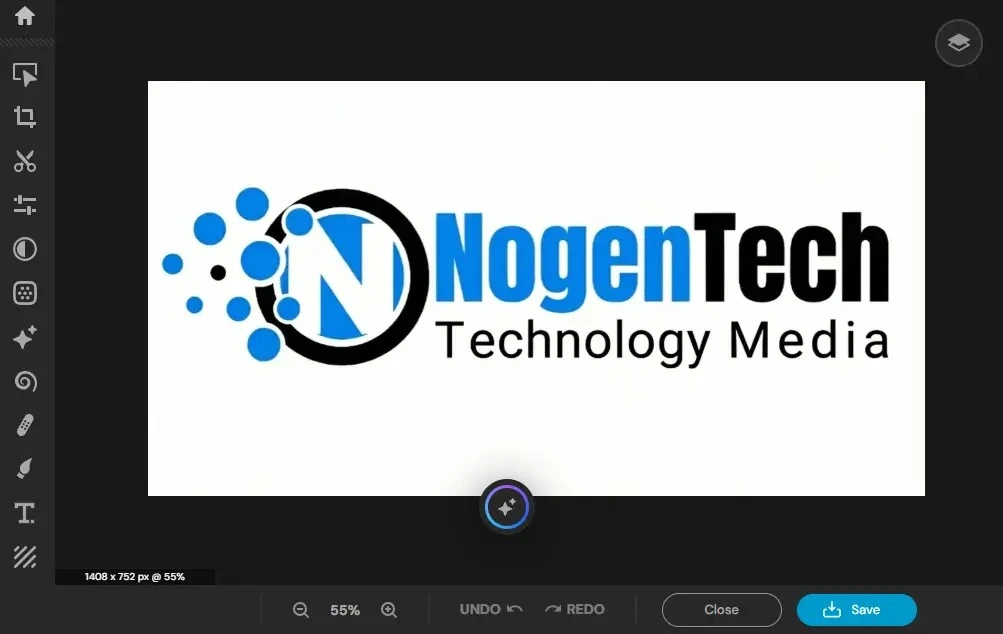
5. Pixlr – Best for Advanced Online Image Editing
Pixlr is better suited to projects where the starting point is a photo or existing image rather than a blank template. You can use its online editors for image adjustments, layered compositions, background changes, effects, and AI-assisted edits directly through the web.
It is a practical middle ground when a basic graphic maker does not provide enough image control, but opening a full desktop editing suite feels excessive. Pixlr now also combines traditional editing with generative image, video, and AI editing tools across its paid plans.
Key Features
- Layer-based image editing
- AI image generation and editing
- Background and object editing tools
- Templates, fonts, and visual assets
- Web, desktop, and mobile access
Pricing
- Free version available
- Plus: $2.49/month
- Premium: $9.99/month
- Ultra: Starting at $24.99/month
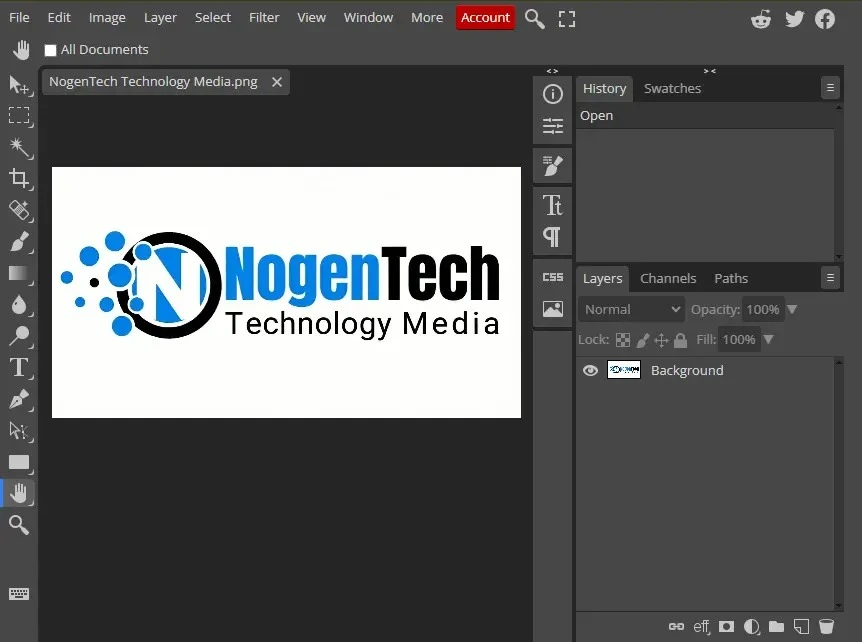
6. Photopea – Best for Photoshop-Like Editing in a Browser
Photopea is a useful option when you need detailed image editing but don’t want to buy a subscription for most of your work. Its interface and editing approach are suited to more complex work involving layers, masks, selections, text, and multiple design elements.
The tool is particularly convenient when you receive an existing design file and need to make detailed changes, and is considered among the best free alternatives to Adobe Photoshop. This gives designers a more hands-on way to make graphics online when simple templates or one-click editors do not provide enough control.
Key Features
- Advanced browser-based image editing
- Layers, masks, and selections
- Raster and vector editing capabilities
- Support for common professional design files
- No desktop installation required
Pricing
- Free version available
- Premium access is available for additional benefits
FAQs About Creating Graphics Online
Can I create a graphic online without downloading software?
Yes. Browser-based tools such as Figma, Pixlr, Vectr, Design.com, and Photopea let you create and edit graphics online without installing a full desktop design suite.
Are online graphic tools suitable for vector design?
Yes, but not every tool offers the same level of vector control. Tools such as Vectr and Figma are more suitable when you need scalable shapes, paths, icons, logos, or interface elements rather than simple raster images.
Do I need design experience to use advanced online graphic tools?
Some experience helps, particularly when working with layers, vectors, masks, components, and custom layouts. However, many modern tools combine these advanced controls with templates, AI assistance, and simpler interfaces, so you can learn them gradually as your projects become more complex.