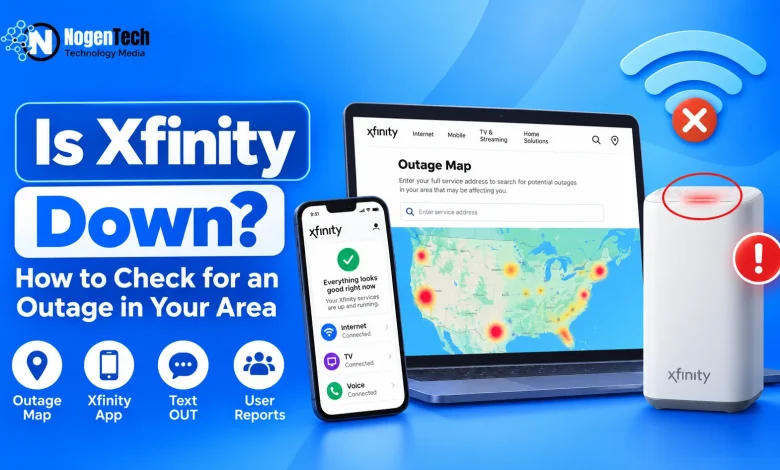
If your Xfinity internet suddenly stopped working, don’t start restarting everything just yet. First, find out whether Xfinity is actually down in your area or the problem is only on your side.
The quickest way is to check the official Xfinity Outage Map or Xfinity app. You can also text OUT to 266278 (COMCST) from a registered mobile number to check for an outage.
If Xfinity isn’t reporting anything, that’s when you’d check what other users are reporting and finally turn your attention to the gateway.
So, Is Xfinity Down Right Now?
There isn’t one yes-or-no answer for everyone. Xfinity can be down in one neighborhood while working normally somewhere else, and sometimes only a particular service such as internet, TV, or streaming is affected.
So if you’re asking “is Xfinity down right now?”, check these:
| Where to Check | Why I’d Check It |
| Xfinity Outage Map/App | Official outage information for your location |
| Downdetector | See whether user reports are suddenly increasing |
| StatusGator / IsDown | Additional independent outage signals |
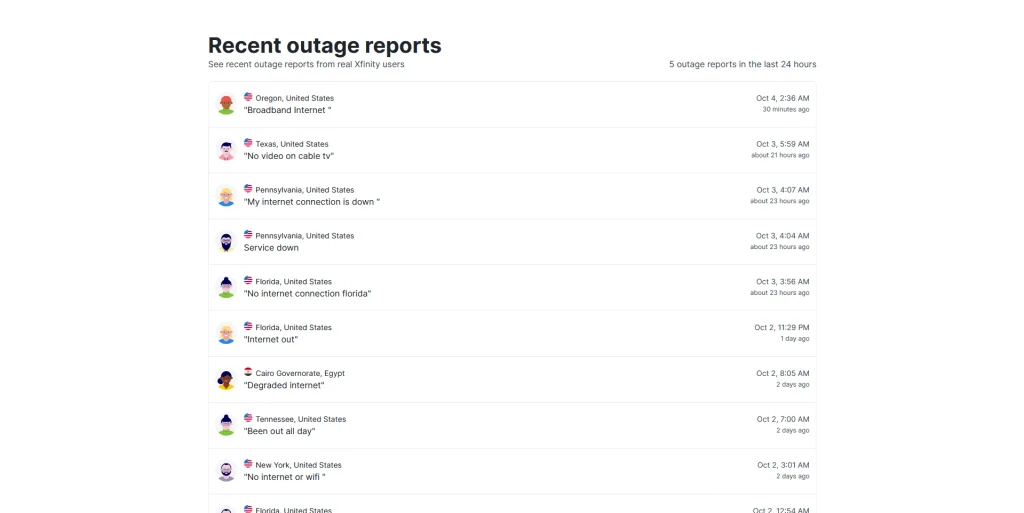
| See what other Xfinity customers are experiencing |
You’d always start with Xfinity itself. Platforms like Downdetector, StatusGator, IsDown, and Reddit are useful for cross-checking, but they don’t officially confirm an Xfinity outage.
For example, right now the StatusGator snapshot labels its Xfinity information as unofficial and combines service-health signals with user reports.
How to Check If Xfinity Is Down in Your Area? Methods Explained
These are three official ways you’d check before doing anything to the router.
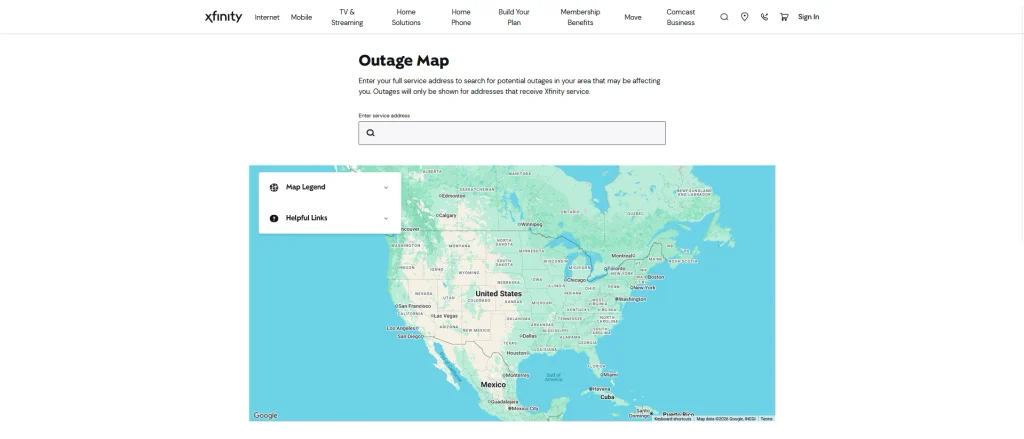
1. Check the Xfinity Outage Map
Open the Xfinity Outage Map and search your service address.
If there’s a known interruption, Xfinity may provide information about the outage, its current status, and an estimated restoration time. This is the first thing to confirm before touching any cables or rebooting the gateway.
2. Check the Xfinity App
Already having the Xfinity app makes the work easier. Sign in and check the status for your service location. Xfinity can show details about a known interruption and estimated restoration information when it’s available.
If Xfinity offers outage updates for the incident, enable them rather than checking the app every five minutes.
3. Text OUT to Xfinity
You can also text:
OUT to 266278 (COMCST)
Xfinity provides this option for registered mobile numbers to check for service interruptions. Standard messaging and data rates may apply.
That’s pretty much it: map, app, or text. You shouldn’t make checking an outage more complicated than it needs to be.
Xfinity Says There’s No Outage? Now Check Your Gateway
This is where you finally start troubleshooting. First, try the internet on another phone or laptop. If only one device isn’t working, the problem may simply be that device.
If everything is offline, try these quick checks:
- Test Ethernet if possible. If Ethernet works but WiFi doesn’t, you’re probably dealing with a local WiFi issue.
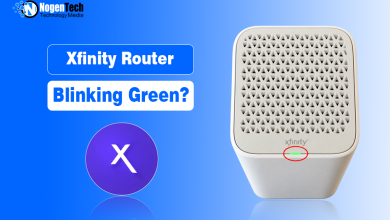
- Check the gateway light. Its current color can give you another clue.
- Check the cables. Make sure the power, Ethernet, and coaxial connections are secure.
- Restart the gateway. Give it enough time to reconnect before assuming something is broken.
HighSpeedInternet also recommends testing another device and WiFi/Ethernet before checking the gateway, cables, restart, and Xfinity notifications.
And This Is Where That Blinking Red Light Becomes Important
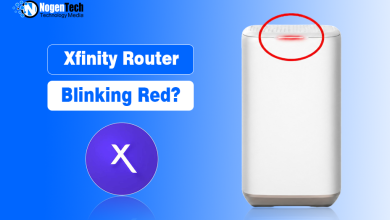
This actually connects with something NogenTech recently covered on the Xfinity router blinking red.
Xfinity says a red Gateway light means there’s no internet connection. So if your internet is dead and you’re staring at that red light, don’t immediately assume the gateway itself has failed. Check for an Xfinity outage first.
That was actually the first troubleshooting step recommended in that blinking-red guide too. If there’s a confirmed area outage, restarting, resetting, and messing with every cable in the house isn’t going to bring Xfinity’s network back online.
If Xfinity shows no outage, however, that red light becomes much more useful. Now you’d check the coaxial connection, power cycle the gateway, and contact Xfinity if it refuses to reconnect.
NogenTech also covered the green, orange, and white Xfinity gateway lights separately, so if your gateway is showing one of those instead, check the relevant guide rather than treating every light as an outage.
And one thing to avoid immediately is a factory reset. Save that for much later because it can wipe your custom network settings without doing anything about an external Xfinity outage.
Why Is Xfinity Down? Possible Reasons for an Xfinity Outage in Your Area
There isn’t one reason why Xfinity goes down.
An interruption can be related to a power problem, damaged network line, maintenance, equipment trouble, or a larger network/system issue.
And yes, a power-related Xfinity outage is possible even when the lights inside your house are still on. The network equipment serving your area can have a power problem separately from your home.
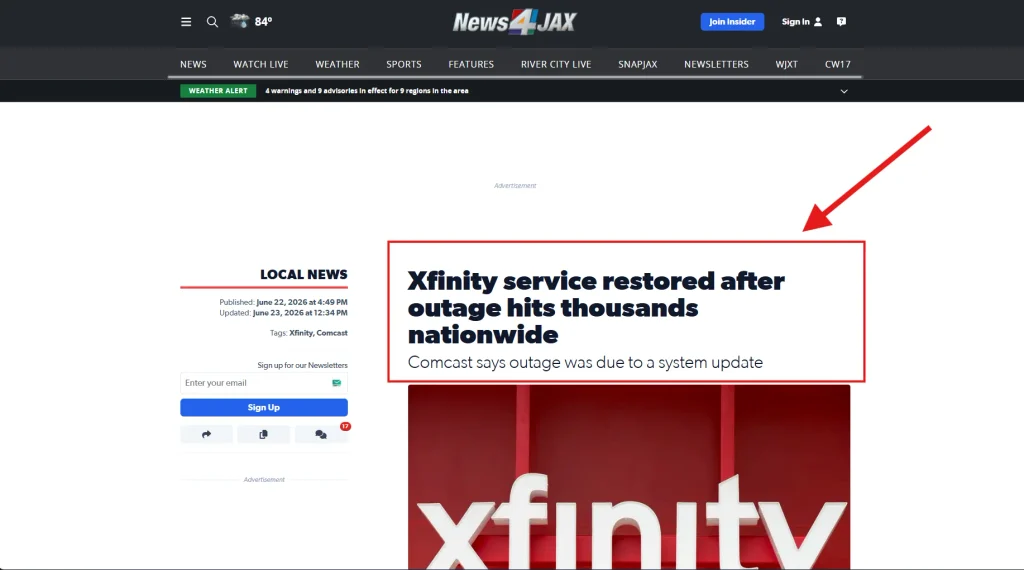
A good example of how different an outage can look happened on June 22, 2026. News4Jax reported nearly 26,000 Xfinity user reports on Downdetector, with most of the reported problems involving TV rather than broadband internet. Comcast later told them that the brief interruption was related to a system update.
So if your internet works while Xfinity TV or another service doesn’t, that doesn’t necessarily mean there’s no outage.
What If Xfinity Shows Nothing but People Are Still Reporting Problems?
This is the one situation where you’d check Downdetector, StatusGator, IsDown, or Reddit after checking Xfinity.
You’re basically looking for one thing: Are other people experiencing the same problem at roughly the same time?
Reddit gives us a good example. In one r/Comcast_Xfinity discussion, users in different locations reported situations where their internet worked while TV or other Xfinity services were having problems.
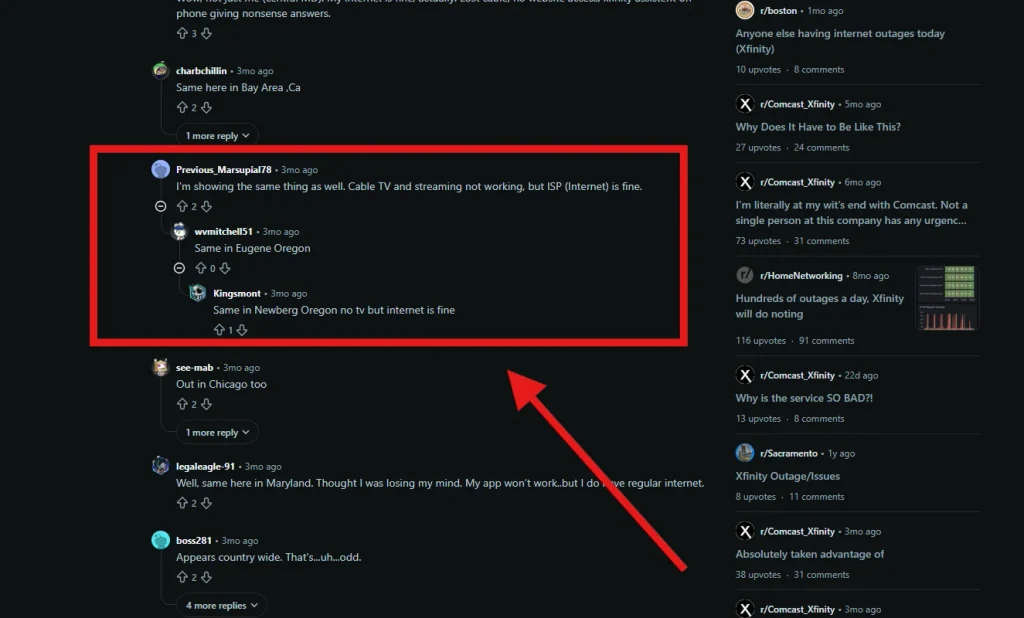
Another user reported receiving a text response saying there was no reported outage while they were still experiencing a service problem. That’s only one user’s experience, not proof that Xfinity’s outage system was wrong, but it shows why a second check can sometimes be useful.
Can You Get an Xfinity Outage Credit?
Possibly.
According to Xfinity’s support information, a recent outage may qualify for an account credit, subject to its eligibility requirements and applicable limits. Some eligible credits may also be applied automatically.
You can check through Xfinity Support by going to the outage map and credit section, selecting Check credit eligibility, and entering the dates when your service was affected.
You may see users online mention specific credit amounts, but you shouldn’t use those as an expectation. What another customer received doesn’t determine what your account qualifies for.
How Long Will Xfinity Be Down? If it Really Goes Down
There’s no standard Xfinity outage duration.
A small system issue could be resolved quickly, while damaged infrastructure or a larger local problem could take longer.
Instead of guessing, check the estimated restoration time in the Xfinity app or Outage Map. If text updates are available, enable those and let Xfinity tell you when something changes.
FAQs
Is Xfinity internet down or just my WiFi?
Try another device and an Ethernet connection if possible. If Ethernet works but WiFi doesn’t, the issue is more likely related to your local wireless network than a complete Xfinity internet outage.
Why does Xfinity say there’s no outage when my internet is down?
The issue could be limited to your gateway, WiFi, cables, device, or individual connection. Check your gateway light, try another device or Ethernet connection, restart the gateway, and contact Xfinity if the problem continues.
How do I report an Xfinity outage?
The Xfinity Outage Map includes a Report an outage option. You can also use the Xfinity app or support channels when your service isn’t working, but no known outage appears.