Staring at a blank screen while assignment deadlines loom?
It’s a common student struggle that drains energy, but it doesn’t have to. Nowadays, artificial intelligence tools for students can turn that stress into focused productivity.
If you’re managing dense textbooks, research, and GPA pressure, you’re likely looking for a smarter way to work. After covering AI tools for businesses, I’ve created this guide to cover all those AI tools that I personally use that actually help students.
You’ll find practical tools like ChatGPT, Grammarly, and Notion AI that support writing, research, and organization.
Instead of generic chatbot options, this list focuses on high-utility tools, both free and paid, that improve your efficiency and help you save time.
5 AI Tools for Students That Are Totally Free
Being a student, finding quality free resources is essential to managing your finances. These top free AI tools for students assist you in:
- Research
- Brainstorm
- Citation management
These tools are immediately useful, require no credit card, and have a simple setup.
1. ChatGPT
ChatGPT is my go-to tool for brainstorming or making sense of tricky topics. It always feels like having a smart study partner ready to help.
Even the paid version is powerful, its free version is great enough for building outlines and summarizing long chapters.
It can turn a tough scientific thesis into simple analogies, making those concepts easier to remember when exams come around.
Key Features:
- Instant conversational responses to complex academic questions
- Ability to generate essay outlines and structured study plans
- Support for solving mathematical equations with step-by-step logic
- Multi-language translation capabilities for language learners
- Summarization of long-form text into bulleted key takeaways
If you somehow think Google Gemini can be the perfect pick, you should go through my guide on ChatGPT vs Gemini, as I have compared them across different metrics.

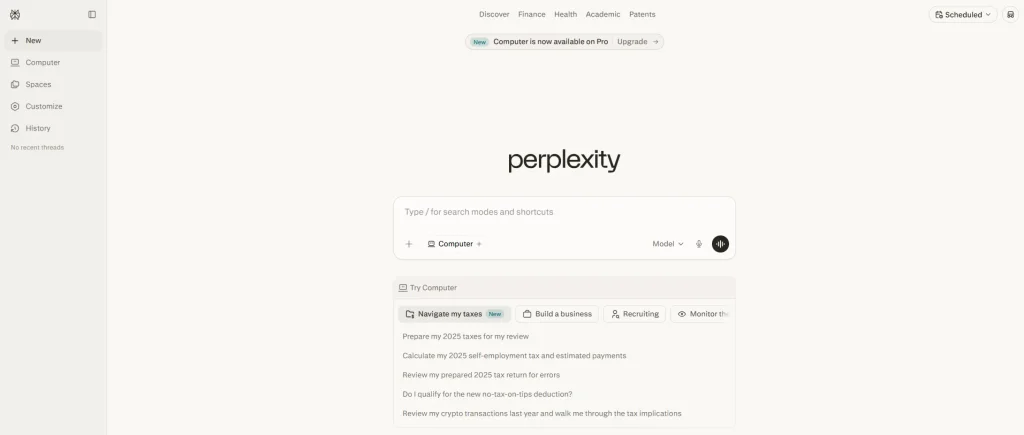
2. Perplexity AI
When I have some exams, where accuracy matters the most, Perplexity is always my top pick.
It acts like a conversational search engine, giving direct citations for every claim so you can easily verify sources and trust your research.
I use it to find peer-reviewed sources or the latest news to back up my research arguments.
Key Features:
- Real-time internet browsing for up-to-date information
- Direct citations with clickable links to original sources
- Focused search modes for academic papers or YouTube
- Related question suggestions to deepen your research
- File upload feature for analyzing specific documents or PDFs
3. Claude.ai
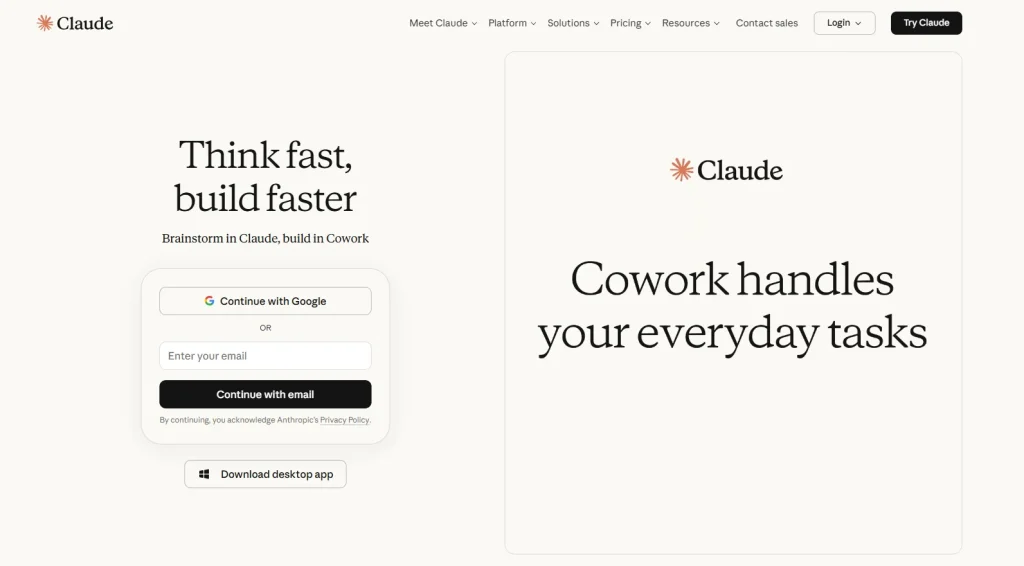
Claude, developed by Anthropic, is my personal favorite when it comes to writing that feels human and nuanced.
For students, Claude is helpful, honest, and naturally toned, ideal for proofreading and style suggestions.
Whether it features a paid subscription, the free version lets you upload documents and ask questions, which works perfectly for analyzing a syllabus or lab notes at no cost.
Key Features:
- Advanced reasoning capabilities for complex logical tasks
- Large context window for analyzing long documents
- Ethical guardrails that prioritize accuracy and safety
- Natural and sophisticated writing style output
- Ability to interpret code and technical data sets
4. Zotero with Zotero 7 AI Plugins
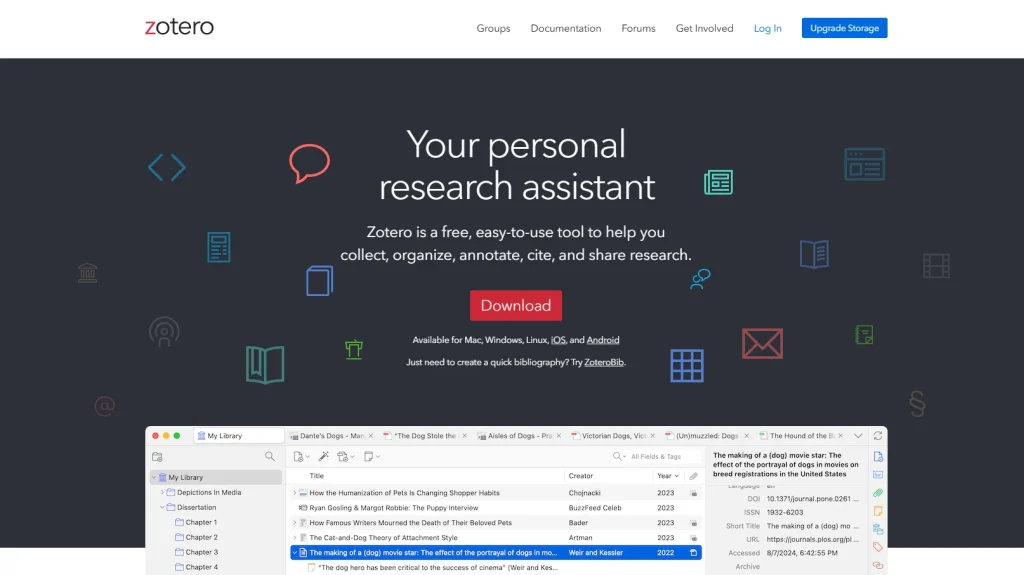
Zotero has always been the go-to for citation management, and new AI plugins make it even more powerful.
I recommend it to every student when it comes to organizing research papers. AI features help summarize your PDFs, find author connections, and take the work out of formatting bibliographies so you can focus on your ideas.
Key Features:
- Automatic metadata extraction from web browsers
- Integration with Word, Google Docs, and LibreOffice
- AI-powered summarization of academic PDF files
- Offline access to your entire research database
- Collaborative folders for group projects and shared bibliographies
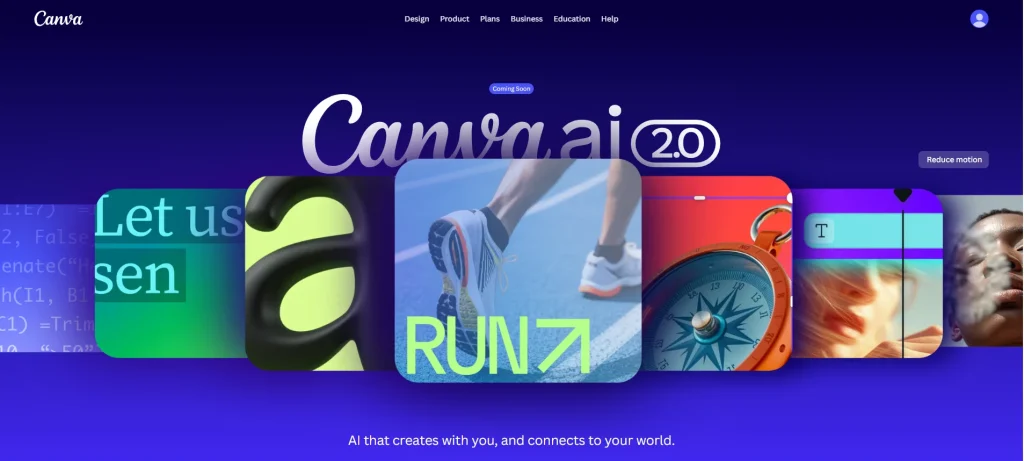
5. Canva Magic Studio
Design and audio are essential in modern education, and Canva’s AI tools make it easy.
Whether you’re making a poster or a pitch deck, Magic Studio tools generate images and layouts from text prompts. I use Magic Write to overcome writer’s block during presentations.
This ensures that your graphics look professional even if you’re not a designer.
Key Features:
- Magic Design for generating instant presentation layouts
- Text to Image generation for unique project visuals
- Magic Eraser for cleaning up photos and backgrounds
- AI writing assistant for slogans and short copy
- Automatic resizing for different social media or print formats
5 Best AI Tools for Students (Paid Options)
No doubt that free tools are great, but premium AI tools offer higher limits, faster speeds, and advanced features to save time on repetitive work.
For graduate students or anyone balancing work and study, paid AI tools can save hours and improve quality.
Here are the top paid options currently leading the market:
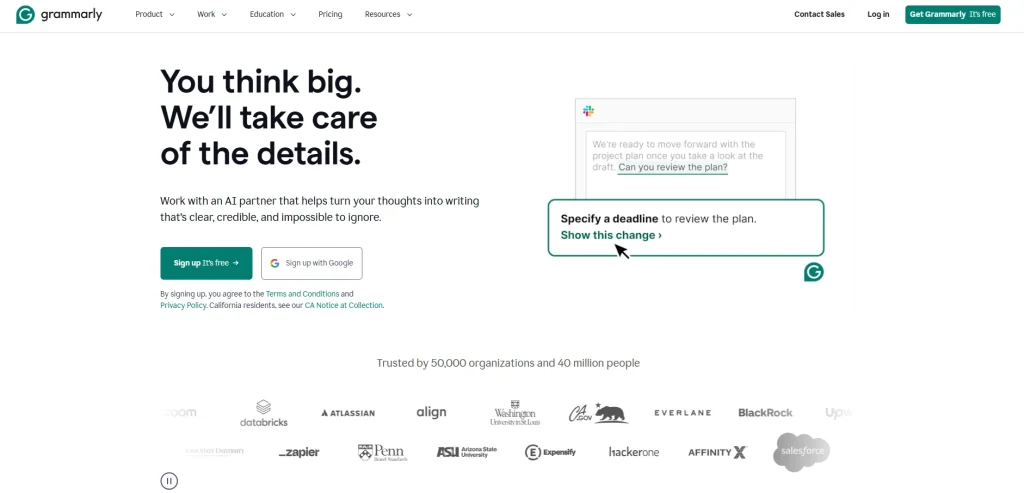
1. Grammarly Premium
Many students use free Grammarly, but Premium goes far beyond basic spelling, offering tone and clarity.
The plagiarism checker ensures my citations are accurate and my wording is original. Its Generative AI credits help me rewrite paragraphs for a more persuasive or professional tone.
Key Features:
- Full sentence rewrites for better clarity and flow.
- Comprehensive plagiarism checker against billions of pages
- Tone adjustments to match academic or formal styles
- Vocabulary enhancement suggestions to avoid repetition
- Advanced punctuation and grammar checks in real time
2. QuillBot Premium
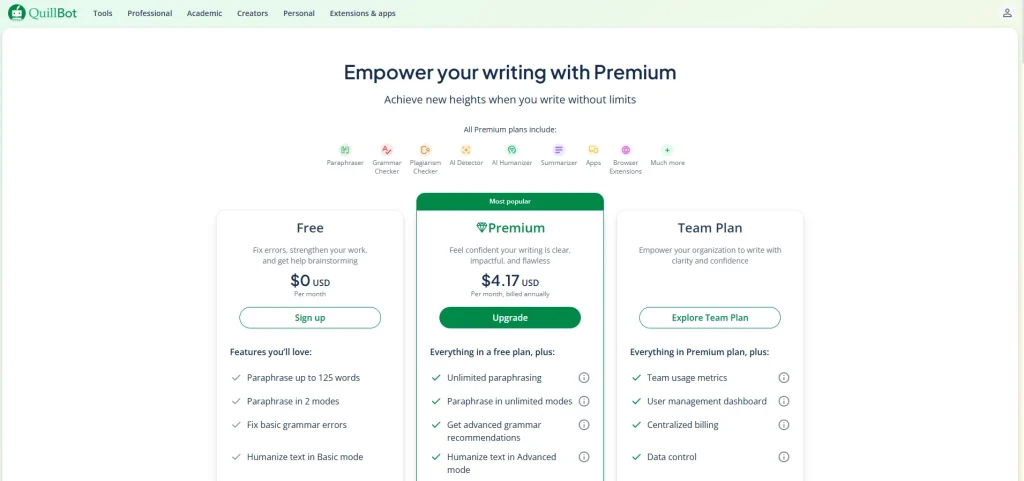
QuillBot is already a top paraphrasing tool, but its Premium unlocks unlimited words and faster processing.
It’s ideal when your ideas are strong, but the wording is awkward. I use “Creative” or “Formal” modes to express the same thought in new ways.
The co-writer feature lets you research and write in a split screen, keeping you focused.
Key Features:
- Unlimited words in the Paraphraser tool
- Seven distinct paraphrasing modes for different tones
- Integrated plagiarism checker for premium users
- Advanced grammar rewrites and synonym options.
- Summarizer tool for condensing articles into key facts
3. Notion AI
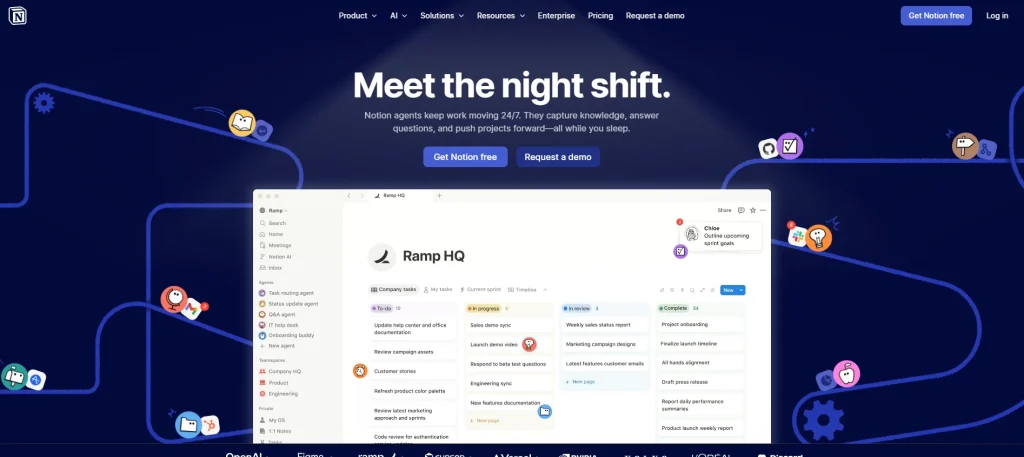
Notion is already my favorite for note-taking, but adding Premium Notion AI makes it a centralized brain for your student life.
It summarizes messy notes, extracts action items, and drafts posts, essays, and even blogs within your workspace, with no need to switch tabs for AI help.
It’s like having an assistant who knows all your notes.
Key Features:
- Automatic summarization of long meeting or lecture notes
- Action item extraction to create instant to-do lists
- Tone changer and length adjuster for written content
- Brainstorming tool for project ideas and outlines
- Inline translation for over a dozen languages
4. Otter.ai (Pro)
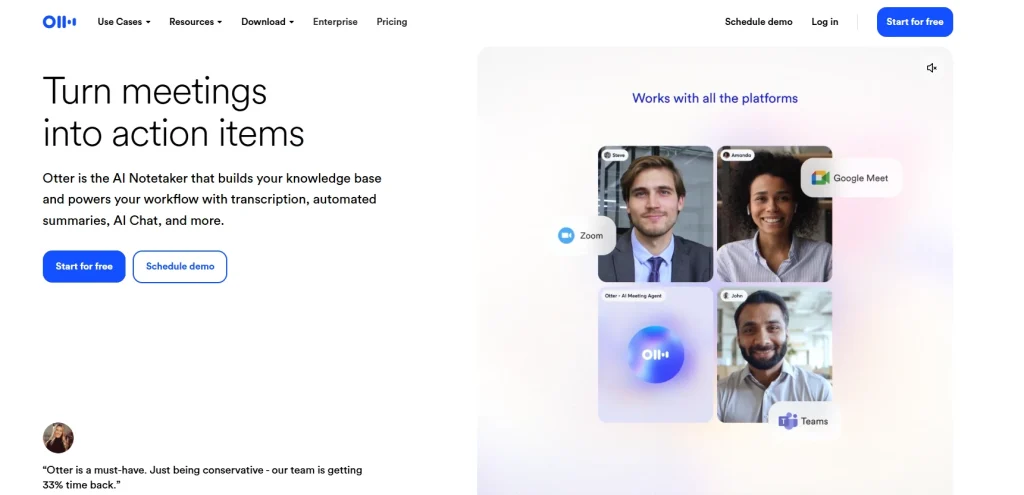
If you struggle to keep up with fast-talking professors, Otter.ai is a lifesaver.
It records and transcribes lectures in real time. The Pro version offers more minutes and advanced search. You can focus on listening instead of desperate note-taking.
After class, search transcripts for keywords to find what the professor said about exam topics.
Key Features:
- Real-time transcription with high accuracy
- Automated meeting summaries and keyword tagging
- Ability to import audio and video files for transcription
- Custom vocabulary for technical academic terms
- Advanced search across all your recorded conversations
5. Mendeley (Premium/Elsevier)
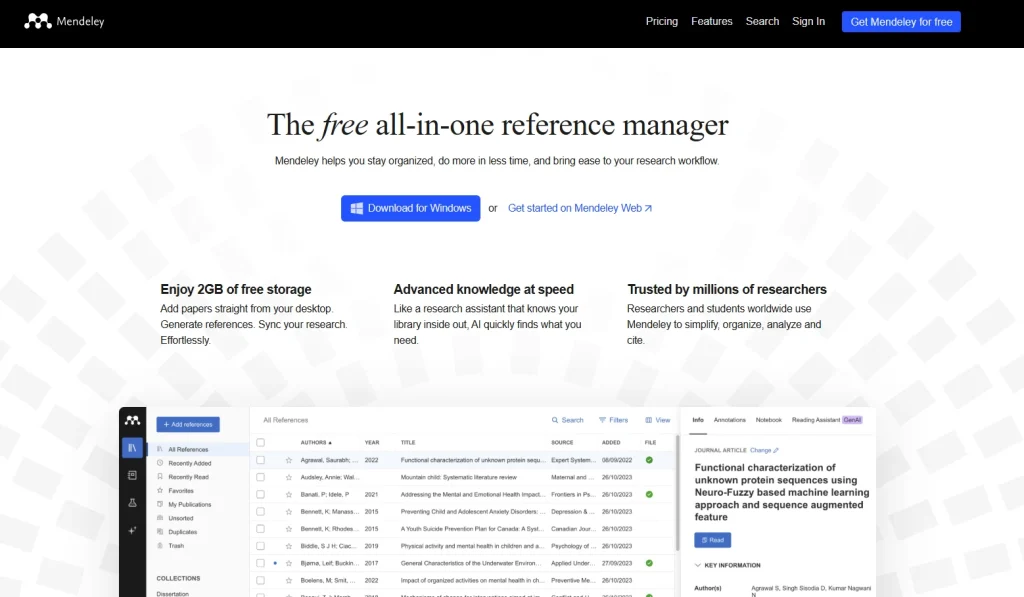
Mendeley is an important choice for researchers, with premium storage and networking features ideal for grad students.
It’s both a reference manager and an academic network. AI features recommend new papers based on your reading, keeping you at the cutting edge.
It manages large citation libraries and offers a desktop app that works great when I am offline or in library study sessions.
Key Features:
- AI-powered research paper recommendations
- Massive cloud storage for your PDF collection
- Direct integration with Microsoft Word for citations
- Private groups for collaborating on research projects
- Web importer to save papers with a single click.
Use AI Tools to Make Your Educational Journey Productive
AI tools like ChatGPT, Perplexity AI, Claude, and Notion AI are no longer optional; they’re becoming essential for students who want to stay efficient and competitive.
From my experience, the real advantage isn’t just saving time, but improving how you think, research, and write.
Start with free tools, test what fits your workflow, and only upgrade when needed. Used right, these tools can genuinely transform your academic performance.
People Also Ask
Using AI for brainstorming, editing, or explaining concepts is generally accepted as a study aid, but you must always check your institution’s specific policy to ensure academic integrity.
Most “freemium” tools like ChatGPT and Perplexity offer a permanent free tier with daily usage limits, while others may require a paid subscription for advanced features.
Perplexity AI and Claude are excellent for research because they provide direct citations and maintain a sophisticated, human-like tone for academic drafting.
Yes, tools like ChatGPT and Claude can break down complicated equations and scientific theories into step-by-step logical explanations.
Most reputable AI platforms are safe for general academic work, but you should avoid uploading sensitive personal information or proprietary research data.