Top AI Voice Generators in 2026 for Realistic Voiceovers

Finding the best AI voice generators is getting harder when every platform claims to sound “human.”
AI voice generators have advanced from basic robotic voices to producing realistic, human-like voice-overs. I noticed this while testing tools like ElevenLabs and Murf AI for NogenTech’s YouTube channel, where some AI voices sounded surprisingly natural.
Demand for AI voiceovers is increasing in podcasts, eLearning, ads, audiobooks, and social media content creation. However, some tools focus on voice cloning and realism, while others prioritize speed, multilingual content, or affordability.
Quick Summary:
1. ElevenLabs – AI voice cloning featuring hyper-expressive emotional control and multi-language localization.
2. Murf AI – Professional AI voice generator optimized for business presentations, corporate training, and e-learning.
3. LOVO AI – Marketing-focused AI voiceover tool featuring built-in video editing and automated scriptwriting.
4. Resemble AI – Real-time voice cloning platform built for low-latency interactive applications and custom speech engines.
5. Descript – Text-based audio editor that generates custom synthetic voices to fix or alter podcast recordings.
6. WellSaid Labs – Enterprise-grade narration tool providing high-clarity voiceovers for professional corporate training.
7. Inworld AI – Conversational character voice engine built for real-time gaming, virtual worlds, and low-latency interaction.
8. Speechify Studio – Versatile text-to-speech platform focused on document reading productivity and fast voice cloning.
After trying multiple tools, I’ve found that each AI voice generator has its own strengths, whether in voice quality, realism, or pricing.
Now, I’ll walk you through a detailed list of the best AI voice generators I personally prefer based on my own experience.
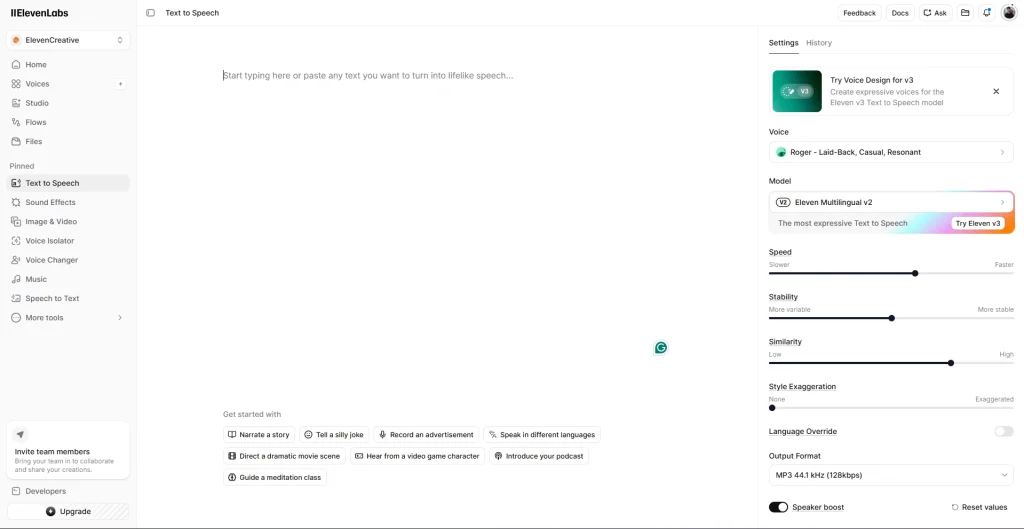
1. ElevenLabs – AI Voice Cloning Leader
ElevenLabs is an advanced AI voice generator when it comes to emotional realism and voice cloning. While working on narration-style content, I noticed how naturally it adapts tone, pauses, and emotional depth.
What makes ElevenLabs stand out is its ability to create expressive voices that don’t just read text; they perform it. For creators working on storytelling, YouTube automation, or multilingual content, it feels like a major upgrade over traditional text-to-speech tools.
Best For: YouTube creators, storytellers, game developers, and marketers who need highly expressive, human-like AI voiceovers with emotional depth.
Key Features
- Hyper-realistic AI voice cloning
- Emotional tone and expression control
- Multi-language voice generation
- Real-time speech synthesis
- High-quality audio output for creators
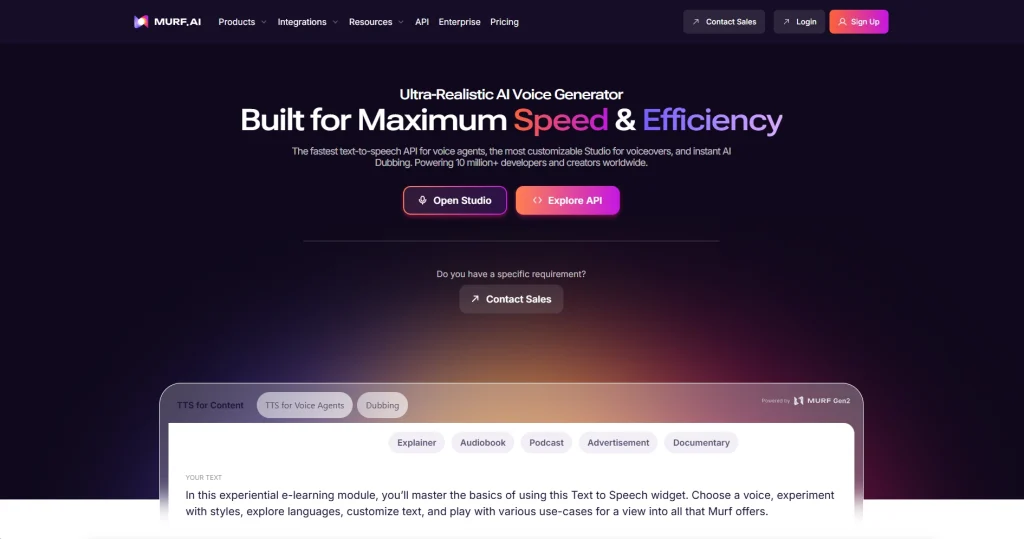
2. Murf AI – AI Voice Generator for Business Content
Murf AI enables you to have clean, professional voiceovers for business-style content. While testing it for presentations and training scripts, I noticed how polished and “corporate-ready” the output sounds without needing any editing skills.
You can adjust tone, pitch, and delivery in a very straightforward way, which makes it ideal for structured business communication rather than emotional storytelling.
Best For: Corporate training, eLearning modules and business presentations where clarity and professionalism matter more than emotional performance.
Key Features
- 200+ professional voice profiles
- 35+ languages and accents
- Tone, pitch, and speed customization
- Built-in video and voice integration
- Voice cloning for branded content
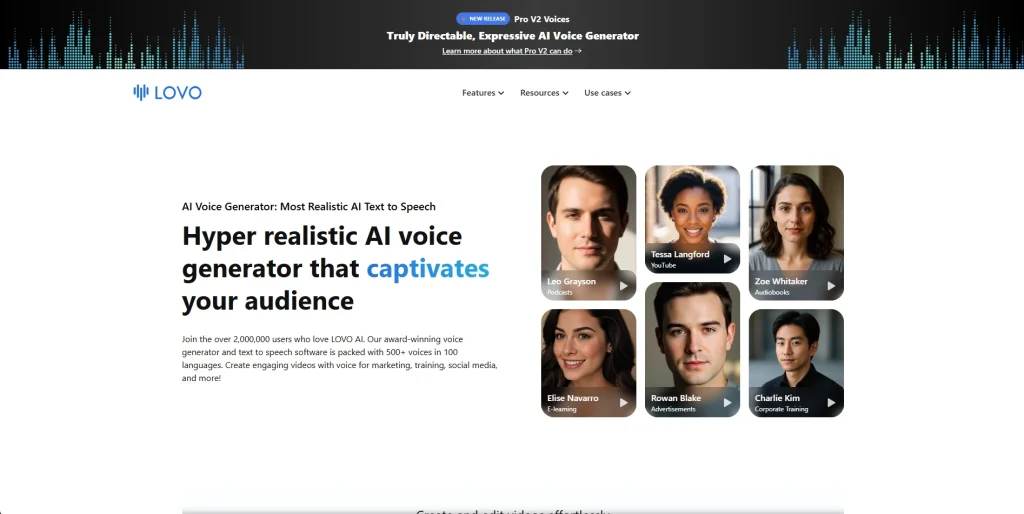
3. LOVO AI – Marketing-Focused AI Voiceover & Content Creation
LOVO AI is a marketing-oriented AI voice generator designed for ads, social media content, and branded video storytelling. It has evolved into a more complete content creation tool by combining AI voiceovers with script generation and lightweight video editing features.
Its focus is on speed and content production rather than deep technical customization. It is built for creators and marketers who want ready-to-publish voice content without spending time on manual editing.
Best For: Marketing teams, social media creators, and branded content where speed and automated marketing matter more than cinematic voice depth.
Key Features
- 500+ AI voices across multiple languages
- Built-in AI scriptwriting tool
- Integrated video editing capabilities
- LOVO AI now tracks 30+ distinct emotions.
- Voice cloning for brand consistency
- Fast content generation workflow
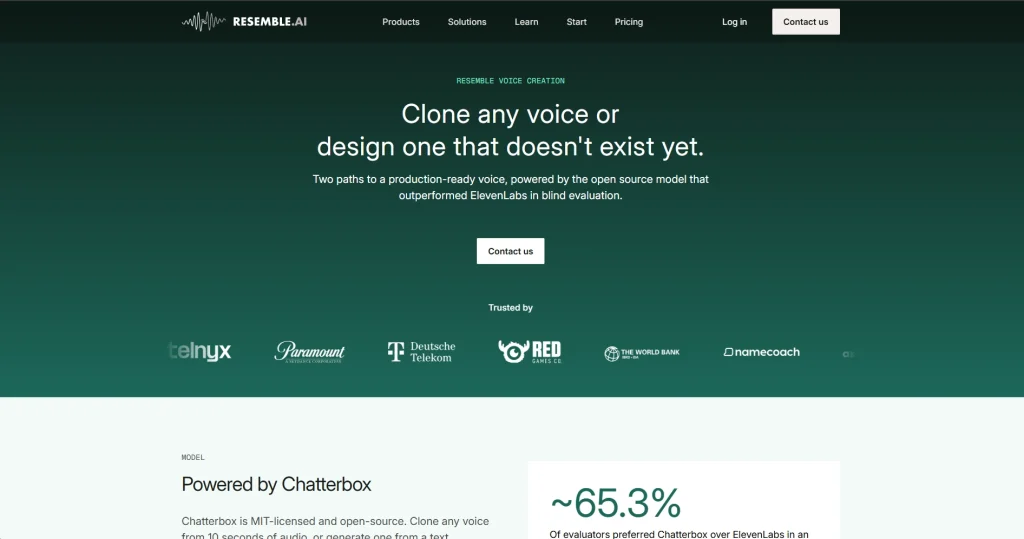
4. Resemble AI – Real-Time Voice Cloning Platform
Resemble AI is a real-time voice cloning and synthetic speech platform built for interactive applications. It is widely used in gaming, conversational AI, and virtual assistants because of its low-latency voice generation and highly customizable speech models.
It focuses on real-time performance. Instead of just generating pre-recorded voiceovers, it allows developers to create dynamic, responsive voices that can adapt instantly during interaction.
Best For: Developers, game studios, and AI product teams building chatbots and interactive voice systems that require real-time speech generation.
Key Features
- Real-time voice cloning and generation
- Speech-to-speech transformation
- Low-latency API for developers
- Custom voice model training
- Emotion and tone control
- Scalable cloud-based infrastructure
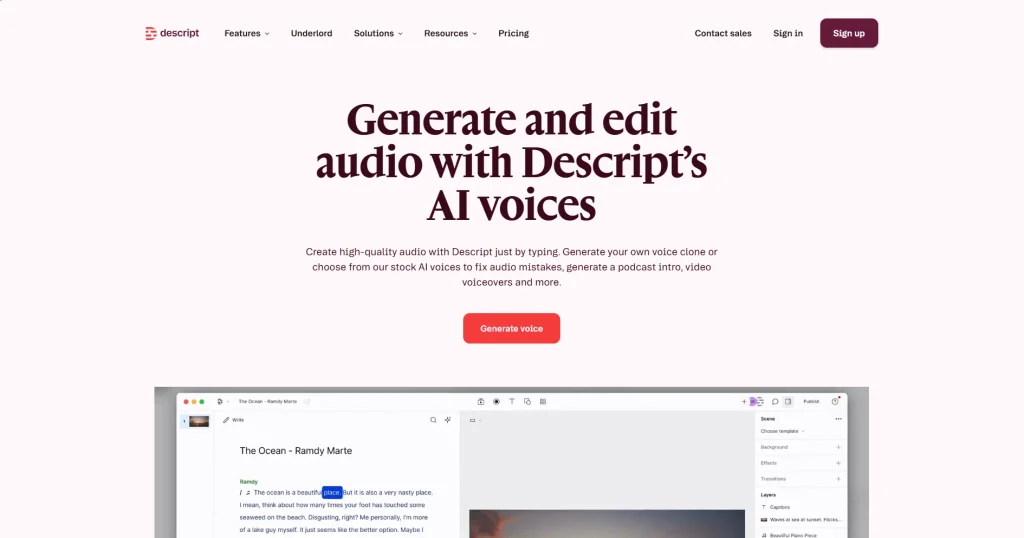
5. Descript – AI Voice Editing & Voice Generation Tool
Descript is a text-based audio and video editing platform that also includes AI voice generation through its “Descript Regenerate” feature. It is widely used by podcasters, YouTubers, TikTokers, and content teams because it allows users to edit audio by simply editing text.
It is not just a voice generator; it is a full content editing system. Instead of re-recording voiceovers, users can fix mistakes, change scripts, or generate synthetic voice lines directly inside the timeline.
Best For: Podcasters, YouTubers, and content creators who want to edit, fix, and generate voiceovers inside a single workflow.
Key Features
- Text-based audio and video editing
- AI voice generation
- Screen recording and multi-track editing
- Automatic transcription with high accuracy
- Collaboration tools for teams
- Voice cloning from short audio samples
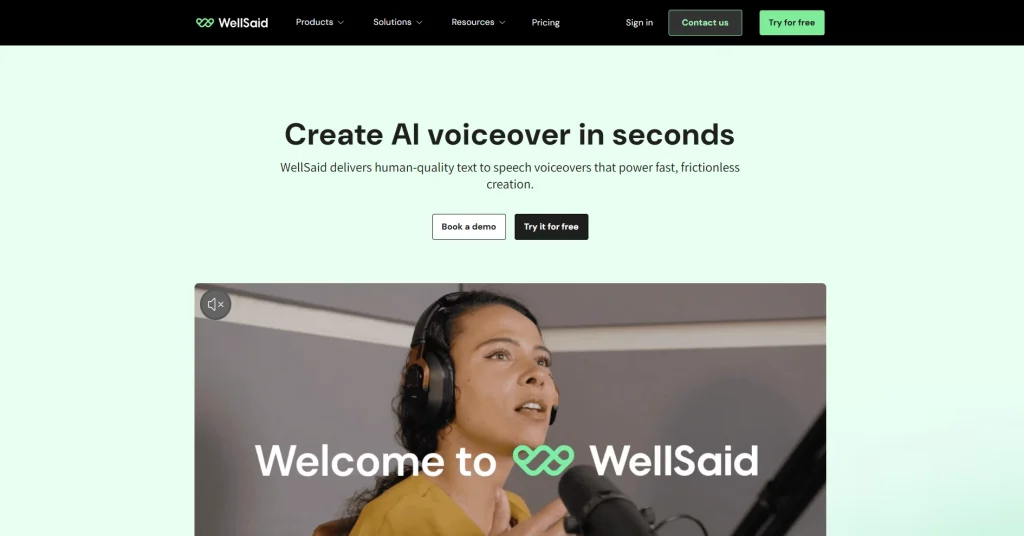
6. WellSaid Labs – Enterprise-Grade AI Narration Tool
WellSaid Labs is an enterprise-focused AI voice generator built for high-quality, studio-level narration. It is widely used by corporations and training teams because of its consistent voice clarity and production-ready output for professional environments.
It focuses on delivering clean, natural, and controlled narration rather than emotional or character-based speech. This makes it especially reliable for structured business and educational content where consistency matters more than expressive variation.
Best For: Corporate teams, training departments, and eLearning creators producing professional narration and instructional content.
Key Features
- Studio-quality AI voice generation
- Large library of professional voice avatars
- High clarity narration for long-form content
- Real-time collaboration for teams
- API access for enterprise integration
- Commercial-use ready output
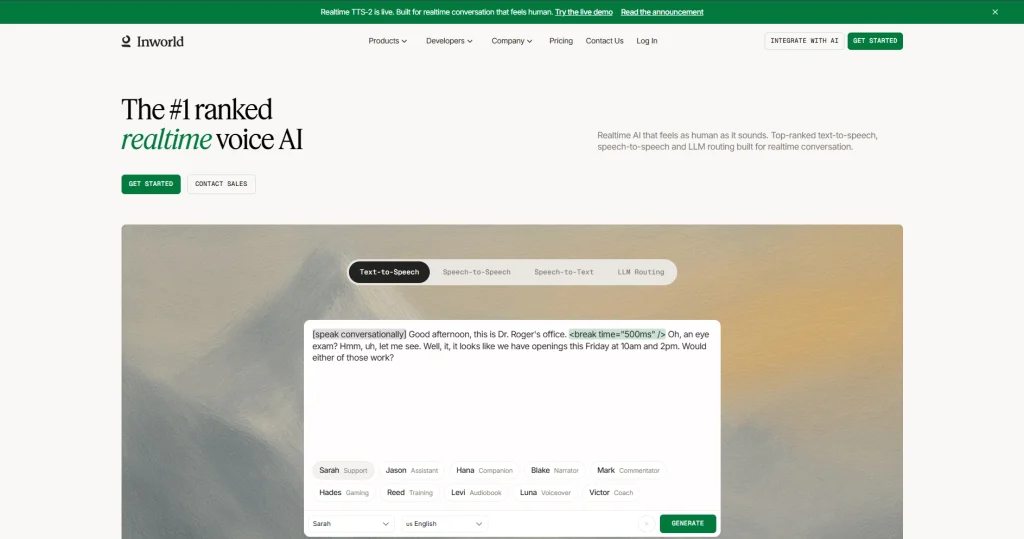
7. Inworld AI – Conversational Voice Engine for Interactive Worlds
Inworld AI is a conversational AI voice and character engine designed for real-time interaction in gaming, virtual worlds, and immersive applications. It is increasingly used by game developers and metaverse-style platforms because it combines voice generation with personality-driven dialogue systems.
It focuses on dynamic, real-time conversations rather than static voiceovers. Instead of simply reading scripts, it enables characters to respond naturally with adaptive tone, emotion, and context awareness during interaction.
Best For: Game developers, virtual world creators, and AI product teams building interactive characters, NPCs, and immersive conversational experiences.
Key Features
- Real-time conversational AI voices
- Personality-driven character generation
- Low-latency interaction system
- Integration with game engines like Unreal Engine
- Emotion and context-aware responses
- Scalable cloud-based character system
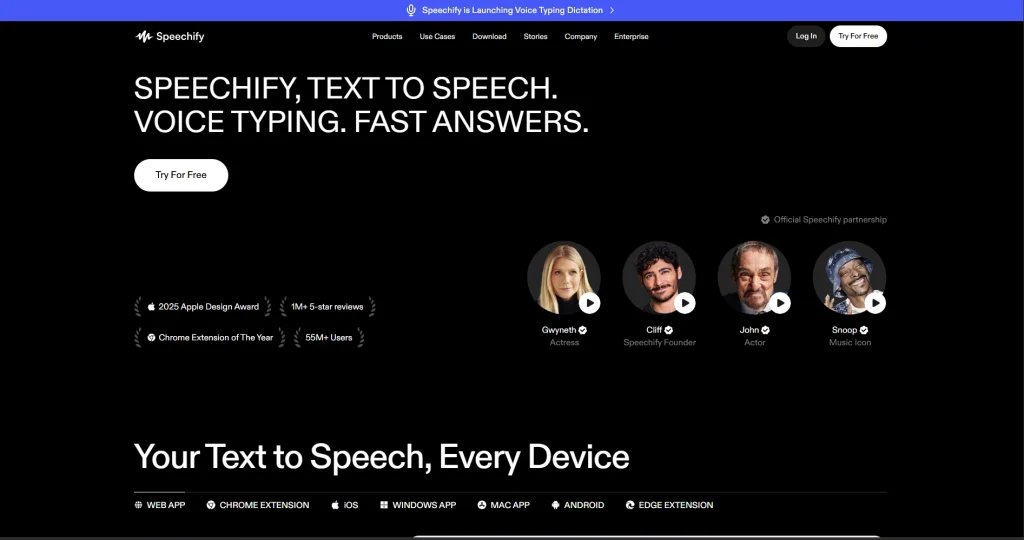
8. Speechify – AI Voice Platform for Fast Reading & Productivity
Speechify is a text-to-speech and productivity-focused AI voice platform designed to turn documents, PDFs, and web content into natural-sounding audio. This AI tool is widely used by students, professionals, and readers who want to consume information faster through listening instead of reading.
It focuses on accessibility and speed rather than production-level voiceover editing. Users can quickly convert large volumes of text into audio and listen across devices, making it highly practical for learning and productivity workflows.
Best For: Students, professionals, and productivity-focused users who want fast document reading, audio learning, and basic voice cloning features.
Key Features
- 200+ realistic AI voices
- 60+ language support
- Converts PDFs, web pages, and documents to audio
- Cross-device syncing (mobile, desktop, browser)
- Adjustable speed and playback control
- Basic voice cloning capabilities
My Final Thoughts After Testing These AI Voice Generation Tools
AI voice generators in 2026 are no longer just text-to-speech tools; they’ve become full creative systems for content, marketing, and automation.
From my experience testing tools like ElevenLabs, Murf AI, and LOVO AI, the real challenge isn’t quality anymore, but choosing based on intent. Whether it’s realism, business narration, or interactive applications, each tool solves a specific need, making the right choice depend entirely on your workflow and content goals.
People Also Ask
1. Can AI voice generators replace human voice actors completely?
Not fully. In 2026, AI tools like ElevenLabs can produce highly realistic voices, but human voice actors are still preferred for emotional depth, storytelling nuance, and high-end creative productions.
2. Do AI voice generators work offline or require the internet?
Most advanced platforms like Murf AI and Speechify require an internet connection because voice synthesis happens on cloud servers for better quality and speed.
3. Can I create my own custom voice using AI tools?
Yes, several tools like Resemble AI and ElevenLabs allow you to clone or train custom voices using your own audio samples.
4. Are AI-generated voices safe for commercial use?
Can be. Most premium AI voice generators offer commercial licenses, but usage rights vary by platform. Tools like WellSaid Labs specifically focus on safe, enterprise-grade commercial usage.
5. How long does it take to generate voiceovers with AI?
Typically, AI voice tools generate audio within seconds to a few minutes, depending on length and complexity. Platforms like LOVO AI are optimized for fast content production workflows.
6. Can AI voice generators handle different accents accurately?
Yes, modern tools support multiple accents and languages. For example, Murf AI and Speechify offer strong multilingual and accent variations for global content creation.
7. How do AI voice generators work?
AI voice generators use deep learning to convert text into natural-sounding speech by analyzing tone, rhythm, and pronunciation. Tools like ElevenLabs and Murf AI generate human-like audio in real time, while platforms like Resemble AI can also clone custom voices from samples.