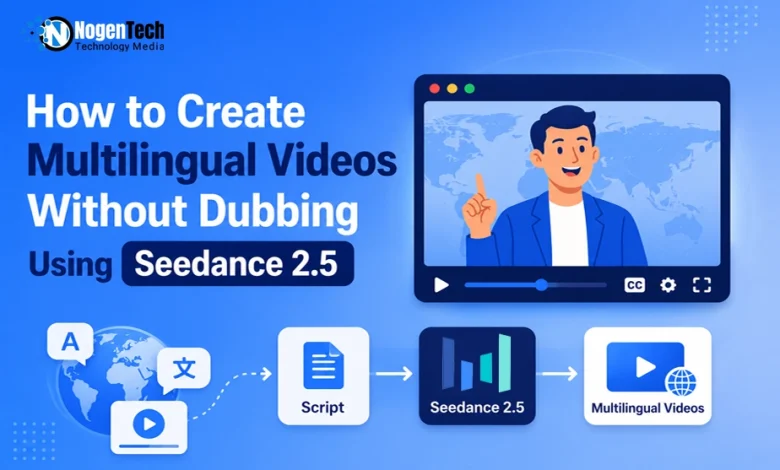
A global product launch used to mean one video and then a queue of expensive problems. You shot the hero film in English, handed it to a localization vendor, and waited.
They translated the script, cast voice talent for each market, recorded fresh audio, and then spent hours nudging mouth movements so the Spanish track did not look pasted onto an English performance. Every market added cost. Every script revision multiplied it.
That model is quietly being replaced. A new generation of video models produces picture and sound together, in the target language, from a single generation pass. Seedance 2.5 is one of the clearest examples of the shift, and it reframes localization as a decision you make before you generate rather than a problem you repair afterward.
This guide covers how that approach actually works, the workflow that gets usable results, and the situations where traditional dubbing is still the smarter choice.
Why Dubbing Has Always Been a Repair Job
It helps to be precise about what dubbing is. You start with a finished video where a person’s mouth already moves in one language, then replace the audio with another language.
The result creates a mismatch between the speech and lip movements.
Older workflows addressed this by translating the script while trying to match the original mouth shapes and pacing. Modern AI dubbing tools can instead regenerate the lip region to match the new audio.
This mismatch adds cost, time, and quality risks. You may need translators, voice talent, audio engineers, and per-minute platform fees for every language.
Script changes can also delay the final dub, while poor lip-sync becomes especially noticeable in product demos and talking-head ads.
There is also a governance issue. Changing a real person’s lip movements requires consent, and older talent releases may not cover AI localization.
Many brands now include AI-assisted localization notes in their video descriptions, adding further administrative work.
That risk is not a niche concern. Market.us valued the AI video translation market at roughly $2.68 billion in 2024 and projected growth to about $33.4 billion by 2034, a compound annual rate near 28.7 percent. Demand for multilingual video is climbing fast, and so is the quality bar for how convincing it has to look.
What Changes When Audio and Video Generate Together
The alternative is structural, not cosmetic.
Instead of generating the video first and adding audio afterward, some newer models use a unified architecture that produces dialogue, music, sound effects, and visual performance together.
The difference matters. If the model generates a character speaking Japanese, it creates a Japanese performance rather than adapting an English performance and fixing the lip movements afterward. The mouth shapes, head movements, pauses, and gestures all follow the same target-language intent.
That removes the mismatch and the need for repair.
It also changes where the work happens. In a traditional dubbing pipeline, most effort comes after the creative decisions are finalized, making late changes costly.
With a generation-first workflow, more effort moves into briefing and reference preparation, where revisions remain faster and cheaper.
How Seedance 2.5 Approaches Multilingual Generation
Seedance 2.5 is ByteDance’s audio-video generation model, and it builds on the unified audio-video architecture introduced in the previous release rather than replacing it. Three capabilities matter most for multilingual work.
Native audio in the same pass
Dialogue, music, sound effects, and lip-sync render alongside the visuals instead of arriving as a separate post-production layer. Audio-aware motion timing is part of the output, which is why the performance reads as native rather than overlaid.
Phoneme-level lip-sync across multiple languages
Multilingual lip-sync currently spans eight or more languages, including English, Mandarin, Japanese, Korean, Spanish, French, German, and Portuguese.
The accuracy is described at the phoneme level and holds across the full clip length rather than degrading after the opening seconds, which is where earlier models tended to drift.
Reference control that keeps every version on-brand
Seedance 2.5 accepts up to fifty multimodal reference assets in a single generation, combining images, video clips, audio files, and text. For localization this is the underrated feature.
You can load the same character sheet, product shot, brand palette, and camera-motion reference into every language version, so your German cut and your Portuguese cut are recognizably the same asset rather than eight loosely related videos.
The model also generates up to thirty seconds in one continuous pass, which removes a second layer of localization pain. When a video is stitched together from short clips, every language version inherits the same seams, and each one has to be reassembled separately.
A Practical Workflow for Multilingual Video Generation
Generating natively multilingual video is not simply a matter of changing a language dropdown. The following sequence produces consistently better results.
Step one: lock your language set before you generate
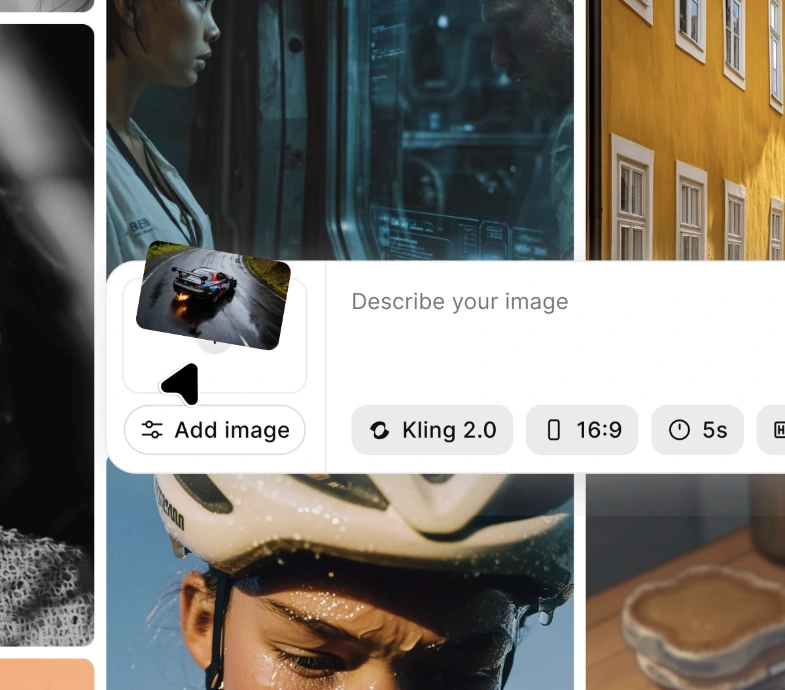
Decide the full list of target markets first. This sounds obvious, but teams routinely produce an English master, launch it, and then discover six weeks later that they need Korean.
Generating all versions in the same session with the same reference set gives far tighter consistency than returning months later.
Step two: write for the longest language, not the shortest
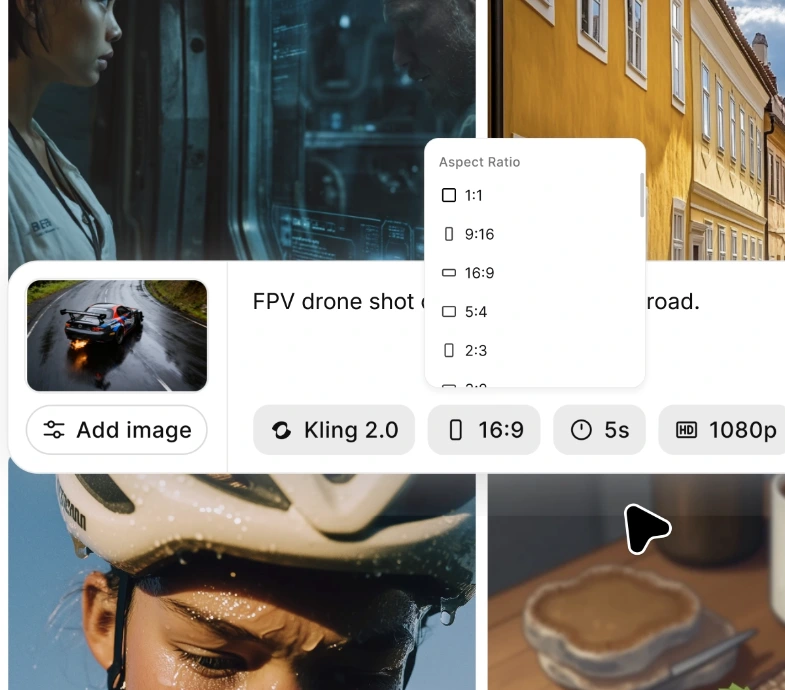
Translated copy expands. German and Spanish commonly run twenty to thirty percent longer than equivalent English. If your English script fills the full duration, the translated versions will feel rushed. Draft to the longest expected version and let the shorter languages breathe.
Step three: build one reference set and reuse it
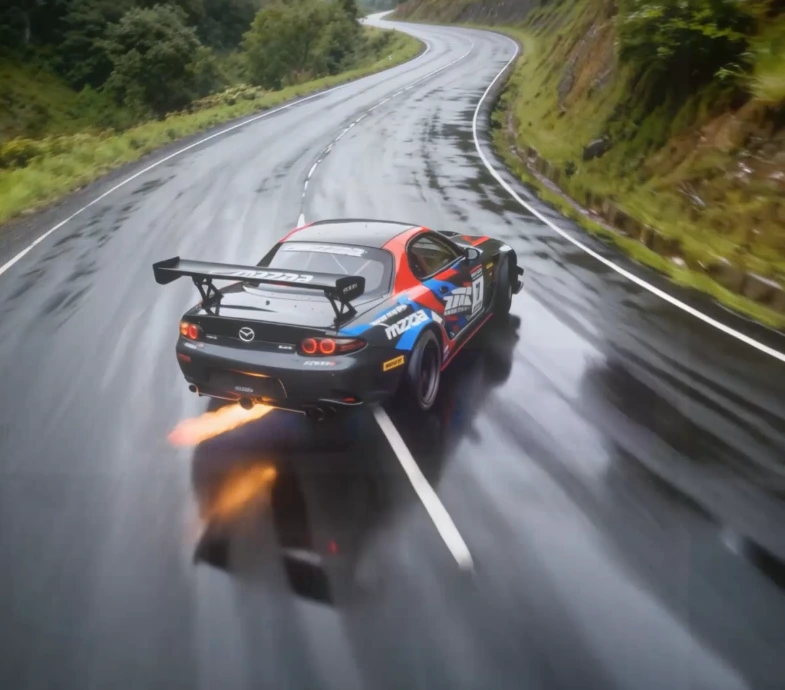
Assemble your character references, product shots, environment images, and style guides once. Feed the identical set into each language generation.
Resist the urge to swap references per market unless you are deliberately localizing the visuals as well as the language.
Where to Access the Model
Seedance 2.5 is available through several platforms. The Seedance 2.5 AI Video Generator on ImagineArt provides text-to-video, image-to-video, and multi-reference generation modes in one workspace, alongside other video models if you want to compare outputs before committing to a full language set.
ImagineArt also exposes the reference workflow directly, which is the part that matters most for keeping versions consistent.
Whichever platform you choose, verify the current output specifications yourself before planning a campaign around them.
Independent hands-on reviews published since launch have reported resolution ceilings that differ from some vendor descriptions, and specifications on newly released models shift during the first weeks of availability.
How to Quality-Check a Multilingual Generation
Before any language version ships, run it through four checks.
Watch it muted. Strip the audio and look only at the performance. If the gestures and mouth movement still read as natural speech, the generation held together. If the face looks like it is miming, regenerate rather than patching.
Check the final five seconds. Continuity problems concentrate at the end of longer clips. Character drift, hand errors, and audio artifacts are considerably more likely late in a thirty-second generation than in the opening moments.
Compare versions side by side. Play the German and Spanish cuts back to back. Any difference in framing, lighting, or character appearance signals that your reference set was not applied consistently. Running every language through the Seedance 2.5 AI Video Generator within a single session makes this comparison far easier to perform.
Read the on-screen text. Any in-frame copy needs verifying per language, because text rendering accuracy varies and a misspelled overlay undermines an otherwise clean video.
When Dubbing Is Still the Better Choice
An honest assessment matters more than an enthusiastic one, and there are three clear cases where generation is the wrong tool.
You already have footage. If you have a finished video featuring real people, particularly a founder, an executive, or contracted talent, dubbing is the correct approach. Generation does not help you localize something that already exists.
You need broad language coverage. Dedicated localization platforms support well over a hundred languages, and some exceed one hundred and seventy. If your market list runs deep into regional languages, native generation does not currently reach far enough, and a dubbing pipeline remains the practical answer.
Your on-screen talent is part of the brand. When audiences expect to see a specific real person, a generated presenter is not a substitute regardless of technical quality.
A blended approach is often strongest: generate multilingual content, explainer, and product natively, and reserve dubbing for footage of real people that has to be localized after the fact.
Mistakes That Undermine Multilingual Generation
Three errors account for most disappointing results.
Treating language as a final-step toggle. Language shapes pacing, gesture timing, and script length. Deciding it last forces every other choice to be wrong.
Conflicting references. If two reference images disagree, showing different product variants or inconsistent lighting, the model has to guess. Remove the conflict before generating rather than repairing it afterward.
Skipping the native review because the lip-sync looks convincing. Visual quality and linguistic quality are independent. Convincing mouth movement says nothing about whether the phrasing is idiomatic.
Final Thoughts
The interesting shift here is not that AI makes dubbing faster. It is that a whole category of problems- mouth mismatch, timing drift, and the audio-video seam- stops existing when picture and sound are generated together in the target language.
Seedance 2.5 will not cover every language you need, and it will not help with footage you have already shot. Within its range, though, it changes the economics of multilingual video from a per-market cost that scales linearly into a set of generations you run once, from one reference set, in a single session.
For teams shipping product videos, explainers, and social content across several markets, that is a meaningful change worth testing on a real project before the next launch cycle.