Ever tried downloading a song from YouTube and ended up clicking fake buttons or getting a file that won’t play?
I’ve also been there, and that made me find a reliable YouTube MP3 method. The actual fact is that downloading YouTube MP3 simply means turning videos into audio that you can play offline on any device.
While YouTube doesn’t offer direct MP3 downloads even with YouTube Premium, there are safe converter tools that make it quick to download copyright-free content.
So, instead of wasting time testing random sites, here’s exactly how you can download YouTube MP3 step by step, plus the top 10 tools that actually work and give you clean, high-quality audio.
Is it Legal to Download YouTube MP3?
It depends. Generally, it is not considered legal to download an MP3 video from YouTube if it contains copyrighted content. However, there are some channels that share videos that are royalty-free and legal for download.
Before you download YouTube videos into MP3, you should always check the source to make sure it is safe and secure and must have permission from the owner of the video.
Can You Download YouTube MP3 Directly from the Site?
YouTube does not offer a direct option to download MP3 or video files. To convert videos into audio, you need to use trusted third-party tools.
You can use a YouTube converter to turn videos into MP3s in a few clicks, but always choose secure and reputable sources to avoid malware.
If you need higher quality or different formats, many tools also support M4A conversion and WAV format, giving you more flexibility beyond standard MP3 downloads.
Tried & Tested Best YouTube to MP3 Converters Right Now
Here are the 10 best YouTube to MP3 converters that are easy to use and actually work, so you can quickly turn your favorite YouTube videos into high-quality MP3 audio without any hassle.
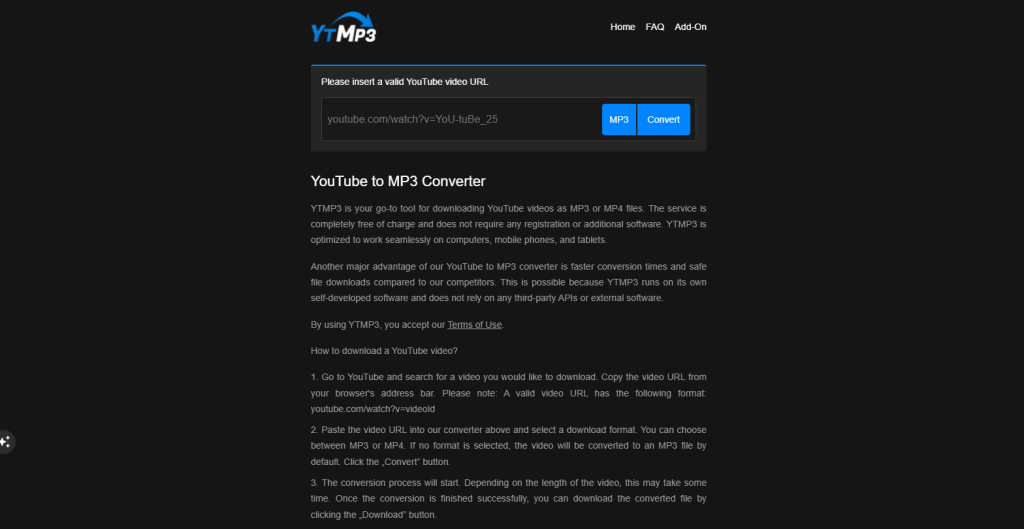
1. Ytmp3
ytmp3 is one of the most recognized names for quick conversions, offering a simple “paste and click” interface for converting YouTube videos to MP3. It remains a popular go-to for those who need a fast, no-install solution for occasional downloads.
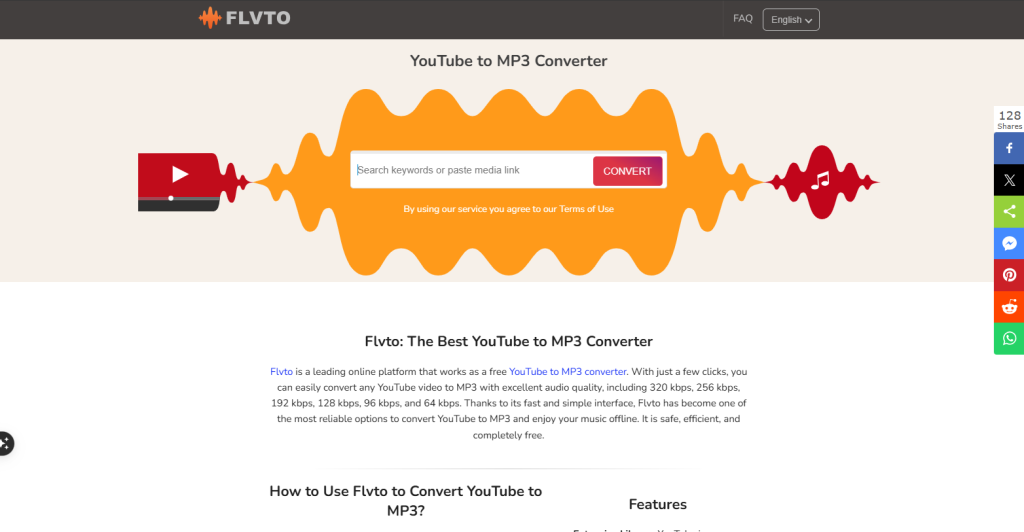
2. FLVTO
FLVTO continues to provide free online conversion services for a wide range of video platforms. The tool is designed to be fast and supports multiple audio formats, but now it often has a heavy ad presence.
While it is still effective for one-off downloads, it is recommended to use an ad-blocker to navigate the site safely.
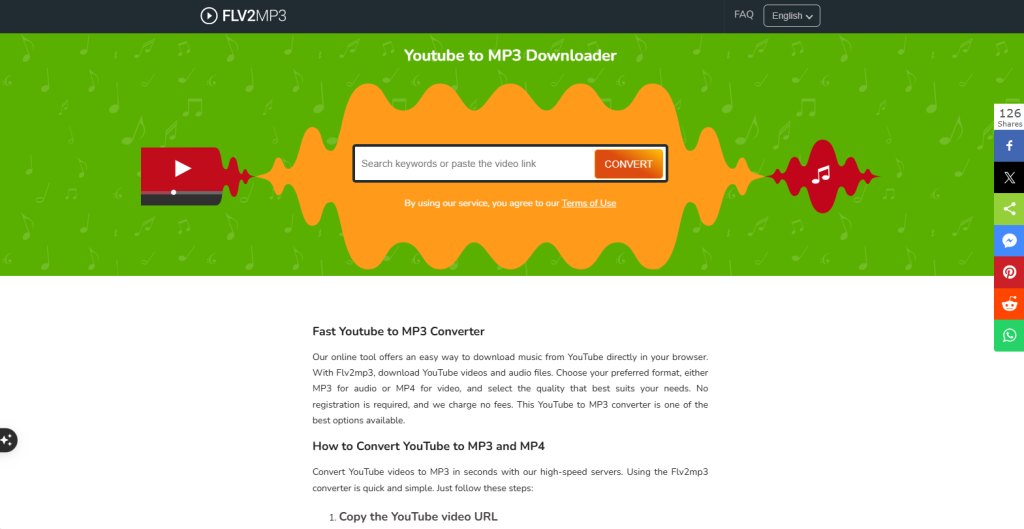
3. FLV2MP3
FLV2MP3 is a sister site to FLVTO and functions almost identically as a free online converter. It enables you to easily convert YouTube and other video files into MP3 format instantly.
It remains popular because it requires no registration, though, like many free sites, you may encounter several redirects before your download begins.
4. OnlyMP3
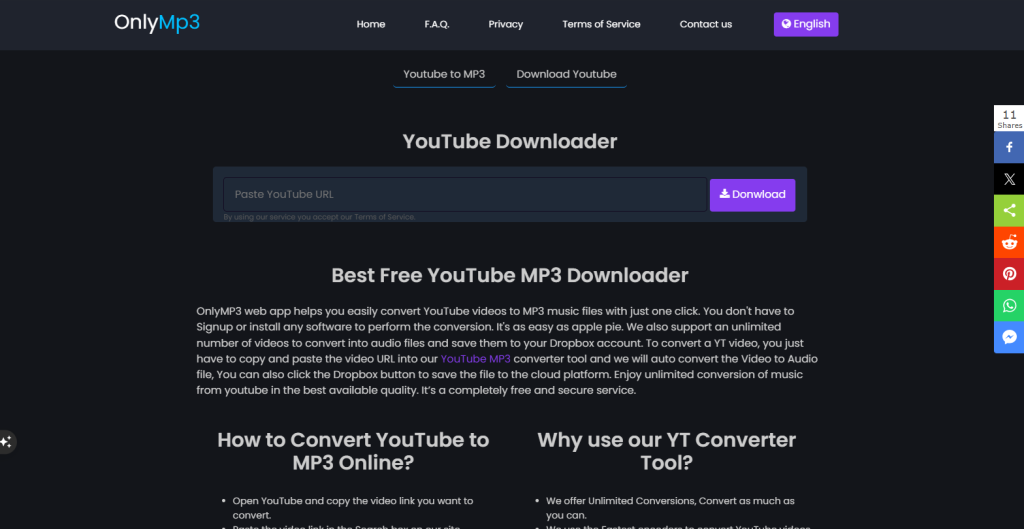
OnlyMP3 is a fast, web-based tool to convert YouTube videos into high-fidelity MP3 files with bitrates up to 320kbps.
It is completely free and requires no software installation or user registration, making it a very private and secure choice. Simply paste the URL, and the site quickly processes the audio for instant OnlyMP3 downloads.
5. CnvMP3
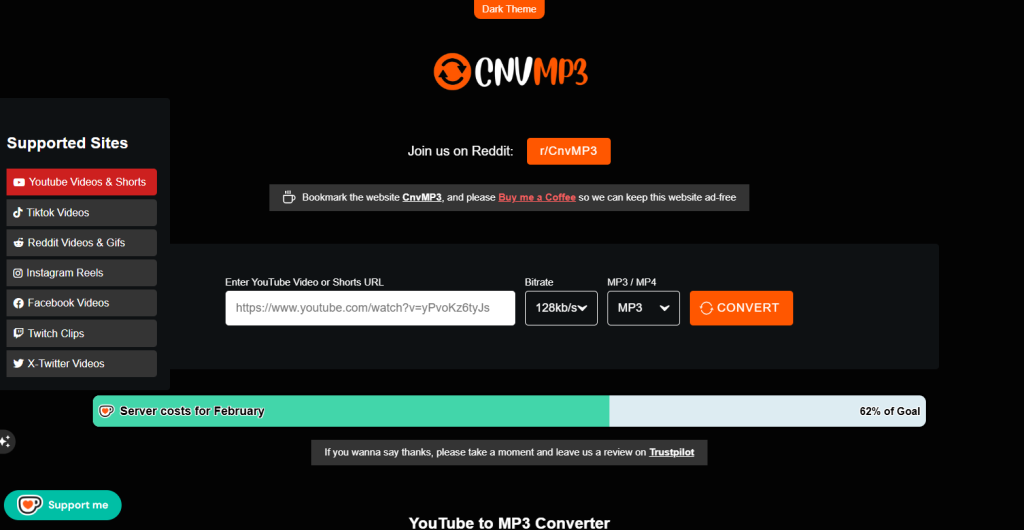
CnvMP3 is an online converter designed for speed and ease of use across desktops, tablets, and smartphones. It supports high-quality audio extraction and is known for its clean, ad-free interface compared to older tools.
6. Y2Mate
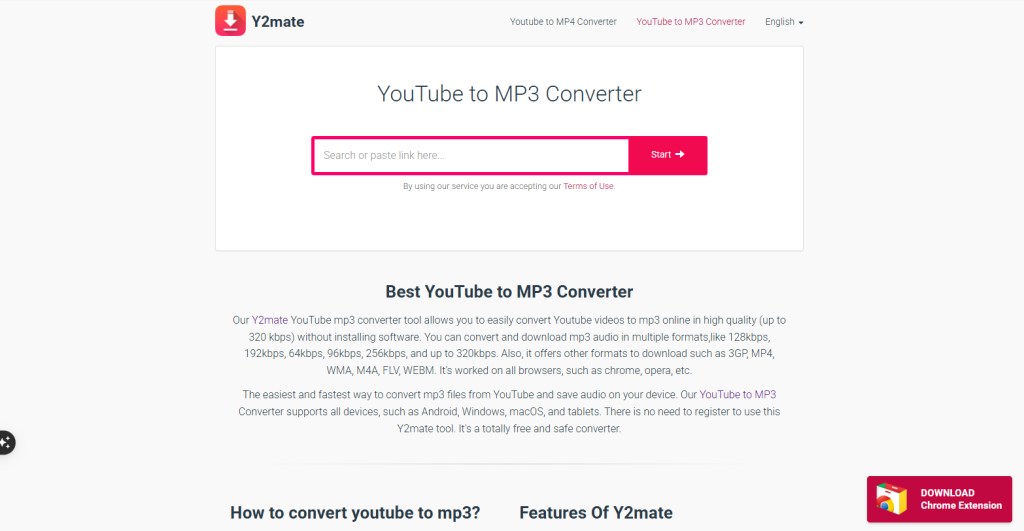
Y2Mate is a versatile platform that enables users to download both audio and video from YouTube and other sites.
It offers multiple format options, including MP3 and MP4, with audio bitrates up to 320kbps. While it remains one of the easiest converters to use, users should be aware of more frequent ads on its web version.
7. ClipGrab
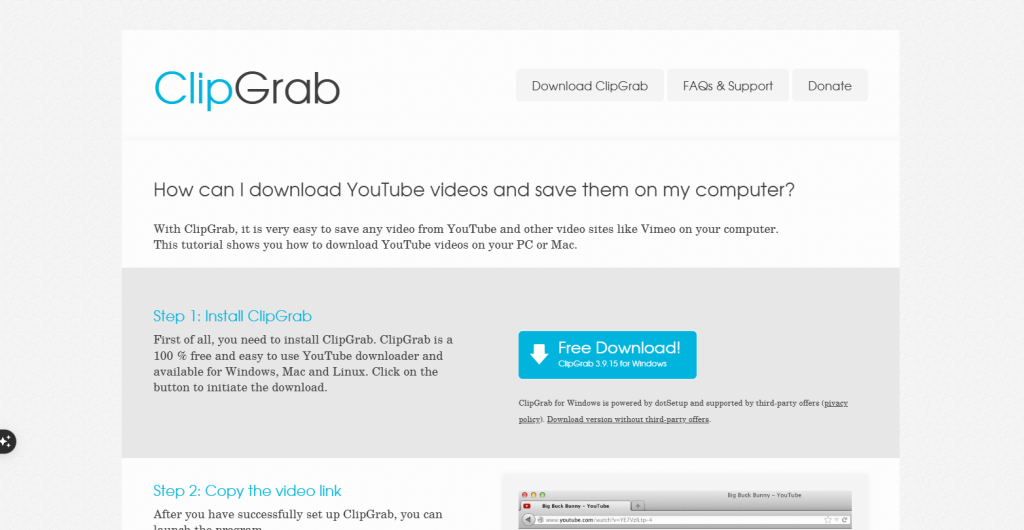
ClipGrab is a desktop-based tool available for Windows, Mac, and Linux. It features a unique clipboard monitoring system that automatically detects when you copy a YouTube link and offers to download it for you.
It also includes an integrated search function, allowing you to find and convert videos to MP3 directly within the application.
8. 4K YouTube to MP3
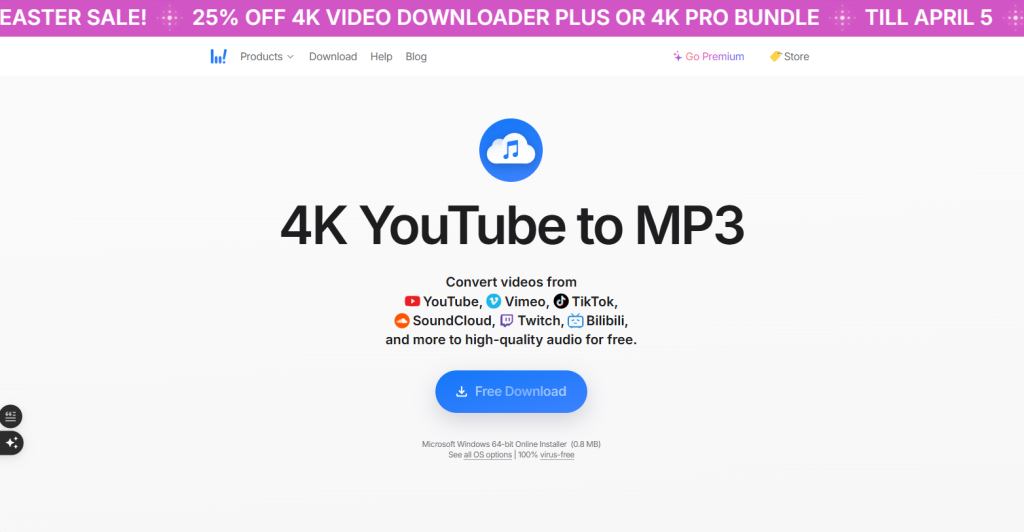
4K YouTube to MP3 is a dedicated desktop application built for high stability and batch downloading. It is extremely user-friendly; you just click the “Paste Link” button to start downloading entire playlists or channels in one go.
9. MediaHuman
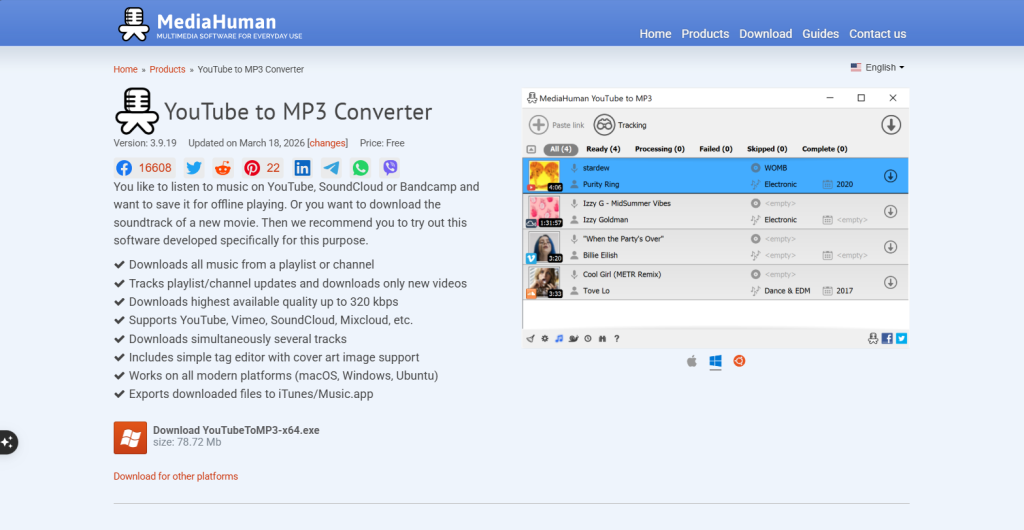
MediaHuman is an excellent desktop converter for users who like to keep their music organized. It can automatically extract audio from YouTube and add it directly to your music library like Apple Music or iTunes, complete with album art and metadata.
10. NoteBurner
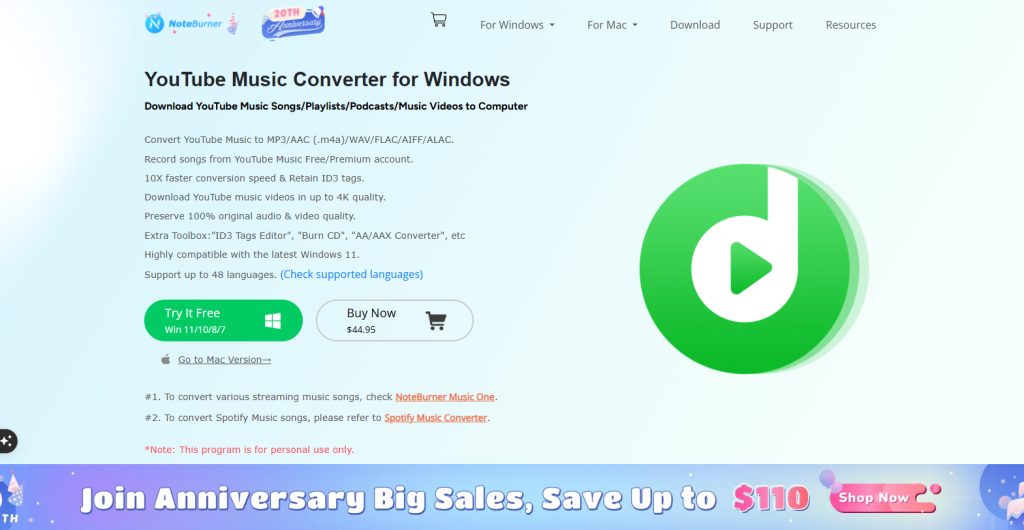
NoteBurner is a 100% free and secure desktop tool that offers a modern, clean interface for extracting audio.
It is specifically optimized to provide stable downloads even when YouTube updates its platform, ensuring you don’t face the “failed download” issues common with older tools.
That’s Everything You Need to Know About YouTube MP3 Downloads
At the end, downloading YouTube videos into MP3 is less about shortcuts and more about choosing the right tools.
While YouTube doesn’t officially support MP3 downloads, you can still get the job done safely if you stick to trusted converters. From my experience, the biggest difference comes down to avoiding risky sites and focusing on tools like y2mate, NoteBurner and MediaHuman that actually deliver clean audio without annoyance.
People Also Ask
You can download YouTube MP3 on mobile using a browser-based converter. Just copy the video link from YouTube, paste it into a trusted tool, select MP3 format, and download it directly to your phone without installing any app or APK.
The best YouTube MP3 converters in 2026 are tools that offer fast conversion, clean audio output, and a simple interface without excessive ads. Such types of tools include Y2mate, NoteBurner, and MediaHuman.
Yes, you can download YouTube MP3 without any app by using online converters. These tools run directly in your browser, so you don’t need to install software or an APK.
Yes, most YouTube MP3 tools work by pasting a video link from YouTube. Once the URL is processed, the tool converts the video into an MP3 file ready for download.
The safest YouTube MP3 downloaders are those that:
Have minimal ads and no fake download buttons
Do not require suspicious installations
Offer clean and direct conversion
Always avoid unknown or spam-heavy websites for better security.