You Can Now Turn a Bad Doodle Into a Real Photo With ChatGPT’s New Sketch Tool
OpenAI released ChatGPT Images 2.5, and the headline feature is it's Sketch, a tool that lets anyone draw a rough doodle with a mouse or finger and have ChatGPT turn it into a finished, realistic image.

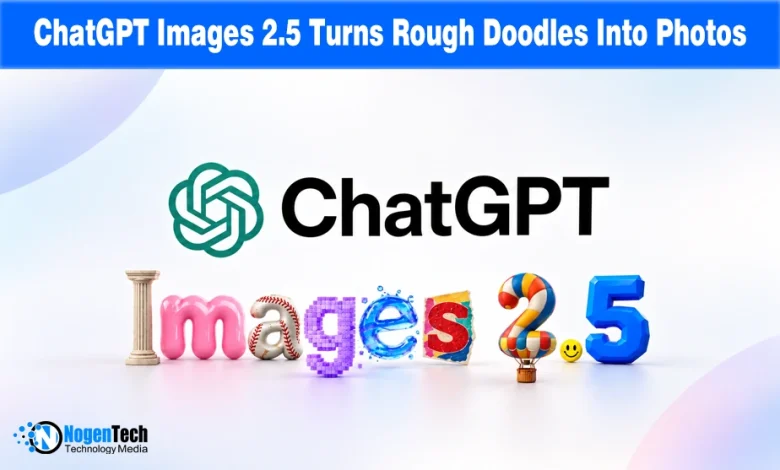
OpenAI launched ChatGPT Images 2.5, which the company markets around sharper output and faster generation, but its most immediately useful addition for everyday users is Sketch.
It’s a feature that turns a rough drawing into a visual instruction the ChatGPT model can build from. OpenAI says people generate over 3 billion images weekly across ChatGPT and its API, and this update aims at making that process feel less like guessing the right words and more like simply showing ChatGPT what you mean.
Sketch Lets You Skip the Prompt-Writing Guesswork
The core idea behind Sketch is refreshingly low-tech: type “@Sketch” in any ChatGPT conversation, and a drawing window pops up.
Once there, you can rough out any layout, an outfit silhouette, or anything you like before adding a short description of the style you’re going for.
NogenTech tested it by drawing a smiley face and a tiny sapling, and ChatGPT turned it into a realistic photo using the instructions.
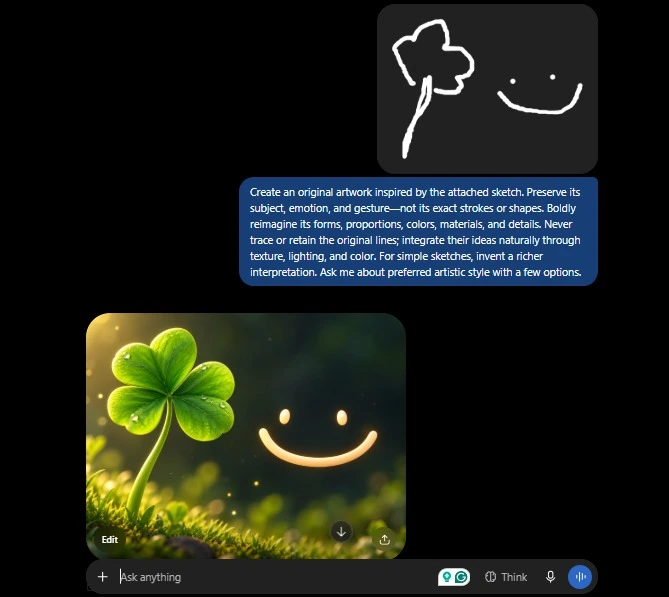
That result matters because it lowers the bar for who can actually use AI image generation well; you no longer need to describe composition and spatial relationships in precise text; you can just draw where things go and let ChatGPT interpret the rest.
And this doesn’t stop here. In the dedicated Images section of the ChatGPT app, you can simply choose the Sketch option, draw what you want, and ChatGPT automatically generates a description that you can edit too.
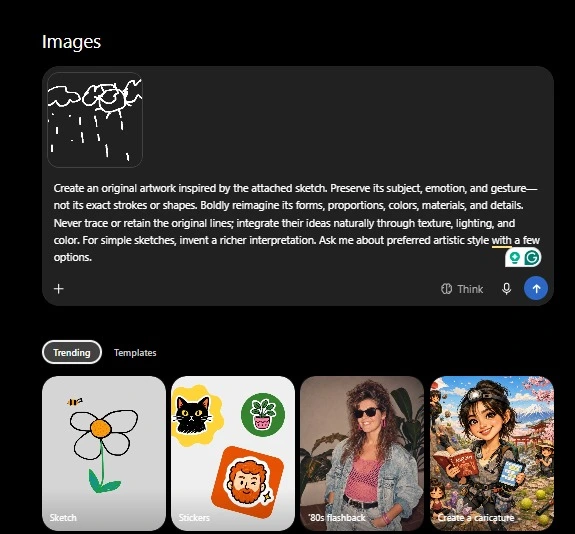
In this way, another barrier is lowered, giving you more control over the final image.
The Editing Improvements Are Where the Real Gains Are
Beyond Sketch, OpenAI highlights consistency and speed in Images 2.5.
It says the model changes only the requested element while leaving the rest of a complex image untouched across multiple edits in one conversation, that too without degrading quality.
While the headline promises up to 50% faster generation speeds over Images 2.0, the live completion percentage brings a much-needed user experience fix.
While the headline promises up to 50% faster generation than Images 2.0, the live completion percentage makes the AI tool easier to use by showing users how far the image generation has progressed.
It replaces older vague status messages like “setting the scene” or “polishing details” with a tangible metric, letting users know exactly how far along their image is.
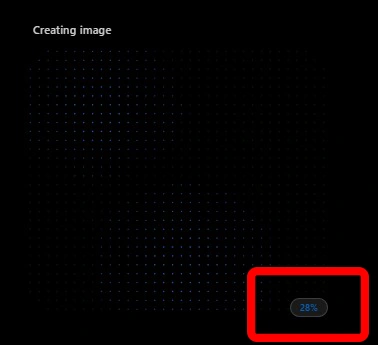
In our testing, the final image was ready and on-screen before the loader even reached 60%.
OpenAI added templates for flyers, posters, and product photos, along with image comments for targeted edits and prompt sharing so others can remix images with their own photos.
Why the Real Winners Here Are Developers, Not Just ChatGPT Users
The update is already reaching professional creative tools. As OpenAI states, Adobe confirmed it is integrating GPT-Image-2.5 into Firefly, while Runway and Manus highlighted its faster generation for production workflows.
According to Higgsfield, another popular AI video clip generator, GPT-Image-2.5 Flare delivers high control, speed, and cost efficiency by editing images without altering their core composition or character.
This is a stronger signal than a typical consumer AI update: Adobe, despite having its own image models, added a competitor’s model to its flagship product within days.
This suggests that its quality and editing precision are strong enough to justify moving beyond in-house tools.
For everyday ChatGPT users, Sketch is the visible upgrade. The bigger story is that OpenAI is giving professional creative tools a reason to use its models for real work, which could make Images 2.5 more than a feature people try once and forget.
Source: Introducing ChatGPT Images 2.5