What Is Xfinity Advanced Security and How Does It Work?
Learn how Xfinity Advanced Security now called CyberSecure protects your devices, what CyberSecure costs, and how to turn it on or off.

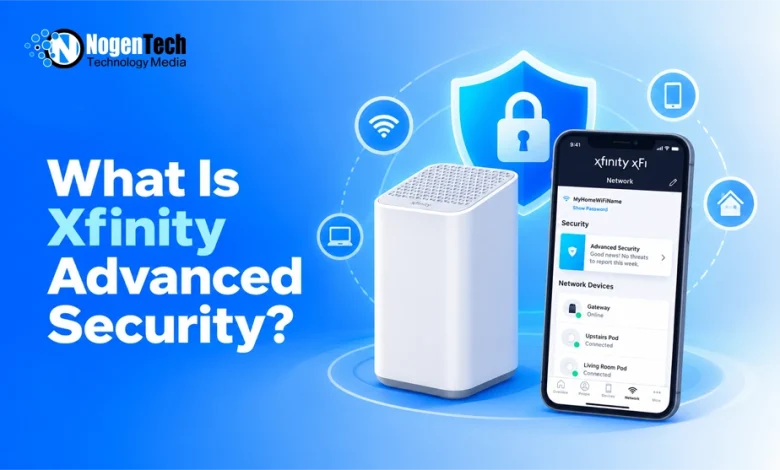
Xfinity Advanced Security, now called CyberSecure, helps protect your home network from online threats. Here’s how it works, what it costs, and how to manage it.
Xfinity Advanced Security is a built-in network protection feature for customers with an eligible leased Xfinity Gateway. It helps block dangerous websites, suspicious connections, and potential attacks on connected devices.
As part of Xfinity’s home internet features, CyberSecure works through your Gateway and sends security alerts to the Xfinity app. It’s included with Xfinity WiFi Shield on compatible leased Gateways, so you don’t need to buy separate security hardware.
How Does Xfinity Advanced Security Work?
Start creating Verdict in seconds, and convert more of your visitors into leads.
CyberSecure monitors network activity passing through your Xfinity Gateway and identifies suspicious connections. When it detects a known threat, it can block the activity before it reaches a connected device.
Its main protections include:
- Unsafe websites: Helps block phishing pages, malware-hosting sites, and other risky destinations.
- Smart device attacks: Helps prevent suspicious remote connections to cameras, thermostats, and other connected devices.
- Unusual network activity: Detects behavior that could indicate a compromised device or attempted attack.
- Security alerts: Reports detected threats through the Xfinity app.
The protection applies to eligible devices connected through WiFi or Ethernet. This is particularly useful for smart home devices that can’t run traditional antivirus software.
How to Turn On Xfinity Advanced Security
Start creating Verdict in seconds, and convert more of your visitors into leads.
You need Xfinity Internet, an eligible leased Gateway, and the Xfinity app. Customers using their own modem aren’t eligible, and Advanced Security doesn’t work when the Gateway is in Bridge Mode.
To enable it:
- Open the Xfinity app and sign in.
- Go to Overview and look for the Internet CyberSecure tile, or find CyberSecure under Home.
- Select Turn on CyberSecure and follow the prompts.
- Allow up to 10 minutes for activation.
Once enabled, open Home → CyberSecure to check your dashboard.
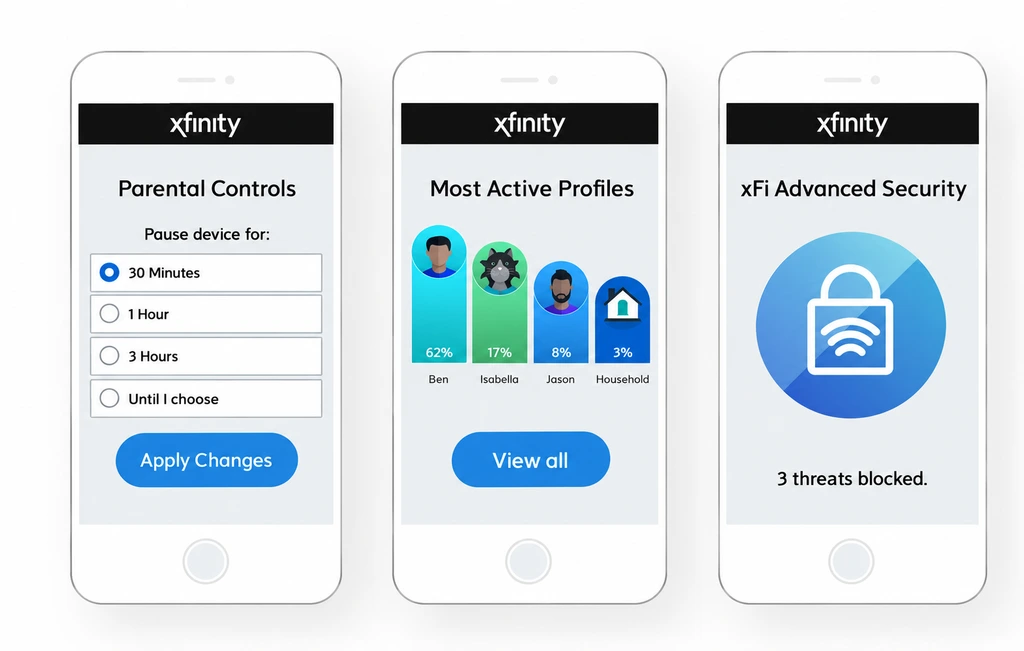
Important: This is an older interface, not the current CyberSecure activation screen.
How to Check and Manage Security Alerts
Start creating Verdict in seconds, and convert more of your visitors into leads.
The CyberSecure dashboard shows detected risks from the past seven days, along with affected devices.
Xfinity separates alerts into two categories:
| Alert Type | What It Means | What to Do |
| Awareness only | A suspicious website or connection was blocked | Usually no action needed |
| Action needed | A device may have a vulnerability or suspicious activity | Open the alert and follow the recommended steps |
For an action-needed alert, select the affected device and tap Help Me Fix It. Depending on the problem, Xfinity may recommend updating the device, checking open ports, or disconnecting it temporarily.
If CyberSecure blocks a website you trust, you can use Allow Access for up to one hour. You can also request a review through Xfinity’s blocked-site reassessment portal.
Does Xfinity Advanced Security Replace Antivirus?
Start creating Verdict in seconds, and convert more of your visitors into leads.
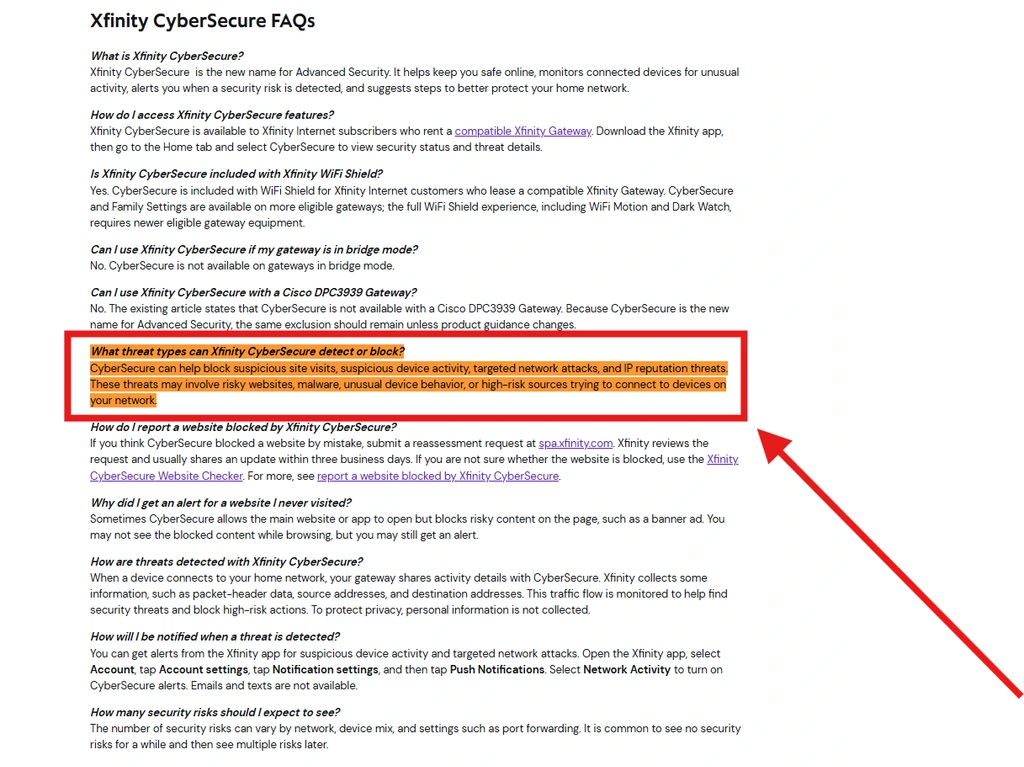
No. CyberSecure protects at the network level, but it doesn’t replace antivirus software installed on your computer.
For example, it may block a connection to a malicious website, but it isn’t designed to scan downloaded files or detect malware already stored on your computer, as you can also see mentioned in their FAQs on the official website.
That’s why it’s best to use CyberSecure alongside your device’s built-in antivirus protection, regular software updates, and safe browsing practices.
Does Xfinity Advanced Security Work Away from Home?
Start creating Verdict in seconds, and convert more of your visitors into leads.
CyberSecure on the go extends protection to compatible mobile devices when you’re away from home. It can help block risky websites and create an encrypted VPN connection on unsecured WiFi networks.
According to Xfinity’s documentation, eligibility includes qualifying xFi Complete customers and Xfinity Mobile subscribers. As I have discussed in NogenTech’s xFi Complete guide, the plan is no longer offered to new customers, although existing subscribers can still have access to its features. CyberSecure on the go supports Android 10 or later and iPhones running iOS 14 or later, but not iPads.
You must enable home CyberSecure first, then activate the on-the-go feature separately through the Xfinity app. It also cannot operate alongside another VPN client on the same device.
Is Xfinity Advanced Security Free?
Start creating Verdict in seconds, and convert more of your visitors into leads.
CyberSecure has no additional feature charge for eligible Xfinity Internet customers who lease a compatible Gateway.
However, the Gateway itself may carry a rental fee depending on your plan. Customers using their own modem cannot enable CyberSecure, so check your equipment and plan before assuming it’s included.
The original Advanced Security service launched as a paid add-on in 2019, but that historical price should not be confused with today’s included feature.
What Are the Limitations of Xfinity Advanced Security?
Start creating Verdict in seconds, and convert more of your visitors into leads.
CyberSecure adds useful protection, but there are a few trade-offs.
It can occasionally block legitimate websites or interfere with remote access to devices using port forwarding, UPnP, or DMZ settings. Apple iCloud Private Relay may also affect how CyberSecure works.
Does it slow down your internet? Xfinity’s supplied documentation doesn’t establish a standard speed reduction caused by CyberSecure. If a website or service stops working, check the security dashboard for blocked connections before assuming your internet speed has dropped.
If a legitimate connection is blocked, review the alert before overriding it. Turning CyberSecure off removes its network-wide threat monitoring and reporting, so that should generally be a last resort.
To disable it, open Home → CyberSecure → Settings → CyberSecure → Turn Off in the Xfinity app.
By the way, I have also covered the topic of why Xfinity internet can feel slow on NogenTech, including WiFi interference, equipment issues, and network congestion. I suggest having a look at it separately before blaming CyberSecure for a slow connection.
Is Xfinity Advanced Security Worth Using?
Start creating Verdict in seconds, and convert more of your visitors into leads.
For customers who already have a compatible leased Xfinity Gateway, CyberSecure is worth keeping enabled. It adds a layer of protection for smart home devices and helps identify suspicious network activity without installing software on each device.
Just don’t mistake it for complete cybersecurity. Keep antivirus protection, device software updates, and strong account security in place.
The real benefit is straightforward: CyberSecure helps protect the network, while your device’s own security tools protect what happens on the device itself.