There is an increasing demand for graphics design work, and many people are passionate about becoming graphic design experts. If you are a novice designer seeking the best graphic design software, then you have landed on the right place because we have huge options for you to choose from.
Graphics provide value to your brand and decorate your blog creatively for a better user experience, thus you need creative design abilities and a top graphic design software or computer program to make masterpieces.
In a world where billions of graphics are created every second, you’ll want to use these top graphic design tools for beginners to stand out with your vibrant designs.
8 Best Graphic Design Software
The below section contains top graphic software that gives you the best from your basic to advanced professional photography.
1- Adobe Photoshop

Almost 30 years ago, a brilliant photo editing software was created named ‘Adobe Photoshop,’ and the beauty of the software is that people are still using it to show their creative designing skills and expertise while designing mind-blowing masterpieces.
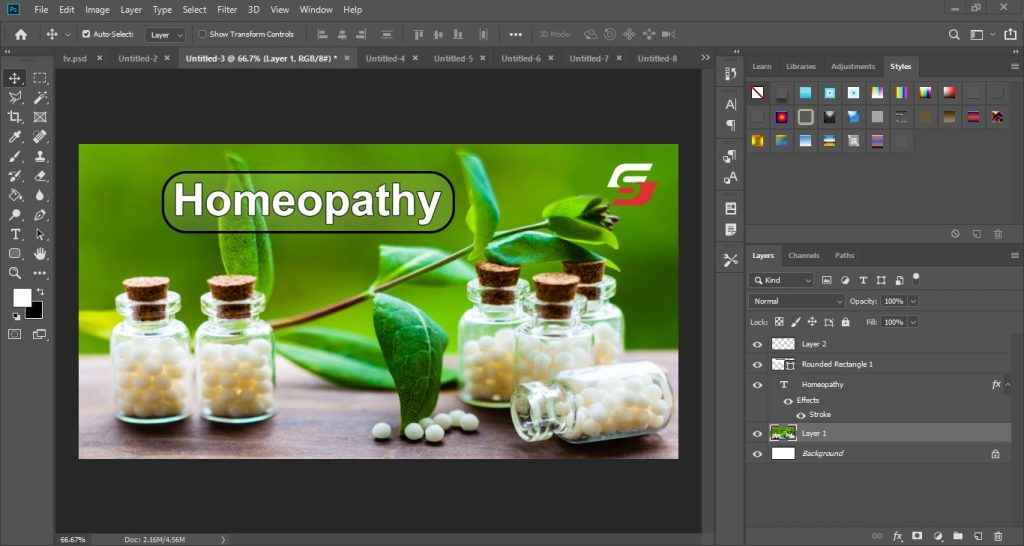
Whether you are a beginner designer or an experienced one, you must try it because it enables you to merge multiple images creatively. It also provides many image editing features, such as removing unwanted objects from a photo, cropping, appearance adjustment auto-set, etc.
Perspective correction, channel mixing, and clone stamp tools are other features that you cannot live without if you are truly a graphic designer. Both Windows and Mac users can enjoy Photoshop for fantastic photo editing.
2- Canva
Canva is an online graphic design tool known for its user-friendly interface and versatility. It caters to users with varying design skills, making it accessible for both beginners and professionals.
It offers a vast collection of templates for various design needs, including social media posts, presentations, and marketing materials. Users can customize these templates effortlessly to suit their preferences and branding.
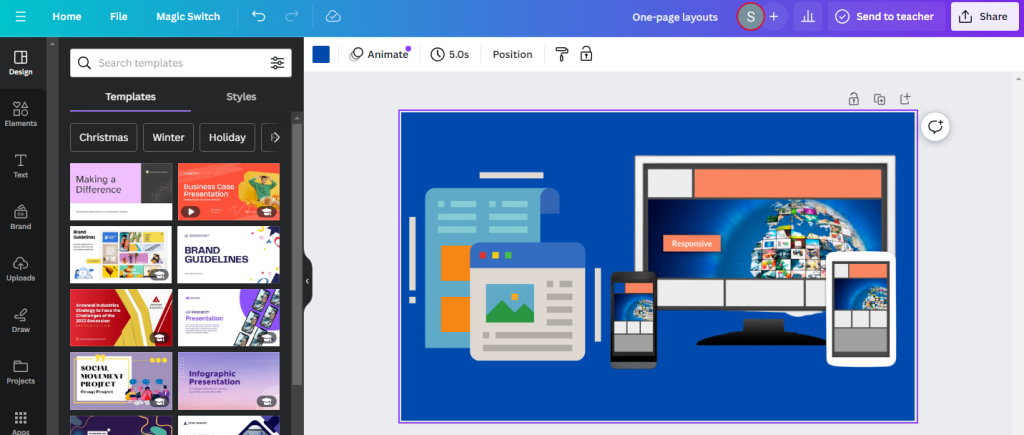
With an intuitive drag-and-drop interface, Canva simplifies the design process. Users can easily add elements, text, and images, making it an ideal choice for those without extensive graphic design experience.
3- Inkscape
Inkscape is an open-source vector graphics editor that designers love to use as a great and totally free alternative to Adobe Illustrator. It is famous among graphic designers for many other good reasons you will also love while utilizing it for graphic design projects. This is one of the best graphic design software for beginners and is famed among growing graphic designers.
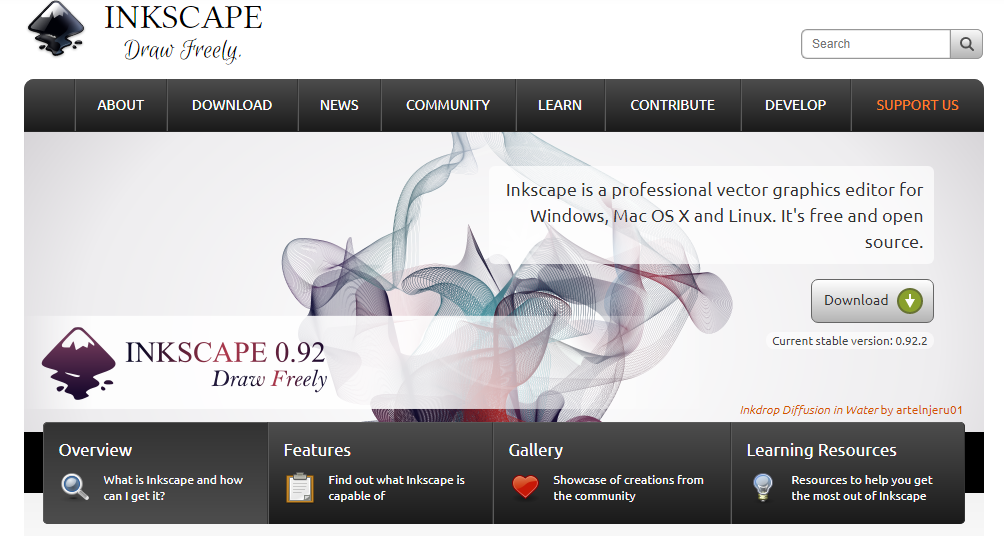
It is functional with a lot of editing tools and effects, just as complex path operations, node editing, bitmap tracing path-based text, etc, that can make your graphics simply breathtaking.
4- SVG-Edit
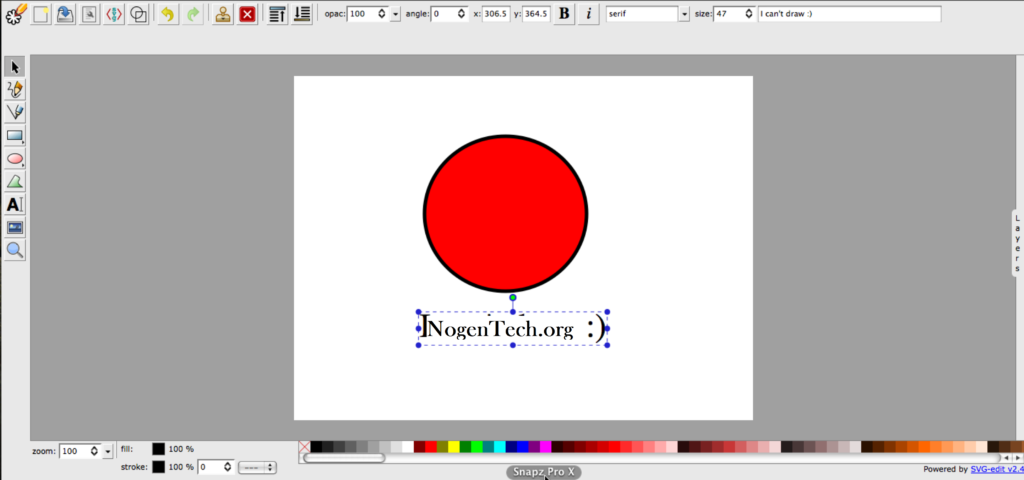
A great choice for you if you want your files in SVG format or want to edit an existing SVG file to make it great for your blog or marketing campaign. It’s an excellent graphics design software that works exactly like Adobe Illustrator. This graphic design tool is wholly built on HTML5, CSS3, and JavaScript without requiring any server-side processing that provides you astonishing editing results.
5- Affinity
Since there is plenty of the best graphic design software for beginners, Affinity Photo and Affinity Designer are the new competitors in the world of graphic designing and are built with huge editing features and tools.
Affinity Photo is wholly focused on image editing to make your photos remarkable, and on the other hand, Affinity Designer is a complete vector and graphic designing solution for those who are passionate to create luminous branding work, professional logos, web icons, mockups, etc.
You may also like to read about the Best Graphic Design Blogs
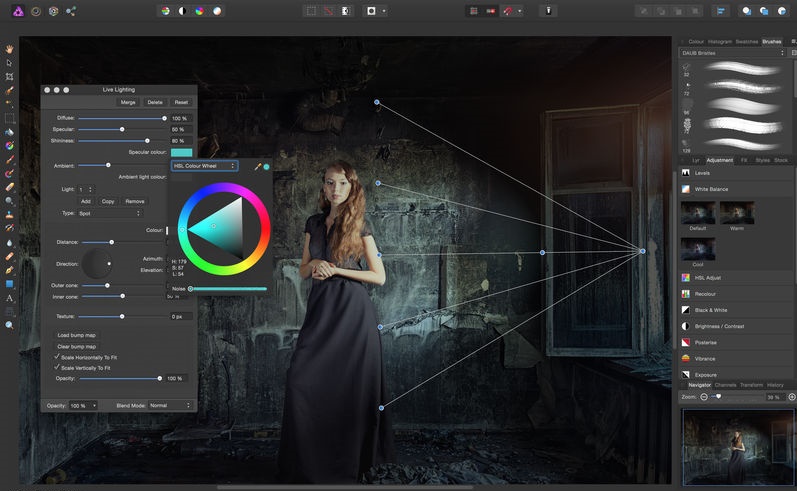
The best thing about this software is that it provides you with fast editing speed irrespective of the size or complexity of the project you are working on. It offers a modern user interface along with great editing tools like layer controls and, most importantly ability to undo up to 8,000 steps to get things done as desired.
6- CorelDRAW

Whether you want to design creative graphics for your blog, business website, or brand, CorelDraw is one of the best graphic design software around the globe and is loved by beginners and experts as well. It is a vector graphics editor that brings perfection to your graphic design.
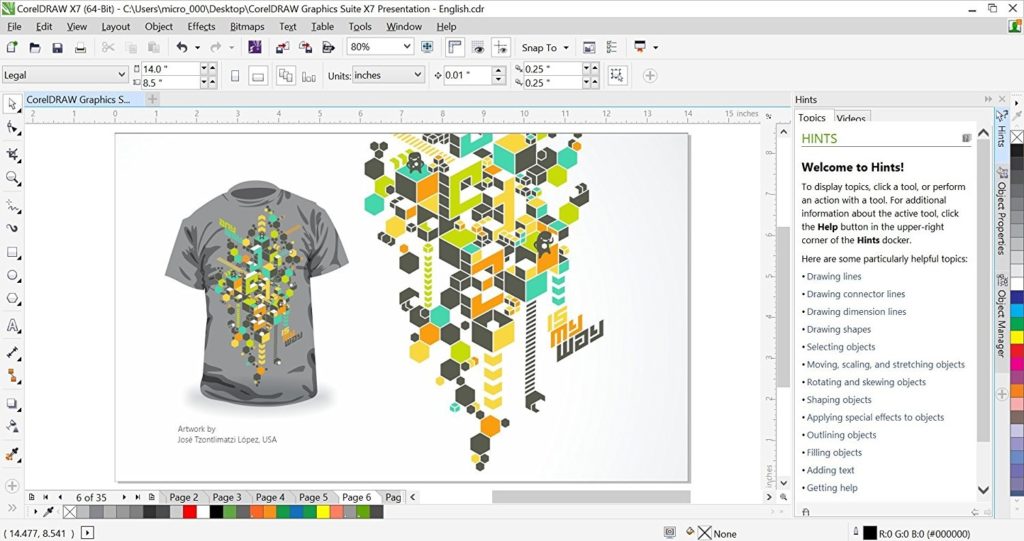
CorelDraw has many fantastic and productive functions and offers an ease of use that no other vector editor can offer. The editing features and tools of this amazing graphics design software give you full control over the editing work so you can enhance your work creatively.
7- Serif DrawPlus

It is more than photo editing software because it offers a wide range of designing benefits such as logo making, business branding, drawing and design, sketch making, and many more. Serif Drawplus provides more control and accuracy in the work while using it to modify your graphics or design a masterpiece.
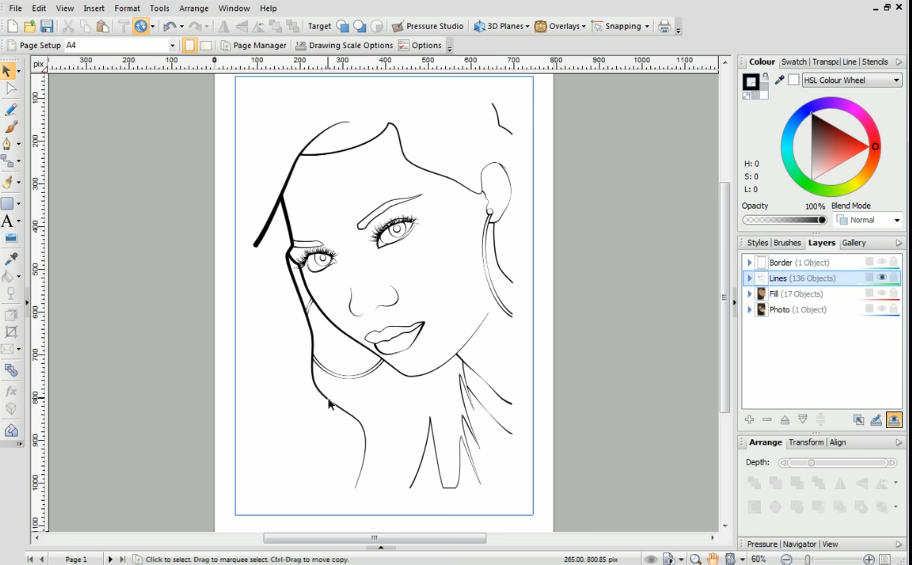
Just because of its loads of illustrative features, editing tools, and options to design something artistic, it is one of the best Graphic Design Software/Tools for beginners and for experts as well.
8- VistaCreate
Whether you already have some experience in graphic design or start your way in the niche, VistaCreate is the best tool to consider. This online graphic design editor offers tons of features for you to create 50+ formats of visual content for websites, social media, and print.
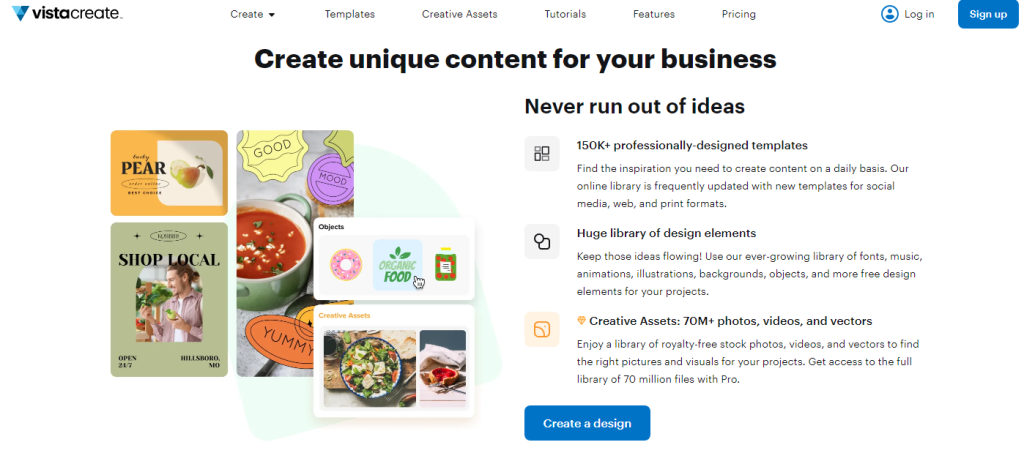
VistaCreate provides free access to professional, trendy templates you can customize to personal or professional needs. Their extensive library of premium images, royalty-free stock photos, and animations allows them to create impressive designs in minutes.
Also, you can add external content to VistaCreate’s library, customizing it in their easy-to-use drag-and-drop editor and downloading your ready designs in a preferred format.
Final Words
The best graphic design software for beginners encompasses a range of options, each with its advantages. Adobe Photoshop and Illustrator offer powerful features for more advanced users. Canva stands out for its user-friendly interface, making it an excellent choice for those just starting.
Furthermore, CorelDraw, Serif DrawPlus, and Inkscape provide alternatives with unique functionalities. Exploring these options allows beginners to find the software that best aligns with their needs and preferences.