Not every unfamiliar person is a scam, but trusting someone without knowing who they are can be a costly mistake.
In my previous article on Cocofinder’s review, I shared how repeated calls from an unknown number led me toward using reverse phone lookup. That experience showed me that tracing a phone number using public records can help clear doubts instead of making assumptions
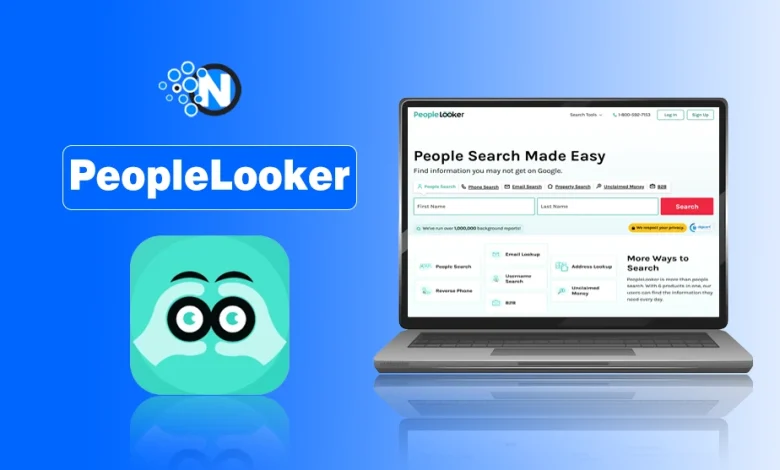
While exploring similar platforms, I came across PeopleLooker, and in the same way, it offers more than reverse phone lookup. It also provides:
- Background checks
- People search
- Reverse email lookup
- Property search
- Access to publicly available records
Before using it, I had the same questions many users ask:
- What information can it find?
- Is PeopleLooker a scam?
- Is it legit?
- Does PeopleLooker work?
- Is it safe?
If you’re wondering the same things, you’re in the right place. Next, I will answer those questions while explaining how to use PeopleLooker, its features, pricing, limitations, and what you can realistically expect from its reports as per my experience with it.
Is PeopleLooker a Scam?
No, PeopleLooker isn’t a scam. I wasn’t sure about PeopleLooker at first either, but after checking, I found it uses public records and legal sources that made me feel relaxed.
It provides access to existing public records, although report accuracy depends on available U.S. data sources.
PeopleLooker doesn’t create or verify the information it displays. It compiles records from multiple public sources, so report completeness varies.
Keep in mind:
- Public records are updated at different times.
- Data availability varies by state, county, and local jurisdiction.
- Some reports contain more information than others.
Is PeopleLooker Legit?
Yes, PeopleLooker is a legitimate U.S. public records platform that helps you collect publicly available information about a person, but it isn’t an FCRA-certified consumer reporting agency as they claim in their Privacy Policy.
The platform doesn’t claim to access private databases or confidential government records. Instead, it organizes publicly available information into one report. Its legitimacy is supported by:
- Publicly available Privacy Policy and Terms & Conditions
- Customer support through phone and email
Is PeopleLooker a trusted background check service?
PeopleLooker is trusted for personal background research, but it isn’t designed for official screening or legal decisions. The platform is commonly used to:
- Verify publicly available information
- Research an unfamiliar person
- Reconnect with someone
- Identify unknown contacts
For important legal or financial decisions, always verify key details through official sources.
What is PeopleLooker? A Short Intro
PeopleLooker is another U.S. people search platform, just like Cocofinder, that collects every public record and consumer data of the targeted person to help you perform background checks and identity searches in one searchable report.
I already told you that the platform doesn’t generate new information or investigate people privately. Depending on record availability, reports may include:
- Full names and aliases
- Current and previous addresses
- Phone numbers
- Email addresses
- Known relatives
- Property records
- Court records
- Social media profiles
The information available varies by person and jurisdiction. By the way, if seeing how easily this data is compiled makes you curious about your own online presence, you can also use a few free digital footprint checkers to see exactly what public information is floating around the web.
What is PeopleLooker used for?
As I told you before, PeopleLooker is a reverse lookup tool, so you can use it for various lookups, but personally, what comes to my mind about its capabilities is that you can use it to:
- Reconnect with friends or family
- Verify someone’s identity
- Identify unknown callers
- Search an email address or username
- Find publicly available address information
- Research publicly available property records
What are the Key Features of PeopleLooker
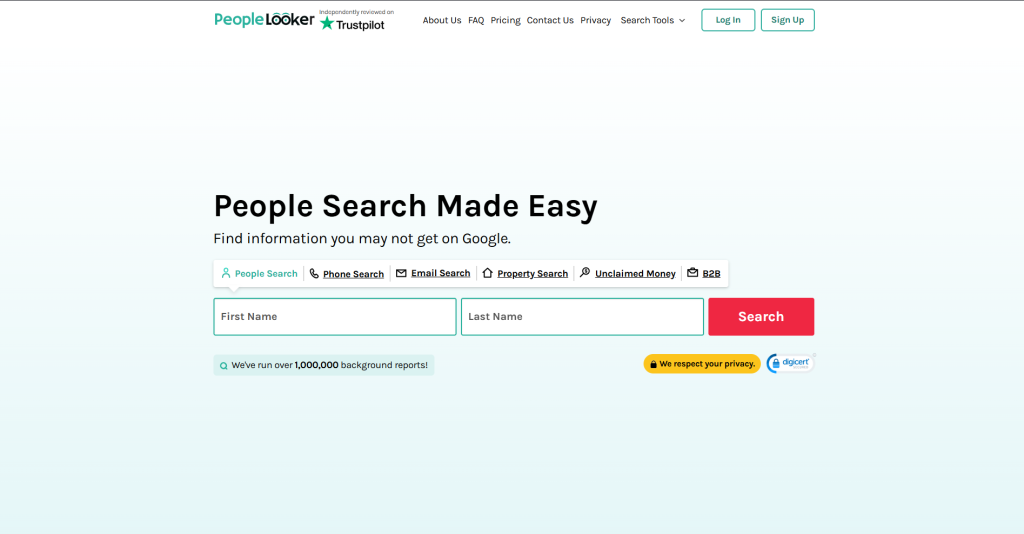
PeopleLooker offers multiple search tools to find information using a name, phone number, email, address, username, or business details. Each tool is designed for a different type of search.
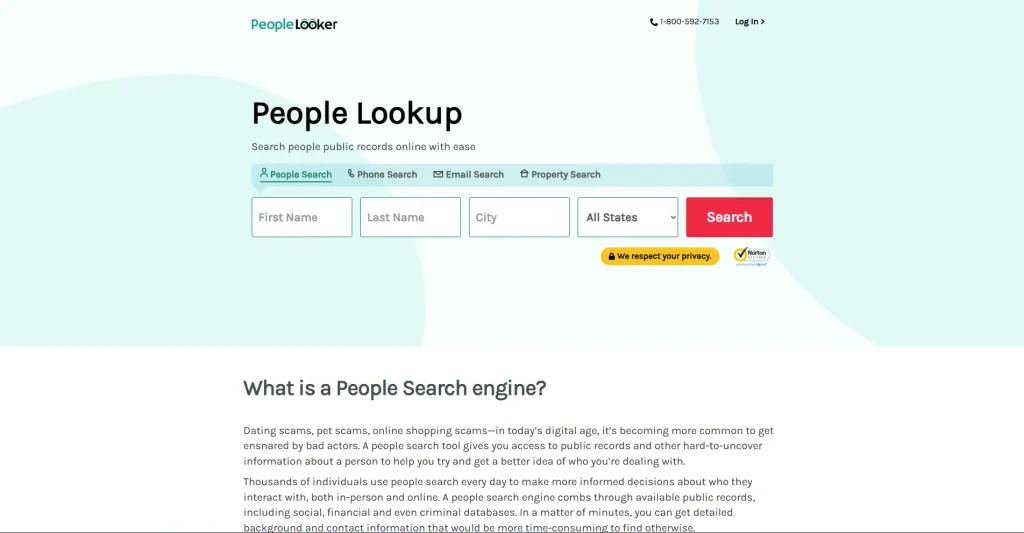
People Search
People Search helps locate a person using their name and location. Search by first name, last name, and city to find contact details, addresses, relatives, property records, and other available records.
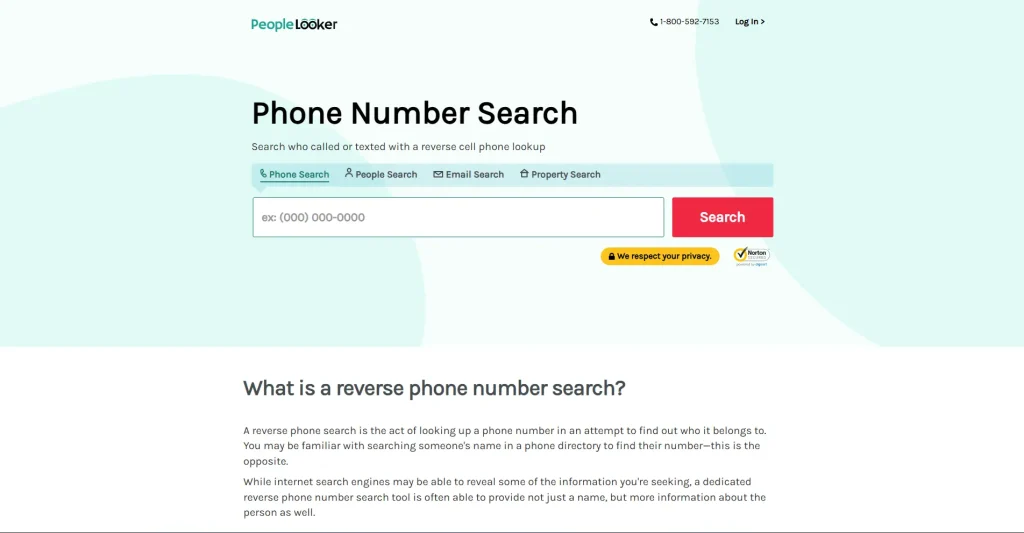
Reverse Phone Lookup
Reverse Phone Lookup identifies details linked to a phone number. Enter a phone number to identify an unknown caller or verify available contact information.
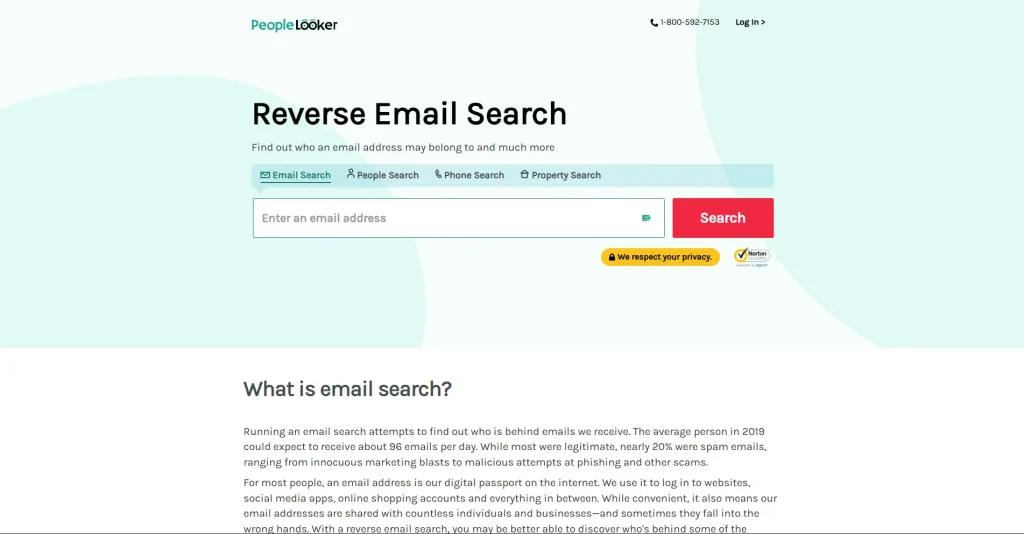
Reverse Email Lookup
Reverse Email Lookup finds records associated with an email address. Use an email address to discover available details and verify the person behind it.
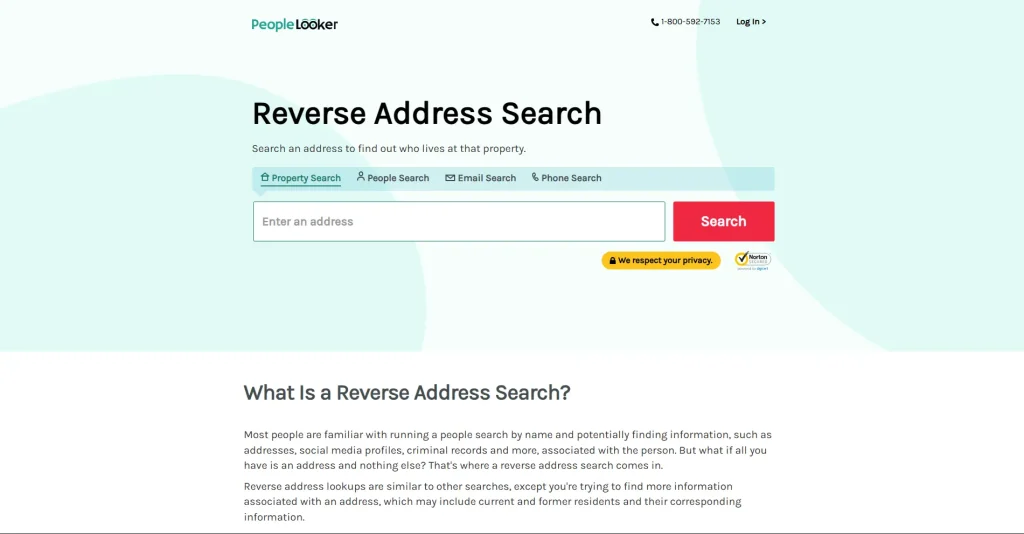
Address Lookup
Address Lookup searches records linked to a property or street address. Search an address to view property details and records associated with that location.
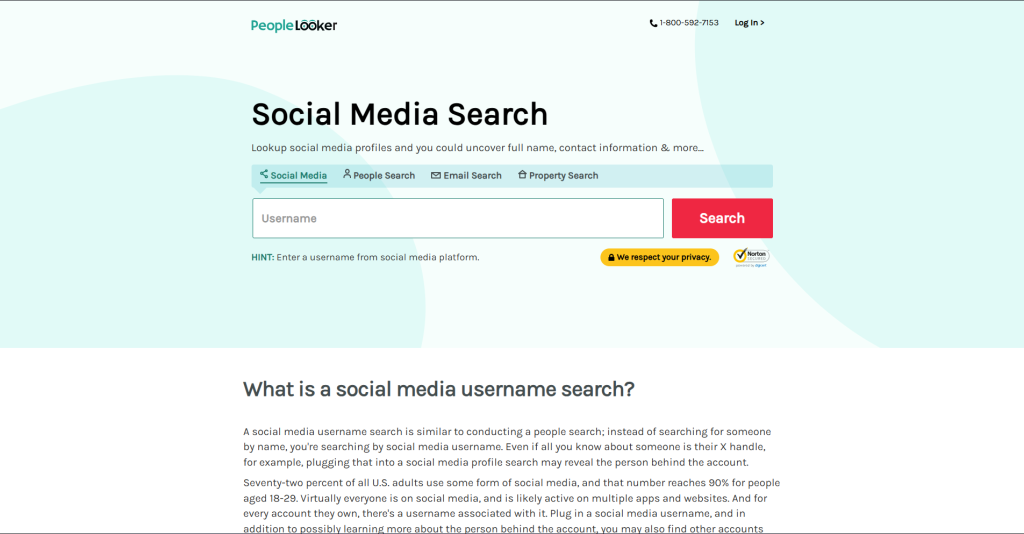
Username Search
Username Search finds online profiles linked to a username. Search a username to discover profiles that use the same online identity.
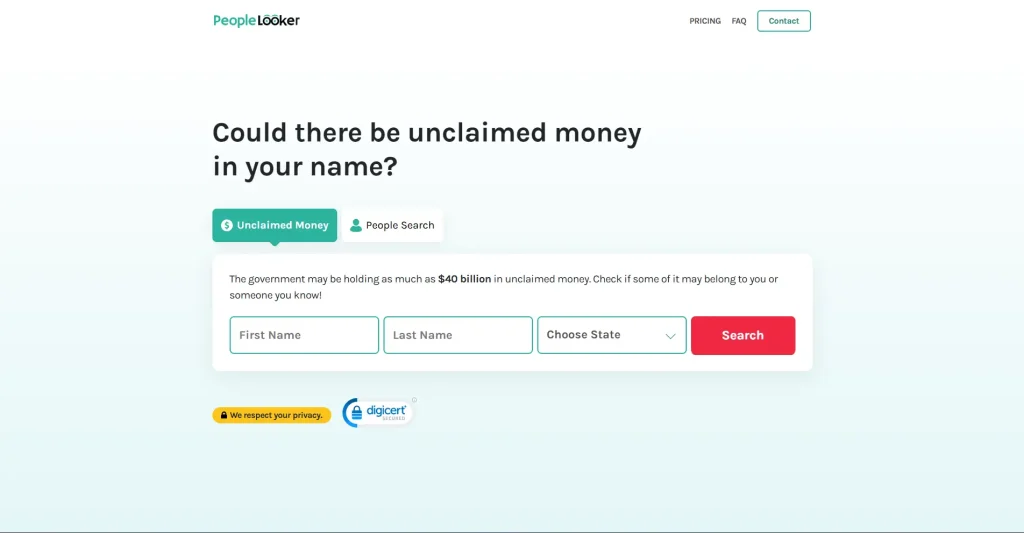
Unclaimed Money Search
Unclaimed Money Search checks for unclaimed property or funds under a person’s name. Search by name and state to check whether unclaimed assets are available.
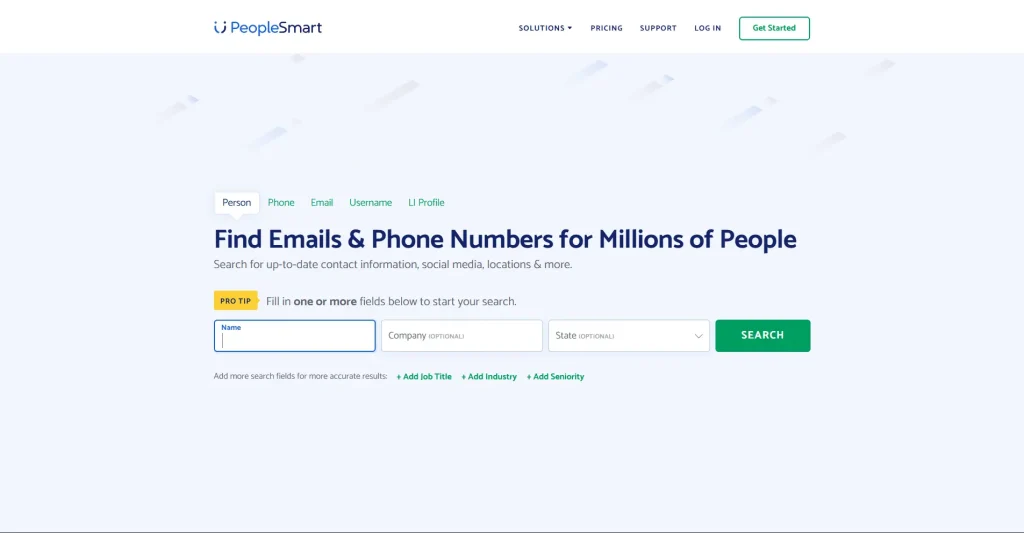
B2B Search
B2B Search helps find business contact information for professionals and companies. Search using a name, company, or industry to locate business-related contact details.
Does PeopleLooker have a mobile app?
Yes, PeopleLooker offers an Android app for accessing its search tools on mobile devices. The app lets you perform searches and manage your account from your smartphone.
How Does PeopleLooker Work and What Can It Find?
Instead of checking multiple databases manually, it compiles available public information into a single report. The process involves four simple steps:
- Choose a search tool.
- Enter the required details.
- PeopleLooker searches public data sources.
- View the compiled report.
The amount of information returned depends on available public records.
Can PeopleLooker find phone numbers?
Yes, PeopleLooker can identify publicly available phone numbers linked to a person or help identify the owner of a phone number.
The platform supports Reverse Phone Lookup, allowing users to search a phone number and view any publicly available information associated with it.
Can PeopleLooker find email addresses?
Yes, PeopleLooker can locate publicly available email addresses and information associated with an email, when available. Using Email Lookup, you can search an email address to view publicly available details connected to that record.
Can PeopleLooker find criminal records?
PeopleLooker may display publicly available court and criminal records, depending on the reporting laws and data available in your location.
The availability of court or criminal records varies by state, county, and the public agencies that maintain those records. Some reports may not include this information if it isn’t publicly accessible.
Does PeopleLooker update its reports?
PeopleLooker updates reports when new public records become available, although update times depend on the original data source.
Because the platform relies on third-party public records, recently added or corrected information may take time to appear.
How to Use PeopleLooker?
To use PeopleLooker, select a search tool, enter the required details, and review the report generated from publicly available U.S. records.
The process is similar whether you’re searching by name, phone number, email address, or address. Follow these steps:
- Visit the PeopleLooker platform by searching for it on your browser or directly from this url “https://www.peoplelooker.com/” account.
- Select a search tool such as the People Search option here. Enter the required details and start the search.
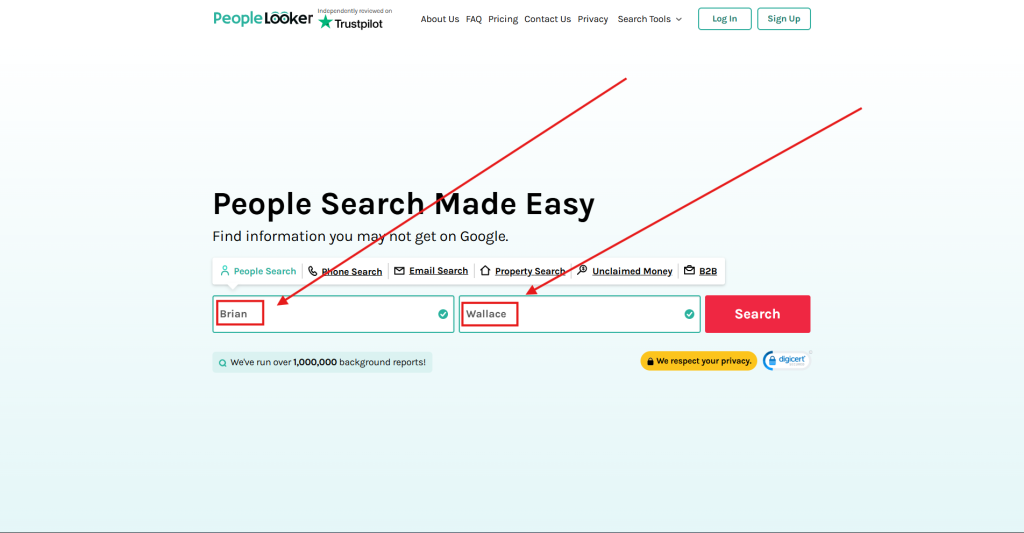
- After that, add the specific location for lookup, if there is any in your mind, for the specific person you are looking for.
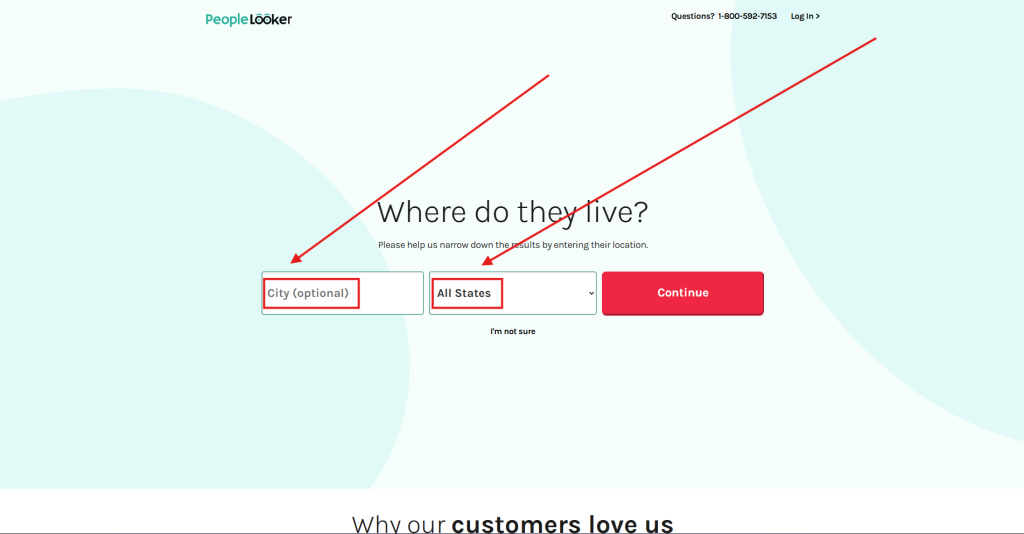
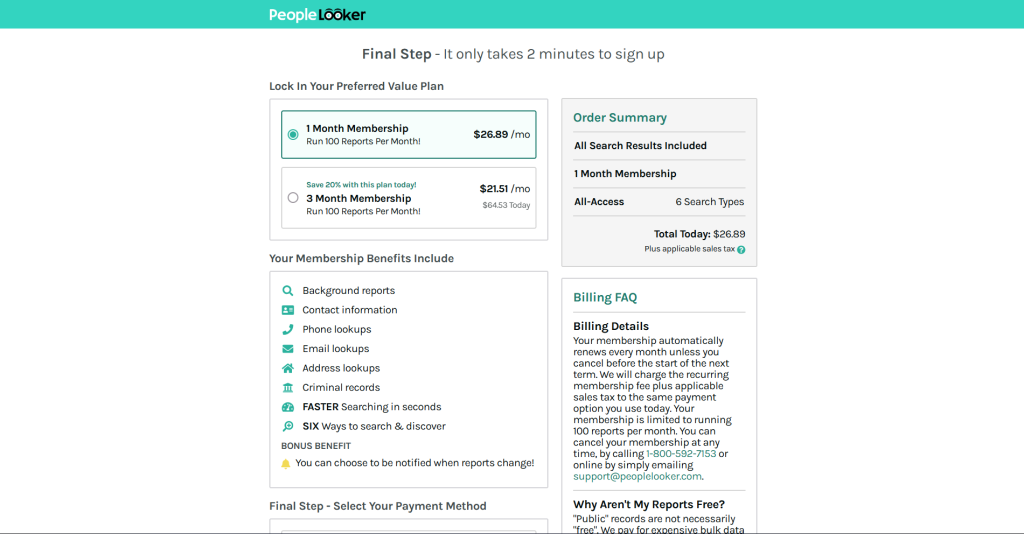
- At the end, just subscribe to the subscription and have your reports about the person.
Do you need an account to use PeopleLooker?
Yes, a PeopleLooker account and active subscription are required to access complete reports and premium search tools. A paid membership unlocks full reports and access to all available search tools.
What should you do after getting a PeopleLooker report?
Verify important information with official sources before relying on a PeopleLooker report for personal decisions. Since reports are compiled from public records, some information may be incomplete or outdated.
Is PeopleLooker Free? How Much Does it Cost?
No. PeopleLooker, being a SaaS tool, offers subscription-based plans that provide access to people search, background reports, and other public records search tools.
Instead of charging per search, PeopleLooker uses a monthly membership that includes access to all supported search tools.
How much does PeopleLooker cost?
PeopleLooker offers monthly membership plans starting at $26.89/month, with discounted rates available for longer subscriptions. This pricing includes:
| Plan | Price | Reports |
|---|---|---|
| 1-Month Membership | $26.89/month | Up to 100 reports/month |
| 3-Month Membership | $21.51/month ($64.53 billed upfront) | Up to 100 reports/month |
Prices and promotional offers may change over time.
What does a PeopleLooker membership include?
A PeopleLooker membership includes access to multiple background search tools with up to 100 reports per month.
Your membership includes:
- Background reports
- People Search
- Reverse Phone Lookup
- Email Lookup
- Address Lookup
- Criminal record searches
- Six search types under one subscription
- Report change notifications
Memberships renew automatically unless canceled before the next billing cycle.
Does PeopleLooker Notify the Person?
No, PeopleLooker doesn’t notify the person when you search their publicly available records or use its people search tools. Searches on PeopleLooker are private, so the person you’re looking up isn’t alerted or informed.
Can someone see if you searched them on PeopleLooker?
No, people can’t see whether you’ve searched for them on PeopleLooker because searches aren’t shared with the searched individual.
Your search activity remains private within your account and isn’t disclosed to the person whose information you’re viewing.
Are PeopleLooker searches confidential?
Yes, PeopleLooker keeps your searches confidential and doesn’t reveal your identity to the person whose public records you view.
Although your searches are private, the information you access comes from publicly available records. Always use the platform responsibly and follow applicable laws and PeopleLooker’s terms of use.
Is PeopleLooker Safe?
PeopleLooker is generally considered safe to use.
However, as I have noticed, I recommend you always verify with official sources whether it protects user accounts while providing access to publicly available records. The platform includes:
- Secure website encryption
- Privacy Policy and Terms & Conditions
- SOC 2 and CCPA compliance
- Secure payment processing
Is it safe to enter your information on PeopleLooker?
You should always have clarity about which information you want to enter on the platform, whether PeopleLooker uses secure connections, and keep payment information private during sign-up and billing.
As I have already mentioned to you above, along with screenshots, while creating your account, you’ll typically provide:
- Email address
- Password
- Billing information
Use a strong password and keep your login credentials private.
Is the information on PeopleLooker always accurate?
No, PeopleLooker doesn’t guarantee every report is complete or up to date because it relies on public records from multiple sources.
Report accuracy depends on:
- Record availability
- Updates from public data sources
- State, county, and local reporting practices
Verify important information through official sources before relying on a report.
Can You Use PeopleLooker for Employment?
No, PeopleLooker can’t be used for employment, tenant screening, credit, insurance, or admissions because it isn’t FCRA compliant.
I was also wondering the same thing that HR’s may have already used this for every interviewer they call, but then its policies cleared out that you cannot use PeopleLooker reports for:
- Hiring
- Promotion
- Employee retention
Use an FCRA-compliant consumer reporting agency for employment background checks.
Can landlords use PeopleLooker for tenant screening?
No, PeopleLooker can’t be used for tenant screening because it isn’t FCRA-compliant. Landlords should use a compliant tenant screening service when evaluating rental applicants.
Can PeopleLooker be used for credit, insurance, or admissions?
No, PeopleLooker reports can’t be used for credit, insurance, or college admissions decisions under the FCRA. Use a compliant consumer reporting agency whenever a background check is legally required for these purposes.
How to Remove Yourself (PeopleLooker Opt Out)
To remove your information from PeopleLooker, submit an opt-out request, verify your identity, and wait for it to be processed.
Some of you may find it disturbing to be seen on a reverse lookup tool like PeopleLooker, but don’t worry; you can request its removal through the official opt-out process. Follow these steps:
- Visit the PeopleLooker Opt-Out page.
- Search for your record.
- Select the correct profile.
- Submit your opt-out request.
- Complete verification.
If you have multiple records, submit a request for each one.
How long does a PeopleLooker opt-out take?
Most PeopleLooker opt-out requests are processed within a few days, although processing times may vary.
If your record still appears after processing, contact PeopleLooker Customer Support or submit another request if a new record appears.
Does PeopleLooker permanently remove your information?
PeopleLooker removes opted-out records from its search results, but newly added public records may require another opt-out request.
If new public information is added later, you may need to submit another removal request.
How to Cancel Your PeopleLooker Subscription?
Cancel your PeopleLooker subscription through your account, the contact form, email, or customer support before your next billing date.
You can cancel your membership at any time to prevent automatic renewal.
How do you cancel a PeopleLooker subscription?
Cancel your PeopleLooker membership through your account settings or by contacting customer support. You can cancel by:
- Signing in to your account.
- Opening the Account or Contact section.
- Selecting Cancel Membership.
- Confirming your request.
If you can’t access your account, you can also cancel through:
- Customer Support
- Online contact form
Can you cancel PeopleLooker at any time?
Yes, PeopleLooker lets you cancel your subscription before the next billing cycle to avoid renewal charges. Once your cancellation is processed, your membership won’t renew unless you subscribe again.
This version is about 20–25% shorter, removes repeated mentions of “request,” “processed,” “membership,” and “billing,” while remaining clear, skimmable, and optimized for both users and search engines.
Pros and Cons of PeopleLooker
| Pros | Cons |
|---|---|
| Supports People Search, Reverse Phone Lookup, Email Lookup, Address Lookup, and Username Search. | Requires a paid subscription for full reports. |
| Combines public records into a single report. | Report completeness depends on available public records. |
| Simple interface with an Android app. | |
| Private searches: the searched person isn’t notified. | |
| Official opt-out process to remove eligible records. |
What People Also Ask About PeopleLooker
Is PeopleLooker better than Google?
PeopleLooker and Google serve different purposes. Google indexes websites, while PeopleLooker organizes public records and consumer data into searchable reports.
Why is my information listed on PeopleLooker?
PeopleLooker collects information from public records and publicly available consumer databases. If your information appears, you can submit an official opt-out request to remove eligible records.
Can I delete my PeopleLooker account?
Yes. You can request account deletion by contacting PeopleLooker Customer Support or following the account management options after canceling your subscription.
Can PeopleLooker find social media profiles?
Yes. PeopleLooker may identify publicly available social media profiles when they’re associated with the searched person or username.
Can PeopleLooker show text messages?
No. PeopleLooker doesn’t provide access to private text messages. It only displays information available through public records and legally accessible sources.
Does PeopleLooker really work?
Yes. PeopleLooker searches public records and publicly available consumer data to generate reports. The amount of information depends on available records.
Should You Use PeopleLooker? Here's My Opinion
PeopleLooker helps users search public records, perform background checks, and use tools like People Search, Reverse Phone Lookup, and Email Lookup from one platform. It’s useful for identifying unknown callers, verifying identities, or finding publicly available information.
From my experience, PeopleLooker is not bad to use as a research tool, but definitely not as the final source of truth. Since its reports depend on available public records, some information may be incomplete or outdated.
My recommendation is to be careful when using any lookup results and always verify important information through official sources before making personal, financial, legal, or employment-related decisions. Used responsibly, PeopleLooker can help you find information, but verification should always come first.