AI note-taker apps help individuals and teams capture important information from meetings without relying on manual note-taking.
These tools can record conversations, generate transcripts, summarize discussions, and identify action items automatically. Many also integrate with platforms such as Zoom, Google Meet, Microsoft Teams, and popular CRM systems.
With more organizations relying on virtual and hybrid meetings, AI note takers have become a practical way to improve productivity and keep meeting records organized.
This guide reviews the eight best AI note-taking apps in 2026 based on features, usability, integrations, privacy, and overall value.
Why AI Note Taker Apps Matter in 2026?
AI note taker apps help teams record meetings, generate transcripts, and create summaries automatically. They reduce manual note-taking, organize action items, and make past discussions easier to search and review.
Key benefits include:
- Automatic meeting transcription
- AI-generated summaries and action items
- Searchable meeting archives
- CRM and workflow integrations
- Multilingual support for global teams
- Reduced post-meeting admin work
As remote and hybrid work continue growing, AI note takers have become essential productivity tools for modern teams and professionals.
The 8 Best AI Note Taker Apps in 2026
We tested several AI note-taking apps in 2026, and below are the ones we found most effective and will rank here.
1. HappyScribe
HappyScribe is the best overall pick for 2026 for teams that work across languages and handle sensitive conversations. Built in Europe, it auto-joins Zoom, Google Meet, and Microsoft Teams calls through Google or Outlook calendar sync, records both audio and video, and transcribes in 120+ languages with over 95% accuracy.
After each call it delivers a structured summary, extracted action items, and a full transcript with speaker labels to your inbox within minutes. Past meetings stay searchable, and an Ask AI function answers plain-language questions across the full archive.
Privacy is a default rather than an add-on. Every file is encrypted in transit and at rest, and all data is stored in EU-based Tier IV data centers under GDPR.
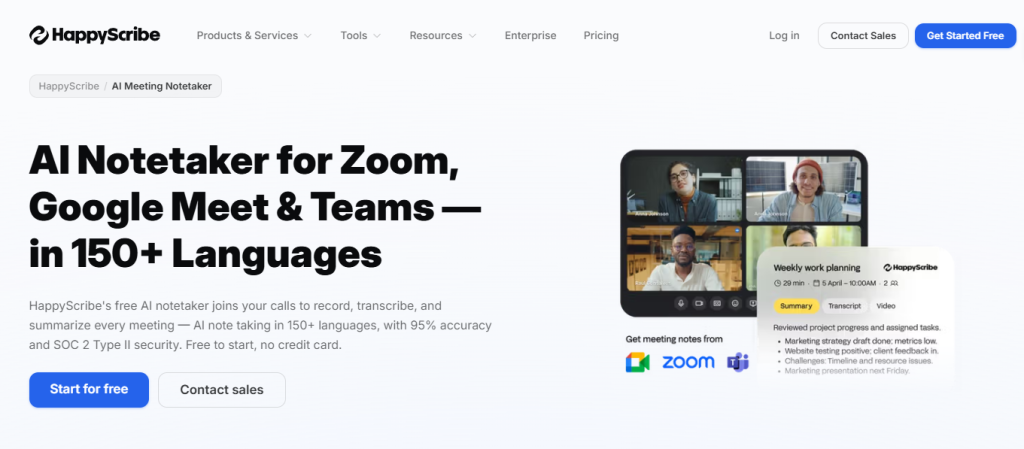
Key features of HappyScribe include:
- Auto-joins Zoom, Google Meet, and Microsoft Teams through Google or Outlook calendar sync
- 120+ language and dialect support, the broadest multilingual coverage of any tool in this list
- GDPR-compliant and SOC 2 Type II certified, with all data stored in EU-based Tier IV data centers
- Speaker identification that labels exactly who said what across multi-speaker calls
- Both bot and bot-free capture, so meetings can be recorded with or without a visible participant
Pricing:
- Free: $0, unlimited 45-minute meeting recordings, a 10-minute AI transcription trial, and 3 Ask AI uses
- Basic: $8.50/month (annual billing) or $17/month, 120 AI minutes/month and 20 Ask AI uses
- Pro: $19/month (annual billing) or $29/month, 600 AI minutes/month, 3 seats, unlimited Ask AI
- Business: $59/month (annual billing) or $89/month, 6,000 AI minutes/month, 5 seats, unlimited Ask AI
- Enterprise: Custom pricing, includes SSO, dedicated account management, and organization-level controls
HappyScribe is best suited for market researchers, journalists, sales teams, and any business that works across languages or handles sensitive conversations under GDPR.
Decision-list item (add to the “How to Choose the Right AI Note Taker?” list):
- If your meetings run across multiple languages and privacy is non-negotiable, HappyScribe transcribes in 120+ languages with over 95% accuracy and keeps all data in EU-based, GDPR-compliant infrastructure.
2. Bluedot
Bluedot is the strongest overall pick for 2026. It records meetings without joining as a visible bot participant, which means clients and colleagues see a normal call with no AI announcements. The tool works through a Chrome extension and native apps for macOS, Windows, iOS, and Android.
Transcription quality holds up well across different conditions, including multi-speaker calls, technical language, and non-native English speakers.
Summaries are organized clearly with decisions, action items, and discussion points in separate sections. A built-in AI chat function lets users search across all past meetings using plain-language questions.
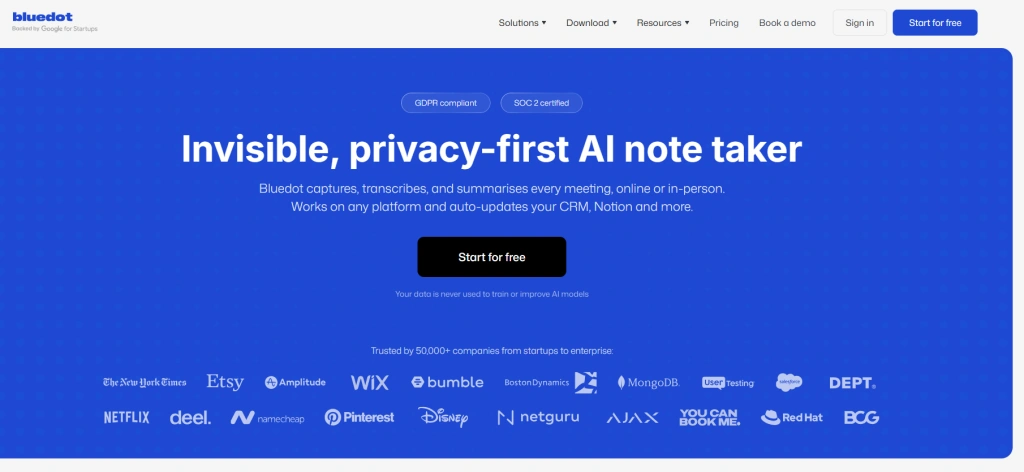
Key features of Bluedot include:
- Bot-free recording that keeps client calls natural and professional
- 100+ language support for global teams and international clients
- Private transcripts by default, with no automatic sharing to participants
- iOS and Android apps for capturing in-person meetings and phone calls
- No AI training on meeting data, which protects confidential conversations
- CRM integration with Salesforce and HubSpot on the Business plan
Pricing:
- free: 5 lifetime meetings, max 1-hour recordings, basic recording + viewing features
- Basic: $14/user/month (annual billing) or $18/month (monthly), unlimited audio meetings, unlimited storage
- Pro: $20/user/month (annual billing), unlimited video meetings, custom templates, integrations (Zoom, Google Drive, etc.)
- Business: $32/user/month (annual billing), CRM integrations (HubSpot, Salesforce), advanced team features, automation tools
- Enterprise: Custom pricing, includes SSO, advanced security, and organization-level controls
Bluedot is best suited for client-facing professionals, consultants, sales teams, legal professionals, and anyone who needs accurate and private meeting notes without disrupting the call experience.
3. Fellow
Fellow (also known as Fellow.ai) is the best AI meeting note taker, especially for teams in Enterprise organizations and regulated industries that need an AI meeting assistant built around security and compliance. Unlike tools that treat privacy as a plan upgrade, Fellow’s security architecture is default: zero-day data retention, pause-and-resume recording, and granular access controls are available.
Fellow gives users the flexibility to record meetings both with a bot and without one, using a native desktop app (Mac and Windows) that captures system audio locally, meaning no audio ever routes through a browser or third-party extension. Fellow integrates directly with Zoom, Google Meet, and Microsoft Teams, and connects to CRMs, project management tools, and compliance archiving platforms, including Global Relay and Smarsh, which are standard infrastructure for financial services and legal teams.
The Ask Fellow feature lets users query past discussions, surface action items, and retrieve decisions using plain-language questions without requiring raw recordings to be stored or accessible to the AI.
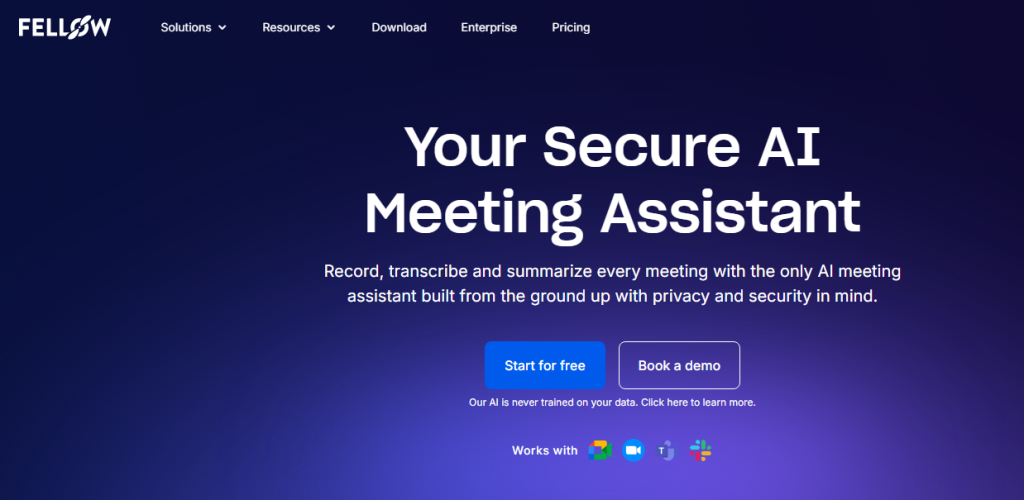
Key features of Fellow include:
- Botless recording via native desktop app (Mac and Windows GA) that captures system audio without a visible bot joining the call — keeping sensitive client and patient conversations natural and private
- Zero-day data retention that deletes recordings and transcripts after AI processing, so raw meeting content never persists — a critical requirement for teams handling MNPI, PHI, or privileged legal information
- Pause & Resume recording that removes paused content from transcripts and notes entirely, giving participants control over what is captured during confidential moments
- Redaction and content review so compliance teams can review and approve AI-generated recaps before they are distributed or stored
- Global Relay integration for regulated firms that require meeting content to flow into certified compliance archiving systems
- SOC 2, GDPR, and HIPAA compliance, with access permissioning that controls who can view recordings, transcripts, and summaries at the user and team level
Pricing:
- Free: Core meeting features, collaborative agendas, and basic AI meeting notes
- Pro: Per user/month (annual billing), full AI meeting assistant features including botless recording, transcription, and summaries
- Business: Per user/month (annual billing), advanced integrations, team-level access controls, CRM sync, and compliance features
- Enterprise: Custom pricing, includes SSO, data retention controls, Global Relay/Smarsh archiving, redaction, HIPAA BAA, and dedicated support
Fellow is best suited for Enterprise companies, financial services firms, legal teams, and healthcare organizations where meeting content carries regulatory weight, and where the cost of a data breach or compliance gap far exceeds the cost of the tool itself. For teams that need an AI meeting assistant that defaults to security rather than bolting it on, Fellow is the only purpose-built option in this category.
4. Fathom
Fathom offers the most generous free plan in this category. Individual users get unlimited recordings, unlimited transcription, and unlimited storage at no cost, with no credit card required and no expiry date.
Summaries arrive within about 30 seconds of a call ending, which is consistently faster than most competitors. More than 15 AI summary templates let users apply different formats for different meeting types without any per-meeting configuration.
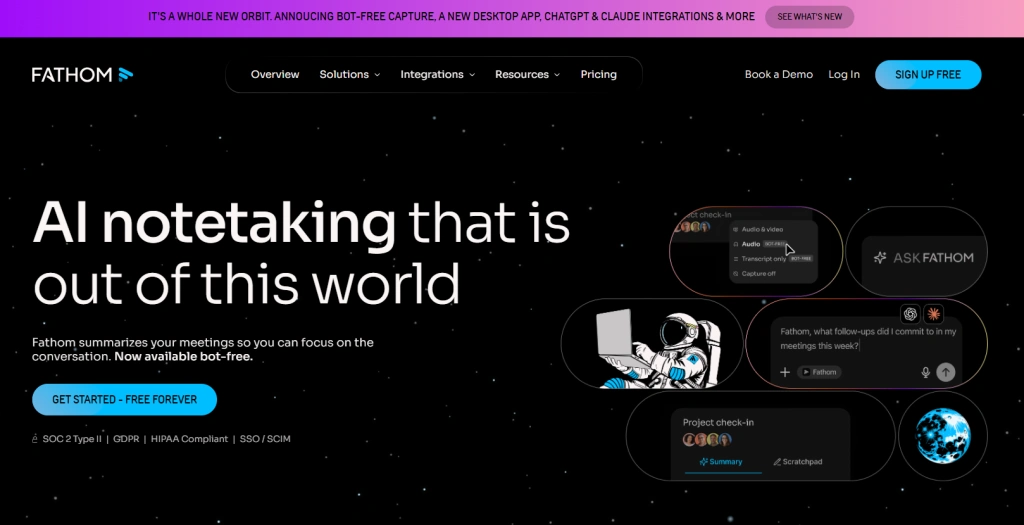
Key features include:
- Unlimited free recordings with no hidden time limits or monthly caps
- Fast summaries delivered approximately 30 seconds after each call
- 15+ summary templates covering sales calls, team updates, and client check-ins
- SOC 2, GDPR, and HIPAA compliance for privacy-conscious teams
Pricing:
- Free: Unlimited recordings and transcripts, 5 AI summaries per month
- Premium: $16/month (annual) or $20/month (monthly), unlimited AI summaries and advanced features
- Team: $15/user/month (annual), includes collaboration and shared workspace features
- Business: $25/user/month (annual), includes CRM integrations and advanced admin controls
The main limitations are the absence of a mobile app on any plan, the visible bot in every meeting, and the 5 AI summary cap per month on the free tier.
5. tl;dv
tl;dv is built for async-first teams that need to distribute meeting content to people who were not on the call. Users can highlight any line in the transcript and instantly generate a shareable video clip of that exact moment, which can be dropped into Slack or Notion in seconds.
Multi-meeting intelligence allows tl;dv to analyze patterns and trends across an entire meeting library, generating recurring reports without anyone reviewing individual recordings manually.
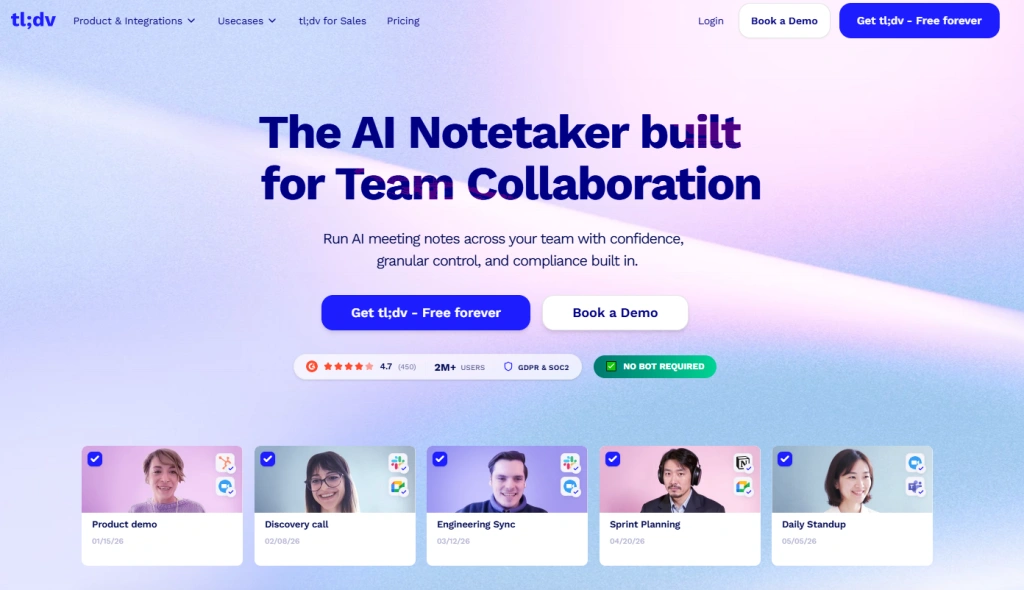
Key features include:
- Video clip creation from transcript text for fast async sharing
- Multi-meeting intelligence that surfaces trends across all past meetings
- GDPR compliance with EU data residency options
- Affordable Pro plan at approximately $10 per month on annual billing
Pricing:
- Free: $0, unlimited recordings, limited AI summaries (10 lifetime), basic transcription, clips, and integrations
- Pro: $10/user/month (annual billing) or $18–$29/month (monthly billing depending on region), unlimited AI summaries, speaker detection, advanced highlights, CRM integrations
- Business: $59/user/month (annual billing), multi-meeting intelligence, team analytics, advanced automation, admin controls, Salesforce/HubSpot integrations
- Enterprise: Custom pricing, includes SSO, compliance features, security controls, and large-scale deployment support
The free plan limitation is significant: 10 AI summaries total across the entire account lifetime, not per month. Most active users exhaust this within the first week. There is also no native mobile app.
6. MeetGeek
MeetGeek combines standard AI note-taking with conversation analytics that most tools do not offer. After every call, it produces transcripts and summaries alongside data on talk-time distribution, engagement scores, sentiment tracking, and coaching insights that accumulate across multiple meetings over time.
It supports 60+ languages, includes a mobile app for in-person and offline meeting recording, and integrates with HubSpot, Zendesk, Salesforce, Notion, and Slack.
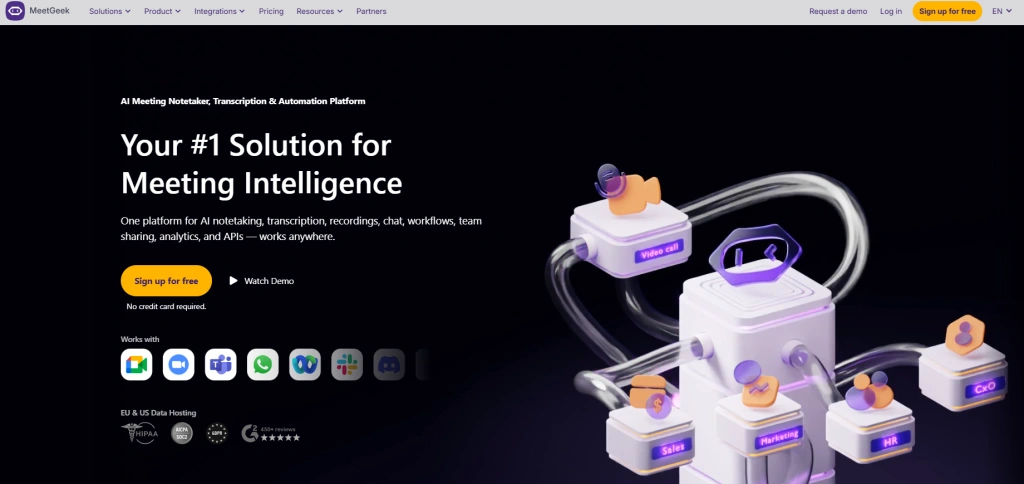
Key features include:
- Conversation analytics covering talk time, engagement, and sentiment
- Mobile app for in-person meetings and offline recording
- 60+ language support for international teams
- Coaching insights that identify patterns across multiple team calls
Pricing:
- Free: $0, 3 hours transcription/month, 3 months transcript storage, 1 month audio storage, basic AI summaries, and meeting tools
- Pro: $9.99–$15.99/user/month (annual pricing varies), 20 hours transcription/month, 1-year transcript storage, integrations, and automation features
- Business: $17–$28/user/month (annual pricing varies), unlimited transcription, team workspaces, advanced analytics, CRM integrations
- Enterprise: Custom pricing, includes SSO, advanced security, admin controls, and enterprise-scale deployment features
The conversation analytics that differentiate MeetGeek from simpler tools are available on the Business plan. For individual users who only need clean notes, that is more than necessary. For managers wanting performance data across a team, it covers ground that documentation tools cannot.
7. Granola
Granola is the note taker that requires the least setup per meeting. It sits in the Mac menu bar, detects calendar meetings automatically, and records from system audio without a bot or browser tab. When the call ends, clean notes appear without any manual action.
The Recipes feature applies different AI templates depending on the meeting type. A sales discovery call gets a different structure from a project kickoff or a client check-in. This makes the output more immediately usable than generic summaries.
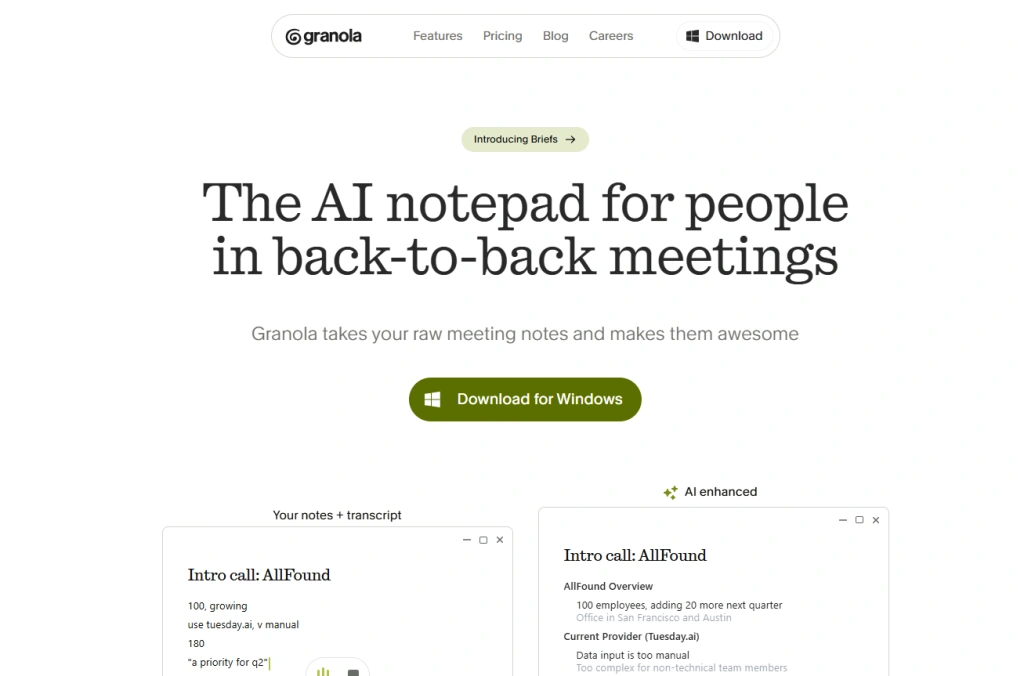
Key features include:
- Bot-free local recording with nothing appearing in the attendee list
- Recipes AI templates that adapt to different meeting types
- iOS app for on-the-go mobile capture added in late 2025
- No audio storage since recordings are processed locally and not retained
Pricing:
- Free: Limited number of meetings per month, basic AI notes, local processing, no advanced collaboration features
- Business: $14/user/month (annual billing), unlimited meetings, AI-generated notes with “Recipes” templates, macOS app features
- Enterprise: $35/user/month (annual billing), includes admin controls, team management, and advanced security features
- Note: Granola’s pricing and packaging have changed more frequently than other tools, and some features (like mobile support or speaker labeling) may vary by plan and updates.
The main limitation is the absence of speaker identification. The transcript captures everything said but does not attribute lines to specific speakers, which requires additional effort on multi-person calls.
8. Notta
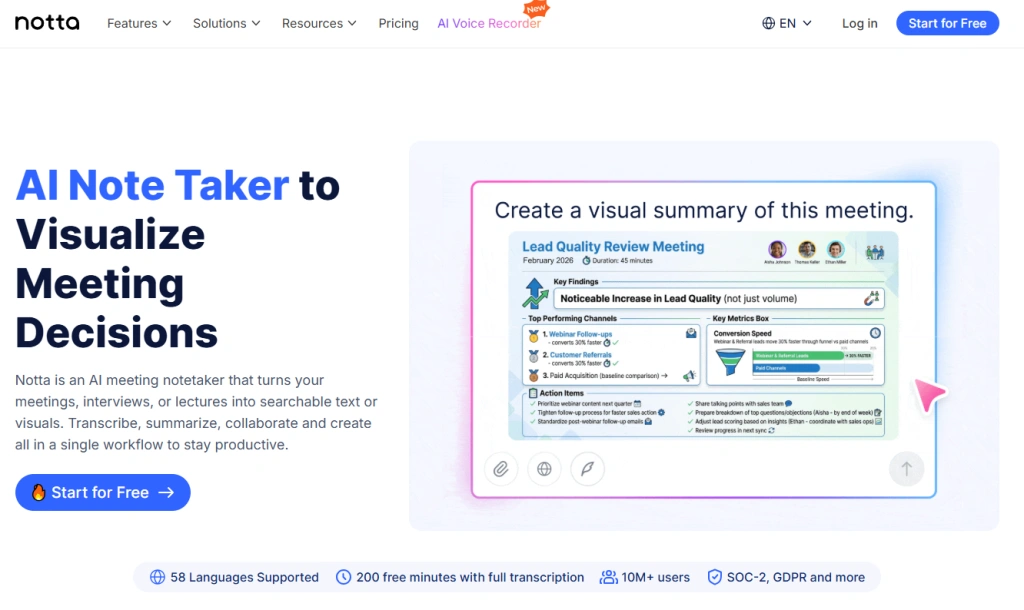
Notta is built around multilingual transcription at a level that most competitors do not match. It supports 58 languages for transcription and real-time translation across 42 language pairs, including bilingual transcription for meetings where participants switch between languages mid-conversation.
For international teams or professionals facilitating meetings between clients who do not share a common language, this capability is genuinely differentiated. Notta is SOC 2 Type II and ISO 27001 certified and does not train AI models on user meeting data.
Key features include:
- 58 language support with the broadest multilingual coverage in this list
- Real-time translation across 42 language pairs during live calls
- Bilingual transcription for mixed-language meetings
- SOC 2 Type II and ISO 27001 certification for enterprise security requirements
Pricing:
- Free: 120 transcription minutes/month, 10 AI summaries/month, basic meeting transcription features
- Pro: $8–$10/month (annual billing), 1,800 minutes/month, 100 AI summaries/month, export + translation features
- Business: $15/month (annual billing), unlimited transcription, 200 AI summaries/month, CRM + Zapier integrations, team features
- Enterprise: Custom pricing, unlimited usage, advanced security controls (SSO, audit logs, admin management)
The free plan offers only 120 minutes per month, which is limited for active professional use. Accuracy drops with background noise or heavy crosstalk. Some billing complaints appear in public reviews.
How to Choose the Right AI Note Taker?
The right tool depends on the specific friction in your current meeting workflow.
- If your meetings span multiple languages, HappyScribe combines AI notes, transcription, translation, and strong privacy controls in a single platform, making it easier to document conversations across international teams.
- If client calls require discretion and professionalism, Bluedot removes the bot entirely, keeps transcripts private, and supports 100+ languages without adding any visible footprint to the meeting.
- If your team needs meeting notes in a CRM automatically, Fireflies AI handles the post-call CRM update workflow better than any other tool in this list, with 200+ native integrations.
- If budget is the deciding factor, Fathom’s unlimited free plan is the most honest no-cost offer in the category, with no recording caps and no expiry.
- If your team shares meeting content asynchronously: tl;dv makes it faster to get a specific meeting moment to someone who was not on the call than any alternative.
- If you manage a team and want performance data, MeetGeek provides conversation analytics and coaching insights that go beyond documentation.
- If minimal setup is the priority, Granola detects meetings automatically and records without any configuration, producing useful notes with zero per-meeting effort.
- If your calls involve multiple languages, Notta’s 58-language support and real-time translation cover multilingual workflows that most tools cannot handle.
Conclusive Thoughts
AI note taker apps can reduce the time spent on meeting documentation while making it easier to review discussions, decisions, and follow-up tasks.
The best option depends on your priorities, whether that is privacy, CRM integration, multilingual support, analytics, or cost. By choosing a tool that fits your workflow, you can improve meeting productivity, maintain better records, and ensure important information is not lost after conversations end.
Frequently Asked Questions (FAQs)
What is an AI note-taker app?
An AI note taker app records meetings and automatically creates transcripts and summaries. It helps users avoid manual note-taking during calls.
Do AI note-taker apps work with Zoom and Google Meet?
Yes, most AI note-taker apps support platforms like Zoom, Google Meet, and Microsoft Teams. They usually join meetings or record audio through integrations.
Are AI note-taker apps accurate?
Accuracy depends on the tool and audio quality. Most modern apps provide reliable transcription, but background noise and multiple speakers can reduce accuracy.
Can AI note-taker apps identify action items?
Yes, many tools can automatically detect tasks, decisions, and follow-ups from conversations. These are usually included in the meeting summary.
Are AI note-taker apps free to use?
Some tools offer free plans with limited features or usage. Paid plans are required for advanced features like integrations, longer recordings, and team collaboration.