Tired of Searching for Netflix on Your TV? Your iPhone Can Help
TVRem turns your iPhone into a Smart TV remote with shortcuts to Netflix, YouTube, and Prime Video, plus keyboard, touchpad, and playback controls.

Switching between streaming apps on a Smart TV can take more steps than necessary, especially when the home screen is crowded with recommendations, menus, and settings.
An iPhone TV remote app can simplify the process by providing quick access to streaming services alongside everyday TV controls. Instead of relying entirely on a physical remote, users can manage several functions from their phone.
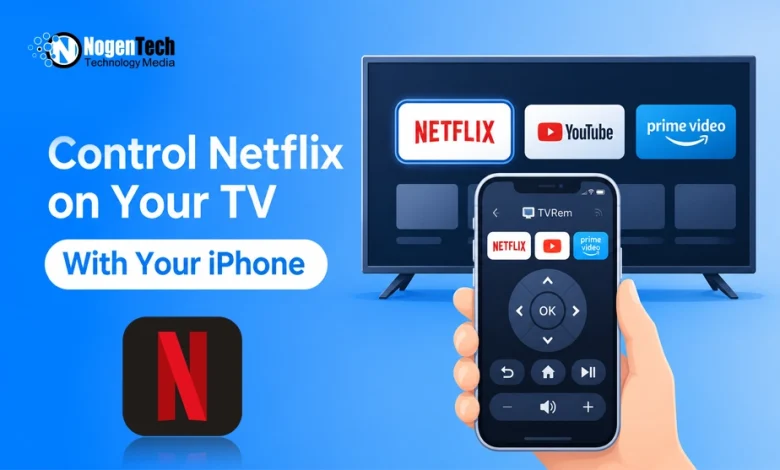
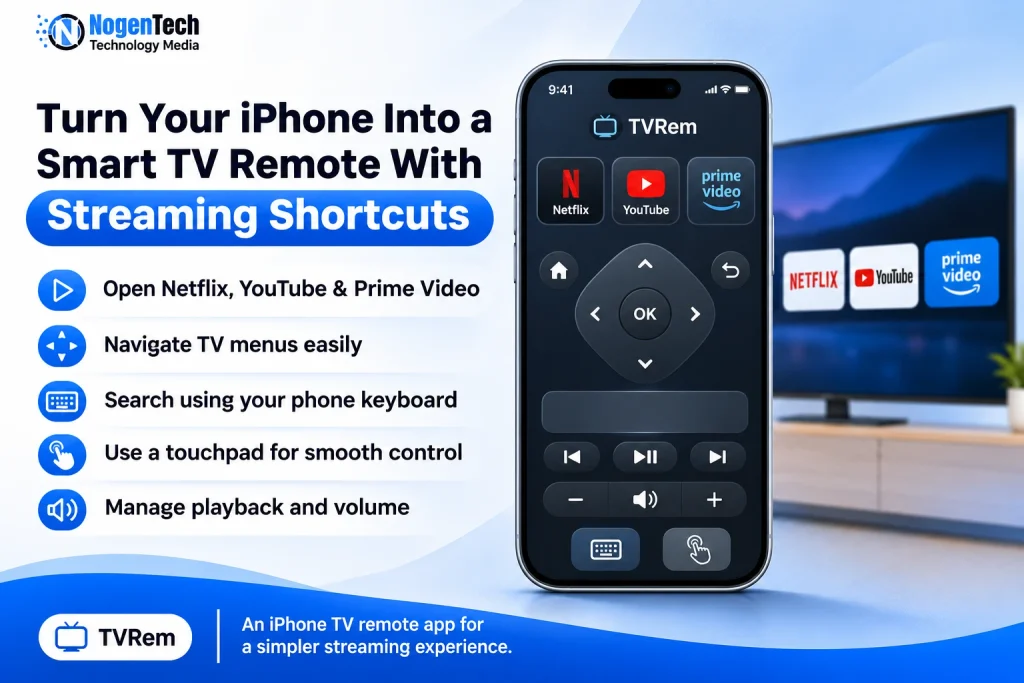
TVRem offers shortcuts to popular streaming apps, including Netflix, YouTube, and Prime Video, along with navigation, playback, and search controls.
Open Streaming Apps Directly From Your iPhone
Smart TV interfaces don’t always put frequently used apps within easy reach. Depending on the layout, users may need to scroll through several categories before finding the service they want. Samsung TV users can also add apps to their Smart TV to keep preferred services available.
TVRem takes a different approach by placing streaming shortcuts inside its iPhone and iPad remote interface. Rather than searching through the television’s menus, users can select a supported streaming service from their phone.
This arrangement is particularly helpful when several people share a television but have different viewing preferences.
Control Your Smart TV From One App
Streaming services are only one part of using a television. Searching for titles, adjusting the sound, and navigating menus still require regular remote functions. TVRem combines these capabilities in its interface.
Key Features:
- Streaming shortcuts: Access Netflix, YouTube, and Prime Video.
- TV navigation: Move through menus and select content.
- Phone keyboard: Type search queries using the iPhone keyboard.
- Touchpad: Browse menus using touch-based navigation.
- Playback and volume: Control video playback and sound levels.
The keyboard is particularly useful for entering longer movie titles or search queries, which can be tedious with directional buttons on a traditional remote.
Switch Between Streaming Services More Easily
Sometimes finding something to watch means checking more than one streaming platform. Fire TV Stick users can also explore the best apps for Firestick to discover additional streaming options. With streaming shortcuts available in the remote app, users can move between supported services without repeatedly navigating the TV’s home screen.
The same interface also provides the controls needed to browse and select content after opening an app. The convenience is most noticeable when switching services or searching for specific shows and videos.
Is TVRem Worth Using? Final Thoughts
TVRem is worth considering for iPhone and iPad users who prefer phone-based controls over a traditional TV remote. Its combination of streaming shortcuts, keyboard input, and touchpad navigation addresses several common inconveniences of Smart TV interfaces.
The main consideration is whether the app supports the user’s television and the functions they need. Checking compatibility before relying on it as a replacement for a physical remote is worthwhile. For users looking for these features, the TVRem iPhone remote app brings them together in one place.