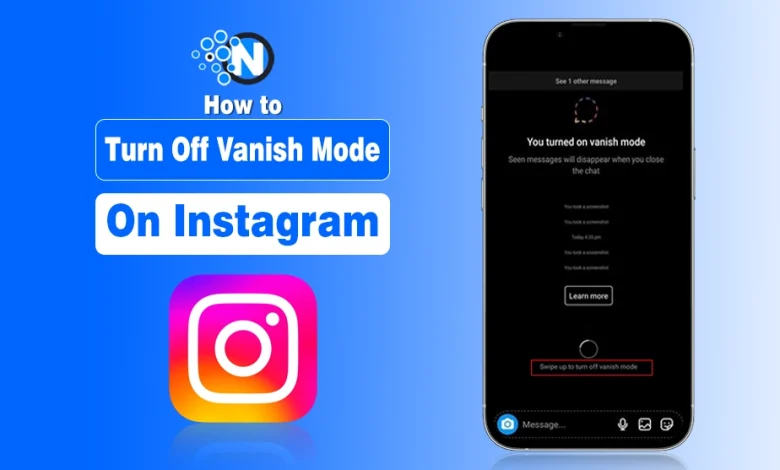
Vanish Mode on Instagram makes messages disappear after they’re seen. I once accidentally turned it on while checking DMs, and suddenly the chat went dark—messages vanished like Snapchat, with no warning.
At first, it felt like a privacy or account issue, especially if you’re careful about Instagram’s features. I’ve faced similar confusion when managing settings to hide my followers on Instagram for a secure, privacy-focused browsing experience.
The good news: Vanish Mode can be turned off in seconds with a simple swipe. In this guide, I’ll show you how to turn off Vanish Mode on Instagram, step by step, so your DMs stay visible and normal.
How to Turn Off Vanish Mode on Instagram
There are two straightforward methods to switch Vanish Mode off:
Method 1: Swipe Down in the Chat
- Open the chat where Vanish Mode is active.
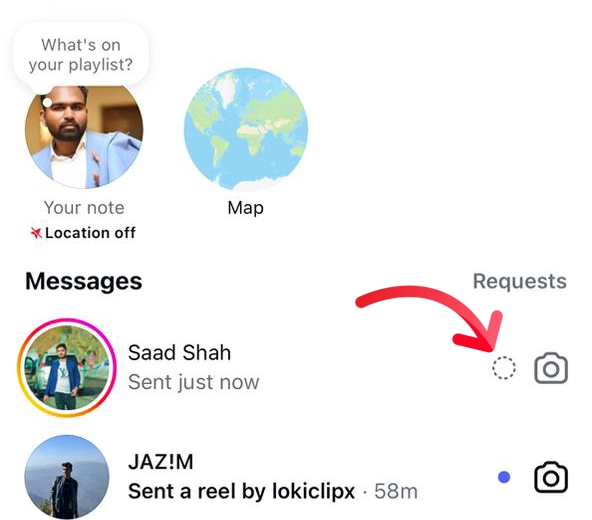
- Swipe up from the bottom of the screen.
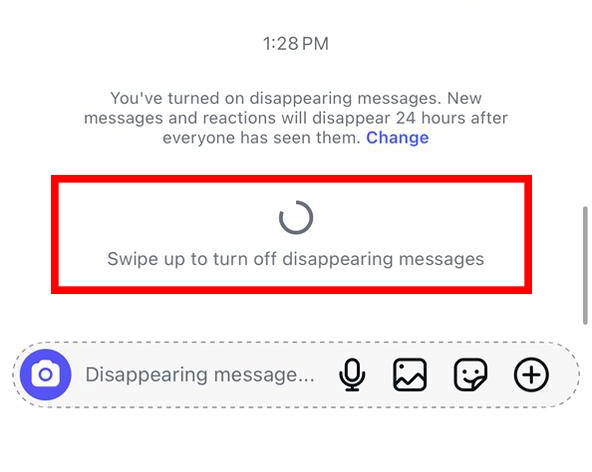
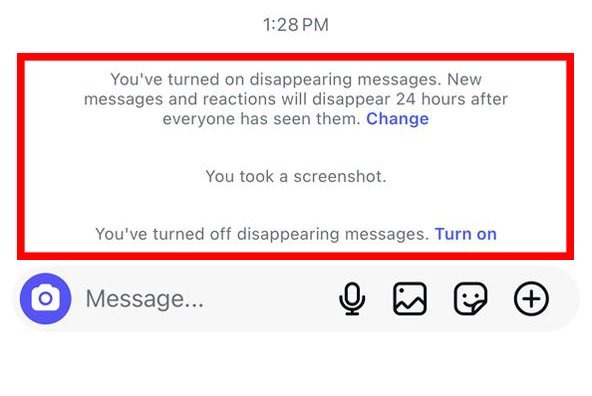
- Your chat will revert to normal, and a confirmation message shows that Vanish Mode is off.
Method 2: Use the Chat Settings
- Open the chat where Vanish Mode is enabled.
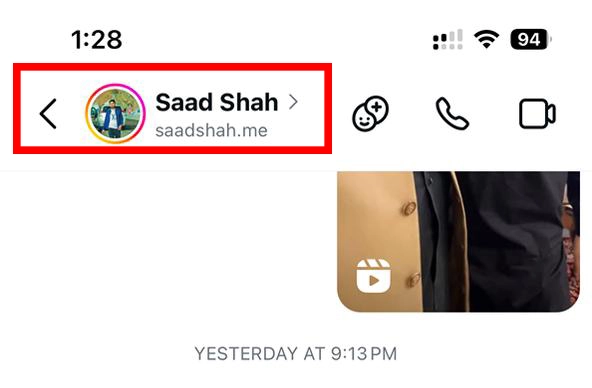
- Tap the username at the top of the chat.
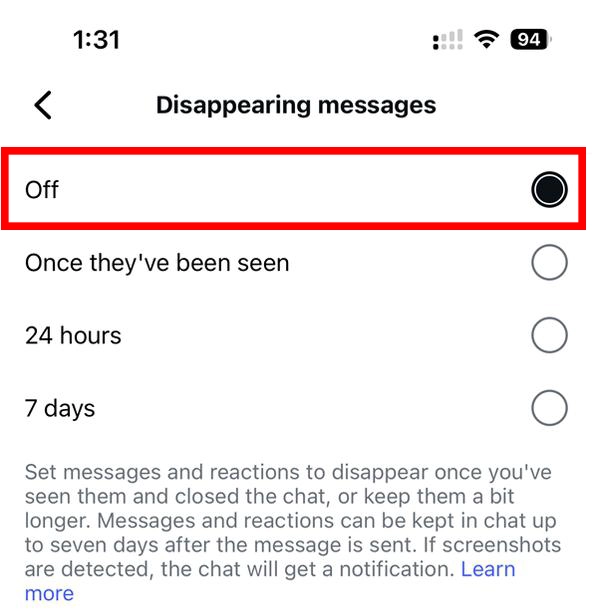
- Select Disappearing Messages.

- Choose Off to stop Vanish Mode.
Either method resets the chat to normal, so new messages stay visible. I personally prefer the swipe method for quick fixes, but the Instagram settings route gives you more control if you’re adjusting other chat options.
Pro Tip: While managing Vanish Mode, it’s a good moment for you to check out how to turn off active status on Instagram in case you require a privacy-focused experience.
What Happens After You Turn Off Vanish Mode
The first time my Vanish Mode got out, I was a bit surprised at what disappeared—and what stayed. Here’s what you should know:
- All content that was sent while Vanish Mode was active (texts, photos, videos) is permanently deleted. You won’t be able to view it again.
- New messages will behave normally. Any messages sent after getting rid of Vanish Mode stay visible, just like a regular chat.
- Instagram shows a small note indicating that Vanish Mode has been removed, visible to both people in the conversation.
- Older messages remain. You can scroll up to view messages sent before Vanish Mode was turned on.
Personally, I found it helpful to also check out for fixing Instagram blacked out messages if the chat looked empty or glitchy after taking off Vanish Mode. It saved me a lot of confusion!
Back to Normal: Keeping Your Instagram DMs in Control
Now that you know how to remove Vanish Mode on ig, your DMs are back to normal—no more disappearing messages, no more surprises.
Personally, I found it reassuring to regain control and keep my chats visible, while still enjoying privacy when I want it.
While you’re at it, you can also explore how to pin a comment on Instagram to boost engagement or check out Gramsnap for smarter social media management. Just a few swipes or taps, and everything’s back in your hands.
People Also Ask
Can you disable vanish mode on Instagram?
Open the desired chat and swipe up the screen to turn off the vanish mode on Instagram.
Why can’t I turn on vanish mode on Instagram?
Vanish mode is only available for business or personal chats. You cannot enjoy this feature for group chats as well as for broadcast channels.
Is Vanish mode permanent?
No. It only offers a space for private conversation. You can always turn it off by swiping up the screen.
Who controls vanish mode?
Only you and the person who is present in the one-to-one chat can control the turning on or off of vanish mode.