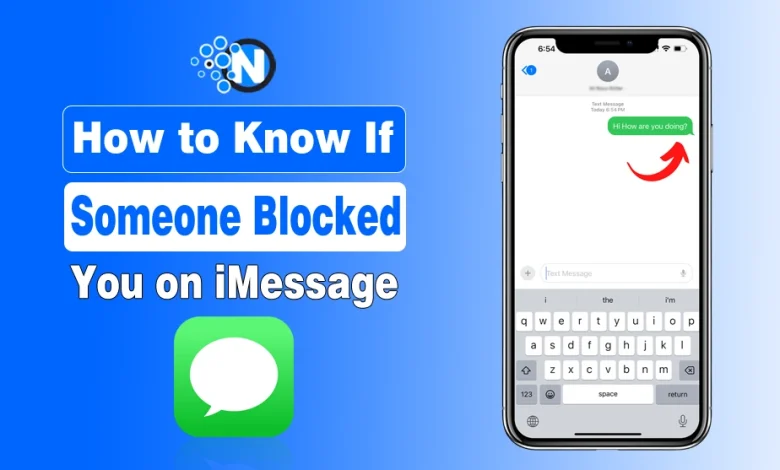
You sent an iMessage, but the “Delivered” status didn’t appear. Maybe your calls are going straight to voicemail too. So, did that person block you, or is something else going on?
iMessage doesn’t directly tell you when someone blocks your number, and one sign alone isn’t enough to confirm it. This is a common situation many iPhone users may face at some point.
As an iPhone user, I wanted to see how these signs actually work, so I tested that myself. Moving ahead, I’ll share what I found along with a complete guide on how you can check yourself to see if someone blocked you on iMessage.
But before starting any discussion, the easiest way to judge it is:
| Sign | How Seriously to Take It |
|---|---|
| No reply | Very weak |
| No Read receipt | Very weak |
| Green bubble | Weak |
| One call to voicemail | Weak |
| No Delivered status | Worth checking |
| Several signs persist together | More suspicious |
The important thing is not to let one sign make the decision for you.
Can You Tell If Someone Blocked You on iMessage?
You can spot some signs, but there’s no 100% reliable way to confirm it from your iPhone. Apple doesn’t notify you when another person blocks your number.
That’s also why things like a missing Delivered status, green messages, or calls going to voicemail shouldn’t be judged separately. Similar behavior can happen because of connectivity, iMessage settings, or the recipient’s device.
Here’s the quickest way to read the signs:
| What You Notice | What It Means |
|---|---|
| Delivered appears | The message received a delivery confirmation |
| No Delivered | Possible clue, not proof |
| Not Delivered | Sending/delivery problem |
| Message turns green | Not proof of blocking |
| No Read receipt | Read receipts may be off |
| Calls go to voicemail | Possible clue, not confirmation |
Now, let’s check what happened in my test.
Signs Someone May Have Blocked You on iMessage
1. Check the “Delivered” Status
Open the conversation and look below your latest iMessage. During my test, I sent a simple “Hey!” and saw Delivered underneath it.
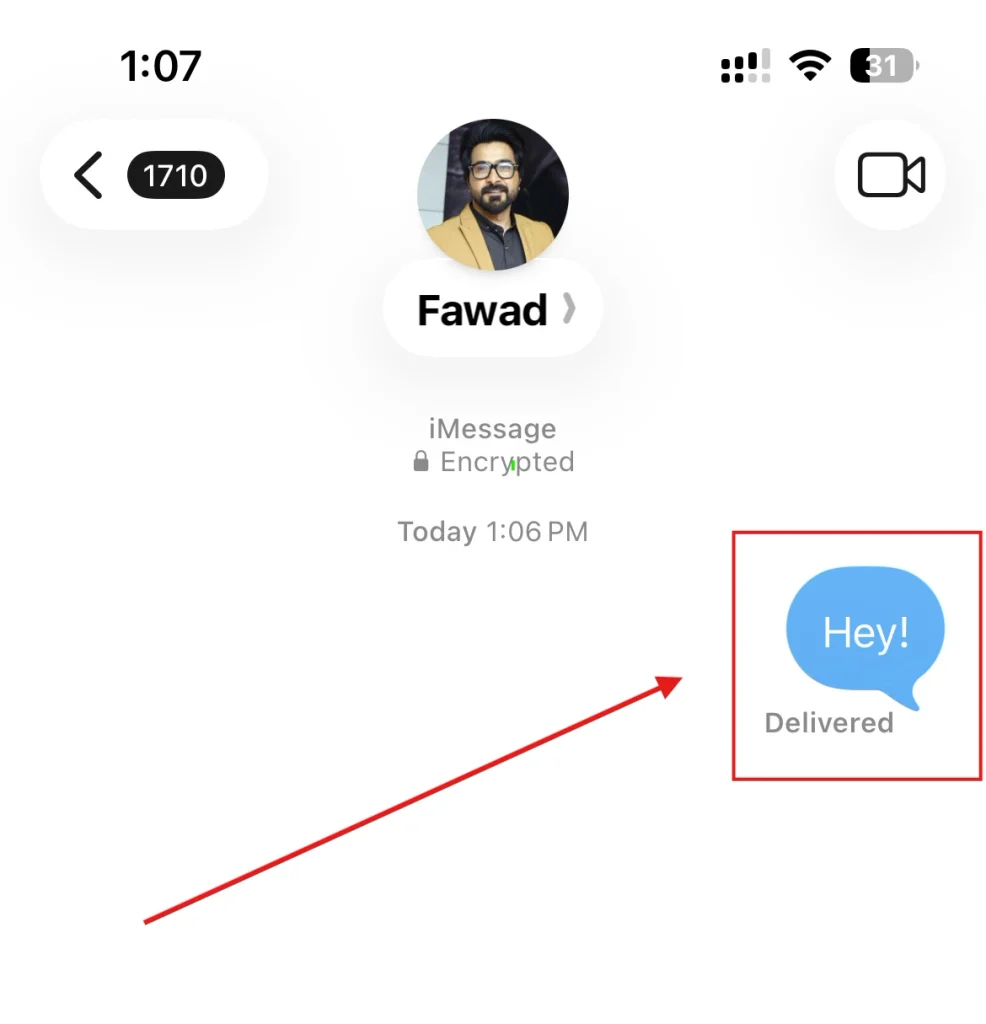
If your message shows Delivered, you have a delivery confirmation for that message. If Delivered doesn’t appear, blocking is one possibility, but the recipient’s phone could also be offline or unable to receive iMessages at that moment.
And if you’re wondering “Will iMessage say Delivered if blocked?”, don’t treat the sender-side label as a foolproof block detector. Apple doesn’t provide a special status telling you that another person blocked you.
In an Apple Support Community discussion, users specifically questioned whether Delivered and Read statuses could reveal a block, with the practical conclusion that these indicators can have other explanations.
2. Don’t Confuse “Not Delivered” With Being Blocked
Seeing Not Delivered with a red exclamation mark means your message failed to send properly. It does not mean: “This person blocked you.”
This privacy-first approach is similar to other iPhone privacy settings designed to give users more control over who can contact or access them.
Check your internet connection and try messaging another iPhone user. If other iMessages also fail, the problem is more likely on your side. If everything else works but messages to one person consistently behave differently, then continue checking the other signs.
3. Check If Your Messages Turned Green
If a conversation suddenly changes from blue to green, don’t immediately assume you’re blocked. Blue bubbles use iMessage. Green bubbles can use RCS, SMS, or MMS instead.
As Laptop Mag explains, a change in bubble color can look suspicious, but it shouldn’t be considered proof on its own. This can happen if the person:
- Switched to Android;
- Turned off iMessage, or
- Temporarily can’t use iMessage.
So, green messages on iPhone do not confirm that someone blocked you.
4. Try Calling Them
Next, I tested a normal phone call.
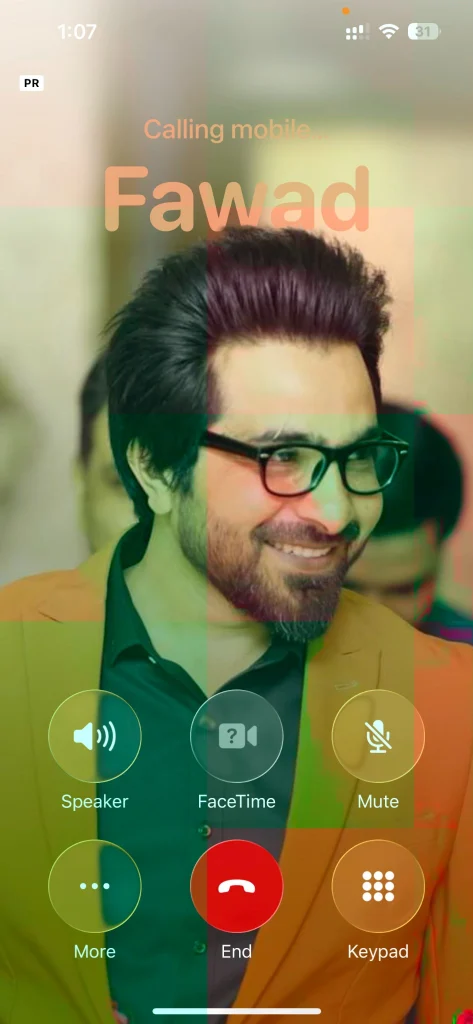
If calls repeatedly go straight to voicemail while your iMessages are also behaving differently, it adds another clue. But don’t rely on rules like “one ring means blocked.” A phone being off, poor service, Focus features, or a declined call can produce similar behavior.
5. Check Read Receipts and Focus Status
If your message says Delivered but not Read, that doesn’t mean you’re blocked. The recipient may simply have disabled read receipts or not opened your message yet. Turning read receipts off also doesn’t mean older read timestamps have to disappear.
Similarly, seeing Notifications Silenced or a Focus indicator means the person may be using Focus mode, not that they blocked you. These are supporting details, not reliable blocking tests.
6. Look for a Pattern
This is where all the signs become useful.
- One message without Delivered? Too little evidence.
- One call going to voicemail? Still too little.
But if your messages suddenly stop getting delivery confirmation, calls repeatedly behave differently, and the change continues over time, blocking becomes a more reasonable possibility. Even then, Apple doesn’t give the sender an official confirmation.
How to Know If Someone Blocked You on iMessage Without Texting
Don’t want to send another awkward message just to test it? You can try a regular call or FaceTime, but neither provides guaranteed confirmation. This exact problem comes up in user discussions on Quora, where people claim that if you also get no response there, this means you are blocked.
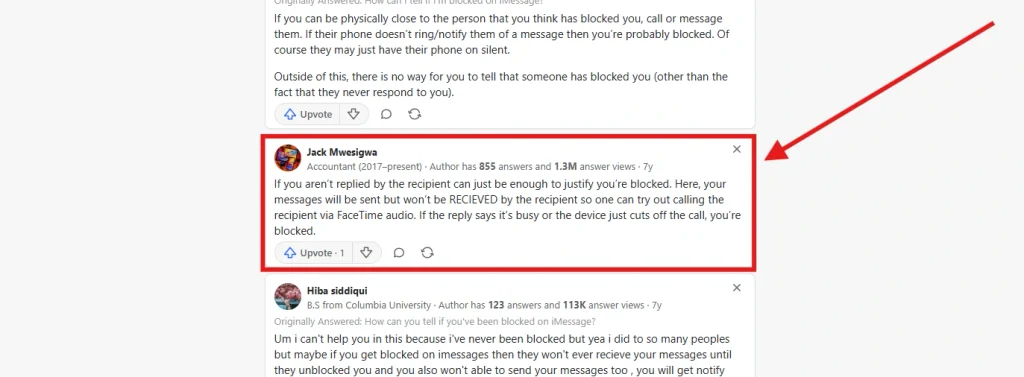
Interestingly, there’s also no iPhone setting that shows a list of people who have blocked you. And people want a discreet way to check without triggering another message, but the available methods are still indirect.
So, you can look for clues without texting someone, but you can’t reliably confirm the block that way.
What Happens When Someone Blocks You on iMessage?
According to Apple Support, when a contact is blocked:
- Messages involving the blocked contact aren’t delivered
- The blocked person isn’t notified that they’ve been blocked; They
- they can still leave a voicemail, but the recipient isn’t notified about it.
That explains why there’s no obvious “You’ve been blocked” message on your side.
FAQs
Will iMessage Say Delivered If Blocked?
Apple says messages involving blocked contacts aren’t delivered to the recipient, but the sender isn’t given a special blocking notification. Because sender-side status behavior is often interpreted inconsistently, Delivered should not be used as a standalone block test.
Can You See Who Blocked You on iPhone?
No. You can see contacts you have blocked, but iPhone doesn’t show a list of people who blocked you.
Can a Blocked Number Leave a Voicemail?
Yes. Apple says blocked callers can leave a voicemail, but the recipient doesn’t receive a notification for it.
Why is iMessage not working?
You should check your network service if you face any issues with iMessage not working.