How to Set Up and Optimize Google Business Profile (GBP)? Complete 2026 Guide

Google Business Profile (formerly Google My Business) is a free tool that helps your business appear in Google Search, Google Maps, and local results. It allows you to showcase your business information, attract local customers, and generate calls, visits, and sales.
In 2026, optimizing your Google Business Profile is no longer optional. Nearly half of all Google searches have local intent, and most users choose a business directly from the map results without visiting a website.
- Google Business Profile is the most important local SEO asset in 2026.
- It directly impacts visibility in Google Maps and local search results.
- Optimization requires consistent updates, reviews, and engagement.
- A complete profile can significantly increase traffic, calls, and sales.
A fully optimized profile can increase visibility, trust, and conversions, making it one of the most powerful tools for local SEO and AI search visibility.
In this blog post, I will explain how to set up a Google Business Profile and optimize it effectively!
What Is Google Business Profile?
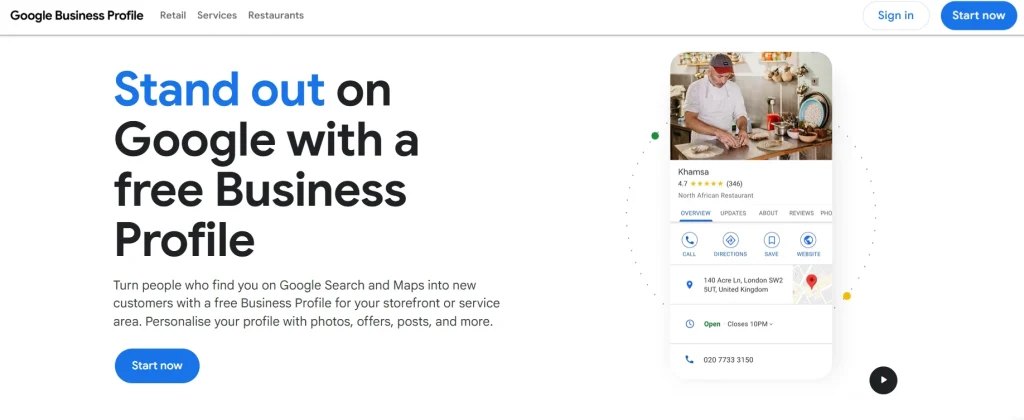
Google Business Profile (GBP) is a free tool from Google that lets businesses manage how they appear on Google Search and Google Maps.
It helps you showcase your business information, like:
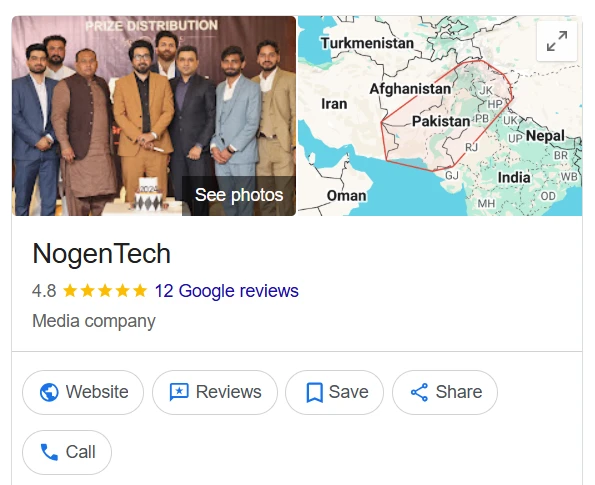
- Name, address, and phone number (NAP)
- Reviews and ratings
- Photos and services
- Opening hours and updates
It plays a major role in local pack rankings and overall local SEO, which drives a large portion of clicks in local searches.
Why Google Business Profile Matters Most in 2026
Your GBP is often the first interaction customers have with your business, even before your business website. A properly optimized Google business profile:
- Drives visibility in Google Maps and local search
- Influences buying decisions instantly
- Powers AI-generated local results and overviews
If your profile isn’t optimized, you’re invisible to local customers.
How to Set Up Google Business Profile (Step-by-Step)
- Create or Claim Your Profile
Go to Google Business Profile Manager and search for your business.
- If it exists → claim it
- If not → create a new listing
This is the foundation; without claiming your profile, nothing else works.
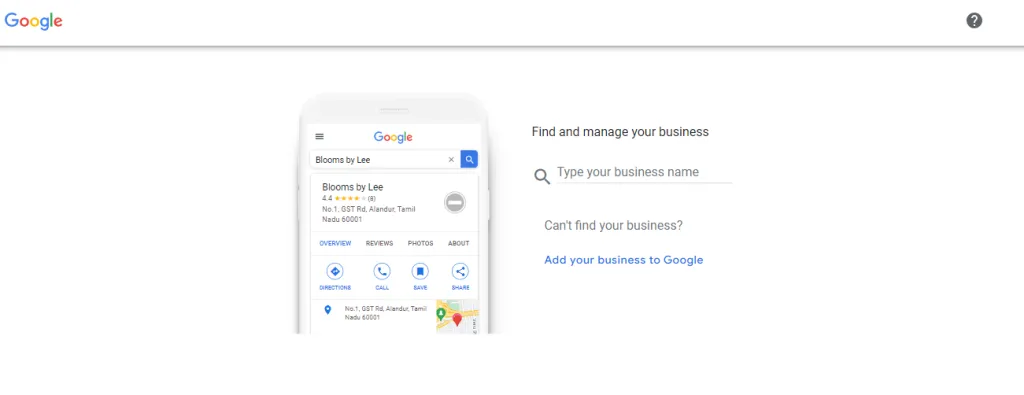
- Add Your Business Information
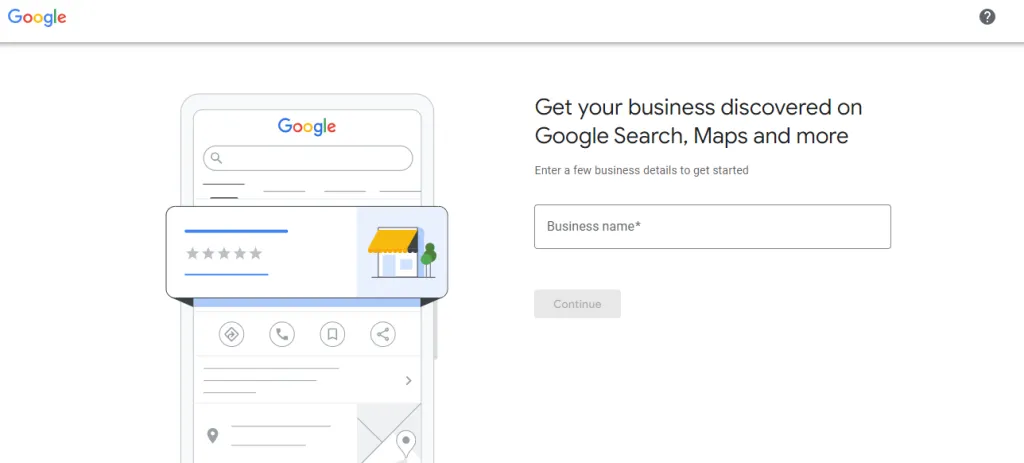
After signing in to your Google Business profile, it will request your business name. Enter your business name and click Continue.
You will need to enter the right type of business from the following:
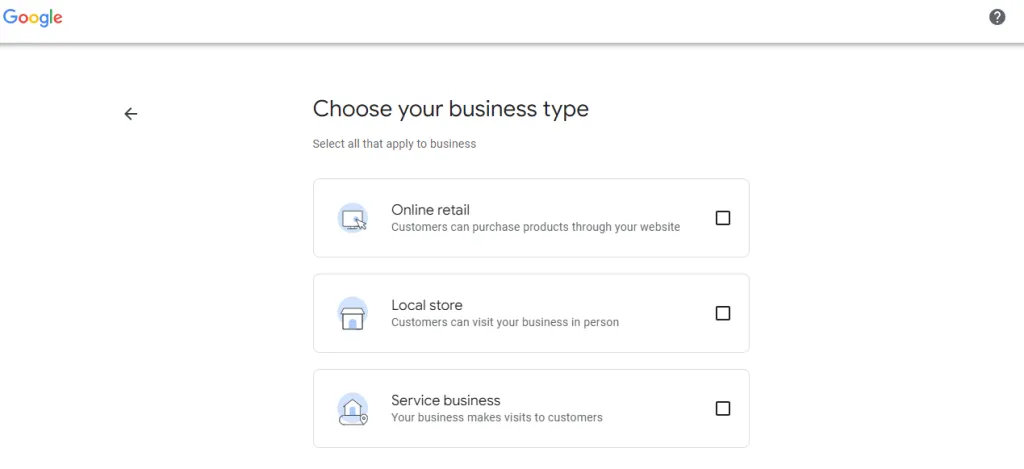
Further, you can then sign up for a Google Business Profile if you have a physical location or if you give in-person service to your customers. You can select all options that suit your business best and click Next.
- Entering a Business Location
Google will request your website if you have an online business. If you have both online and offline businesses, you will be required to enter the country in which your company is registered.
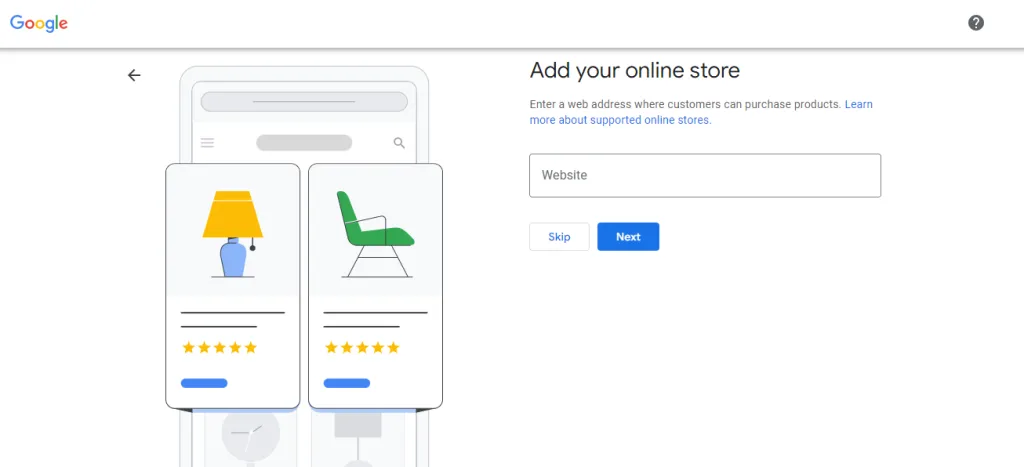
You can add the physical location of your business after that, which enables you to add further details related to your business later on. It can also ask to mark a location on the map for increased accuracy.
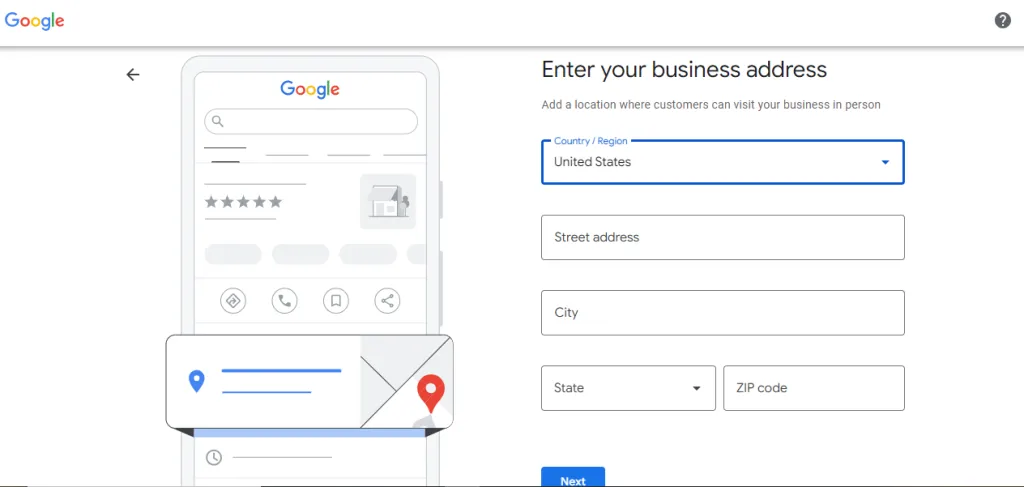
After that, you can list your offered services and then click Next. If you are unable to enter a physical address, then Google will require you to enter a specific region in which your company is located, and you can choose this from a drop-down menu and click Next.
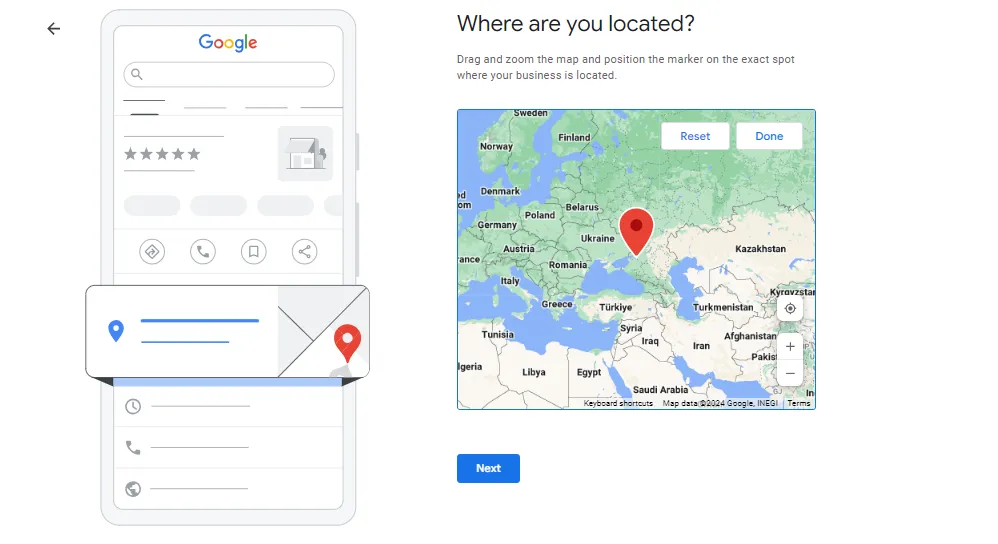
- Adding More Information
You can further add a website, phone number, or both, and set these to public in your profile. You need to add your email address to verify your business profile.
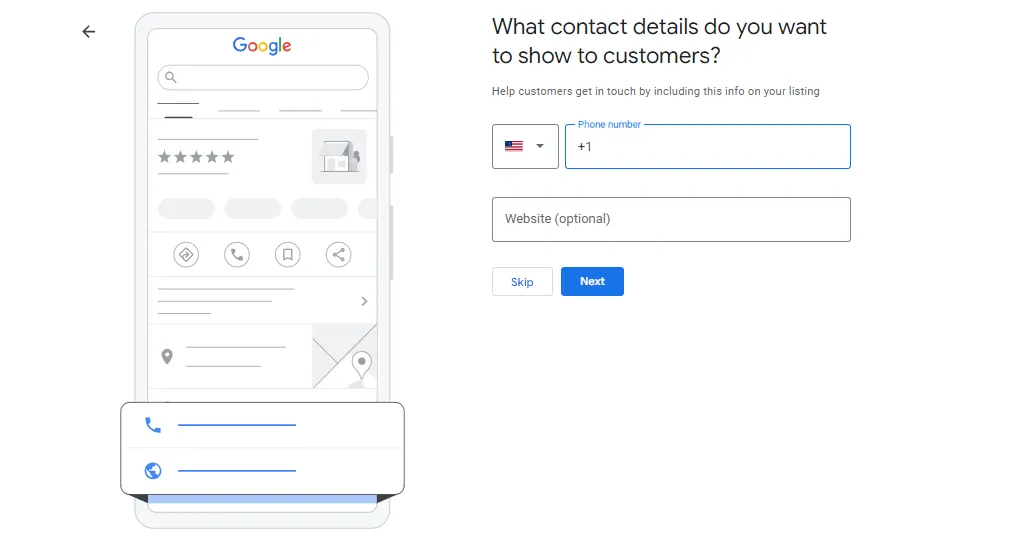
In the verification process, you receive a verification code via email, then enter the code and click Verify. You can also add more details like business hours, descriptions, and photos of your business after that.
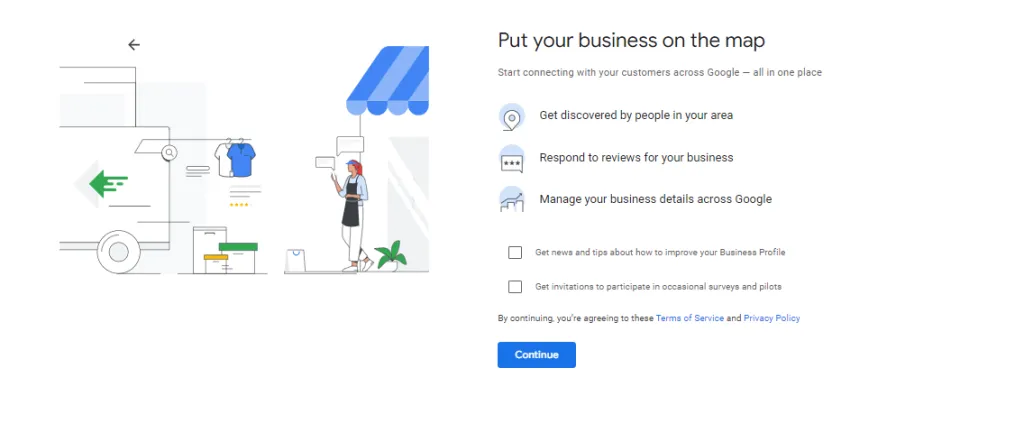
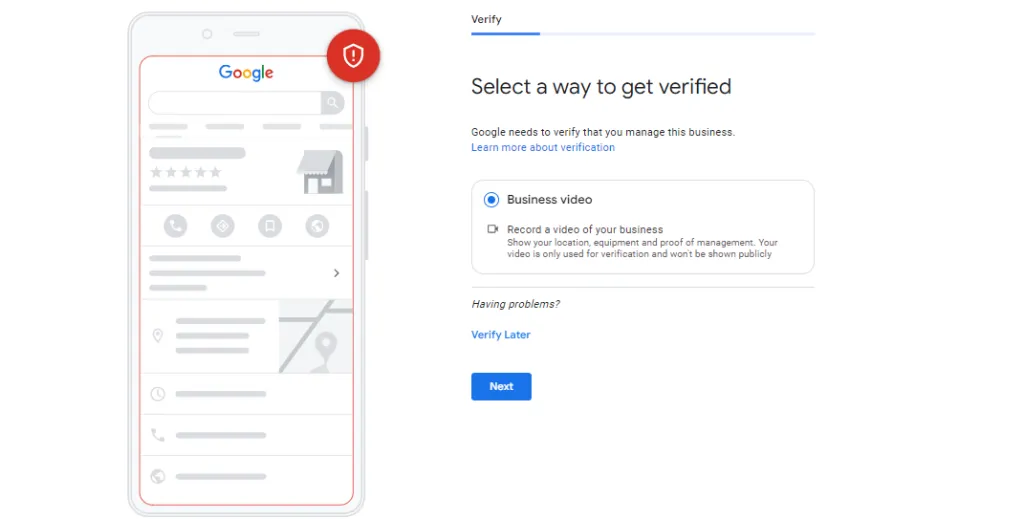
After doing this, you will be required to verify your business location either via a video call or by choosing any other verification method.
How to Optimize Google Business Profile?
1. Complete Every Section of Your GBP
A fully completed profile is more likely to attract customers and rank higher.
Make sure you fill:
- Business description
- Services/products
- Attributes (e.g., “wheelchair accessible”)
- Open hours
Avoid adding unnecessary keywords to your business name – this goes against Google’s policies.
2. Add a Local Phone Number
A local business number boosts credibility. If you use call tracking, list it as your primary number, but include your local number as a secondary contact.
3. Write a Clear Business Description (Use keywords naturally)
Create a detailed yet concise business description that highlights your services, values, and offerings using local and long-tail keywords naturally.
4. Add High-Quality Photos and Videos
Visuals attract customers! Upload multiple high-quality images showcasing your:
- Store exterior & interior
- Products or services
- Staff members & behind-the-scenes shots
5. Add a Promotional Video
Consider uploading a short business introduction video. Ensure it is:
- Under 30 seconds
- High quality (less than 100MB)
6. Keep Business Hours Up-to-Date
Always update your operating hours – especially during holidays or special events – to avoid misleading customers.
7. Post Regular Updates
Google rewards active profiles.
- Share offers, updates, or news
- Post weekly if possible
- Use images and call-to-actions
8. Enable Messaging and Q&A
Engagement signals matter in 2026.
- Add FAQs proactively
- Turn on messaging
- Answer customer questions
9. Track Performance with Insights
Use GBP Insights to monitor:
- Search queries
- Calls and clicks
- Customer actions
This helps refine your GBP optimization strategy over time.
What are the Common Google Business Profile Mistakes?
Many businesses lose rankings due to simple mistakes:
- Incomplete profile
- Wrong business category
- Inconsistent NAP details
- No reviews or responses
- Outdated information
Most businesses set it up once and never update it, which limits growth.
Key Benefits of Google Business Profile
Here are the benefits of Google Business Profile that you need to know:
1. Get Noticed in Google Search and Map
Creating a Google Business Profile helps in increasing the visibility of your business location. If someone searches “departmental store near me, Google starts analyzing its business profile information, descriptions, and phone numbers of various stores near the user.
2. Easily Manage Your Business Information
You can easily manage your business profile in Google Business Profile, as it allows you to change your information at any time by giving you full control over your business details. Update:
- Business hours
- Contact details
- Services & product offerings
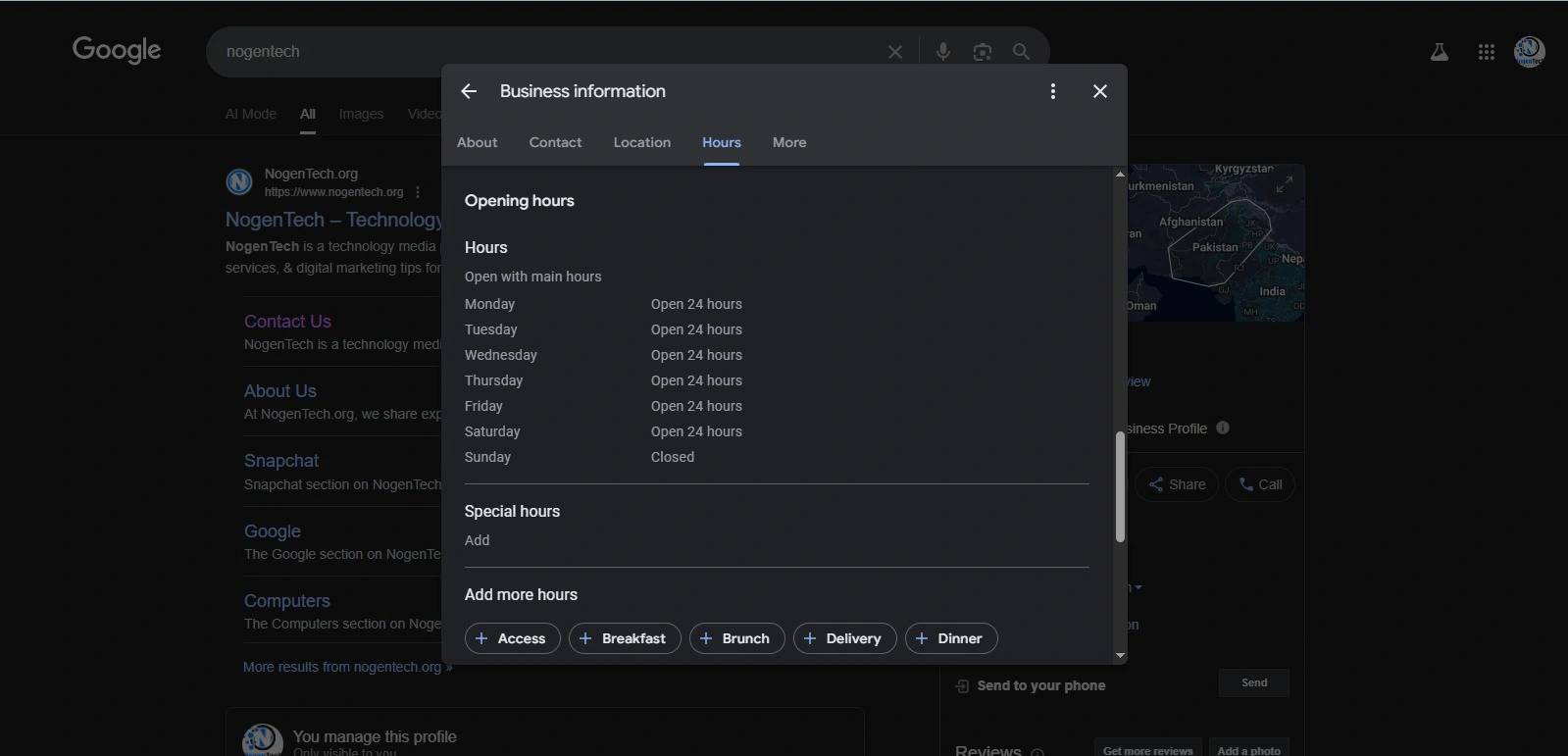
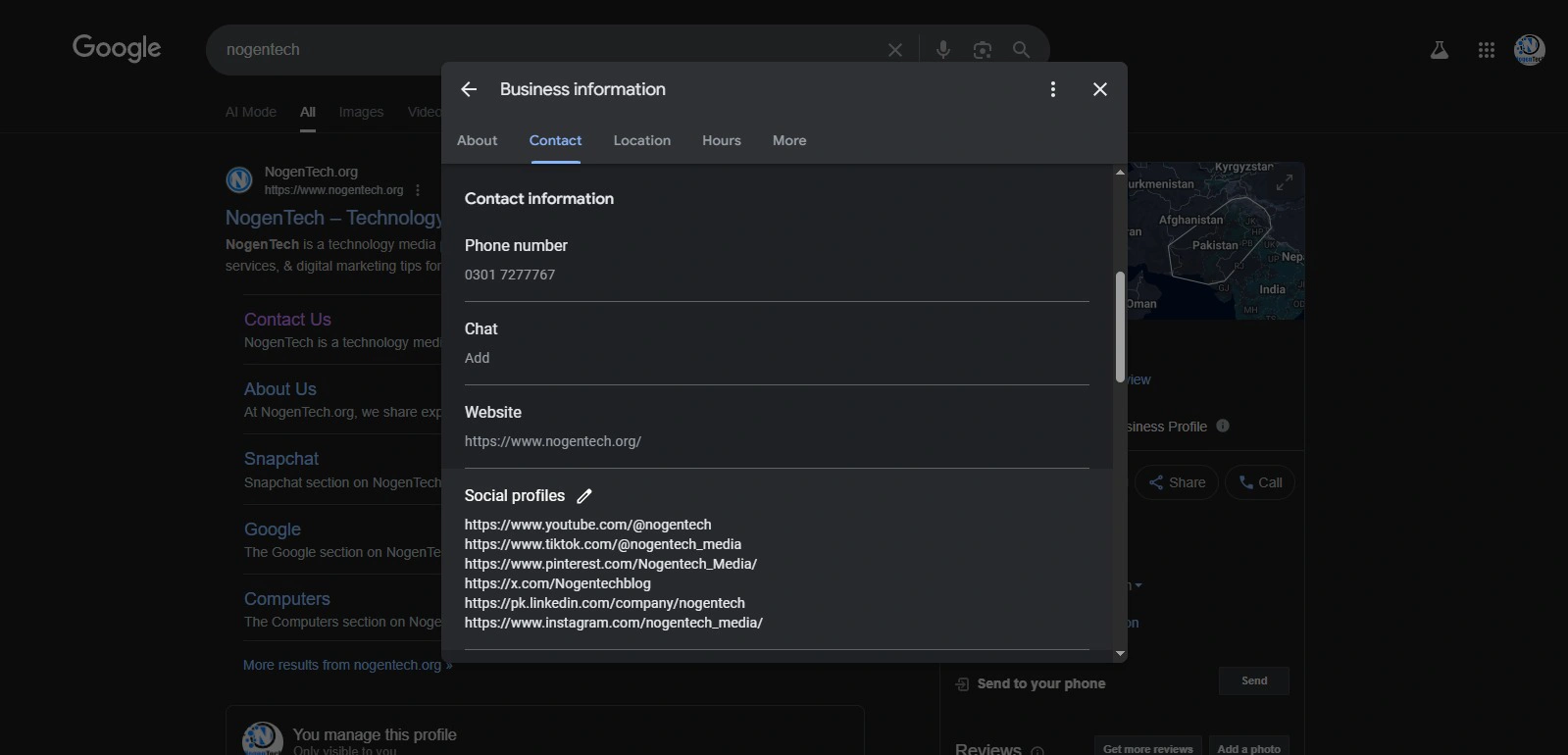
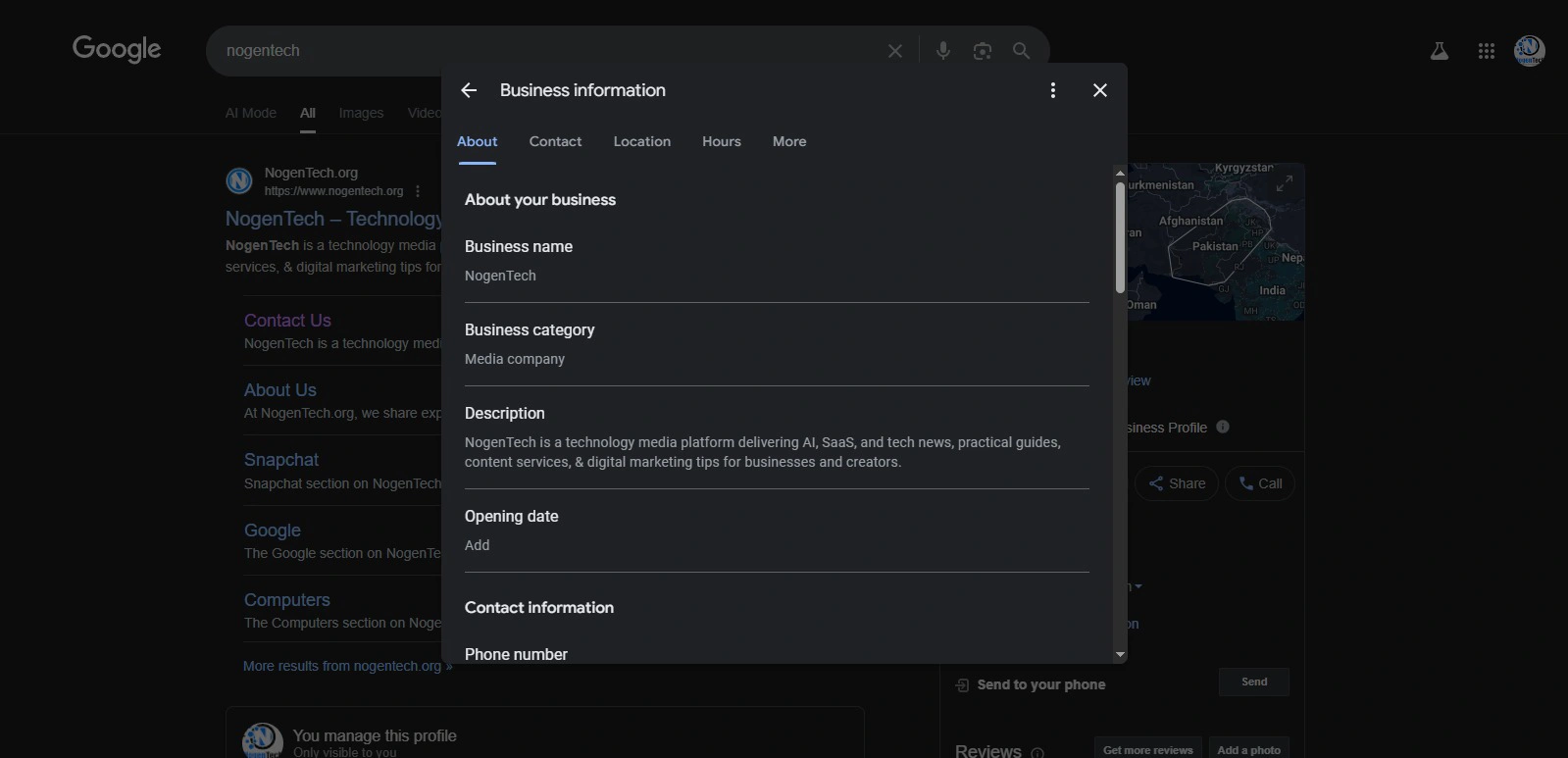
Besides providing information to Google Search and Google Maps, it allows you to create a bulleted list where you can share your key business information, like temporary business hour changes, and provide details of your services that are visible to anyone in the Google search engine and Google Maps.
3. Build Trust
Reviews play a major role in building trust among customers as these are the social proof of every brand’s sincerity. Many users click on the result that has good reviews, and even if users do not read the reviews, the 5-star rating is visible below every business result and encourages users to click on your result.
If you do not have solid 5-star reviews, then you do not need to worry, as your brand will be more authentic by having negative and positive reviews in your business profile at the same time.
Win Local Customers with Google Business Profile
A well-optimized Google Business Profile helps your business appear in Google Maps, attract nearby customers, and build instant trust with potential buyers. In 2026, when most users rely on local search before making decisions, this tool has become one of the most powerful drivers of traffic and sales for small and local businesses.
Furthermore, local service providers can supercharge these efforts by combining local SEO with modern tools, whether that’s setting up lead generation or leveraging AI for small beauty businesses to automate client bookings and inquiries.
If you consistently apply the strategies discussed in this guide, your Google Business Profile can become a steady source of leads, calls, and real-world customers, without relying heavily on paid advertising.
FAQs about Google Business Profile
Google Business Profile is used to help businesses appear in Google Search and Google Maps. It displays key details like location, contact information, reviews, and services to attract local customers.
Yes, Google Business Profile is completely free. Businesses can create, manage, and optimize their listing without any cost.
After verification, most profiles go live within a few hours to a few days, depending on the verification method used.
Your profile may not appear due to incomplete verification, missing information, low relevance, or poor optimization. It can also take time for new listings to rank.
You should update it regularly, at least once a week with posts, photos, or business updates to maintain visibility and engagement.
Yes, reviews are a major ranking factor. The quantity, quality, and frequency of reviews directly impact local search visibility.
Yes, but having a website significantly improves credibility, SEO strength, and conversion rates.