Tired of fixing broken tests every release? AI testing tools automate maintenance, bug detection, and test creation.
Software testing is becoming harder as applications grow more complex and release cycles accelerate. While traditional automation improves efficiency, maintaining test scripts and ensuring reliable coverage still demands significant effort.
Modern AI testing tools address these challenges by using:
- Machine Learning (ML) to identify patterns and predict failures
- Natural Language Processing (NLP) to generate tests from plain English
- Intelligent Automation to adapt to application changes and reduce maintenance
In 2026, AI-powered testing has become a practical part of modern QA workflows. Teams use platforms like QA Wolf, Mabl, Applitools, and Katalon to automate testing across:
- Web applications
- Mobile apps
- APIs
- End-to-end (E2E) business workflows
- Visual user interfaces
Now moving onward, the guide explores the best AI testing tools in 2026 and helps you choose the right solution for your team.
AI Testing Tools Comparison Table
| Tool | Best For | Category |
|---|---|---|
| QA Wolf | Managed E2E coverage | Agentic / Managed |
| Mabl | Self-healing testing with ML-driven insights | Self-Healing |
| Applitools Eyes | Visual regression testing | Visual AI |
| TestMu AI KaneAI | Cross-browser testing and NLP-based test creation | Agentic / Cloud |
| Testim | Self-healing alternative to Selenium | Self-Healing |
| Tricentis Tosca | Enterprise SAP, Oracle, and business process testing | Enterprise Suite |
| Katalon | All-in-one web, mobile, API, and desktop testing | All-in-One |
| Functionize | Codeless enterprise test automation | Codeless AI |
| GitHub Copilot | Unit test generation inside the IDE | IDE Copilot |
| Keploy | Free API and microservices testing | Open Source |
What Are AI Testing Tools?
AI testing tools are software platforms that use machine learning (ML), natural language processing (NLP), and computer vision to automate software testing tasks such as test creation, execution, maintenance, and bug detection.
Unlike traditional automation frameworks that depend on fixed scripts, AI-powered platforms can:
- Generate test cases automatically
- Adapt to UI and application changes
- Identify defects and potential failures
- Reduce test maintenance
- Improve test coverage
As a result, teams can spend less time managing tests and more time building and releasing software. This shift is accelerating adoption, with even if you look at 2 years back, the World Quality Report 2024, 68% of organizations now using generative AI in their quality engineering workflows.
Best AI Testing Tools for Developers and Businesses in 2026
There is no single AI testing tool that works best for every team. Some platforms specialize in end-to-end automation, while others focus on visual testing, mobile testing, API testing, or self-healing test maintenance.
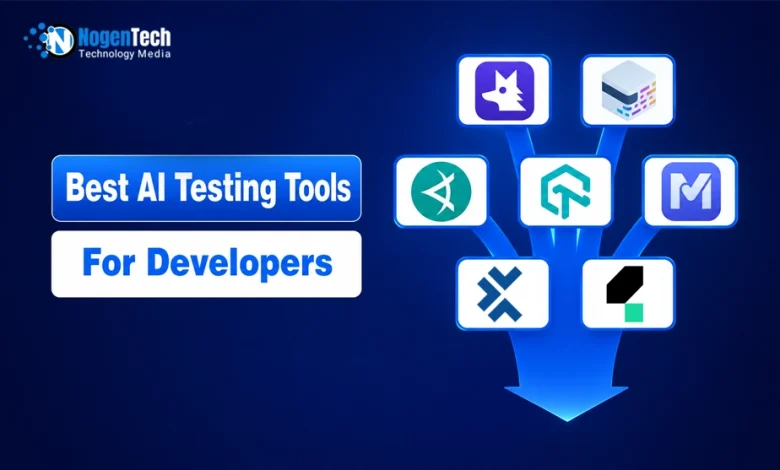
Here are the top AI testing tools in 2026 and what they do best:
- QA Wolf: Best for fully managed end-to-end testing
- Mabl: Best for self-healing regression testing
- Applitools Eyes: Best for AI-powered visual testing
- LambdaTest KaneAI: Best for cross-browser and mobile testing
- Testim: Best for self-healing test automation
- Tricentis Tosca: Best for enterprise-grade test automation
- Katalon: Best all-in-one testing platform
- Functionize: Best for codeless AI test automation
- GitHub Copilot: Best for AI-assisted unit test generation
- Keploy: Best open-source AI testing tool for APIs
1. QA Wolf
QA Wolf is a fully managed AI testing platform that writes, runs, and maintains Playwright-based end-to-end tests on your behalf.
Unlike traditional test automation tools that require ongoing maintenance, QA Wolf handles the entire testing lifecycle, from creating test suites to investigating failures and keeping tests updated as your application evolves.
This makes it a strong choice for teams that need reliable E2E coverage without building or managing a dedicated QA function.
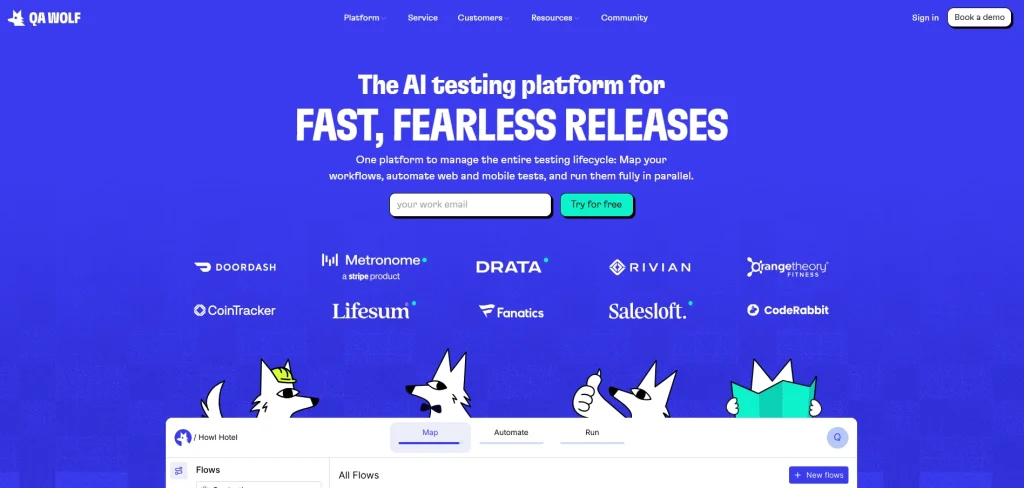
Best for: End-to-end (E2E) testing, web application testing, and teams that want a fully managed QA solution.
Key Features
- Generates deterministic Playwright code for consistent test execution
- Manages test creation, maintenance, and failure triage end-to-end
- Integrates with CI/CD pipelines for automated deployment validation
- Combines AI automation with human QA oversight
2. Mabl
Mabl is a cloud-native AI testing platform that combines self-healing automation with machine learning-driven anomaly detection.
Instead of relying on fixed test scripts, it continuously learns how your application behaves and adapts to UI changes, helping teams maintain stable test suites with less manual effort.
Its ability to detect unusual behavior across test runs makes it particularly valuable for teams running frequent releases and large-scale regression testing.
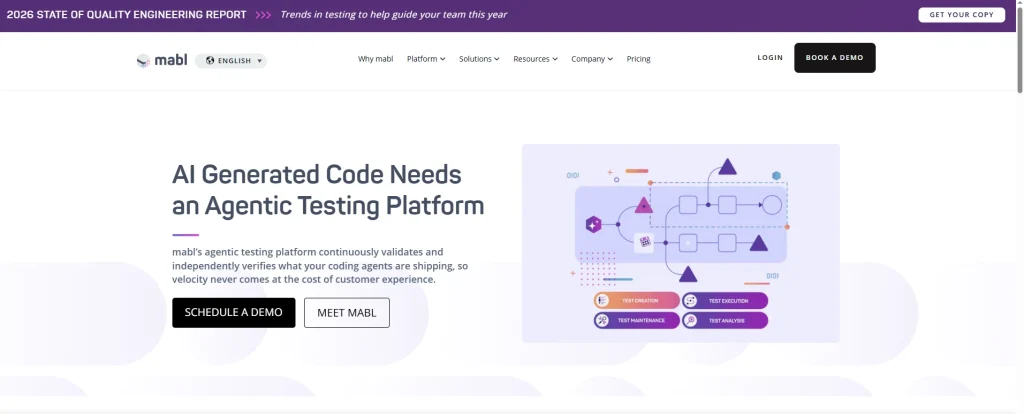
Best for: Regression testing, web application testing, and teams that need self-healing test automation.
Key Features
- Self-healing locators that automatically adapt to UI changes
- Machine learning-based anomaly detection across test runs
- Built-in performance and accessibility testing
- Native integrations with GitHub Actions, Jenkins, and GitLab CI
3. Applitools Eyes
Applitools Eyes is a leading AI-powered visual testing tool available today. Instead of comparing screenshots pixel by pixel, it uses Visual AI to identify meaningful UI changes while filtering out insignificant visual differences.
This helps teams catch layout, styling, and rendering issues that traditional functional tests often miss.
For organizations where user experience and visual consistency are critical, Applitools Eyes provides reliable visual regression testing across browsers, devices, and screen sizes.
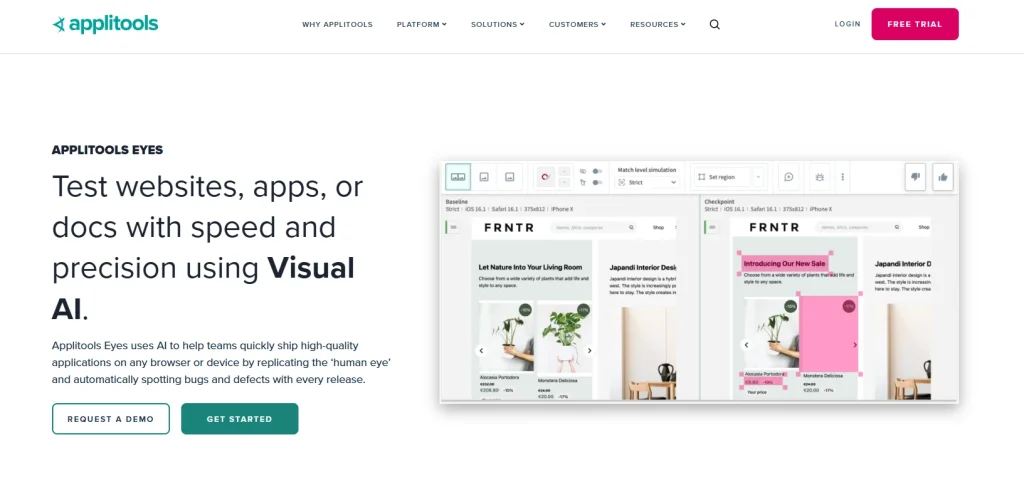
Best for: Visual testing, UI regression testing, and cross-browser validation.
Key Features
- AI-powered visual regression testing
- Cross-browser and cross-device UI validation
- Integrates with Selenium, Playwright, Cypress, and WebDriverIO
- Free tier with 100 visual checkpoints per month
4. TestMu AI KaneAI
TestMu AI KaneAI is an AI-native testing agent that allows teams to create, execute, and maintain automated tests using plain English.
By combining natural language test authoring with access to thousands of real browsers and devices, it makes test automation more accessible to both technical and non-technical team members.
It can generate executable Selenium and Playwright tests from conversational prompts, helping teams accelerate test creation while maintaining broad test coverage across platforms.
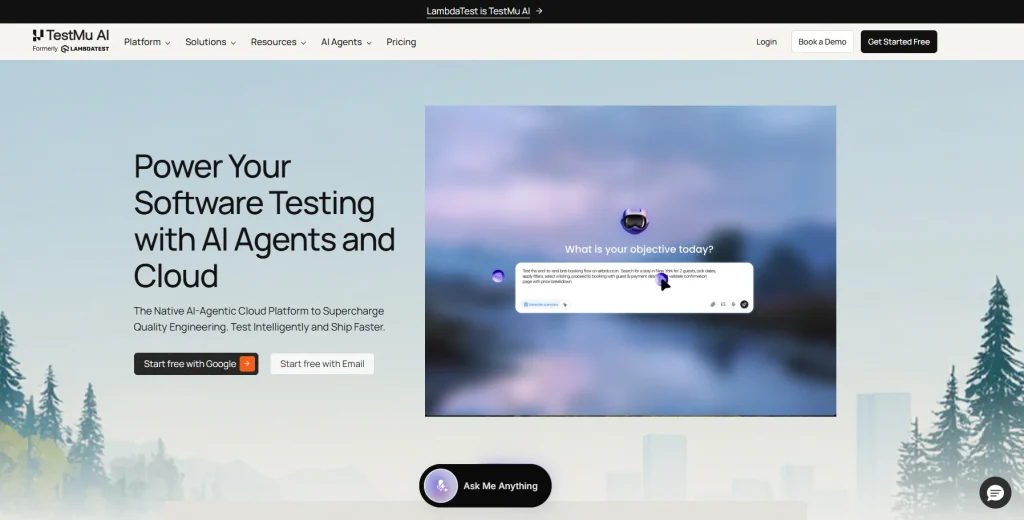
Best for: Cross-browser testing, mobile testing, and natural language test automation.
Key Features
- Natural language test creation with no scripting required
- Automatically generates Selenium and Playwright test code
- Runs tests across 3,000+ real browsers, devices, and operating systems
- Integrates with Jira, GitHub, and popular CI/CD tools
5. Testim
Testim is an AI-powered test automation platform designed to make automated tests more stable and easier to maintain.
Using machine learning, it identifies the most reliable locators for UI elements, helping tests remain functional even when applications change.
Its combination of self-healing automation, visual test creation, and code-level flexibility makes it a popular choice for teams looking to move beyond fragile Selenium test suites without sacrificing control.
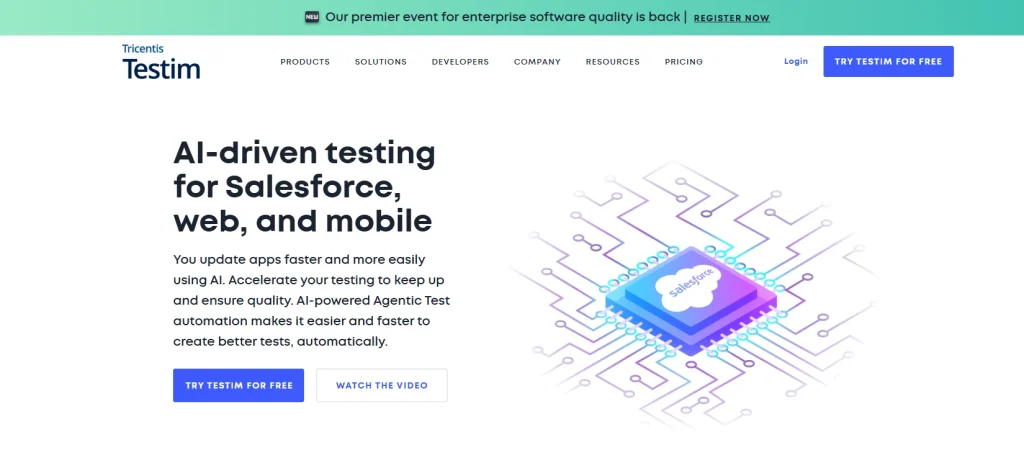
Best for: Self-healing test automation, web application testing, and teams migrating from Selenium.
Key Features
- AI-powered self-healing locators that adapt to UI changes
- Fast test creation with record-and-playback and code editing
- Built-in test management, branching, grouping, and tagging
- Export support for Selenium-compatible code
6. Tricentis Tosca
Tricentis Tosca is an enterprise-grade test automation platform built for organizations that need to validate complex business processes across multiple systems.
Unlike traditional automation tools that focus primarily on UI testing, Tosca uses a model-based testing approach that aligns tests with business workflows, making it easier to manage testing at scale.
Its broad support for platforms such as SAP, Oracle, Salesforce, web, mobile, API, and mainframe applications makes it one of the most comprehensive AI-powered testing solutions for large enterprises.
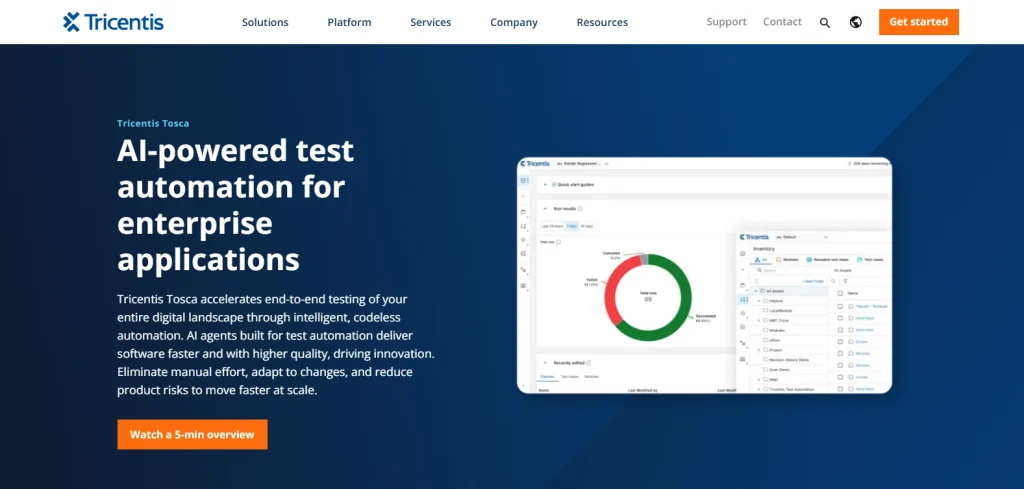
Best for: Enterprise test automation, compliance-heavy industries, and complex business applications.
Key Features
- Model-based test design that maps business processes instead of UI scripts
- Tosca Copilot uses AI to generate and optimize test assets
- AI-powered change intelligence for monitoring applications and pipelines
- Supports SAP, Oracle, Salesforce, web, mobile, API, and mainframe testing
7. Katalon
Katalon is an AI-assisted testing platform that combines web, mobile, API, and desktop testing in a single solution.
Its balance of ease of use and advanced functionality makes it a popular choice for teams adopting test automation without investing in multiple tools.
One of Katalon’s biggest advantages is its generous free tier, making it one of the best free AI testing tools for startups, small businesses, and teams transitioning from manual testing.
At the same time, its built-in AI capabilities, reporting, and test management features provide enough flexibility for growing organizations.
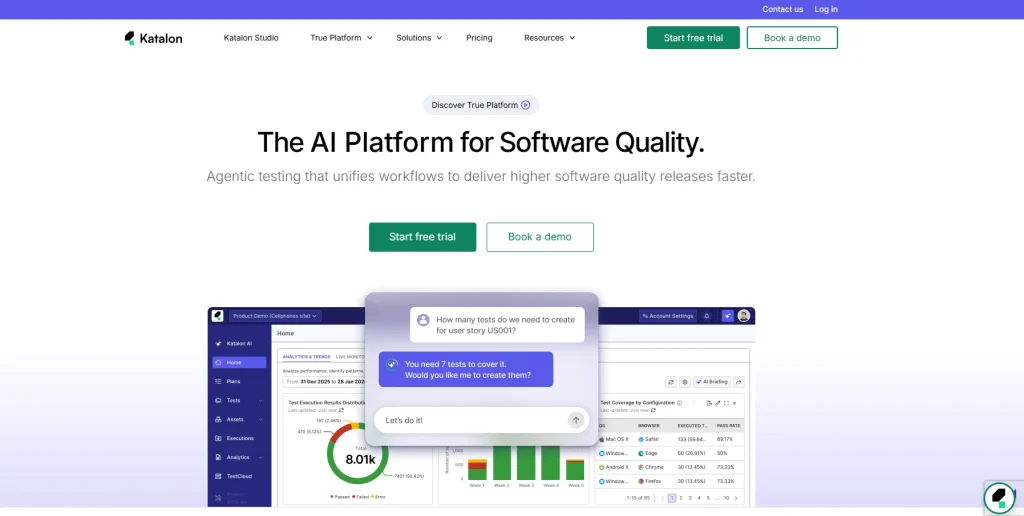
Best for: Free AI testing, web and mobile testing, and teams looking for an all-in-one automation platform.
Key Features
- Codeless test creation alongside a full-code mode for advanced scripting
- AI-powered self-healing, visual testing, and test generation built in
- Integrated test management, reporting, and analytics without extra tools
- Generous free tier with paid plans for teams and enterprises
8. Functionize
Functionize is an AI-native test automation platform that enables teams to create, execute, and maintain tests using natural language.
Instead of relying on manual scripting, it converts plain English instructions into executable tests, making automation more accessible to both technical and non-technical users.
Its machine learning engine continuously adapts to application changes using smart locators and visual recognition, helping teams reduce test maintenance while maintaining high test coverage.
Combined with enterprise-grade security and governance features, Functionize is particularly well-suited for large organizations managing complex applications.

Best for: Codeless AI test automation, enterprise web applications, and natural language test creation.
Key Features
- Natural language test creation with AI-generated test logic
- Self-adapting tests powered by visual recognition and smart locators
- Integrations with Jenkins, CircleCI, and major CI/CD platforms
- Enterprise-grade security, compliance, and governance controls
9. GitHub Copilot (for Testing)
While GitHub Copilot is not a dedicated AI testing platform, it has become one of the most useful tools for developers writing unit and integration tests. It can generate test cases, suggest assertions, and accelerate test creation directly within the IDE.
Because it works inside existing development environments, teams can add AI-powered testing capabilities without adopting a separate testing platform.
This makes GitHub Copilot particularly appealing for developers who want to improve productivity while maintaining their current workflow.
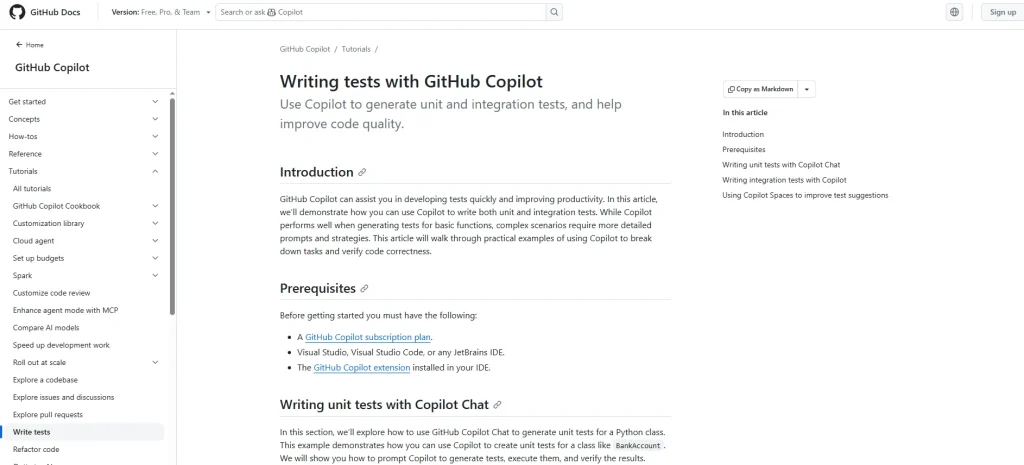
Best for: AI-assisted unit testing, test code generation, and developer-first workflows.
Key Features
- Generates unit tests from natural language prompts
- Uses project context to create more relevant test suggestions
- Works inside VS Code, JetBrains, and other popular IDEs
- Supports Python, JavaScript, TypeScript, Java, Go, and more
- Integrates with Copilot Chat and Copilot Workspace
10. Keploy
Keploy is an open-source, developer-first testing platform that automatically generates test cases and mocks from real API traffic.
Instead of manually writing tests, developers can record application interactions and convert them into reusable test suites, making API testing significantly faster and more efficient.
Its focus on REST APIs, gRPC services, and microservices architectures makes Keploy a strong choice for backend teams.
Combined with its open-source model and zero licensing costs, it stands out as one of the best free AI testing tools available in 2026.
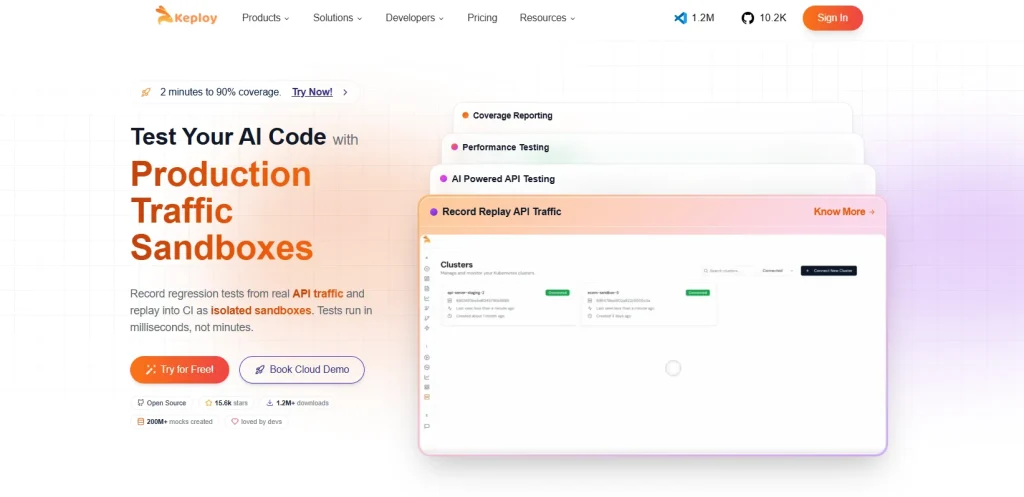
Best for: Open-source AI testing, API testing, and microservices-based applications.
Key Features
- Automatically generates API test cases and mocks from live traffic
- Zero-code testing for REST and gRPC APIs
- Native integration with CI/CD pipelines and developer workflows
- Fully open-source with no licensing fees or vendor lock-in
How AI Testing Tools Handle Test Maintenance?
AI testing tools reduce test maintenance by instead of relying on fixed selectors and hard-coded rules, they use machine learning, self-healing locators, visual recognition, and natural language processing (NLP) to keep tests stable over time.
Modern AI testing platforms use techniques such as:
- Self-healing locators that automatically adapt to UI changes
- Visual recognition to identify elements even when selectors change
- Machine learning models that learn application behavior over time
- Natural language processing (NLP) to generate and update tests from requirements
Tools such as Mabl, Testim, Katalon, and Functionize are particularly strong in this area, helping teams spend less time fixing tests and more time improving software quality.
Pros and Cons of AI Testing Tools
AI testing tools can significantly reduce the time and effort required to create, execute, and maintain automated tests. However, like any technology, they come with both advantages and limitations.
Pros
- Faster test creation through AI-generated test cases and natural language prompts
- Reduced maintenance with self-healing locators and adaptive test execution
- Improved test coverage across web, mobile, API, and end-to-end workflows
- Earlier defect detection through anomaly detection and predictive analysis
- Increased productivity by automating repetitive testing tasks
Cons
- Learning curve when adopting new AI-powered workflows
- Higher costs for enterprise-grade platforms and advanced features
- False positives can occasionally occur in AI-generated results
- Vendor lock-in with proprietary testing ecosystems
- Human oversight is still required for exploratory testing and business-critical validation
For most teams, the benefits outweigh the drawbacks, especially when AI is used to augment testers rather than replace them.
People Also Ask About
What is the difference between AI testing and traditional test automation?
Traditional automation relies on rigid, pre-written scripts that break when the UI changes. AI testing tools adapt automatically, generate tests from plain English, and require significantly less manual maintenance.
Which AI testing tool is best for beginners?
Katalon and LambdaTest KaneAI are strong options, offering no-code interfaces and plain English test authoring. Both have free tiers to get started without any upfront cost.
Do AI testing tools replace human testers?
No, AI handles repetitive and maintenance-heavy tasks, but human testers remain essential for exploratory testing and complex business logic. The best teams use AI to free up time for higher-value work.
How much do AI testing tools cost?
Costs range from completely free, as with Keploy and Katalon, to $10/month for GitHub Copilot and custom enterprise pricing for platforms like Tricentis. Visual AI tools like Applitools start around $500/month.
How long does it take to see ROI from an AI testing tool?
Most teams report meaningful ROI within three to six months of adoption. Time savings come from faster test creation, reduced maintenance, and earlier defect detection.
What are the best AI testing tools for web apps?
For web application testing, QA Wolf, Mabl, Testim, Functionize, and Katalon are among the strongest options. They provide features such as self-healing automation, AI-powered test generation, and end-to-end testing capabilities.
Which AI testing tools work best for mobile apps?
Katalon, TestMu AI KaneAI, and Tricentis Tosca are among the best AI testing tools for mobile apps. They support testing across multiple devices, operating systems, and mobile environments.
What are the best AI tools for E2E testing?
QA Wolf, Mabl, Testim, and TestMu AI KaneAI are excellent choices for end-to-end (E2E) testing. These platforms help automate user journeys, regression testing, and release validation workflows.
What are the best tools for AI code testing?
For AI-assisted code testing, GitHub Copilot is one of the most popular options. It can generate unit tests, suggest assertions, and help developers create test cases directly within their IDE.
What training is needed to use AI testing tools?
Most modern AI testing tools require minimal training. Platforms such as Katalon, Functionize, and TestMu AI KaneAI offer low-code or no-code interfaces, while developer-focused tools like GitHub Copilot and Keploy may require familiarity with software development and testing concepts.
Which AI Testing Tool Is Right for Your Team in 2026?
After reviewing the best AI testing tools, my recommendation is to focus on the platform that solves your biggest testing challenge rather than choosing the most feature-rich option.
QA Wolf stands out for managed E2E testing, Katalon offers excellent all-in-one coverage, Keploy is the top choice for free and open-source API testing, while Applitools Eyes excels at visual testing.
As AI-powered testing continues to evolve, the best results come from selecting a tool that fits your workflow, team size, and software testing requirements rather than chasing the latest features.
As AI-powered testing continues to evolve, the best results come from selecting a tool that fits your workflow, team size, and specific software requirements especially if you are shifting toward autonomous QA and need to evaluate agentic testing tools that fit into your modern development pipeline