Lenovo Chromebooks are built for students and web/cloud-based users who mainly need a laptop for online classes, research, browsing, Google Workspace, video calls, streaming, and other browser-based tasks.
Those needs can vary, which is why Lenovo offers traditional laptops, 2-in-1 Chromebooks, and detachable models. Choosing between them mainly comes down to performance, portability, display, and how the device fits into daily use.
Beyond hardware, software support is another factor to consider, especially with older models. Here are the Lenovo Chromebook models that stand out for study and everyday web-based use.
| Lenovo Chromebook Model | Processor | Display | Best Fit |
|---|---|---|---|
| IdeaPad Flex 5i Chromebook | Up to Intel Core i5 | 13.3″ FHD Touch | Study and multitasking |
| IdeaPad Duet 5 Chromebook | Snapdragon 7c Gen 2 | 13.3″ OLED Touch | Study and media |
| IdeaPad Slim 3 Chromebook | MediaTek Kompanio 520 | 14″ FHD | Everyday web-based tasks |
| ThinkPad C13 Yoga Chromebook | Up to AMD Ryzen 7 3700C | 13.3″ FHD Touch | Work and cloud productivity |
| IdeaPad Duet 3 Chromebook | Snapdragon 7c Gen 2 | 10.9″ 2K Touch | Notes and portability |
Which Lenovo Chromebook Model Fits Your Needs?
Start creating Verdict in seconds, and convert more of your visitors into leads.
The models above share ChromeOS, but their performance, portability, displays, and form factors suit different study and web-based workloads. Here is what separates each option in everyday use.
1. Lenovo IdeaPad Flex 5i Chromebook
- OS: ChromeOS
- Processor: Up to 12th Gen Intel Core i5-1235U
- Graphics: Integrated Intel Iris Xe eligible
- RAM: Up to 8GB LPDDR4x
- Storage: Up to 512GB PCIe NVMe SSD
- Display: Up to 14-inch WUXGA touchscreen
- Design: 360-degree convertible
- Weight: Starting at 1.58 kg
The IdeaPad Flex 5i Chromebook is the all-rounder for users who want stronger multitasking with touchscreen flexibility. Its Intel Core processors and SSD storage handle multiple tabs, documents, video calls, and web apps comfortably.
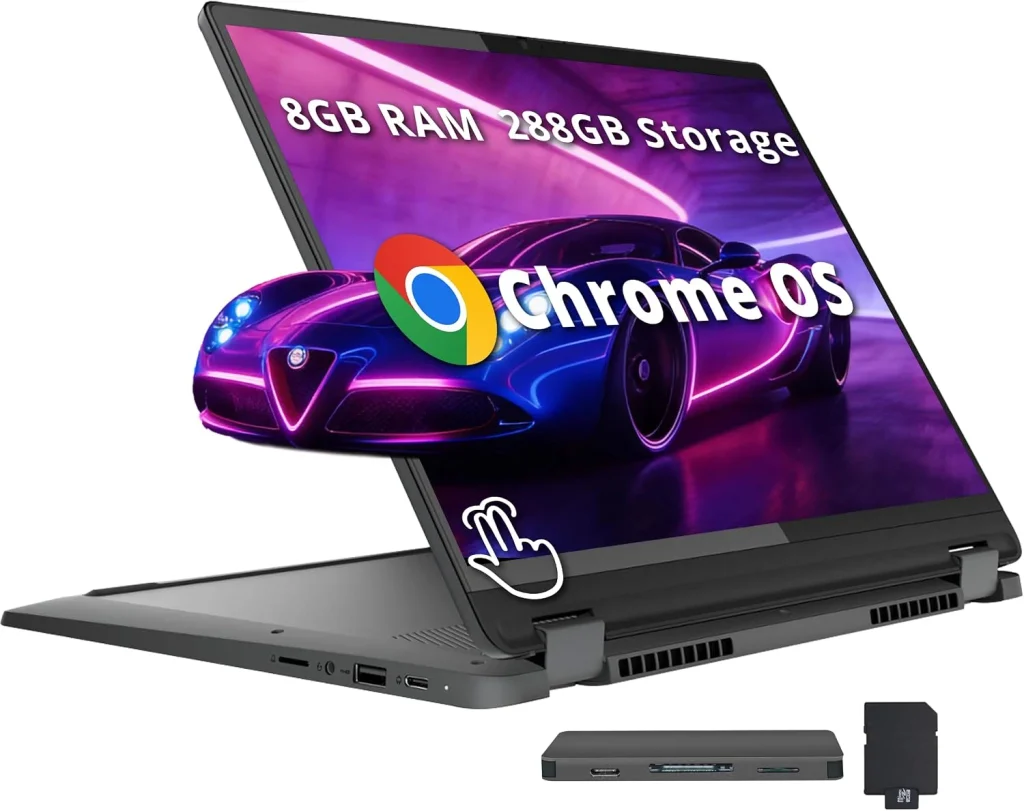
Its 360-degree hinge is the main advantage, allowing laptop, tablet, stand, and tent use. According to Lenovo’s official specifications, selected configurations include a 14-inch 1920 × 1200 IPS touchscreen with 400-nit brightness and 100% sRGB coverage.
2. Lenovo IdeaPad Duet 5 Chromebook
- OS: ChromeOS
- Processor: Qualcomm Snapdragon 7c Gen 2
- Graphics: Qualcomm Adreno
- RAM: Up to 8GB LPDDR4x
- Storage: Up to 256GB eMMC
- Display: 13.3-inch FHD OLED touchscreen
- Design: Detachable keyboard
- Weight: Starting at 700g for the tablet
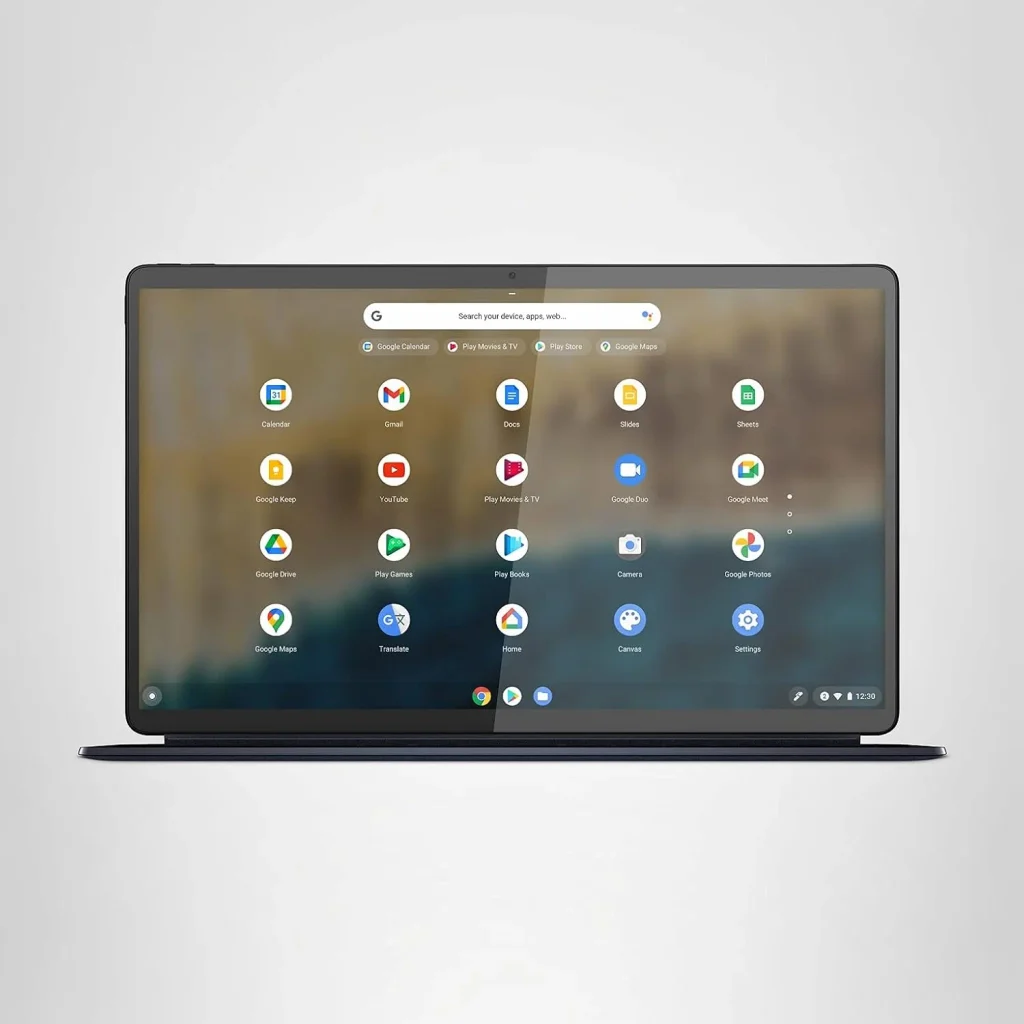
The IdeaPad Duet 5 Chromebook is the media-focused option for students who want a detachable device for both study and entertainment. Its removable keyboard makes switching between typing and tablet use easy.
Its main advantage is the 13.3-inch OLED touchscreen, with 400-nit brightness and 100% DCI-P3 coverage, making it especially suitable for streaming, reading, and visual content.
3. Lenovo IdeaPad Slim 3 Chromebook
- OS: ChromeOS
- Processor: MediaTek Kompanio 520
- Graphics: Arm Mali-G52
- RAM: 4GB / 8GB LPDDR4x
- Storage: 64GB / 128GB eMMC
- Display: 14-inch, with FHD options
- Weight: Starting around 1.3 kg
- Colors: Abyss Blue / Cloud Grey
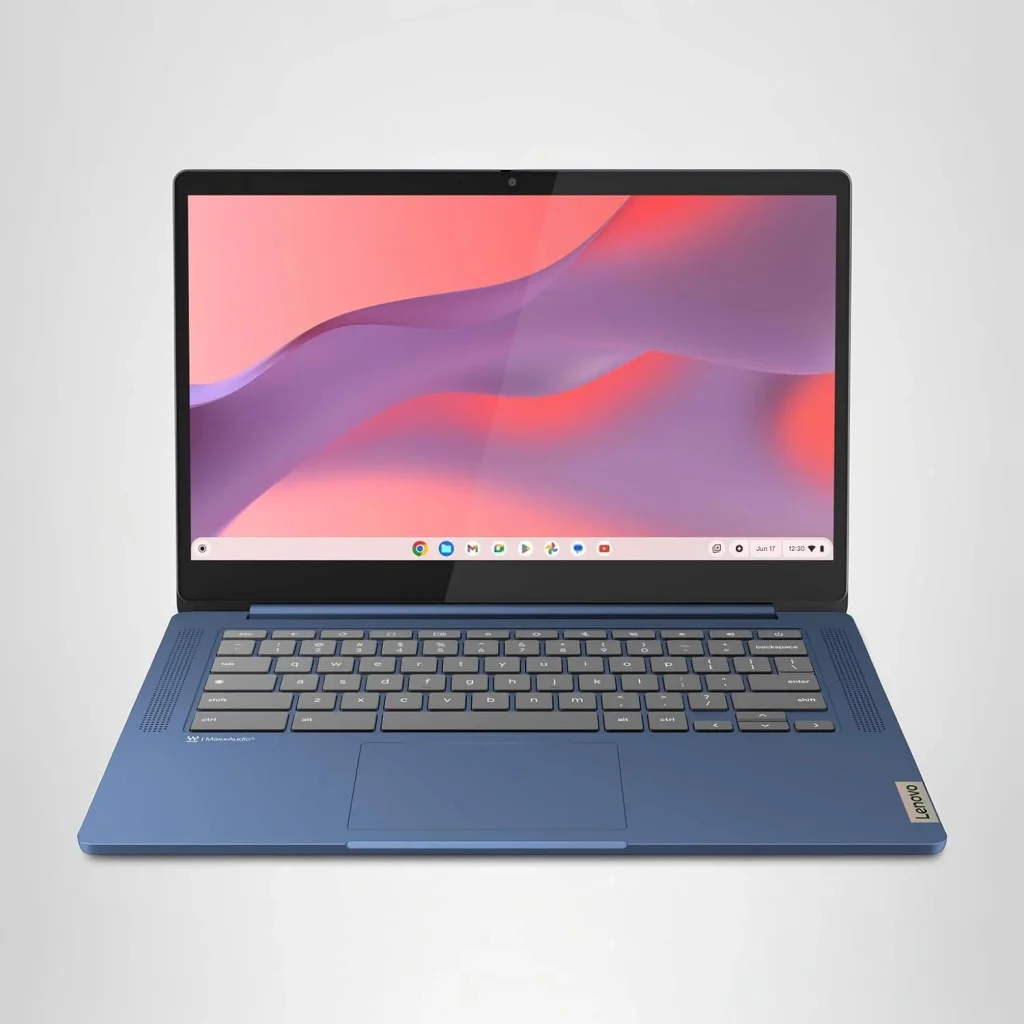
The IdeaPad Slim 3 Chromebook is the simpler choice for basic study and web-based tasks without convertible or detachable features. Its Kompanio 520 handles Google Docs, research, email, browsing, and streaming.
Lenovo’s PSREF documentation confirms 4GB and 8GB memory configurations, making this more about simplicity than high-end multitasking.
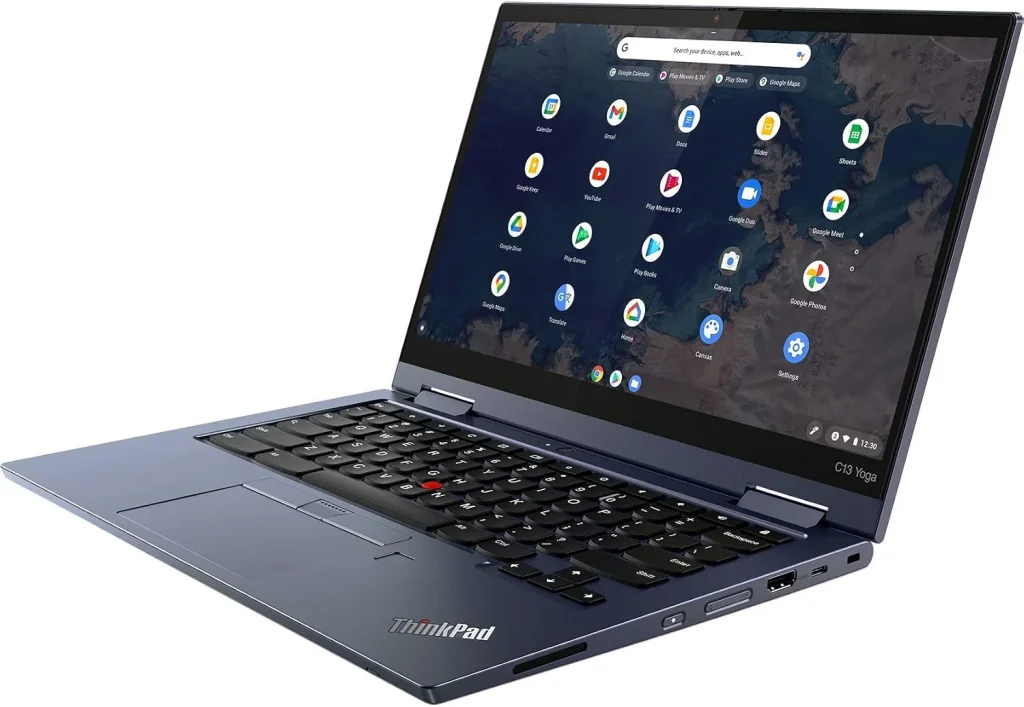
4. Lenovo ThinkPad C13 Yoga Chromebook
- OS: ChromeOS
- Processor: Up to AMD Ryzen 7 3700C
- Graphics: Integrated AMD Radeon
- RAM: Up to 16GB
- Display: 13.3-inch touchscreen
- Design: 360-degree convertible
- Ports: USB-C, USB-A, HDMI and microSD
- Weight: Starting around 1.5 kg
The ThinkPad C13 Yoga Chromebook is the work-focused option with up to 16GB RAM and better connectivity for peripherals and external displays. A broader Lenovo vs HP laptop comparison can also help users considering it mainly for work.
Its 360-degree touchscreen adds tablet and presentation modes without sacrificing the traditional laptop design.
5. Lenovo IdeaPad Duet 3 Chromebook
- OS: ChromeOS
- Processor: Qualcomm Snapdragon 7c Gen 2
- Graphics: Qualcomm Adreno
- RAM: Up to 8GB LPDDR4x
- Storage: Up to 256GB eMMC
- Display: 10.95-inch 2K touchscreen
- Design: Detachable keyboard
- Weight: Starting around 516g for the tablet
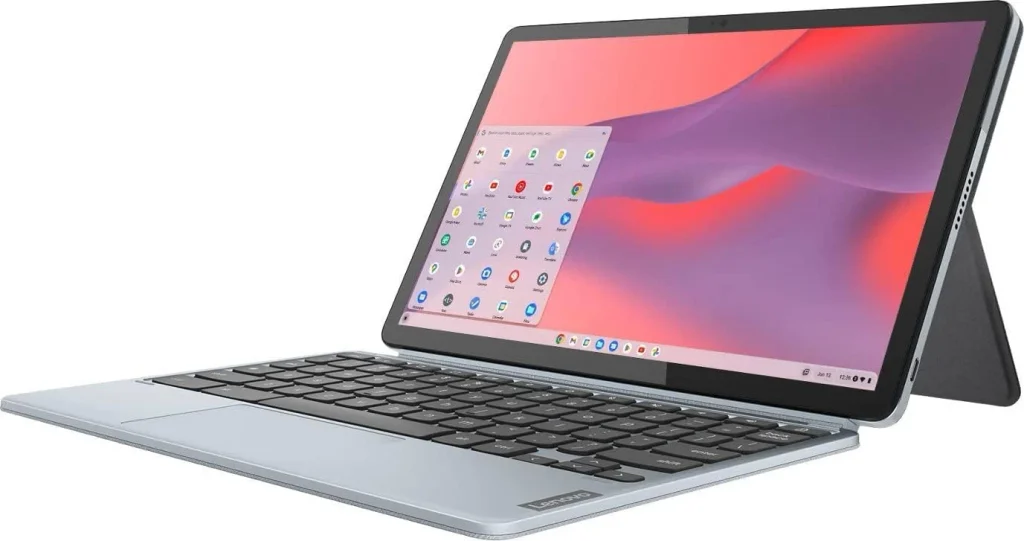
The IdeaPad Duet 3 Chromebook is built around portability. Its compact detachable design works well for students who mainly need a device for notes, reading, research, browsing, and light cloud-based work while moving between classes.
The Snapdragon 7c Gen 2 provides the same basic platform used in the larger Duet 5, but the smaller touchscreen makes the Duet 3 easier to carry. Lenovo’s official specifications confirm the Snapdragon 7c Gen 2 across this Duet 3 generation.
All this detailed list helps you understand the hardware, but support coverage is also worth checking when considering an older or refurbished model. A quick Lenovo warranty check can show whether the Chromebook still has warranty coverage before you buy.
What to Know Before Choosing a Lenovo Chromebook? FAQs
Start creating Verdict in seconds, and convert more of your visitors into leads.
Do Lenovo Chromebooks support Android apps?
Many Chromebook models support Android apps through Google Play, but availability can vary by device, app, and ChromeOS version.
What happens when a Lenovo Chromebook reaches its update expiration date?
It stops receiving automatic ChromeOS updates from Google after its scheduled support period. Check Google’s official Auto Update policy before buying an older or refurbished Chromebook.