Choosing a new laptop or buying can feel overwhelming, whether it’s for school, work, or gaming. There are countless options on the market, from brand-new devices to refurbished models, and each comes with its own features, performance levels, and price points.
In this guide, we will break down the pros and cons of HP laptops, explore what makes them popular, and help you decide if an HP device is the right fit for your needs. From performance and design to security features and global availability, you’ll get a clear overview to make an informed purchase decision.
Brief Intro of HP (Hewlett-Packard) Inc
Start creating Verdict in seconds, and convert more of your visitors into leads.
HP Inc. operates as one of the leading American multinational technology corporations, based in Palo Alto, California. Back in 1939, when it was first known as Hewlett-Packard, HP helped shape the modern computing sector.
In 2015, Hewlett-Packard broke apart into HP Inc. (which works on personal computers and printers) and Hewlett Packard Enterprise ( solutions for enterprise customers).
The company is famous for inventing new laptops, desktops, printers and 3D printing options, ranking it among the largest PC companies globally.

Pros and Cons of HP Laptops
Start creating Verdict in seconds, and convert more of your visitors into leads.
HP laptop advantages and disadvantages are listed below:
| Pros | Cons |
|---|---|
| Affordable Pricing | Older Processors |
| Strong Build Quality | Performance Variability |
| Stylish Design | Shorter Battery Life |
| Well-equipped Internally | |
| Wide Ecosystem | |
| Long-standing Legacy | |
| Excellent Customer Support | |
| Robust Security Features | |
| Global Availability |
HP Laptop Advantages
There are many advantages to owning an HP laptop. Satisfied buyers often point to the following qualities:
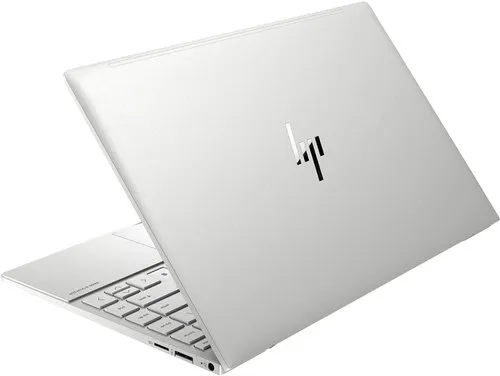
1. Price
HP laptops have options for the high-end market and those on a budget. Students can use it for school, or businesses can digitize their operations with options from HP.
2. Built Quality
Computers from HP are renowned for their sturdy construction. You can get a reliable, strong computer at just about any price range. HP is a trusted brand that has built its reputation on quality.
3. Stylish
HP is also known for its modern, classy, attractive computers. No matter which computer you choose, it will add some panache to your office or study room.
4. Internal Processors
HP laptops come with complete equipment such as two cable chargers, an HDD existing in recovery, CD/DVD drive, a built-in webcam, and a microphone in most of its models without extra charge.
5. Peripherals
HP manufactures more than computers; they offer printers, scanners, digital cameras, and servers. Also, it’s a leader in enterprise software. That’s an ecosystem of products readily available to its users, especially businesses that plan to grow.
6. Legacy
HP has been around for decades and will be around for longer. That is because their products are that good. Knowing that the company will be around for a long time increases the value of its warranties and its products as a long term investment.
7. Support
HP provides exceptional support for all of its products. It’s one of the reasons that it has a respectable refurbished or used market.
8. Security
HP devices come with security features to keep your data safe. These security features protect your data, applications, and processes from malware.
They also enable your computer to run during infection and help you to recover data. They include HP Sure Start, HP Sure Run, HP Sure Recover, HP Sure Click, and HP Sure View.
9. Readily Available
Thanks to its legacy, reliability, price points, and other advantages, HP has grown into a global brand. Its global presence makes finding an HP laptop a simple process, and it makes finding parts easier, too, should you need to fix it.
HP Laptop Disadvantages
Basic model HP laptops are typically less expensive than their competitors, but they also tend to be slower and clankier. Here are a few other disadvantages of HP laptops:
1. Older Processors
Most basic HP laptops only have a Core i3 processor, which can slow down its performance while multitasking.
2. Various Performance Levels
Bogged down software with little memory space is a recipe for poor performance, especially as the laptop ages or as you multitask.
3. Overall Shorter Battery Life
When many HP laptops are charging, they work fine. However, when unplugged, the laptops can lag. With time, the battery drains quickly, and it holds less battery between charges.
5 Most Popular HP Laptop Models in 2025
Start creating Verdict in seconds, and convert more of your visitors into leads.
Here are some of the most popular HP laptop models in 2025:
1. HP OmniBook X 14 – Best for General Use
- Processor: Powered by the Qualcomm Snapdragon X Elite processor, delivering snappy performance for multitasking.
- Battery Life: Long lasting battery life, lasting up to 30 hours on a single charge.
- Design: Ultra-lightweight and sleek metal build with its perfect for professionals on the go.
- Display: 14-inch 2.2K touchscreen with Corning Gorilla Glass for durability.
- Connectivity: Wi-Fi 7 support for fast internet speeds.
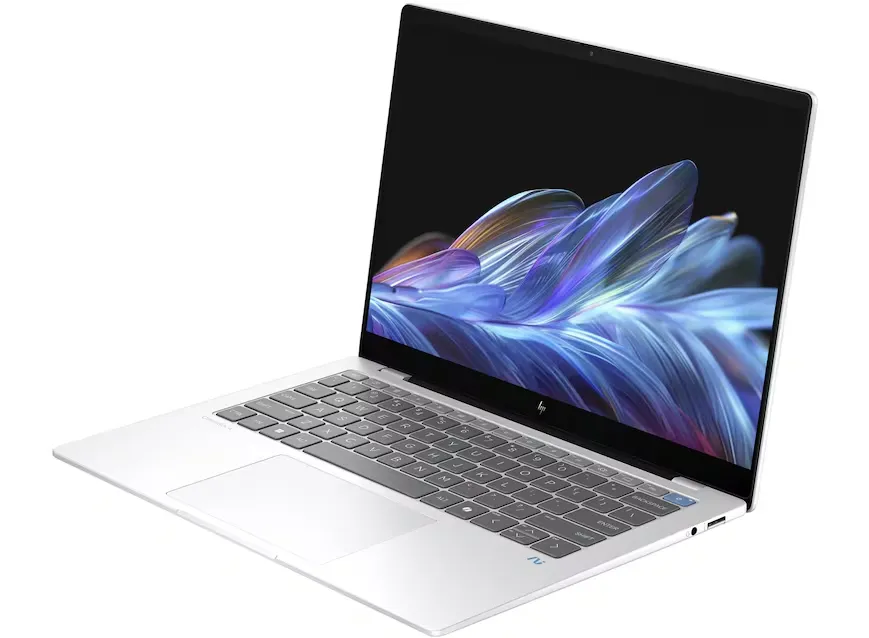
2. HP EliteBook x360 1040 – Best for Business Use
- Convertible Design: 2-in-1 functionality with a touchscreen, allowing users to switch between laptop and tablet modes.
- Security Features: Equipped with HP Wolf Security, HP Sure Start, and HP Sure Click for enhanced protection.
- Performance: Powered by Intel Core processors, ensuring smooth business operations.
- Collaboration Tools: 5MP camera with HP Auto Frame for professional video calls.
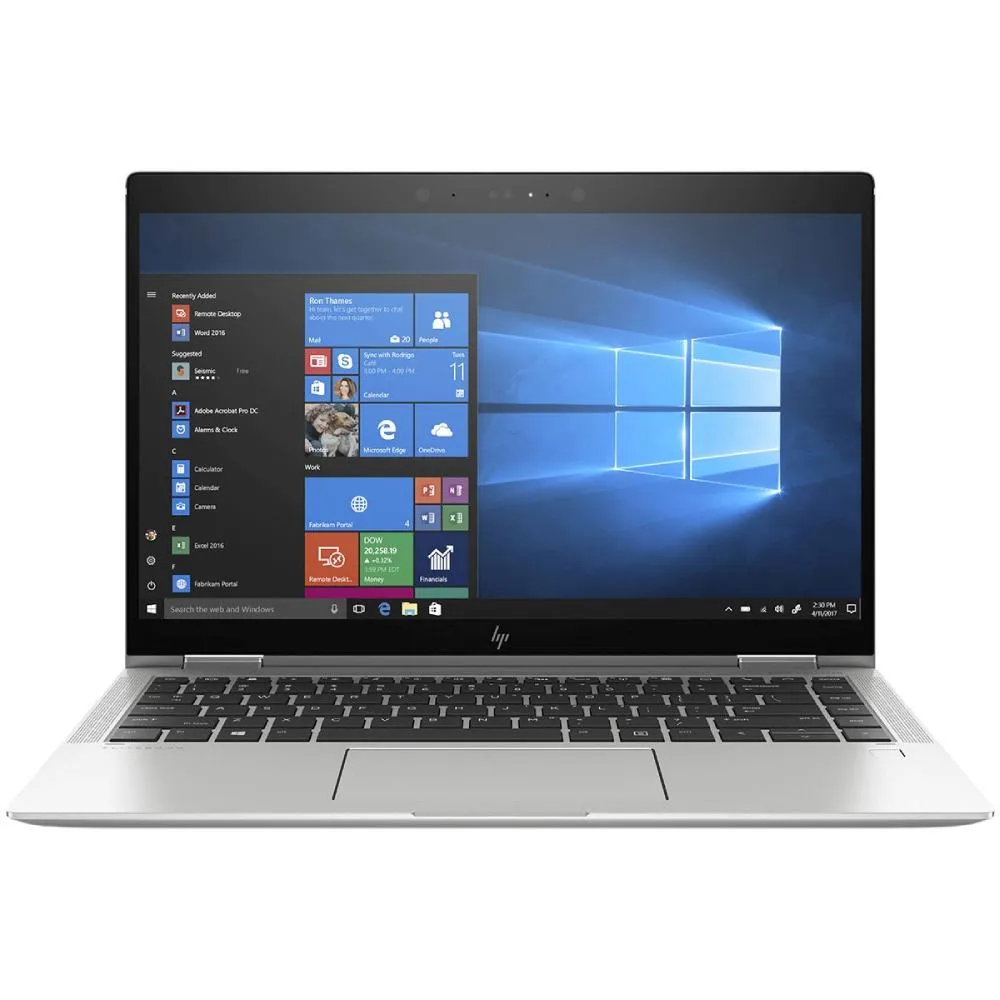
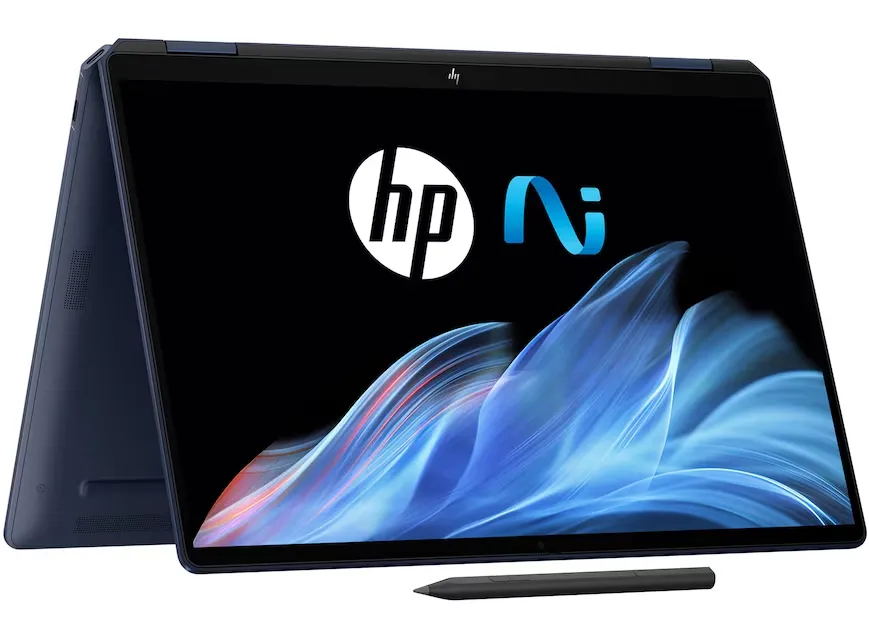
3. HP OmniBook Ultra Flip 14 – Best for Education USe
- 2-in-1 Functionality: Convertible design with a touchscreen, ideal for students who need flexibility.
- Battery Life: All-day battery life, ensuring uninterrupted study sessions.
- Display: OLED touchscreen with vibrant colors, perfect for multimedia and creative tasks.
- Performance: Powered by Intel Core Ultra processors, optimized for AI-driven tasks.
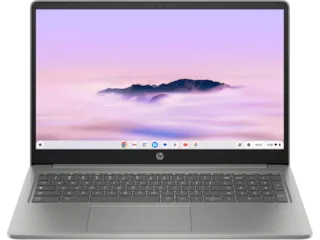
4. HP Chromebook Plus x360 – For General Use
- Affordable Option: Budget-friendly Chromebook designed for web-based tasks.
- Performance: Intel Core i3-N305 processor with 8GB RAM, ensuring smooth multitasking.
- Display: 14-inch Full HD touchscreen, great for students and casual users.
- Security: Built-in Titan C2 security chip, ensuring protection against malware.
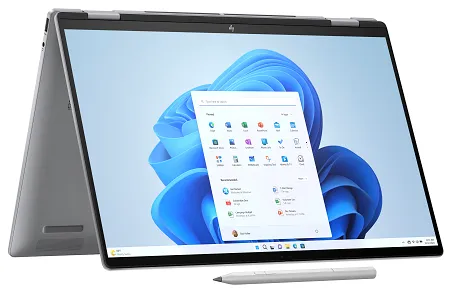
5. HP Envy x360 2-in-1 (16-inch) – Best for Video Editing and Designing Work
- Big-Screen Experience: 16-inch OLED touchscreen with stunning visuals, ideal for creative professionals.
- Performance: Powered by Intel Core Ultra processors, ensuring smooth AI-driven workflows.
- Convertible Design: 2-in-1 functionality, allowing users to switch between laptop and tablet modes.
- Stylus Support: Compatible with active stylus, making it perfect for digital artists.
Why are HP Laptops Popular?
Start creating Verdict in seconds, and convert more of your visitors into leads.
HP laptops are popular for several reasons, making them a great choice for various users. Here are some key advantages:
1. Reliable Performance
HP laptops are known for their solid performance across different price ranges. Whether you need a laptop for work, gaming, or casual use, HP offers models with powerful processors and efficient cooling systems.
2. Wide Range of Options
HP provides a wide range of laptops, including:
- Business laptops (EliteBook, ProBook)
- Gaming laptops (Omen, Victus)
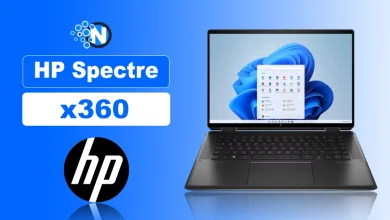
- Convertible 2-in-1 laptops (Spectre x360, Envy x360)
- Budget-friendly options (Pavilion, Chromebook)
3. Stylish and Durable Design
HP laptops often feature sleek, modern designs with high-quality materials. Many models undergo military-grade durability tests, ensuring they can withstand tough conditions.
4. Strong Security Features
HP integrates advanced security features like:
- HP Sure Start (self-healing BIOS)
- HP Sure Click (protection against malware)
- HP Sure View (privacy screen technology).
5. Excellent Display Quality
Many HP laptops come with high-resolution displays, including OLED and touchscreen options, providing vibrant colors and sharp visuals.
6. Competitive Pricing
HP offers laptops at various prices, making them accessible to students, professionals, and gamers as well.
Identifying Your HP Laptop or Computer Needs
Start creating Verdict in seconds, and convert more of your visitors into leads.
HP laptops offer a wide range of options for students, professionals, and gamers, combining affordable pricing, reliable performance, and stylish design. While some models may have older processors or shorter battery life, the brand’s robust security features, global availability, and strong customer support make HP a dependable choice.
By understanding the pros and cons, you can select a laptop that fits your needs, whether it’s for work, study, or entertainment. Consider your priorities, compare models, and choose an HP laptop that delivers the right balance of performance, features, and value..