Worried about what the internet already knows about you?
You might be surprised by how much of your personal information is already online.
I learned this the hard way. One day, I searched my own name and found old forum accounts, an outdated phone number, and even my home address listed on multiple websites. That’s when I realized my digital footprint was much larger than I had expected.
Your online footprint extends far beyond social media. It can include:
- Email addresses and usernames
- Phone numbers and home addresses
- Data breach records
- Public records
- Social media profiles
- Old forum posts and inactive accounts
Now, I’ll share the best digital footprint checkers that actually help you monitor your online presence and identify exposed personal information.
What Is a Digital Footprint Checker?
A digital footprint checker is a tool that scans public and online sources to find personal information linked to your name, email address, phone number, username, or other identifiers. It helps you see what information about you is publicly accessible.
Most digital footprint checkers search across data broker websites, social media platforms, public records, data breach databases, forums, and the dark web to identify exposed personal data.
Common names for these tools include digital footprint scanner, online presence checker, footprint finder, and digital footprint tracker.
Here is what they typically scan:
| Source | Examples |
| Data Broker Sites | Spokeo, Whitepages, TruePeopleSearch |
| Data Breach Databases | Leaked email addresses, passwords, financial information |
| Social Media Profiles | Facebook, Instagram, LinkedIn, Reddit, X |
| Public Records | Court records, property records, voter records |
| Dark Web | Stolen credentials, identity data |
| Forums & Online Accounts | Old accounts, gaming profiles, discussion forums |
These tools help you find exposed personal information, including emails, usernames, trace phone numbers, public records, data broker records, and dark web listings.
Why Should You Check Your Digital Footprint?
Checking your digital footprint helps protect your privacy, online reputation, identity, and personal information. It allows you to find exposed data before it is misused by employers, scammers, data brokers, or cybercriminals.
An outdated or unmanaged digital footprint can affect your career, finances, and personal security.
Here are the main risks:
- Employment: Employers may review your social media profiles and online activity before hiring.
- Identity Theft: Exposed email addresses, phone numbers, and personal data can be used for fraud and account takeovers.
- Privacy: Data brokers and public websites may collect and share your personal information without your knowledge.
- Personal Safety: Publicly available information can increase spam, phishing attempts, stalking, and unwanted contact.
- Online Reputation: Old posts, photos, comments, and inactive accounts can reappear in search results and influence how others perceive you.
Regularly checking your digital footprint helps you identify exposed information and remove or secure it before it creates problems.
5 Best Free Digital Footprint Checkers and Scanners
These tools help you find exposed personal information, including emails, usernames, phone numbers, public records, data broker records, and dark web listings.
1. Aura — Best Overall Free Digital Footprint Scanner
Aura is a free digital footprint checker that scans your email address for exposed personal information across data breach databases, the dark web, public records, and data broker websites.
Enter your email address to identify breached accounts, leaked passwords, public records, and data broker listings linked to your online identity.
When a scan returns results showing your data in breach databases or broker sites, the immediate priority is securing compromised accounts and taking steps to prevent identity theft before the exposed data is misused.
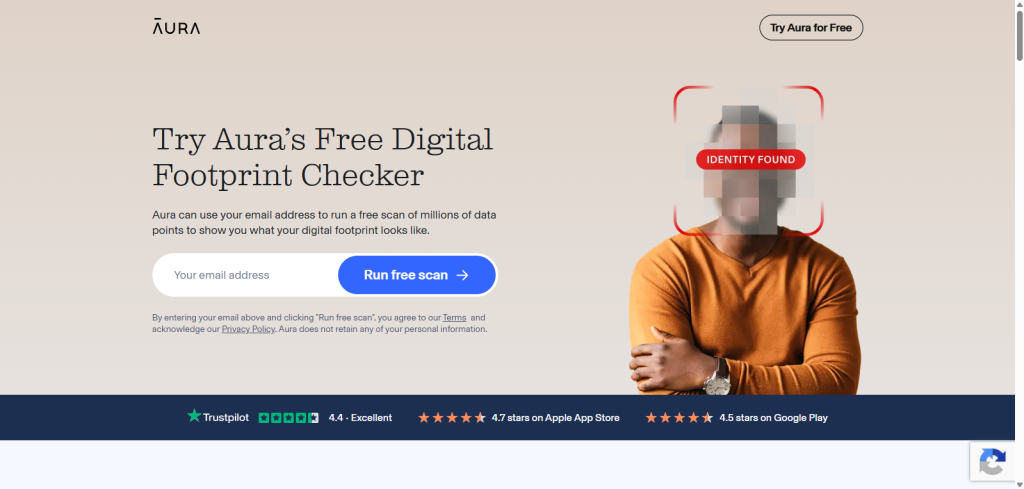
The paid plan adds 24/7 dark web monitoring, automatic data broker opt-outs, and identity theft protection.
Key Features
- Free email-based digital footprint scan
- Searches dark web and breach databases
- Finds leaked credentials and exposed accounts
- Scans public records and data broker listings
- Automatic data broker opt-outs (paid)
- Identity theft protection (paid)
- Android and iOS apps
| Pros | Cons |
| Free and easy to use | Only supports email-based scans |
| Covers dark web and public records | Some features require a paid plan |
| Identity theft protection available | Limited username-based scanning |
2. FootprintIQ — Best OSINT-Based Digital Footprint Finder
FootprintIQ is an OSINT-based digital footprint checker that supports email addresses, phone numbers, and usernames in a single search. It helps you identify exposed personal information and prioritize what to remove first.
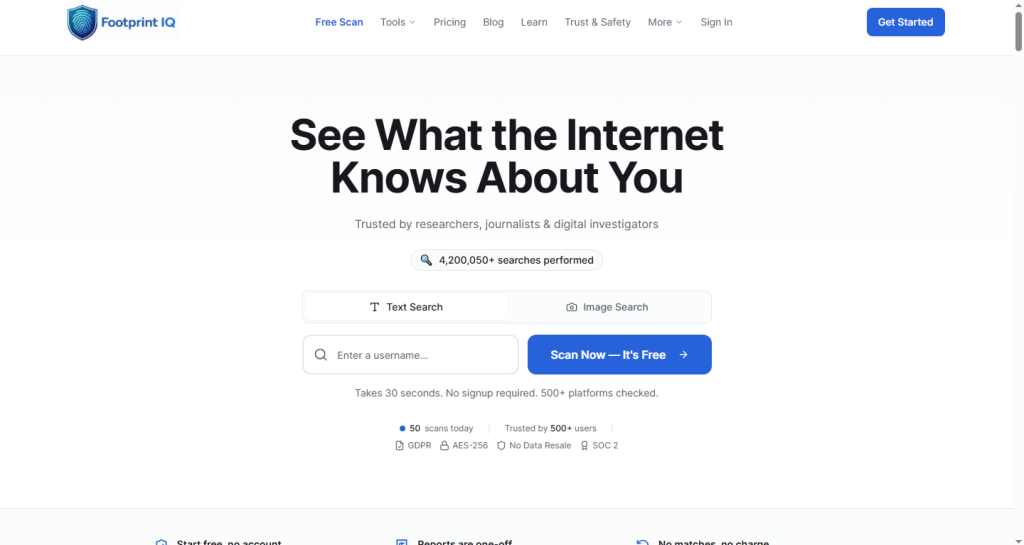
Its standout feature is the LENS (Layered Entity & Network Scoring) system, which assigns each finding an exposure score and categorizes results by Urgent, Important, or Recommended. FootprintIQ also provides step-by-step data removal guides and supports GDPR, CCPA, and UK Data Protection Act requests.
Key Features
- Email, phone number, and username search
- LENS exposure scoring (0–100)
- Prioritized risk categories
- Data removal guides
- GDPR, CCPA, and UK Data Protection Act support
- No sign-up required for a basic scan
| Pros | Cons |
|---|---|
| Supports multiple search inputs | Advanced features require a paid plan |
| Prioritizes findings by risk | Newer tool with limited brand recognition |
| Privacy-focused OSINT approach | |
| Free basic scan without sign-up |
3. Have I Been Pwned — Best Free Digital Footprint Checker for Data Breaches
Have I Been Pwned is a free data breach checker that scans your email address against known data breaches to determine whether your personal information has been exposed.
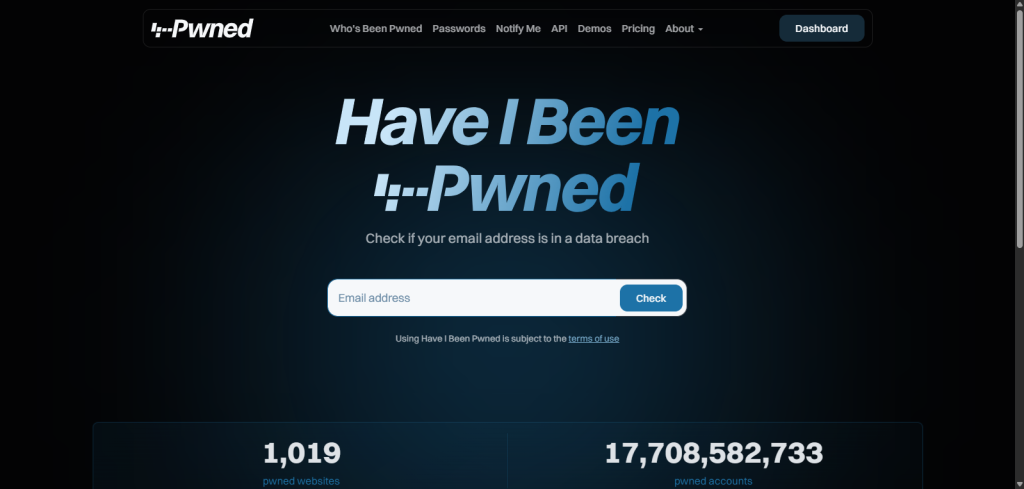
Created by security researcher Troy Hunt, the tool instantly identifies breached accounts and shows when the breach occurred, which organization was affected, and what information was exposed, such as email addresses, passwords, phone numbers, or other personal data. You can also enable breach notifications for future alerts.
Key Features
- Free email breach lookup
- No account required
- Detailed breach history
- Future breach notifications
- Covers billions of breached records
| Pros | Cons |
| Completely free to use | Only checks email-related data breaches |
| Instant breach results | Doesn’t scan social media or public profiles |
| Trusted security service | No data removal tools |
| Future breach alerts |
4. Sherlock — Best Free OSINT Tool for Username Tracking
Sherlock is a free OSINT tool that searches for a username across 400+ websites to find linked social media profiles, gaming accounts, developer platforms, and online communities.
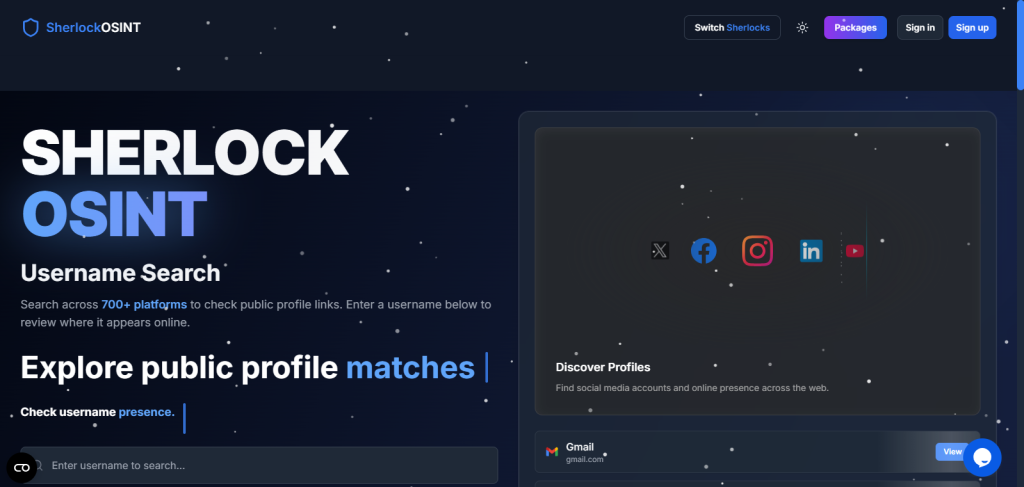
Unlike traditional digital footprint checkers, Sherlock focuses only on username-based searches. It checks whether a username exists on hundreds of platforms, including GitHub, GitLab, Steam, Roblox, Reddit, and other public websites, helping you identify forgotten or inactive accounts.
Because Sherlock surfaces accounts across every type of platform, including social media networks where personal and professional information often overlaps, it frequently uncovers profiles people had no idea were still publicly searchable under their username.
Key Features
- Searches 400+ websites by username
- Finds social media and gaming profiles
- Supports GitHub, GitLab, Steam, Roblox, and more
- Exports results in CSV and Excel
- Free and open source
| Pros | Cons |
| Completely free and open source | Requires basic command-line knowledge |
| Extensive username coverage | Username-only searches |
| Exportable search results | Doesn’t scan email breaches or data brokers |
| Regularly updated by the community |
5. SpiderFoot — Best Free Digital Footprint Scanner for Advanced Recon
SpiderFoot is an open-source OSINT tool for advanced digital footprint analysis. It scans email addresses, usernames, phone numbers, IP addresses, and domains to map publicly available information from hundreds of data sources.
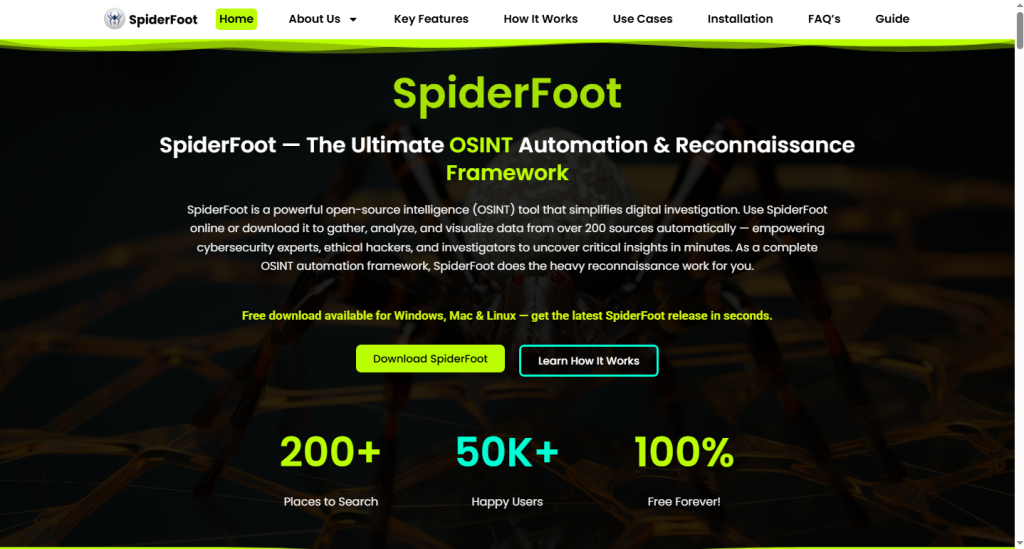
Designed for security researchers and IT professionals, SpiderFoot automates OSINT reconnaissance using 200+ modules. It collects information from DNS records, WHOIS data, threat intelligence feeds, and dark web sources, making it ideal for in-depth investigations rather than basic privacy checks.
Key Features
- 200+ automated OSINT modules
- Supports email, username, phone, IP, and domain searches
- DNS and WHOIS intelligence
- Dark web monitoring
- Multiple scan modes
- Free and open source
| Pros | Cons |
|---|---|
| Supports multiple input types | Requires technical knowledge |
| Comprehensive OSINT automation | Can generate large amounts of data |
| Includes DNS, WHOIS, and dark web analysis | Requires local installation |
| Free and open source |
How Can You Reduce Your Digital Footprint?
You can reduce your digital footprint by removing unnecessary personal information, limiting public visibility, and monitoring your online presence regularly.
Follow these steps:
- Delete unused accounts to remove old profiles and personal data.
- Opt out of data broker websites to reduce the amount of publicly searchable information.
- Review your privacy settings. Simple actions like hiding your friends list on Facebook immediately reduce what strangers can learn about your social connections from your profile.
- Remove personal information from Google Search using Google’s removal request tool.
- Enable Google Alerts to monitor new mentions of your name.
- Use a digital footprint removal service to automate data broker opt-out requests.
- Remove old posts, photos, and comments that no longer reflect your online presence.
- Use unique passwords and enable two-factor authentication (2FA) to protect compromised accounts.
Free digital footprint checkers are enough for most people, but they may not uncover every publicly available record.
If you need a more detailed search, CocoFinder and PeopleLooker can help find in depth information linked to phone numbers, names, email addresses, addresses, and other public records.
I’ve also compared both CocoFinder and PeopleLooker tools in detail, including their features, limitations, and pricing, if you want to learn more before using them.
People Also Ask About Digital Footprint Checkers
Can I Check My Digital Footprint for Free?
Yes. Many digital footprint checkers offer free scans for email addresses, usernames, and publicly available information, while advanced monitoring may require a paid plan.
how to check your digital footprint?
Scan your email address, username, or phone number with a digital footprint checker to find exposed accounts, data breaches, and other public information.
Is My Digital Footprint Permanent?
No. You can reduce your digital footprint by deleting old accounts, removing personal information, and opting out of data broker websites, although archived copies may remain online.
Can Everyone See My Digital Footprint?
No. Only publicly available information can be viewed by others. Private accounts, encrypted messages, and restricted content remain inaccessible.
What Is an OSINT Digital Footprint Checker?
An OSINT digital footprint checker uses Open-Source Intelligence (OSINT) to search public records, social media, websites, and other public sources for digital information.
Is It Legal to Check Someone’s Digital Footprint?
Yes. Searching publicly available information is generally legal, but it should only be used for legitimate and lawful purposes.
What Happens if My Data Appears on the Dark Web?
Change affected passwords, enable two-factor authentication (2FA), monitor your accounts, and watch for signs of identity theft or fraud.
Is There a Digital Footprint Checker App?
Yes. Some digital footprint checkers offer Android and iOS apps, while others are available only through a web browser.
How Often Should I Check My Digital Footprint?
Check your digital footprint every 3–6 months or after a data breach to identify newly exposed personal information.
What Is a Competitive Digital Footprint Analysis Tool?
A competitive digital footprint analysis tool analyzes a company’s online presence, including domains, websites, IP addresses, and other publicly available digital assets.
Which Digital Footprint Checker Should You Choose?
The best digital footprint checker depends on the type of information you want to monitor. Some tools specialize in data breaches, while others focus on username searches, phone number lookups, data broker records, or OSINT investigations.
If you’re new to monitoring your online presence, start with a free email-based scan. For broader visibility, combine a breach checker, a username finder, and a digital footprint scanner to monitor different types of exposed personal information.
This approach provides better coverage of your email addresses, usernames, phone numbers, online accounts, and other publicly available data without relying on a single tool.