If you’re looking for a quick way to test your memory, Google Memory Game is a simple browser-based game that challenges you to remember and match creatures.
I tried the game myself and recorded the gameplay to show how it works, along with screenshots from the game interface.
It can be played casually without turning into a complicated learning activity, like the Google Popcorn Game, making it suitable for a short mental workout.
In this guide, I’ll explain what Google Memory Game is, how to play it, how the scoring works, and what you can expect when trying it for a quick brain workout.
What Is Google Memory Game in Reality?
The Memory Game is a browser-based sequence matching game by Google where you watch and listen to a sequence, then repeat it in the same order as a brain exercise.
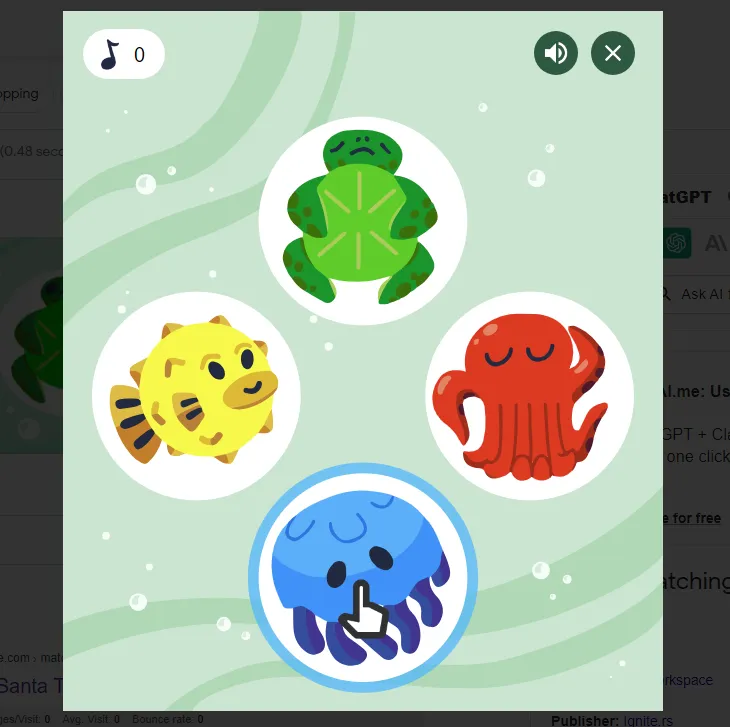
The game uses four sea creatures: a yellow pufferfish, green turtle, red octopus, and blue jellyfish. Each one lights up and plays a distinct sound, giving you both visual and audio cues to remember.
It starts off easy, but becomes more challenging as the sequence gets longer, requiring your brain to stay focused as the game progresses.
The nice part is you don’t need to download anything or set up an account, so you can jump in your browser and start playing immediately, just like what Poki and other browser-based gaming platforms offer.
How to Play the Google Memory Game?
You can play the Google Memory Game directly in your browser. If you don’t have it open yet, click here to play the game now.
Once you have the game open, follow these steps:
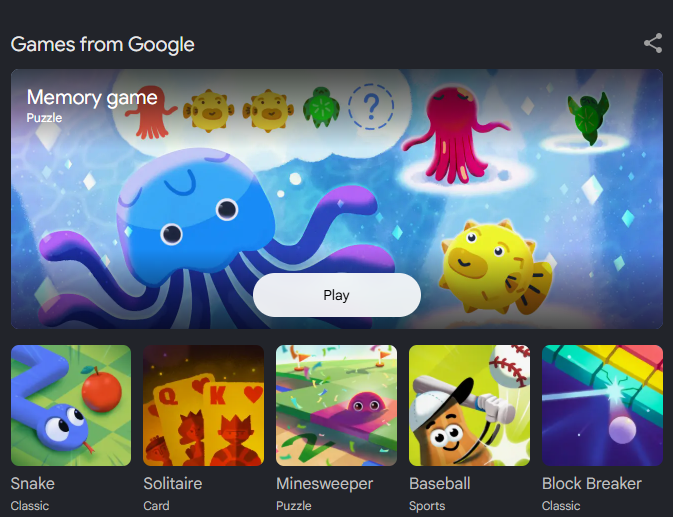
- Start the game: Click the play button to begin.
- Watch and listen: Pay attention as one or more of the creatures lights up and plays its sound.
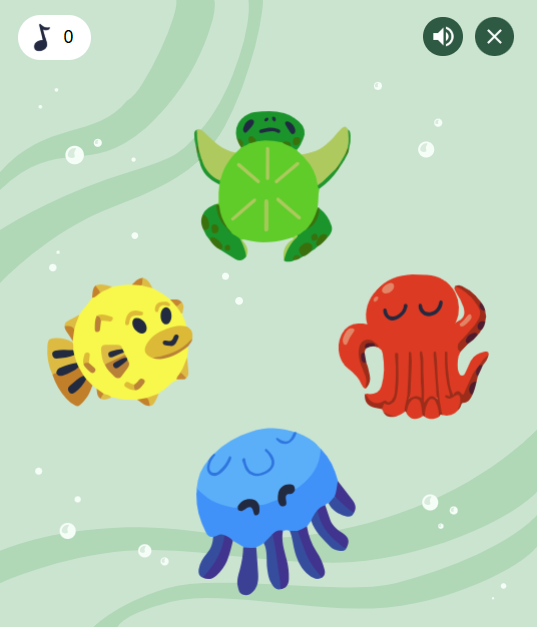
- Repeat the sequence: Once the game finishes showing the sequence, click the creatures in the same order.
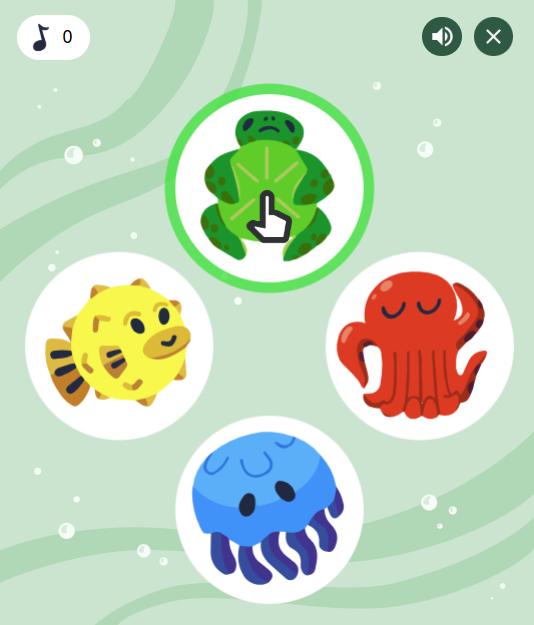
- Follow the longer sequence: Each time you repeat the sequence correctly, the game adds another step, giving you more to remember in the next round.
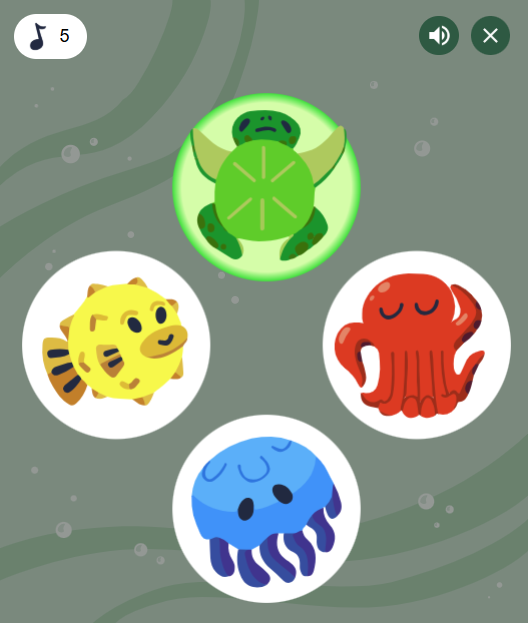
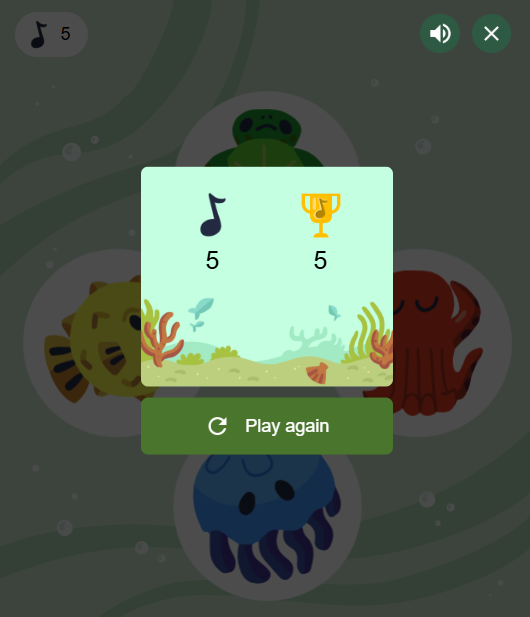
- Try again if you make a mistake: Selecting the wrong creature breaks the sequence and ends your current run, so you can start over and try to beat your previous score.
However, if you want a quick gameplay visual guide, the video below shows you exactly how a round works.
What Is a Good Score in Google Memory Game in Numbers?
There is no official number that Google labels as an average or good score for this Memory Game version, so I wouldn’t put much weight on a specific number.
You may also see 53 mentioned as the highest score or even the world record. However, there’s no verified Google leaderboard confirming that figure.
For now, I’m happy treating my own best score as the one to beat. I have to start somewhere, right?
What Helps Me Remember the Sequence
If you want to remember more and push your score higher, these are the little things that have worked best for me:
- Remember the colors first: They’re easier for me to recall than the creature names.
- Repeat the sequence in my head: This helps me keep the order straight before I click.
- Break up longer sequences: I find smaller groups easier to remember than one long pattern.
- Slow down as the sequence grows: I’d rather take an extra moment to recall the next creature than rush and lose the run.
Is Google Memory Game Part of Google Doodle?
Yes. I’ve seen the sea creature version of the Google Memory Game described online as a Google Doodle or interactive Doodle game. It uses the same four sea creatures and the same sequence-based gameplay I explained in this guide.
That said, I’ve also noticed there are other memory-style games tied to Google Doodles that don’t work the same way.
Because of that, I always recommend checking the exact game you’re looking at on screen rather than assuming every “Google Memory Game” result refers to the same thing.
Would I Play Google Memory Game Again?
I would. That’s because it’s easy to start, while the longer sequences give me just enough of a challenge to stay focused, and to my taste, that’s fun.
What I enjoy is that every round feels slightly different because I never know how long I’ll be able to keep going.
I see it as a fun way to give my memory a little workout, similar to the Woodoku puzzle game, except here I’m trying to remember a sequence rather than arrange blocks.
And honestly, having a previous score to beat makes it a little harder to stop after just one round.
A Few Questions People Ask About Google Memory Game
Is Google Memory Game free to play?
Yes, Google Memory Game is free to play for everyone.
Does Google Memory Game work on mobile?
You can also play Google Memory Game in your phone’s browser without installing a separate app, but I prefer the desktop version.
Can kids play Google Memory Game?
Yes, the game is suitable for kids because of its simple controls and memory-based gameplay.
Is there a specific level to start within this game?
There are no separate difficulty levels to choose from. The game starts with a short sequence and becomes harder naturally as the sequence grows.