PlayHop is generally safe to use, but I wouldn’t consider it a completely risk-free gaming platform for kids. It lets children play thousands of browser-based games without downloading anything, but ads, external links, and the content of individual games are still worth keeping an eye on.
If your child has asked to use PlayHop, you probably want to know more than whether the website itself is safe.
- Can ads lead them elsewhere?
- Are there viruses or inappropriate games?
- Does PlayHop collect personal information?
These concerns matter when choosing an online gaming platform for kids. I explored PlayHop with these questions in mind. In this review, I’ll cover its safety, ads, privacy, games, and overall experience to help you decide whether it’s suitable for your child.
Is PlayHop a Safe Website for kids?
Yes, PlayHop appears generally safe for kids, but younger children should still use it with parental supervision. The website uses HTTPS, and games run directly in the browser without requiring downloads. PlayHop also states that its moderators review games for malware and inappropriate content.
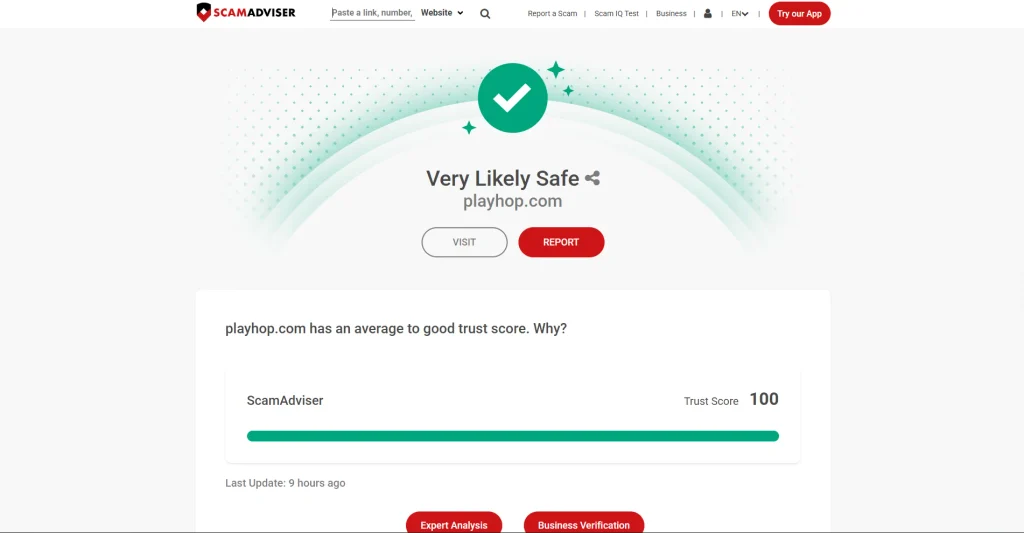
Independent checks provide another positive signal. ScamAdviser currently considers PlayHop.com “Very Likely Safe,” citing factors such as a valid SSL certificate and established domain history. However, no trust score guarantees that every game, ad, or external link is appropriate for children.
Parents should therefore review the games their children play and be cautious with ads or links that take them outside PlayHop. The American Academy of Pediatrics recommends staying involved in children’s online gaming, including checking games beforehand and monitoring the content they interact with.
PlayHop Features and Gaming Experience
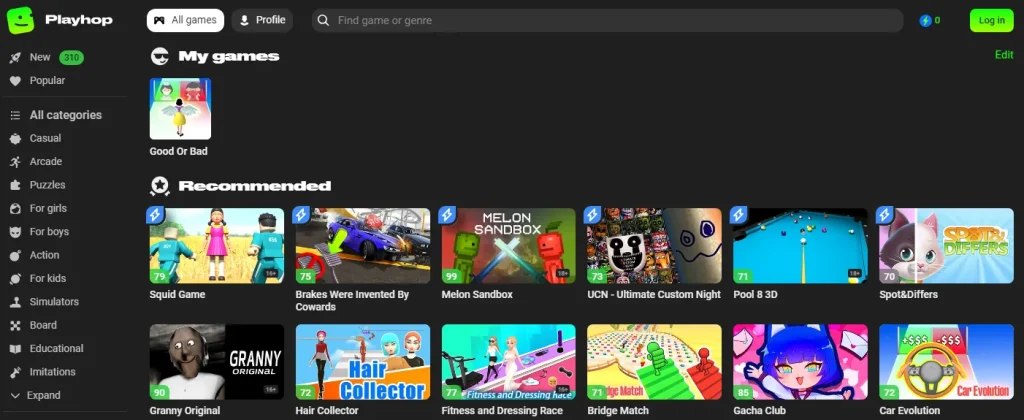
PlayHop is a free browser-based gaming platform where users can play free online games across categories such as puzzles, racing, strategy, action, and casual games.
For parents, the important thing to know is that PlayHop hosts a large collection of games with varying content, themes, and suitability, so it is worth checking individual titles before younger children play them.
Key Features of PlayHop
- Large Game Library: Includes puzzle, racing, strategy, action, arcade, and casual games.
- No Downloads: Games run directly in the browser without installing individual files.
- Free to Play: Users can access and play games for free, although ads may appear.
- Easy Navigation: Categories and search make games easier to find.
- Multi-Device Access: PlayHop can be accessed through browsers on desktops, tablets, and smartphones.
Performance & Gameplay Experience
During my testing, most games loaded and played normally at the start. However, I noticed that my system suddenly became slower while using PlayHop.
I couldn’t confirm whether PlayHop itself caused the slowdown or whether it was coincidental. Other than that, ads were a noticeable drawback, as they can make the browsing experience feel cluttered, especially for younger users.
Pros and Cons of PlayHop
| Pros of Playhop | Cons of Playhop |
|---|---|
| Huge variety of games | Ads can be distracting |
| Free to play | Some games are basic or repetitive |
| No sign-up required | Can be time-consuming and slow |
| Easy-to-use interface | |
| Works on all devices |
How to Use PlayHop?
Step 1. Access PlayHop Online
Go to the official PlayHop website in your browser. Using the official domain is important, especially for kids, as similarly named or third-party gaming sites may have different content or safety practices.
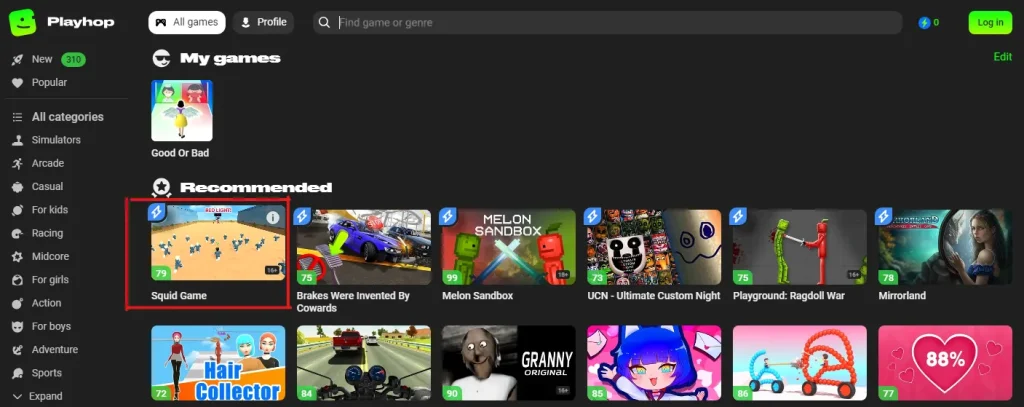
Step 2. Click on Your Preferred Game
Browse the available games or use the search bar to find a specific title. Before younger children start playing, parents should check the game’s content and any available age or content information.
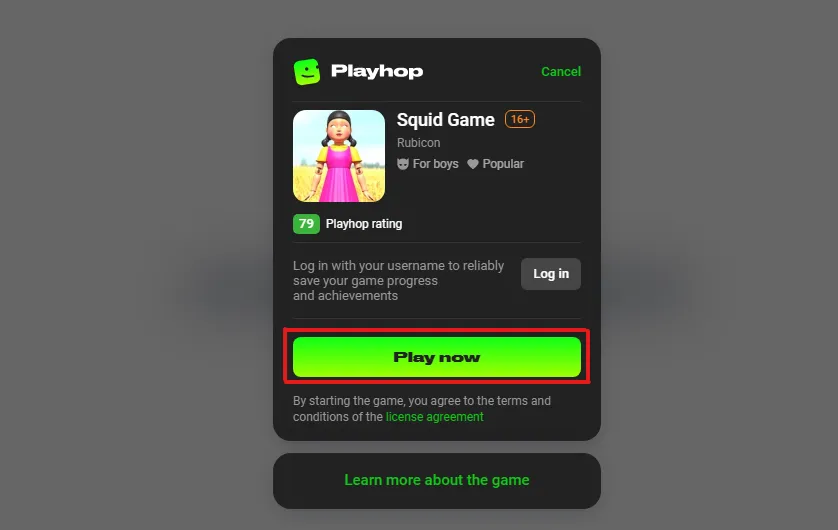
Step 3. Click on the “Play now” Button
Select a game and click “Play Now” to launch it. If an ad, pop-up, or external page appears instead of the game, avoid interacting with it and return to PlayHop.
Free PlayHop Games to Play Online
PlayHop offers free browser games across different genres, including strategy, puzzles, simulation, and casual games. During my exploration of the platform, some titles I came across included:
- Raid Heroes: Dark Side – A strategy RPG focused on battles, upgrades, and team-building.
- Bus Escape – A puzzle-driving game based on navigating obstacles and escape challenges.
- Crazy Crash Landing – An aircraft simulation game built around challenging landings.
- Bubble Pop Master – A casual bubble-shooter based on matching and clearing bubbles.
The available game library can change over time, so the titles you see on PlayHop may differ. Parents should also check individual games before younger children play, as content and themes can vary between titles.
Best Alternatives to PlayHop for Kids
If PlayHop isn’t the right fit, these browser-based gaming platforms offer similar ways to play online games without installing individual titles.
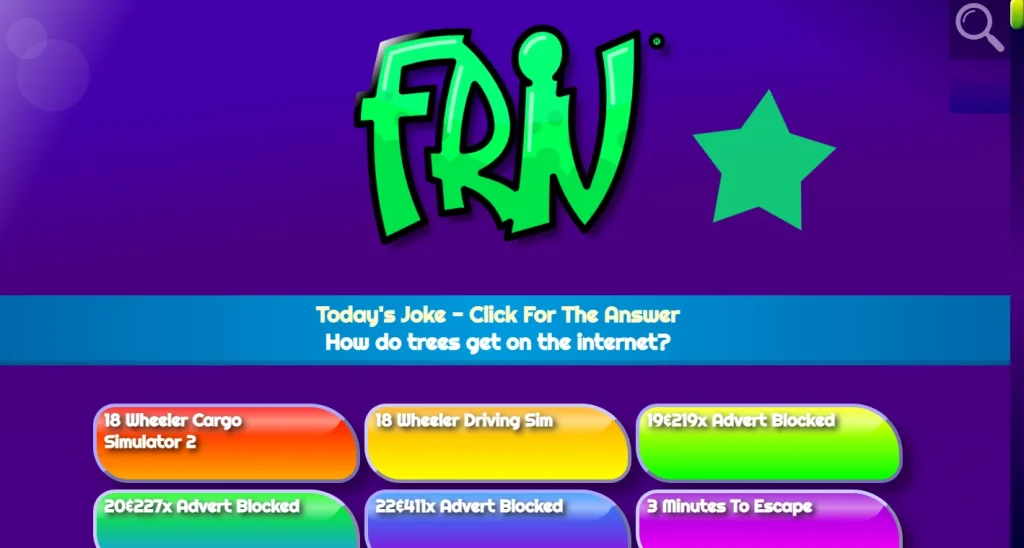
1. Friv Games – Simple Browser Gaming
Friv Games offers a simple grid of casual, puzzle, arcade, and other browser games. Compared with PlayHop, its interface is more straightforward for quickly finding a game.
Unique Feature: Classic, old-school flash games that many gamers grew up with.
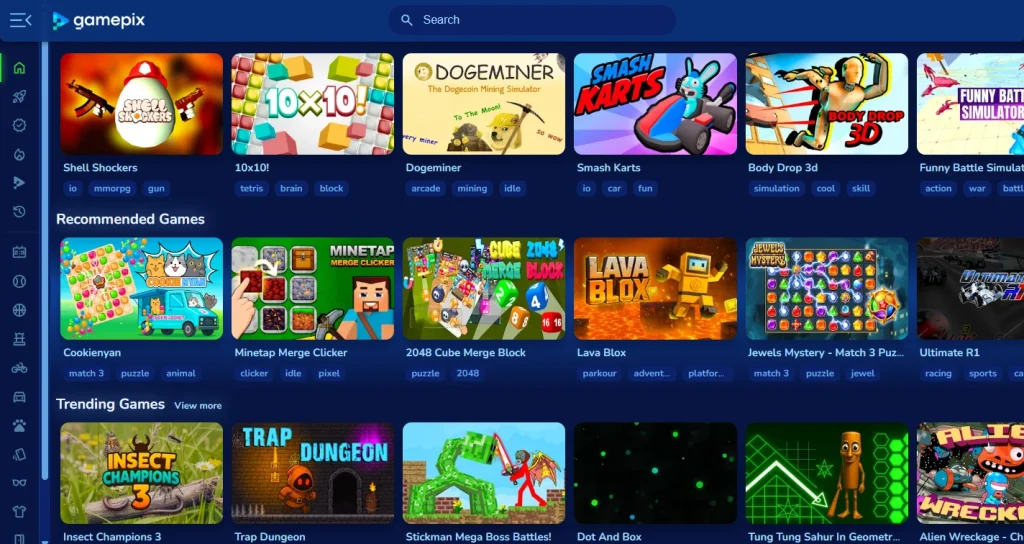
2. GamePix – HTML5 Games
GamePix provides HTML5 games across action, racing, puzzle, sports, and other categories. It is a good PlayHop alternative for cross-device browser gaming.
Unique Feature: Organized, mobile-friendly titles that feel closer to premium mobile apps.
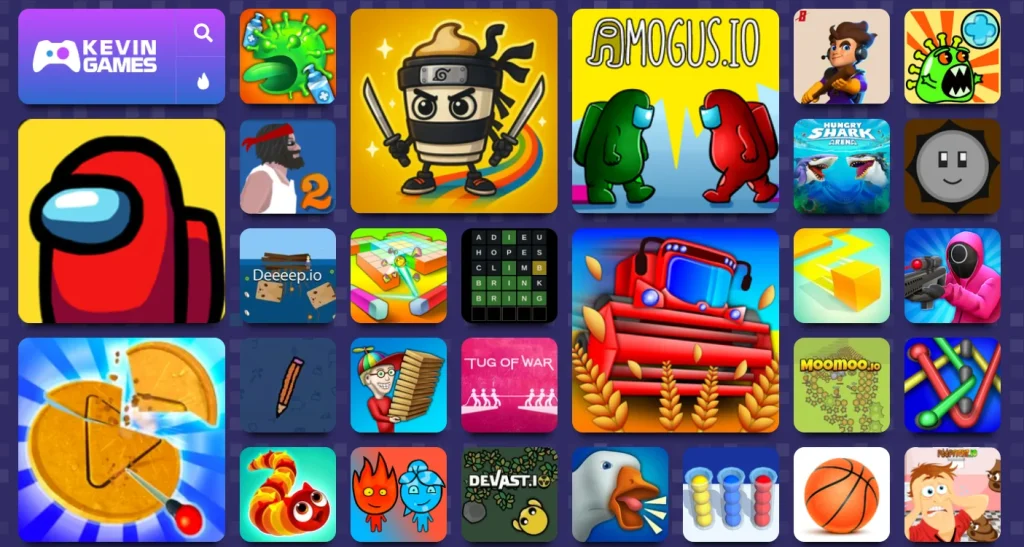
3. Kevin Games – Quick Casual Games
Kevin Games focuses on easily accessible browser games across multiple genres. It works well for users looking for short, casual gaming sessions.
Unique Feature: Lightweight, quick-play games perfect for short gaming sessions.
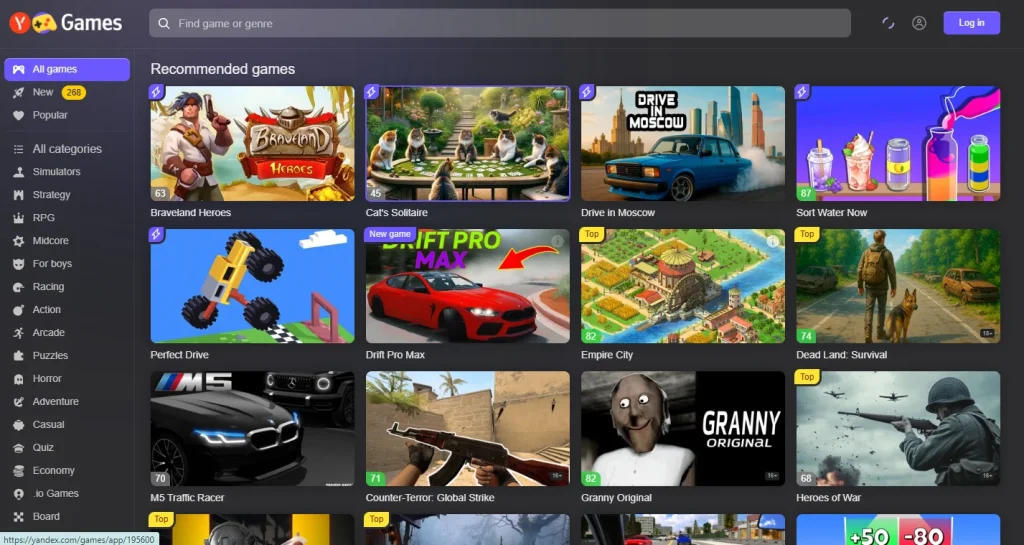
4. Yandex Games – More Platform Features
Yandex Games combines browser games with additional features such as saved progress and multiplayer support for compatible titles.
Personally, I think what makes social games different from traditional games comes down to that instant connection—instead of just beating a solo high score, kids can interact and play together in real-time, which keeps them way more engaged.
Unique Feature: Cloud saves + multiplayer make it a more advanced, app-like experience.
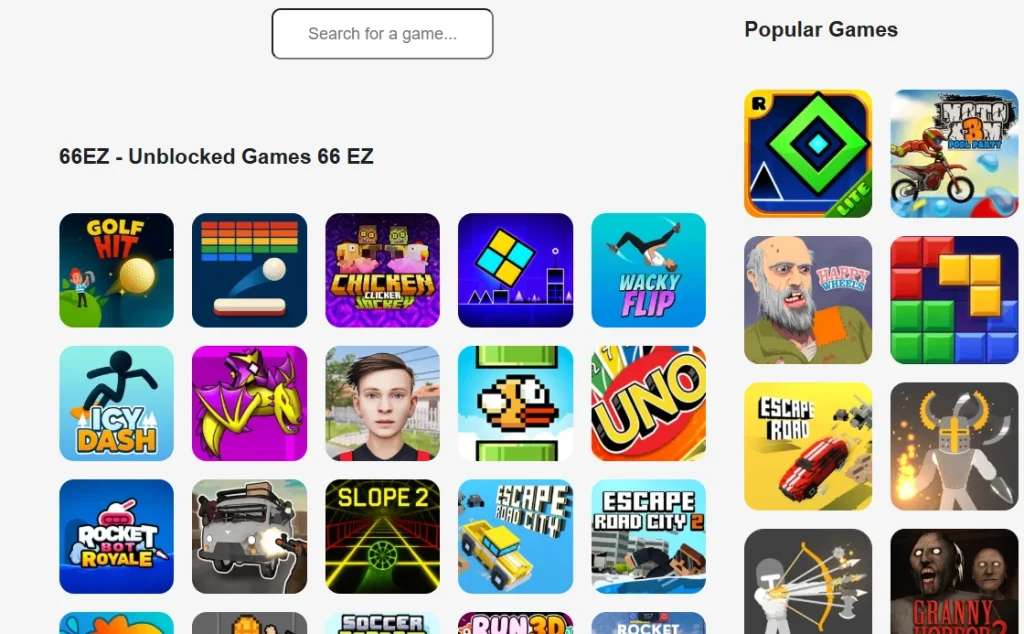
5. 66EZ Unblocked Games – Free-to-play browser games
66EZ focuses mainly on browser-based unblocked games, making it different from PlayHop’s broader game catalog. Its unique feature is that it has a huge library of unblocked, school-friendly games, perfect for playing anywhere restrictions exist.
Final Thoughts on the PlayHop Free Games Platform
After trying PlayHop myself, I found it generally safe and easy to use, though younger kids should still have parental supervision. Games run directly in the browser without individual downloads, which makes access simple across different devices.
However, game quality and value also vary. Some memory-based games encourage thinking and problem-solving, while you may find some that could offer little value for children. Ads and external links also deserve extra attention when kids are playing.
Overall, PlayHop provides a convenient browser-gaming experience, but parents should check individual games and keep an eye on younger children while they play.
People Also Ask
Does PlayHop.com enable you to play chess?
Yes. PlayHop.com enables you to play chess games and other mind games according to your interests and skills.
How much does it cost to play games on PlayHop?
PlayHop doesn’t cost you money to play games, which means you can access this platform without breaking the bank.
Are PlayHop games suitable for adults too?
Absolutely. While kids enjoy the fun titles, there are plenty of strategy, puzzle, and RPG games that adults will find engaging.
Can kids save progress without logging in?
No login is required, but optional login allows saving game progress.
Is There a PlayHop App?
Yes, but PlayHop works entirely through a web browser, so users can play games directly on their desktop, tablet, or mobile device without downloading or installing an app.