In a time when most social platforms are crowded with filters, algorithms, and endless scrolling, Locket App brings something refreshingly real. It’s not about likes or followers, but it’s all about sharing real moments with the people who matter most.
10M+ Android users have this app on their smartphones, and mostly users are related to the Alpha and Z generations. This shows how these younger generations value connectivity and social networking.
Have you ever heard of it before? Or you’re here just to find how to make the most out of its 2025 updates? No worries, I’ll tell you how to do that effectively.
What is Locket App?
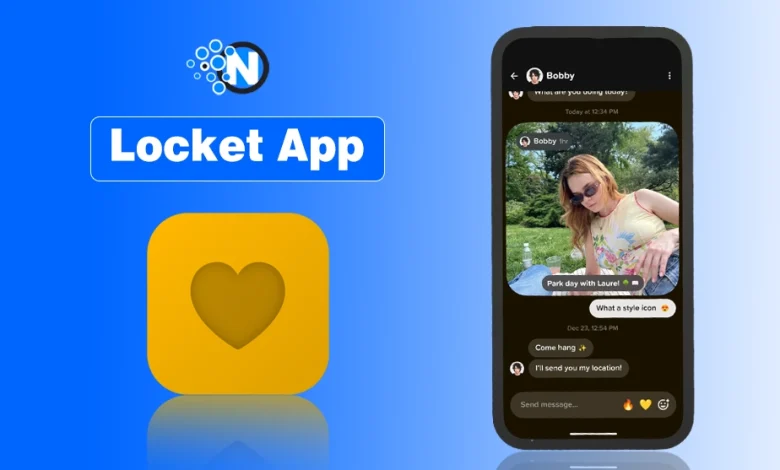
Locket App (also known as Locket Widget) is a photo-sharing widget that lets you send pictures directly to your friends’ home screens.
Instead of posting to a public feed, your photos appear live on their phone just like a digital photo frame that updates in real time. Originally launched as a way for close friends or couples to stay connected, but now grown as a global trend.
Why Has It Become Famous?
Although it is more like Snapchat, it follows a slightly different approach with a different target audience:
- Live Photo Widget: View real-time photos from friends directly on your home screen.
- Favorites List: Prioritize your closest friends so their photos appear first.
- Photo Captions: Add short messages or emojis to make each photo more personal.
- Streaks Tracking: Keep daily photo streaks to stay connected consistently.
- History View: Revisit all sent and received photos in one private gallery.
How to Share Real Moments with Locket?
Unlike Instagram, Facebook, or Snapchat, Locket doesn’t have a feed or follower count. You only share photos with selected friends, which makes it more personal.
Here’s how to make it fun and authentic:
- Send daily snaps: A morning coffee, sunset, pet selfie, or anything you want to keep it real.
- Use the “History” feature: to revisit all photos you’ve shared or received.
- Add captions: to personalize your moments.
- Keep it private: Only your friends can see your photos.
How to Use the Locket App on Your Smartphone?
Here is the complete usage process of the Locket app on your smartphone.
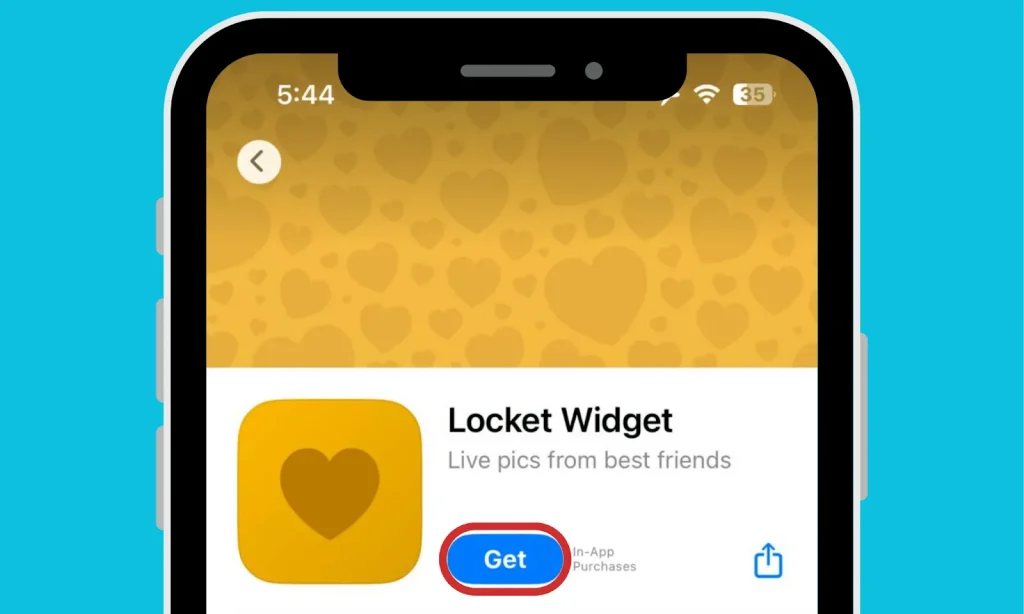
- Install the Locket Widget App on your smartphone.
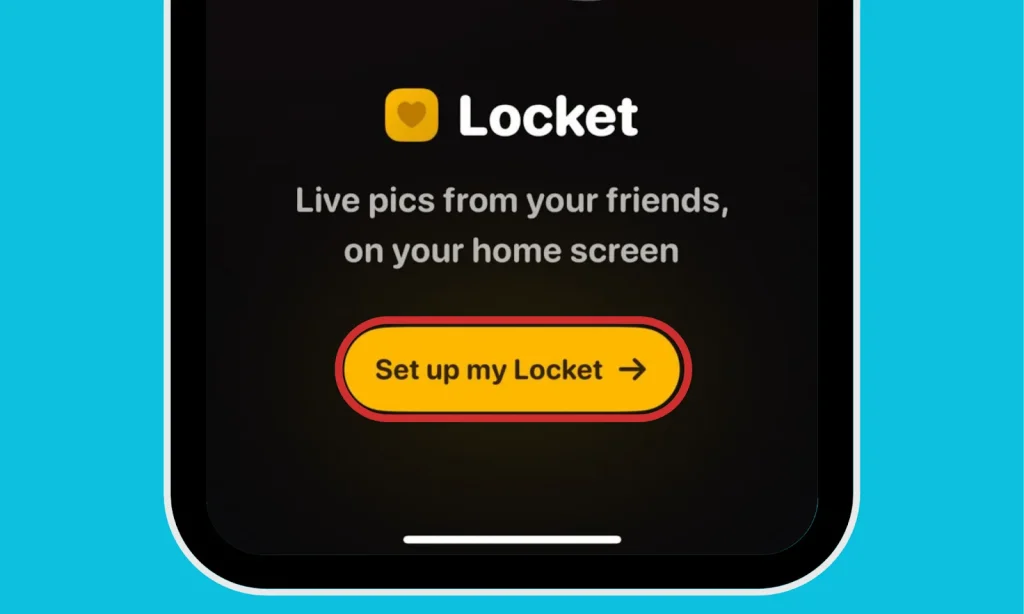
- Open the application and click on the “Set up my locket” button to create a profile.
- Enter your Contact Information in the box and click on the “Continue” button to move forward.
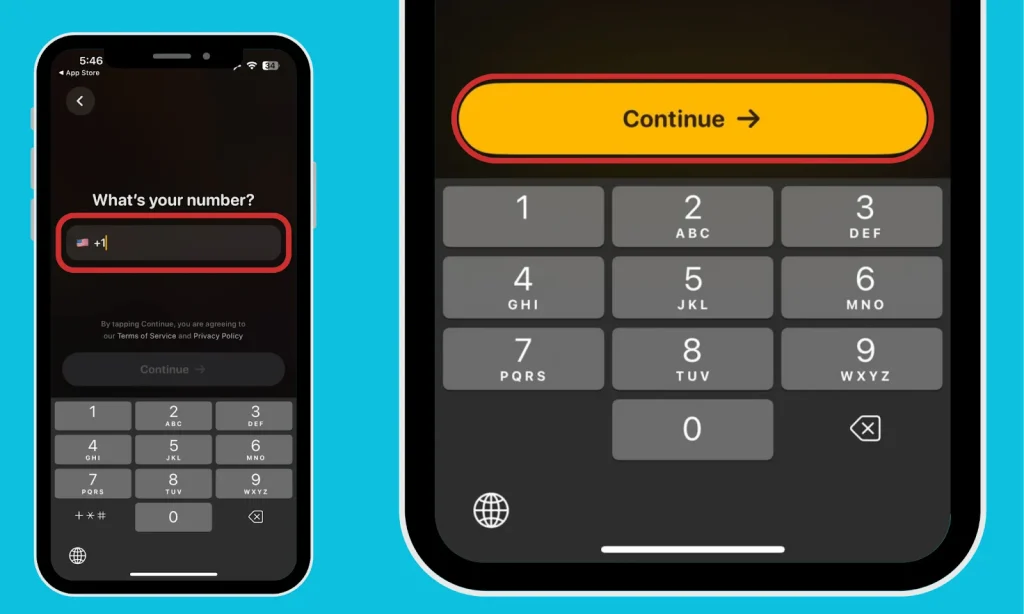
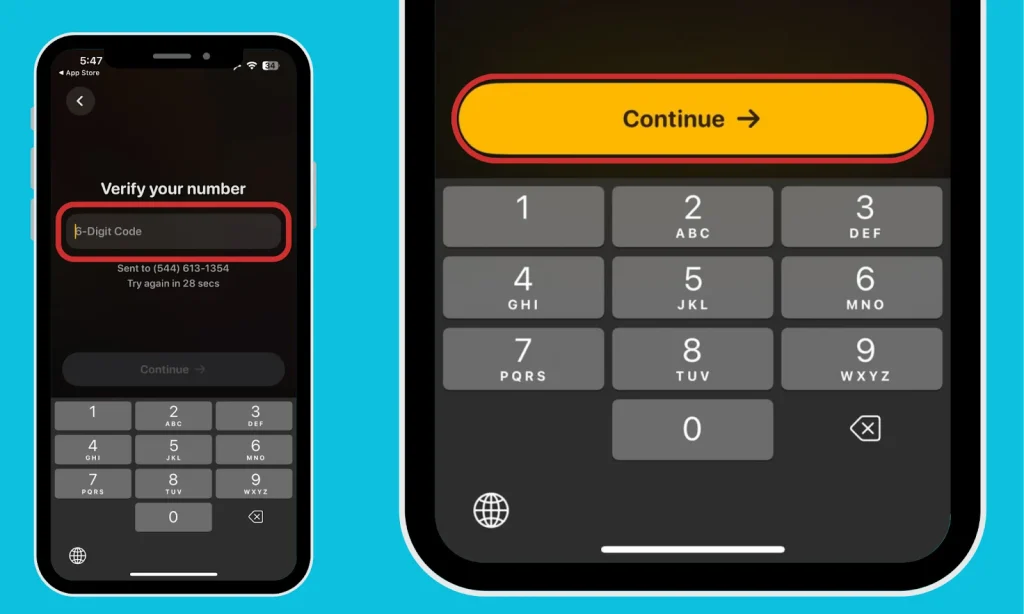
- Now, give your verification code in the box and tap on the “Continue” button to sign in to the application.
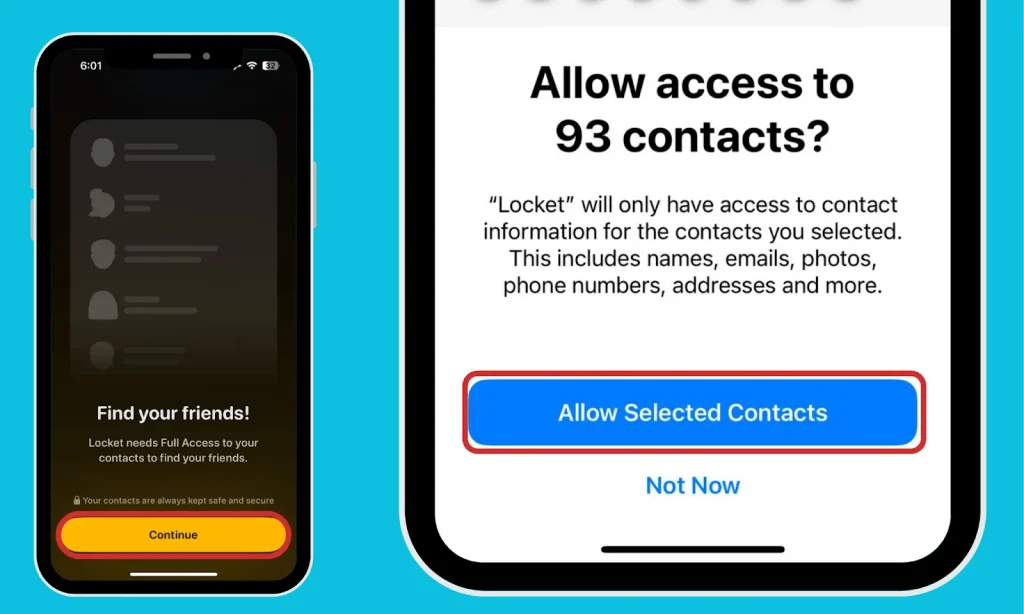
- Here, you need to tap on the “Find Your Friends” button and allow the app to find people on the application from your contacts.
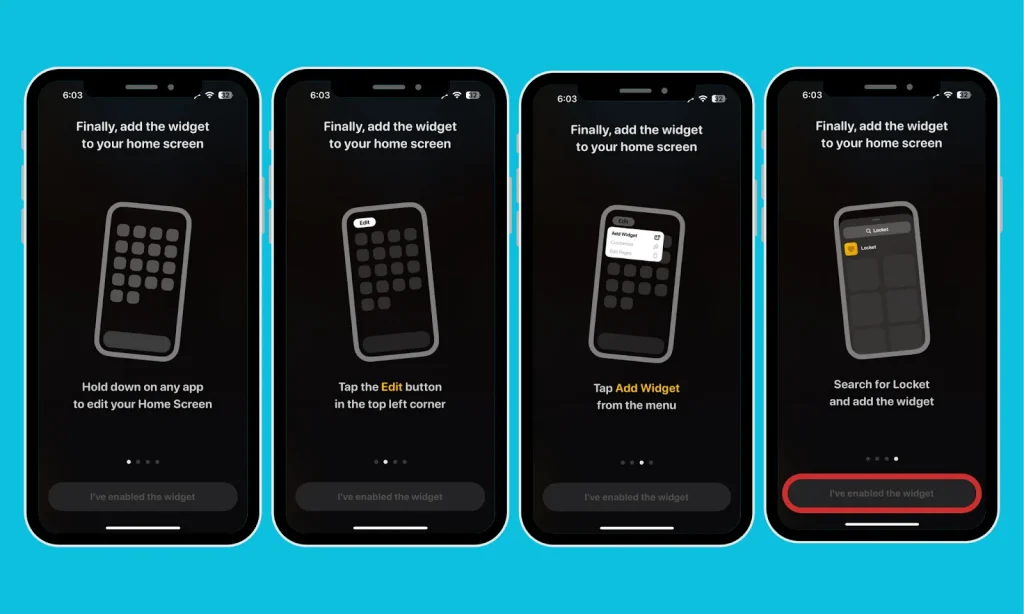
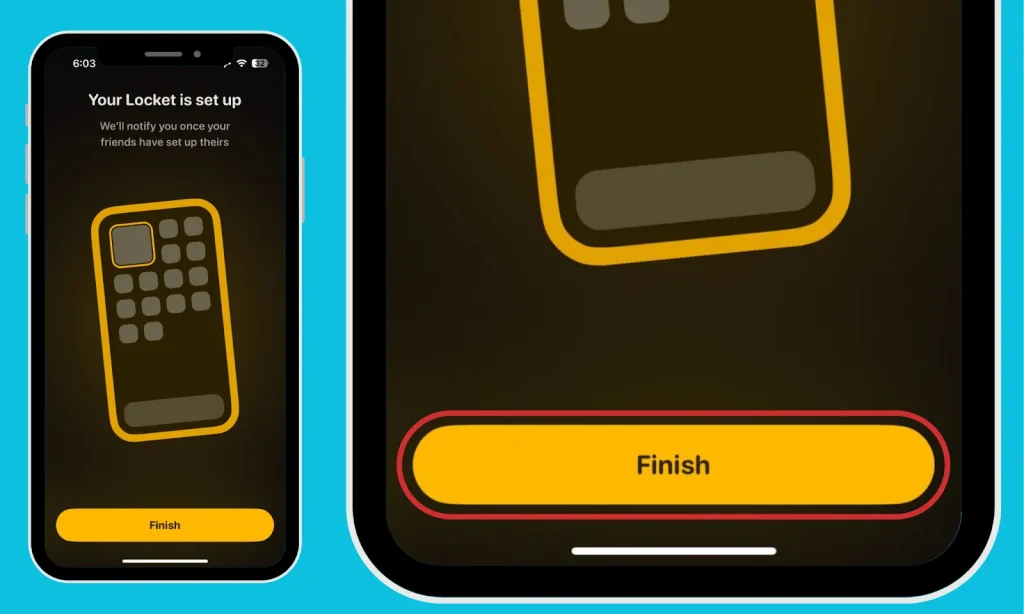
- Follow the process to add the app as a widget on your display, and click the “I’ve Enabled the Widget” button to do so.
- Click on Finish.
How to Troubleshoot Common Locket App Issues?
In the latest 2025 update, there are some bugs and issues that you can troubleshoot with just a few steps:
| Issue | Fix |
|---|---|
| Photos not updating | Check widget permissions and refresh your home screen. |
| Friend not receiving photos | Ensure both users have added each other. |
| App crashing | Update to the latest version from App Store/Play Store. |
| Widget missing | Reinstall the app and re-add the widget manually. |
Why Locket is More Than Just a Widget?
The Locket App isn’t just another photo-sharing platform; it’s a way to bring your favorite people closer, literally onto your home screen.
In 2025, when digital connections often feel filtered and distant, Locket keeps things real, simple, and instant.
So, if you’re ready to skip the algorithms and just share genuine moments, start today and send smiles, not stories.
People Also Ask
What is the app Locket?
The application Locket is a software that allows you to share your images as widgets on your friends’ devices.
What is Locket App used for?
The Locket application is used for sharing images as a Widget on different smartphones from a distance.
Who owns Locket App?
Matt Moss is the owner and the founder of the Widget App, aka the Locket App.