Google Integrates Gemini Spark into macOS Desktop App to Automate Local File Workflows
The software update bridges cloud intelligence with local operating systems, allowing premium subscribers to organize directories and process data directly through desktop infrastructure.

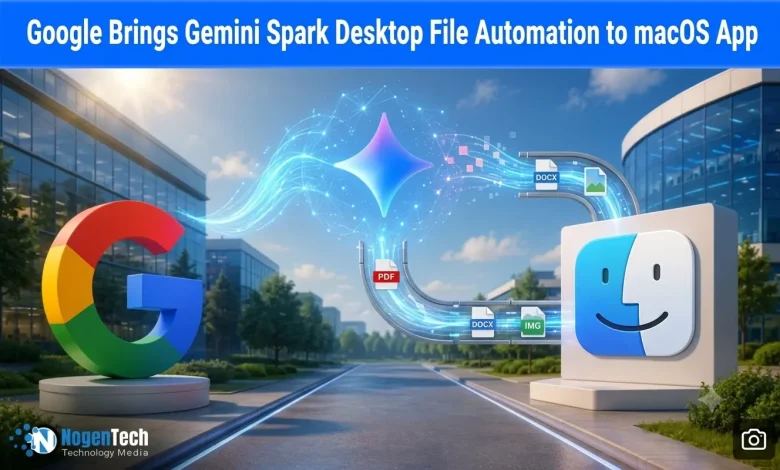
Google has expanded its push into AI agents by bringing Gemini Spark directly to macOS through a major update to its desktop app.
First introduced as an “agentic” cloud companion at Google I/O, Gemini Spark moves beyond browser-based chat by carrying out multi-step tasks across local files and folders.
The update creates a direct connection between a user’s Mac and Google Cloud, allowing the AI to work across desktop content and handle tasks in the background instead of serving only as an everyday chatbot.
How Does the New Desktop Automation System Operate?
The update replaces manual desktop organization by using machine learning to organize local files in the background. According to Google’s official technical documentation, users running version 1.80.15.516 of the macOS app will see a new Spark tab in the sidebar.
From there, users can choose folders, such as Downloads, and give the app secure permission to access them. Spark can independently scan messy directories, understand document types, sort files such as PDFs and receipts, and move them into the right folders.
The app reportedly includes a built-in safety feature as well that pauses any failed file operation and asks for user confirmation before making further changes, helping prevent accidental data loss.
Third-Party App That Would Link with the Agent
The update also pairs the macOS launch with expanded connected app infrastructure, linking Gemini Spark directly with consumer platforms including Canva, Dropbox, Instacart, OpenTable, and Zillow Rentals, as Egadget notes.
This lets users work with files stored on their Mac to complete tasks like uploading documents to Dropbox or creating flyers in Canva APIs.
Google has also added support for the open source Model Context Protocol (MCP), allowing developers to connect custom business apps and internal databases.
In addition, Google’s official blog says Spark can track blogs, financial tickers, and RSS feeds in real time, sending alerts when a monitored stock changes or a tracked event ends without requiring users to keep refreshing the page.
Subscription Costs and Upcoming Roadmap Features
The rollout targets premium users through a highly restricted access gate within Google’s native Gemini app for macOS, reflecting the heavy cloud compute costs for persistent background tasks.
Local folder automation and custom scheduling are currently available only through Google’s AI Ultra plan, which costs about $99 per month.
According to Engadget, the feature is launching as a beta for users aged 18 and older in the United States. Google says this is the first step in a broader cross-device rollout planned for later this summer.
Future updates will let users send commands or assign multi-step tasks to Spark from an iPhone or Android device.
Spark will then wake a connected Mac remotely, retrieve files such as sales or inventory data from a local drive, and automatically email the requested information back to the user.
Source: Gemini Spark updates: macOS launch, connected apps and more