Google Debuts Native Gemini Mac App Built in Under 100 Days Using Swift
Google launches a native macOS app for Gemini, the first time the AI assistant has expanded beyond Android and iOS to desktop, completing the set of major AI platforms on Mac alongside ChatGPT and Claude.

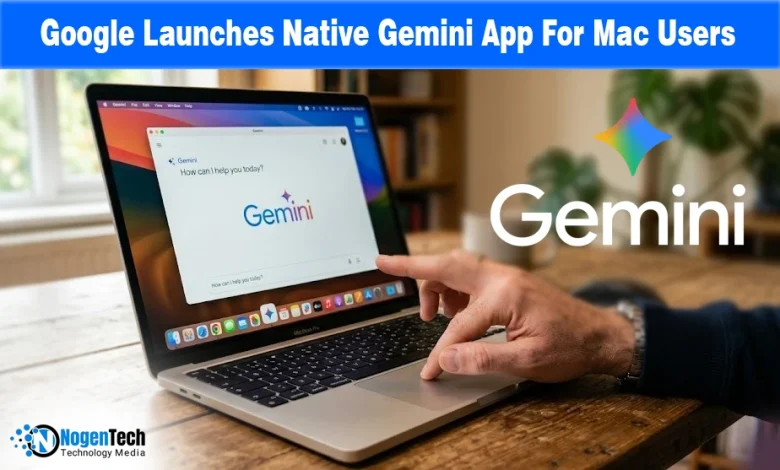
Google launched a native Gemini app for macOS on April 15, 2026, marking the AI assistant’s first expansion to a desktop platform after more than two years of being available exclusively on Android and iOS.
As the Google official blog confirmed, the app is built as a native macOS desktop experience, designed to run in the background and stay instantly accessible without opening a browser or switching windows.
Gemini is now available on Mac starting today, joining OpenAI’s ChatGPT and Anthropic’s Claude, , making Google the last of the three major AI platforms to launch a native macOS app.
How the App Was Built and What It Runs On
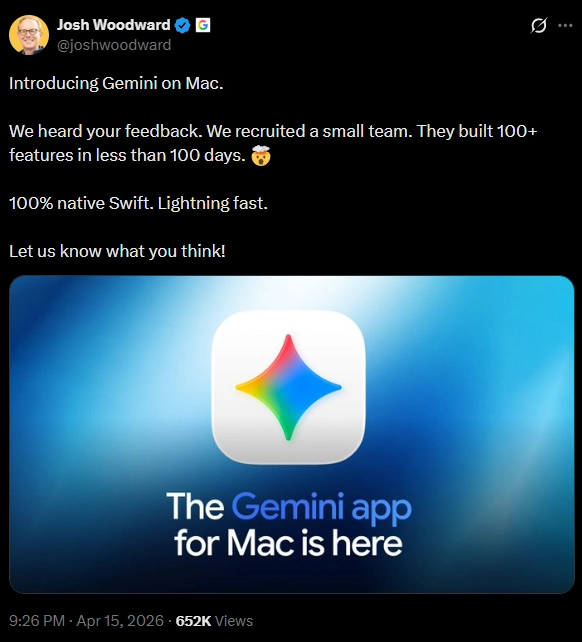
The development timeline behind the app is notable. Google VP of Product Josh Woodward posted on X that a small team was assembled specifically to build the Mac app, and delivered more than 100 features in fewer than 100 days.
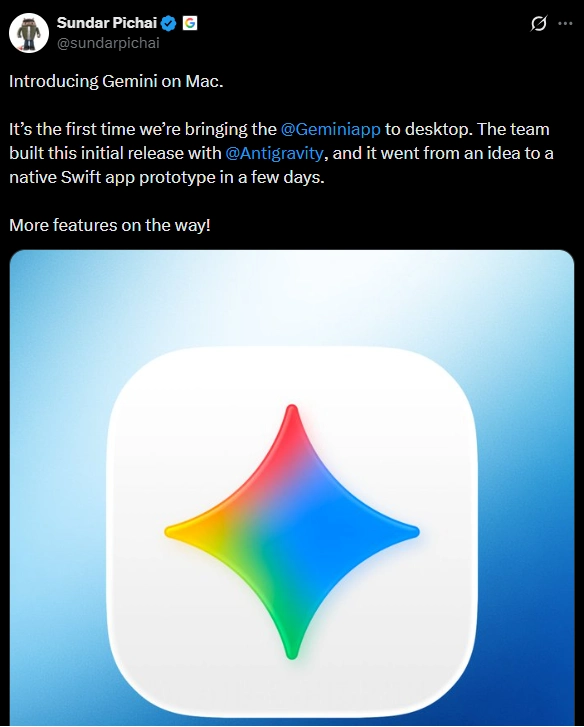
CEO Sundar Pichai separately confirmed in a post on X that the initial release was built in collaboration with design firm Antigravity, and that the app went from concept to a working native Swift prototype in days.
The choice to build in Swift, Apple’s native programming language, rather than a wrap web view means the app behaves as a true macOS app: faster, more responsive, and integrated with system-level features that a browser tool cannot access.
As the MacRumors confirmed, the app is available free for all users on macOS 15 (Sequoia) and later, globally across all countries and languages where Gemini is supported.
Subscription tiers unlock higher usage limits: Google AI Plus at $7.99 per month, Google AI Pro at $19.99 per month, and Google AI Ultra at $249.99 per month.
The Two Core Technical Features: Shortcuts and Window Sharing
As MacRumors confirmed, the primary access mechanism for the Mac is a global keyboard shortcut, Option + Space, that launches a compact, pill-shaped floating chat interface from anywhere on the system, over any app, without opening a dedicated window.
Option + Shift + Space opens the full Gemini interface, while both shortcuts are customizable in settings. The app also lives in the macOS menu bar and can be launched from the Dock.
The more significant feature is window sharing. As Google notes, users can share any active window directly with Gemini, giving the AI model immediate context of what is on screen, including documents, spreadsheets, images, and browser content.
Gemini requires Accessibility access to read full browser pages. The Google official blog illustrated the use case: “If you’re reviewing a complex chart, you can share your window and ask, ‘What are the three biggest takeaways here?’ to get an instant summary.”
The same context window can include local files uploaded directly, without needing a cloud upload step.
Built-In Creative Tools and What Comes Next
As 9to5 Google confirmed, the app ships with built-in tools accessible from the chat interface: image generation through Google’s Nano Banana engine, video generation through Veo, Canvas for document creation, Deep Research, and Guided Learning.
These are available within the same workflow context as standard queries, meaning a user can move from a research question to an image generation request without changing apps or interfaces.
As the Google official blog stated, the company frames this first release as a foundation rather than a finished product: “We’re building the foundation for a truly personal, proactive, and powerful desktop assistant, with more news to share in the coming months.”
That aligns with the broader context: Apple and Google announced a multi year collaboration in January 2026 to bring Gemini powered capabilities to a future version of Siri and Apple Intelligence, expected with iOS 27 and macOS 27 later this year at WWDC 2026 on June 8.
The native Mac app, in that context, establishes Gemini as a daily habit on macOS ahead of a much deeper system-level integration that is still months away.
Source: The Gemini app is now on Mac

![Top Tech Stories of 24th Week [2026]](https://www.nogentech.org/wp-content/uploads/2026/06/Top-Tech-Stories-of-24th-Week-2026-390x220.webp)