<strong>Key Takeaways</strong>
1. Discord isn’t the only option for team communication, especially for businesses, educators, and communities seeking different features or privacy models.
2. Slack is ideal for professional teams needing organized channels and app integrations.
3. Microsoft Teams offers deep integration with Office 365 and is great for corporate environments.
4. Telegram and Signal are strong choices for privacy-focused users and communities.
5. Google Meet provides a clean, secure, and widely accessible video conferencing experience.
6. Element and Tox are open-source options for users who prioritize decentralization and data control.
7. Choosing the right platform depends on your needs—whether it’s video quality, file sharing, security, or ease of use.
As Someone who’s spent countless hours coordinating projects, hosting online meetings, and even gaming with friends, Discord has always been my favorite tool. It’s fast, flexible, and packed with features.
But over time, I found a few downsides, too many distractions, limited control in professional settings, and some privacy concerns that made me pause.
That’s when I began exploring other platforms, not just out of curiosity, but out of necessity. Whether you’re managing a remote team, building a community, or just want a cleaner interface, there are some impressive Discord alternatives out there that deserve attention.
Let me walk you through the 10 best apps like Discord I found, for myself & my team, and why they might be a better fit for your needs, too.
What is Discord App?
Discord is a free communication platform for communities, friends, and groups to connect and collaborate through voice, video, and text chat
Users can interact via text, voice, and video, and also provides features like file sharing, screen sharing, and live streaming. Originally popular among gamers, Discord has expanded to cover communities of all sorts: study groups, hobbyists, professional teams, and more.
It works using “servers,” which are like individual hubs or chatrooms. Each server can have multiple channels dedicated to specific topics, making it easy to organize discussions. You can join public servers or create private ones for your personal use.
Discord is available on desktop, smartphones, and web browsers, and it’s free to use, though it offers a premium subscription called Discord Nitro for additional perks like higher-quality video and custom emojis.
Top 10 Most Popular Discord Alternatives
I have explained the top 10 secure Discord alternatives for gaming, teams and communities.
1. Slack – Best for professional teams
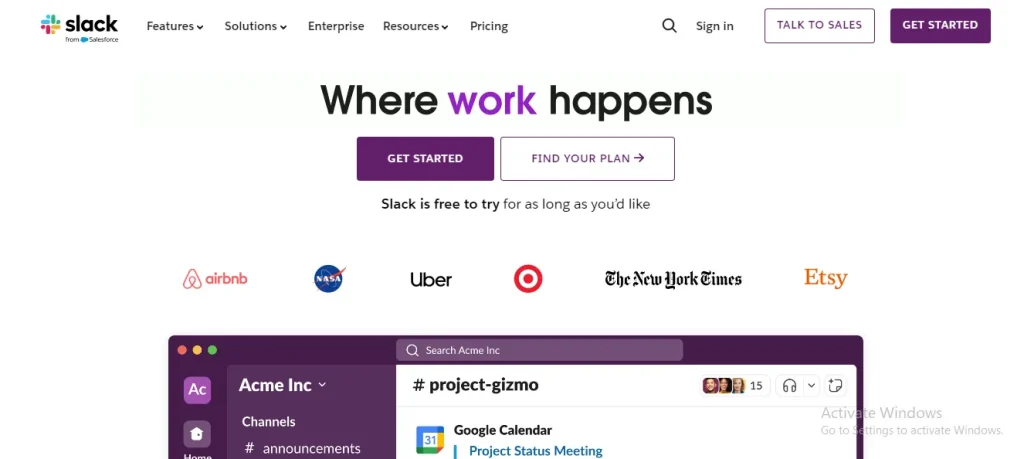
Slack is one of the best alternatives for workspaces and professional communication. It is designed as a tool to improve team collaboration and is widely used in workplaces.
Key features:
- Organized conversations through channels
- Integration with productivity tools like Google Drive, Monday, and Zoom
- File sharing and easy collaboration
- Strong moderation and user role management
| Pros | Cons |
|---|---|
| Organized channels | Limited free plan |
| App integrations | Not ideal for casual communities |
| Great for teams |
Best for:
Slack is built for structured professional teams rather than open gaming communities. If you need a platform for work or study groups, Slack is an excellent choice.
2. Microsoft Teams – Best for enterprises and large groups
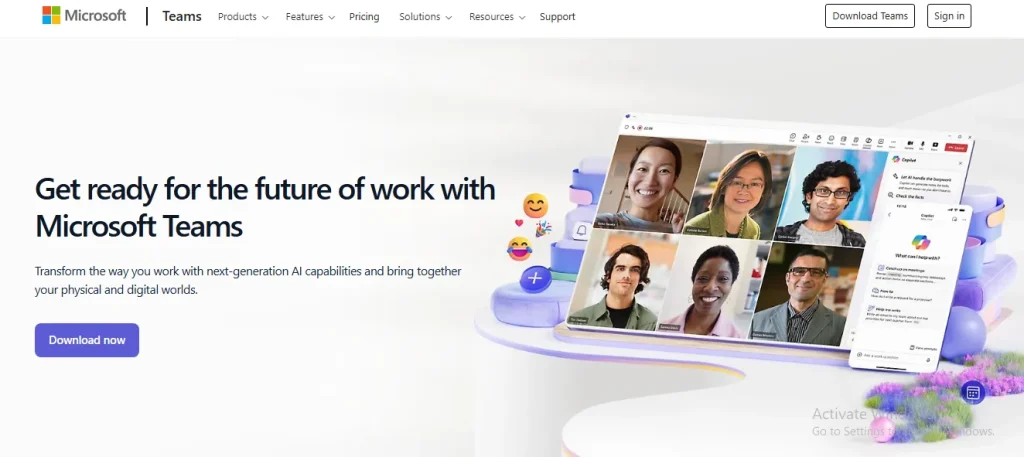
Secondly, I have placed Microsoft Teams in this rundown on the best Discord alternatives. It is another corporate focused platform that excels in business and education settings.
Key features:
- Seamless integration with Microsoft 365 apps
- High quality video and voice conferencing
- Strong security with end to end encryption
- Channel based discussions similar to Discord
| Pros | Cons |
|---|---|
| Deep Office 365 integration | Can feel bloated |
| Enterprise-grade security | Less intuitive for casual users |
| Video & chat |
Best for:
Though primarily designed for professionals, Microsoft Teams can also serve as a community platform for those who need structured communication like students. Therefore, it is often classified among the best Discord alternatives for school.
3. Telegram – Best for privacy and simplicity
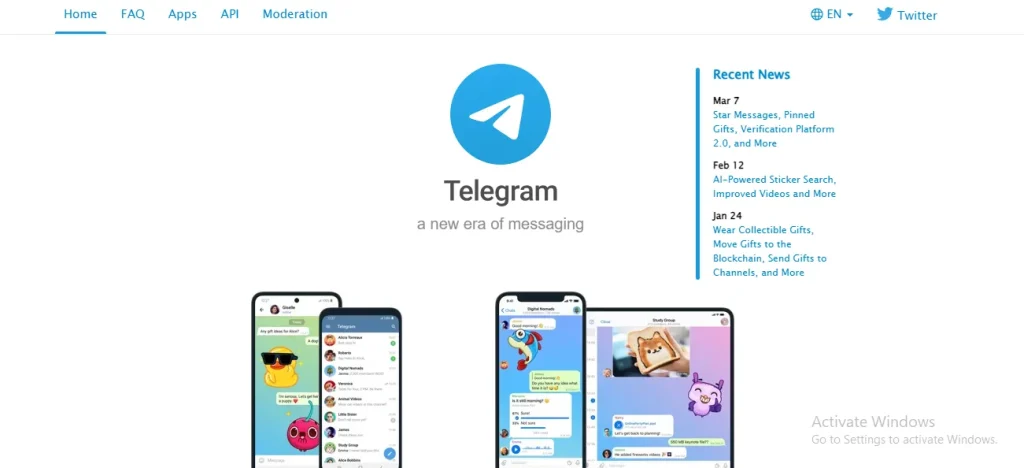
Telegram is counted among the best Discord alternatives free. It is a cloud based collaboration messaging app and is widely famous for its speed, security, and ease of use. While it does not offer dedicated servers like Discord, it has several advantages.
Key features:
- End to end encrypted chats for secure conversations
- Support for groups of up to 200,000 members
- Group voice and video chats that work like Discord’s voice channels
- Support for bots to manage communities and automate tasks
| Pros | Cons |
|---|---|
| End-to-end encryption | Less suited for team collaboration |
| Fast and lightweight | Limited voice features |
| Large group support |
Best for:
Telegram is an excellent choice for users who prioritize privacy while still needing a platform for large group discussions.
4. Guilded – Best for gaming communities
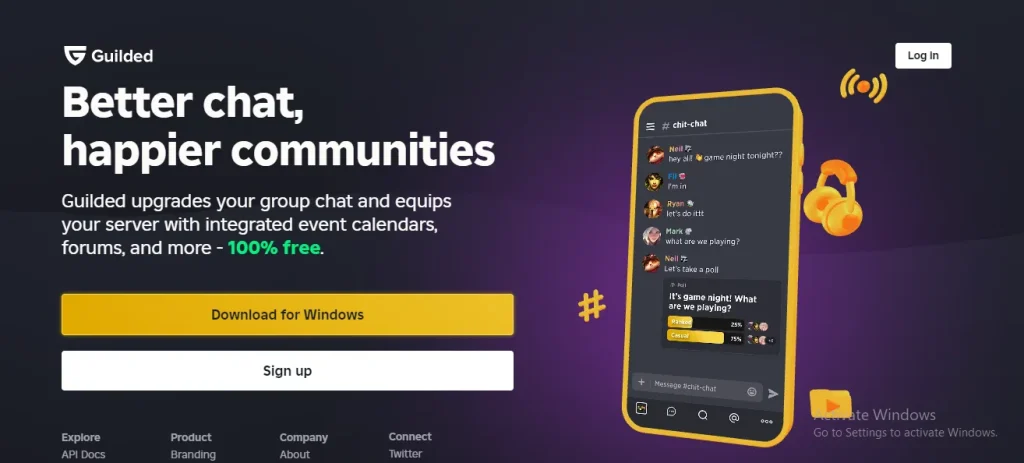
Guilded is one of the best Discord alternatives for gamers as it offers similar features to Discord with additional tools. Thus, gaming communities can have an exciting and customized experience.
Key features:
- High quality voice chat with lower latency
- Tournament organization tools for esports teams
- Advanced role customization and moderation features
- More free features compared to Discord’s Nitro subscription
| Pros | Cons |
|---|---|
| Built for gamers | Smaller user base |
| Event scheduling | Less versatile for non-gaming use |
| Media-rich channels |
Best for:
Guilded is ideal for gaming communities that search for a more powerful and feature rich alternative to Discord.
5. Mumble – Best for low latency voice chat
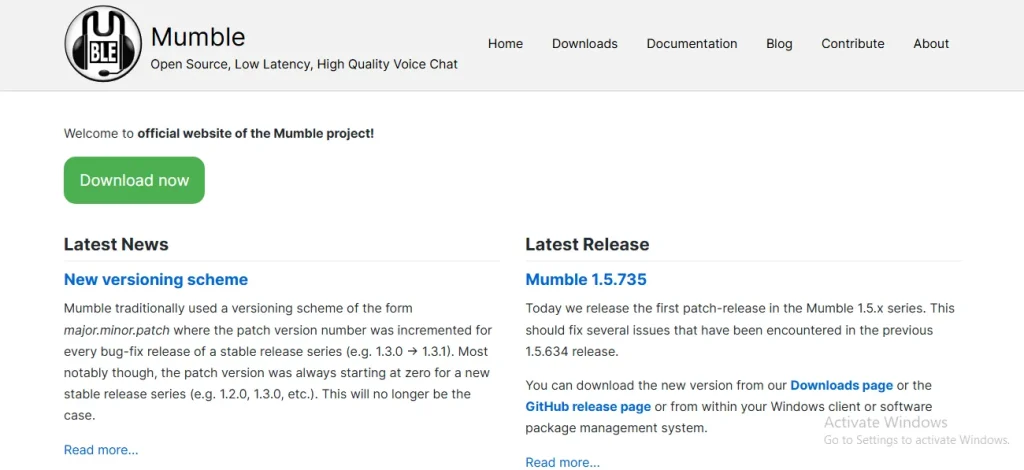
Next, Mumble has secured its position in this rundown because of its extremely low latency and high voice quality. That’s why it is considered as one of the better Discord alternatives open source.
Key features:
- High performance voice chat for competitive gaming
- End to end encryption for secure communication
- Self hosting options for better privacy
- Lightweight software that runs smoothly on most systems
| Pros | Cons |
|---|---|
| Ultra-low latency | Outdated UI |
| Open source | No text chat features |
| Lightweight |
Best for:
Mumble lacks the text based communication features of Discord, but is perfect for users who need high quality and real time voice chat.
6. TeamSpeak– Best for secure voice messaging
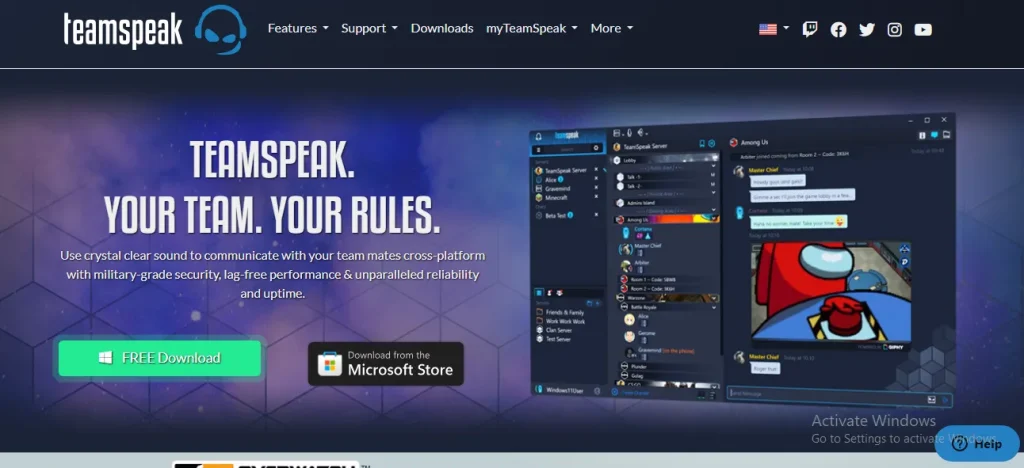
TeamSpeak is a voice chat software that offers features like high quality voice, channel management, and secure server hosting. It is often used as Discord alternatives for gaming to communicate with other players on the same team.
Key features:
- No central servers to ensure private and unmonitored conversations
- Strong encryption for both text and voice communication
- Open source and completely free to use
- Simple and lightweight interface
| Pros | Cons |
|---|---|
| Secure voice communication | Complex setup |
| Custom server hosting | Limited text and media sharing |
Best for:
TeamSpeak is among the similar sites like Discord with screen share features. Also, it is a great choice for users who value privacy above all else.
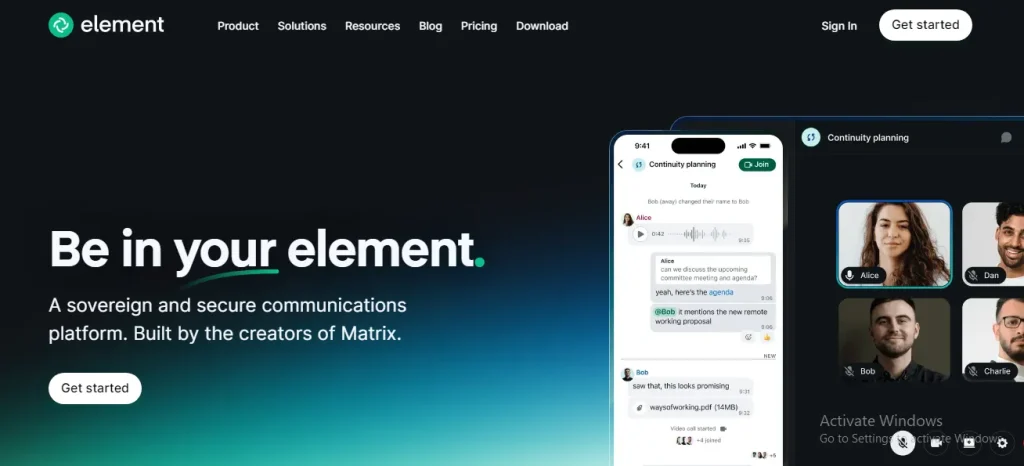
7. Element – Best for open source and decentralization
Element is a cloud based collaboration and one of the best open source Discord alternatives built on the Matrix protocol and offers users a greater control over their data. It is particularly popular among those looking for an open source alternative.
Key features:
- Decentralized communication across different Matrix servers
- End to end encryption for secure chats
- Cross platform compatibility with Slack, Discord, and Telegram
- Self hosting options for those who want full control over their data
| Pros | Cons |
|---|---|
| Decentralized | Steeper learning curve |
| End-to-end encryption | Less polished UI |
| Open source |
Best for:
Element is the best Discord alternatives self hosted and is ideal for communities and organizations that need a secure and customizable communication platform.
8. Ventrilo – Best for classic gamers
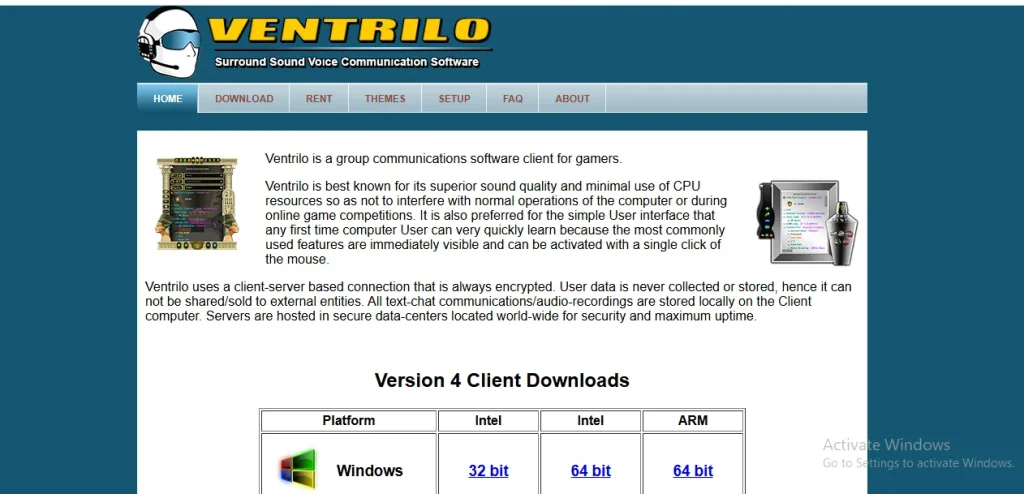
Ventrilo was one of the first widely used voice chat Apps like Discord for gamers before Discord became popular. While it has lost some of its user base, it still offers several advantages.
Key features:
- Extremely lightweight and low-resource usage
- Simple interface that is easy to set up
- High quality voice communication with minimal lag
- Self hosting options for private servers
| Pros | Cons |
|---|---|
| Lightweight | Very outdated |
| Reliable for voice | No modern features like video or rich chat |
| Low resource usage |
Best for:
Ventrilo is still used by some old school gaming communities who prefer its simplicity and reliability. That’s why it is also referred to as the best Discord alternatives for kids.
9. Google Meet – Best for video calls, meetings and conferencing
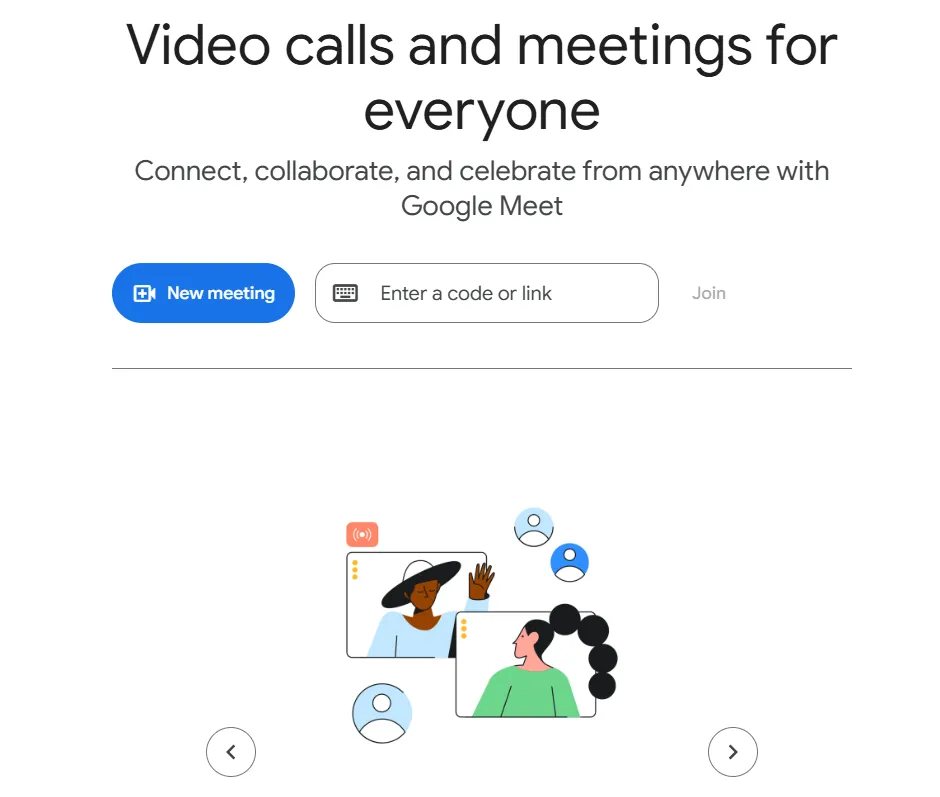
If you’re looking for a straightforward, no-frills communication tool, Google Meet is a solid alternative. It’s ideal for teams that already use Google Workspace and want a reliable platform for video meetings and collaboration.
Key features:
- Modern and widely used in professional and educational settings.
- No need to install software, making it more accessible.
- Seamlessly works with Google Workspace (Docs, Calendar, Gmail).
- Backed by Google’s infrastructure, with robust encryption and admin controls.
| Pros | Cons |
|---|---|
| Seamless with Google Workspace | No persistent chat |
| High-quality video | Not built for communities |
| Easy access |
Best for:
Google Meet is built for professional video meetings, while Discord excels at casual, community-driven communication with voice channels and real-time chat.
10. Steam Chat – Best for gamers using Steam
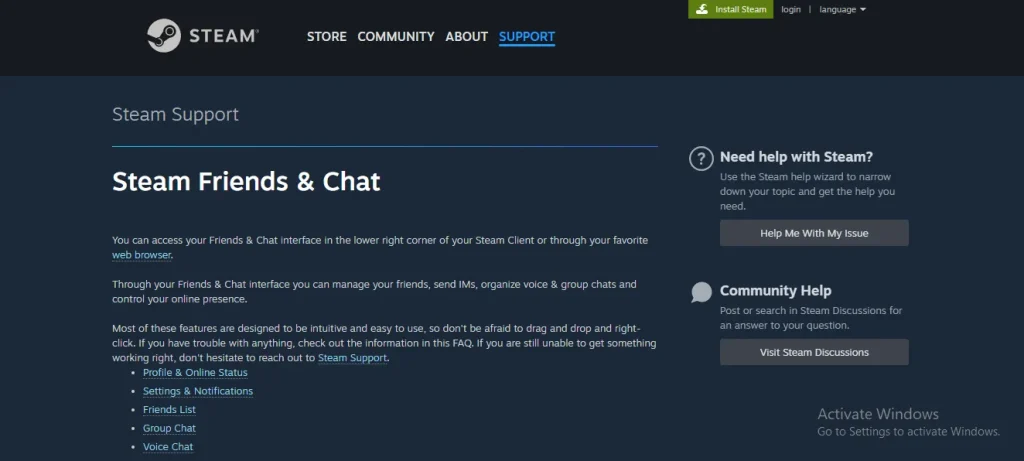
Lastly, I am ending this list of the best Discord alternatives by placing Steam Chat. It is Valve’s built-in messaging service that provides an easy way for gamers to communicate. While it lacks some of Discord’s advanced features, it offers several benefits.
Key features:
- Integrated with Steam Friends to allow seamless communication with gaming buddies
- Group voice chat functionality similar to Discord
- Low system resource usage, which makes it ideal for gaming
- No additional software required, as it is built into Steam
| Pros | Cons |
|---|---|
| Integrated with Steam | Limited outside Steam |
| Easy for gamers | Basic feature set |
| Voice and text |
Best for:
Steam Chat is one of the best chat apps for gamers who mainly need a platform to chat with friends while gaming on Steam.
Comparison Table – Discord vs Alternatives
Here is a quick features comparison of Discord and its top alternatives:
| Tool/Feature | Voice Chat | Text Channels | Video Calls | File Sharing | Security | Customization | Best For |
|---|---|---|---|---|---|---|---|
| Discord | ✅ | ✅ | ✅ | ✅ | Moderate | High | Communities & Teams |
| Slack | ✅ | ✅ | ✅ | ✅ | High | Moderate | Professional Teams |
| Microsoft Teams | ✅ | ✅ | ✅ | ✅ | High | Moderate | Enterprises |
| Telegram | ❌ | ✅ | ❌ | ✅ | High | Low | Privacy & Simplicity |
| Guilded | ✅ | ✅ | ✅ | ✅ | Moderate | High | Gaming Communities |
| Mumble | ✅ | ❌ | ❌ | ❌ | High | Low | Low Latency Voice |
| TeamSpeak | ✅ | ❌ | ❌ | ❌ | High | High | Secure Voice Messaging |
| Element | ✅ | ✅ | ✅ | ✅ | Very High | High | Open Source & Privacy |
| Ventrilo | ✅ | ❌ | ❌ | ❌ | Moderate | Low | Classic Gamers |
| Google Meet | ✅ | ❌ | ✅ | ✅ | High | Low | Video Meetings |
| Steam Chat | ✅ | ✅ | ❌ | ✅ | Moderate | Low | Steam Gamers |
How to Choose the Right Discord Alternative
Choosing the right communication platform depends on your goals, whether you’re gaming with friends, managing a remote team, or prioritizing privacy. Here’s a guide to help you decide:
For Gamers
- Prioritize low-latency voice chat, in-game overlays, and community features.
- Look for platforms with event scheduling, media sharing, and role-based permissions.
Recommended Tools:
- Guilded – Built for gaming communities with rich features.
- Steam Chat – Seamless for gamers already using Steam.
- TeamSpeak or Mumble – Ideal for competitive players needing secure, high-performance voice.
For Remote Teams
- Focus on structured communication, task management, and integration with productivity tools.
- Choose platforms that support channels, threads, file sharing, and video conferencing.
Recommended Tools:
- Slack – Best for organized team collaboration.
- Microsoft Teams – Ideal for enterprises using Office 365.
- Google Meet – Great for quick meetings and video calls.
For Privacy-Focused Users
- Look for end-to-end encryption, decentralized hosting, and minimal data collection.
- Choose platforms that allow server control, anonymous use, and open-source transparency.
Recommended Tools:
- Element – Offers encryption and decentralized infrastructure.
- Telegram – Lightweight with secret chats and privacy controls.
- Signal – Strong encryption and minimal data retention.
Final Thoughts
These are the details about the best Discord alternatives you should try in 2025. While there are numerous ones available on the web, not all of them are secure and possess the required features. That’s why I have enlisted the top 10 best platforms like Discord after performing research and using them.
As I need to manage remote teams, Slack and Microsoft Teams are my most favorite Discord alternatives. When it comes to spending time on gaming with friends, I prefer Guilded, due to its amazing features.
Whether you’re looking for Discord alternatives for gaming, Discord alternatives for voice chat, or a Discord competitor, there is an alternative that suits your requirements. Just understand their features and pick the most suitable option.
FAQs
Which app is safer than Discord?
If security is your top concern, Element stands out as a safer alternative to Discord.
What is the best free Discord alternative?
The top free alternative in 2025 is Guilded. Great for gamers with enhanced scheduling and media tools.
Are there any Discord alternatives for gamers?
Yes, Guilded, Steam Chat, and TeamSpeak are great Discord alternatives for gamers.
What is the best Discord competitor?
Slack and Microsoft Teams are considered strong Discord competitors in terms of functionality and user base.