Managing board meetings through emails, shared drives, and separate documents becomes difficult as a nonprofit grows and its governance responsibilities increase, until you use a dedicated Board Portal. It brings meeting materials, documents, agendas, and governance tasks into one platform.
But the right choice depends on your board size, budget, and the features you actually need. Don’t make random decisions when choosing tools for that, as they can cost you more than the hurdles you are currently facing.
To make the comparison easier, here are five board portals for nonprofits, including their current features, pricing models, and the types of organizations each provider says its plans are designed for.
| Board Portal | Best Fit | Current Pricing | Notable Offering |
|---|---|---|---|
| Boardable | Smaller nonprofit boards | From $20.99/user/month, billed annually | Agenda, packets, documents, and meeting management |
| BoardSpot | Smaller nonprofits | From $95/month, billed annually | $0 additional cost per user |
| BoardEffect | Mission-driven organizations | Custom quote | Pro and Plus governance plans |
| Aprio | Nonprofits wanting an all-inclusive feature model | Custom quote | All features included with unlimited committees and administrators |
| Govenda | Organizations with many portal users | Custom quote | Unlimited users with no additional user fee |
Pricing and plans can change continuously, so verify the current offer with the provider before any purchase.
Which of These Board Portals Fits Your Nonprofit? Each Explained
1. Boardable
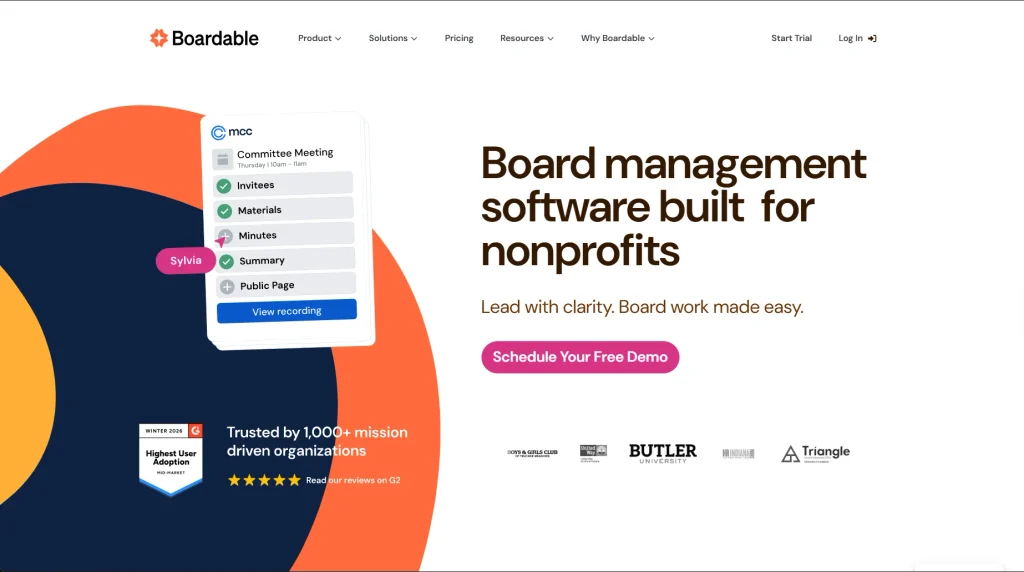
Boardable’s current plans include Essentials, Professional, and Professional+. Essentials includes its Document Center, board member profiles, Agenda Builder, Meeting Scheduler, board packet generation, Google Drive integration, Microsoft Teams integration, and other board management features.
Best fit: Smaller nonprofit boards looking for meeting and board management tools in one platform.
Key features:
- Document Center
- Agenda Builder
- Meeting Scheduler
- Board packet generation
- Board member profiles
- Google Drive integration
- Microsoft Teams integration
- Audit log
- Document download controls
Pricing: Essentials currently starts at $20.99 per user/month, Professional at $29.99, and Professional+ at $35.99, all billed annually. Boardable also offers a 14-day free trial with access to Professional features. Everyone added to the organization, including administrators, board members, committee members, and observers, counts as a paid user.
2. BoardSpot
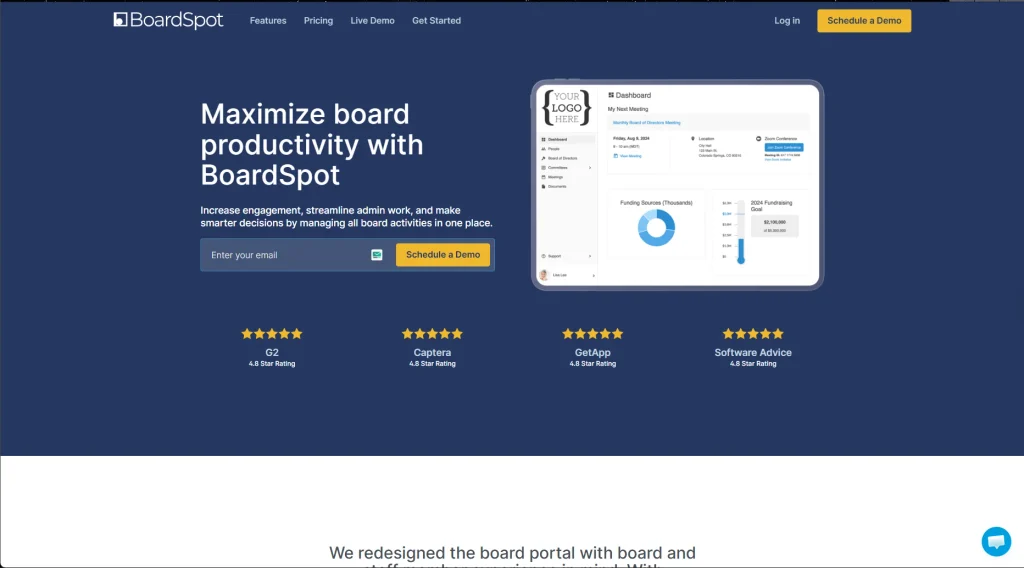
BoardSpot takes a different approach to pricing because it doesn’t add another fee for each user. That can matter for a nonprofit that wants to give more board or committee members access without increasing the subscription cost every time someone is added.
Its Essentials plan covers the basics, while tools such as voting, minutes, attendance tracking, and quorum tracking require Standard or a higher plan. Essentials also includes unlimited document storage, along with its Agenda Builder, member directory, meeting RSVPs, and calendar integration.
Best fit: Smaller nonprofits that want predictable plan pricing without additional per-user charges.
Key features:
- Unlimited document storage
- Member directory
- Agenda Builder
- Meeting RSVP
- Calendar integration
- Unlimited committees
- Two-factor authentication
- $0 additional cost per user
Pricing: Essentials costs $105/month when billed monthly or $95/month when billed yearly. Standard costs $250/month or $225/month when billed yearly, while Professional costs $365/month or $330/month when billed yearly. Eligible charitable organizations with less than $500,000 in total annual revenue can also apply for BoardSpot’s grant program, which offers discounts of 10% to 90% on Essentials or Standard. Other eligibility requirements apply.
3. BoardEffect
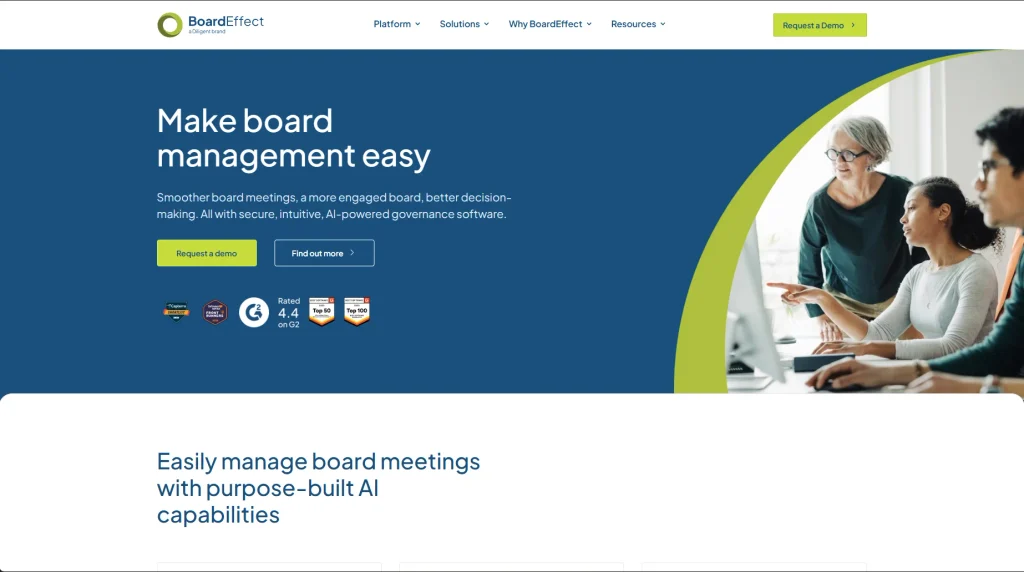
BoardEffect separates simpler and more complex governance needs through its Pro and Plus plans. Pro supports one board, while Plus supports unlimited boards and adds minutes, messaging, and data integrations. That distinction makes the plan choice easier for a nonprofit to assess based on whether it manages a single board or needs a broader setup across multiple boards.
Best fit: Mission-driven organizations that need structured board management, particularly those managing more complex governance requirements.
Key features:
- AI Board Book Summarization
- Audit log
- Microsoft integration
- Survey templates
- SSO/MFA
- Unlimited certifications
- Unlimited boards on Plus
- Minutes and Messenger on Plus
Pricing: BoardEffect doesn’t publish fixed prices for Pro or Plus. Organizations need to contact BoardEffect for a customized quote.
4. Aprio Board Portal
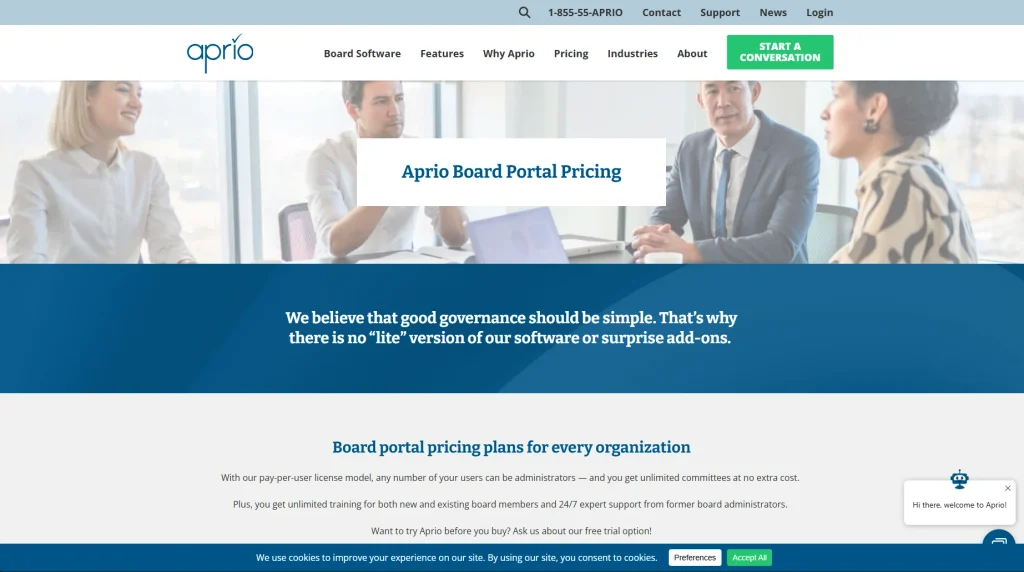
Aprio stands out here because it doesn’t divide its features across multiple product tiers. Its nonprofit pricing includes the full feature set along with unlimited committees and administrators, training, and 24/7 support. The trade-off is that licensing is per user, so the number of people who need access remains an important part of the final cost.
Best fit: Nonprofits that prefer an all-inclusive feature model rather than choosing between multiple feature tiers.
Key features:
- Board package tools
- Voting and approvals
- Document management
- Unlimited committees
- Unlimited administrators
- Unlimited training
- 24/7 expert support
- Personalized onboarding
Pricing: Aprio uses per-user licensing but doesn’t publish a standard dollar price for its nonprofit offering. Organizations need to request a quote. A free trial is also available.
5. Govenda
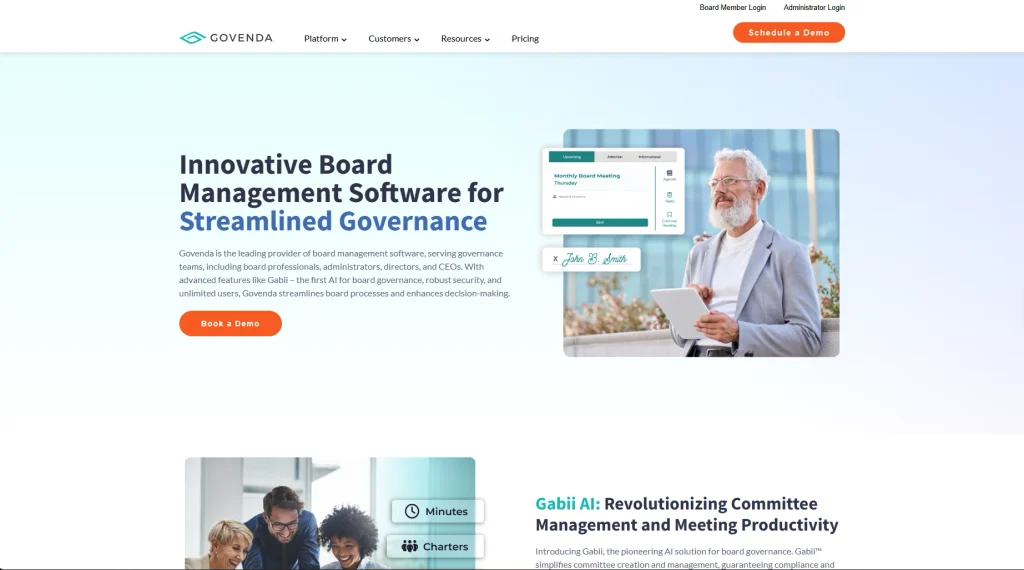
Govenda removes per-user pricing from the equation by allowing unlimited users without an additional user fee. That can be useful when access needs to extend beyond a small group of directors to additional participants. Its offering also includes onboarding, unlimited training, and ongoing support rather than listing those as separate implementation costs.
Best fit: Organizations that expect a larger number of people to need access to the board portal.
Key features:
- Agenda management
- Meeting minutes
- Centralized board materials
- Access across devices
- Unlimited users
- Personalized onboarding
- Unlimited training
- 24/7 customer support
Pricing: Govenda doesn’t publish a standard dollar price and requires organizations to request pricing. Its current pricing information lists unlimited users, no implementation fees, automated updates and new features, and 24/7 support as included.
How to Choose Board Management Software for Your Nonprofit?
Don’t compare board portals only by their starting price. Their pricing structures are quite different.
Boardable charges per user, BoardSpot currently lists no additional per-user cost, Aprio uses per-user licensing with all features included, and BoardEffect and Govenda require quotes.
Before choosing, compare:
- Total cost: Compare the software based on the price for your actual number of users, included features, and any additional charges.
- Meeting tools: Check whether the plan supports your board governance practices, including the agendas, minutes, voting, and board packets you need.
- Board and committee limits: Some features or additional boards vary by plan.
- Document management: Compare storage and document access controls.
- Support and training: Check what your selected plan actually includes.
- Pricing structure: Per-user and unlimited-user pricing can produce very different total costs as a board grows.
For providers without published prices, get a quote before making a direct cost comparison. Once you have identified your nonprofit’s budget and governance requirements, explore other board portal software providers to see how their offerings compare. Board Intelligence, for example, offers board management and governance tools that may be worth evaluating alongside the five platforms covered above. Review each provider’s document management features, security controls, pricing structure, and independent user feedback before making a decision.
How to Choose Board Management Software for Your Nonprofit?
What is a nonprofit board portal?
A nonprofit board portal is software used to manage board meetings, agendas, documents, communication, and other governance activities. The exact features depend on the provider and plan.
Does BoardSpot charge per user?
BoardSpot’s current pricing comparison lists $0 additional cost per user across Essentials, Standard, Professional, and Enterprise.