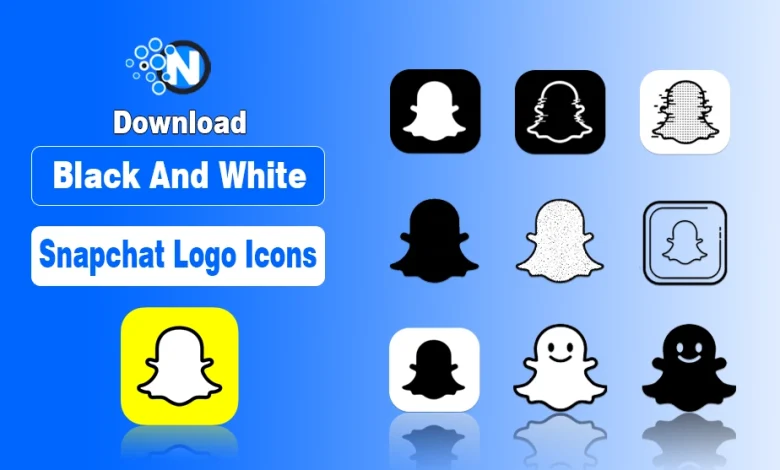
Are you looking for the perfect Snapchat logo to match your style or design? Don’t worry, I have listed the most reliable platforms to get black and white Snapchat logo icons safely and correctly.
Snapchat’s iconic yellow ghost is everywhere, but many creators and businesses prefer black or white versions for clean, minimal designs. These logos are easy to use across websites, social media platforms for business purposes, or digital projects, and with the right choice, your branding looks professional and visually appealing.
Below, you will find 5 reliable platforms to download high-quality icons, plus tips on choosing the right logo, customizing your app look, and following Snapchat’s official usage rules.
Resources To Get Black And White Snapchat Logo Icons
There are many websites offering Snapchat logo icons, but not all provide quality or compliant resources. The platforms listed below are commonly used, easy to access, and offer black and white Snapchat logo icons in multiple formats.
- Pinterest – Explore various logo styles, layouts, and inspirations.
- PNGtree – High-quality graphics with transparent backgrounds and EPS files.
- Freepik IconFinder – Vector-based icons with free and premium options.
- PNGEgg – Multiple sizes and styles with easy downloads and transparent PNGs.
- CityPNG – Community-driven platform offering quick access without registration.

1. Pinterest
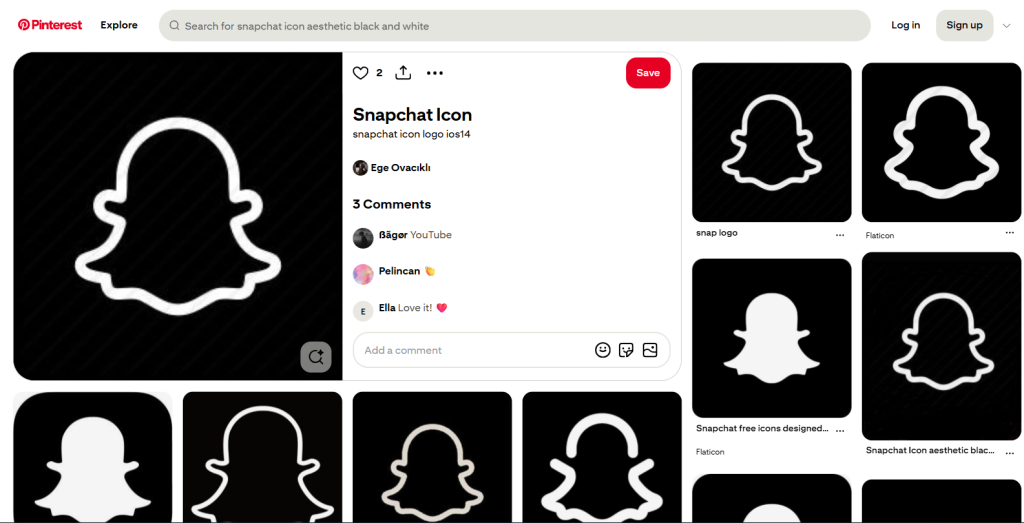
Pinterest is one of the most popular platforms for discovering visual assets, including black and white Snapchat logo icons.
Designers and creators upload various logo styles, making it easy to explore different shapes, sizes, and layouts.
What you find on Pinterest
- Black and white Snapchat ghost icons
- Circular and square designs
- PNG and JPG image formats
Download Link: Pinterest
2. PNGtree
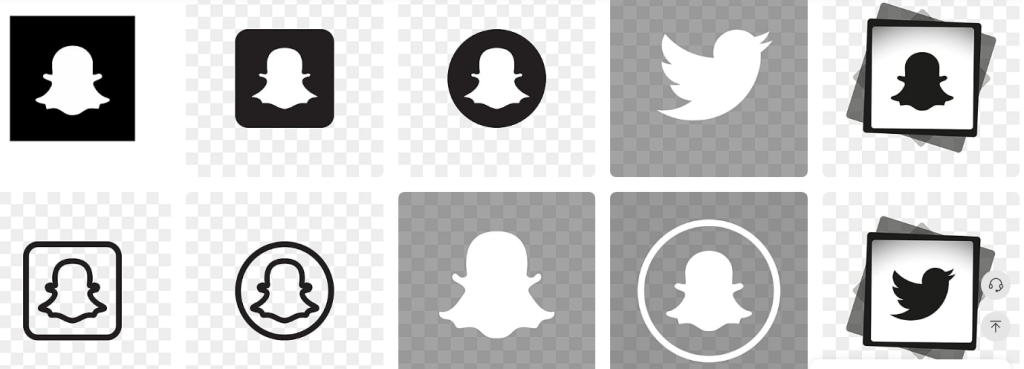
PNGtree is widely used by designers for downloading high-quality graphic assets. It offers Snapchat logo icons in black and white styles with transparent backgrounds.
The availability of EPS files makes it suitable for projects that require scalable and print-ready designs.
What PNGtree offers:
- Transparent PNG Snapchat logos
- EPS files for vector scaling
- Clean and professional designs
Download Link: PNGtree
3. Freepik IconFinder
IconFinder specializes in vector icons and provides Snapchat logo icons in black and white formats. Many icons are available for free, while premium options offer extended licensing. This platform is especially useful for web developers and UI designers who need scalable and consistent icons.
Key features include
- High scalability without quality loss
- SVG and PNG formats
- Free and premium icon options
Download Link: Freepik IconFinder
4. PNGEgg
PNG Egg is a popular platform for downloading high-quality PNG images, including black and white Snapchat logo icons.
It offers a variety of logo sizes and styles, usually with transparent backgrounds, making it easy to use for web design, social media profiles, or graphics projects.
Why PNGEgg is useful:
- Multiple black and white Snapchat logo designs
- Transparent PNG files for easy placement
- Quick and simple downloads
- High-resolution images suitable for professional use
Download Link: PNGEgg
5. CityPNG
CityPNG is a community-driven platform where users share transparent background images. It allows visitors to download black and white Snapchat logo icons without registration. The platform is ideal for users who want quick access without creating an account.
CityPNG features
- Fast and direct downloads
- No sign-up required
- Transparent PNG Snapchat logos
Download Link: CityPNG
How to Select the Right Snapchat Logo for a Sleek Customized Look
Choosing the correct Snapchat logo icon depends on where and how it will be used. Multiple factors, such as background color, app theme, resolution, and size, play an important role in maintaining visibility and clarity.
Key selection tips
- Use white logos on dark backgrounds
- Use black logos on light backgrounds
- Prefer vector formats for scaling
- Ensure clarity at small sizes
Snapchat Logo Colors and Formats You Can Actually Use
Snapchat limits color variations to maintain a consistent brand identity. Black and white versions are acceptable when used correctly.
Choosing the right format is important for design flexibility, background compatibility, and scalability. Designers often prefer vector or transparent formats for responsive layouts and professional applications.
Snapchat allows the following logo options:
- Colors: Black, White, Neon, Yellow
- Formats: PNG, SVG, EPS
- Transparent backgrounds for flexibility
Other than that, for a creative twist, you can explore neon Snapchat logos, which add a vibrant aesthetic while still maintaining brand recognition.
Snapchat Customization Tips for a Sleek Look
Beyond choosing the right logo icon, you can also personalize Snapchat’s overall appearance to match your style or brand. Small visual tweaks make the app more enjoyable and cohesive with your design aesthetic.
Let me give you an example: activating Snapchat dark mode switches the interface to a darker theme, which pairs perfectly with white or neon logo icons on your home screen.
Customizing both your icons and app theme lets you create a consistent and visually appealing look across all devices.
Snapchat Logo Dos and Dont’s You Must Follow
Even black and white versions must remain recognizable, unaltered, and properly spaced across digital or printed materials.
Incorrect usage of Snapchat logos can result in brand misuse or copyright issues. The rules apply to all versions, including black and white.
Dos and Don’ts include
- Avoid product or service promotion
- Minimum icon size: 18 pixels
- Keep a clear space around the logo
- Do not redraw, rotate, or apply filters
- Do not combine with other symbols
Can You Use Black and White Snapchat Logos for Commercial Purposes?
Black and white Snapchat logo icons can be used for identification purposes, such as linking to a Snapchat profile or showing platform availability.
However, using the logo for advertising, promotions, or product endorsements is restricted. Always follow Snapchat’s official ghost logo usage rules to avoid misuse.
Safe usage includes
- Color Only: The Ghost must strictly appear in black and white; never use yellow or other colors for the logo itself.
- No Edits: Do not modify the shape, add facial expressions, or stretch/skew the Ghost in any way.
- Clear Space: Maintain a buffer around the logo equal to at least 100% of the Ghost’s width to keep it uncluttered.
- Minimum Size: Ensure the logo is at least 45 pixels (digital) or 0.4 inches (print) wide for legibility.
- No Obstructions: Never cover the logo or surround it with other characters or decorative elements.
Wrapping Up: Getting Your Snapchat Logo Icons
Nowadays, when it comes to using Snapchat logos, it’s all about picking the style that fits your brand or personal aesthetic. Black and white icons keep things clean and professional, while neon versions add a fun, vibrant twist.
Personally, I find combining the right logo with app customizations like dark mode gives the best overall look. It’s simple, visually appealing, and makes your Snapchat presence feel polished and unique across all devices.