SnapTik Review: Features, Safety, and How to Download TikTok Videos

While scrolling through TikTok, I often come across videos I want to save for later, whether it’s a helpful tutorial, a funny clip, or creative content worth revisiting.
However, I noticed that the built‑in download option does not always preserve the best quality or flexibility for sharing across devices. That is when I started exploring third‑party tools, and SnapTik quickly stood out as one of the most popular options.
Now I will share my experience with SnapTik, explain how it works, analyze its key features, and discuss its pros, limitations, and alternatives.
My goal is to give a clear and honest review so you can decide whether SnapTik is the right tool for downloading TikTok videos without a TikTok watermark for offline viewing.
Key Takeaways
- SnapTik is a browser-based TikTok video downloader
- Allows downloading videos without watermark
- Works on desktop and mobile browsers
- No account login required
- Users should respect TikTok copyright rules
What is SnapTik?
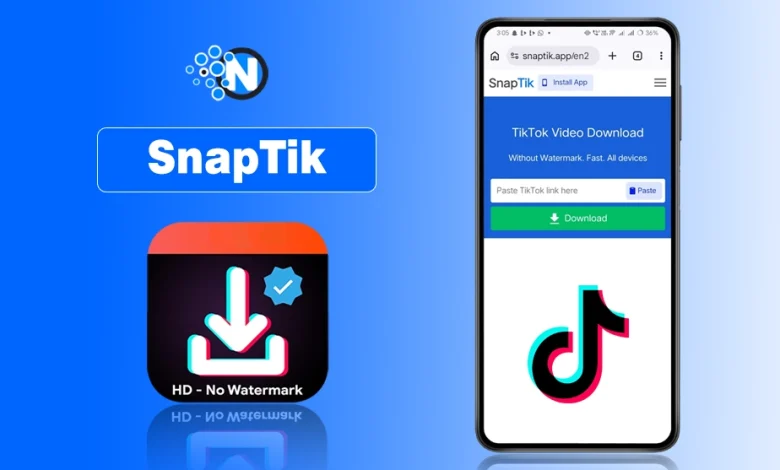
SnapTik is a web-based TikTok video downloader that allows users to download TikTok videos by pasting a video URL into the tool.
It enables downloads without installing software and often provides options to save TikTok videos without the TikTok watermark.
The tool works directly through a browser, making it accessible on desktops, smartphones, and tablets. Many users rely on SnapTik for offline viewing, content reference, or saving videos for personal use.
However, downloaded content should always be used responsibly and in accordance with TikTok copyright rules and platform policies.
How to use SnapTik?
Using SnapTik TikTok viewer tool is straightforward, and I have found it efficient for saving videos. Here is how it works:
- Open TikTok and find the video you want to download.
- Copy the video URL from the share options.
- Visit SnapTik’s website.
- Paste the URL into the download box.
- Choose your preferred format and resolution.
- Download the video to your device.
Understanding different TikTok app features can also help users manage, save, and interact with content more effectively while using tools like SnapTik.
This process eliminates the need for additional software, which I appreciate because it keeps things simple and fast.
Features of SnapTik That Enhance User Experience
SnapTik offers a simple way to download videos from TikTok, and I appreciate how it focuses on usability and accessibility. Here is a breakdown of the features I find most useful and why they matter.
The popularity of TikTok videos often depends on how content spreads through the TikTok algorithm, which determines which videos appear on the For You Page.
1 – Easy and Beginner-Friendly Interface
I like that SnapTik uses a minimal interface. To download a video, I only need to:
- Copy the video link from TikTok
- Paste it into the URL box
- Choose the preferred format
- Download the file
This straightforward process reduces complexity and makes the tool accessible even for beginners.
2 – Fast Performance and Efficient Downloads
SnapTik processes downloads quickly because of optimized server infrastructure. I have noticed that videos usually download within seconds, which improves convenience.
Unlike slower or less reliable tools, SnapTik prioritizes performance and stability, making it a practical option for quick downloads.
3 – Download Videos in HD-Quality
I appreciate that SnapTik supports HD video downloads, preserving visual clarity and resolution. High-quality downloads are particularly useful for:
- Content creators referencing TikTok videos
- Users preserving visual details for offline viewing
- Individuals sharing videos on other platforms (with permission)
HD quality ensures the downloaded content remains visually appealing and usable. Many creators also monetize their content through features like TikTok coins, which allow viewers to send virtual gifts and support their favorite creators during live streams.
4 – Snaptik Works Across Multiple Devices
SnapTik is compatible with various devices, including:
- Desktop computers (web version)
- Smartphones and tablets (browser access)
This cross-device flexibility allows me to download videos regardless of the device I use, which enhances accessibility.
5 – Privacy and Security Considerations
SnapTik does not require personal data or account access for downloads, which reduces privacy concerns. I like that it operates without storing sensitive information.
However, I remain cautious when using third-party tools and avoid sharing personal or sensitive data. Responsible usage helps maintain security.
6 – Playlist and Bulk Download Options
One feature I find useful is bulk downloading. SnapTik allows users to download multiple videos or TikTok playlists in a single session.
This capability is beneficial for:
- Saving entire collections of content
- Reducing time spent downloading individual videos
- Organizing offline video libraries
Bulk downloads enhance efficiency for users who need multiple files.
7 – Built-In video Format Conversion
SnapTik supports various formats, such as MP4 and MOV. I prefer this flexibility because it ensures compatibility with different devices and playback requirements.
Format options allow users to choose the best file type based on their needs, improving usability.
8 – Ad-Free Experience
Unlike many online tools, SnapTik provides an ad-free environment. I find this beneficial because it:
- Eliminates distractions
- Improves usability
- Creates a cleaner interface
An ad-free experience contributes to smoother navigation and faster downloads.
9 – Regular Updates
SnapTik developers frequently update the platform to enhance functionality and address user feedback. Regular updates help maintain performance, stability, and security:
- Improve performance
- Address security concerns
- Introduce new features
Regular maintenance helps the tool remain competitive and efficient.
Is SnapTik Safe To Use?
SnapTik is generally safe because it works as a URL-based downloader and does not require account access or personal data from TikTok.
I have seen many users download videos without security issues. Tools that avoid collecting sensitive information are lower risk, but users should still avoid sharing downloaded material without permission.
I view SnapTik as a practical utility when used ethically, not a risk.
SnapTik Alternatives I Later Used (and Why They Help)
If SnapTik does not meet your needs, several alternatives exist. I have tested and researched common tiktok viewer tools, and the following options are frequently used:
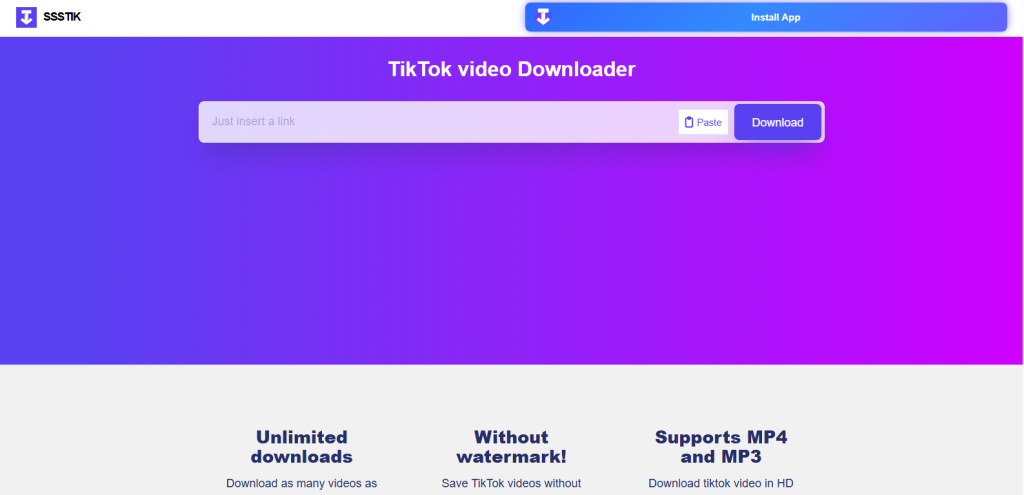
1: SSSTikTok – A popular downloader with multiple format options.
SSSTikTok is another TikTok downloader I use as an alternative to SnapTik because it offers similar functionality, HD video downloads and URL-based downloading without software installation from TikTok.
However, like SnapTik, it only supports publicly available videos and users must follow copyright and platform rules when downloading content.
2: SaveTik – Provides quick downloads and HD quality support.
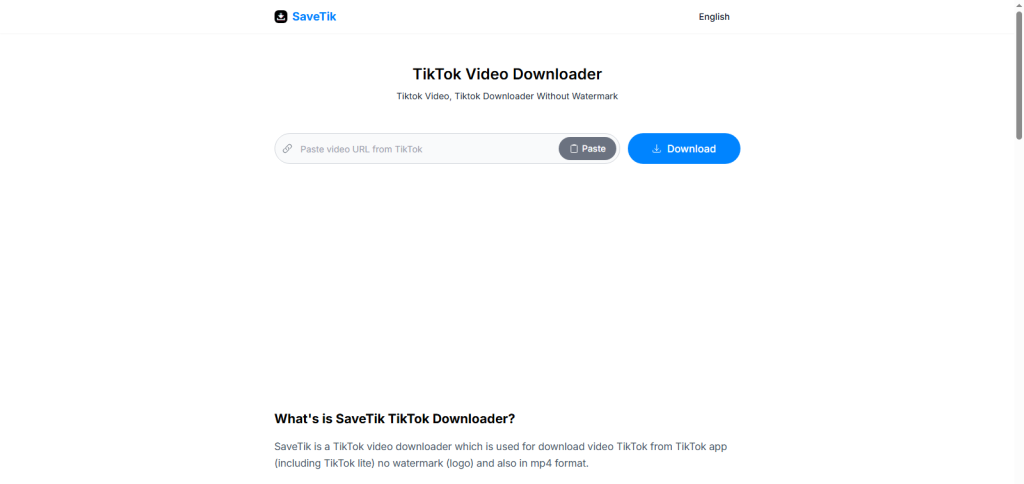
SaveTik is another TikTok video downloader that I sometimes use as an alternative to SnapTik. It works in a similar way, by pasting a video link from TikTok and downloading the video directly to the device without installing software.
However, like other TikTok download tools, it only works with publicly available videos and should be used responsibly according to copyright and platform policies.
3: TikMate – A browser-based downloader with a minimal interface.
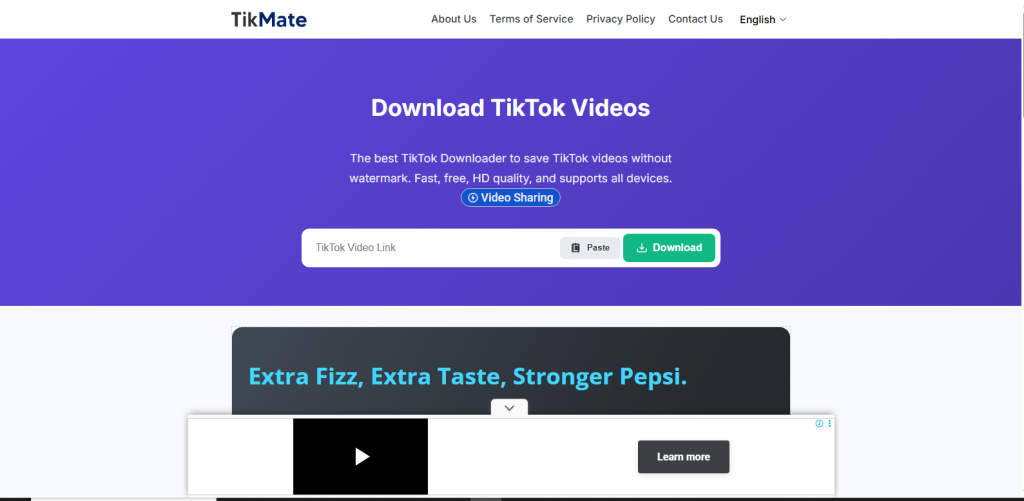
TikMate is another downloader I use when I need a quick way to save videos from TikTok. I find it useful because it supports HD downloads and works through a simple web interface, but in my experience it feels slightly less polished because of ads than SnapTik or SSSTikTok.
According to user reviews and general performance feedback, these alternatives offer similar functionality. I prefer testing multiple tools to determine which one works best for specific requirements.
What I Like (and What I Don’t) About SnapTik
I find SnapTik useful for downloading videos in a simple way, but like any tool, it has strengths and limitations. Here is my honest take on the pros and cons.
| Pros (What I Like) | Cons (What I Do Not Like) |
|---|---|
| Free and easy to use | Limited to publicly available videos |
| HD video downloads | Legal restrictions may apply |
| No software installation | Requires internet access |
| Fast and simple interface | No advanced editing features |
| Works on multiple devices | Dependent on browser performance |
<strong>My Final Take on SnapTik<br></strong>
SnapTik is a convenient tool for downloading videos from TikTok when used for personal and ethical purposes. In my experience, it works well for HD downloads and simple URL-based saving, but it is not a replacement for content ownership or professional video tools.
I consider it useful for offline viewing, yet users must respect copyright and platform policies. Overall, SnapTik is a practical solution with limitations, and responsible usage determines its true value.