5 Signs Your Charging Cable Is About to Fail (& What to Do Before It Stops Working)

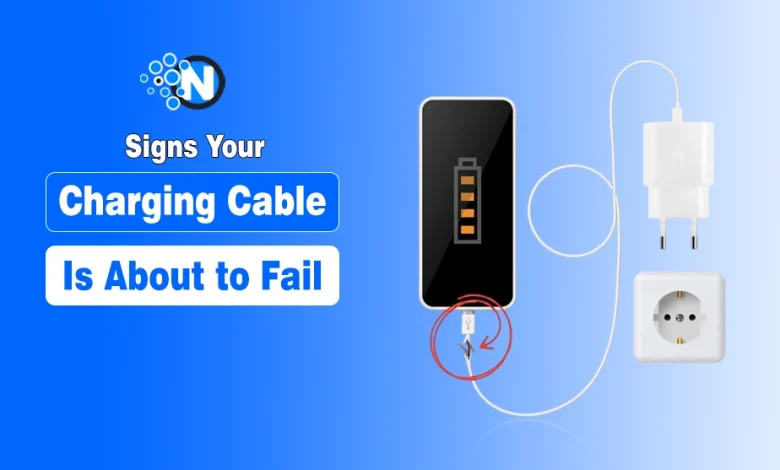
- Charging cables degrade gradually, not suddenly.
- Physical damage is often the first warning sign.
- Intermittent charging usually indicates internal wire issues.
- Overheating should never be ignored.
- Loose connectors can damage your device if not addressed.
Your charging cable is one of the most used and most overlooked accessories in your daily tech setup. Whether you’re powering an iPhone, a Samsung Galaxy, or a USB-C laptop, your cable handles constant bending, pulling, and twisting.
The problem? Charging cables rarely fail overnight. The damage builds slowly, showing subtle warning signs before completely giving up. If you know what to look for, you can avoid frustrating charging issues, protect your device, and even prevent safety risks.
Let’s break down the most common signs your charging cable is about to fail, and what you should do next.
Signs Your Charging Cable Is Going Bad
1. Fraying, Kinking, or Visible Damage
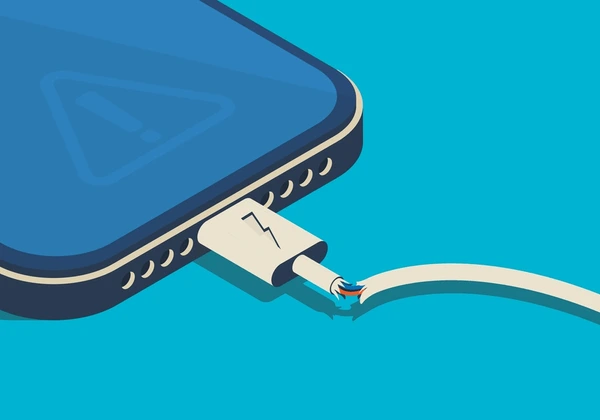
Physical wear is usually the first and most obvious red flag. Pay close attention to the areas near the connector or spots where the cable bends frequently. You might notice:
- Peeling or cracked outer insulation
- Exposed wires
- Sharp bends or permanent kinks
These stress points weaken over time due to repeated movement. Even if the cable still works, internal wires may already be breaking down. More importantly, this isn’t just about performance; it’s a safety concern. Damaged insulation can lead to short circuits, overheating, or even electric shock.
What to do?
Stop using the cable immediately if you see exposed wires. Replace it with a durable, reinforced option. Consider replacing it with universal magnetic USB chargers here, as these kinds of cables reduce physical stress on the cable end by eliminating the need to plug and unplug a connector every time.
2. Slow or Intermittent Charging
If your device suddenly takes longer to charge or keeps connecting and disconnecting, your cable could be the issue. Internal wire damage disrupts the flow of electricity, leading to inconsistent performance.
Common symptoms include:
- Charging that starts and stops randomly
- Slower-than-usual charging speeds
- Device not charging at all
Before jumping to conclusions, it’s worth doing a quick check.
How to troubleshoot?
- Try the cable with another device
- Use a different cable with your current device
- Inspect and clean the charging port (lint buildup is common)
Sometimes, a simple port cleaning can fix what looks like a cable problem.
3. Charging Only Works at Certain Angles
If you find yourself adjusting the cable to a “perfect position” just to get it to charge, that’s a clear sign of internal damage. Inside every cable are multiple thin wires. These don’t fail all at once; they gradually break over time. When enough strands are damaged, power only flows when the cable is bent in a specific way.
This may feel like a temporary fix, but it’s actually a warning that the cable is close to failure.
What to do?
Avoid bending or twisting the cable further. Replace it as soon as possible to prevent sudden failure and potential damage to your device’s charging port.
4. Overheating During Charging
It’s normal for a cable to feel slightly warm during use, but noticeable heat is not. If your cable or device becomes unusually hot, it could indicate increased electrical resistance caused by internal damage.
This can lead to:
- Reduced battery lifespan
- Slower device performance
- Increased safety risks, including fire hazards
Pay attention to where the heat is coming from. If it’s along the cable or near the connector (rather than the device itself), the cable is likely the problem.
What to do?
Unplug the cable immediately and switch to a certified replacement. Avoid using damaged cables, especially overnight or unattended.
5. Loose or Unstable Connector Fit
A healthy charging cable should fit snugly into your device. If the connection feels loose, wobbly, or keeps slipping out, it’s a sign of wear and tear. Over time, connectors degrade, affecting how well they make contact with your device.
This often results in:
- Inconsistent charging
- Power interruptions
- Data transfer issues
This is especially common with frequently used connectors like Lightning and USB-C.
How to confirm:
- Test the cable with another device
- Try a different cable on the same device
If the issue follows the cable, it’s time to replace it.
Important: Avoid forcing a loose connector, as this can damage your device’s charging port, leading to more expensive repairs.
Final Thoughts: Don’t Wait for Complete Failure
A failing charging cable is more than just an inconvenience; it can affect your device’s performance, battery health, and overall safety. By spotting early warning signs like fraying, inconsistent charging, or overheating, you can replace your cable before it completely stops working.
Think of it as a small upgrade that prevents bigger problems. Investing in a high-quality, durable cable today ensures your devices stay powered reliably and safely every day.
FAQs
Most charging cables last 6–24 months, depending on usage, build quality, and how carefully they’re handled.
Yes. A faulty cable can cause overheating, unstable power delivery, and even long-term battery damage.
Not always. It could also be due to a weak power adapter, dirty charging port, or background apps consuming power.
Generally, yes. High-quality cables with reinforced joints and certified components tend to last longer and charge more safely.
Look for certified cables (like MFi for Apple devices) or reputable USB-C cables that meet safety and power delivery standards.