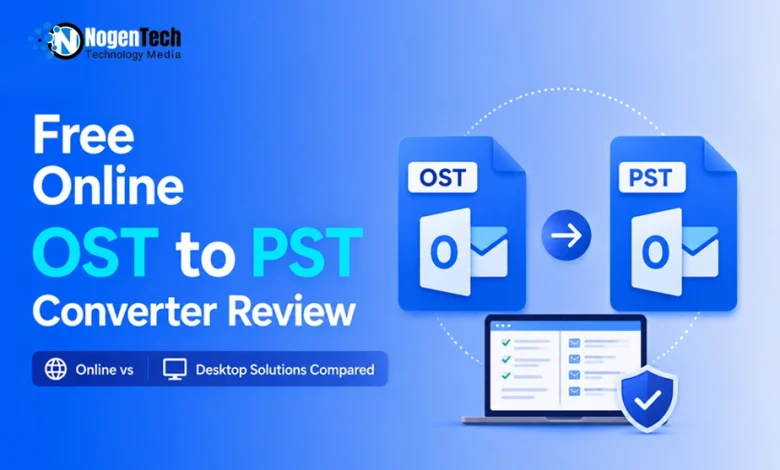
OST files can become difficult to access when an Outlook profile is deleted, an Exchange Server is decommissioned, or a Microsoft 365 account is no longer available. In such situations, important emails, contacts, calendars, and attachments may remain locked inside an OST file.
Users often convert OST files to PST format to regain access to mailbox data. To address this need, Stellar offers both an Online OST to PST Converter and Stellar Converter for OST Desktop Edition, catering to different user requirements and mailbox sizes.
In this review, we tested Stellar’s Online OST to PST Converter and Stellar Converter for OST Desktop Edition to evaluate their features, usability, and ideal use cases.
Reviewing Free Online OST to PST Converter by Stellar
For those who want to quickly and simply convert OST to PST for free without having to install software, the Online OST to PST Converter was made to suit their needs.
What is different about it?
- Browser-based solution
- No software has to be installed.
- No Outlook dependency
- Can be accessed by most systems that have internet access
The work flow is simple. The users upload their OST file, go through the analyzing process, the conversion proceeds and the users get the converted PST file. The PST will then be available in Microsoft Outlook to access the mailbox.
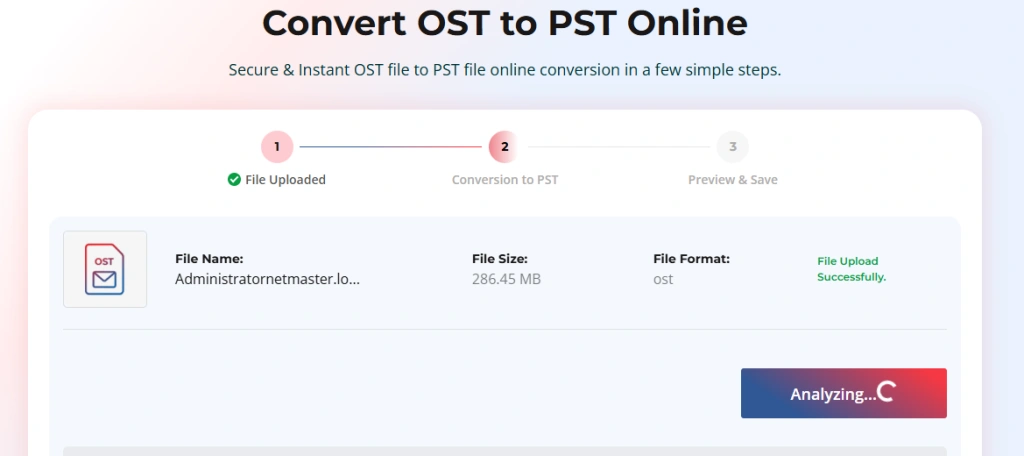
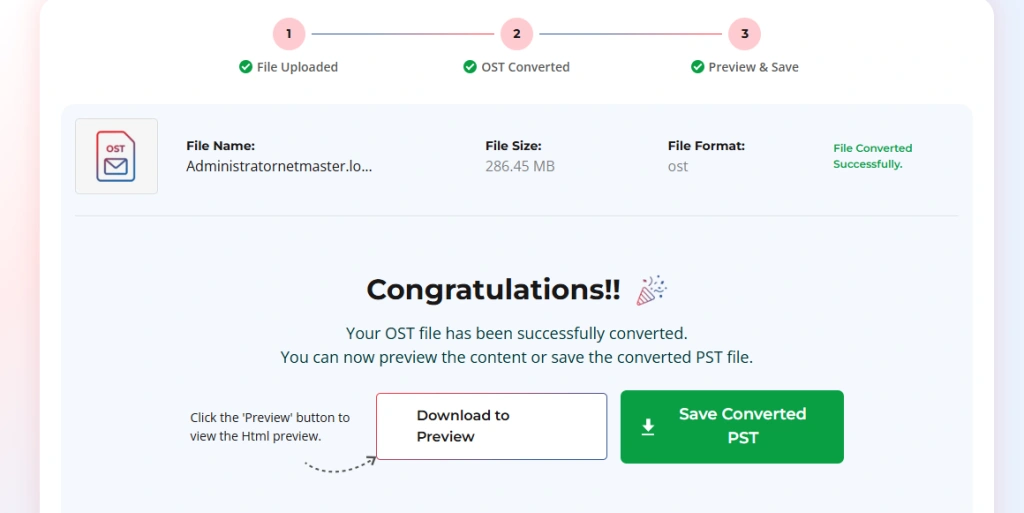

Hands-On Testing Experience
To evaluate the converter, we uploaded a real OST file and tested the complete conversion process. We reviewed upload speed, conversion accuracy, mailbox preview functionality, output quality, and export options available in both the online and desktop versions.
When working with mailbox archives, administrators often need to transfer large data files between systems. In such cases, secure file-sharing solutions can help simplify the process of moving converted PST files between devices and teams.
The screenshots included throughout this review are based on our testing process.
Best Use Cases
The online solution is especially recommended for:
- Small OST files
- One-time conversions
- Home users
- Non-technical users
The online OST to PST Converter is a convenient solution for users who do not need to install any software and only want to recover data from a single OST file.
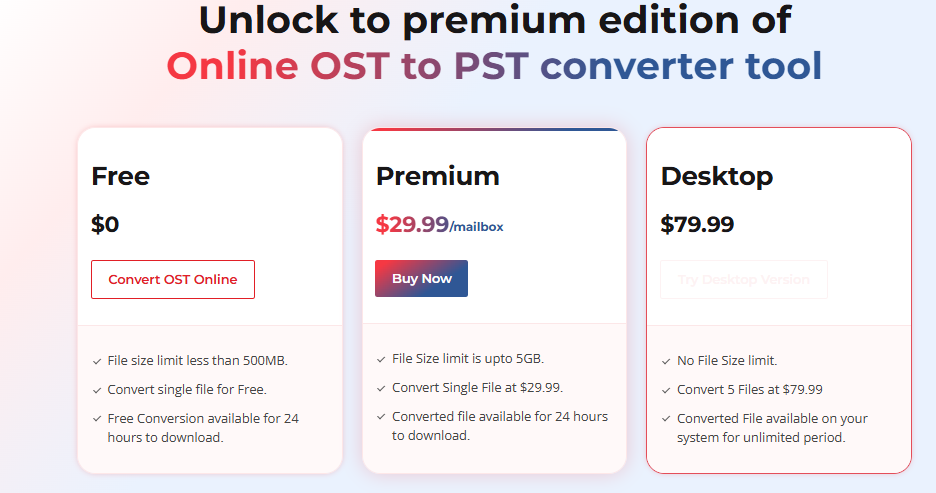
The online ost to pst converter handles files up to 500MB for free, making it a great fit for quick, single-mailbox conversions. Unlock the full potential of the Online OST to PST Converter with flexible plans designed for every need.
The Free edition allows you to convert a single OST file up to 500 MB at no cost, with the converted file available for download for 24 hours. The Premium edition supports OST files up to 5 GB for just $29.99 per mailbox, making it ideal for larger conversions.
For users who need unlimited file size support and long-term access, the Desktop edition offers the ability to convert up to five OST files with no file size restrictions, while keeping the converted files stored locally on your system without any download time limits.
As IT administrators deal with more complex scenarios such as mailbox verification, compliance requirements, multiple OST files, or larger mailbox data sets, the desktop solution becomes the more practical choice due to its advanced control and flexibility.
Here is the complete overview of Free, Premium and Desktop Edition-
Stellar Converter for OST: Desktop Review
The desktop version is designed for IT professionals, administrators, and organizations that require greater control over OST file conversion and mailbox management.
OST Discovery Options
An interesting feature is that OST files can be found automatically using list automatically button. This can be helpful when users do not know where the data of the mailbox is stored in Outlook.
The software can also be used by advanced users to manually choose OST files to work with, which helps access certain mailbox folders.
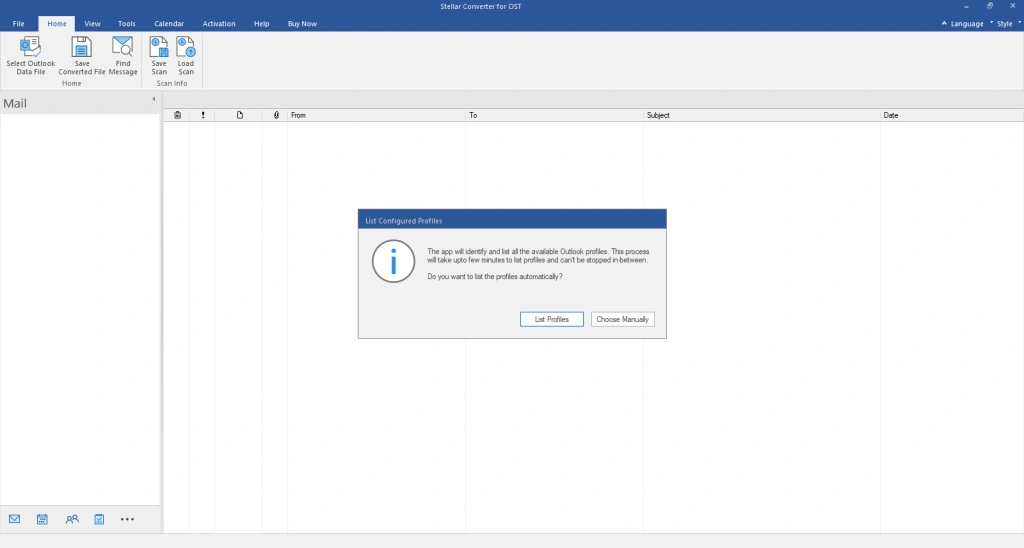
Before converting a mailbox, you can preview its contents using the Mailbox Preview.
One of its best features is the mailbox preview.
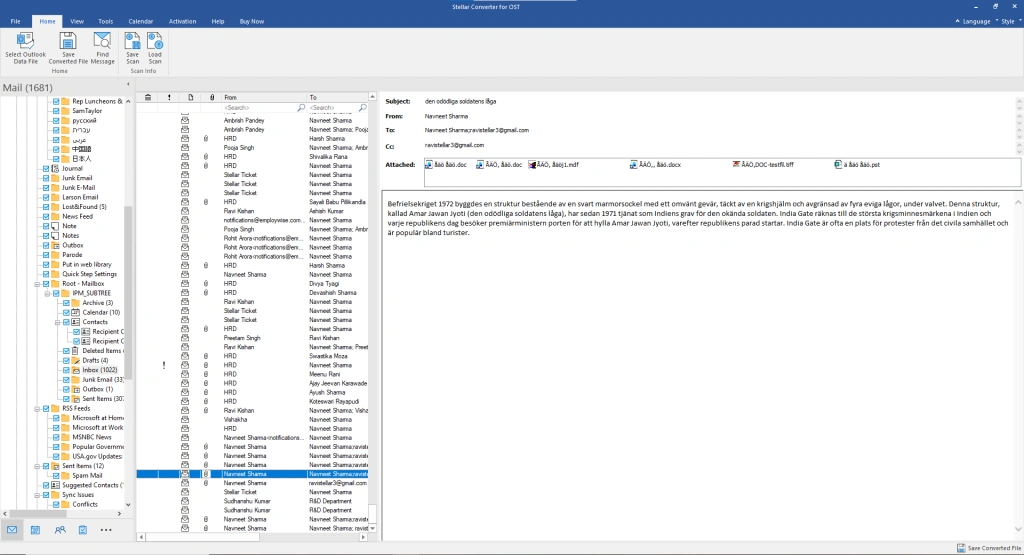
Users can check out before converting the OST file:
- Emails
- Contacts
- Calendars
- Attachments
This is significant because it enables the administrator to check the mailbox before exporting the data. Some users like to validate data before starting to do a very large conversion project.
Selective Conversion
The software can convert just a specific folder instead of the whole OST file. For instance, an administrator can export just the Inbox, the Sent Items, or a certain project folder.
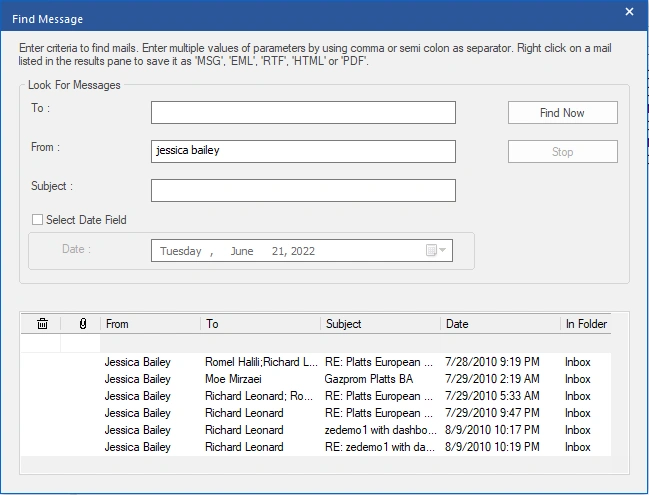
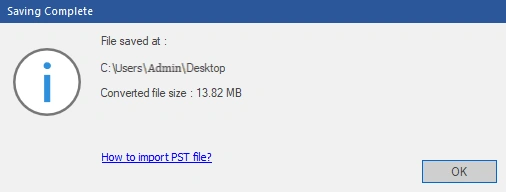
You can also save OST in PST, EML, MSG, RTF, HTML, and PDF file formats.
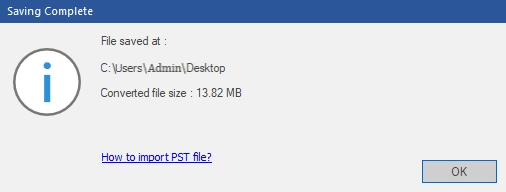
You can even recover deleted items along with auto splitting large PST files.
Large OST File Support
Enterprise mailboxes can quickly increase in size. Large OST files often contain years of emails, attachments, contacts, and calendar data.
Large organizations and managed IT support providers often deal with multiple mailbox archives, compliance requirements, and large-scale email migrations, making advanced OST conversion tools more important in business environments.
The desktop version is meant for larger mailbox environments and is suited to business and enterprise use cases.
Maintains the original folder structure.
During conversion, it is important to keep mailboxes organized.
The software preserves:
- Inbox
- Sent Items
- Drafts
- Custom folders
- Subfolders
This can help keep the converted PST very similar to the original mailbox structure, which can minimize confusion after the conversion.
Online vs Desktop Comparison
| Feature | Online Converter | Desktop Converter |
| Deployment | Browser-based | Installed application |
| Conversion Type | Quick conversion | Advanced conversion options |
| Ideal For | Small jobs | Enterprise scenarios |
| Technical Requirements | Minimal | Advanced administration needs |
| Mailbox Preview | HTML preview | Full preview functionality |
| Large OST Files | No | Better suited for large mailboxes |
| Selective Conversion | No | Available |
| Advanced Features | Basic | Advanced |
Final Words on Online OST to PST Converter
While both Stellar solutions solve the problem of inaccessible OST files, they cater to different audiences. The free online OST to pst converter services are best suited for single users, non-technical users, and anyone with a one-time conversion need involving a small OST file who simply wants quick access to their mailbox.
The Stellar Converter for OST Desktop Edition, on the other hand, is built for managed service providers (MSPs), IT administrators, Exchange and Microsoft 365 administrators, consultants, legal and compliance teams, and businesses managing large mailbox data sets.
In summary, the online OST to PST converter services are the perfect choice for straightforward conversion tasks, whereas the Stellar Converter for OST delivers the in-depth capabilities needed for professional and large-scale OST file conversion in enterprise environments.
For occasional conversions involving a single OST file, the online converter offers a simple and cost-effective solution. However, Organizations handling large mailboxes and archived communications should also follow email management best practices to keep mailbox data organized and accessible over time.