| Tool Name | Best For | Standout Free Feature |
|---|---|---|
| ChatGPT | General Assistance | GPT-5.3 Instant access |
| Gemini | Research & Data | Google Workspace integration |
| Canva AI | Design & Visuals | Magic Studio automation |
| Fathom | Meeting Productivity | Unlimited AI transcriptions |
| Buffer | Social Media | AI-powered post scheduling |
| Wave | Finance | Automated bookkeeping |
| Grammarly | Professional Writing | 100 monthly AI rewrite prompts |
| Perplexity | Fast Research | Live web citations |
| Tidio | Customer Support | Lyro AI automated FAQ bot |
| QuillBot | Content Refining | High-accuracy paraphrasing |
Running a small business is a constant balancing act. You are trying to grow your brand, manage operations, and find customers, all while keeping costs as low as possible. It’s tough.
But in 2026, you have a powerful ally that previous generations didn’t: sophisticated Artificial Intelligence that won’t cost you a dime. Forget about expensive subscriptions and complicated software.
These free AI tools are here to handle the grunt work, free up your time, and help your business punch far above its weight. Ready to get more done in less time? Let’s get into the best free AI for small businesses.
10 Best and Free AI Tools for Small Businesses in 2026
I have curated a list of the absolute best free AI tools for small businesses that are not just trying to get your credit card number, but actually offer a powerful, useful free version. These aren’t stripped-down trials.
They are legitimate game-changers that will automate your tedious tasks, boost your marketing campaigns, and give you a competitive edge, all for $0.
1. ChatGPT (OpenAI): Your Infinite Virtual Assistant for Everything Else
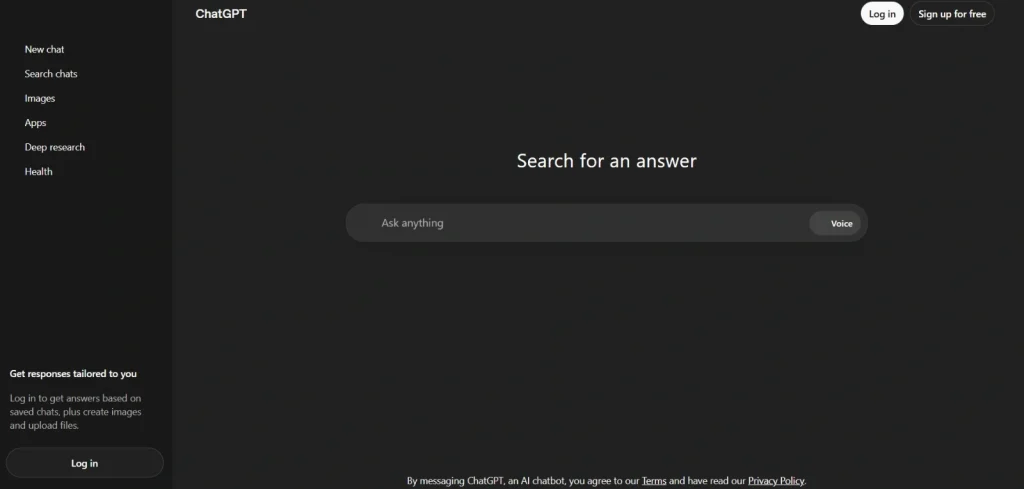
If you use just one AI tool, this should be it. In 2026, the free tier of ChatGPT (now using GPT-4o and limited GPT-5.3 Instant) has evolved from a novelty into an indispensable utility.
It is like having a brilliant, infinitely patient assistant that excels at drafting emails, brainstorming marketing slogans, summarizing complex documents, or coding simple scripts. If you can type it, ChatGPT can probably help you do it faster.
Key Features:
- Drafting Marketing Copy: Generate headlines, blog posts, or social media updates instantly.
- Customer Email Responses: Quickly craft polite, professional replies to common inquiries.
- Summarizing Long Documents: Turn multi-page reports or PDFs into concise summaries.
- Idea Generation: Brainstorm dozens of blog titles, product ideas, or campaign themes.
- Writing Simple Code: Create custom Excel formulas or basic scripts for your website.
| Pros | Cons |
|---|---|
| Versatile: Handles writing, coding, and brainstorming. | The best models have usage limits on the free tier. |
| Incredibly easy to use: Just talk to it. | |
| Saves massive amounts of drafting time. | |
| Highly creative and analytical capabilities. | |
| Integrates into workflows via browser extensions. |
2. Gemini (Google): The Intelligent Researcher and Your Workspace’s Best Friend
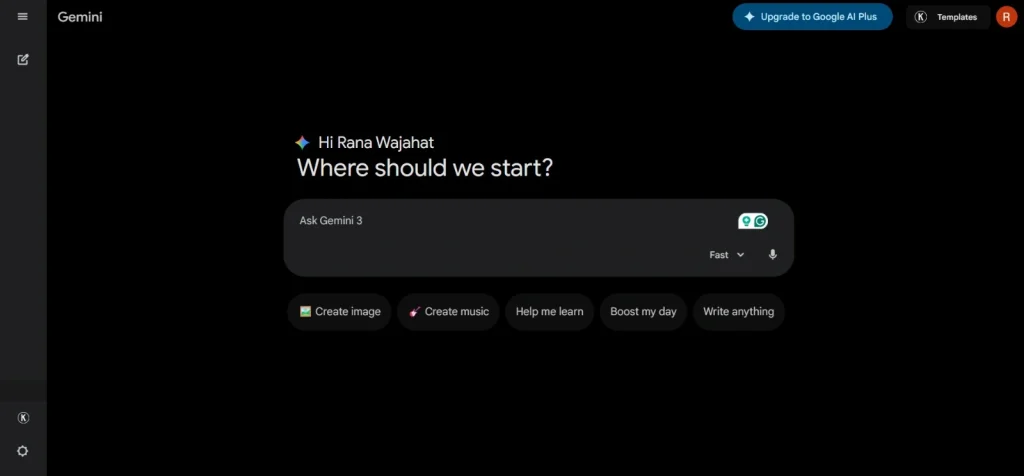
Gemini (built on Gemini 3 Flash in 2026) is Google’s powerhouse for analytical tasks. Its massive “context window” means it can ingest huge amounts of data (like long-form meeting recordings or deep-dive reports) and synthesize the information flawlessly.
Crucially, it integrates directly into Google Workspace, allowing you to ask Gemini to search through your own Google Docs or Drive, providing answers specific to your business data.
Key Features:
- Google Workspace Integration: Searches and summarizes your Docs, Sheets, and Drive.
- Large-Context Analysis: Ingests and summarizes long video or audio files.
- Complex Real-World Research: Provides deeply sourced answers to challenging technical questions.
- Multimodal Capabilities: Can analyze images, charts, and code snippets with ease.
- Document Generation: Drafts letters, memos, and reports based on your data.
| Pros | Cons |
|---|---|
| Unbeatable speed for researching and summarizing. | Interface is less “conversational” than ChatGPT. |
| Directly accesses and works with your Google data. | |
| Massive “memory” window for huge inputs. | |
| Free version provides top-tier model performance. | |
| Highly accurate for analytical data synthesis. |
3. Canva AI (Magic Studio): The Instant Graphic Designer Who Works for Free
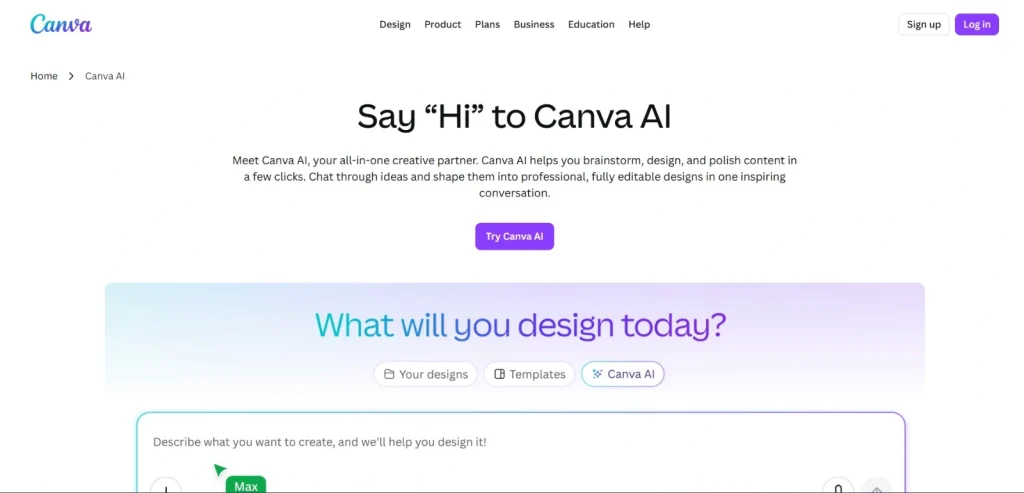
Canva has already democratized design. Its Magic Studio AI just automated it. This free toolkit within Canva turns non-designers into polished visual communicators.
Need to instantly remove the background from a product shot? Magic Eraser. Want to transform a text document into a full presentation? Magic Media. With text-to-image and powerful editing AI, Canva lets small businesses create high-quality visuals, social posts, and brand assets that look like they were made by a professional agency.
Key Features:
- Magic Media (Text-to-Image): Generates custom graphics or images from your text prompt.
- Magic Eraser & Background Remover: One-click deletion of unwanted elements or backgrounds.
- Magic Morph: Instantly apply textures or effects to simple elements.
- Magic Presentation: Converts a text outline into a fully designed slide deck.
- Brand Voice Integration: Ensures generated designs and copy align with your brand guidelines.
| Pros | Cons |
|---|---|
| Non-designers can create professional results. | Free tier has strict usage limits on advanced features. |
| Incredibly user-friendly drag-and-drop interface. | |
| Covers multiple media types (posts, presentations, video). | |
| Saves money on expensive design software (e.g., Photoshop). | |
| Massive library of free assets to complement AI output. |
4. Fathom: The Note-Taker Who Records Your Meetings So You Don’t Have To
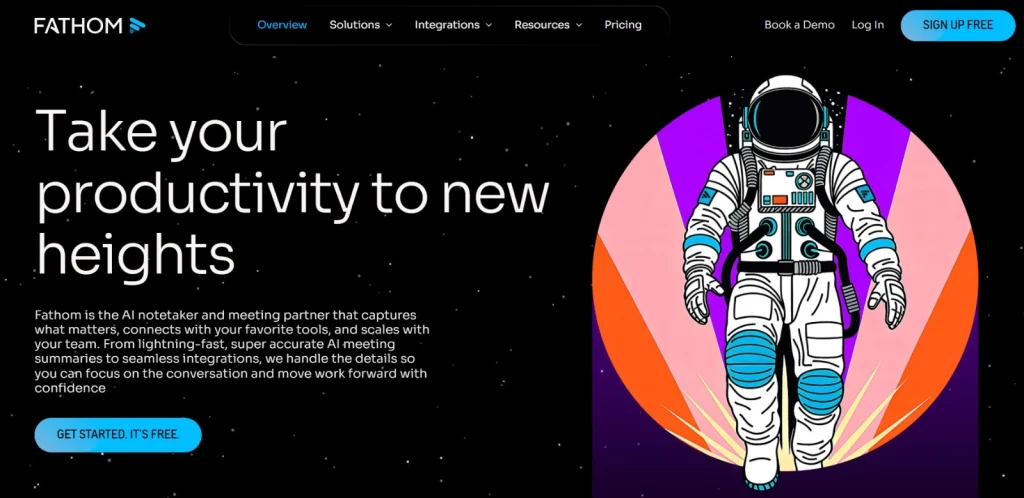
Small business owners spend countless hours in meetings, then spend even more time reviewing them. Fathom is a free meeting assistant that automatically records, transcribes, and, most importantly, summarizes your video calls (on Zoom, Teams, or Meet).
It uses AI to pinpoint key action items, decisions, and highlights. It integrates easily into your calendar and CRM, ensuring you never miss a critical detail or struggle to remember what was promised.
Key Features:
- Automated Summarization: Instantly generates concise notes of key discussion points.
- Action Item Identification: AI highlights who needs to do what after the meeting.
- Transcript Search: Find exactly what was said about a specific topic (e.g., “pricing”).
- CRM Integration: Sync meeting notes and summaries directly to platforms like HubSpot.
- Shareable Highlights: Clip important moments from the meeting to share with clients.
| Pros | Cons |
|---|---|
| Absolutely free with no hidden tiered pricing (in 2026). | Focused only on video meetings, not in-person calls. |
| Saves hours of manual note-taking per week. | |
| Dramatically improves follow-through and accountability. | |
| Searchable archive for all your meetings. | |
| Non-intrusive; works seamlessly in the background. |
5. Buffer (Free Tier): The Social Media Manager That Automates Your Consistency
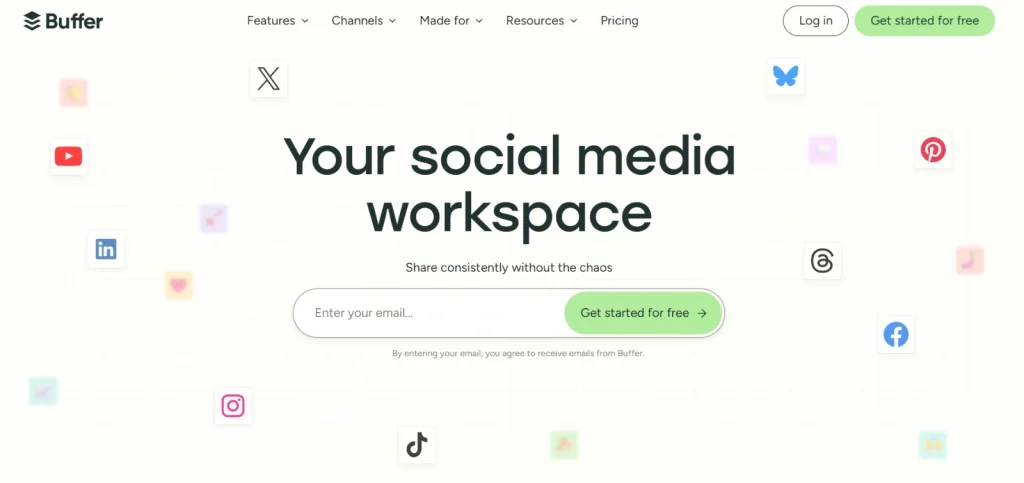
Maintaining a consistent presence on social media platforms is vital but draining. Buffer’s free tier (which allows 3 social channels and 10 scheduled posts per channel) is supercharged by its embedded AI Assistant.
This tool helps you generate creative post ideas from scratch, optimize your captions for engagement, or repurpose a single content idea across all your platforms. It simplifies scheduling, allowing you to build brand visibility on a strict $0 budget.
Key Features:
- Content Ideation AI: Generates fresh topics and post ideas for your specific niche.
- Caption Optimization: Rewrite captions to be more engaging or to hit a specific tone.
- Multi-Channel Scheduling: Queue up posts for Facebook, Instagram, LinkedIn, etc.
- Content Repurposing: Instantly adapt a post designed for one platform to work on another.
- Optimal Timing Analysis: AI suggests when your audience is most likely to be online.
| Pros | Cons |
|---|---|
| AI makes maintaining consistency incredibly easy. | Strict limit of 3 social channels on the free plan. |
| Reduces “writer’s block” when crafting social content. | |
| Simplifies managing multiple social media platforms. | |
| Entirely free core scheduling functionality. | |
| Ideal entry point for automated social media marketing. |
6. Wave Accounting: The Automated Bookkeeper You Never Have to Pay
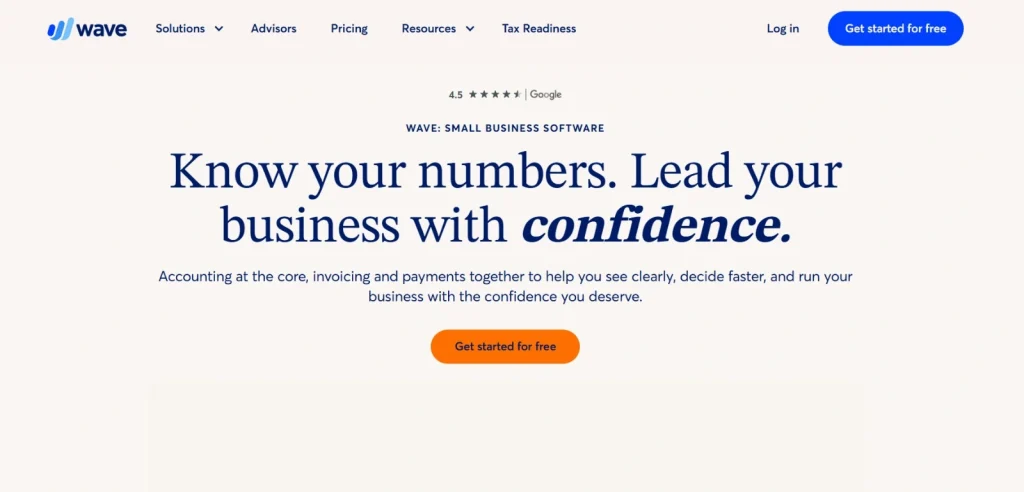
Accounting is rarely the “fun” part of business, but Wave makes it painless and, crucially, free. Unlike competitors that lure you in and then charge monthly fees, Wave’s core invoicing, bookkeeping, and banking are $0.
In 2026, Wave uses AI for automated transaction categorization and deep bank integration. This means it intelligently learns which expenses are standard (e.g., software subscription) and categorizes them automatically, saving you hours of reconciliation time every month.
Key Features:
- Free Invoicing: Create, send, and track professional invoices instantly.
- Automated Expense Tracking: Connect your bank and let AI categorize transactions.
- AI-Driven Bank Reconciliation: Simplifies the monthly headache of matching bank statements.
- Robust Financial Reports: Generates Profit & Loss statements and Balance Sheets.
- Receipt Scanning App: Take a photo of a receipt, and AI imports the expense data.
| Pros | Cons |
|---|---|
| Truly 100% free for invoicing and bookkeeping. | No free phone support (community help only). |
| Automated expense tracking saves massive time. | |
| User-friendly interface designed for non-accountants. | |
| Unlimited invoicing and transaction tracking. | |
| Seamlessly integrates receipt scanning with bookkeeping. |
7. Grammarly: The Flawless Editor Who Guarantees Your Professionalism
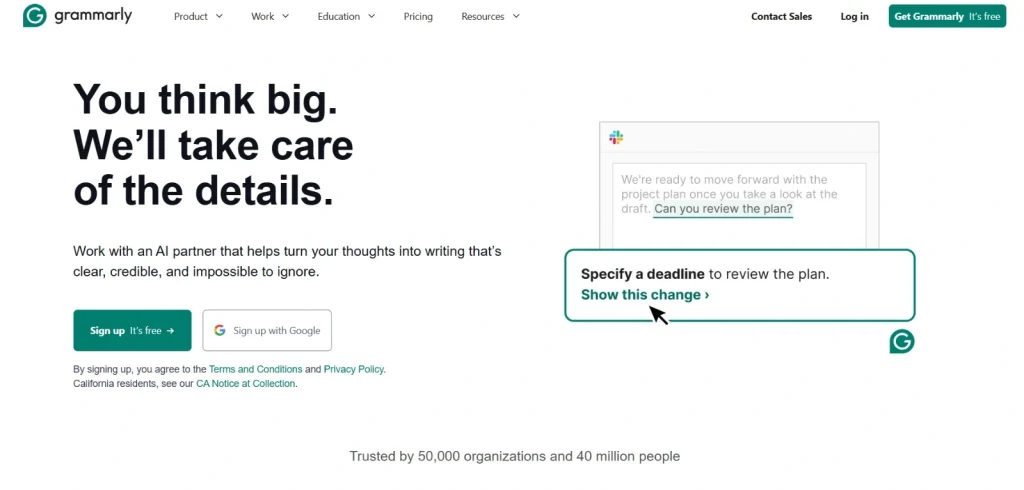
A typo or an awkward phrase in a client email can undermine your credibility instantly. Grammarly (whose free version in 2026 has tone detection and rewriting capabilities) is your safeguard.
It goes far beyond spellcheck, analyzing your writing for clarity, professionalism, and concise phrasing. That’s why it is counted among the best blogging tools for beginners. It also includes 100 free AI rewriting prompts per month, which allows you to generate more professional or direct alternatives to your drafts with a single click.
Key Features:
- Contextual Grammer Check: Goes beyond basic spellcheck to catch complex grammar errors.
- AI Rewriting (Free Prompts): Use 100 monthly prompts to instantly rephrase sentences for impact.
- Tone Detection: Tells you how your message will sound (e.g., confident, polite, anxious).
- Clarity and Conciseness Fixes: Suggests edits to make your writing sharp and impactful.
- Browser/App Integration: Works everywhere you write, like email, Word, web apps.
| Pros | Cons |
|---|---|
| Essential for ensuring polish in all communication. | Advanced writing style suggestions require premium. |
| Tone detection is incredibly helpful for sensitive emails. | |
| Browser extensions work globally across the web. | |
| AI prompts significantly speed up rewriting tasks. | |
| User-friendly and provides educational context for its edits. |
8. Perplexity AI: The Supercharged Search Engine That Gives You the Answer, Not Just Links
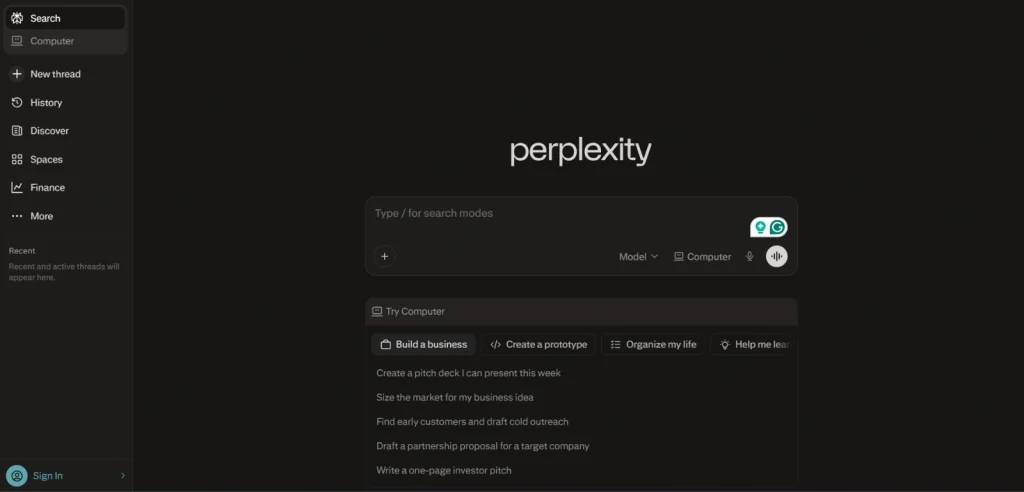
Stop digging through endless blue links in Google Search. Perplexity AI is an “answer engine” that synthesizes information from across the live web, provides clear, concise answers, and includes citations to its sources.
In 2026, it is faster and more accurate than ever. It’s the ultimate tool for a small business doing quick research, factual verification, competitor analysis, or simply trying to understand a complex technical topic in 30 seconds.
Key Features:
- Real-Time Answer Engine: Crawls the live internet to synthesize summaries, not lists.
- Citations and References: Shows exactly where the information came from for verification.
- “Copilot” Mode (Free Usage): Solves more complex problems using advanced, interactive search.
- Technical Summarization: Explains dense technical topics or code clearly.
- Research Organization: Saves your queries into searchable research collections.
| Pros | Cons |
|---|---|
| Vastly faster for factual research than Google Search. | Copilot mode usage is limited on the free tier. |
| Citations ensure high reliability and factual accuracy. | |
| Free tier offers incredible research depth and speed. | |
| Ideal for quickly understanding competitive landscapes. | |
| Translates complex language into clear summaries. |
9. Tidio (Lyro AI): The E-commerce Chatbot Who Handles FAQs While You Sleep

For small e-commerce stores, providing 24/7 support is impossible. Tidio changes that. The free plan provides access to Lyro AI, a sophisticated chatbot specialized in answering common customer FAQs.
You don’t need to write complicated workflows. Lyro learns from your knowledge base (your website, your PDFs) and naturally answers questions like “What’s your shipping policy?” or “How do I return an item?” freeing you to focus on high-touch issues.
Key Features:
- Lyro AI FAQ Bot: Uses AI to learn from your existing documentation and answer FAQs.
- Knowledge Base Integration: Upload your return policy or product specs; Lyro learns them.
- Multi-Channel Support: Manages conversations across your website, Messenger, and Instagram.
- Live Chat Core: Includes essential human-to-human live chat capabilities.
- Analytics Dashboard: Tracks bot resolution rates and visitor behavior.
| Pros | Cons |
|---|---|
| Provides automated customer support 24/7. | Free tier limits the number of conversations Lyro handles. |
| Lyro “learns” quickly from your own documents. | |
| Free tier includes core chat and basic automation. | |
| Dramatically reduces support workload for store owners. | |
| User-friendly interface, simple to set up. |
10. QuillBot: The Writer’s Assistant That Rescues You From Clunky Phrases
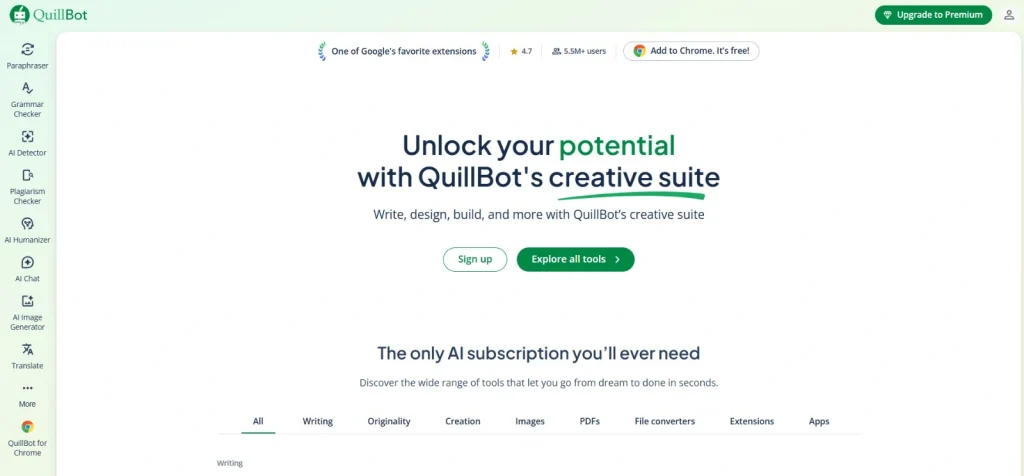
We have all written that one sentence that feels clunky and awkward, but we can’t figure out how to fix it. QuillBot is your specialized AI rewriting expert.
Its free paraphrase tool allows you to rewrite 125 words at a time, allowing you to instantly change the tone, shorten a paragraph, or find a more professional way to express an awkward concept. It’s perfect for ensuring your blog summaries, LinkedIn updates, or sensitive customer emails are sharp, clear, and professional.
Key Features:
- AI Paraphraser (125-word limit): Instantly rewrites text to change the phrasing and flow.
- Core Rewrite Modes (Free): Includes “Standard” and “Fluency” rewriting modes.
- Synonym Thesaurus: Provides alternative word choices with a click.
- Grammar Checker Integration: Includes basic grammar correction alongside rewriting.
- Browser Extensions: Paraphrase directly in your browser or Word documents.
| Pros | Cons |
|---|---|
| Essential for fixing awkward sentences or clunky drafts. | Free plan has a strict 125-word paraphrase limit. |
| Fluency mode is excellent for refining writing. | |
| Saves time spent agonizing over precise phrasing. | |
| Entirely free for core rewriting functionality. | |
| User-friendly; specialized and effective at its core task. |
Final Thoughts
In 2026, AI is no longer a luxury for corporations. It is an essential resource for small business survival and growth. What’s even better is that you don’t need a massive software budget to benefit.
The 10 tools profiled above offer high-utility, robust free plans that can immediately streamline your marketing, automate your operations, and refine your customer service. When you choose the right free AI tools and integrate them into your workflows, you aren’t just saving money.
You are buying back the most precious resource you have: your time. Stop wasting it on grunt work and let AI help you build your business faster.