Why do IT experts check their IP addresses? Is it really worth it? Let me burst the myth! IT experts and other users check their IP addresses to know more about their devices and their connections.
This procedure also helps them identify security threats and make their online privacy secure. If you also want to do so then you need to check your IP address by using IPSaya.
How to check your IP address by using IPSaya? What if you are using a VPN? I will answer all these questions in this comprehensive guide.
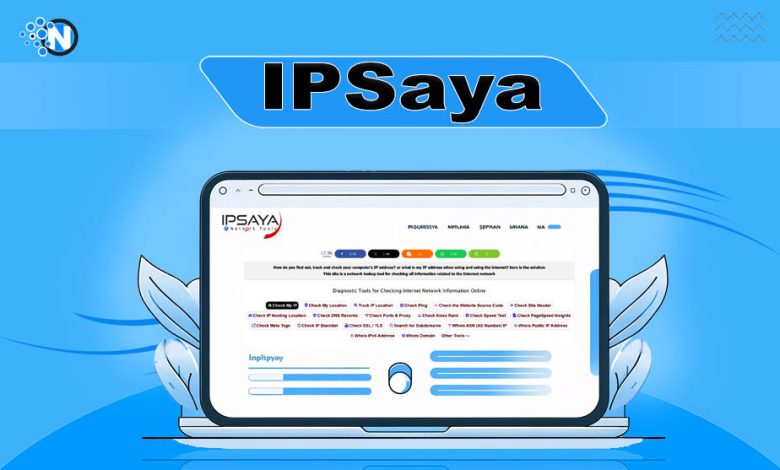
A General Overview of IPSaya
IPSaya is an IP address checker tool that enables users also to find geolocation, device information, and more. It doesn’t require any type of sign-in and sign-up to check users’ IP addresses.
Whether you are a digital nomad or an IT specialist, this tool is equally beneficial for you. No matter if you require an IP address to identify potential security threats or troubleshoot internet issues, it has your back.
Smart Features of IPSaya
IPSaya doesn’t only tell you about your IP address, but it provides manifold features that enable you to avoid any security threats. Whether you need to avoid spam or scammers, its features have your back.
IP Tracker
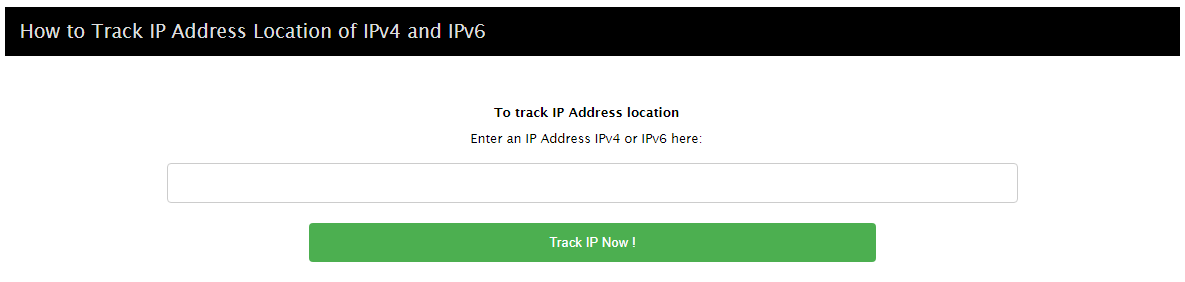
IPSaya provides users with a helpful feature named IP Tracker. This feature allows users to find someone’s geolocation just by having their IP address. Whether you are going for IPv4 or IPv6 IP addresses, this tool supports both types of IP addresses. The process is very simple: you need to put the IP address in the blank bar and click on the “Track IP Now!” button to get your results.
Check Ping
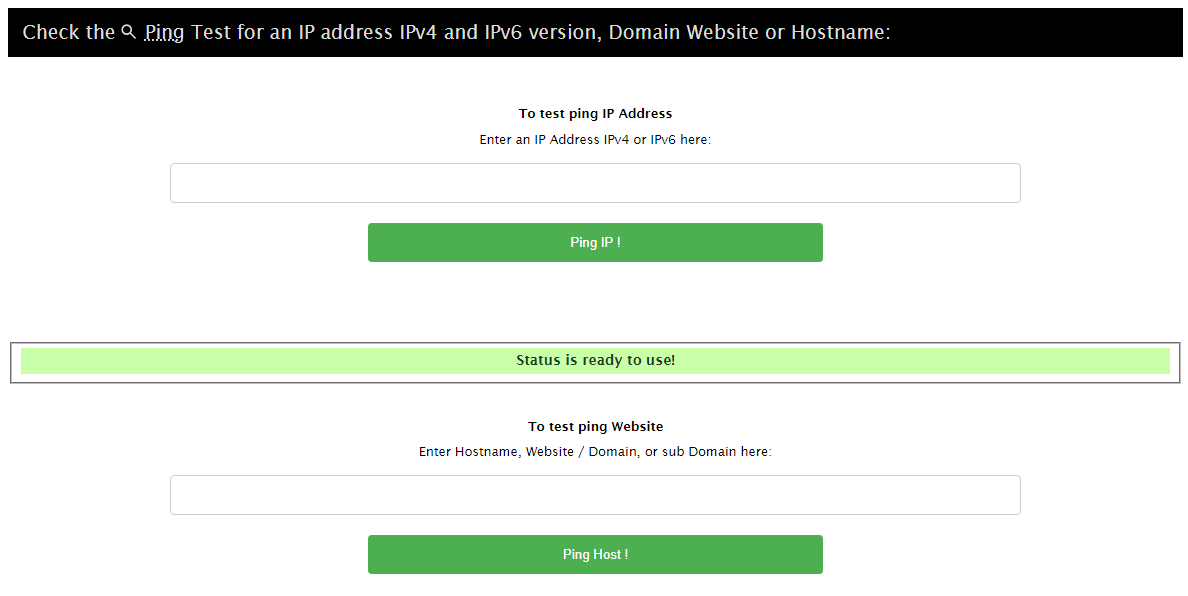
No other users can configure what Ping can do. The reason behind this is that Ping is only helpful for gamers to run their games more smoothly. IPSaya enables gamers to find the internet speed and Ping to enhance their gaming experience. Just put your IP address in the blank bar and click on the “Ping IP!” button and your results are here.
IP Blacklist
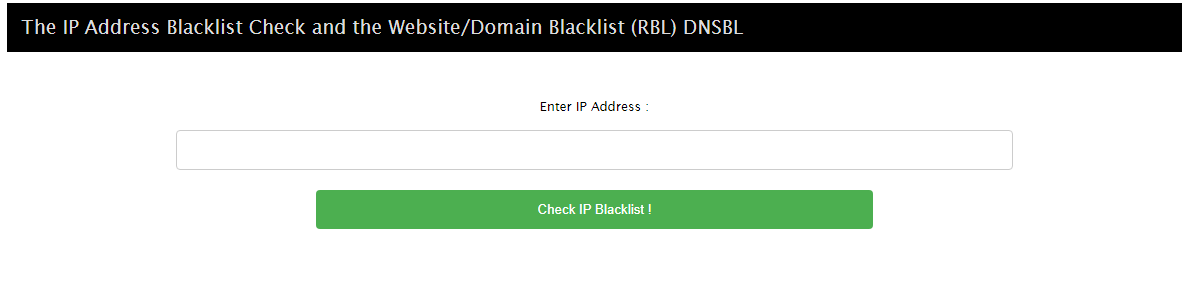
If you are regularly getting spam from an IP address, then you can check it on IPSaya to know whether it is blocked from the internet or not. By doing so, you will be able to avoid any security risks and mitigate any other potential scammer’s approach. You just need to put the IP address in the blank bar and click on the “Check IP Blacklist!” button to know the results.
How to Check Your IP Address on IPSaya
If you are interested in knowing your IP address on IPSaya instantly, then keep reading. I have compiled the whole procedure in simple steps in the below section.
Step 1- Access IPSaya
Firstly, you need to access IPSaya to proceed with the procedure. Open a new tab on your internet browser and search IPSaya to get access.
Step 2- Click on Check My IP
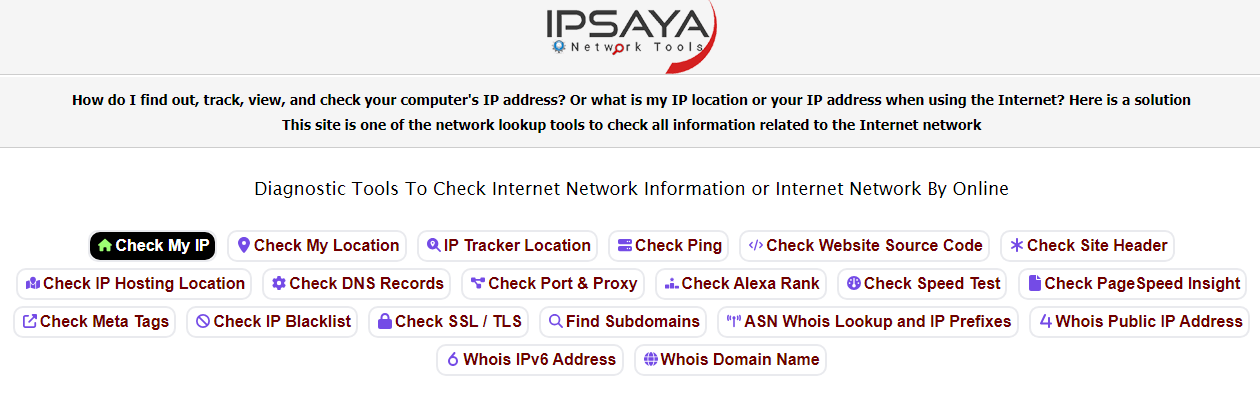
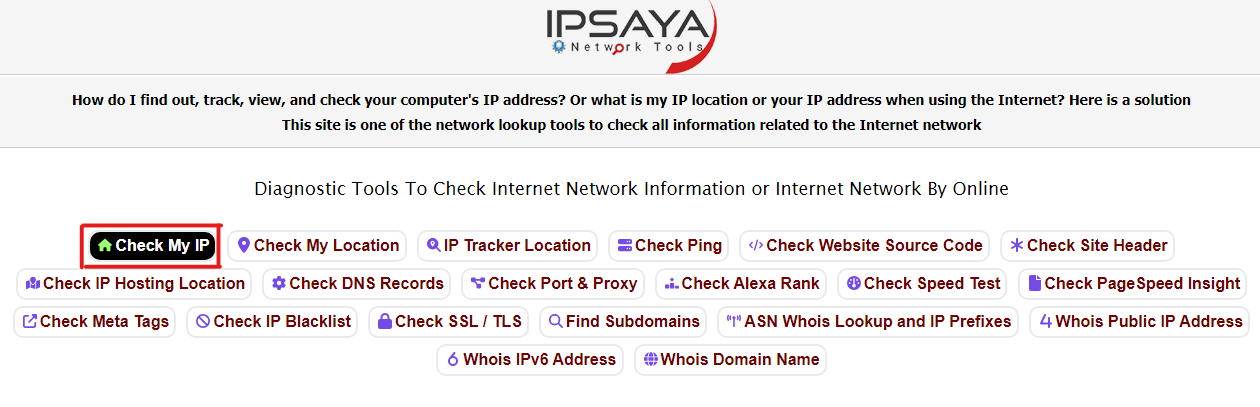
In addition, you need to click on the “Check My IP” option to find your IP address instantly.
Step 3- Scroll
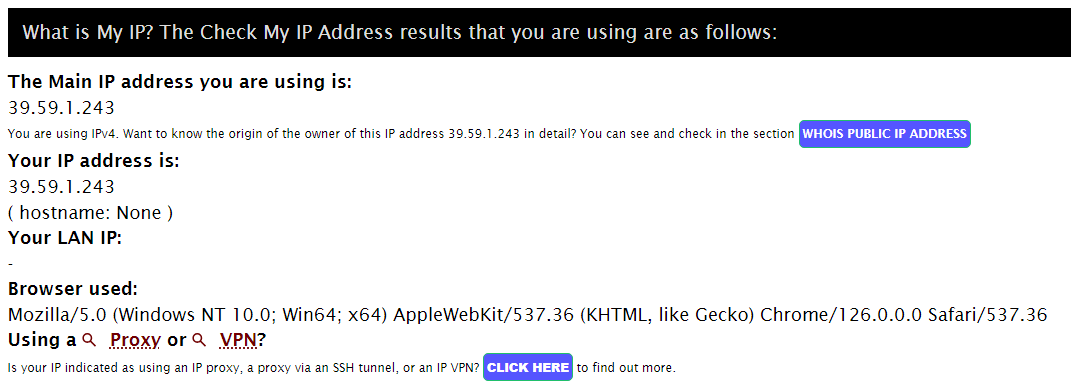
Here, you have to scroll down and see the results. In the sections, “The Main IP address you are using is:” and “Your IP address is:” you will get your IP address. For instance, my IP address is “39.59.1.243”
Step 4- Check
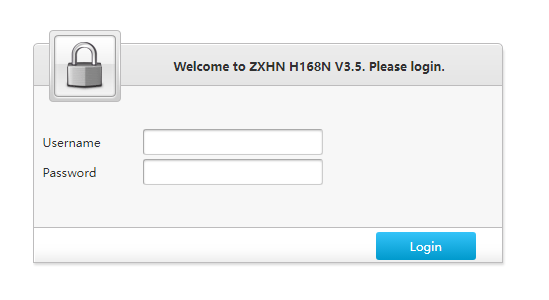
You are free to paste your IP address to a new tab to open an admin access tab. As I put my IP address in a new tab and get the admin dashboard.
Guide to Check Your IP Address on IPSaya While Using a VPN
Don’t worry! If you are using a VPN to change your IP address IPSaya is capable of letting you know your IP address whether the VPN is on or not. I have described the whole procedure of checking your IP address while using a VPN.
Step 1- Check My IP
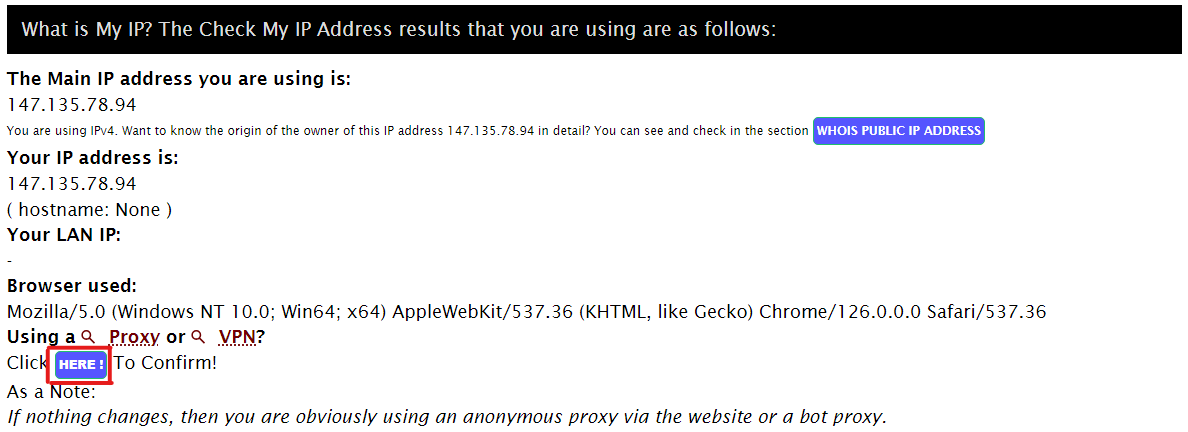
Access the tool and click on the “Check My IP” button. In the results, you will get false IP address.
Step 2- Click on “Here:”
Get on the section “What is My IP?” and click on the “Here:” button to get accurate results.
Step 3- Wait
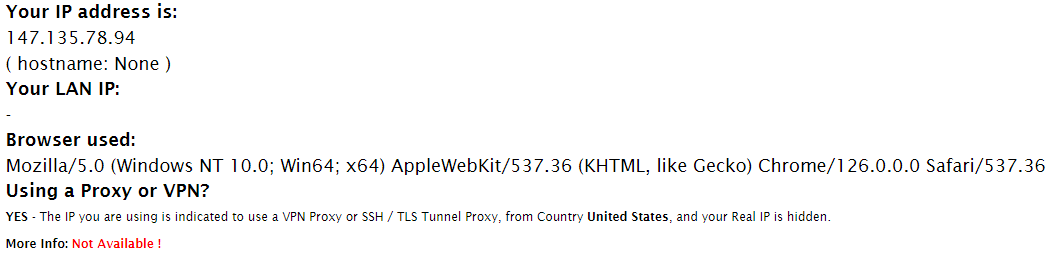
Wait for the tool to be reloaded and you will see your accurate IP address right in front of you.
Step 4- Hide IP Address
If you have hidden your IP address, then you will just get a hint of your IP address and see in the results that “your Real IP is hidden.”
The Final Note
IPSaya is an IP address finder tool that enables users to check their IP address without any effort. Users are free to locate their device information, geolocation, and more to get insights into their devices. Moreover, if users are willing to troubleshoot connectivity issues, then it may be a perfect tool to seek help.
In the above section, I have compiled a complete guide on checking your IP address on this tool whether with a VPN or off. Further, some advanced features are also compiled in the guide to provide you with a comprehensive guide on this tool.
FAQs
Q1- Is it free to use IPSaya?
Yes. IPSaya is a free to use tool. It enables users to check their IP address instantly without breaking the bank.
Q2- Is it legal to hide my IP address?
Yes, it is legal to hide your IP address because it is your personal information. Further, hiding your personal thing is not an illegal activity.
Q3- Can the Police track my IP address?
The answer to this question is also yes. Police are capable of tracking someone’s IP address and locating him on the ground.
Q4- How can I check my private IP address?
You can check your private IP address in two simple steps. Firstly, search “cmd” in your Windows search bar and then put the prompt “ipconfig” to check your private IP address.