Ever wondered who checks your Instagram Highlights? In my case, it’s a yes. I often noticed the same profiles popping up on Instagram story and highlights viewers list, which naturally sparked my curiosity.
Whether you’re a content creator, building a brand on Instagram, or just curious, understanding the Instagram highlights viewer list offers valuable insights.
Moving next, I’ll walk you through how you can see who viewed your Instagram Highlights, share tips for tracking engagement, and highlight tools that make the process easier.
What Are Instagram Highlights?
Instagram Highlights are collections of your Instagram Stories that you pin to your profile.
They remain visible until you remove them, and there can be multiple Instagram highlight ideas at a time, with various titles and covers like Trips or Food.
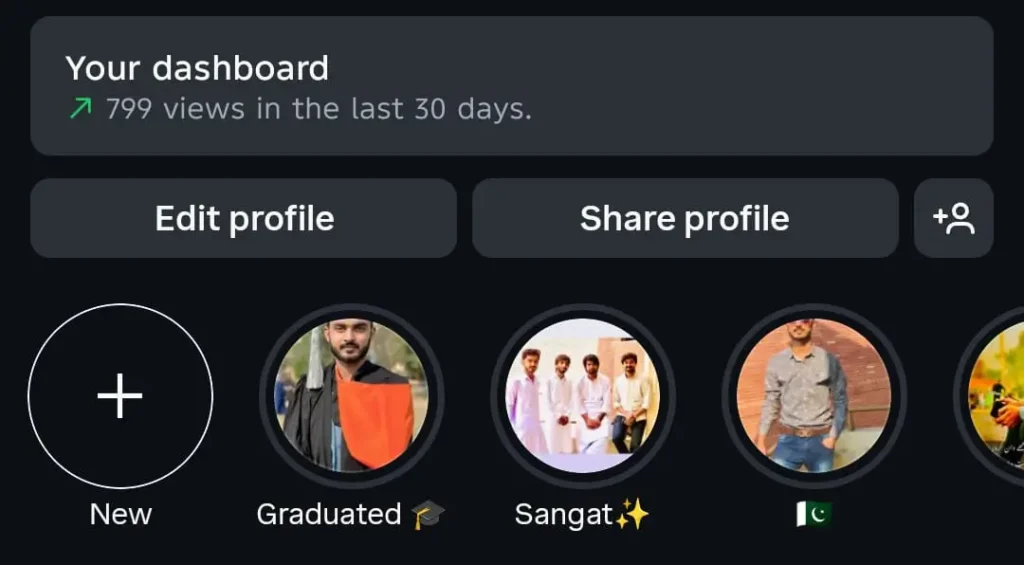
Can You See Who Viewed Your Instagram Highlights?
Yes, but only for 48 hours after the original Story was posted. After that, you’ll see the total views, but not individual usernames unless someone reacted.
Instagram allows you to see the Instagram highlight viewer list, but only for a limited time. Once that time passes, the view count remains visible, but the individual viewer list disappears, except for those who have reacted to your story.
How to See the Instagram Highlight Viewer List (Step-by-Step)
Step 1: Go to Your Profile
Open the Instagram app and tap your profile icon in the bottom right corner of the screen.
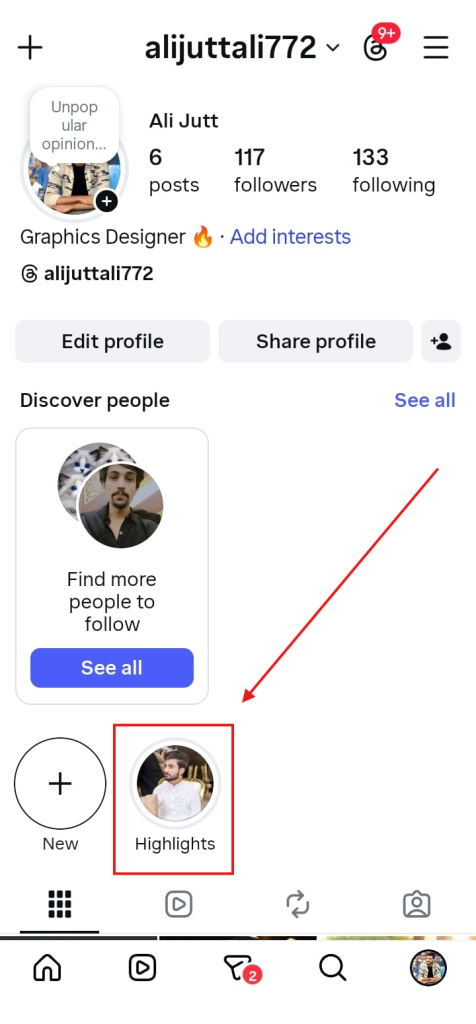
Step 2: Select a Highlight
Under your bio, you’ll find your Highlights displayed as circular icons. Tap on the Highlight you want to check.
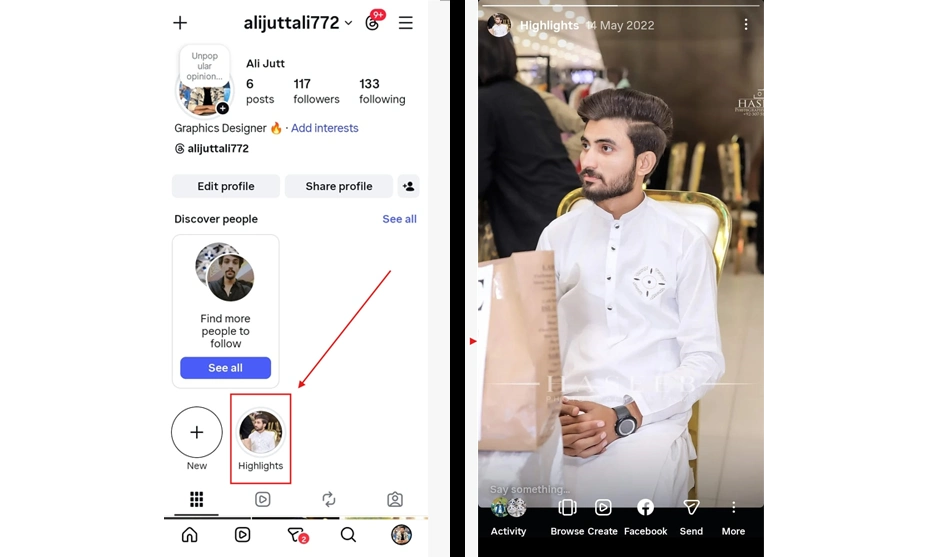
Step 3: Open the Story in the Highlight
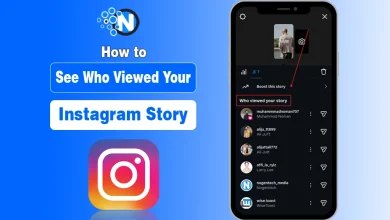
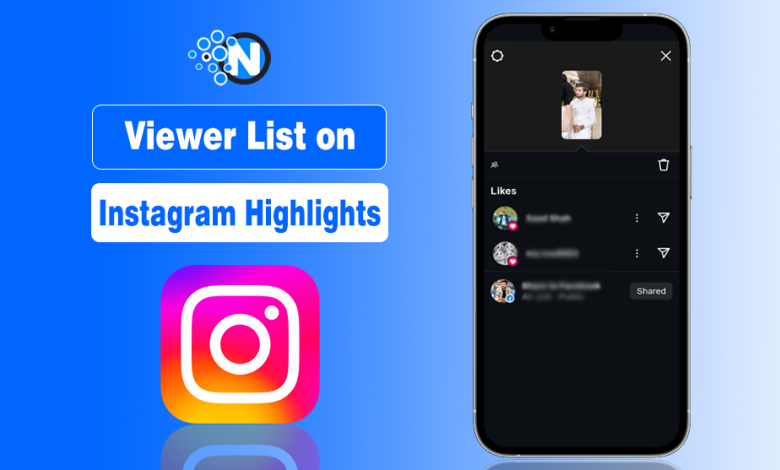
Once the Highlight opens, swipe up on the screen. You’ll now see:
- The viewers’ profile DP (who have seen it)
- A list of usernames who viewed the Story (only available within 48 hours of posting)
In the Activity section, only the people who have reacted to your profile will be shown to you.
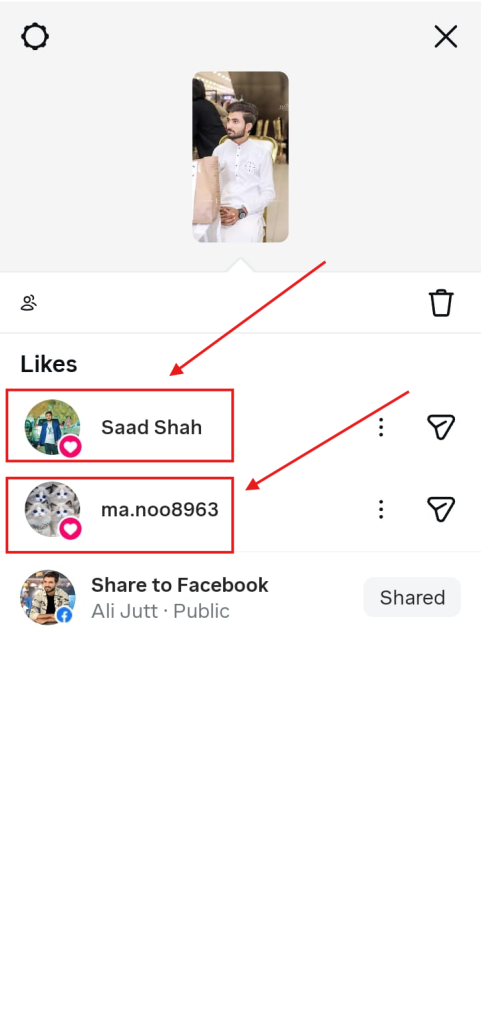
Time Limit for Viewing Highlight Insights
It’s important to remember:
- You can see the names of viewers for only 48 hours after a Story goes live.
- You can see the total views indefinitely, even months later.
- Business and Creator accounts get additional analytics, such as reach, impressions, and profile interactions.
If you’re serious about tracking engagement, switching to a Professional (Business or Creator) account gives you access to Instagram Insights, where you can view audience metrics over time.
Using Instagram Insights for Highlights (Business & Creator Accounts)
Instagram Insights is a built-in analytics tool that provides more than just the viewer list. Here’s how to access it:
- Step 1: Go to your profile and tap the Menu (☰) in the top right corner.
- Step 2: Select Insights > Content You Shared.
- Step 3: Tap on Stories and choose the specific content you’ve highlighted.
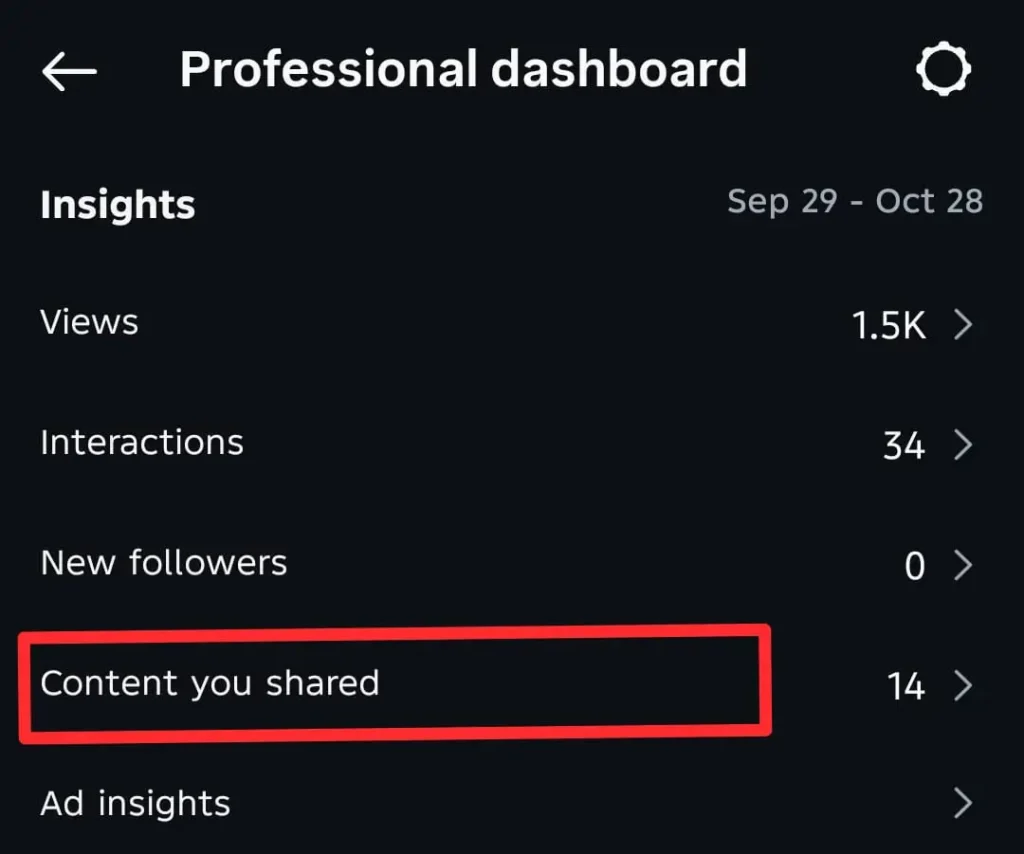
Here you can check:
- Reach (unique viewers)
- Impressions (total views)
- Replies and interactions
- Navigation actions (like skips or exits)
Although it won’t show exact viewer names after 48 hours, it gives a valuable overview of engagement trends.
Why Can’t You See the Viewer List After 48 Hours?
Instagram’s limitation is intentional. Since Stories are meant to be temporary, Instagram only stores detailed viewer data for two days. After that, the system deletes the viewer list to maintain privacy and reduce data load.
So, if you’re planning to analyze who’s engaging with your Highlights, it’s best to check within the first two days of posting.
Can People See When You View Their Instagram Highlights?
Yes, but only within the first 48 hours of the original Story.
- If a Highlight includes a Story posted less than 48 hours ago, the account owner can see your username in the viewer list.
- After 48 hours, usernames disappear and only the total view count remains.
- Instagram does not send notifications when someone views a Highlight.
If you’re viewing older Highlights, the account owner won’t know.
Want to View Instagram Highlights Anonymously
To stay private while viewing Highlights, some users rely on third‑party Instagram Highlight viewer tools that work without logging in.
Common options include:
- MollyGram – View public Stories and Highlights anonymously
- IG Comment – Anonymous viewing for Highlights, Stories, and profile photos
- DolphinRadar – Browse public Instagram profiles without leaving a trace, especially for business purposes.
Pro Tips to Track Instagram Highlights Engagement
- Check Views Early: Review your viewer list within 48 hours of posting.
- Take Screenshots: Capture the viewer list before it disappears.
- Use Analytics Tools: Tools like Later, Iconosquare, or Hootsuite track engagement over time.
- Update Highlights Regularly: Adding new Stories keeps engagement data fresh.
- Focus on Trends: Track overall performance — reach, engagement, and responses — rather than individual viewers.
FAQs On Instagram Highlight Viewer List
Can I see who viewed my Instagram Highlights after 48 hours?
No, you can only see the total number of views, not individual usernames.
Do deleted Stories affect Highlights?
No, if you’ve added a Story to a Highlight before deleting it from your archive, it will still remain in your Highlight.
Can others see if I viewed their Highlights?
Yes, if you view a Story that’s part of someone’s Highlight within the first 48 hours, your name appears in their viewer list.
Why can’t I see any viewers on my Highlight?
It can be older than 48 hours, or you have limited visibility due to privacy settings.
Does Instagram notify users when you check Highlight viewers?
No, Instagram doesn’t send any notifications when you view or check viewer lists.