One wrong choice today could leave you rebuilding your entire website a few months from now.
When I first got into coding a few years ago, building a website usually meant dealing with far more technical work than it does today.
Website builders have changed that significantly, but the bigger challenge now is having too many choices rather than too few.
With so many platforms promising easy setup, AI tools, attractive designs, and business features, figuring out which are actually the best tools for creating websites can be a bit difficult.
Honestly speaking, this list originally included 10 website builders, based on Fawad Moshin’s experience. After reviewing the options together, we decided to narrow it down to these eight: Wix, WordPress, Shopify, Squarespace, Hostinger Website Builder, GoDaddy Website Builder, Webflow, and Strikingly. We evaluated them based on
- Ease of use
- SEO features
- AI tools
- Design flexibility
- Ecommerce capabilities
- Pricing & value
- Customer support
Whether you need the best website builder for a small online business, a free website builder, or an AI website builder, this guide will help you narrow down the options and find what works for you.
What Is a Website Builder and What Can It Create For You?
A website builder is basically a platform that lets you create, customize, and publish a website without having to code everything yourself. Whether you’re building a site for yourself or your business, you can handle most of the work from one place.
Modern website builders like Wix, WordPress, Shopify, Squarespace, and Hostinger Website Builder make things even easier by offering drag-and-drop editors, AI tools, customizable templates, hosting, and built-in SEO features.
That’s why they’re widely used by freelancers, startups, and small businesses in the United States and around the world. With a website builder, you can create:
- Business websites
- Tech News Websites
- Online stores (eCommerce)
- Blogs
- Portfolio websites
- Landing pages
- Personal websites
- Agency websites
What are the Best Website Builders in 2026 for Small Businesses and Beginners?
As per my hands-on experience, here are some of the most noteworthy website builders in 2026:
- WordPress
- Shopify
- Wix
- Squarespace
- Webflow
- Hostinger
- GoDaddy Website Builder
- Strikingly
What are the Best AI-Powered Website Builders?
If you’re looking to build with AI, these are the AI-powered website builders I’d consider:
- Hostinger Website Builder
- Wix
- GoDaddy Website Builder
From what I’ve seen, Hostinger Website Builder is the strongest option for quickly generating layouts, content, and images.
I find Wix more appealing when you want to refine what AI creates, while GoDaddy Website Builder keeps things straightforward for beginners getting a business website online.
What are the Best Website Builders for Portfolios?
For a portfolio, I’d keep these website builders on the shortlist:
- Squarespace
- Webflow
- Strikingly
If polished templates are what you care about, Squarespace is a strong option, while Webflow makes more sense when you want greater creative control over the final design.
For something simpler, Strikingly works well for one-page portfolios and personal websites.
What are the Best Drag-and-Drop Website Builders?
For easy visual editing, these are the three website builders that come in handy:
- Wix
- Squarespace
- Hostinger Website Builder
Wix stands out to me for its flexible editor, while Squarespace puts more emphasis on the finished design. Hostinger Website Builder takes a different approach, combining drag-and-drop editing with AI-powered website creation.
What are the Best Free Wedding Website Builders?
These are the free options I’d put on the shortlist for a wedding website:
- Wix
- Strikingly
- WordPress
Wix caught my attention for its customizable wedding templates and RSVP features. Strikingly is better suited to a straightforward one-page wedding site, while WordPress fits well for someone wanting more flexibility for wedding blogs and personalized event pages.
What are the Best Website Builders for Bloggers?
Talking about blogging website builders, here are the ones that stood out for me:
- WordPress
- Wix
- Squarespace
WordPress is the one I’d lean toward for blogging, thanks to its powerful CMS, advanced SEO capabilities, and extensive plugin library.
I found Wix easier to approach for beginners, while Squarespace stood out for its elegant blog layouts and built-in marketing tools.
What are the Best Nonprofit Website Builders?
For building a nonprofit website, the following are the platforms I’d keep in mind:
- Wix
- WordPress
- Squarespace
Wix makes a strong case with its ease of use and fundraising integrations. WordPress offers more room for customization and scalability, while Squarespace is a straightforward option for creating visually engaging websites with minimal effort.
What are the Best AI Ecommerce Website Builders?
For an AI-powered online store, these are the builders I’d like to go with:
- Shopify
- Hostinger Website Builder
- Wix
For a more complete ecommerce setup, Shopify is the one I’d put first, especially with AI-powered tools such as Shopify Magic.
Hostinger Website Builder makes more sense when keeping costs down matters, while Wix is a good middle ground if you want AI features alongside built-in ecommerce and marketing tools.
What are the Best Website Popup Builders?
If you’re planning to use popups on your website, these are the builders worth considering:
- WordPress
- Wix
- Shopify
For maximum flexibility, WordPress would be my first consideration, while Wix makes sense when you want popup marketing closer to your existing business tools.
For an ecommerce-focused site, Shopify is the option I’d keep in mind because of its popup app ecosystem.
What are the Best Hotel Website Builders?
For hotel websites, these three stand out for very different reasons:
- Wix
- Squarespace
- WordPress
Wix would be my pick when booking integrations matter, while Squarespace suits hotels where visual appeal comes first. For larger hospitality businesses, I’d suggest going with WordPress.
A Closer Look at My 8 Website Builder Picks (Tested & Compared)
No single website builder works for everyone. After comparing these platforms for usability, SEO, AI, and overall value, here’s a closer look at where each one fits best.
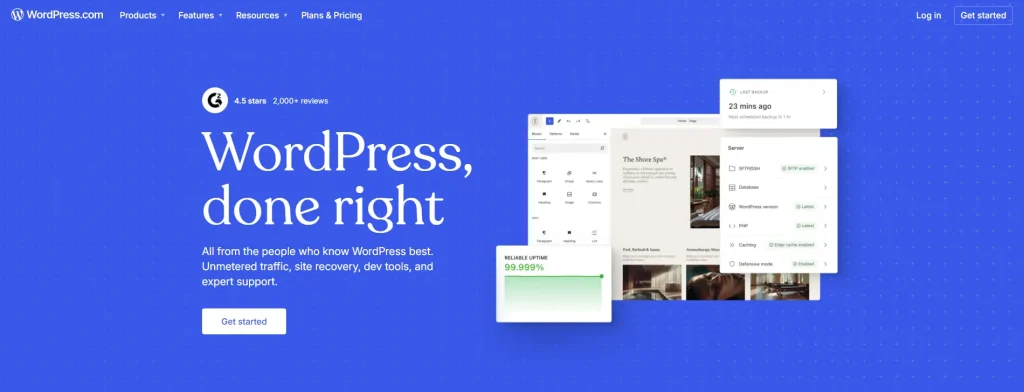
1. WordPress – Best Website Builder for SEO & Content-Driven Websites
WordPress earns its place here for small businesses and content-focused websites where SEO, customization, and long-term growth matter.
Its advanced themes for SEO, customization options, and broad ecosystem give you room to build as your website grows. It works particularly well for blogs, publishers, business websites, and ecommerce stores powered by WooCommerce.
For beginners, the learning curve is steeper than Wix or GoDaddy Website Builder, but that extra complexity can be worthwhile once you need more control over your website.
2. Shopify – Best Website Builder for Ecommerce Stores
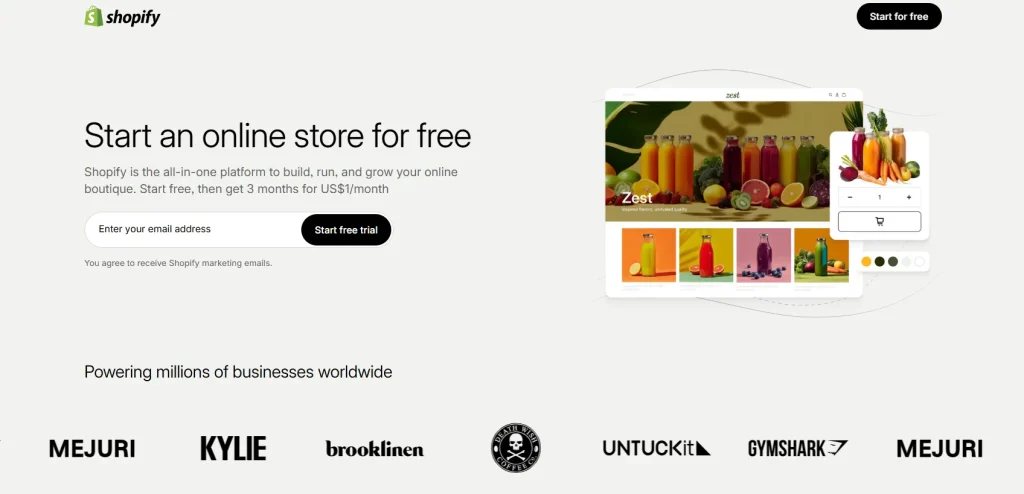
For a small business built around online sales, Shopify is an easy website builder and makes the most sense when ecommerce is the main focus rather than an added feature.
It gives you a more focused path for running a store than general-purpose builders such as WordPress or Squarespace.
The tradeoff is that it is less suited to blogs or portfolio-focused websites, so I’d reserve Shopify for businesses where selling online is central to the website.
3. Wix – Best Overall Website Builder
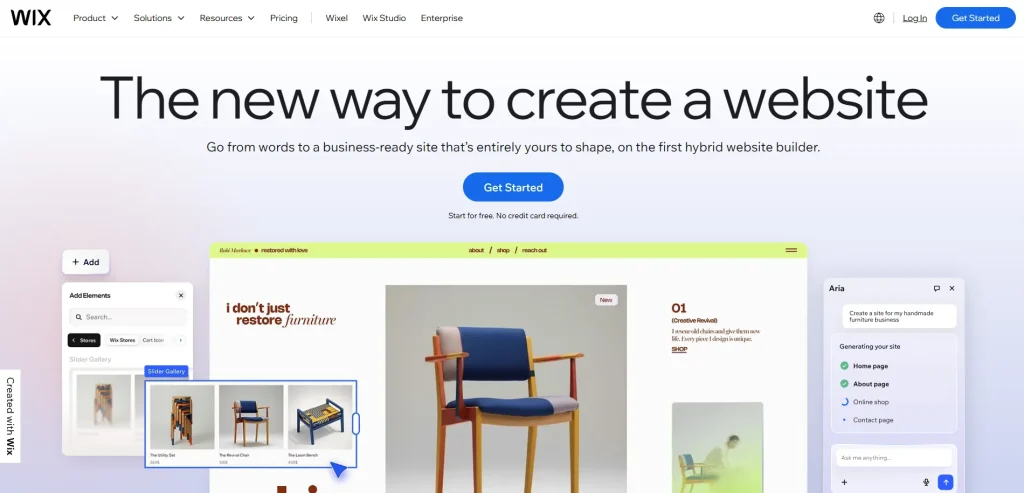
Wix is a strong overall choice for beginners and small businesses, balancing ease of use with enough flexibility to support different website needs.
For someone building a website without much technical experience, I like how Wix lets you start small without boxing you in later.
It can work just as well for a new business website as your needs become more demanding, with advanced SEO, marketing, ecommerce, and Free SSL & hosting available as you grow.
4. Squarespace – Best Website Builder for Portfolios & Creative Professionals
I find Squarespace particularly well suited to portfolios, creative professionals, and small businesses that want a polished first impression without spending too much time on setup.
From my experience, its biggest advantage is how quickly you can get a visually refined website without needing extensive design skills.
The tradeoff is less customization than you get with WordPress or Webflow, so I’d favor Squarespace when presentation matters more than having complete control over every detail.

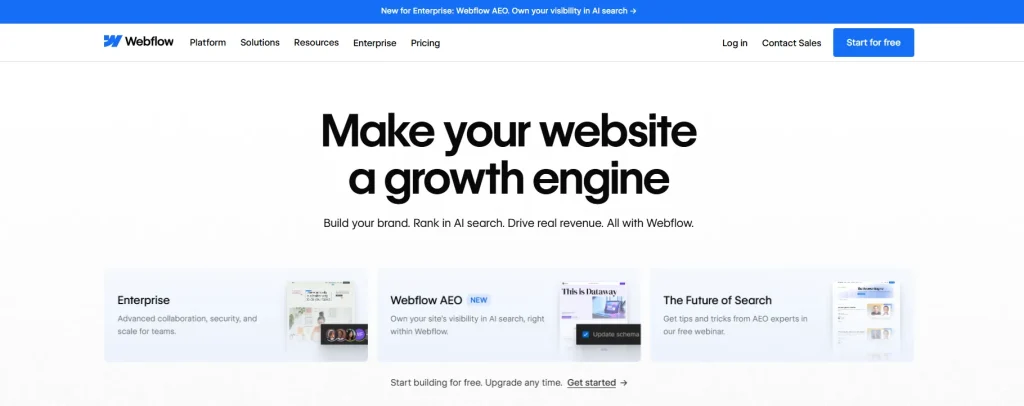
5. Webflow – Best Website Builder for Designers & Agencies
Webflow isn’t the most beginner-friendly website builder on this list, but I’d consider it a strong choice if you want more control as your website grows.
While many builders focus on getting you online quickly, Webflow is better suited for users building portfolios, business websites, and long-term projects that may need more customization over time.
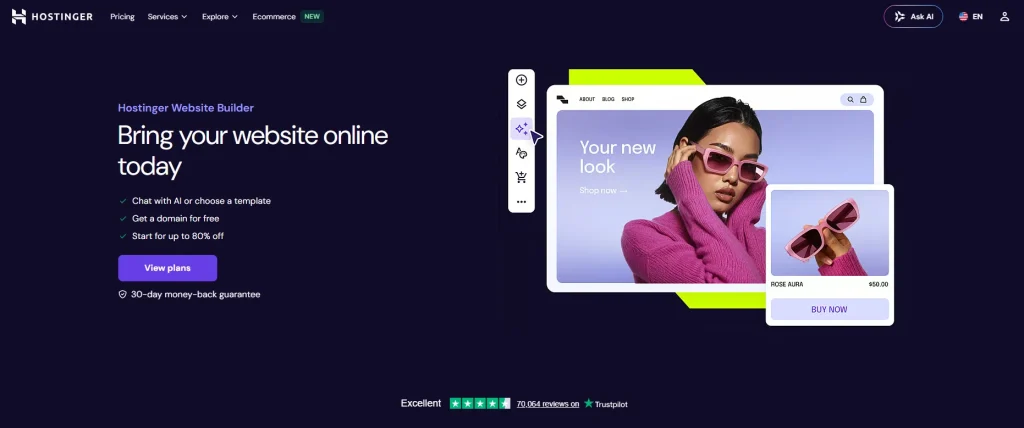
6. Hostinger Website Builder – Best AI Website Builder
Hostinger Website Builder is my pick for beginners and small businesses that want to get a website online quickly without stretching their budget.
What I like most about it is the balance between a fast starting point and enough room to build a useful business website.
It doesn’t offer the same level of customization or integrations as WordPress or Wix, but the lower cost, AI-assisted setup, and Free domain and SSL on eligible plans make it a practical option when keeping the setup simple and affordable matters.
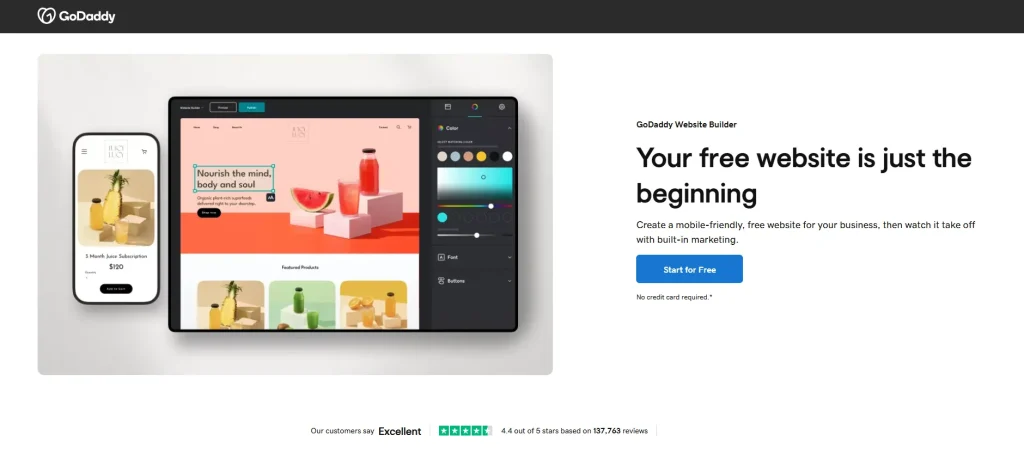
7. GoDaddy Website Builder – Best Website Builder for Beginners & Quick Business Websites
GoDaddy Website Builder is a practical small business website maker for beginners and small businesses that want to get a professional website online without a long setup process.
I’d especially consider it for local businesses and service providers that need a straightforward website rather than extensive customization.
The simpler learning curve makes it easier to get started, while features such as appointment booking, email marketing, and e-commerce give small businesses room to handle more from the same website.
Other than all this, if you think that things are getting complicated, you can also approach NogenTech’s services, where you can get probably all essential services to set up your business and web management.
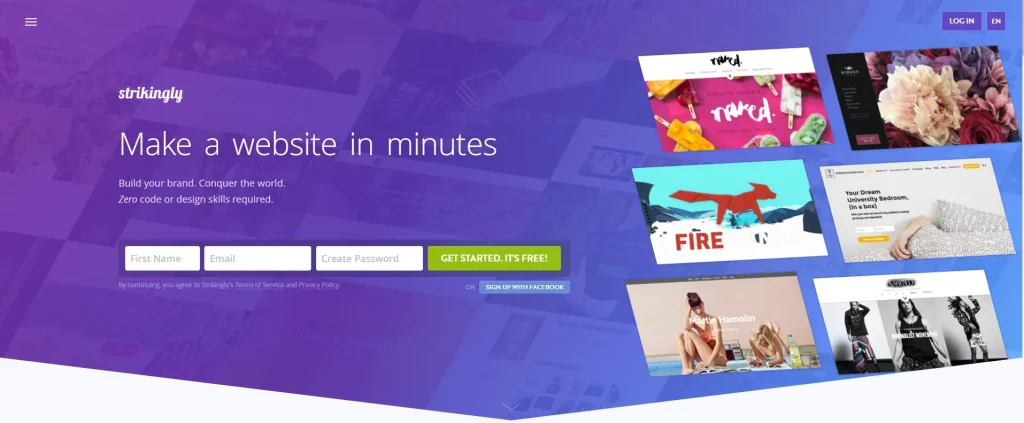
8. Strikingly – Best Website Builder for One-Page Websites & Landing Pages
Strikingly makes the most sense when your website doesn’t need multiple pages or a complicated structure.
From my experience using it, I’d consider Strikingly for focused projects such as landing pages, resumes, portfolios, and simple business sites where keeping everything on one page works in your favor.
How Do You Choose the Best Website Builder?
I wouldn’t choose an online website builder just because it has the longest feature list. Start with what you’re building, how comfortable you are with the setup, and where you want the website to go.
Before deciding, focus on:
- Website type: Business site, blog, portfolio, store, or landing page?
- Ease of use: How much learning are you comfortable with?
- SEO and AI: Will you need more search control or AI assistance?
- Design and ecommerce: Do you need creative freedom, selling tools, or both?
- Long-term value: Will the price and capabilities still work as you grow?
Once you know what matters most to you, the choice becomes much clearer, and you’ll save yourself from the hassle of migrating your website later.
My rule of thumb: Beginners should prioritize ease of use and room to grow, while small businesses should choose a builder that fits their actual business model rather than simply offering the most features.
What's the Difference Between a Website Builder and a CMS?
The biggest difference is how much control and technical responsibility you take on. A website builder keeps things more streamlined, while a CMS (Content Management System) gives you more control but usually requires more setup and maintenance.
Here’s how the two compare:
| Feature | Website Builder | CMS |
|---|---|---|
| Ease of use | Excellent | Moderate |
| Coding required | No | Sometimes |
| Hosting included | Yes | No |
| Security | Built-in | User-managed |
| Customization | Good | Excellent |
| SEO flexibility | Good | Excellent |
| Maintenance | Mostly handled for you | User-managed |
| Best Example | Wix | WordPress |
Which Should You Choose?
Choose a website builder if you:
- Want to launch a website quickly
- Have little or no coding experience
- Prefer an all-in-one platform
Choose a CMS if you:
- Need advanced customization
- Want maximum SEO control
- Plan to scale your website
My Recommendation
For most beginners and small businesses’ growth, I’d start with a website builder because it keeps the initial setup and ongoing work manageable. If your website needs deeper customization, more SEO control, or greater flexibility as it grows, a CMS is the better route.
Everything Else You Need to Know Before Choosing a Website Builder
What Is the Best Website Builder?
Wix is the best website builder for most users because it combines ease of use, AI-powered website creation, SEO tools, e-commerce features, and flexible customization.
However, WordPress, Shopify, Squarespace, Hostinger Website Builder, GoDaddy Website Builder, Webflow, and Strikingly are better suited for specific needs.
Which Website Builder Is Best for Small Businesses?
Wix is the best website builder for small businesses thanks to its beginner-friendly editor, built-in SEO, AI tools, marketing features, and e-commerce support.
WordPress is ideal for content-driven businesses, while Shopify is the better choice for businesses focused on online sales.
What Is the Best Free Website Builder?
Wix offers one of the best free website builder plans for beginners, while WordPress provides the most flexibility for users willing to manage their own hosting. Webflow, GoDaddy Website Builder, and Strikingly also offer free plans with feature limitations.
Which Website Builder Has the Best SEO Features?
WordPress offers the best SEO features thanks to its advanced customization, SEO plugins, and complete control over technical SEO. Wix, Webflow, and Squarespace also provide strong built-in SEO tools suitable for most websites.
What Is a WYSIWYG Website Builder?
A WYSIWYG (What You See Is What You Get) website builder lets you edit your website visually and see changes in real time without writing code. Popular platforms like Wix, Squarespace, GoDaddy Website Builder, and Hostinger Website Builder use WYSIWYG editors to simplify website creation.
Which Website Builder Should You Choose? Final Verdict
After comparing these builders, my top two recommendations are Wix and WordPress, but for different reasons.
I’d choose Wix for most beginners and small businesses, while WordPress would be my choice when SEO, content, customization, and long-term control are priorities.
For everyone else, the comparisons above should make it easier to find the option that fits without overcomplicating the decision.