Ever feel like your team spends more time talking about work than actually doing the work? I’ve worked with teams where a simple task update took five messages, two follow-ups, and one unnecessary meeting. The files were shared in emails, WhatsApp, and Google Drive, and somehow still got lost. The problem wasn’t the team. It was the lack of the right collaboration tools.
After using different tools with real teams, I learned that the collaboration tools can make work much easier. The right tool helps everyone know what to do, where to find files, and how to communicate without stress.
In this guide, I have shared the Top Collaboration Tools for Productive Teams to effectively collaborate with each other, share files and documents.
11 Best Collaboration Tools for Productive Business Teams
Below are listed the top 11 picks of the best collaboration software available in the market for employees and teams working in mid-level and large companies.
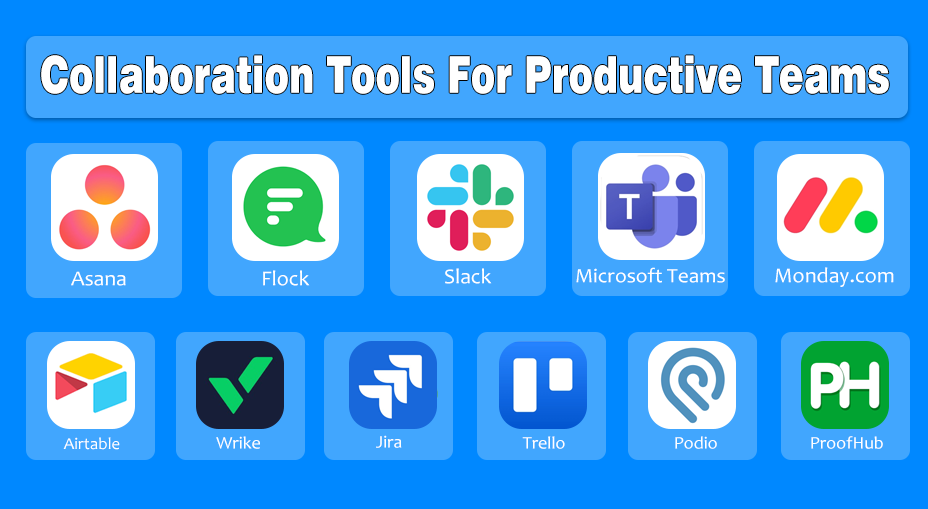
List of Best Collaboration Tools
Asana – Best for task and project tracking.
Flock – Best for team messaging and quick communication.
Slack – Best for real-time chat and app integrations.
Microsoft Teams – Best for meetings and Microsoft 365 collaboration.
Monday.com – Best for customizable workflows and project boards.
Airtable – Best for organizing data like a flexible database.
Wrike – Best for detailed project planning and reporting.
JIRA – Best for agile software development and issue tracking.
Trello – Best for simple visual task management.
Podio – Best for custom workflows and team apps.
ProofHub – Best for all-in-one team collaboration and project management.
1. Asana
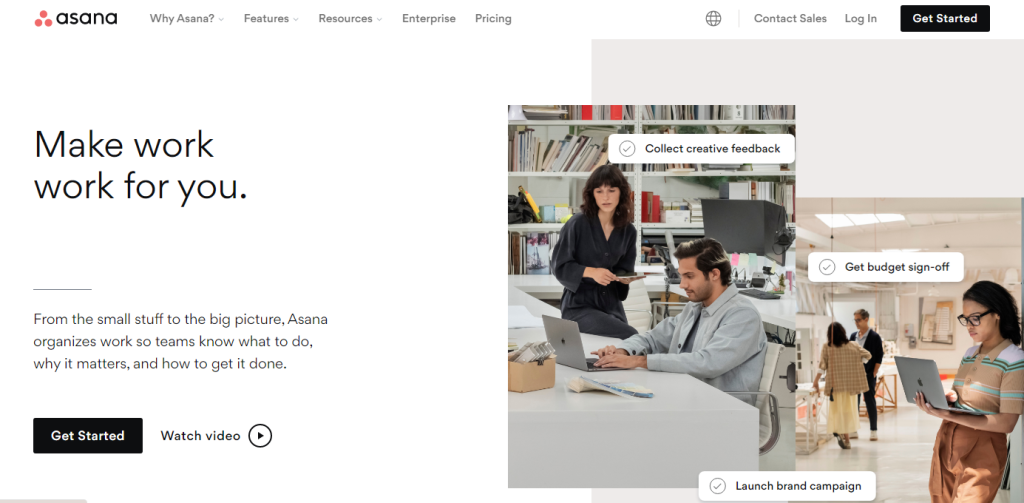
Asana is a flexible SaaS tool with a focus on collaboration. It helps the teams collaborate on tasks from all projects by combining team communication and project management.
The tool is not just for the teams’ productivity but also focuses on getting projects done. You can use a customizable view to see specific projects’ progress.
It enables you to map out your project as a Gantt chart. You can make arrangements for steps and monitor the workload of every part. Asana has various combination tools like Adobe Creative Cloud, Slack, Microsoft 365, Gmail and many more.
Why I Picked Asana:
I picked Asana because it makes managing tasks feel effortless. When working with multiple teams, it’s easy to assign tasks, set deadlines, and see progress without chasing updates. The timelines and boards really helped my team stay organized and on track.
Key Features of Asana
- Task creation and assignment
- Project timelines and deadlines
- List, board, and calendar views
- Progress tracking and status updates
- Team collaboration and comments
- Integrations with Slack, Google Drive, and Zoom
Pros and Cons
| Pros | Cons |
|---|---|
| Easy task creation and tracking | Can feel complex for beginners |
| Multiple views (list, board, timeline) | Free plan has limited features |
| Great for team coordination | Can be expensive for large teams |
| Strong integrations with other apps | |
| Clear deadlines and reminders |
Pricing of Asana
- Basic plan: Free trial for up to 15 users
- Premium plan: $10.99 per user/month
- Business plan: $24.99 per user/month
- Enterprise plan: Custom pricing
2. Flock
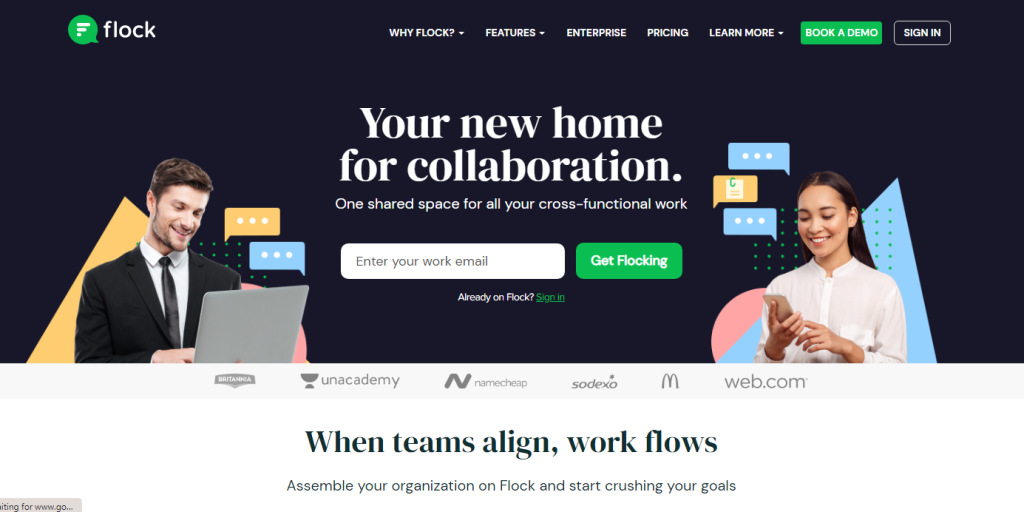
Flock is one of the best online collaboration tools for organizations of all sizes and ventures trust. The main focus of the cloud-based tool is to work on a more streamlined type of communication for its employees.
It is the solution that can fill the communication hole in your organization. The organizational teams can work on built-in features like group discussions, surveys, and shared tasks. It also communicates with other apps such as Trello, Google Drive, Asana, and more.
The teams get more productivity when they finish their work using Flock. Users can create projects and tasks, email reminders and look for essential comments or files. The software helps teams to schedule video and audio calls. You can show the clients what you are working on in your organization.
Why I Picked Flock:
Flock stood out to me when I needed quick, clear communication. Unlike juggling emails and messages, Flock keeps everything, chats, calls, and to-dos, in one place. It saved my team hours we used to spend clarifying tasks.
Key Features of Flock
- Team chat and direct messaging
- Organized channels for topics
- Built-in video and voice calls
- File sharing and search
- To-do lists and reminders
- App integrations and notifications
Pros and Cons
| Pros | Cons |
|---|---|
| Simple and user-friendly | Not as feature-rich as Slack |
| Built-in chat, voice, and video | Smaller add-on ecosystem |
| Organized channels for teams | Limited advanced features |
| Affordable pricing | Less used by bigger companies |
| Good for quick communication |
Pricing of Flock
- Starter: free
- Pro: $4.50 per licensed user
- Enterprise: Custom pricing
3. Slack
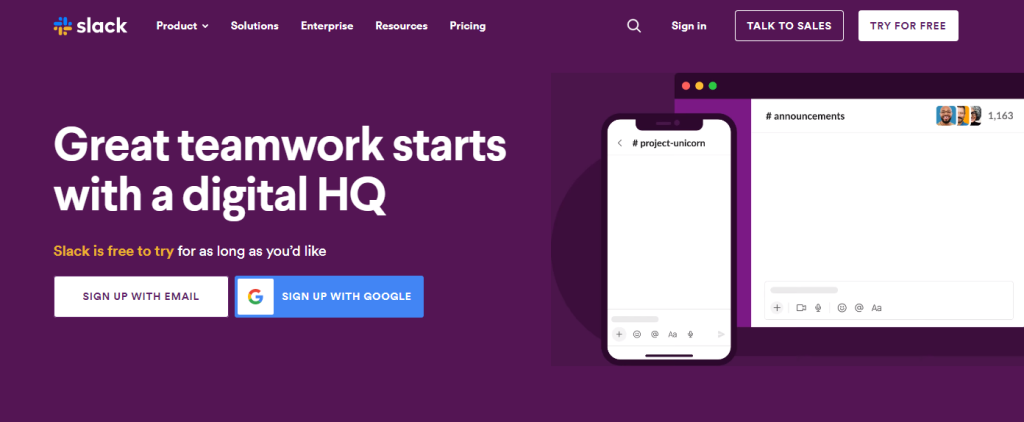
Slack is a well-known instant messaging (IM) software that big companies like Lyft and NASA use. It includes many integrations and tools that can be useful for organizations. You can use it as a cloud-based collaboration system that allows you to use all the services to meet the collaboration expectations.
The main focus is to integrate a wide variety of services from Dropbox and Google Drive to Salesforce and Zoom, which many organizations use.
Millions of users are using it in their businesses globally. It is a responsive platform that can support any screen size, like a desktop or smartphone. The software can channel multiple conversations. Teams can collaborate using video calls, direct DMs and file-sharing. You can talk about a project by texting your employees, but it is not a replacement for cloud-based storage services.
Why I Picked Slack:
I chose Slack because real-time messaging keeps teams connected instantly. Its integrations with tools like Google Drive and Trello mean we didn’t have to jump between apps. It transformed our chaotic communication into organized channels.
Key Features of Slack
- Real-time team messaging
- Public and private channels
- File sharing and quick previews
- Powerful search for messages and files
- Integration with thousands of apps
- Voice and video calls
Pros and Cons
| Pros | Cons |
|---|---|
| Excellent real-time messaging | Can get noisy fast |
| Channels for organized communication | Free plan limits message history |
| Integrates with many apps | Pricing gets high for big teams |
| Easy file sharing | |
| Great for remote teams |
Pricing of Slack
- Free: $0 per month
- Pro: $6.67 per month
- Business+: $12.50 per month
- Enterprise Grid: Contact sales
4. Microsoft Teams
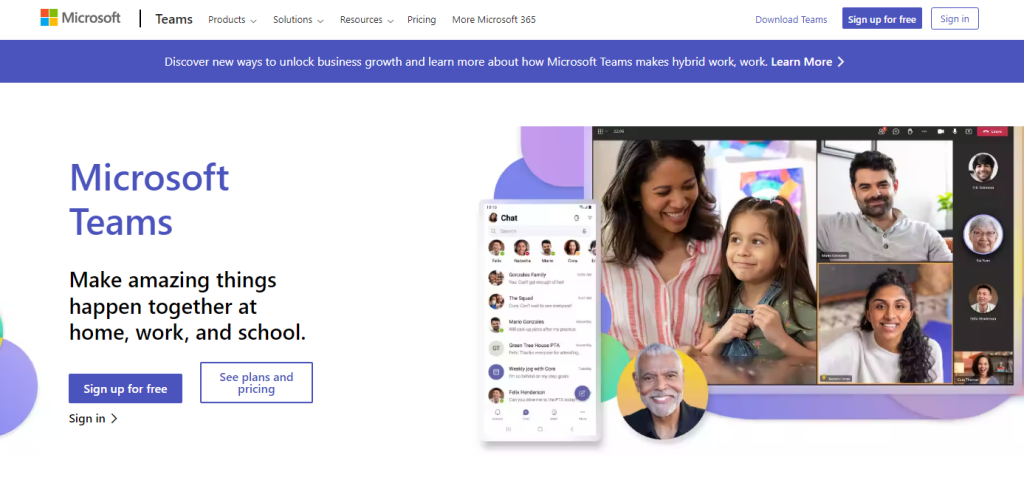
Microsoft Teams has a significant contribution to the collaboration. The platform provides remote working, meetings, calls and team-ups all at the same place.
It is a new data tool, bundling together numerous Microsoft items such as Skype, Office 360 and OneDrive. It is the best tool for a modern scenario where teams can easily share screens with others.
If you want to show your success on an assigned task to your team, then Microsoft Teams should be your pick. You can use multiple features like document sharing, online meetings, calling, and more.
Why I Picked Microsoft Teams:
I picked Teams for our large, remote team because it combines meetings, chat, and file collaboration in one place. Since we already used Microsoft apps, integration was seamless, and everyone could access what they needed without extra logins.
Key Features of Microsoft Teams
- Team chats and video meetings
- File sharing with OneDrive
- Integration with Microsoft 365 apps
- Team channels and conversations
- Meeting recording and screen sharing
- Enterprise-level security
Pros and Cons
| Pros | Cons |
|---|---|
| Works great with Microsoft 365 | Not ideal without Microsoft apps |
| Built-in video conferencing | Learning curve for new users |
| Secure and business-ready | Interface can be confusing |
| Good for large organizations | |
| Chat + files + meetings in one app | |
| Supports large group meetings |
Pricing of Microsoft Teams
- Free: free for only chat
- Business Premium: $12.50 per month
- Office 365 E3: $20 per month
5. Monday.com
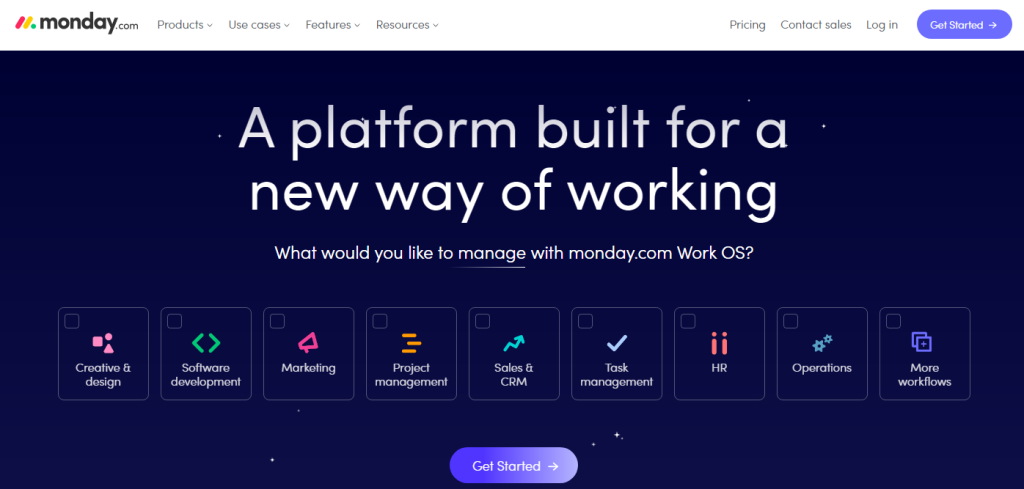
Monday.com is undoubtedly one of the best collaboration tools that are easy, friendly and intuitive. You can communicate the processes by using the platform.
It offers team and collaboration features with a variety of multiple project trackers and file-sharing capabilities. The platform provides Kanban, form and calendar views, file sharing and workflow automation.
Why I Picked Monday.com:
Monday.com caught my attention because of its visual boards and workflow automation. It helped us plan projects clearly, track deadlines, and reduce repetitive tasks. I loved how it made even complex projects easy to manage.
Key Features of Monday.com
- Customizable project boards
- Task assignment and status tracking
- Automation for repetitive work
- Timeline, calendar, and dashboard views
- Team collaboration and updates
- Integration with popular work tools
Pros and Cons
| Pros | Cons |
|---|---|
| Very customizable boards | Can be expensive |
| Great automation features | Takes time to learn |
| Visual views (timeline, calendars) | Overkill for small teams |
| Easy team planning | Some features locked in higher plans |
| Drag-and-drop interface |
Pricing of Monday.com
- Free: $0 with a free trial
- Basic: $25 per 5 users/month
- Standard: $39 per 5 users/month
- Pro: $59 per 5 users/month
- Enterprise: Custom pricing
6. Airtable
Airtable is an easy-to-use collaboration tool that combines database and spreadsheet tools. The software can manage inventory data, track lists, and build temporary CRM software.
It can generate management apps that help to integrate the platform with other tools like Dropbox, Basecamp and more. You can add records and databases to a table. It provides a default grid view for platforms’ workspaces.
Why I Picked Airtable:
I picked Airtable when we needed flexibility beyond normal spreadsheets. Its database-style organization allowed us to track projects, assets, and client info all in one place. Custom views made collaboration simple and clear.
Key Features of Airtable
- Spreadsheet-style interface
- Powerful database functions
- Custom views (Grid, Kanban, Calendar)
- File attachments and linking
- Collaboration and comments
- Easy data organization and filtering
Pros and Cons
| Pros | Cons |
|---|---|
| Combines spreadsheet + database | Smaller ecosystem than big tools |
| Flexible views and filters | Needs training for advanced features |
| Good for organizing data | Not a full project tool |
| Easy file attachments |
Pricing of Airtable
- Free: $0
- Plus: $10 per month
- Pro: $20 per month
- Enterprise: Custom pricing
7. Wrike
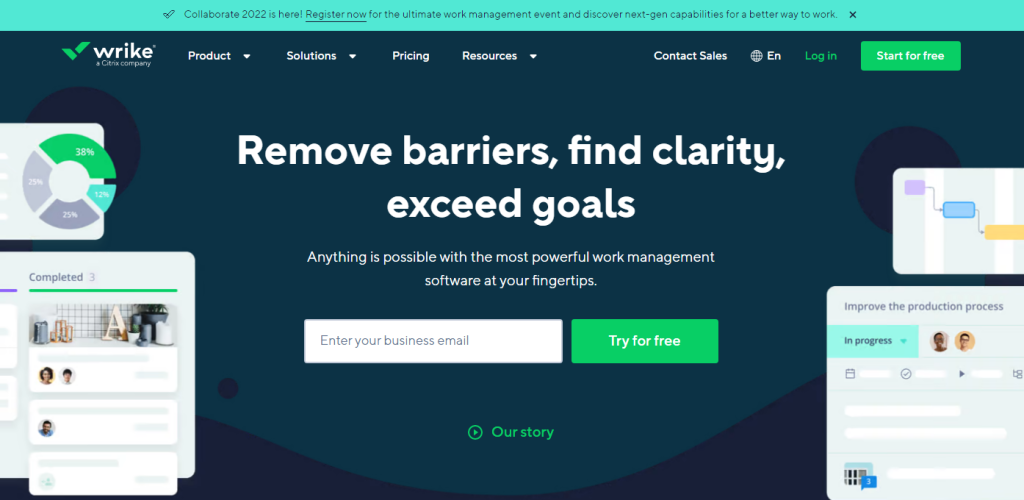
Wrike is among the best quality collaboration tools that help all teams across the hall and the globe. The platform supports the team to work easily, quickly, and efficiently by collaborating with the other team members.
It allows multiple teams to work together flexibly and effectively. You can schedule the teamwork in real time using the software. Many companies, like EA Sports, Adobe, Stanford University, etc, use it.
Why I Picked Wrike:
Wrike was my choice when I needed detailed project planning and reporting. Gantt charts and dashboards helped us see progress at a glance. It made managing large projects with multiple teams much less stressful.
Key Features of Wrike
- Task and project management
- Gantt charts and timelines
- Real-time collaboration
- Custom workflows and dashboards
- Time tracking and reporting
- Integrations with business tools
Pros and Cons
| Pros | Cons |
|---|---|
| Strong project planning tools | Too complex for small teams |
| Gantt charts and dashboards | Not beginner-friendly |
| Custom workflows | Can be expensive |
| Real-time collaboration | Hard to customize quickly |
| Detailed reporting | |
| Integrations available |
Pricing of Wrike
- Free: $0
- Professional plan: $9.80 per month
- Business plan: $24.80 per month
- Enterprise plan: Contact sales
- Pinnacle plan: Contact sales
8. JIRA
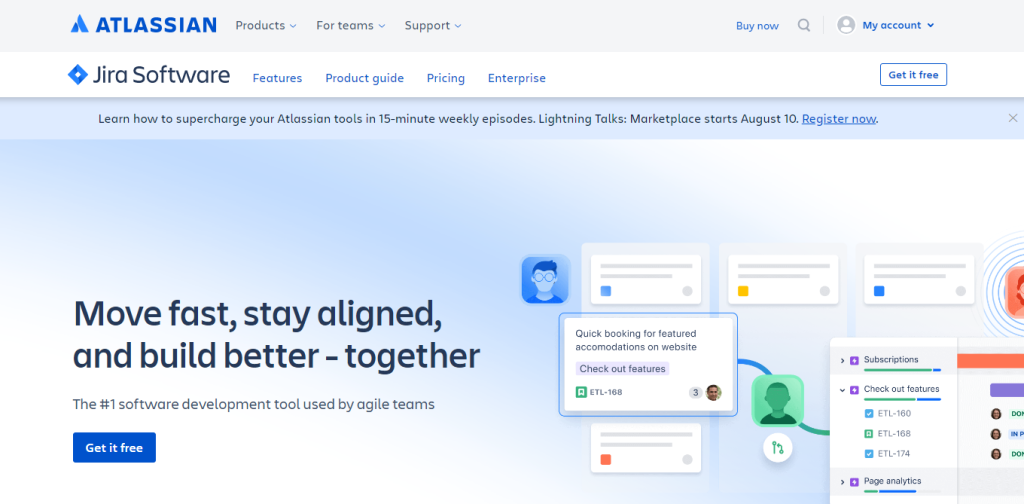
Jira is a bug-tracking and project management software that helps users to define, assign and set work priorities. The platform’s primary purpose is to help you manage agile and scrum teams, organize project tasks and record issues.
It helps to manage app development and generate ideas. The teams will enjoy effective collaboration, which will help them to get the work done.
Why I Picked JIRA:
I picked JIRA because it’s perfect for software development projects. Tracking bugs, sprints, and issues became easy, and the agile boards kept our team aligned on priorities. It saved countless hours we used to spend in meetings.
Key Features of JIRA
- Issue and bug tracking
- Agile project management
- Scrum and Kanban boards
- Sprint planning and roadmaps
- Version and release tracking
- Detailed reports and analytics
Pros and Cons
| Pros | Cons |
|---|---|
| Powerful issue tracking | Confusing for non-tech teams |
| Built for agile development | Pricing gets high |
| Scrum & Kanban support | Too advanced for simple tasks |
| Detailed reports and logs | |
| Great for software teams |
Pricing of JIRA
- Development: starts at $20 per 10 users/month
- Service desk: $20 per 10 users/month
- Projects: starts at $10 per 10 users/month
9. Trello
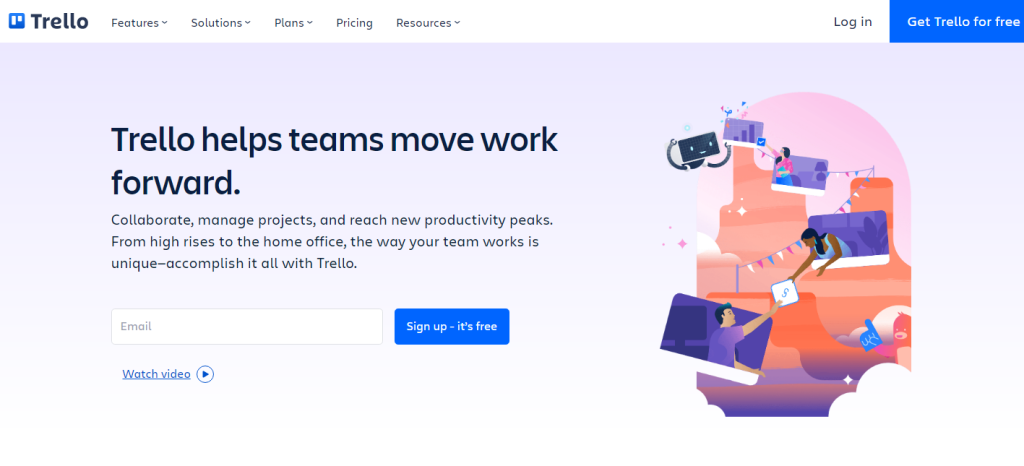
Trello is a collaboration tool that is world famous for its Kanban board style. The teams can view their workflows, create and assign tasks, collaborate, and communicate.
The tool is a cloud-based solution that helps users define projects, requirements, and workflows. It organizes tasks into boards, which allows a peek into ongoing studies. The special teams use cases are helpful for remote working.
Why I Picked Trello:
Trello is my go-to for visual task management. For smaller teams or side projects, it’s simple and intuitive. Drag-and-drop cards make it easy to see what’s done, in progress, or next, which kept our workflow smooth.
Key Features
- Card-based task management
- Drag-and-drop boards
- Labels, due dates, and checklists
- Team collaboration and comments
- Power-Ups for extra features
- Simple and beginner-friendly interface
Pros and Cons
| Pros | Cons |
|---|---|
| Very simple and visual | Limited advanced features |
| Easy to use and learn | Needs Power-Ups for extra power |
| Great for small teams | Not deep enough for big projects |
| Drag-and-drop cards | |
| Free plan is generous |
Pricing of Trello
- Free: $0
- Standard: $5 per month
- Premium: $10 per month
- Enterprise: $17.50 per month
10. Podio
Podio is a collaboration tool that helps teams to communicate while doing tasks. You can align your tasks, messages and processes in one place.
It allows teams to share data, customer support items and marketing tools. There are multiple features that Podio offers, like task management, automated workflows, scheduling tasks, etc. The software will provide you with a virtual workspace for your tasks.
Why I Picked Podio:
I picked Podio when we needed fully customizable workflows. Every team has different processes, and Podio allowed us to build apps and task flows tailored to our work. It gave us flexibility that other tools lacked.
Key Features of Podio
- Custom workspaces and apps
- Task management and collaboration
- File sharing and activity streams
- Workflow automation
- Integration with business tools
- Flexible project organization
Pros and Cons
| Pros | Cons |
|---|---|
| Highly customizable | Interface feels outdated |
| Flexible apps and workflows | Takes time to set up |
| Good for complex projects | Smaller user community |
| Task management and tracking | Not beginner-friendly |
| File sharing & communication |
Pricing of Podio
- Free: $0 per month
- Basic: $7.20 per month
- Plus: $11.20 per month
- Premium: $19.20 per month

11. ProofHub
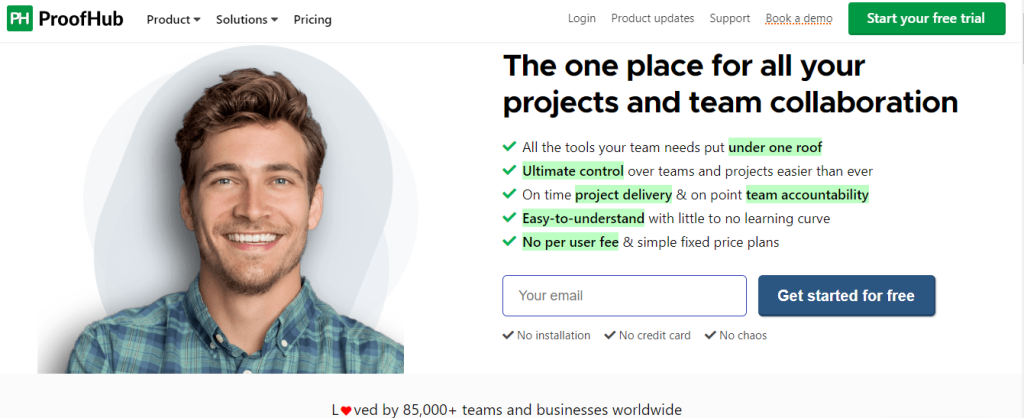
A highly customizable and versatile tool, ProofHub allows both in-office and remote teams of all sizes from any industry to achieve hassle-free collaboration on tasks and projects from a common, shared platform.
The tool offers a host of work management and communication features, like Instant chat, Kanban boards, Gantt charts, time tracking, Discussions, Notes, Real-time updates, Announcements, etc., that enable users to coordinate on work to ensure timely completion and delivery effectively.
A simple learning curve, advanced features, and intuitive interface make ProofHub a trusted collaboration for more than 85,000 teams and businesses across the globe.
Why I Picked ProofHub:
ProofHub stood out as an all-in-one solution. We no longer had to juggle separate tools for tasks, chats, files, and timelines. It kept everything organized, and our team’s productivity improved noticeably.
Key Features of ProofHub
- All-in-one project management platform
- Task lists and Kanban boards
- Gantt charts and scheduling
- Team discussions and chat
- File sharing and approvals
- Time tracking and reporting
Pros and Cons
| Pros | Cons |
|---|---|
| All-in-one collaboration | Fewer integrations |
| Simple project views | Less popular than big tools |
| Built-in time tracking | Interface could improve |
| Team discussions and chat | Limited third-party apps |
| Gantt charts and scheduling |
Pricing of ProofHub
- Essential: $45 per month when billed annually, unlimited number of users
- Ultimate Control: $89 per month when billed annually, unlimited number of users
Final Thoughts
The right collaboration tool can make a big difference for your team. Tools like Asana, Trello, Slack, and Microsoft Teams help teams communicate clearly, keep track of tasks, and stay organized.
Every tool has its own strengths, so choose one that fits your team’s needs and work style. Using the right tool can save time, reduce confusion, and make teamwork much easier and more productive.
Frequently Asked Questions
Why do teams need collaboration tools?
Collaboration tools save time, reduce confusion, improve communication, and keep everyone on the same page, whether the team is remote or in-office.
Which collaboration tool is best for small teams?
Tools like Trello, Flock, and Asana are great for small teams because they are simple, easy to use, and cost-effective.
Which tool is best for large or remote teams?
Slack, Microsoft Teams, and Monday.com are ideal for large teams because they handle multiple projects, large groups, and advanced communication.
Are these tools free?
Many tools offer free plans with basic features, but advanced features usually require paid plans. Examples: Trello and Asana have free versions, while Monday.com and Wrike are mostly paid for full functionality.
Can I use multiple collaboration tools together?
Yes, many tools integrate with each other. For example, Asana can integrate with Slack, and Microsoft Teams can connect with Trello or Jira.