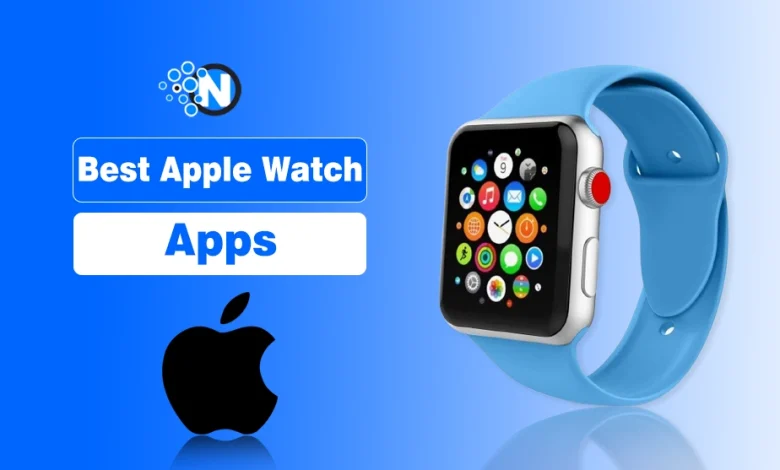
The best Apple Watch apps are those that are optimized for watchOS and help you get more value from your Apple Watch by improving health tracking, productivity, navigation, communication, and entertainment. I have selected apps that work efficiently with Apple Watch sensors, battery limits, and complications, making everyday tasks easier directly from the wrist.
In this article, you will find a curated list of the best Apple Watch apps across key categories, including health and fitness, productivity, entertainment, communication, travel, and games, along with clear explanations of what each app does and who it is best suited for.
Overall Best Apple Watch Apps to Look Out For
In the under section, I have mentioned the overall best Apple Watch apps that can assist you in several vital tasks of everyday preferences.
- Apple Fitness+
- Sleep Cycle
- Evernote
- HomeKit
- Spotify
- Audible
- Watchy
- Google Maps
- Lifeline
Best Health & Fitness Apps for Apple Watch
One of the main reasons people invest in an Apple Watch is its excellent health and fitness tracking features. Here are some of the best health-related apps on Apple Watch.
a) Apple Fitness+
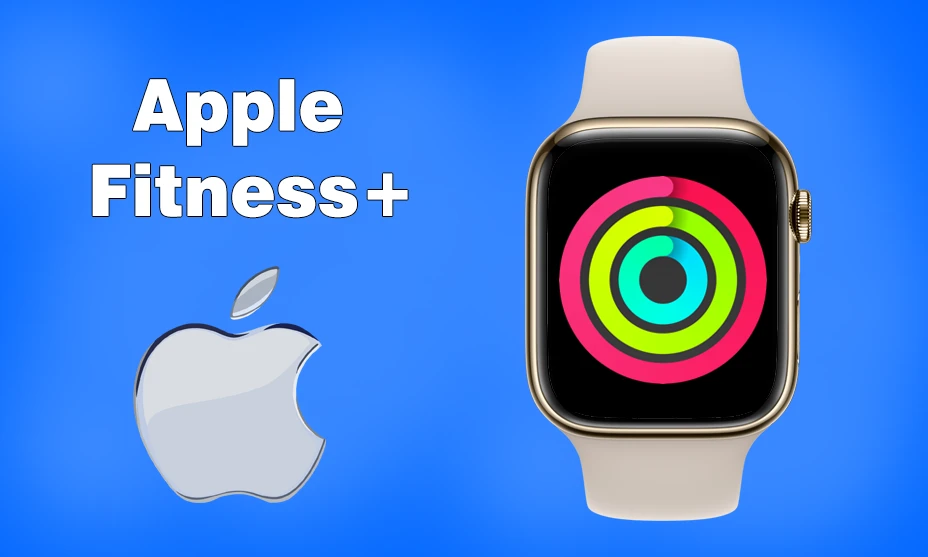
Apple Fitness+ is a top tier app designed for workouts, meditation, and overall health improvement. You can receive guided workout routines, real time metrics, and seamless integration with this app that will help you stay active.
Why it stands out:
Apple Fitness+ integrates natively with Apple Health and Activity Rings, offering accurate tracking with minimal battery impact.
Key Features
- Personalized workout plans
- Real time tracking for heart rate and calories
- New workout sessions every week
Best for: Users who want structured fitness programs and consistent tracking.
b) MyFitnessPal
If you want to keep track of your calorie intake and manage your diet, MyFitnessPal is a must have app. The Apple Watch version allows you to quickly log meals, track macronutrients, and monitor progress.
Why it stands out:
Its Apple Watch interface prioritizes speed and simplicity, making dietary tracking less intrusive.
Key Features
- Quick meal logging
- Barcode scanning for nutritional information
- Daily calorie goal tracking
Best for: Users focused on diet management and weight goals.
c) Strava
For runners and cyclists, Strava is one of the best fitness apps available on the top Apple Watches. It helps track running and cycling routes, record workout stats and compete with friends.
Why it stands out:
Strava balances advanced tracking with efficient battery usage during long sessions.
Key Features
- GPS tracking for outdoor workouts
- Heart rate and pace monitoring
- Social leaderboard for competition
Best for: Runners and cyclists who want performance insights.
d) Sleep Cycle
The Sleep Cycle app analyzes your sleep patterns and wakes you up at the optimal time. Hence, it ensures a more restful night’s sleep.
Why it stands out:
The app delivers accurate sleep insights without excessive overnight battery drain.
Key Features
- Smart alarm for waking up at the right time
- Sleep tracking and analysis
- Snore detection and sound analysis
Best for: Users looking to improve sleep quality.
To maintain smooth performance and extend battery life, it is also helpful to understand how to close apps on Apple Watch when they are no longer in use.
Best Productivity & Utility Apps for Apple Watch
The Apple Watch is also a fantastic tool for boosting productivity. Whether it is managing tasks, taking notes, or controlling smart home devices, these apps can make your life easier.
a) Todoist
For task management, Todoist is one of the best Apple Watch apps available. You can set reminders, track to-do lists, and stay on top of your daily schedule.
Why it stands out:
It supports complications, allowing users to view tasks directly on the watch face.
Key Features
- Task and project organization
- Smart reminders and notifications
- Syncing across all devices
Best for: Managing daily tasks and deadlines.
b) Evernote
Taking notes on your Apple Watch is easy with Evernote. You can dictate notes and sync them across devices for easy access.
Why it stands out:
Voice dictation makes note-taking practical without keyboard input.
Key Features
- Voice-to-text note-taking
- Task organization and reminders
- Cloud sync for easy access
Best for: Capturing ideas and reminders quickly.
c) Just Press Record
For quick voice recordings, Just Press Record is one of the best Apple Watch apps. It lets you record audio notes hands-free. Just charge your Apple Watch and start recording without any challenge.
Why it stands out:
It works offline and syncs recordings later, reducing dependency on an iPhone.
Key Features
- One tap recording
- Transcription support
- iCloud sync for easy access on other devices
Best for: Voice notes and quick recordings.
d) HomeKit (Apple Home)
For smart home users, Apple Home lets you control lights, security cameras, thermostats, and more, directly from your wrist.
Why it stands out:
Native watchOS integration ensures reliable performance and minimal lag.
Key Features
- Voice and remote control of smart home devices
- Scene automation for daily routines
- Real-time notifications
Best for: Smart home users within the Apple ecosystem.
Best Entertainment Apps for Apple Watch
The Apple Watch is not just for fitness and productivity. You can also use it as a great source of entertainment. Here are some apps to keep you entertained on the go.
a) Spotify
With Spotify, you can control your music playback, browse playlists, and even listen to music offline if you have a premium subscription. There is no need to pair or unpair your Apple watch with any device as its built-in speakers can let you enjoy the music.
Why it stands out:
Offline playback reduces phone dependency and saves battery during workouts.
Key Features
- Music and podcast playback control
- Offline music downloads for premium users
- Integration with AirPods and Bluetooth headphones
Best for: Music and podcast listeners.
b) Audible
Do you love audiobooks? Audible allows you to listen to your favorite books directly from your Apple Watch.
Why it stands out:
Offline audiobook downloads make it suitable for extended listening.
Key Features
- Audiobook playback control
- Cloud syncing across devices
- Offline audiobook downloads
Best for: Audiobook enthusiasts.
c) Overcast
For podcast lovers, Overcast is one of the best Apple Watch apps. It offers smart speed controls and great audio quality.
Why it stands out:
Smart speed controls reduce listening time without compromising comprehension.
Key Features
- Smart speed for quicker playback
- Offline listening
- Custom playlists
Best for: Frequent podcast listeners.
Top Notch Communication & Social Apps for Apple Watch
Staying connected is easier than ever with the help of Apple Watch apps for messaging and social networking. I also have installed numerous apps on my watch but only a few of them I like the most. They are mentioned below:
a) TG Watch
The TG Watch app for Apple Watch is basically the Telegram app that allows you to send and receive messages which makes it a great alternative to traditional texting.
Key Features
- Quick replies and voice messages
- Secure end-to-end encryption
- Group chat support
Best for: Telegram users who want quick wrist-based communication.
b) Watchy (Instagram for Apple Watch)
While there is no official Instagram app for the Apple Watch, Watchy (also called Wristgram) lets you browse your feed and like posts. Shortly speaking, it is Instagram for Apple Watch.
Key Features
- View Instagram photos
- Like and comment on posts
- Notifications for direct messages
Best for: Casual Instagram checking.
For more efficient communication, you can also learn how to schedule a text on iPhone, which pairs well with messaging apps on your Apple Watch.
Best Navigation & Travel Apps for Apple Watch
If you travel frequently, it would be best to install the best navigation and travel apps on your Apple Watch. They can assist you in navigating your ways more efficiently during your journey and optimize your experience.
a) Google Maps
Google Maps provides turn-by-turn navigation directly on your Apple Watch. Ultimately, you can find your way quite comfortably while riding or driving without the difficulty of handling your smartphone.
Why it stands out:
Haptic feedback and visual cues reduce the need to check a phone.
Key Features
- Step-by-step navigation
- Real-time traffic updates
- Public transit directions
Best for: Walking, driving, and commuting.
b) Citymapper
For public transit users, Citymapper provides real-time updates and route planning for buses, trains, and subways. You can download it directly on your Apple Watch from the App Store.
Key Features
- Live public transit information
- Step-by-step directions
- Smart notifications
Best for: Urban commuters.
Best Apple Watch Games
Gaming on the Apple Watch may sound unusual, but there are actually some great titles available for quick entertainment. Being a gaming enthusiast, when I don’t have access to my gaming PC, I lift my mood by playing games on my Apple Watch.
a) Lifeline
Lifeline is an interactive story-based game where you guide a stranded astronaut through a text based adventure.
Key Features
- Real-time story progression
- Decision-based gameplay
- Engaging sci-fi narrative
Best for: Narrative-focused gameplay.
b) Rules!
This is a fun puzzle game that tests your memory and logic skills through a series of increasingly challenging rules.
Key Features
- Fast-paced brain training
- Multiple levels of difficulty
- Simple tap controls
Best for: Brain training and quick play.
c) Pocket Bandit
In Pocket Bandit, you use the Apple Watch’s Digital Crown to crack safes and solve puzzles. This is the game I have played the most as it can alleviate the tension of the whole day.
Key Features
- Unique Digital Crown controls
- Puzzle-solving mechanics
- Fun heist-themed gameplay
Best for: Unique control mechanics and short sessions.
Final Thoughts
These are the details about the best Apple Watch apps you should install on your device to enhance your experience. Whether you are looking for health apps or want to play games on your wrist, the App Store surely has something for you. Additionally, productivity and entertainment apps are also available.
I have mentioned all the apps that I have installed and used on my Apple Watch in this guide. Now, it is up to you to assess the wider collection of these apps and pick the one suitable for your preferences and needs.