Best AI Tools to Automate Business Workflows in 2026
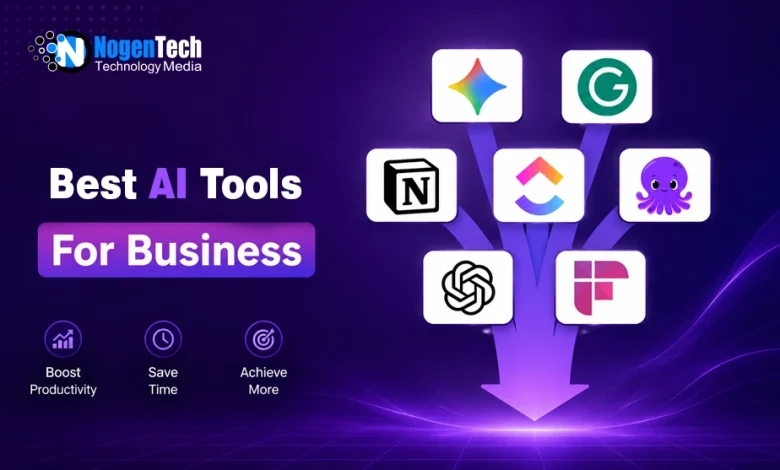
Top AI tools for business in 2026 include Gemini, ChatGPT, Notion AI, and ClickUp, designed to automate tasks, improve productivity, and streamline operations.

Tired of jumping between tools and still falling behind on work?
Running a business in 2026 feels less like strategy and more like survival when you’re juggling content creation, marketing, and business operations.
I’ve been there, switching between tools, wasting hours on tasks that should’ve taken minutes, and still feeling behind. That’s when I started testing AI tools seriously to fix my daily workflow issues.
Some tools saved me hours, while others weren’t worth the hype. That pushed me to filter and create a list of what actually works, so you don’t have to start from zero.
So instead of guessing, let’s go through the top 10 AI tools for business that can streamline your daily tasks and create a smoother workflow.
| AI Tools | Best For | Pricing |
|---|---|---|
| Google Gemini | Research and daily business tasks | Free + Gemini AI Plus at $7.99/month |
| Grammarly | Writing and communication | Free + Premium starts at $12/month |
| Notion AI | Notes and workflow organization | Free + AI add-on costs $10/user/month |
| ClickUp | Project and task management | Free + Paid plans start at $7/user/month |
| Pictory | AI video creation from text | Free + Paid plans start at $19/month |
| ChatGPT Plus | Content, research, and brainstorming | Free (Standard ChatGPT); Plus is $20/month |
| Fireflies.ai | Meeting transcription and summaries | Free + Paid plans start at $10/user/month |
| Midjourney | AI image generation | Paid only; Starts at $10/month |
| Murf AI | AI voiceovers and narration | Free + Starts at $19/month |
| Synthesia | AI avatar video creation | Free + Starts at $18/month |
10 Best AI Tools for Business in 2026 (Detailed Overview)
Here are some of the best AI tools that are useful for businesses to increase productivity, make tasks simple, reduce costs, and save time:
Quick Summary: Best AI Tools by Business Use Case
1. Google Gemini – Best AI tool for business productivity and Google Workspace automation
2. Grammarly – Best AI writing assistant for emails, reports, and communication
3. Notion AI – Best AI tool for note-taking, organization, and workflow planning
4. ClickUp – Best AI-powered project management and team collaboration tool
5. Pictory – Best AI video creation tool for marketing and social media content
6. ChatGPT Plus – Best AI chatbot for content creation, brainstorming, and research
7. Fireflies.ai – Best AI meeting assistant for transcription and summaries
8. MidJourney – Best AI image generator for branding and creative visuals
9. Murf AI – Best AI voice generator for narration and voiceovers
10. Synthesia – Best AI avatar video tool for training and business presentations
1. Google Gemini
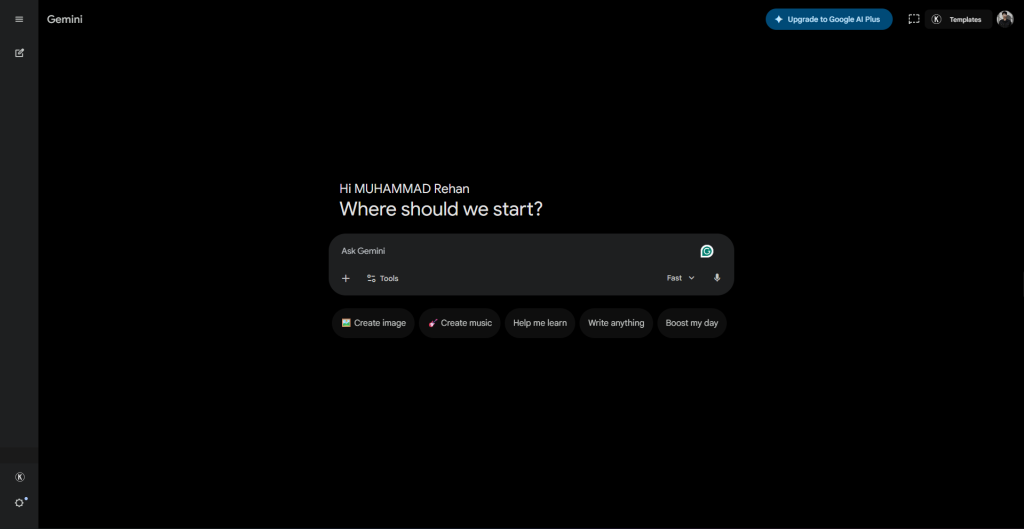
Google Gemini is my go-to AI tool for research and everyday business tasks. I’ve found it especially useful for writing emails, generating ideas, data analysis, and handling quick analysis without switching between multiple tools.
The biggest thing about Google Gemini for me is its integration. I can use it directly with Gmail, Docs, and other Google tools, which keeps everything in one place.
Key Features:
- Google Workspace Integration: Works inside Gmail, Docs, and more.
- Data Assistance: Useful for quick analysis and summaries.
- Task Automation: Helps reduce repetitive work.
- Fast Responses: Quick output for daily business needs.
| Pros | Cons |
|---|---|
| Strong integration with Google tools | Limited features compared to premium tools |
| Fast and accurate responses | Still improving in advanced use cases |
| Useful for multiple business tasks | |
| Free version available |
2. Grammarly
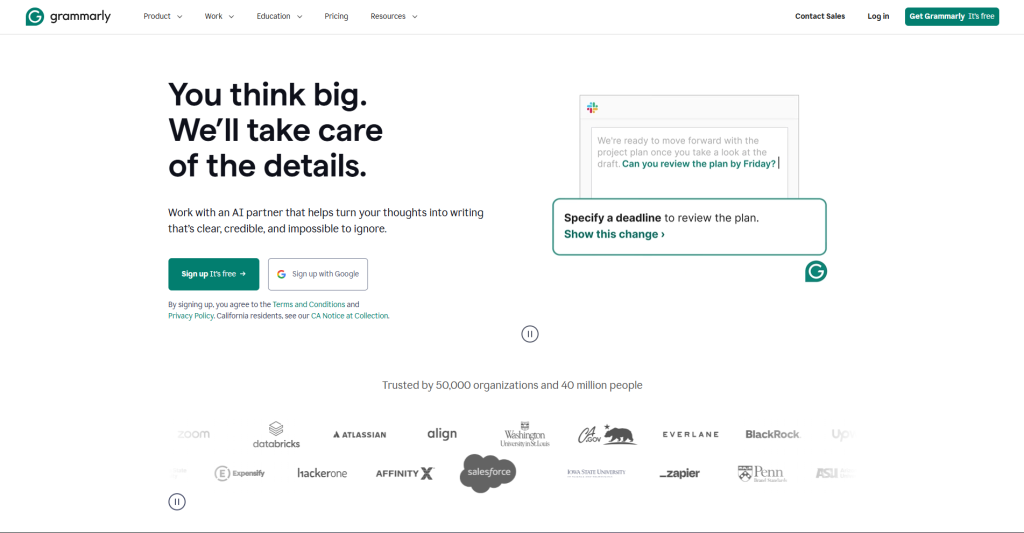
Grammarly is a writing tool for improving grammar, clarity, and tone in written content. I’ve found it essential for writing error-free emails, reports, and marketing content without manual proofreading.
It gives me real-time suggestions on grammar, punctuation, tone, and clarity while I write. I mostly use it inside my Gmail, Google Docs, Outlook, and WhatsApp Web to edit content everywhere I write.
Key Features:
- AI Writing Assistance: Real-time grammar, spelling, and style corrections.
- Tone Detection: Adjusts writing tone for professional communication.
- Clarity Suggestions: Improves sentence structure and readability.
- Plagiarism Check: Helps ensure original content.
| Pros | Cons |
|---|---|
| Improves writing quality | Limited free plan features |
| Provides tone and style adjustments | |
| Works on multiple platforms | |
| Detects complex grammar mistakes | |
| Enhances business communication |
3. Notion AI
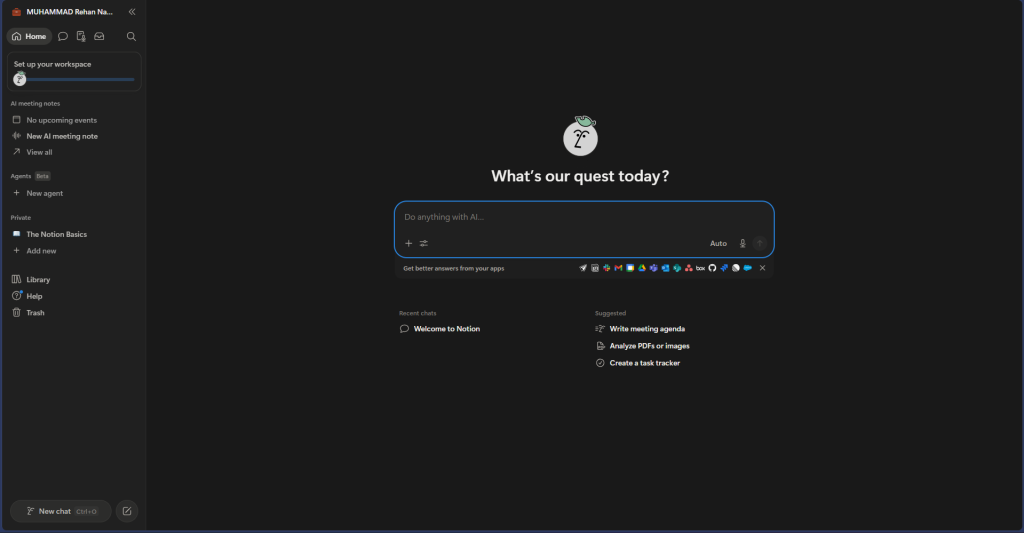
Notion AI enables you to organize work and business tasks in one place. I’ve found it useful for turning scattered notes, ideas, and tasks into structured workflows without switching between different apps.
The biggest advantage for me is that everything stays connected, which makes planning, writing, and teamwork more organized and saves a lot of time.
Key Features:
- AI Content Generation: Creates summaries, notes, and drafts.
- Smart Organization: Structures tasks and information automatically.
- Task Management: Helps build and manage to-do lists.
- Workflow Integration: Works with tools like Slack and Google Drive.
- AI Editing Support: Improves clarity and formatting of content.
| Pros | Cons |
|---|---|
| All-in-one workspace for notes and tasks | Takes time to fully set up workflows |
| Strong AI support for writing and organizing | Some advanced features require learning curve |
| Improves team collaboration | |
| Reduces the need for multiple tools |
4. ClickUp
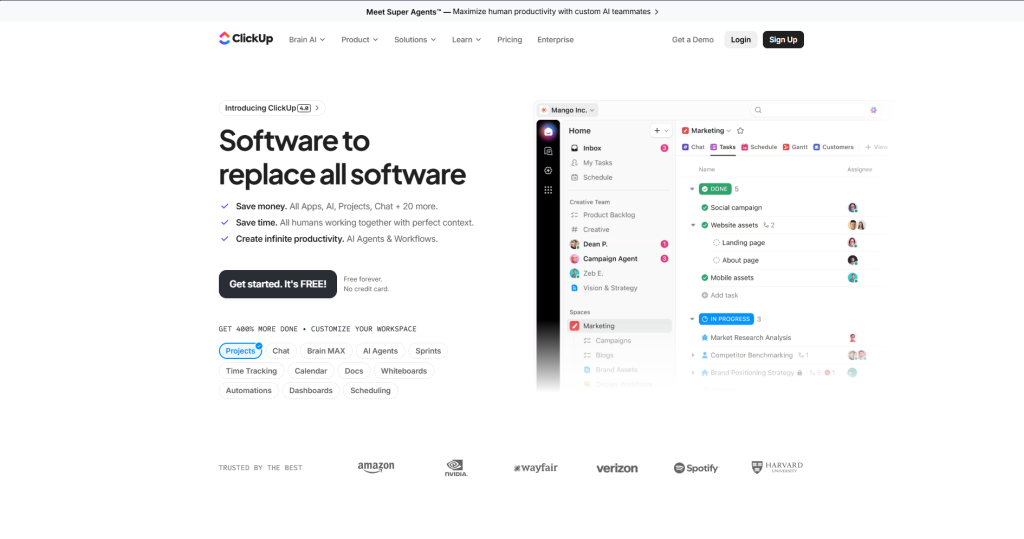
ClickUp is an AI-powered project management tool for handling tasks, projects, and team collaboration in one workspace to boost productivity.
It helps me create a task plan, track progress, collaborate in real time, and automate repetitive updates. I also use its AI features to prioritize work and manage deadlines more efficiently while working with a team in real time.
Key Features:
- Smart Prioritization: Helps organize and rank tasks by importance
- Real-time Collaboration: Supports team communication and updates
- Custom Dashboards: Flexible views for different workflows
- Time Tracking: Monitors progress and productivity reports
| Pros | Cons |
|---|---|
| Centralizes all project and task management | Interface may feel overwhelming at the start |
| Strong automation for repetitive work | |
| AI driven task prioritization | |
| Customizable dashboards |
5. Pictory
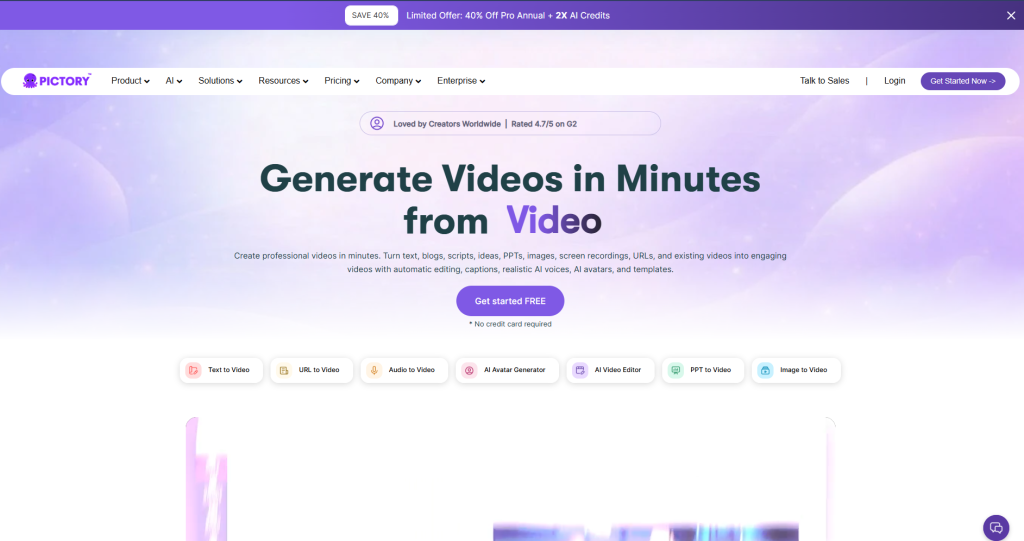
Pictory is an AI-powered video creation tool that turns ideas, scripts, and blog content into short, engaging videos without any video editing skills.
You simply input text or a script, and it automatically builds a video with visuals, captions, and background music.
Businesses use Pictory for ads, product explainers, and social media content because it reduces both time and production costs.
Key Features:
- AI Text-to-Video: Converts scripts and blog content into videos
- Auto Captions: Generates subtitles automatically
- AI Voiceover: Adds narration using AI voices
- Stock Media Library: Provides images and video clips
- Social Media Export: Optimized for platforms like YouTube, Instagram, and TikTok
| Pros | Cons |
|---|---|
| Very fast video creation process | Limited free version features |
| AI generated subtitles and voiceovers | |
| No editing or technical skills required |
6. ChatGPT Plus
ChatGPT Plus is a premium AI tool that gives faster and more advanced access to AI for daily work tasks. I use it when I need quick, high-quality support, research, or problem-solving chatbots.
It helps me write emails, create content, generate ideas, analyze information, and build strategies in a much faster way. I also use ChatGPT as a virtual assistant for brainstorming, customer replies, and handling routine business tasks.
Key Features:
- AI Chat Assistant: Handles queries, writing, and problem-solving
- Content Generation: Creates reports, emails, and summaries
- Workflow Support: Helps automate repetitive communication tasks
- Custom Interaction: Adapts responses based on prompts
- Business Use Cases: Useful for research, marketing, and planning
| Pros | Cons |
|---|---|
| Enhances customer service | Outputs may need fact-checking |
| Strong for writing and idea generation | |
| Improves productivity and decision-making | |
| Saves time on routine inquiries |
7. Fireflies.ai
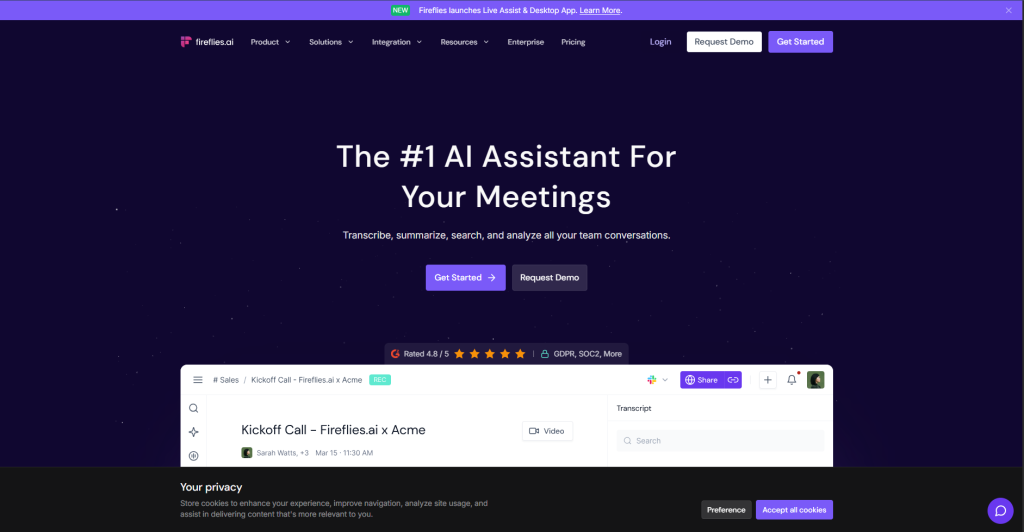
Fireflies.ai is an AI meeting assistant that automatically records, transcribes, and summarizes business meetings.
It joins meetings on platforms like Zoom or Google Meet, captures everything in real time, and turns conversations into searchable transcripts.
What makes Fireflies useful for me is how it extracts key points and action items automatically, so follow-ups become easier, and nothing important gets missed.
Key Features:
- AI Meeting Transcription: Records and converts speech into text
- Meeting Summaries: Generates quick summaries of discussions
- Action Item Detection: Highlights tasks and follow-ups
- Searchable Notes: Lets you find specific points quickly
- Platform Integration: Works with Zoom, Google Meet, and Microsoft Teams
| Pros | Cons |
|---|---|
| Automates meeting note-taking | Accuracy depends on audio quality |
| Works with major meeting platforms | |
| Saves time and enhances collaboration |
8. MidJourney
MidJourney is an AI image generation tool that creates high-quality visuals from text prompts. I use it when I need unique images for marketing, branding, or content ideas without relying on stock photos.
You simply describe what you want, and it generates detailed, artistic images in different styles. What makes MidJourney stand out for me is the highly detailed and realistic business content, ads, and creative projects.
Key Features:
- Text-to-Image Generation: Creates images from written prompts
- High-Quality Outputs: Produces detailed and realistic visuals
- Style Control: Supports different artistic styles
- Creative Variations: Generates multiple versions of the same idea
- Web-based Access: Works through Discord and a web interface
| Pros | Cons |
|---|---|
| Creates high quality visuals quickly | Requires credits for image generation |
| Generates unique and creative designs | |
| Saves time on graphic design | |
| Customizable automated branding assets |
9. Murf AI
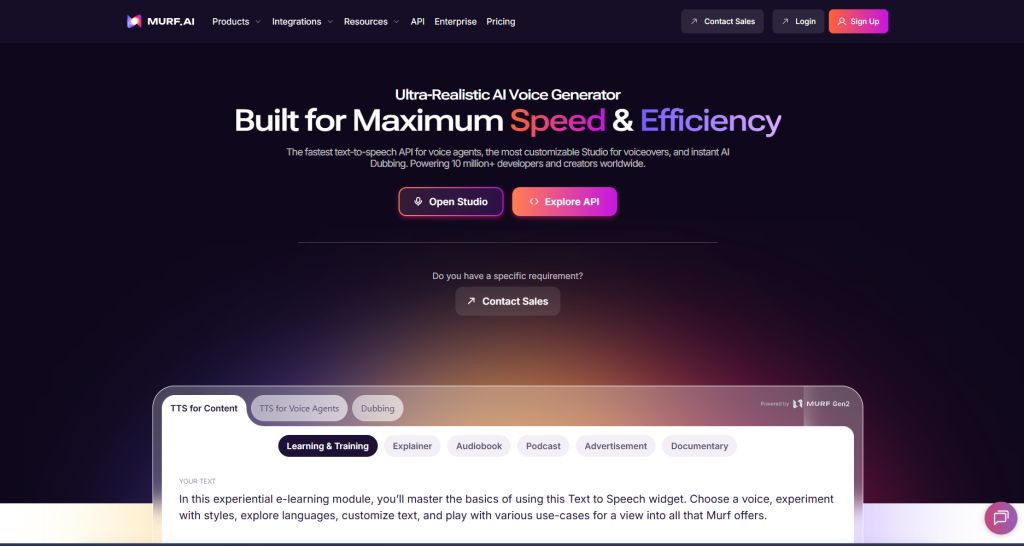
Murf AI is an AI voice and speech generation tool that helps businesses create professional voiceovers without recording audio manually. I use it when I need narration for videos, presentations, or marketing content.
You just type a script, choose a voice, and it generates natural-sounding speech in different accents, tones, and styles. I’ve found it especially useful for creating content where clear and professional voice-overs are needed without hiring voice artists.
Key Features:
- AI Voice Generation: Creates realistic human-like voiceovers
- Text-to-Speech: Converts scripts into spoken audio
- Voice Variety: Offers multiple accents, genders, and tones
- Speech Customization: Adjusts speed, pitch, and emphasis
- Video Integration: Works with video editing tools
| Pros | Cons |
|---|---|
| Produces high-quality natural voiceovers | Some voices may still feel slightly robotic |
| Supports multiple languages and accents | |
| Saves time and production cost |
10. Synthesia
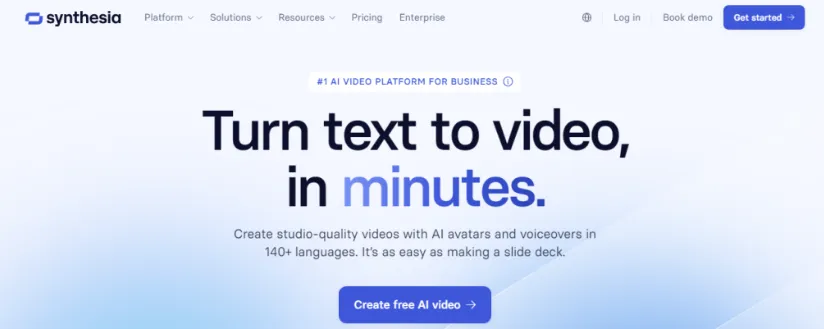
Synthesia is an AI video creation tool that helps businesses produce professional videos without cameras, actors, or editing skills.
You simply enter a script, choose an AI avatar, and it generates a video with natural-looking speech and visuals. I’ve found it especially useful for training material, product demos, and internal business communication.
Key Features:
- AI Video Avatars: Creates videos with virtual presenters
- Text-to-Video: Converts scripts into complete videos
- Multi-language Support: Generates content in different languages
- Custom Templates: Ready-made layouts for business use
- Training Integration: Useful for corporate learning content
| Pros | Cons |
|---|---|
| Creates videos without a camera | Some avatars look robotic |
| Saves time on video production | |
| Supports multiple languages | |
| AI generated voiceovers and subtitles |
How Businesses Use AI Tools Together?
Most businesses combine multiple AI tools to streamline content creation, communication, project management, meetings, and marketing workflows.
Using the right combination of AI tools can reduce repetitive work, improve team productivity, and speed up daily operations.
Example AI Workflow for Content and Marketing Teams
A common AI workflow to automate content creation and marketing setup looks like this:
- ChatGPT Plus for brainstorming and writing drafts
- Grammarly for editing and improving clarity
- MidJourney for creating visuals and branding assets
- Pictory for converting blog posts into short videos
- ClickUp for managing deadlines and content workflows
I’ve personally found this setup useful because it reduces switching between manual processes and speeds up content production significantly.
Example AI Workflow for Team Collaboration
Businesses managing remote teams often combine AI productivity tools to centralize communication and organization.
For example:
- Notion AI for documentation and planning
- ClickUp for project tracking and task assignments
- Fireflies.ai for meeting transcription and summaries
- Google Gemini for email writing and quick research
This type of workflow helps teams stay organized while reducing time spent on repetitive administrative tasks. If you want to standardize these processes for your team, creating clear AI workflow documentation ensures everyone stays aligned and follows the same steps.
Why Businesses Are Combining Multiple AI Tools
Different AI tools specialize in different tasks, which is why businesses often build AI workflows instead of relying on one platform.
The biggest benefits usually include:
- Faster content creation
- Improved productivity
- Reduced manual work
- Better team collaboration
- Lower operational costs
- More consistent workflows
For most businesses, the goal is not replacing employees with AI, but removing repetitive tasks so teams can focus on higher-value work.
How to Choose the Best AI Tool for Your Business?
The best AI tool for your business depends on your workflow, budget, team size, and the type of tasks you want to automate or improve.
Instead of using multiple disconnected tools, businesses usually get better results by choosing a few AI tools that fit naturally into their daily operations.
Ease of use, integration support, and scalability are also important when choosing AI software for business.
In my experience, businesses benefit more from a simple AI workflow that improves productivity consistently rather than adopting too many tools at once.
People Also Ask
What AI tools are best for my business?
For content creation, Grammarly and ChatGPT Plus work well. For project management, ClickUp is a strong choice, while Notion AI helps with organization and planning.
What are the best AI tools for small businesses?
Small businesses can use ChatGPT Plus, ClickUp, and Notion AI for writing, task management, and workflow organization without high cost or complex setup.
What are the best AI SEO tools for small businesses?
Use ChatGPT Plus and Grammarly for SEO content writing. Google Analytics helps track traffic and improve SEO performance.
What are the best AI dubbing tools for business?
Murf AI is used for voiceovers, while Synthesia creates AI avatar videos with narration.
Can AI tools improve business productivity?
AI tools can improve productivity by automating repetitive tasks, speeding up communication, and simplifying content creation and project management.
Businesses commonly use AI for:
- task automation
- meeting summaries
- workflow organization
- content repurposing
- faster research and reporting
Are free AI tools enough for businesses?
Many businesses start with free AI tools before upgrading to paid plans for advanced features, higher limits, and better workflow automation.
Free AI tools are often useful for:
- basic writing assistance
- task management
- meeting transcription
- productivity support
- workflow organization
Final Thoughts: Which AI Tools Are Worth Using in 2026?
After testing and working with these tools in real business workflows, it’s clear that AI is no longer just an upgrade; it’s becoming the core of how modern work gets done.
Tools like ChatGPT Plus, ClickUp, and Notion AI stand out for saving time and simplifying daily tasks across writing, planning, and management.
In my experience, the real value isn’t using every tool, but picking the right few that actually fit your workflow and sticking with them for consistency and productivity.