AI has completely changed the way businesses build their brand. What once required a team of designers, hours of back-and-forth, and a huge budget can now be done in minutes, all on your own.
From logos to business cards to full brand kits, AI-powered tools are putting professional design within reach for solo entrepreneurs, startups, and small businesses alike.
To see how well these tools actually deliver, we tested some of the popular branding platforms ourselves. We walked through the real process of creating a logo, designing a business card, and exploring other branding assets for each one.
| Platform | Branding assets | Pricing |
| Design.com | Logos Business cardsSocial media postsLetterheadsT-shirtsQR codesWebsitesPostersPresentationsEmail signatures and more | Design offers a large selection of completely free business cards, as well as logos, websites, and other designs, which are also commercially free to use. By downloading a free logo, for example, you also get access to its free website builder, free link in bio creator, and free digital business card maker. Business card download pricing: Premium Plan: $3 per month billed annuallyPremium Design Pack + Website: $6 per month billed annually |
| BrandCrowd | Logos, Business cards, Social media designs, Email signatures, Websites, and more. | BrandCrowd offers a wide range of free logos, business cards, websites, and other designs. By downloading a free logo, you get access to its free website builder, free link in bio creator, and free digital business card maker. Starter (Logo + 50 design tools): $5 per month billed annuallyValue (Logo + 50 design tools + Website): $6 per month billed annuallyPremium (Logo + 50 design tools + Website and more): $7 per month billed annually |
| Brandmark.io | Brand guideMockupsSocial profile iconsBusiness card designsPresentation templatesOne-page websitesSocial media designsAnimated designs and more. | The logo export pricing starts at $35 for the logo in PNG format alone. |
| Turbologo | Logo makerBusiness name generatorBrand kitBusiness cardsSocial media postsAI website builder | The starting pricing for one logo download in low quality is $9.99 (one-time payment). |
Top 4 Branding Platforms Reviewed
1. Design.com
Design.com is an all-in-one design and branding platform, helping individual creators and businesses form their branding identity and design different branding assets, including:
- Logos (over 500,000 templates)
- Business cards (over 3000 templates)
- Social media posts (over 643,000 templates)
- Letterheads
- T-shirts
- QR codes
- Websites
- Posters
- Presentations
- Email signatures
How it works
First, as you access Design’s website homepage, you get a dropdown menu of all the design assets that you can create on the platform. Let’s create one as an example.
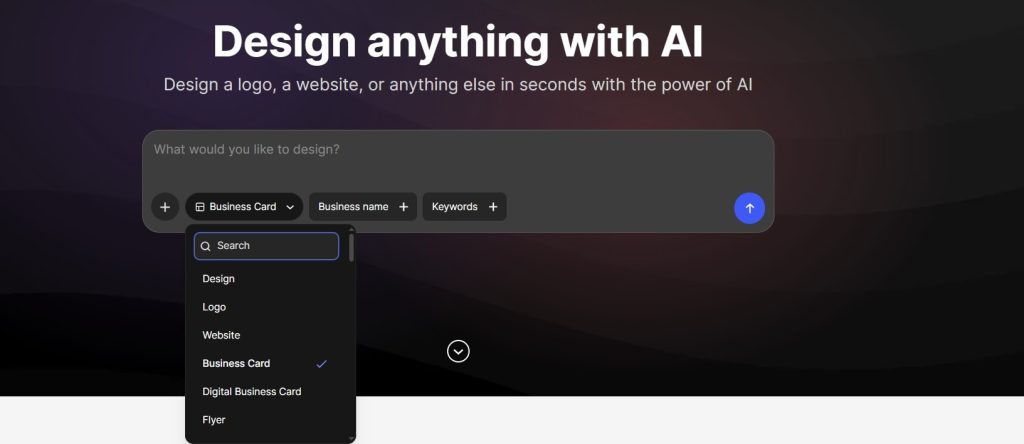
We have picked the business card from the menu and entered our example business name of a real estate agency. For a more tailored experience, you can also add a few keywords related to your industry.
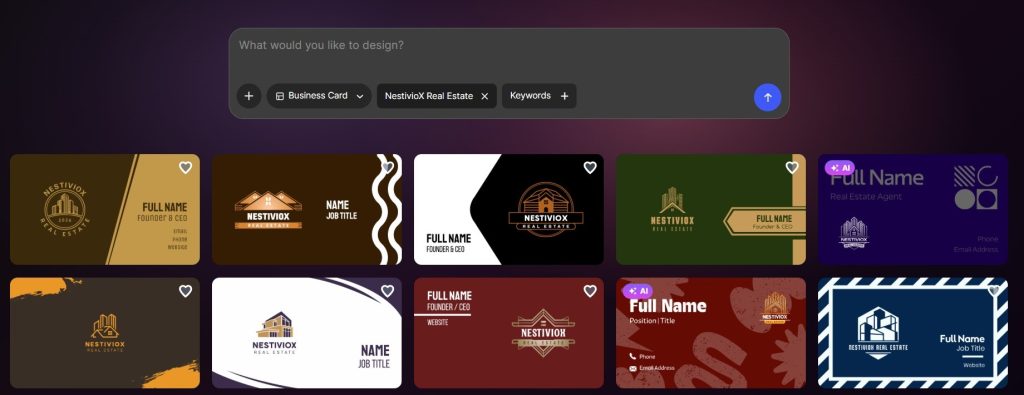
After entering the details, the tool generated over 10,000 unique business card templates. You could also customize any of the templates by editing everything on the front and reverse sides of the card, from colors and text to even adding a QR code with your business links.
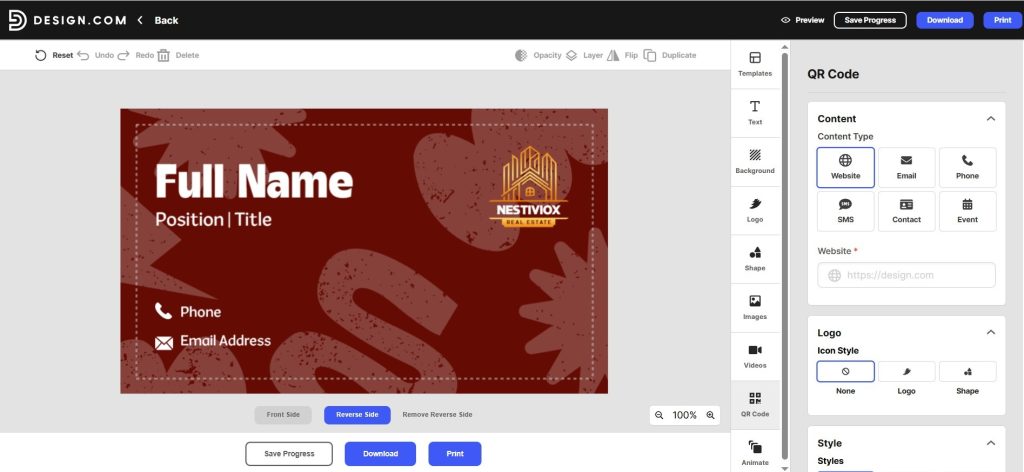
Download and Pricing
To download your business card, Design.com offers 2 pricing packages, both including the high-resolution file download option in PNG and JPG:
- Premium Plan: $3 per month billed annually
- Premium Design Pack + Website: $6 per month billed annually
Design offers a large selection of completely free business cards, as well as logos, websites, and other designs, which are also free to use commercially. By downloading a free logo, for example, you also get access to its free website builder, free link-in-bio creator, and free digital business card maker.
2. BrandCrowd
BrandCrowd is one of the best AI logo generators, and it’s not limited to logo making. It provides individual designers, startups, and businesses with a full toolkit for branding, including logos, business cards, social media designs, email signatures, websites, and more. BrandCrowd’s library of logo designs extends to over 380,000 logo templates.
How it works
To see how the tool works, let’s review the main steps for logo making. On BrandCrowd’s website, you can find a list of top industries and keywords to help you begin with.
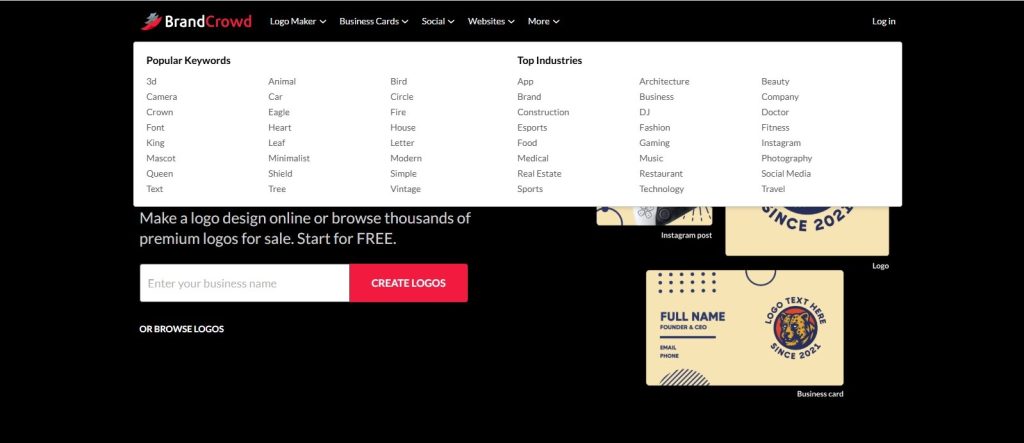
Using our example real estate agency, we selected the “Real Estate” option and entered our business name.
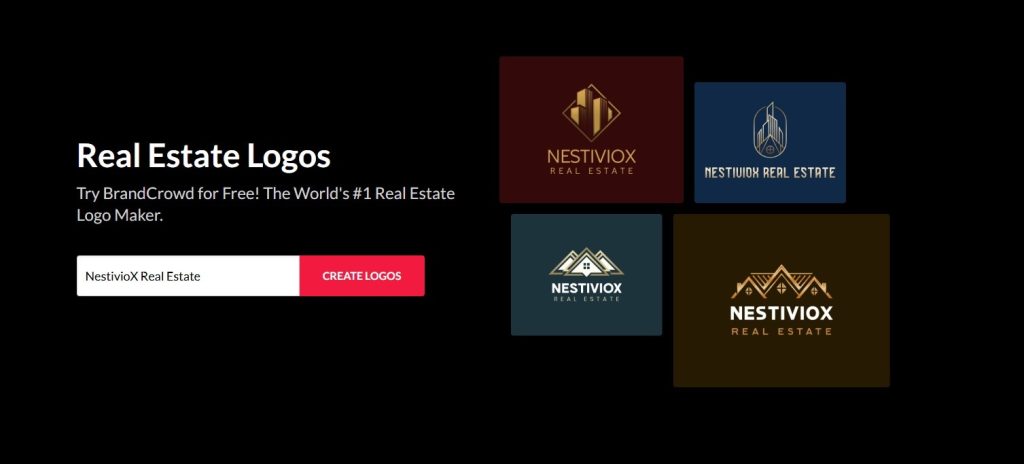
The platform auto-generated a couple of industry-related keywords and instantly created over 9,000 logo templates.
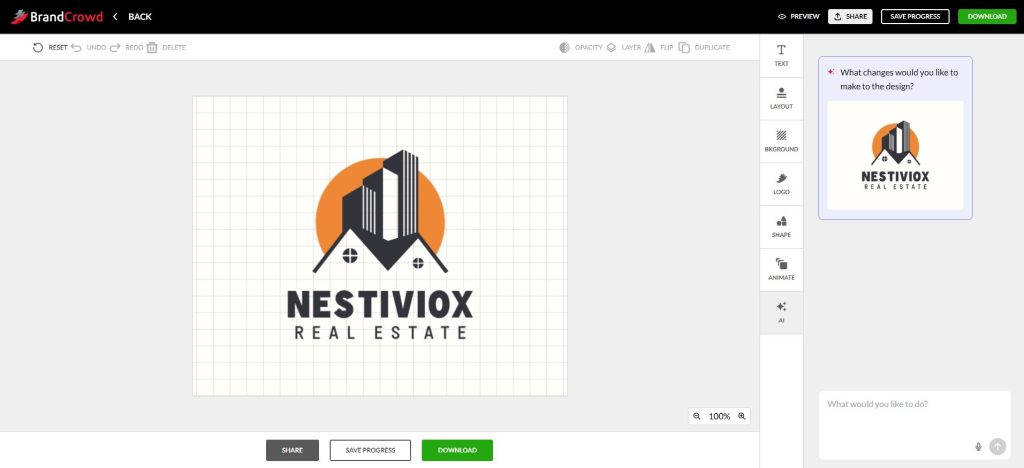
Each template is fully customizable within an editing dashboard, where you can adjust colors, text, backgrounds, and animation styles. If you can’t find the specific editing option you need, there’s an AI chat feature where you can type a prompt or a simple request and get real-time edits to your logo.
Download and Pricing
BrandCrowd offers a wide range of free logos, business cards, websites, and other designs. By downloading a free logo, you get access to its free website builder, free link in bio creator, and free digital business card maker.
Below are BrandCrowd’s pricing plans:
- Starter (Logo + 50 design tools): $5 per month billed annually
- Value (Logo + 50 design tools + Website): $6 per month billed annually
- Premium (Logo + 50 design tools + Website and more): $7 per month billed annually
The logos are commercially free to use and can be downloaded in various formats, such as SVG, EPS, PDF, PNG, JPG, as well as animated files, including GIF and MP4.
3. Brandmark.io
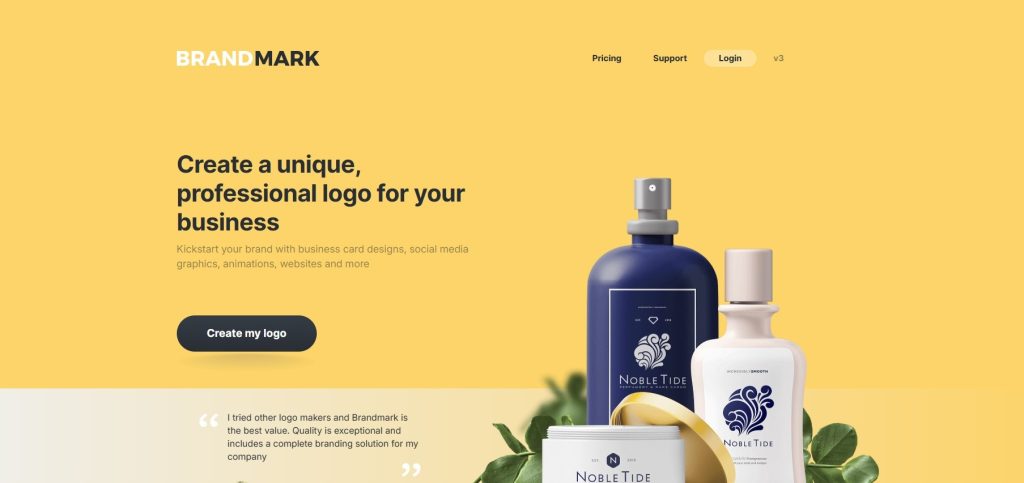
Next up is Brandmark, an online logo maker that lets you create logos, business cards, social media graphics, animations, and websites. By doing so, it helps businesses build their brand with ready-to-use design assets, including:
- Brand guide
- Mockups
- Social profile icons
- Business card designs
- Presentation templates
- One-page websites
- Social media designs
- Animated designs and more.
You can access the design templates by navigating to the “See example assets” on Brandmark’s website homepage. Choose what you want to create, and you will get a large variety of ready-made templates.
How it works
To see what the logo-making process looks like on Brandmark, we created one for our example real estate agency. The platform asked for several business details to generate initial templates, including business name, slogan, keywords, and color style.
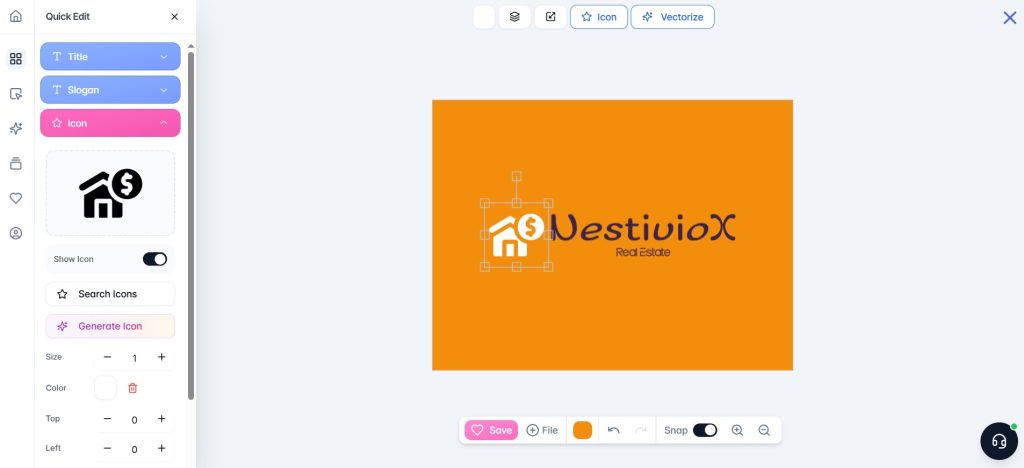
After getting several templates, we picked one and started editing it on the dashboard, where we could adjust colors, text, and icons (choosing from existing options or generating new ones with AI), along with shapes and more.
Download and Pricing
The final logo can be exported in SVG, PNG, and PDF formats. Pricing starts at $35 for the logo in PNG format alone.
4. Turbologo
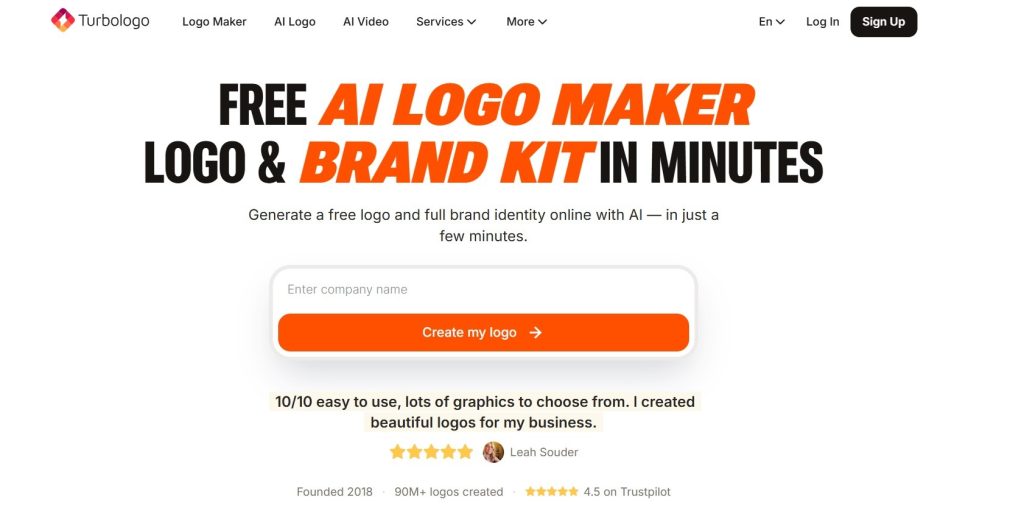
And finally, Turbologo is an AI logo maker that claims to also help its users form their full brand identity in one platform. Among its branding tools, you can find:
- Logo maker
- Business name generator
- Brand kit
- Business cards
- Social media posts
- AI website builder
One thing to note is that creating a business card or social media post requires a subscription before you can move forward with the template.
Logo making, however, is free and happens directly on the platform.
How it works
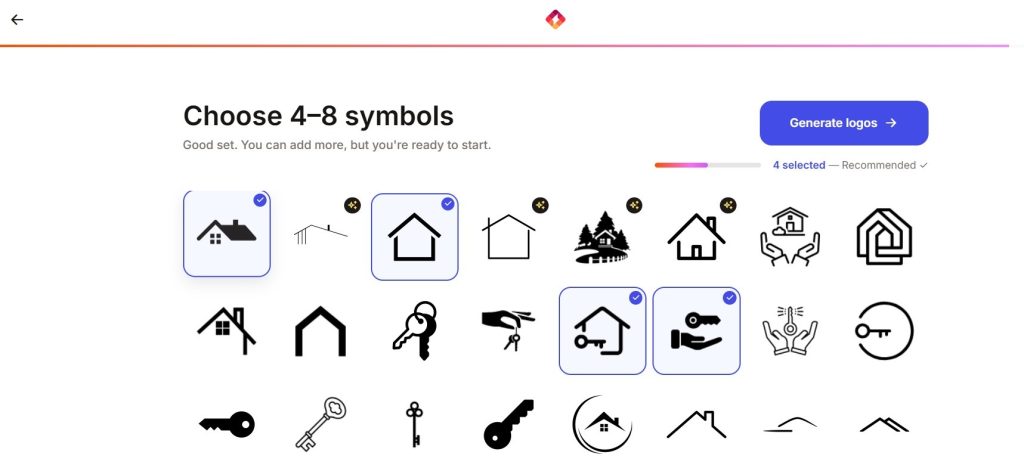
To create a logo, all you need to do is enter your business name first, choose your industry, an optional slogan (or let AI generate one for you), and choose from the closest logo styles, colors, and symbols.
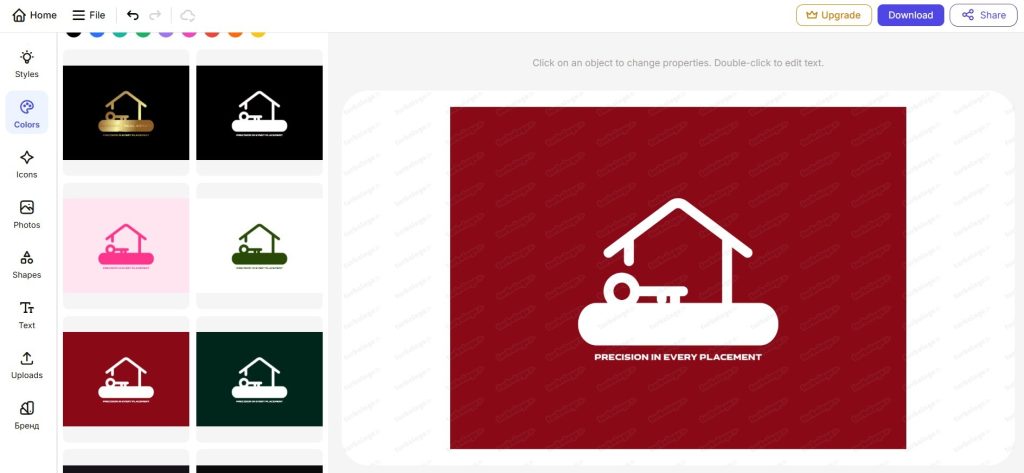
Choose your favorite template and go on with customizing it by editing everything from styles, colors, icons, shapes, texts, or uploading images, if applicable.
Download and Pricing
The starting pricing for one logo download in low quality is $9.99 (one-time payment).
Top 4 Branding Platforms Reviewed
Our verdict for each tool is based on our own individual testing and review. That said, your own experience may differ, depending on your business needs, which will shape your final choice of platform.
Overall, here’s what we found:
- Design.com and BrandCrowd stood out with the largest template libraries, the most extensive customization features, and the most unique design styles.
- All the platforms (Design.com, BrandCrowd, Turbologo, Brandmark.io) we tested were easy to use and simple to navigate. Brandmark.io, however, had a few rough edges when it came to other design assets; some templates weren’t editable, and the process felt less smooth outside of logo making, which remained the platform’s strongest and most seamless feature.