Whether you are trying to make a 15-second TikTok trend go viral or piecing together a cinematic travel vlog for YouTube, you have likely found yourself in the InShot vs Filmora battle.
The world of video editing has moved past the era where you needed a $5,000 computer to cut a simple clip. Now, the power sits right in your smartphones or on your laptop. But choosing between InShot and Filmora isn’t just about which one is “better.” It’s about which one fits your specific workflow, your device, and your creative “vibe.”
In this deep guide, I am pitting the mobile king Inshot against the cross-platform heavyweight, Filmora. We will break down their features, their quirks, and their costs so you can stop scrolling through the app store and start actually creating.
Let’s get into the nitty-gritty of InShot vs Filmora.
What is InShot?
InShot is the undisputed heavyweight champion of the “on-the-go” editing world. Originally designed as a photo editor that could square-fit images for Instagram, it evolved into a powerhouse video editing app for iOS and Android.
It’s built for speed, vertical formats, and social media enthusiasts who need to turn raw footage into a polished post in under five minutes. The beauty of InShot lies in its vertical-first interface. It doesn’t try to mimic a professional Hollywood studio. Instead, it focuses on the tools that matter most for creators: filters, trendy transitions, stickers, and easy-to-add music.
It is one of the best video editing apps you use while sitting on a bus or waiting for your coffee, making it the ultimate companion for the modern influencer.
What is Filmora?
Filmora, developed by Wondershare, is a different beast entirely. While it does have a mobile version (FilmoraGo), it is primarily known as a desktop powerhouse that bridges the gap between basic “trim-and-cut” apps and intimidating professional software like Adobe Premiere Pro.
It is often counted among the best video editing software and is designed for creators who want more control, like multi-track editing, green screens, and advanced color grading. Filmora strikes a unique balance. It offers a professional-looking “timeline” interface but keeps things “drag-and-drop” simple.
It’s packed with a massive library of built-in assets, stock footage, and AI-driven tools that do the heavy lifting for you.
InShot vs Filmora: The Feature-by-Feature Showdown
If InShot is a quick sketch on a notepad, Filmora is a full canvas with an organized palette of oils and acrylics.
Choosing between these two is like choosing between a nimble motorcycle and a well-equipped SUV. Both will get you to your destination, but the experience along the way, and how much “cargo” you can carry, will be vastly different.
InShot is all about accessibility and thumb-friendly navigation, while Filmora prioritizes depth and precision. To help you decide, I have broken down the comparison into ten critical factors that every editor needs to consider before hitting “Export.”
1. User Interface and Ease of Use
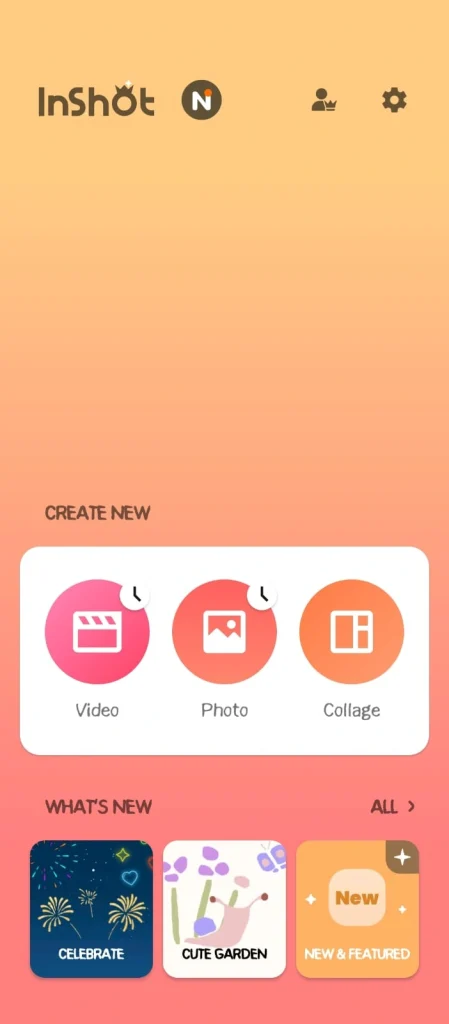
- InShot: Features a very “flat” and straightforward mobile interface where tools are lined up in a single scrollable bar above the timeline; it’s incredibly intuitive for beginners, requiring almost zero learning curve to start cutting clips.
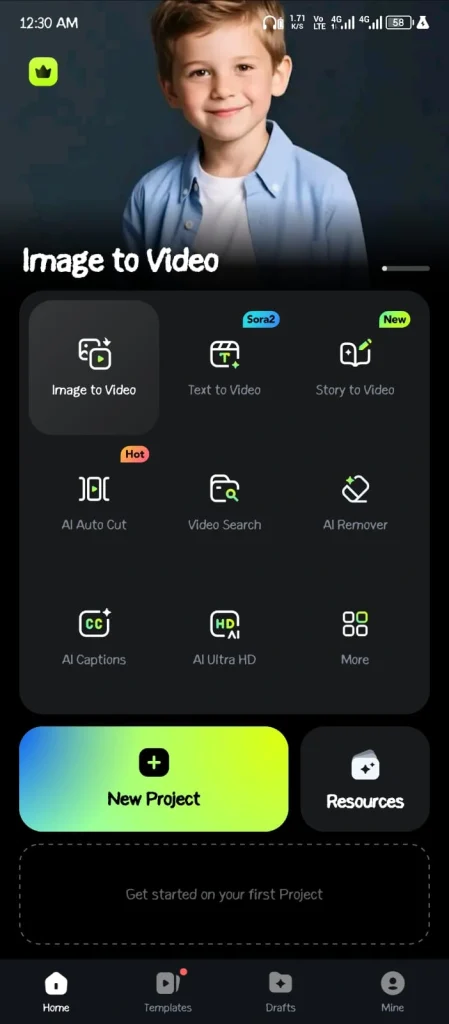
- Filmora: Utilizes a more traditional “Non-Linear Editor” (NLE) layout on desktop with dedicated windows for media, preview, and a multi-layer timeline. While more complex than InShot, it remains one of the most user-friendly desktop editors available today.
2. Timeline Capabilities
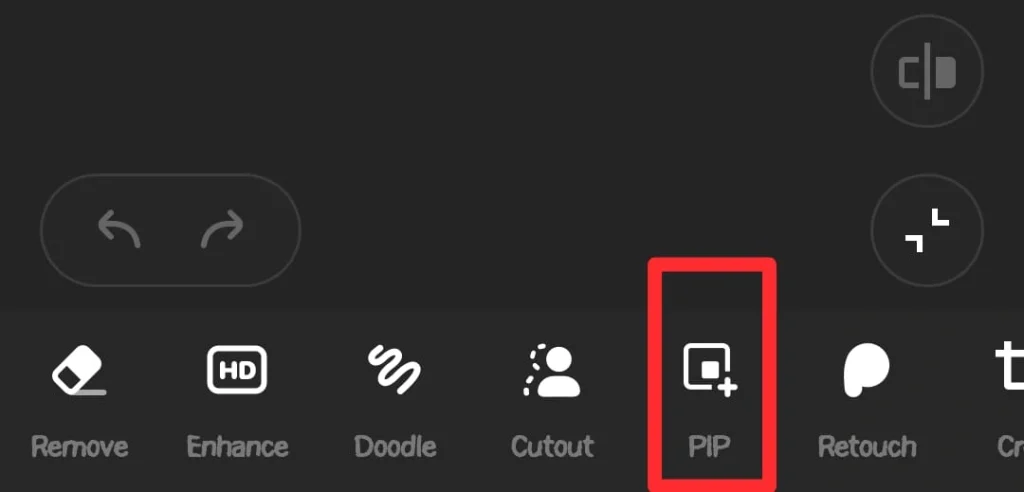
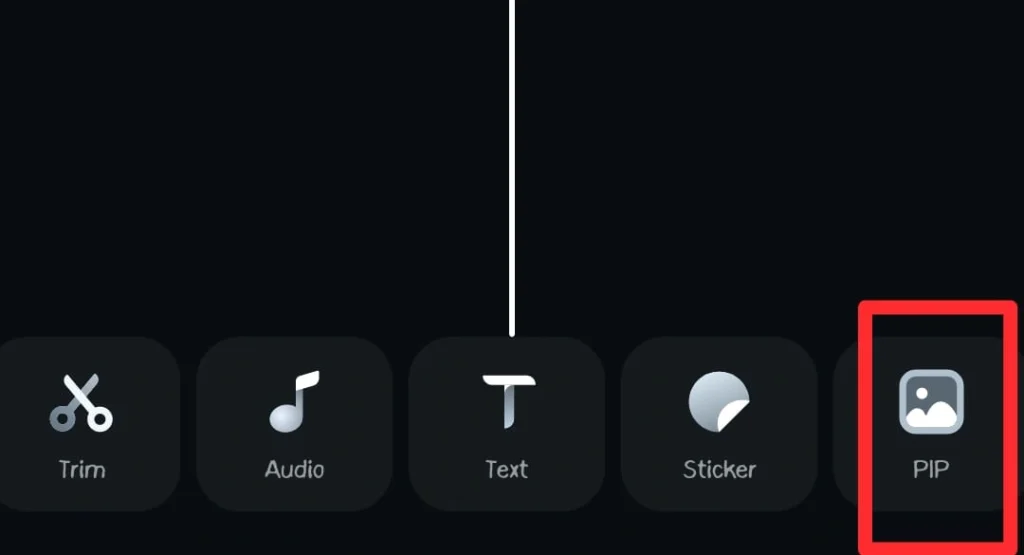
- InShot: Primarily supports a “main track” workflow where clips are snapped together, with limited “PIP” (Picture-in-Picture) layers for overlays, which makes it great for simple stories but difficult for complex, layered storytelling.
- Filmora: Offers a robust multi-track timeline that allows you to stack dozens of video, audio, and adjustment layers on top of each other, giving you total control over complex compositions and synchronized timing.
3. AI-Powered Tools
- InShot: Includes basic but effective AI features like “Smart Remove” for backgrounds and auto-captions, which are perfect for quick social media updates where you need to save time on manual masking.
- Filmora: Has advanced Artificial Intelligence integration including “AI Copilot” editing, smart masking, AI portrait effects that work without a green screen, and even AI text-to-video generation, for a more tech-forward creative process.
4. Text and Typography
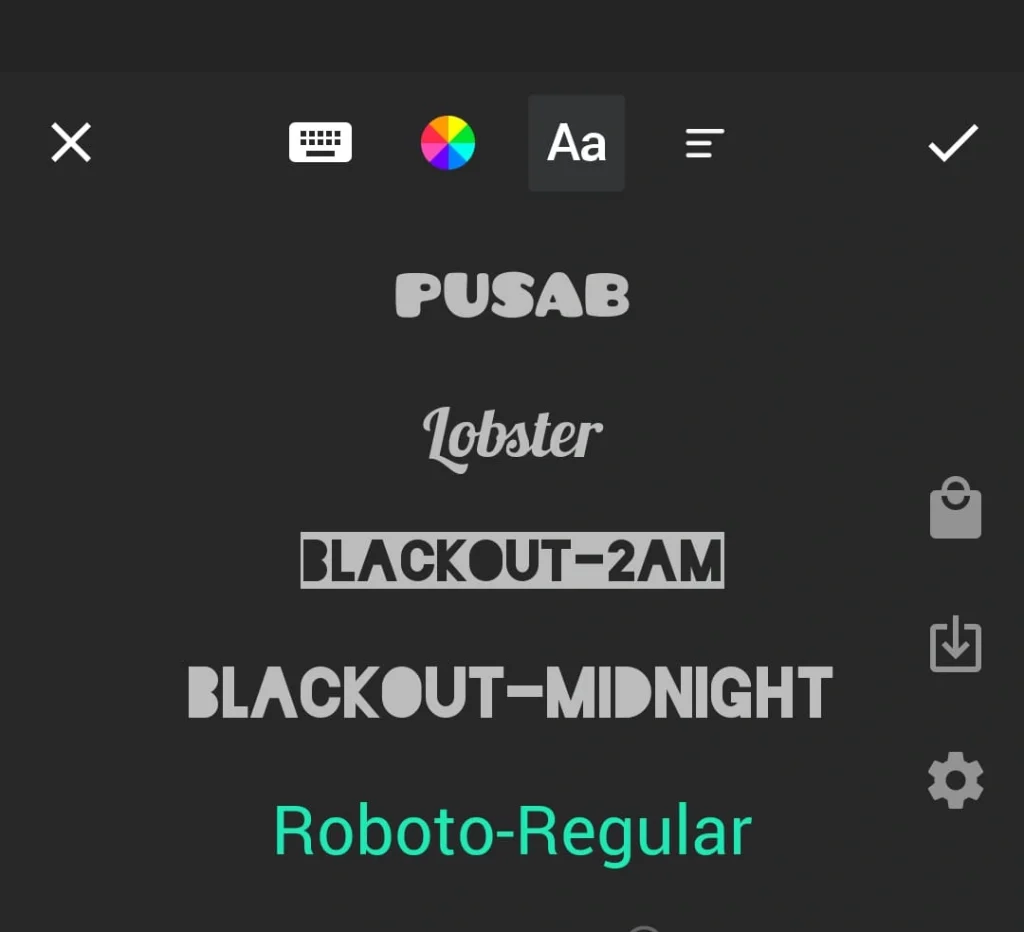
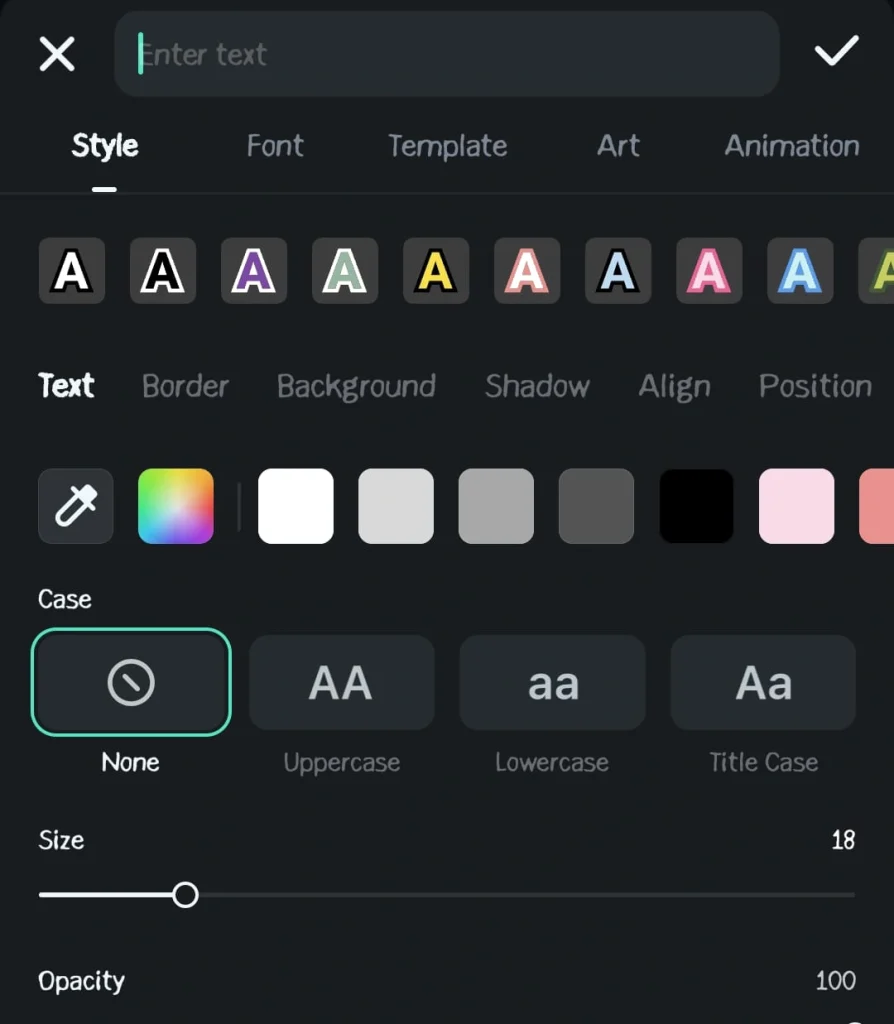
- InShot: Offers a fantastic range of social-media-friendly fonts, animated text presets, and the ability to import your own OTF/TTF files, with a focus on “bubbly” and trendy styles that pop on a small screen.
- Filmora: Provides a professional-grade text engine with 3D titles, customizable motion graphics, and word-by-word keyframing, allowing for the kind of high-end typography you’d see in professional commercials or YouTube intros.
If you want to be a professional user of Filmora, it would be worth reading my guide on how to edit videos in Filmora. You will be able to learn all the basic tactics.
5. Audio and Music Library
- InShot: Comes with a decent library of vlogger-style music and funny sound effects (SFX), plus an easy “extract audio” feature, but it lacks deep audio editing tools like noise reduction or advanced equalization.
- Filmora: Features a massive, royalty-free music library synced with Filmstock, along with advanced audio tools like “Audio Ducking” (lowering music when someone speaks), silence detection, and AI speech-to-text.
6. Transitions and Effects
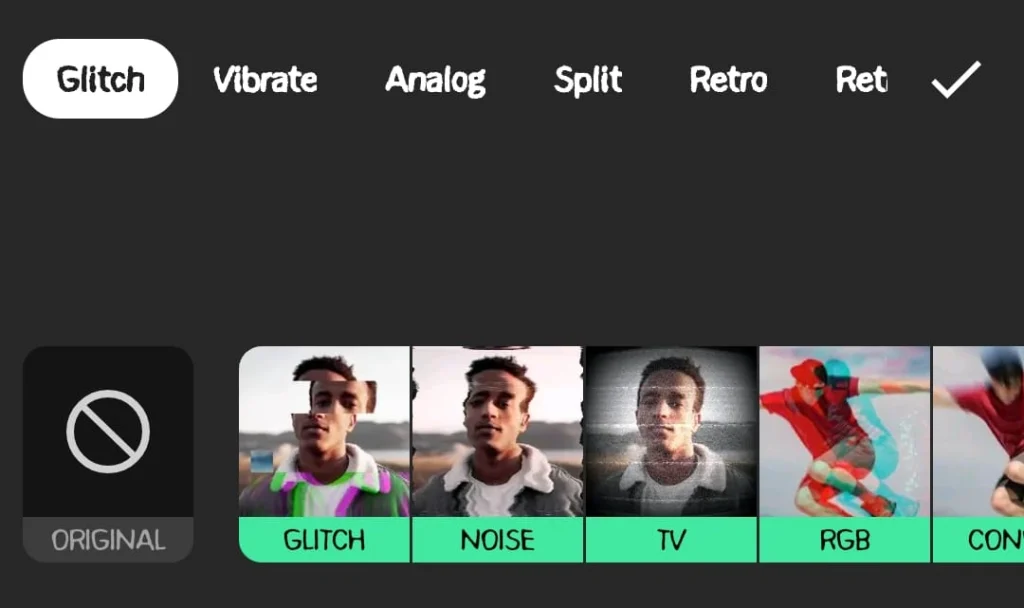
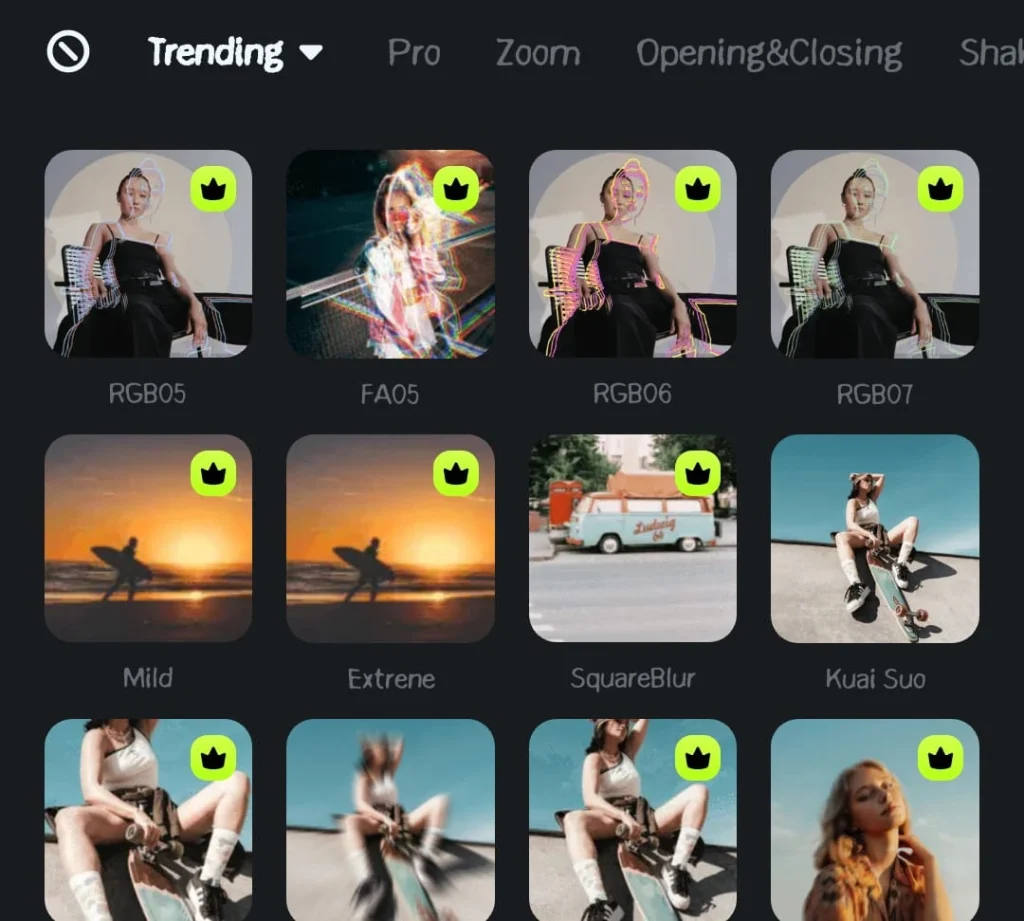
- InShot: Focuses on “vibe-based” effects like Glitch, VHS, and Film, with simple one-tap transitions that are updated frequently to match current TikTok and Instagram Videos and Reels trends.
- Filmora: Offers thousands of professional-grade transitions, including cinematic dissolves, 3D movements, and highly customizable Boris FX and NewBlue FX plugins for a “big-budget” look.
7. Color Grading and Correction
- InShot: Provides basic “Filters” and standard adjustment sliders (Brightness, Contrast, Warmth), which are perfect for quick aesthetic fixes but don’t allow for professional color matching between different clips.
- Filmora: Features advanced color wheels, LUT (Look-Up Table) support, and “Color Match” technology that can automatically make clips from different cameras look like they were shot in the same setting.
8. Speed Control and Speed Ramping
- InShot: Has a very simple speed slider and a basic “Curve” feature for speed ramping, which is effective for most creators but can feel a bit clunky when trying to hit specific musical beats perfectly.
- Filmora: Includes a dedicated “Speed Ramping” panel with presets like “Hero Moment” or “Bullet Time,” giving you frame-by-frame control over the velocity of your footage for epic cinematic shots.
9. Export Options and Quality
- InShot: Supports exports up to 4K at 60fps directly to your camera roll, with specific “fit” presets for Instagram, TikTok, and YouTube, though it sometimes struggles with very large file sizes on older phones.
- Filmora: Allows for high-bitrate 4K exports, GIF creation, and even direct uploads to YouTube or Vimeo, with extensive control over encoders (H.264/H.265) and file formats (MP4, MOV, MKV).
10. Pricing and Value for Money
- InShot: Operates on a very affordable “Freemium” model where the pro version (ad-free, all effects) is available via a low-cost monthly subscription or a one-time “lifetime” purchase that is exceptionally budget-friendly.
- Filmora: Uses a tiered subscription model or a “Perpetual Plan” (one-time fee) that is significantly more expensive than InShot, reflecting its status as a more professional, feature-rich desktop software.
Which One Should You Pick?
The winner depends entirely on where you work and what you’re making.
Choose InShot if:
You are a “one-person show” focusing on Instagram Reels, TikTok, or YouTube Shorts. If you want to record a video on your iPhone, edit it while you’re grabbing lunch, and have it posted before you get back to your desk, InShot is your best friend.
It’s perfect for lifestyle vloggers, small business owners, and anyone who finds desktop software overwhelming. It is the king of efficiency.
Choose Filmora if:
You are aiming for “Long-form” content, such as 10-minute YouTube tutorials, documentaries, or professional client work. If you need to layer multiple microphones, use a green screen, or spend hours perfecting the color of your sky, Filmora’s desktop interface is worth the investment.
It’s the right choice for the creator who is moving from “hobbyist” to “semi-pro” and needs a tool that can grow with their skills.
Final Thoughts
At the end of the day, both InShot and Filmora are incredible tools that have democratized video editing.
InShot wins on portability and “social-first” intuition, making it the go-to for the mobile generation. Filmora wins on power and precision, and offers a bridge to professional-grade production without the steep learning curve of high-end industry software.
Whichever you choose, remember that the tool is only as good as the story you’re telling. Don’t get too bogged down in the “InShot vs. Filmora” debate, pick the one that feels most natural in your hands, hit record, and start sharing your vision with the world. Happy editing!