Are you looking for free tools to track your website traffic?
You’re not alone. I’ve been there, and it’s a common issue for website owners who publish regularly but don’t use proper website traffic monitoring tools, often because they assume they need a paid budget.
As I gained experience, I found several free website traffic monitoring tools that give clear insights into traffic sources, most visited pages, user behavior, and the keywords bringing visitors from search engines.
In my experience, these metrics directly improve marketing strategy, advertising decisions, and overall user experience.
So let’s go through some of my favorite free tools you can use right now to track website traffic rankings in real time and make smarter, data-driven decisions without spending anything.
Top 10 Free Website Traffic Checkers
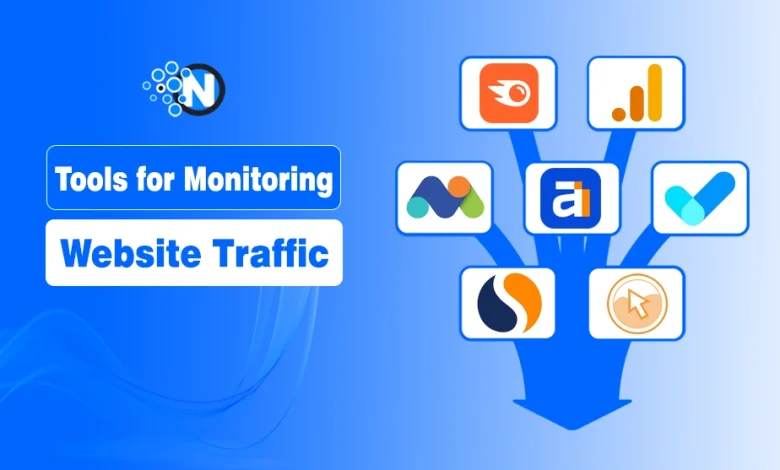
Below, I’ll explore ten powerful yet completely free tools that let you monitor and analyze your website traffic:
10 Best Website Traffic Analysis Tools
1. Google Analytics
2. Ahrefs
3. SEMrush
4. SimilarWeb
5. W3Counter
6. Clicky
7. Backlinko
8. Sitechecker
9. Neil Patel’s Ubersuggest
10. Matomo
1. Google Analytics
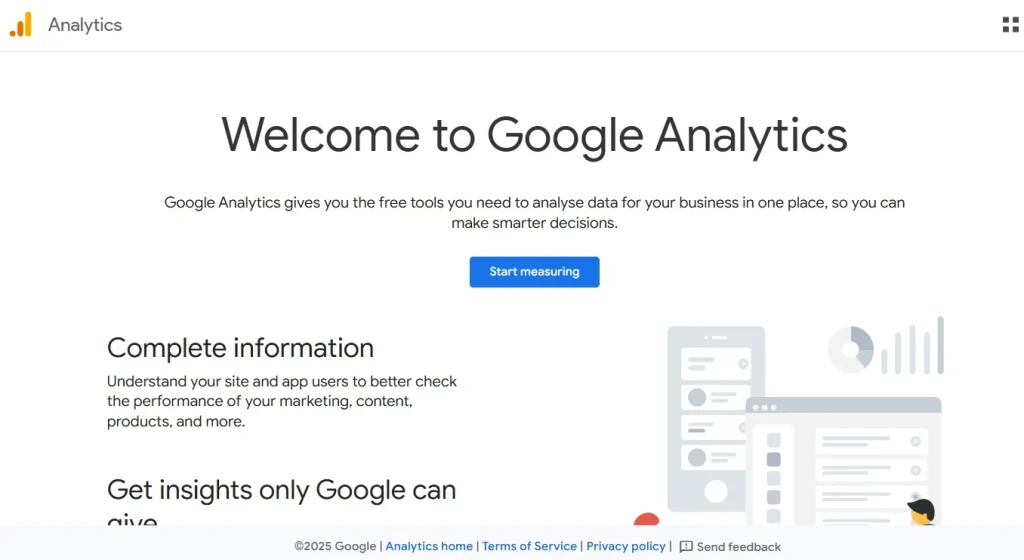
Google Analytics is my go-to free tool for detailed website traffic analysis. I’ve found it essential for tracking statistics across both websites and apps, especially since the move to GA4.
It gives me the direct data I need on top keywords, traffic sources, and visitor locations. I also use it to set Key Events (formerly goals) to measure my progress using its event-based model.
The biggest thing about Google Analytics for me is the integration. I can link it to Search Console or BigQuery and manage everything from one console.
Key Features:
- Free Analysis: Full tracking for websites and apps.
- Real-time Monitoring: See active visitor counts instantly.
- Trend Tracking: Watch how traffic fluctuates over time.
- User Interface: Clean layout with “Explorations” for deeper data.
- Performance Insights: Quick stats on top pages and user events.
2. Ahrefs
As I became more serious about SEO, Ahrefs became an essential part of my toolkit.
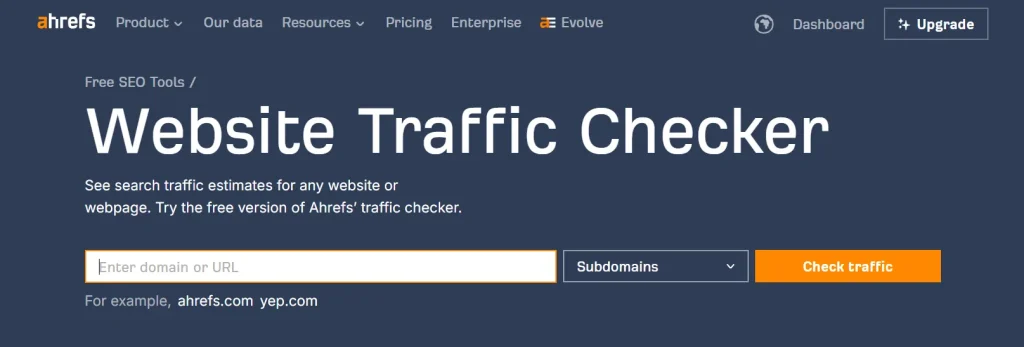
While known for premium features, its free tools, including the traffic estimator and Ahrefs Webmaster Tools (AWT), provide a fast, accurate overview of site performance.
The toolset delivers direct metrics on visitor volume and identifies the top countries driving traffic across 171 regions. You can also analyze traffic trends, identify top-performing webpages, and, through AWT, monitor your own site’s SEO health and backlinks.
Key Features
- Free Web Traffic Checker: Get organic and paid traffic estimates for any URL.
- Ahrefs Webmaster Tools (AWT): Free monitoring of your own site’s SEO and backlink profile.
- Keyword Insights: View top keywords and their search volumes.
- Top Pages Report: See which specific pages drive the most visitors.
- Global Reach: Identify traffic distribution by country.
- Real-Time Analytics: Use Ahrefs Web Analytics for privacy-friendly, real-time visitor tracking.
3. SEMrush
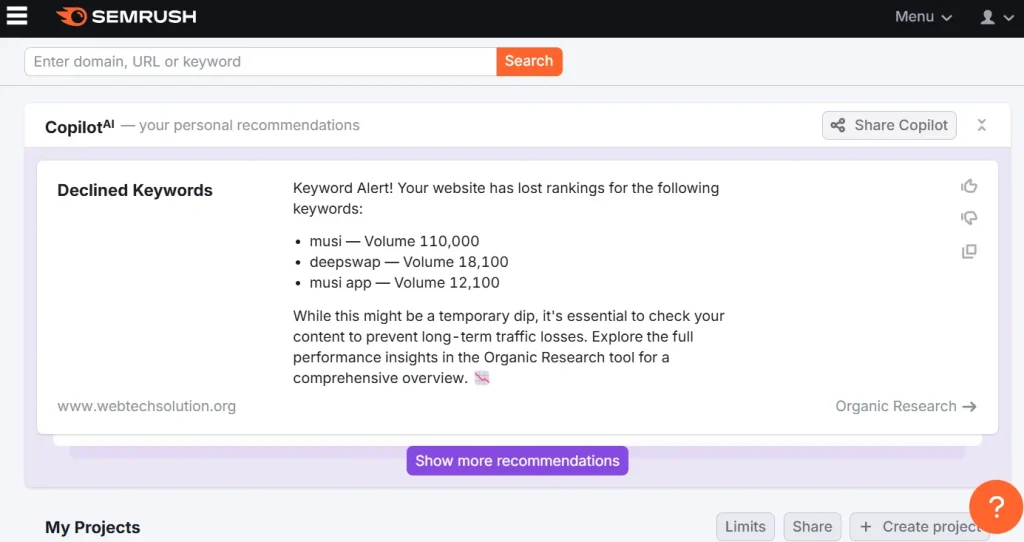
SEMrush get more advanced as it was bought by Adobe. It’s free account provides 10 search queries per day across the toolkit for checking website traffic.
This competitive analysis helps to determine market standing and identify new opportunities. It allows users to track performance metrics, audit technical health, and analyze competitors with strict daily caps.
This freemium model easily enables you to track down where each target keyword ranks and how much traffic it is getting.
Key Features:
- Rank tracking: Monitor visibility for all company sites.
- Keyword monitoring: Track detailed positions and history.
- Competitive intelligence: Identify and outpace market rivals.
- Site audit tools: Identify technical SEO issues.
- Reporting dashboards: Streamline stakeholder reporting.
4. SimilarWeb
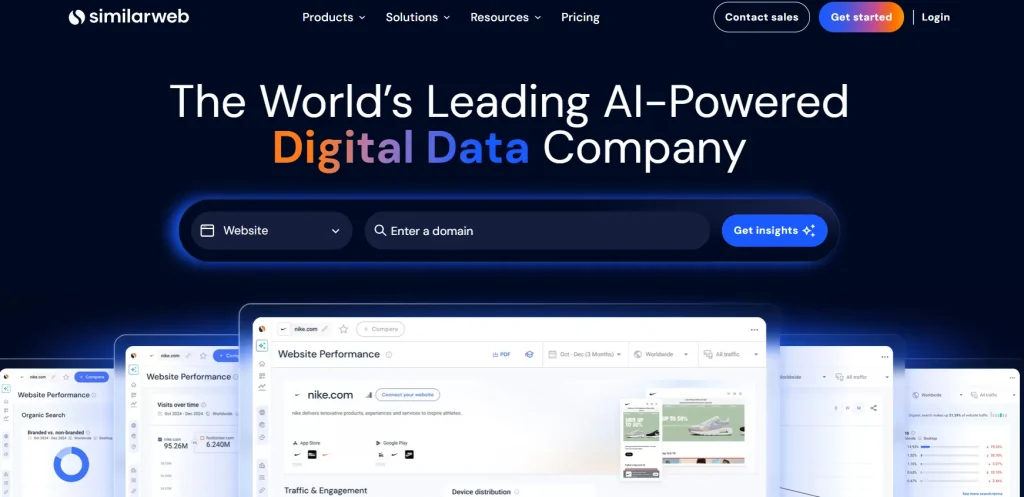
SimilarWeb is a leading free website traffic analyzer for e-Commerce websites and online stores. It helps you check the number of visitors and monitor website traffic online.
Just put your website’s URL in the dedicated search bar, and SimilarWeb will redirect you to the next page where you can have all the details and insights about the site you are looking for.
It provides you with website details like Global rank, country rank, total visits till the time, monthly visitors, traffic sources, social traffic, organic traffic, and many more.
Key Features
- Market Intelligence: Analyzes any website’s traffic, even those you don’t own, for competitive benchmarking.
- AI Search Tracking: Monitors how AI chatbots (like ChatGPT) refer traffic to websites.
- Search Tools: Advanced SEO/PPC keyword generators and rank tracking for Google, Amazon, and YouTube.
- Sales Prospecting: AI-driven lead generation with access to 370M+ verified professional contacts.
- Technographics: Identifies the software and “tech stack” used by competitors.
5. W3Counter
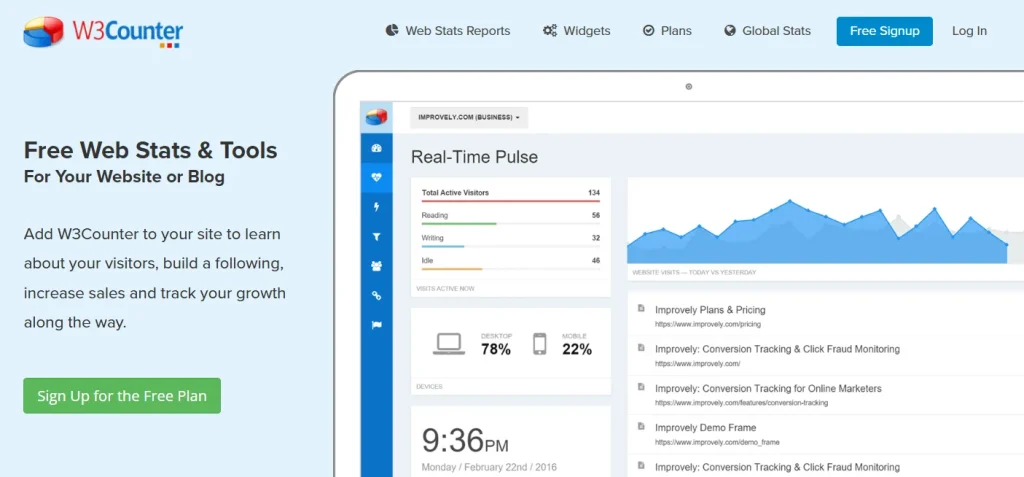
W3Counter is a simple and easy-to-use website traffic checker that provides you with detailed website traffic insights. This includes the number of visitors, most popular pages, top keywords, and browsers used by visitors.
It also gives you details about your mobile traffic and what type of devices are being used by visitors to access your website.
Moreover, W3Counter provides you with real-time data that is updated every minute so that you can have the latest information about your website traffic.
Key Features:
- Live Dashboard: Provides real-time “Pulse” tracking to see active visitors and their current actions.
- Engagement Tools: Built-in widgets for social media buttons, “floating” bars, and promotional popups.
- Lead Capture: Includes customizable forms to collect emails and subscriber info directly.
- Simplified Reporting: Designed for non-technical users with high-level “Morning Summary” email reports.
- First-Party Stats: Focuses on accurate tracking of your own site’s audience through a simple tracking script.
6. Clicky
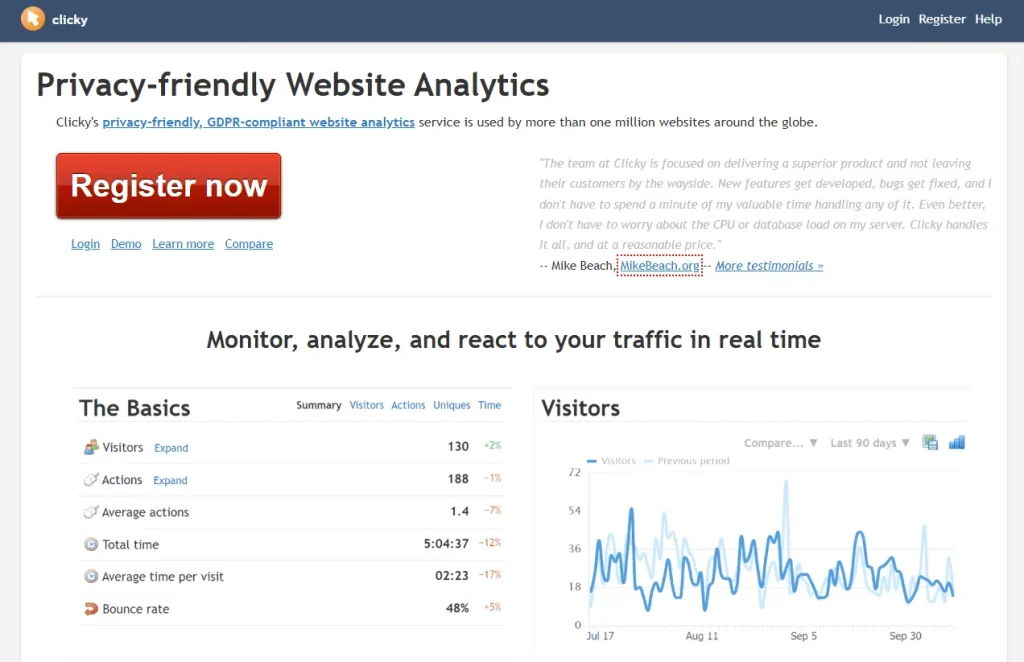
Clicky is another website traffic tracker that helps you analyze individual visitors in real time, including their behavior, location, device type, operating system (Windows, Mac), browser, IP address, and screen resolution.
These insights are especially useful for marketers and website owners who want to understand how users interact with their site and optimize their strategy based on real user behavior.
With its free plan, Clicky allows you to track websites with up to 3,000 daily page views, making it a solid option for small to mid-sized sites.
Key Features:
- Real-time visitor tracking with live dashboard updates
- Detailed individual visitor logs (pages visited, time spent, actions)
- Traffic source analysis (search engines, referral sites, direct traffic)
- Device, browser, OS, IP, and location tracking
- Basic heatmaps to understand user engagement
- Goal tracking for conversions and performance monitoring
7. Backlinko
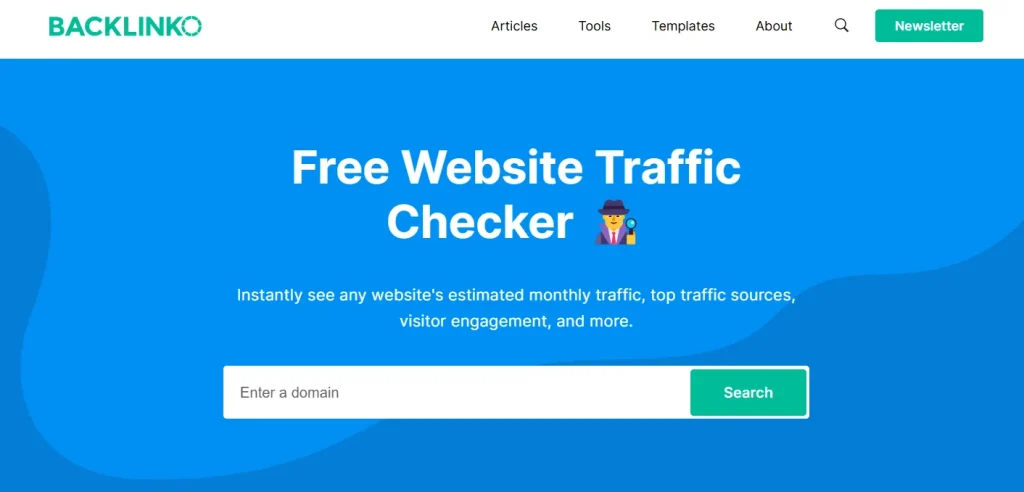
Backlinko is a popular SEO learning platform created by Brian Dean, which also provides a website traffic monitoring tool. It helps you understand how to increase organic traffic by improving rankings, content quality, and keyword targeting.
Instead of showing live visitor data, it focuses on actionable insights to help you grow and analyze traffic performance using strategies used by top-ranking websites.
It is especially useful for bloggers, marketers, and website owners who want to understand how traffic is generated through Google search and how to improve it over time.
Key Features:
- In-depth SEO guides and case studies for traffic growth
- Keyword optimization and content strategy insights
- Google ranking and organic traffic improvement techniques
- Beginner-friendly learning resources for SEO success
- Real-world breakdowns of high-performing websites
8. Sitechecker
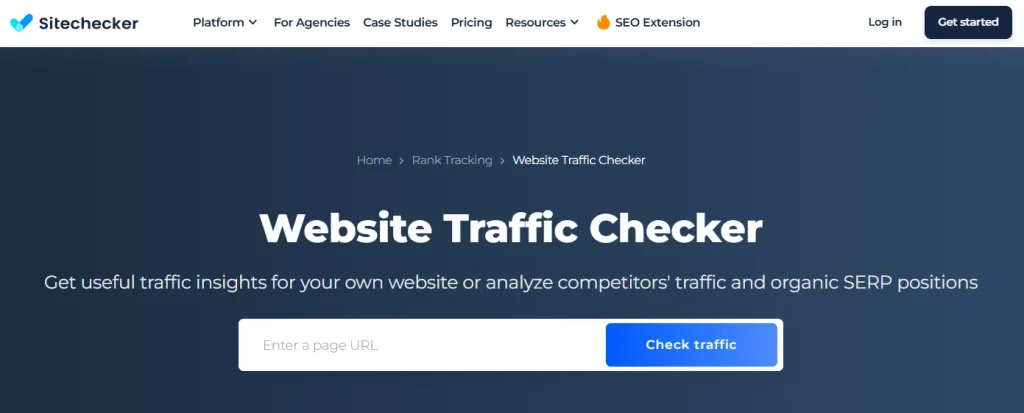
Sitechecker is a comprehensive SEO toolkit designed to simplify traffic analysis and site audits.
The tool provides a clear breakdown of visitor volume and estimated traffic worth, while its ability to isolate top-performing pages helps you pinpoint successful content strategies.
Unlike basic trackers, it combines high-level traffic overviews with deep-dive performance metrics, making it a go-to for marketers. With localized data filtering, you can easily revolve your analysis to see how a site performs in specific global markets.
Key Features
- Traffic Value Estimation: Calculates the monetary worth of a site’s organic and paid traffic.
- Top Page Analysis: Identifies the specific URLs driving the most engagement and volume.
- Geographic Filtering: Switches between locations to analyze region-specific audience behavior.
- Integrated SEO Audits: Connects traffic data with technical health checks to improve rankings.
- User-Friendly Interface: Delivers professional-grade insights through a clean, intuitive dashboard.
9. Neil Patel’s Ubersuggest
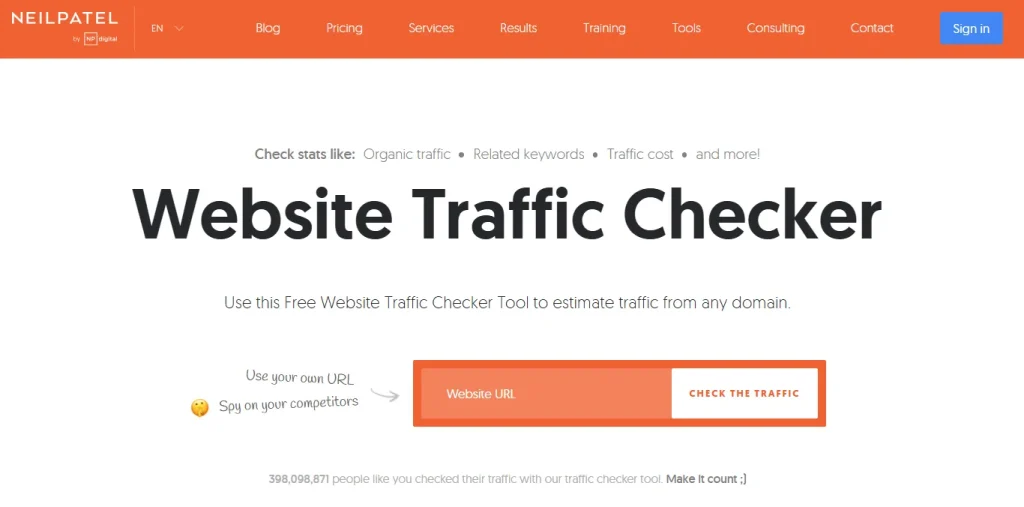
Neil Patel’s Ubersuggest has become a primary choice of many SEO experts when it comes to analyzing and monitoring website traffic.
The free version offers a solid overview of your site’s visitors, though it does limit the number of queries you can run. Ubersuggest lets you quickly see your total, organic, and paid visitor numbers.
This enables you to check traffic trends from previous months and spot the site’s top pages, which I find especially helpful to turn traffic into revenue.
Key Features
- Basic keyword research with search volume, SEO difficulty, and CPC data
- Domain overview showing estimated traffic, top pages, and keywords
- Limited site audit for like broken links and missing tags
- Small-scale rank tracking for selected keywords and locations
- Content ideas tool for finding blog topics based on competitor performance
10. Matomo
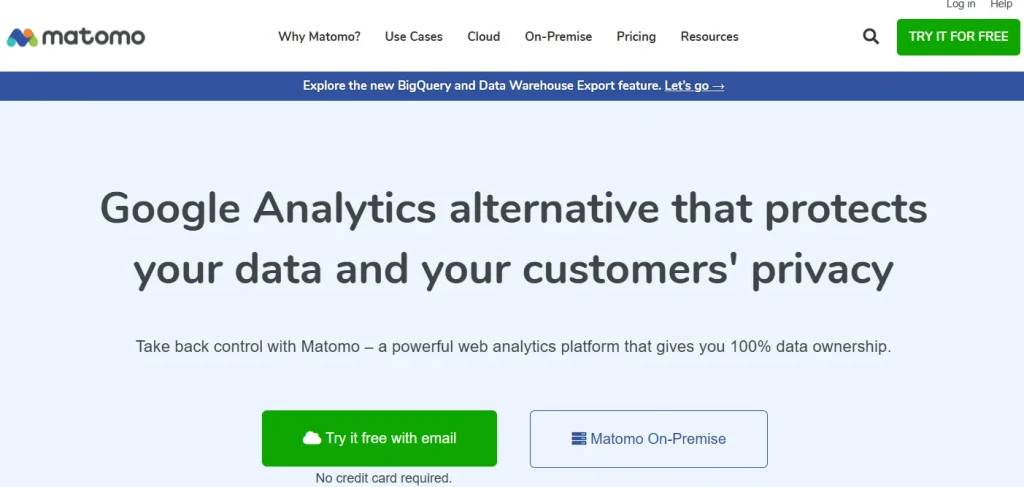
Matomo is a popular alternative to Google Analytics for those seeking data control and privacy-focused analytics.
It delivers comprehensive analytics, real-time traffic tracking, detailed visitor reports, and user behavior insights. Matomo also offers advanced tools like heatmaps, session recordings, and user interaction tracking to visualize user engagement.
This makes it ideal for businesses needing GDPR-compliant analytics with a secure browsing experience.
Key Features:
- Real-time website traffic tracking and visitor analytics
- Detailed traffic sources, referrers, and user behavior reports
- Heatmaps showing clicks, scroll depth, and engagement areas
- Session recordings to replay real user interactions
- Goal tracking and conversion performance monitoring
My Final Take on Free Website Traffic Monitoring Tools
Monitoring website traffic is something I now consider essential for any serious website owner, not optional.
In my experience, the real value of these tools is not just in showing numbers, but in revealing what actually drives growth, whether it’s traffic sources, top-performing pages, or user behavior.
Personally, tools like Google Analytics and Similarweb have helped me make clearer decisions about content and marketing. If used correctly, these free tools can turn simple data into real, actionable website growth.
People Also Ask
You can use tools like Matomo, Clicky, and Sitechecker to track website traffic without Google Analytics. These tools provide real-time visitor data, behavior tracking, and traffic source insights.
You can track website visitors in real time using a tool like Google Analytics, which shows live user activity, page visits, and engagement details.
The easiest way is to use tools like Google Analytics or Sitechecker because they offer simple dashboards with traffic sources, top pages, and user behavior insights.
Yes, tools like SimilarWeb and Ubersuggest allow you to estimate competitor traffic, top-performing pages, and keyword sources for free.
Free tools provide estimated or sampled data, which is useful for trends and comparisons, but not always exact. Google Analytics gives the most accurate first-party data.