With Skype being discontinued, users face the urgent need for reliable alternatives for calls, messaging, and meetings. This article helps you find the best Skype replacements for business, personal, and privacy-focused communication.
Here, you will explore 15 top tools, including options for professional video meetings, team collaboration, browser-based calls, international messaging, and secure private chats. Each alternative is analyzed with its key strengths, limitations, and ideal use cases, so you can quickly switch from Skype without losing productivity or connectivity.
By the end of this guide, you will know which Skype alternative fits your workflow, device preferences, and communication needs.
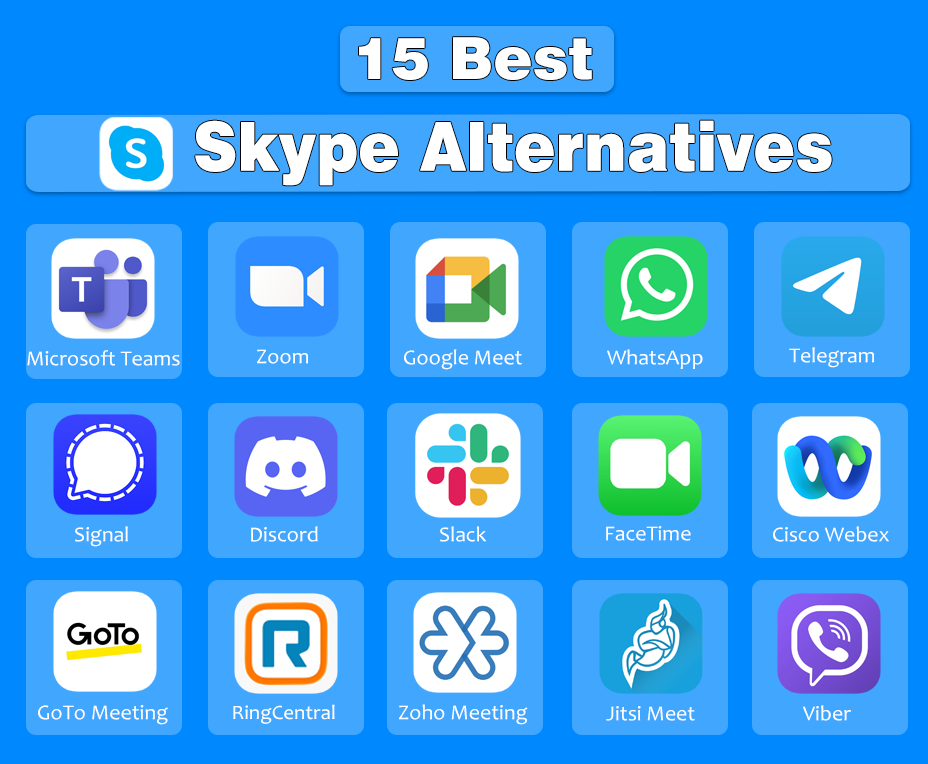
Top 5 Picks from 15 Skype Alternatives – Comparison Table
| Tool | Best For | Key Strength | Main Limitation |
| Microsoft Teams | Business & remote teams | Microsoft 365 integration | Overkill for casual users |
| Zoom | Video meetings | Stable large group calls | Free plan time limits |
| Personal calls & messaging | End-to-end encryption | Group call size limits | |
| Discord | Voice communities & chat | Persistent voice channels | Not for formal meetings |
| Google Meet | Browser-based meetings | No installation | Fewer advanced controls |
1: Microsoft Teams – Best Overall Skype Replacement for Business
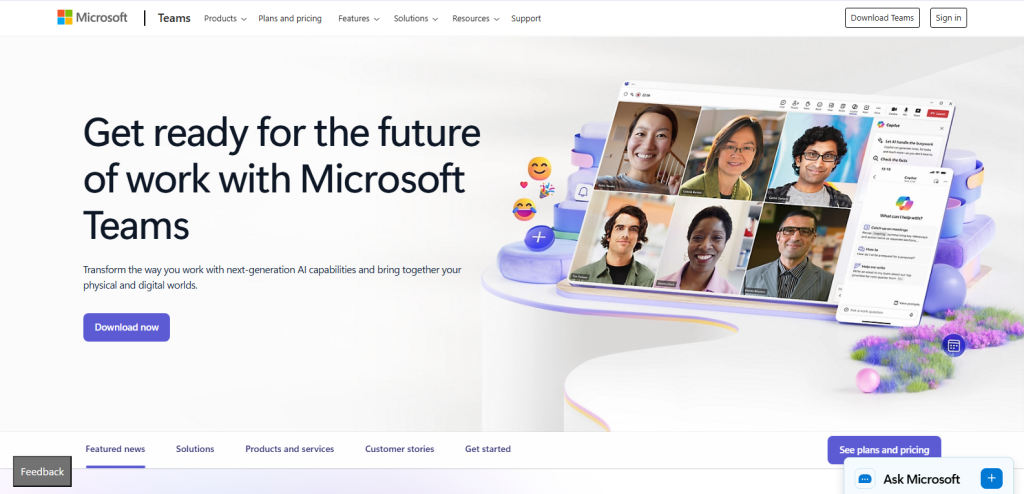
Microsoft Teams provides a complete business communication solution that replaces Skype for voice calls, video meetings, messaging, and file sharing. Teams connects users across devices, enabling real-time collaboration in chats, channels, and meetings.
Teams supports simultaneous document editing, file access, and integrated workflows, making it suitable for organizations of all sizes. Businesses adopt Teams to unify communication and productivity in a single platform.
Pros
Microsoft Teams offers several advantages over Skype for business purposes:
- It fully replaces Skype for Business as Microsoft’s primary collaboration tool.
- It links chat, calls, and meetings with Word, Excel, PowerPoint, OneDrive, and SharePoint, allowing concurrent document editing and seamless file sharing.
- Teams provides persistent channels, threaded conversations, and combined workspaces that consolidate messages, files, and meetings in one environment.
Cons
Microsoft Teams has limitations for certain users:
- Teams include advanced collaboration tools that are unnecessary for basic calling or messaging.
- Teams require each user to have a Microsoft account or Microsoft 365 subscription to access full functionality.
Best Use Cases
Microsoft Teams is best suited for:
- Teams centralizes communication and project collaboration across teams and departments.
- Teams enables distributed employees to hold video meetings, chat, and share documents without switching platforms.
- Teams supports large-scale video conferences with screen sharing, recording, and scheduling features.
2: Zoom – Best for High‑Quality Video Meetings
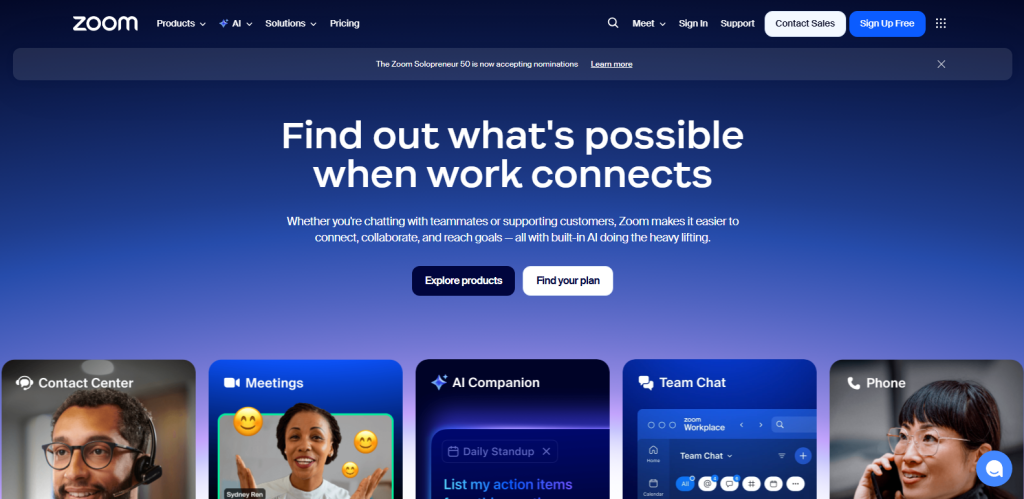
Zoom is a communication platform focused on video conferencing and group calls that replaces the corresponding features of Skype. Zoom delivers reliable video and audio connections across devices and supports large online gatherings.
Zoom uses cloud infrastructure to maintain audio clarity and video resolution, making it suitable for professional and educational meetings. Many organizations choose Zoom for scheduled meetings, real‑time collaboration, and events that involve multiple participants.
Pros
Zoom offers key advantages for video communication:
- Zoom maintains clear video and stable audio even with many participants on a call.
- Zoom supports hundreds of participants in a single session while keeping the connection consistent.
- Zoom generates meeting links that participants can join without complex setup, reducing barriers for invitees.
Cons
Zoom also has limitations that affect certain use cases:
- Zoom limits group call duration in its basic tier, requiring a paid plan for extended sessions.
- Zoom focuses on meetings and does not provide long‑term messaging spaces that stay active outside scheduled calls.
Best Use Cases
Zoom fits scenarios that depend on structured video interaction:
- Zoom supports scheduled team meetings, client calls, and collaborative sessions.
- Zoom enables host‑controlled presentations with attendee participation and engagement tools.
- Zoom provides stable video and audio for conducting interviews across locations.
3: Google Meet – Best Browser‑Based Skype Alternative
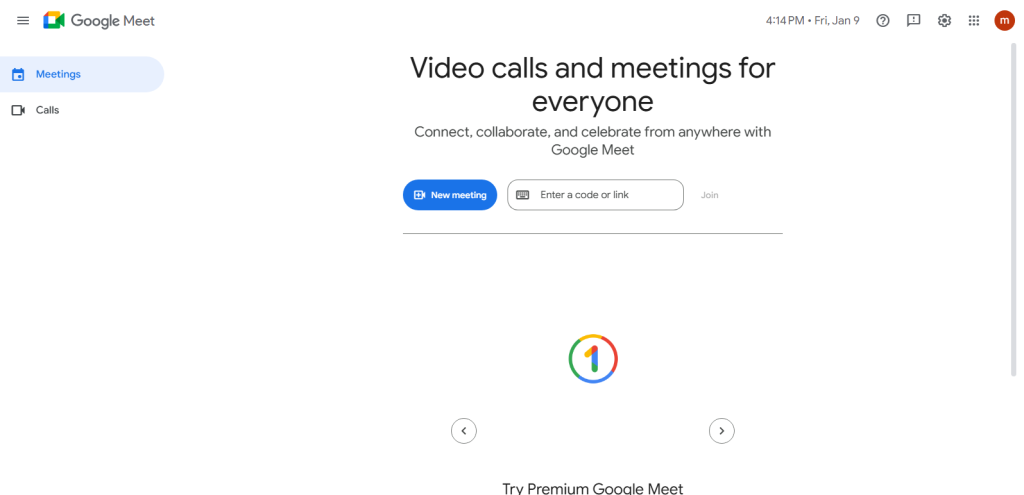
Google Meet is a web conferencing service that replaces Skype’s video calling and instant meeting features without requiring software installation. Google Meet runs in web browsers and connects participants through secure video calls using a link.
Google Meet integrates with Google Workspace tools, allowing users to schedule meetings, share screens, and collaborate in real time from a browser interface. Many users choose Google Meet when they need quick access to video communication without app downloads.
Pros
Google Meet provides practical advantages for browser‑centric communication:
- Google Meet runs entirely within compatible browsers, eliminating the need for app downloads or setup.
- Google Meet supports video calls on desktop and mobile browsers, enabling participants to join meetings with a link.
- Google Meet connects with Gmail, Calendar, Drive, and Docs, enabling users to schedule and join meetings from familiar productivity tools.
Cons
Google Meet also has limitations that affect advanced use:
- Google Meet provides basic participant management and moderation features compared with some dedicated conferencing platforms.
- Google Meet requires the meeting organizer to sign in with a Google account to create and manage meeting sessions.
Best Use Cases
Google Meet fits specific video communication needs:
- Google Meet supports web‑only participation, making it ideal when installation is not possible.
- Google Meet lets users join scheduled or ad‑hoc calls with minimal setup time.
- Google Meet integrates with Google Classroom and Workspace for Education, enabling instructors and students to connect for virtual lessons.
4: WhatsApp – Best for Personal Calls & Messaging
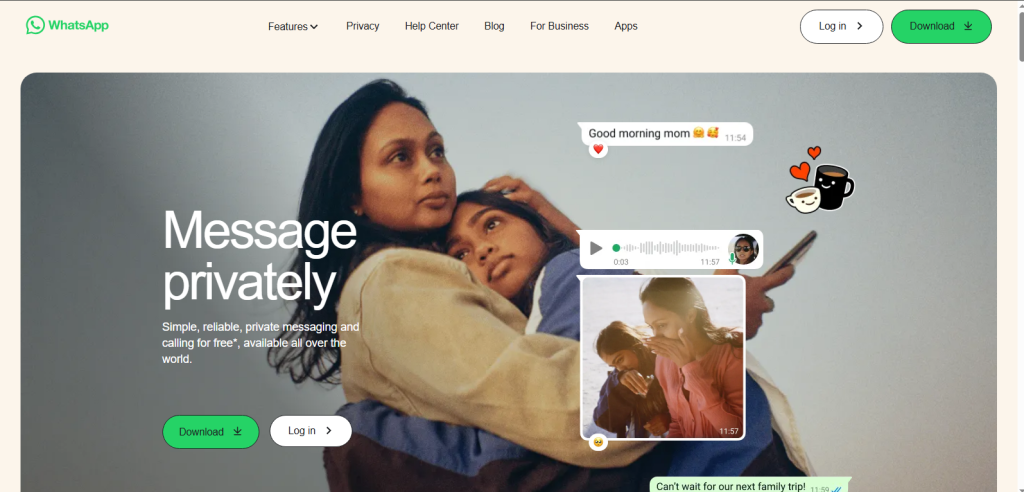
WhatsApp is a communication app that replaces Skype’s one‑to‑one voice and video calls and instant messaging for personal use. WhatsApp uses internet data to connect users across mobile and desktop platforms without per‑minute charges.
WhatsApp secures communication with encryption and supports voice notes, group chats, and media sharing. Many individuals choose WhatsApp for daily conversations and private calls because it works across networks and devices including options to hide last seen for more private conversations.
Pros
WhatsApp provides key benefits for personal communication:
- WhatsApp protects messages and calls so only the communicating parties can read or hear content.
- WhatsApp runs efficiently on Android and iOS devices with optimized call and message delivery over mobile data and Wi‑Fi.
- WhatsApp connects users in many countries, making it easy to contact friends and family worldwide.
Cons
WhatsApp also has constraints for broader communication needs:
- WhatsApp lacks structured video conferencing and team collaboration features found in business platforms.
- WhatsApp restricts the number of simultaneous participants in group voice and video calls compared with dedicated conferencing apps.
Best Use Cases
WhatsApp fits personal and cross‑border communication scenarios:
- WhatsApp supports regular voice and video calls between family members on mobile devices.
- WhatsApp connects individuals with direct messages, voice notes, and quick multimedia sharing.
- WhatsApp enables text and call communication across countries without traditional phone charges.
5: Telegram – Best for Cloud‑Based Messaging & Calls
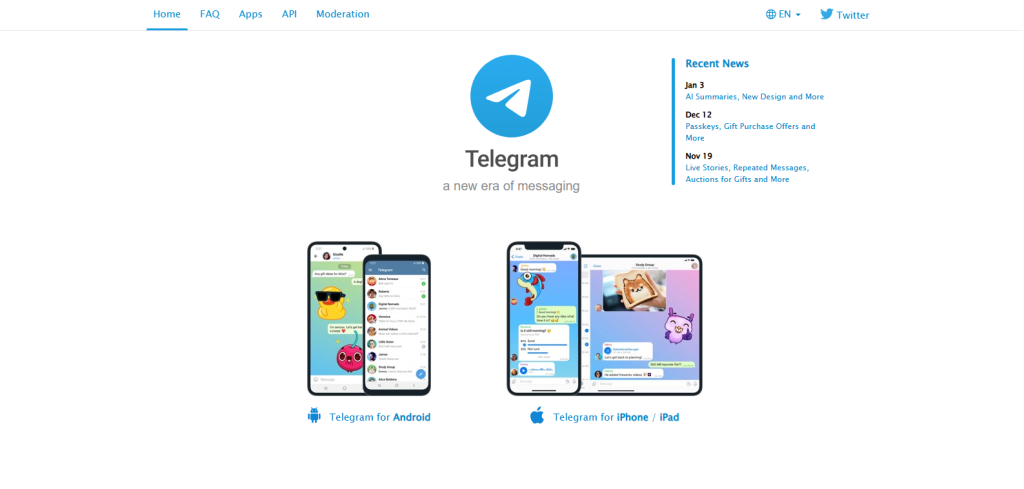
Telegram is a cloud-based messaging platform that replaces Skype’s messaging and voice call features. Telegram synchronizes messages, media, and call history across phones, tablets, and desktop devices automatically.
Telegram supports voice calls, basic video calls, and large group communication while maintaining real-time updates. Telegram also includes Telegram Stars, which allow users to support channels, access paid content, or interact with digital rewards within the app.
Pros
Telegram offers several advantages for messaging and calling:
- Telegram stores chats and media in the cloud, enabling access from any logged-in device.
- Telegram supports high-member groups for team coordination or community discussions.
- Telegram delivers messages and calls quickly, even on slower networks.
- Telegram Stars provide in-app currency for supporting channels, paid content, or digital gifts.
Cons
Telegram also has limitations for some communication needs:
- Telegram provides video calls, but features are simpler than dedicated conferencing tools.
- Telegram uses standard server-side encryption for normal chats and groups, while end-to-end encryption is only available in Secret Chats.
Best Use Cases
Telegram works well for scenarios requiring flexible communication:
- Telegram keeps messages and calls consistent across phones, tablets, and desktops.
- Telegram supports large groups for team collaboration or community interaction.
- Telegram provides quick voice calls and basic video calls for personal or casual conversations.
6: Signal – Best for Secure Messaging and Private Calls
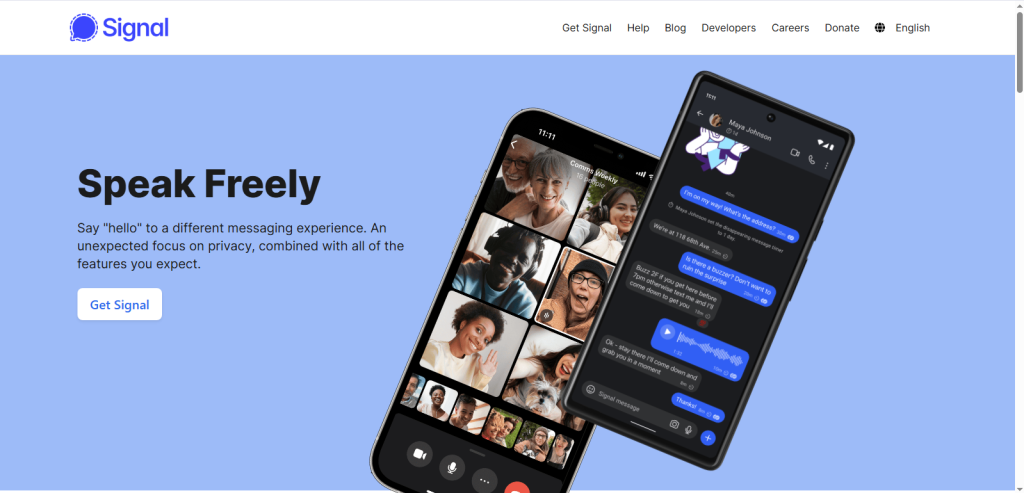
Signal is a privacy-centered messaging and calling platform that replaces Skype’s messaging and voice call features for users who prioritize security. Signal encrypts messages, voice calls, and group chats end-to-end so only participants can access the content.
Signal collects minimal user data, retains only essential information such as phone numbers and signup dates, and operates without ads or monetizing user information. Signal is ideal for individuals who need confidential communication, secure group chats, and protected voice calls.
Pros
Signal provides strong privacy and secure communication advantages:
- Signal ensures that messages and calls are only readable or audible to the participants.
- Signal stores only essential account details and does not save message content or extensive metadata.
- Signal publishes its code for independent verification of security measures.
- Signal operates without advertising or user data monetization, maintaining a privacy-first service.
Cons
Signal has some limitations for broader communication use:
- Signal lacks advanced tools like extensive customizations, chat bots, or third-party integrations.
- Signal can only communicate with other users who also have the app installed.
- Signal prioritizes strong security protocols that may require additional initial setup compared with standard messaging apps.
Best Use Cases
Signal is suitable for secure and private communication needs:
- Signal protects daily text and voice conversations from interception.
- Signal allows encrypted group messaging with confidential member lists and content.
- Signal provides protected voice communication using the same end-to-end encryption as its messaging.
7: Discord – Best for Voice Communities & Persistent Chat
Discord is a communication platform that replaces Skype’s group voice call and chat room capabilities for communities and long‑running groups. Discord provides persistent voice channels that stay open so users can enter and leave at any time.
Discord also includes text chat rooms, roles, and moderation tools that support structured group interaction. Many communities choose Discord for continuous communication, live audio channels, and coordinated discussion spaces that remain active beyond scheduled meetings.
Pros
Discord offers key advantages for community‑focused communication:
- Discord keeps voice channels active so members can join, leave, or remain connected without restarting sessions.
- Discord supports roles, permissions, organized channels, and topic‑focused subgroups that help communities manage discussions.
- Discord provides voice communication with clear audio over broadband or mobile data without charging for core voice capabilities.
Cons
Discord also has limitations for formal communication needs:
- Discord lacks structured scheduling and productivity features typical of professional video conferencing tools. Some users who need simpler voice tools still explore Discord alternatives when community chat feels too complex.
- Discord’s combination of channels, roles, and server settings may require orientation before users can navigate confidently.
Best Use Cases
Discord fits scenarios centered on group engagement and ongoing interaction:
- Discord hosts persistent voice and chat spaces where gamers coordinate sessions or socialize.
- Discord supports clubs, fan communities, and interest groups with topic‑specific channels and member roles.
- Discord enables always‑on voice rooms for ongoing discussion, collaboration, or live interaction.
8: Slack – Best for Team Messaging with Calls
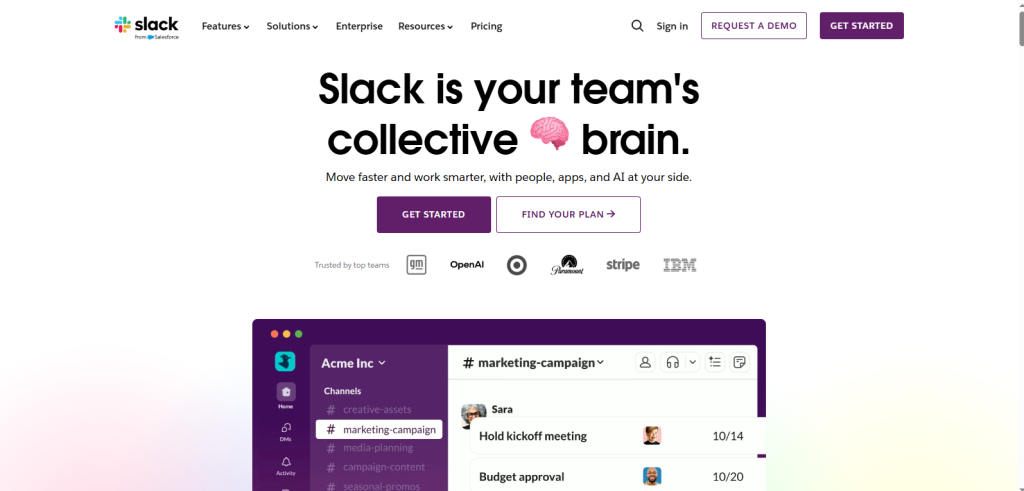
Slack is a business communication platform that replaces Skype’s team messaging and basic calling functions for workplace collaboration. Slack organizes conversations into channels and direct messages, enabling teams to coordinate tasks and share information without switching tools.
Slack supports voice and video calls within chats and integrates with productivity applications to centralize work communication. Many organizations adopt Slack to streamline internal messaging and link communication with project tools and file management.
Pros
Slack offers practical advantages for team communication:
- Slack arranges conversations into labeled channels, threads, and group chats, making team discussions easier to follow.
- Slack connects with external applications such as project management tools, cloud storage, calendars, and task platforms to unify workflows.
- Slack allows users to upload, preview, and share documents directly in channels or messages, supporting collaboration without separate tools.
Cons
Slack has limitations in its calling and pricing structure:
- Slack provides voice and video calls, but these functions are less advanced than those in dedicated conferencing platforms, with fewer participants supported and limited controls.
- Slack’s paid plans can become expensive as team size increases and premium features are required.
Best Use Cases
Slack fits communication needs centered on internal team work:
- Slack centralizes messages, replies, and alerts for employees within an organization.
- Slack enables teams to maintain direct and group messaging without mixing personal and professional communication.
- Slack allows project teams to link messages with task tools, shared files, and integrated apps to support coordinated work.
9: FaceTime – Best Skype Alternative for Apple Users
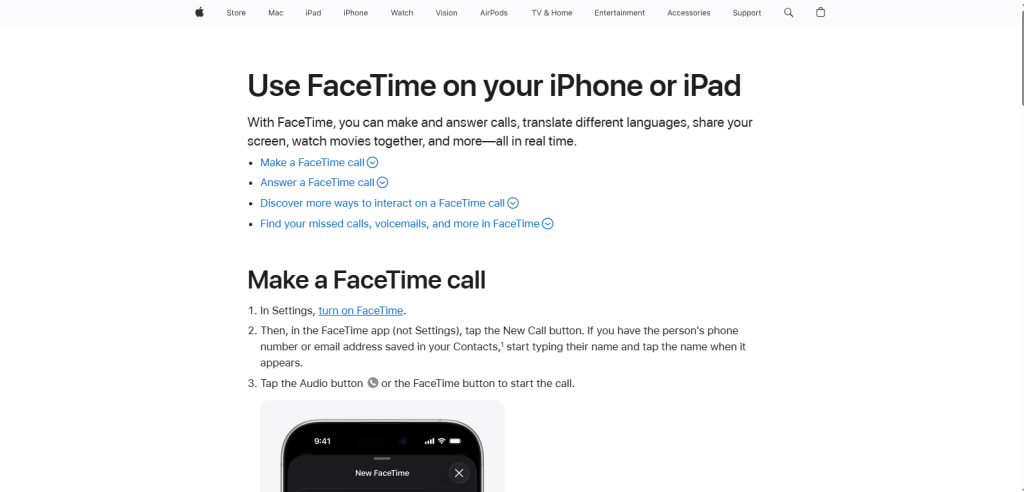
FaceTime is a video and voice calling service that replaces Skype’s one‑to‑one personal communication on Apple devices. FaceTime connects iPhone, iPad, and Mac users through high‑quality voice and video calls using internet data.
FaceTime uses Apple’s communication framework to deliver stable calls with clear audio and sharp video. Many individuals on Apple hardware choose FaceTime when they need reliable personal calling without installing a separate app.
Pros
FaceTime provides advantages tailored to Apple hardware:
- FaceTime delivers sharp and smooth video calls on supported Apple devices, including iPhone and iPad.
- FaceTime uses a clean call screen and intuitive controls that reduce setup time for voice and video calls.
- FaceTime links with Contacts, Messages, and the Apple ID system to let users call directly without additional accounts.
Cons
FaceTime also has limitations that affect some users:
- FaceTime runs only on Apple hardware such as iPhones, iPads, and Macs.
- FaceTime cannot directly place calls to non‑Apple operating systems like Windows or Android.
Best Use Cases
FaceTime works best in scenarios anchored to Apple devices:
- FaceTime connects people who use Apple phones, tablets, and computers for personal calls.
- FaceTime supports direct voice and video conversations between individuals without group conferencing features.
<strong>10: Cisco Webex – Best Enterprise‑Grade Alternative</strong>
Cisco Webex is a professional conferencing platform that replaces Skype’s business meeting and enterprise communication functions. Webex supports audio and video meetings, screen sharing, webinar hosting, and collaboration tools designed for formal organizational use.
Webex employs secure networking protocols and scalable infrastructure that meet enterprise communication needs. Many large companies choose Webex for structured meetings, compliance requirements, and secure conferencing environments.
Pros
Cisco Webex provides key benefits for enterprise communication:
- Webex uses encrypted meeting connections and access controls to protect corporate data during voice and video sessions.
- Webex maintains stable performance and uptime for large meetings and distributed teams across regions.
- Webex offers host controls such as participant management, breakout rooms, recording, and scheduling tools suitable for structured business meetings.
Cons
Cisco Webex also has limitations that affect some users:
- Webex presents multiple menus, controls, and settings that can make the user interface feel dense.
- Webex requires orientation before participants can navigate meeting settings effectively.
Best Use Cases
Cisco Webex fits professional and enterprise meeting scenarios:
- Webex supports communication at scale for corporations with extensive team structures.
- Webex enables scheduled executive briefings, team meetings, and interdepartmental collaboration with formal controls.
- Webex provides communication environments suitable for meetings that require enhanced security and compliance.
11: GoTo Meeting – Best for Professional Video Conferencing
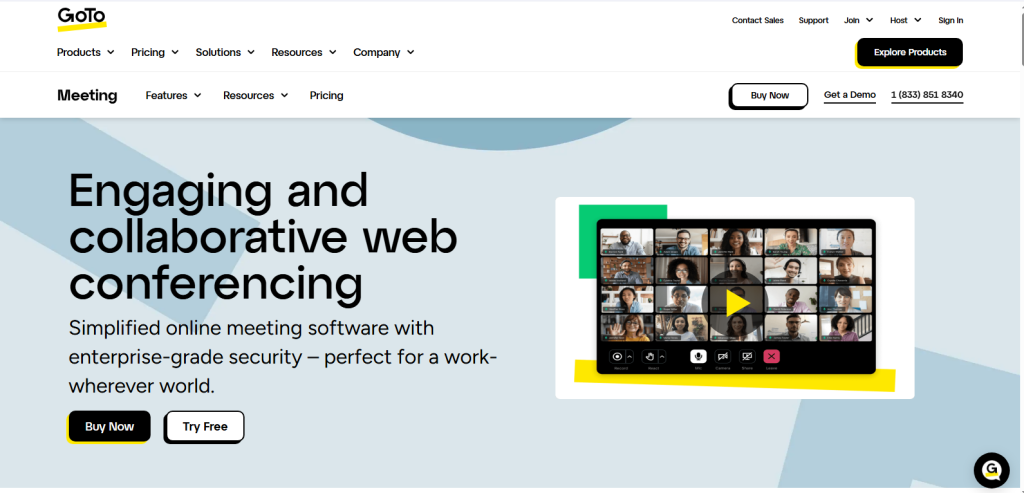
GoTo Meeting is a web conferencing platform that replaces Skype’s business‑oriented video calling with tools customized for structured professional communication. GoTo Meeting supports scheduled video calls, screen sharing, and participant controls that help small to mid‑size teams coordinate discussions.
GoTo Meeting uses cloud‑based delivery to maintain stable video connections and integrates scheduling and recording features that enhance meeting preparation and review. Many professionals choose GoTo Meeting when they need reliable video calls that support presentations, agendas, and follow‑up.
Pros
GoTo Meeting provides practical benefits for business communication:
- GoTo Meeting maintains consistent video and audio quality during professional calls, even with multiple participants.
- GoTo Meeting allows hosts to record sessions, enabling participants to review discussions later.
- GoTo Meeting integrates with calendar systems, letting organizers set up meetings in advance and share links with invitees.
Cons
GoTo Meeting has limitations that affect broader use:
- GoTo Meeting’s free plan restricts meeting duration and feature access compared with paid tiers.
- GoTo Meeting focuses on video conferencing and does not include extensive team messaging or persistent workspace features.
Best Use Cases
GoTo Meeting fits communication needs centered on formal calls and client interaction:
- GoTo Meeting supports structured video calls between professionals and external clients.
- GoTo Meeting provides a stable environment for team check‑ins, reviews, and remote discussions.
- GoTo Meeting offers reliable video communication for small teams without requiring complex collaboration suites.
12: RingCentral – Best All‑in‑One Business Communication

RingCentral is a cloud communication platform that replaces Skype’s voice calls, messaging, and meeting functions with a unified business communication solution. RingCentral combines VoIP calling, team messaging, video meetings, and business phone systems into one service.
RingCentral operates on internet infrastructure to connect employees and external contacts consistently across devices. Many organizations choose RingCentral to centralize communication, support customer calls, and maintain reliable connectivity for internal and external interactions.
Pros
RingCentral offers practical advantages for enterprise communication:
- RingCentral integrates voice calls, team messaging, and video meetings in a single application, reducing the need for separate tools.
- RingCentral uses internet‑based phone service to replace traditional phone lines and supports business call features such as call routing and voicemail.
- RingCentral delivers consistent performance for voice and video communication with service uptime suitable for organizational needs.
Cons
RingCentral also has limitations for some users:
- RingCentral’s advanced features and business phone capabilities require subscription plans, which may be cost‑prohibitive for small or casual users.
- RingCentral’s comprehensive business tools are more than needed for simple personal calls or messaging.
Best Use Cases
RingCentral fits specific business communication scenarios:
- RingCentral supports organizational phone systems with VoIP features such as call forwarding, extensions, and central voicemail.
- RingCentral enables support teams to handle incoming and outgoing calls, messaging, and coordination with clients across channels.
13: Zoho Meeting – Best Budget‑Friendly Business Option
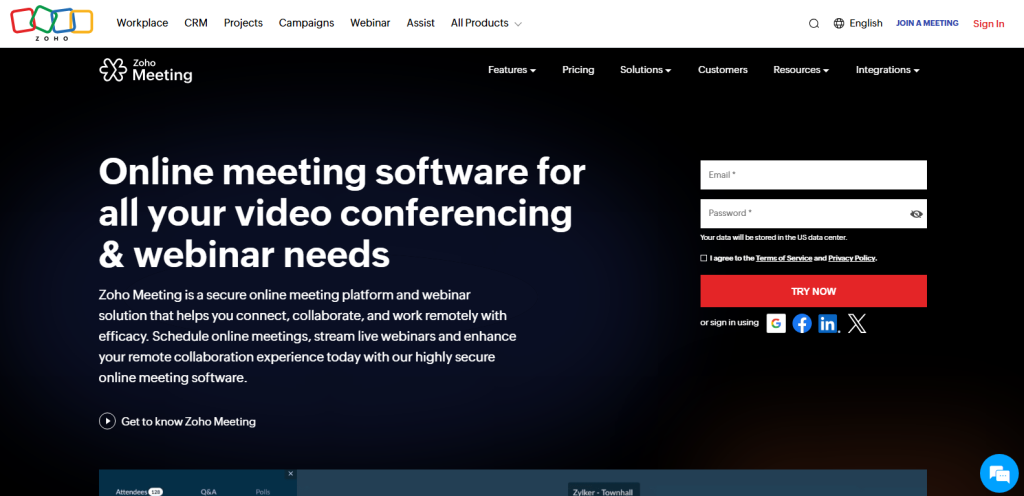
Zoho Meeting is a web conferencing service that replaces Skype’s online meetings and screen sharing for cost‑conscious businesses. Zoho Meeting enables scheduled video calls with screen sharing and meeting controls suitable for small teams.
Zoho Meeting is part of the broader Zoho ecosystem, linking conferencing with other productivity tools. Organizations with limited budgets often choose Zoho Meeting because it delivers essential meeting features at lower price points than many enterprise platforms.
Pros
Zoho Meeting provides advantages for affordable business communication:
- Zoho Meeting offers meeting features at lower subscription costs compared with many enterprise conferencing tools, making it accessible for small budgets.
- Zoho Meeting presents a simple meeting layout with clear controls for video, audio, and screen sharing, reducing navigation time.
- Zoho Meeting integrates with other Zoho productivity applications such as Zoho Mail, Zoho Calendar, and Zoho CRM, enabling coordinated workflow across tools.
Cons
Zoho Meeting also has limitations that affect some communication needs:
- Zoho Meeting lacks extensive meeting controls and collaboration tools found in higher‑tier enterprise conferencing platforms.
- Zoho Meeting has fewer active users than mainstream video conferencing services, which can affect familiarity and adoption.
Best Use Cases
Zoho Meeting fits communication scenarios where affordability and simplicity matter:
- Zoho Meeting supports essential online meetings and presentations for early‑stage teams without high subscription costs. New teams that start using Zoho Meeting often begin by creating a Zoho Mail account to manage meetings and invitations.
- Zoho Meeting provides basic conferencing and screen sharing for small business discussions and client calls.
14: Jitsi Meet – Best Open‑Source & No‑Account Option
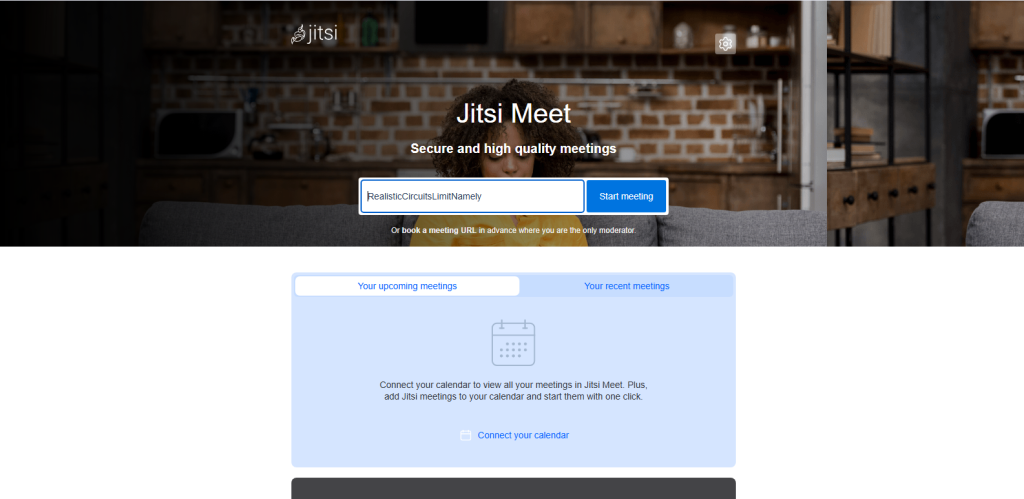
Jitsi Meet is a free video conferencing platform that replaces Skype’s instant video meeting function without requiring user registration. Jitsi Meet runs in web browsers and supports real‑time video calls with screen sharing, enabling direct connection via a meeting link.
Jitsi Meet uses open‑source software that any organization or individual can host and customize independently. Many users choose Jitsi Meet when they need quick access to video communication without installation or account setup, especially in privacy‑aware or flexible environments.
Pros
Jitsi Meet provides several benefits for on‑demand communication:
- Jitsi Meet allows participants to join video meetings instantly without signing in or creating a profile.
- Jitsi Meet is published under a permissive license, enabling anyone to inspect, modify, or self‑host the platform.
- Jitsi Meet runs directly in compatible web browsers, eliminating the need to install applications.
Cons
Jitsi Meet also has constraints in certain scenarios:
- Jitsi Meet’s call quality and stability can vary based on server resources and network conditions when self‑hosted.
- Jitsi Meet lacks advanced conferencing controls and integrations typical of commercial enterprise platforms.
Best Use Cases
Jitsi Meet suits communication contexts that prioritize accessibility and flexibility:
- Jitsi Meet enables spontaneous video calls with minimal preparation.
- Jitsi Meet allows users to conduct browser‑based meetings without accounts or centralized user tracking.
- Jitsi Meet supports video communication directly in web browsers, making it useful when installation is not possible.
15: Viber – Best for International Voice Calls
Viber is a communication app that replaces Skype’s international calling and messaging functions for users who make cross‑border calls and chats. Viber uses internet data to connect voice calls and text messages between countries at lower costs than traditional phone services.
Viber supports text messaging, voice calling, and multimedia exchanges on mobile and desktop devices. Many individuals choose Viber when they need affordable international voice communication and encrypted personal messaging.
Pros
Viber offers practical advantages for global communication:
- Viber provides voice calls to other Viber users at low or no direct per‑minute fees over internet connections.
- Viber secures messages and calls so that only communicating parties can access the content.
- Viber runs efficiently on Android and iOS devices, enabling calls and messages on the go.
Cons
Viber also has limitations that affect broader communication needs:
- Viber’s global user population is lower than some major messaging platforms, affecting reach for some contacts.
- Viber does not provide structured business communication features such as team collaboration or conferencing functions.
Best Use Cases
Viber suits scenarios centered on cross‑border and mobile communication:
- Viber connects users across countries with voice calls and text messaging at affordable data‑based rates.
- Viber supports direct voice calls between individuals in different regions without traditional phone charges.
Final Words – Choosing the Right Skype Alternative
The best Skype alternative depends on your needs. Microsoft Teams suits businesses and remote teams, Zoom handles large video meetings, and Google Meet works instantly in browsers. For personal use, WhatsApp and Viber offer secure messaging and calls, while Telegram provides cloud-based cross-device communication.
Discord supports voice communities, Zoho Meeting is budget-friendly, and Jitsi Meet offers privacy-focused, no-account calls. Apple users benefit from FaceTime, and enterprises can rely on Cisco Webex, GoTo Meeting, or RingCentral for secure professional communication. These 15 alternatives cover all major use cases, business, personal, privacy, and community, allowing you to replace Skype with the platform that fits your workflow and device preferences.
<strong>People Also Ask</strong>
Can I switch from Skype chat history to a new platform?
Direct migration is usually unavailable, but you can manually export Skype history and keep local copies.
Do these alternatives work internationally without extra charges?
Most internet-based apps like WhatsApp, Telegram, and Viber allow free international messaging and calls using data.
Can I schedule recurring meetings on Skype alternatives?
Yes, Microsoft Teams, Zoom, Google Meet, and Zoho Meeting support recurring meetings with calendar integration.
Which Skype alternatives use minimal data for mobile calls?
Telegram, WhatsApp, and Viber optimize voice calls for low data consumption.
Are there open-source Skype alternatives?
Yes, Jitsi Meet and Signal provide open-source or transparent code platforms for privacy-conscious users.