Tired of paying high phone bills every time you need to make free international calls?
You might be surprised that many international calls can be made for free.
It really hit me during a work trip abroad. I made a quick call home, only to discover later that the roaming charge cost more than my hotel breakfast. That experience led me to test dozens of apps to make international calls to find which ones actually work, and which ones quietly charge you when you least expect it.
I also found that “free” doesn’t always mean completely free. Most apps fall into one of these categories:
- Free app-to-app calls over the internet
- Freemium apps with limited free credits
- Paid plans for calling landlines or mobile numbers
- Regional restrictions that limit availability
Now I will let you know about the best free international calling apps in 2026, including their features, limitations, and the best use case for each.
What Is a Free International Calling App?
A free international calling app lets you make voice calls, video calls, and send messages to people in other countries using an internet connection instead of a cellular network. Most apps use Voice over Internet Protocol (VoIP) like Onvoy LLC, so you don’t need a SIM card or pay traditional international calling charges.
In addition to international calls, these apps often support:
- Voice and video calls
- Text messages
- Voice notes
- Photo, video, and file sharing
- Group chats and group calls
- End-to-end encryption (on supported apps)
What are the Best International Calling Apps?
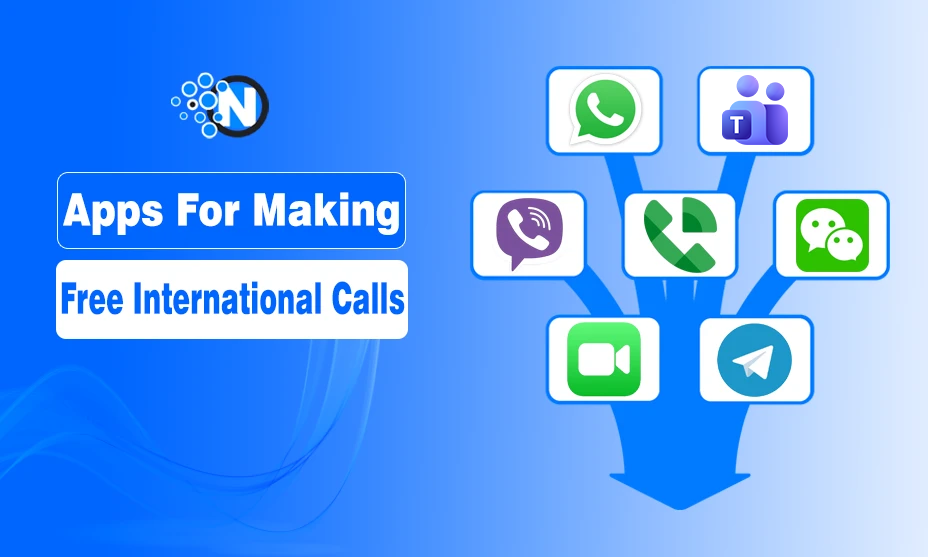
The following best apps for international calling let you make free voice calls, video calls, and send messages over the internet. The best free international callings apps are:
- Google Voice
- Viber
- Telegram
- FaceTime
- LINE
- Zoom
- Microsoft Teams
- IMO
What Is the Best International Calling App for Android?
WhatsApp is the best international calling app for Android because it offers free voice and video calls worldwide, works on most devices, and has a large global user base.
What Is the Best International Calling App for iPhone?
FaceTime is the best international calling app for iPhone users because it is built into Apple devices and provides free, high-quality voice and video calls between Apple users.
What Are the Best Free International Calling Apps With Call History Analytics?
Google Voice and Microsoft Teams are among the best options for call history analytics, offering call logs, usage details, and communication tracking features. Most consumer apps provide only basic call history with details like call time and duration.
What Is the Best International Call App for Cheap Calls?
Google Voice is one of the best international calling apps for cheap calls to regular phone numbers, especially for users in supported regions.
Best Free International Calling Apps Comparison
Choosing the right international calling app depends on your calling needs, location, and preferred device. This comparison highlights the key differences to help you find the best option.
| App | Best For | Free Calling Type | Available On |
|---|---|---|---|
| Overall international calling | App-to-app voice and video calls | Android, iPhone, Web, Desktop | |
| Google Voice | Business users and phone numbers | Free calls in supported regions; low-cost international rates | Android, iPhone, Web |
| Viber | HD-quality calls | Free app-to-app calls | Android, iPhone, Desktop |
| Telegram | Privacy and large groups | Free voice and video calls | Android, iPhone, Desktop, Web |
| FaceTime | Apple users | Free calls between Apple devices | iPhone, iPad, Mac |
| Contacts in China | Free app-to-app calls | Android, iPhone, Desktop | |
| LINE | Japan, Taiwan, and Thailand users | Free app-to-app calls | Android, iPhone, Desktop |
| Zoom | Group video calls | Free meetings with time limits | Android, iPhone, Desktop, Web |
| Microsoft Teams | Work communication | Free video calls and collaboration | Android, iPhone, Desktop, Web |
| IMO | Low-bandwidth connections | Free app-to-app calls | Android, iPhone, Windows |
Details of the Best Free International Calling Apps
Below are the detailed reviews of the best free international calling apps, including their main features, limitations, and the situations where each app works best.
1. WhatsApp — Best Free app to make international calls
WhatsApp free international calling app is the best for making voice and video calls over Wi-Fi or mobile data. It works on Android, iPhone, Windows, macOS, and the web, allowing you to stay connected without international calling charges.
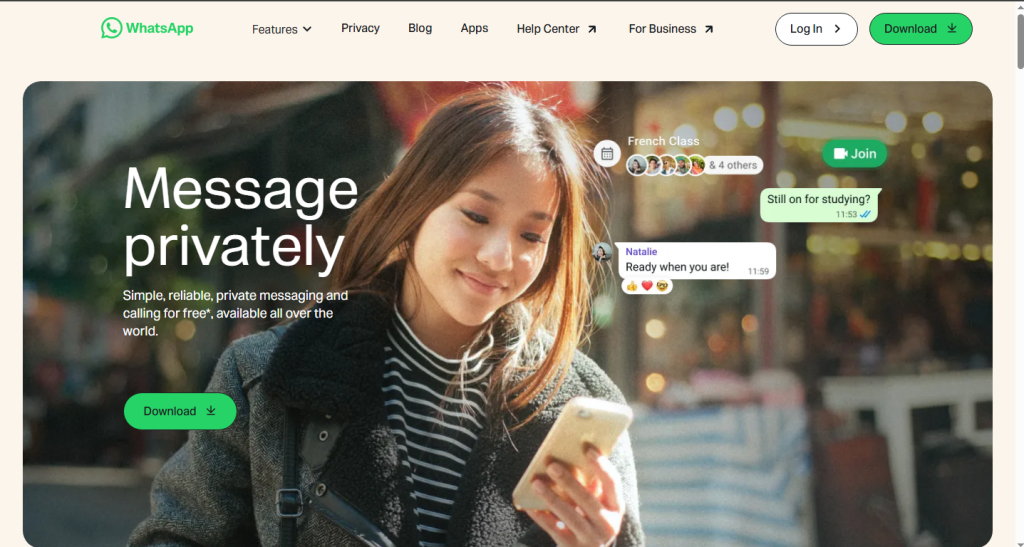
Beyond free app-to-app international calls, WhatsApp supports group video calls, voice messages, document sharing, location sharing, and end-to-end encrypted messaging. It’s widely used for personal communication and business because many people already have the app installed.
Key Features
- Free voice and video calls
- Group video calls for up to 32 participants
- Voice messages and file sharing
- Available on Android, iPhone, Windows, macOS, and Web
- WhatsApp Business support
| Pros | Cons |
| Free app-to-app international calls | Both users need WhatsApp |
| Works across multiple platforms | Can’t call landlines or mobile numbers directly |
| End-to-end encryption | Requires an internet connection |
| Supports personal and business communication use |
2. Google Voice — Best Free International Calling App for Android & Business Users
Google Voice is the best international calling app for business users who need a U.S. phone number, call forwarding, and Google Workspace integration. It offers free calls to U.S. and Canadian numbers and affordable rates for international calls.
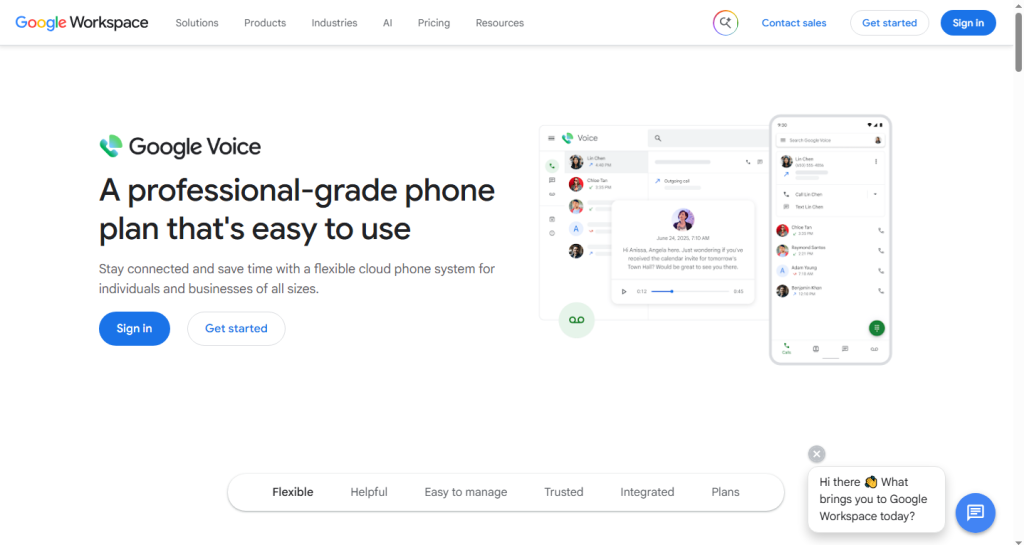
Unlike most calling apps, Google Voice supports real phone numbers instead of only app-to-app calls. It also includes AI-powered voicemail transcription, spam filtering, call screening, and works seamlessly with Gmail, Google Calendar, and Google Meet.
For businesses that need more comprehensive calling features beyond Google Voice, dedicated business phone plans offer additional options like toll-free numbers and advanced call routing.
Key Features
- Free calls to U.S. and Canadian numbers
- U.S. phone number
- AI voicemail transcription
- Spam filtering and call screening
- Call forwarding across devices
- Google Workspace integration
- Android, iPhone, and Web support
| Pros | Cons |
| Free U.S. and Canada calling | International calls require credits |
| AI voicemail transcription | Best suited for U.S.-based users |
| Google Workspace integration | Limited availability outside supported regions |
| Supports real phone numbers |
3. Viber — Best Free International Calling App for HD Audio
Viber is the best free international calling app for android that offer HD-quality voice calls. It offers free app-to-app voice and video calls, while Viber Out lets you call landlines and mobile numbers using paid credits.
Owned by Rakuten, Viber is widely used in Eastern Europe, the Middle East, and parts of Southeast Asia. It also supports group calls for up to 60 participants, end-to-end encrypted messaging, disappearing messages, and works on Android, iPhone, Windows, macOS, and Linux.
Key Features
- Free HD voice and video calls
- Viber Out for landline and mobile calls (paid)
- Group calls for up to 60 participants
- End-to-end encrypted messaging
- Disappearing messages and community channels
- Android, iPhone, Windows, macOS, and Linux support
| Pros | Cons |
| HD audio quality | Viber Out requires paid credits |
| Works well on low-bandwidth networks | Smaller user base than WhatsApp |
| Linux support | Some features vary by region |
| End-to-end encryption | Less popular in North America |
4. Telegram — Best Free International Calling App for Privacy
Telegram is ideal for users who prioritize privacy and large group communication. It provides free voice and video calls, supports Secret Chats with end-to-end encryption, and works reliably even on slower internet connections.
Telegram gains around 2.5 million new users each day and supports group video calls for up to 1,000 viewers with 30 active on-screen participants, making it one of the best free apps for large international communities. It also includes bots, in-app translation, self-destructing messages, and a second phone number feature.
Key Features
- Free voice and video calls
- Secret Chats with end-to-end encryption
- Group video streams for up to 1,000 viewers
- In-app translation and bots
- Self-destructing messages
- Android, iPhone, Windows, macOS, Linux, and Web
| Pros | Cons |
| Strong privacy features | Can’t call landlines or regular phone numbers |
| Reliable on slower networks | End-to-end encryption is only available in Secret Chats |
| Supports very large group streams | Popularity varies by region |
| Cross-platform support |
5. FaceTime — Best Free International Calling App for Apple Users
FaceTime is the best best free international calling app for iPhone, iPad, and Mac users. It offers free HD voice and video calls with end-to-end encryption, making it an excellent choice for the Apple ecosystem.
Built into every iPhone, iPad, and Mac, FaceTime requires no additional downloads or account setup for Apple users. It supports group calls with up to 32 participants and integrates with iMessage, Contacts, Calendar, and SharePlay for a seamless calling experience.
Key Features
- Free HD voice and video calls
- Group calls with up to 32 participants
- Built into iPhone, iPad, and Mac
- End-to-end encrypted calls
- Integration with iMessage, Contacts, and Calendar
- SharePlay support
| Pros | Cons |
| No setup for Apple users | Only Apple users can start FaceTime calls |
| Free international voice and video calls | Android and Windows users join through a web browser |
| Excellent call quality and privacy | Requires an internet connection |
| Deep Apple ecosystem integration |
6. WeChat — Best Free International Calling App for Reaching Contacts in China
WeChat is the best free international calling app for communicating with contacts in China. It offers free voice calls, video calls, and messaging between WeChat users, making it the primary communication platform in the country.
With over 1 billion users, WeChat combines group video calls, WeChat Pay, Mini Programs, shopping, public services, and healthcare appointments in a single app.
WeChat Out is available only for eligible accounts registered outside mainland China and supports international calls to selected countries using paid credits.
Key Features
- Free voice and video calls
- Group video calls and broadcast messaging
- WeChat Out for eligible international calling (paid)
- WeChat Pay and Mini Programs
- Android, iPhone, and Desktop support
- Built-in shopping and public services
| Pros | Cons |
| Best option for communicating with contacts in China | Banned in India and restricted in some regions |
| Over 1 billion users | Less popular outside Asia |
| Super-app with payments and digital services | WeChat Out has regional availability and limitations |
| Supports group voice and video calls | Privacy concerns for some users |
7. LINE — Best Free International Calling App for Japan, Taiwan, and Thailand
LINE is the best free international calling app for communicating with contacts in Japan, Taiwan, and Thailand, where it remains one of the most widely used messaging platforms. It offers free voice and video calls, as well as messaging, between LINE users.

Beyond calling, LINE includes services such as LINE Music, LINE Manga, LINE News, and other regional digital features. It also supports group chats, sticker packs, and works across Android, iPhone, and desktop devices.
Key Features
- Free voice and video calls
- Group chats and sticker packs
- LINE Music, LINE Manga, and LINE News
- Android, iPhone, and Desktop support
- Popular across Japan, Taiwan, and Thailand
| Pros | Cons |
| Widely used in Japan, Taiwan, and Thailand | Smaller user base outside Asia |
| Rich messaging and content ecosystem | Cannot call landlines or regular phone numbers |
| Available on mobile and desktop | Less useful if your contacts don’t use LINE |
| Regularly evolving regional services | Privacy features are less comprehensive than some alternatives |
8. Zoom — Best Free International Video Calling App for Groups
Zoom is the best free international video calling app for group meetings, online classes, and remote collaboration. It provides high-quality audio and video calls and works reliably across devices and internet connections.
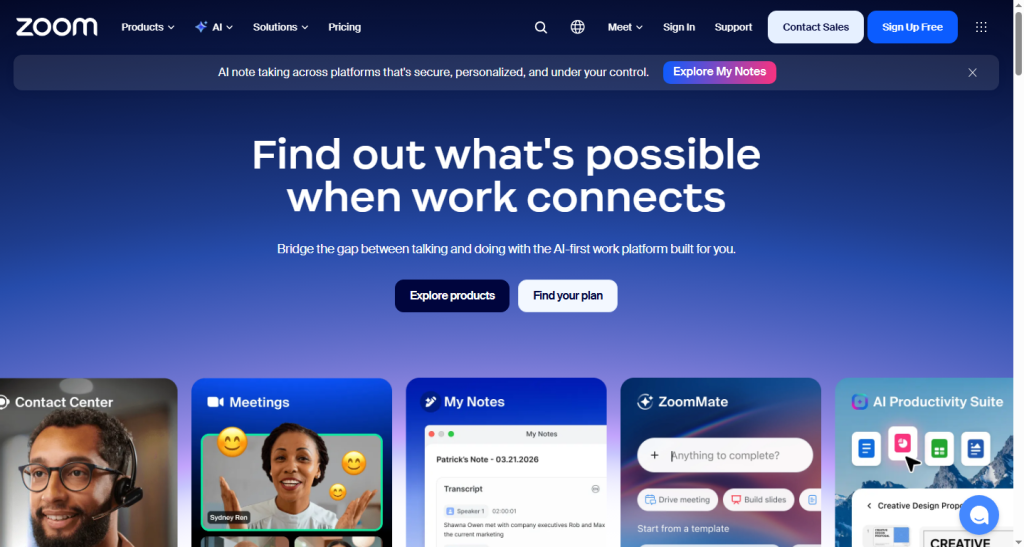
The free plan supports one-to-one and group meetings for up to 100 participants, with a 40-minute limit on all meetings.
Zoom also includes screen sharing, breakout rooms, whiteboards, and allows participants to join meetings without creating an account.
Key Features
- Free HD audio and video calls
- One-to-one and group meetings for up to 100 participants (40-minute limit)
- Screen sharing, breakout rooms, and whiteboards
- Android, iPhone, Windows, macOS, Linux, and Web support
- Participants can join without an account
| Pros | Cons |
| Reliable call quality, even on slower networks | Free meetings are limited to 40 minutes |
| No account required to join meetings | Doesn’t support direct calls to phone numbers |
| Available on all major platforms | Better suited for meetings than casual conversations |
| Collaboration tools included |
9. Microsoft Teams — Best Free Skype Alternative for International Calling
Microsoft Teams is the best free Skype alternative following Skype’s retirement on May 5, 2025. It offers free video calls, group chats, file sharing, and collaboration tools, making it the natural transition for many former Skype users.
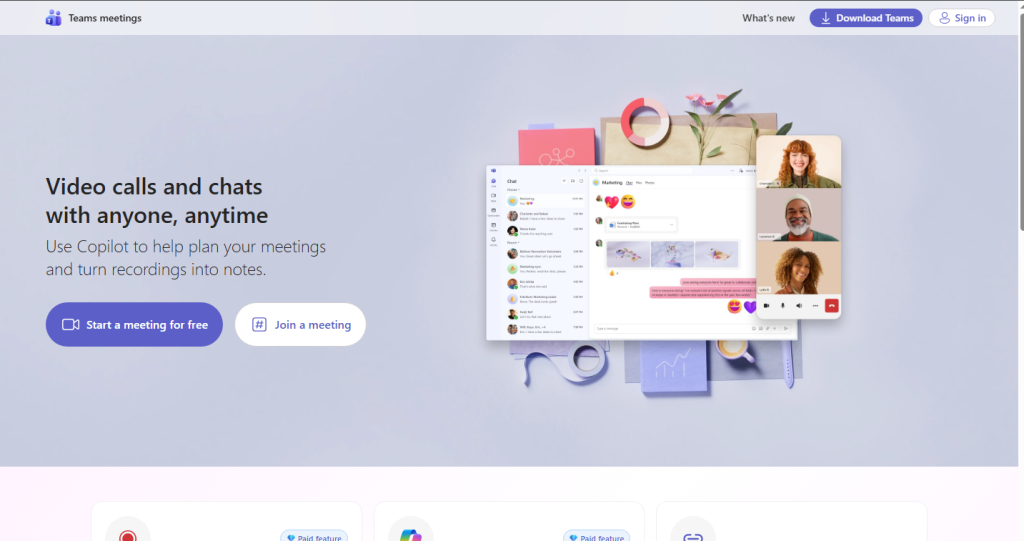
Existing Skype users can sign in with their Microsoft account to access eligible contacts and chat history in Teams. The free plan also includes shared files, tasks, whiteboards, and integration with Microsoft 365. For calling landlines and mobile numbers, Teams Phone is available as a paid add-on.
Key Features
- Free video calls and group chats
- Import eligible Skype contacts and chat history
- File sharing, tasks, and whiteboards
- Microsoft 365 integration
- Android, iPhone, Windows, macOS, and Web support
- Teams Phone for calling phone numbers (paid)
| Pros | Cons |
| Best upgrade path for former Skype users | Designed primarily for business use |
| Skype contacts and chats can migrate | Calling phone numbers requires Teams Phone |
| Strong collaboration features | More complex than consumer messaging apps |
| Available across all major platforms |
10. IMO — Best Free International Calling App for Low-Bandwidth Areas
IMO free international calling app is for the users with slow or unstable internet connections. It delivers free voice calls, video calls, and messaging while using minimal bandwidth, making it ideal for areas with limited network coverage.
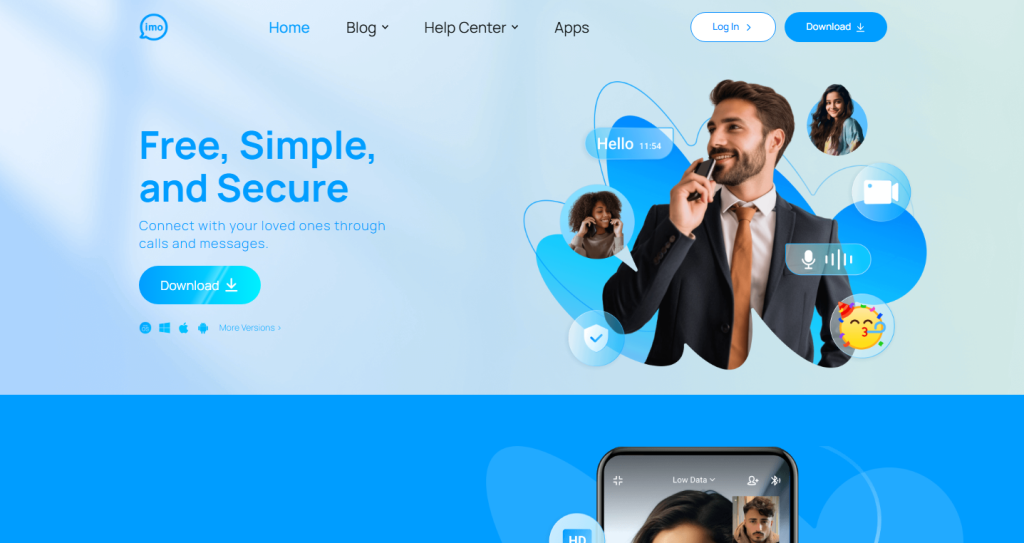
Widely used across South Asia, the Middle East, and Africa, IMO supports group chats, multimedia sharing, end-to-end encrypted calls, and a lightweight design that reduces data and storage usage. It is available on Android, iPhone, and Windows, with conversations synced across supported devices.
Key Features
- Free voice and video calls
- Optimized for low-bandwidth networks
- Group chats and multimedia sharing
- End-to-end encrypted calling
- Lightweight app with low data usage
- Android, iPhone, and Windows support
- Multi-language interface
| Pros | Cons |
| Excellent performance on slow networks | Smaller global user base than leading messaging apps |
| Lightweight and data-efficient | Doesn’t support calls to regular phone numbers |
| Supports encrypted voice and video calls | Limited ecosystem compared to larger platforms |
| Available across mobile and Windows devices | Less popular outside South Asia, the Middle East, and Africa |
What Are the Best International Calling Apps for iPhone?
The best and cheap international calling apps for iPhone include:
- FaceTime — Best for free calls between Apple devices with high-quality audio and video.
- WhatsApp — Best overall option for reaching international contacts who already use the app.
- Telegram — Good choice for privacy-focused calls and large group communication.
- Viber — Useful for HD-quality calls and users in regions where it is widely adopted.
- Google Voice — Suitable for users who need a phone number and affordable calling options.
These apps work through Wi-Fi or mobile data, so you can avoid traditional international calling charges when both users are connected through the same platform.
Do International Calling Apps Provide Call History Analytics?
Some international calling apps provide basic call history details, such as call duration, timestamps, and contact records. However, advanced analytics like usage trends, call reports, or team insights are usually available in business-focused VoIP platforms rather than standard consumer calling apps.
How Can You Get the Best Results From Free International Calling Apps?
You can improve call quality by using a stable internet connection, choosing the right app, and keeping it up to date.
Follow these tips:
- Use Wi-Fi whenever possible for a more stable connection.
- Close apps that consume bandwidth before making a call.
- Use headphones to reduce echo and improve audio quality.
- Make calls from a quiet location with minimal background noise.
- Keep your calling app updated for the latest features and performance improvements.
- Confirm that both users have the same app installed for free app-to-app calls.
- Test your internet speed before important video calls (around 1 Mbps upload is recommended).
People Also Ask About Free International Calling Apps
Do Free International Calling Apps Work Without a SIM Card?
Yes. Most VoIP calling apps only need an internet connection and an account, not an active SIM card.
Which International Calling Apps Work Without Credits?
WhatsApp, FaceTime, and Telegram allow free international calls without credits when both users have the same app and an internet connection. Calls to regular phone numbers usually require payment.
Which Is Better for International Calls: Wi-Fi or Mobile Data?
Wi-Fi is usually better because it provides a more stable connection and avoids mobile data usage.
What Is the Talk360 International Calling App?
Talk360 is an international calling app that lets users make affordable calls to mobile numbers and landlines worldwide without requiring the receiver to have the app.
Which Is the Cheapest International Calling App?
WhatsApp is the cheapest international calling app for most users because it offers unlimited free voice and video calls between users worldwide.
Are Free International Calls from mobile Secure?
Most major apps use encryption and security features, but privacy levels vary by platform.
How to Use Tesco International Calling App?
To use the Tesco International Calling app, download the app, create an account, add calling credit if required, select the country and number you want to call, then start your call through the app.
Can International Calling Apps Replace a Phone Number?
Not always. Most are designed for app-based communication rather than replacing traditional phone services.
Which Free International Calling App Works With Landlines?
Google Voice is one of the closest options for free landline calling, offering free calls to eligible US and Canada numbers. For other countries, most apps require paid credits or per-minute rates.
Which Free International Calling App Should You Choose?
The best free international calling app depends on who you are calling, where they are located, and your communication needs. The most practical choice is usually the app both users already have.
Before choosing, consider call quality, internet reliability, privacy, device compatibility, and whether you need app-to-app or regular phone number calling.
For small business owners evaluating their overall tech stack, international calling apps work best alongside other essential small business tools that streamline day-to-day operations.