Showman App is a cloud based platform used for managing, organizing, and streaming livestock shows. It allows users to handle entries, payments, results, and event management in one place.
If you are searching for how to use Showman App, its features, pricing, and login process, this guide will help you step by step.
This guide covers what Showman App is, how it works, its features, pricing plans, and how to create an account.
What is the Showman App?
Showman App is a cloud based livestock show management software designed for organizers, exhibitors, and participants. It helps manage registrations, online entries, payments, scheduling, live show operations, and results publishing from one platform.
Users can access Showman App through a web browser on desktop or laptop devices, making it easier to organize livestock events efficiently.
Showman App is commonly used for jackpots, fairs, expos, and livestock competitions.
Features of Showman App
After performing extensive research and exploring different aspects of the Showman App, we have created a list of its key features and attributes. You must learn about them to leverage the full potential of this platform.
Showman App provides tools that help organizers manage livestock shows more efficiently, from registration to final results.
1 – Online Entries and Payments
One of the most exclusive features of the Showman App is that it supports online entries and payments. Thus, it makes it extremely easy for organizers to manage the participants and ensure payments. Also, this feature reduces the paperwork significantly, which could be frustrating when registering many users.
2 – Set of Tools
As described previously, the Showman App provides you with a set of different tools that help you perform various critical tasks smoothly. You can ensure the show runs smoothly by performing other activities, like check-in, weigh-in, ring management, and results recording. It delivers an exceptional user experience to your audience.
3 – Cloud-Based Solution
The developers of this brilliant software are well aware of modern trends and their benefits. Therefore, they have launched it as a cloud-based software. In this way, you can access it from anywhere with the help of a quality and fast Internet connection. Additionally, the organizers can stream and manage their shows easily, even on the go.
4 – Results Recording and Publishing
Another exciting feature of the Showman App is that you can easily record results and publish them over the web by utilizing its social tool. With the rise in technology, the developers focused on integrating the modernism elements into the infrastructure of this software. Consequently, you can provide your audience with the latest results even if they haven’t joined the live show.
5 – Show Day Management
In the above paragraphs, we have elaborated on the built-in tools of the Showman App and their role in managing different aspects of the shows. These tools also play their role in streamlining your show day management plans. Also, the judges can deliver the results online with the help of this platform. Consequently, you can learn about your position and process the further steps effortlessly.
How to Use the Showman App?
Utilizing the power of the Showman App to manage and organize your livestock shows is not tricky. However, not following the critical steps precisely can make you find challenges in your journey. Therefore, we have highlighted all the essential steps you need to follow to achieve the desired results.
Follow these steps to properly access and use Showman App for managing livestock shows.
1 – Access the Platform
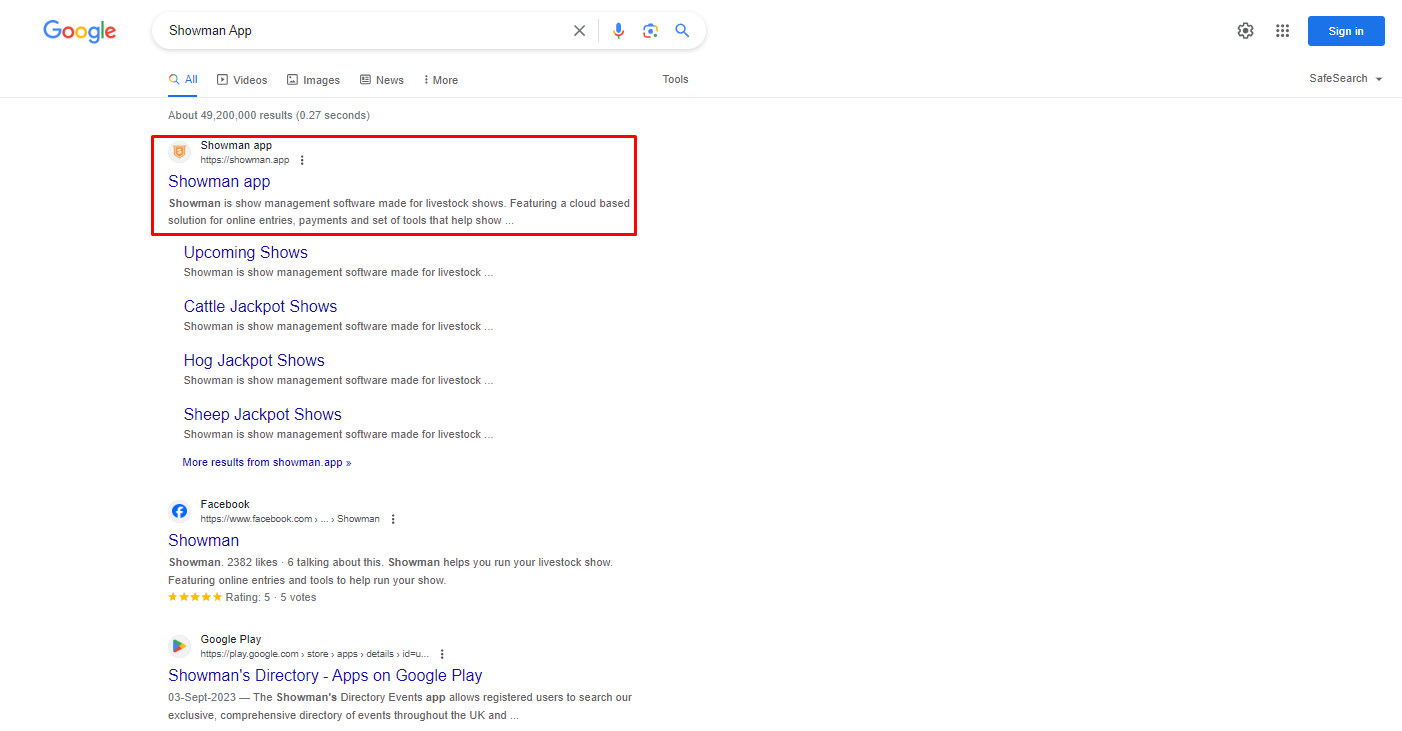
Showman App is a cloud-based software. That’s why it can only be accessed online and with the help of a strong Internet connection to avoid buffering. Grab your compatible devices like a PC or laptop with an updated browser. Open the search bar, type Showman App, and press enter. It will take you to the results page. Here, you will see numerous sites. Locate the official one and click on it to access the homepage.
2 – Understand the Interface
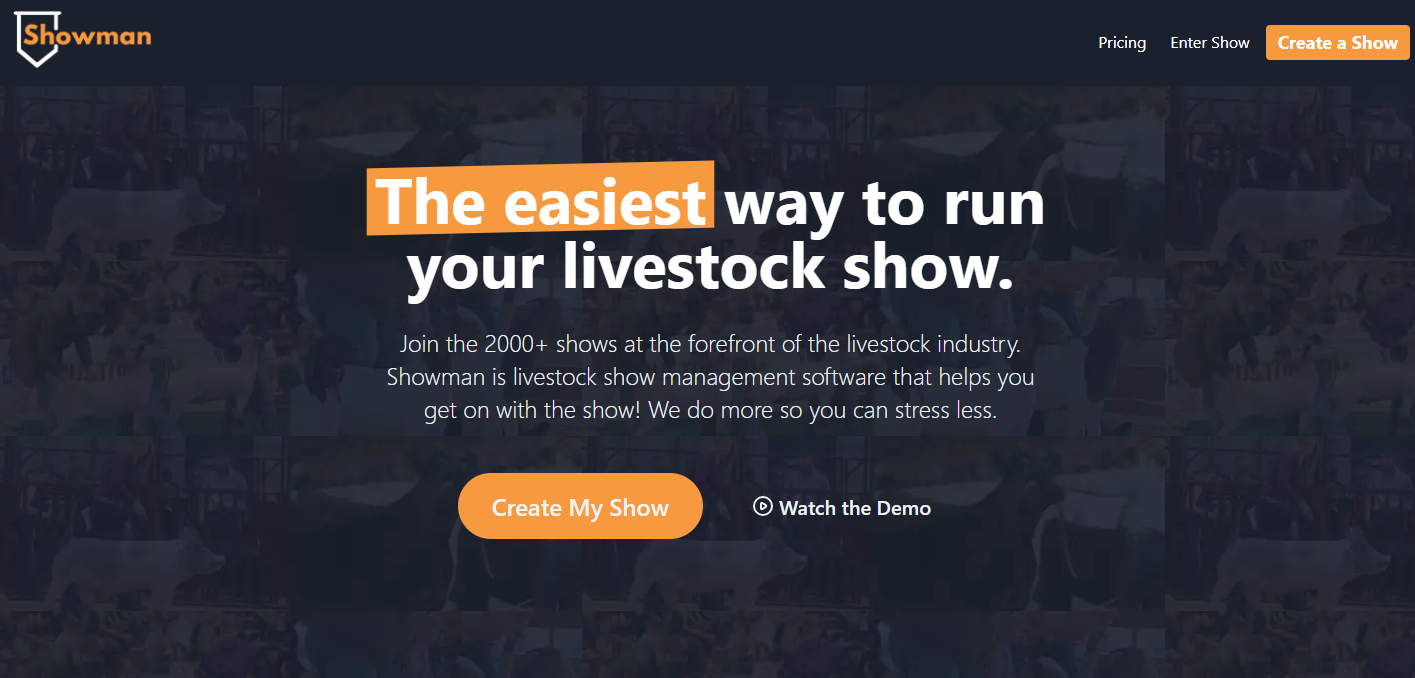
After accessing the homepage, you need to understand the interface of this amazing software. You will come across different details and tools that will help you learn about how to manage your livestock shows and organize them precisely. Also, you can learn about the key features mentioned earlier, along with the history of this software. It not only boosts your knowledge about this platform but also enables you to use it conveniently.
3 – Create an Account
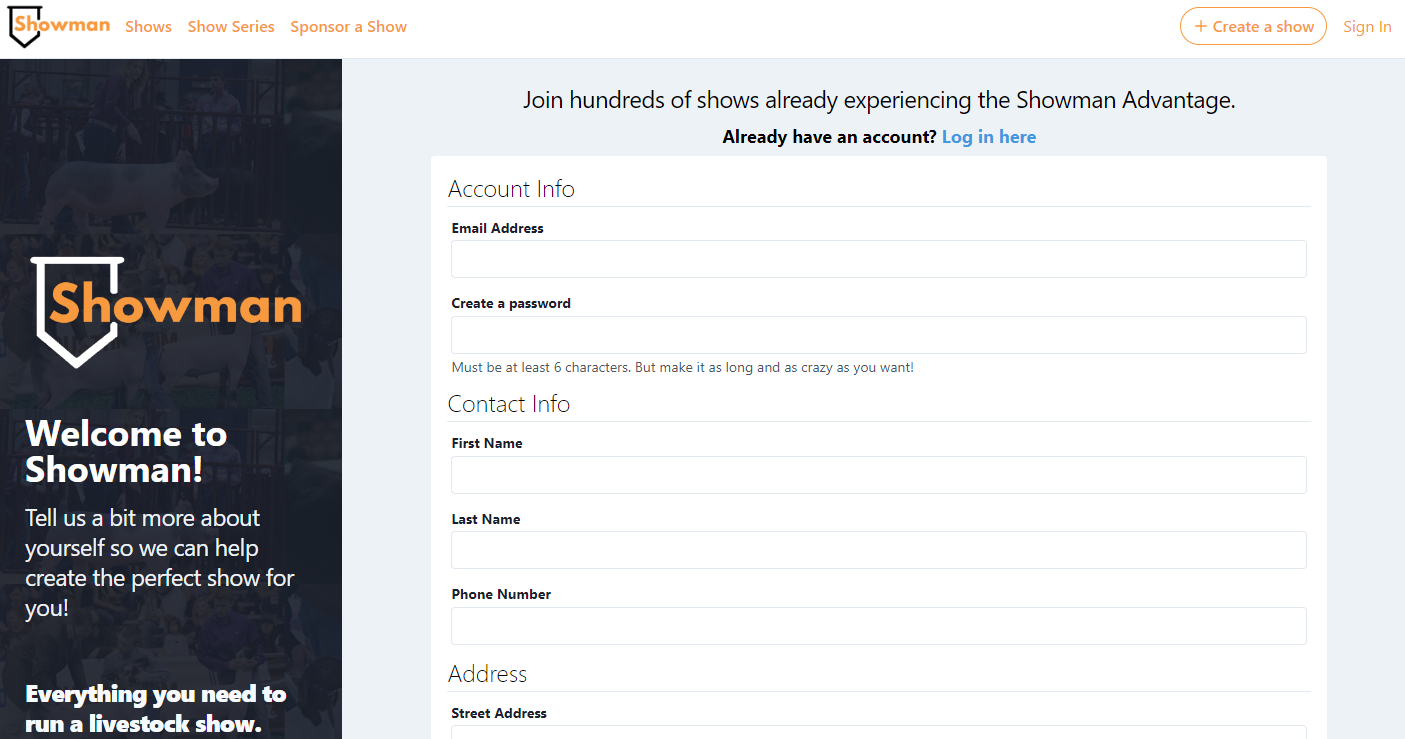
In the next step, you have to create your account on this cloud-based software to access its full potential. On the homepage, you will see a Yellow button with “Create My Show” text written over it. You will be redirected to the Sign Up page by clicking this button. Here, you have to add complete and precise details about your name, address, and credentials like Email and password. Then, click the “Create My Account” button at the bottom.
4 – Verify Your Account
After following the steps described in the previous section, you will receive a verification link on your Email address. You must open the mail and click on the link to ensure that you are creating the account. Alternatively, copy and paste the link into a new tab to perform this activity.
5 – Add the Payment Method
Next, you have to add the payment method through which you can transfer funds into or from your Showman App account. Previously, there were limited options available. However, the rise of online transaction trends has made it significantly popular to pay dues online.
6 – Watch and Create Shows
After performing all the steps, you will be able to watch and create the livestock shows. The best part of this brilliant software is that you can have an extensive library of livestock-related shows. By sorting them and paying fees, you can easily watch your favorite shows and take your experience to another level of entertainment and amusement.
Showman App Pricing
Showman App provides you with an extensive library of livestock shows. You can easily access and watch them in ultra-HD quality. However, you must pay a specific amount or purchase a membership. The pricing details and plans are described below.
Showman App offers different pricing plans depending on the size of the livestock event.
- Weekend Show or Jackpot: $299
- Large Expo or Fair: $599
Final Verdicts
Showman App is a cloud based livestock management platform that helps users organize, manage, and stream livestock shows efficiently. It is useful for both organizers and participants who want a streamlined event management system.