1Password Says Vaults Are Safe, but Stolen Emails Raise Phishing Risk
An attacker who reached an employee's GitHub account copied names, emails and sign-in times from some 1Password customers; the company says vaults and their keys were untouched.

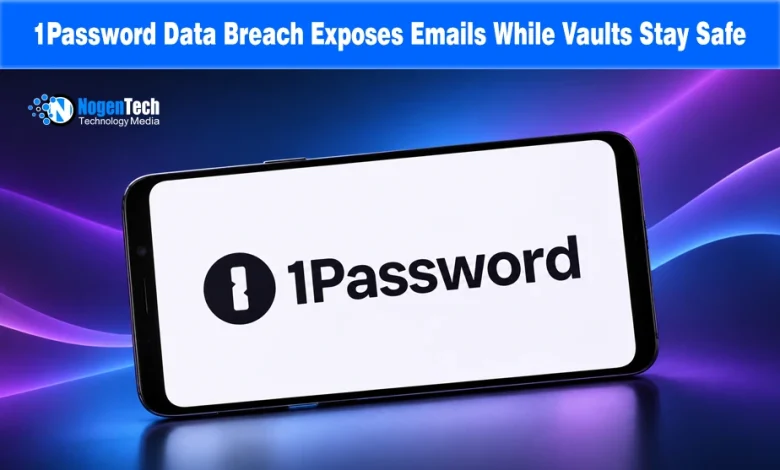
1Password, the Toronto-based password manager, said Wednesday that an attacker broke into an employee’s corporate GitHub account and used it to reach backend systems.
The attacker copied account records for a subset of customers, including names and the email addresses people use to sign in.
1Password says vaults, the items inside them and the keys that protect them were never accessed. Its apps, browser extensions and services are working normally.
What the Attacker Took From 1Password Customers
The attacker pushed malicious code to 1Password backend services, which then downloaded the account records.
Beyond names and emails, they hold account and user identifiers, public keys and Secure Remote Password parameters.
1Password says the last two are harmless, since public keys are public by design and the parameters cannot open an account.
The attacker also copied source code from private repositories and reached the company’s CI/CD system, which holds infrastructure secrets.
1Password says it disabled the affected GitHub account, restored clean versions of the impacted services, and rotated every user credential that may have been exposed.
Why 1Password Says Vaults Stay Locked Even After a Breach
1Password says it holds neither your account password nor your Secret Key, and that vault secrets are encrypted with keys only you hold. In its words, “a breach of our systems can’t expose your vault contents.” Account recovery keys were also untouched.
For users, the advice is short. Nothing needs changing in your account. Treat unexpected emails, texts, or calls that mention 1Password, invitations, or account recovery with suspicion, as they can be an impersonation attack.
1Password will never ask for your password or Secret Key. Enter them only in the official app or on its website, opened or typed by you.
The Secret Key is needed only the first time you sign in on a new device or browser, so an unexpected request for it deserves a second look. Users who spot suspicious messages are urged to report them directly to support@1password.com.
Why Stolen Names, Emails and Recovery Tokens Make Phishing the Real Risk
The stolen data is the kind phishers use. A name, the email you sign in with, and a last sign-in time make a fake 1Password message look real.
1Password hasn’t explicitly confirmed that hackers are using these tactics, but its decision to lengthen recovery codes from 6 digits to 10 and flag fake invitations suggests the company is preparing for targeted phishing attacks.
The recovery tokens add a second concern. They sat in some emailed links, but 1Password says a token works only with an SSO sign-in or a code sent to the user’s registered email.
It found no evidence of account takeovers using exposed tokens, and a small number of users in a provisioning state were notified directly.
Gaps remain. 1Password has not said how the attacker reached the GitHub account or how many customers are affected, and it did not immediately answer TechCrunch‘s questions.
Source: Update on a security incident involving 1Password’s backend systems