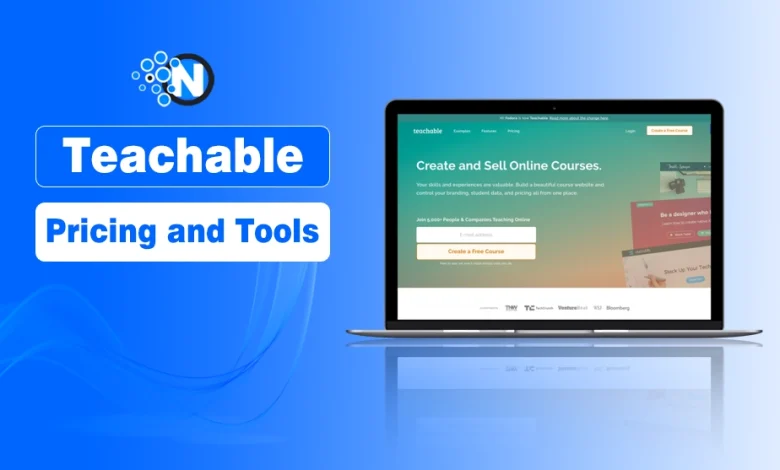
If you’ve ever thought about launching an online course, you’ve probably come across Teachable. It’s one of the most popular platforms for course creators, and for good reason, it combines ease of use with powerful tools that help you monetize your knowledge.
But before you dive in, it’s important to understand how Teachable’s pricing works and what you actually get with each plan.
In this blog post, I will share details about its pricing plans and the tools you can get to launch or monetize your online course.
What is Teachable?
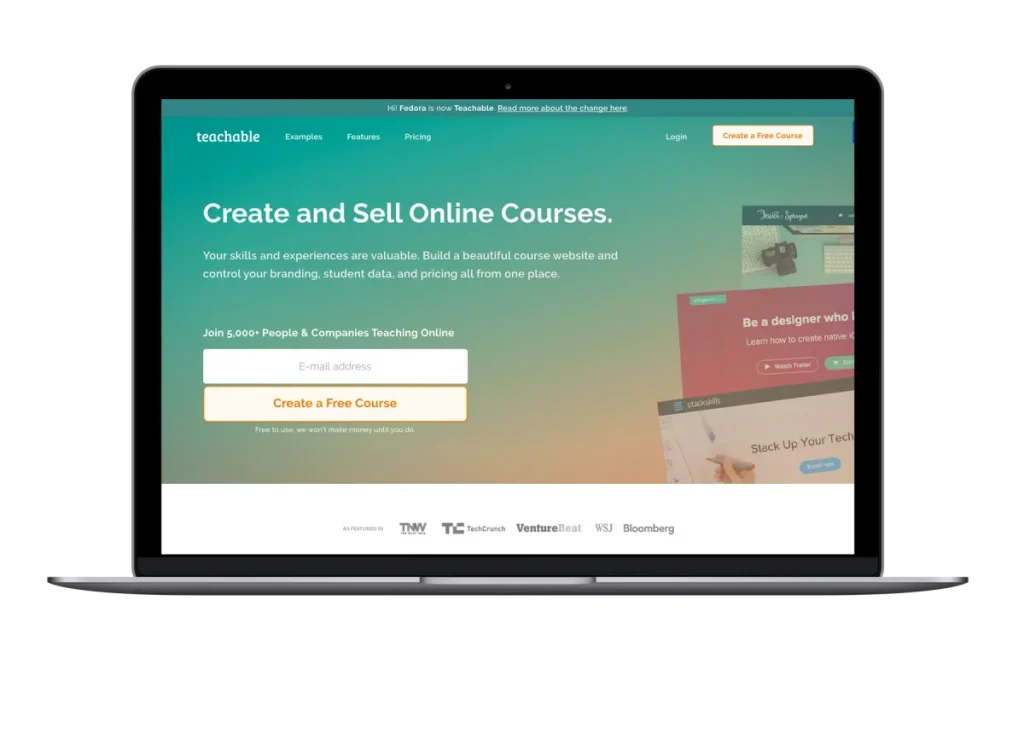
Teachable is an all-in-one online course creation and selling platform. It allows educators, entrepreneurs, and businesses to design courses, host them online, and market them to students worldwide.
Unlike traditional learning management systems, Teachable is built with creators in mind—it’s simple to use, requires no coding, and comes with built-in tools for payments, marketing, and student engagement.
Overview of Pricing Plans
This platform offers three pricing tiers to cater to the diverse needs of its users. This provides educators with the choice to pick a plan that suits their objectives and budget. Knowing the details of what each tier has to offer, as well as its shortcomings, is essential to making the most of it.
Exploring teachable pricing plans helps course creators understand the costs and tools included at each level of pricing.
- Free: $0/month ($1 + 10% transaction fee)
- Basic: $59/month (5% transaction fee)
- Pro: $159/month (0% transaction fee)
- Pro+: $249/month (0% transaction fee)
- Enterprise (for business owners): Pricing is available according to needs after contacting their sales team.
1. Free Plan Features
The Free plan gives you everything you need to get started without spending a dime. You’ll enjoy unlimited hosting, so you can publish content without worrying about storage limits. It also includes course design tools, quiz creation, and easy content uploads, making it simple to build and launch your first course with zero friction.
2. Basic Plan Features
The basic plan is your entry-level choice for online teaching newcomers. It usually contains fundamental features, such as course creation, integrated Payment Processing, and basic Reporting. This plan may be suitable for those seeking an introduction and to test its capabilities.
3. Pro Plan Advantages
The Pro plan is designed for users with advanced needs and offers additional benefits. For example, this level includes priority support, graded quizzes, and advanced customization features, among others. We’ve found that the pro plan is the best for many users who are scaling their courses or want to have more interaction with students.
4. Pro+ Plan Benefits
The Pro+ plan unlocks everything you need to scale without limitations. You get unlimited customizable courses, giving you full control over structure, branding, and content delivery. It also includes advanced analytics to track learner progress, engagement, and performance with precision. Plus, you gain access to advanced pricing options, allowing you to create flexible payment models, bundles, and premium tiers that match your business strategy.
5. Enterprise Plan Benefits
The enterprise plan would be more suitable for larger institutions or organizations that require the training of multiple tools. The plans at the paying tier usually offer bulk student enrollments, advanced analytics, and priority support. Such features help in managing a larger student base and provide deeper insights into educational trends.
Tools Included in Plans
Both priced plans offer a set of tools for delivering effective teaching and learning. Knowing these tools will help educators select the suitable one to meet their requirements.
Course Creation Tools
The importance of engaging content can never be overstated when it comes to developing an online course. This platform provides educators with various tools to support the design and delivery of effective lessons. Many of these tools also provide features such as video hosting, multimedia integration, and customizable templates, allowing instructors to personalize their teaching.
Student Engagement Features
Student engagement refers to the extent to which students are actively involved in their learning. At this level, the platform offers quizzes, topic discussion forums, assignment submissions, etc. These tools promote interaction and allow students to engage actively in their learning process.
Marketing and Sales Tools
Every course creator must expand their reach. Most plans come with additional tools in your toolbox, such as affiliate programs, email marketing integrations, and sales pages. Such features help teachers market their courses and increase enrollment.
Analytics and Reporting
Tracking student performance and course efficacy is among the most important insights. Analytics: The platform provides analysis tools that give insights into student progress and engagement. These reports enable teachers to enhance their courses and student performance.
Support and Community
The experience is dramatically improved when you have support and access to community resources. The platform usually receives customer assistance, community forums, and online learning resources. These are the types of resources that will greatly benefit educators and give them a sense of belonging.
Choosing the Right Plan
Several variables determine the ideal pricing plan, including budget, course objectives, and the level of support required. Teachers should compare each plan’s specifications and then choose the one that best fits their preferences.
Budget Considerations
Often, the budget determines the type of plan a person chooses. Educators should consider their budgets and select a plan that offers the best value for their investment. Consider the features that you are offering against the cost and ensure that you are not overburdening yourself.
Course Goals and Needs
Different courses have varying requirements. Educators should begin by defining the purpose of their course and identifying the necessary tools to achieve it. Even basic course creation or advanced analytics, aligning everything you need with what they offer is critical.
Support and Resources
This can significantly influence the decision, as demonstrated by the level of support and the availability of additional resources. Users unfamiliar with online teaching may require more extensive support, while experienced instructors may seek sophisticated features and customization options.
Conclusion: Teachable as Your Growth Partner
For educators seeking to deliver high-quality online courses, it is essential to gain a thorough understanding of the pricing plans and tools offered by this platform. By assessing budget, learning objectives, and support needs, educators can choose a plan that best fits their needs. As a result, this can provide a more purposeful teaching and learning experience for both instructors and students.