How to Use Pikashow Safely — And Why You Should Consider Legal Alternatives in 2026

I understand how tempting free streaming apps can be. When you’re looking for a movie to watch on a Friday night and the subscription costs keep piling up, apps like Pikashow seem like the perfect solution.
No monthly fee, unlimited content, and an easy interface, what’s not to love?
But here’s what most tutorials won’t tell you: using unverified streaming apps comes with real privacy risks, and the consequences can go far beyond a buffering video.
In this guide, I’ll share practical Pikashow tips focused on safety and privacy, including warning signs you should never ignore and smarter ways to protect your data while streaming.
This will also include the best Pikashow alternatives available in 2026, including free but legal streaming apps for Android and PC.
What Is Pikashow? Is It Safe to Use in the USA
Pikashow is an unofficial, third-party streaming app considered unsafe by US cybersecurity standards. It provides free access to movies, TV shows, and live television.
It is not available on the Google Play Store or Apple’s App Store in the United States. This means it bypasses the security review processes that Google and Apple enforce to protect American consumers.
It is distributed through third-party APK sources and carries an elevated risk of malware, adware, and unauthorized data collection. This is why evaluating streaming app safety and privacy before installing any app is essential for US users.
People across the US search for how to use Pikashow on a laptop or iPhone precisely because the app doesn’t follow a conventional installation path.
Consequences of Using Unverified Streaming Apps
The risks from apps like Pikashow don’t always surface immediately. Over time, US-based users may face:
- Data leaks: Behavioral data, device identifiers, and login credentials can end up in data broker ecosystems or on dark web marketplaces. It is a leading concern that the Federal Trade Commission (FTC) has flagged in its consumer privacy guidance.
- Account compromize: If an app silently captures autofill data or clipboard content, linked accounts, email, banking, or social media, become vulnerable.
- Device degradation: Persistent adware strains system resources, shortens battery life, and can interfere with legitimate app performance.
- Legal exposure: In the United States, streaming copyrighted content may constitute copyright infringement under the DMCA. The legal risks of streaming mirrors go further than most users realize.
Protecting your privacy while streaming is basic digital hygiene, just like using strong passwords and two-factor authentication, both of which CISA recommends as baseline safety practices.
Pikashow Privacy Guidelines for Safe Usage
Use a dedicated secondary device> aggressively revoke unnecessary app permissions> enable updated antivirus protection> use a reputable virtual private network (VPN) for traffic encryption only> and never enter personal credentials or payment information within the app.
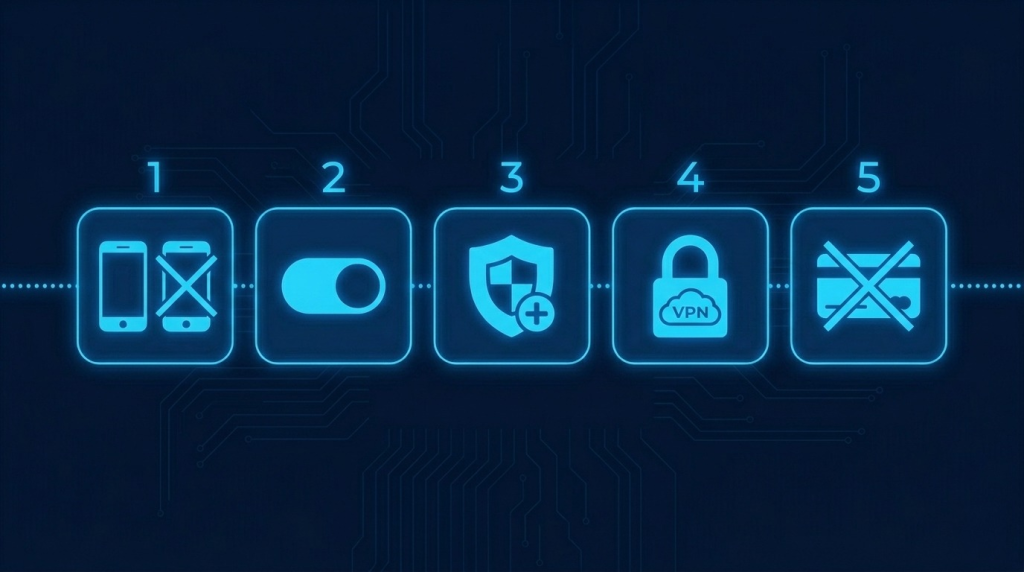
Here’s the full breakdown:
- Use a dedicated device: Don’t stream on the same device you use for banking, work, or sensitive files, particularly if you use mobile banking apps like Chase, Bank of America, or Wells Fargo.
- Control app permissions: Go into your phone’s settings immediately after installation and revoke anything not tied directly to video playback. This includes location, contacts, and microphone access, which should all be denied.
- Enable device protection: Run updated antivirus software before and during use. Malwarebytes for Android is a widely trusted option among US cybersecurity professionals.
- Consider VPN use carefully: A VPN encrypts your traffic and masks your IP address, but it does not make illegal streaming legal under US copyright law. Use it for privacy, not as a legal workaround.
- What NOT to do: Never enter personal credentials, payment information, or link social accounts within the app. Avoid any unofficial download managers that the app promotes.
Warning Signs to Switch to a Legal Alternative
The most common Pikashow security warning signs include: excessive app permissions at installation, embedded ads with malicious redirects, no verifiable developer identity or privacy policy, APK files from unverified third-party mirrors, and sudden spikes in battery drain or mobile data usage.
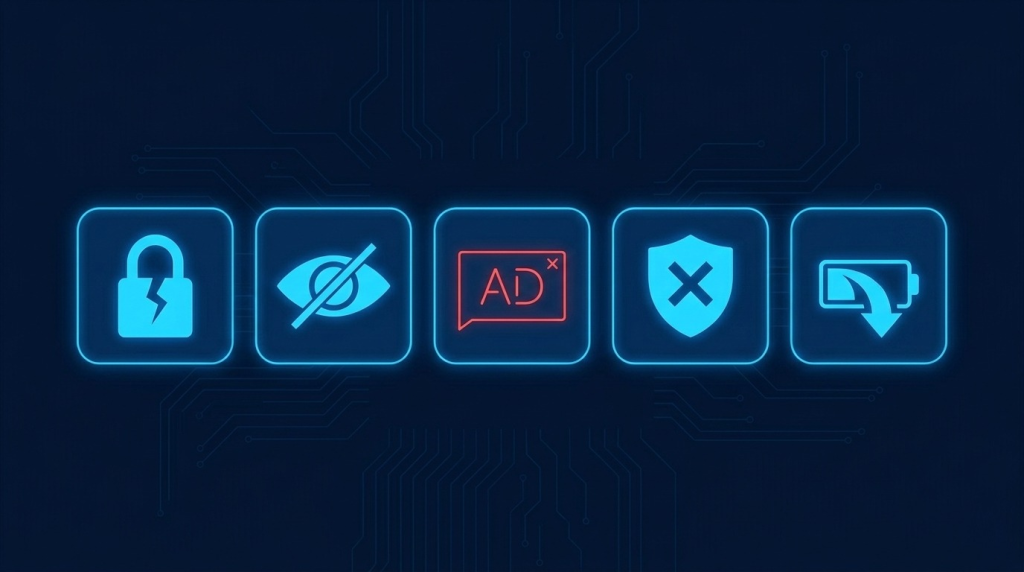
Here’s what each of these looks like in practice:
- Excessive or irrelevant permissions at installation: Requests for SMS access, contact lists, or device admin rights have no place in a streaming app. The Electronic Frontier Foundation (EFF) consistently flags over-permissioning as a top consumer risk.
- Malware risks from embedded ads: Unofficial app ad networks frequently serve malicious redirects or drive-by downloads. If the app pushes you toward suspicious pages mid-stream, treat it as a red flag.
- No clear developer identity or privacy policy: Legitimate apps in the US market are transparent about data usage, as required under the CCPA.
- Pikashow security risks from third-party APK sources: Downloading from unverified mirror sites significantly increases the chance of receiving a tampered file. There’s a reason streaming mirrors constantly change domains — and it’s not a good one.”
- Sudden battery drain or data usage spikes: Unexplained background activity is a strong indicator that something is running without your knowledge.
If you’re looking for safer streaming options, check out my detailed guide on top Pikashow alternatives, where we break down verified alternatives you can use with peace of mind.
How to Keep Your Data Safe on Streaming Apps?
Regardless of which platform you use, these final Pikashow tips on data protection apply universally:
- Regularly audit app permissions in your phone’s settings.
- Keep your operating system and apps updated; security patches matter and are a compulsory best practice per CISA guidelines.
- Use a reputable VPN for a secure browsing experience and privacy, not as a legal workaround.
- Check whether an app has a published and verifiable privacy policy before installing, especially if you’re a California resident covered by CCPA.
- Always prefer apps listed in official US app stores, i.e., Google Play Store or Apple App Store.
My Final Take on Streaming Safety
I have explored switching from Pikashow to legal streaming alternatives and noticed that warning signs on some streaming sites often make the experience risky or unreliable. Choosing legal platforms has given me greater peace of mind and better data security, and I believe it is a smarter long-term choice for streaming content.
If you are facing similar decisions or have experienced issues with unauthorized streaming sites, reflecting on those experiences can help you make safer choices in the future. Drop your thoughts, questions, or stories in the comments below.