Getting started with SEO doesn’t have to mean investing in expensive tools.
Search engine optimization (SEO) has been the most essential part of my journey since the start of my career.
Without the budget for premium software, I relied on free SEO tools to learn and improve my skills in the beginning. Over the years, I’ve tested dozens of tools and discovered which ones genuinely deliver results.
These tools helped me with:
- Keyword research
- Website analysis
- Technical SEO
- Backlink monitoring
- Content optimization
Now moving on, I’ll share the best free SEO tools I’ve personally used to improve Google rankings and build effective SEO strategies.
Whether you’re a blogger, marketer, or small business owner, these free SEO software and online SEO tools can help grow your website without spending a dime.
What Are Free SEO Tools?
Free SEO tools are software that help optimize websites on Google through keyword research, technical SEO, website audits, backlink analysis, and performance tracking.
Free SEO tools simplify essential SEO tasks without requiring a paid subscription. They help website owners, bloggers, marketers, and businesses identify optimization opportunities, monitor website health, and improve search visibility.
Common use cases include:
- Keyword research to discover search opportunities.
- Website audits to identify on-page and technical SEO issues.
- Backlink analysis to evaluate and monitor link profiles.
- Content optimization to align pages with search intent.
- Rank tracking to measure keyword performance.
- Site performance analysis using Core Web Vitals and page speed metrics.
While free versions have usage limits, they provide enough functionality to build, optimize, and measure an effective SEO strategy before investing in premium tools.
What Are the Best Free SEO Tools to Use in 2026?
Every SEO tool serves a different purpose, from keyword research and website analytics to technical SEO, content optimization, and competitor analysis.
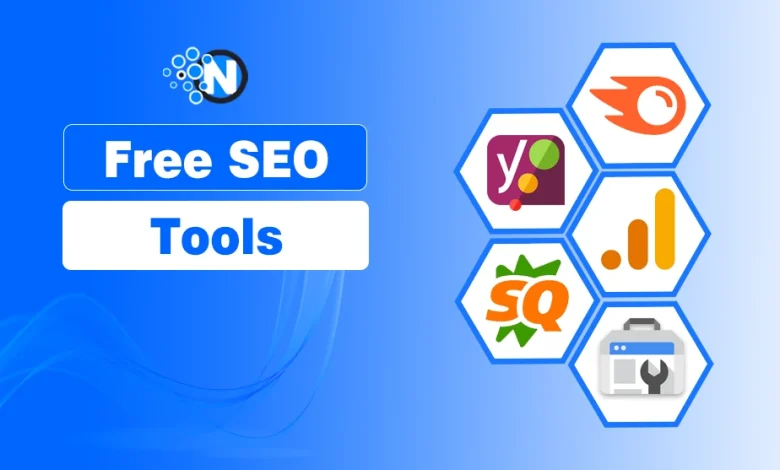
Below are the best free SEO tools I’ve personally used and recommend based on their features, usability, and value.
- SEMrush
- Google Analytics
- Google Search Console
- Ubersuggest
- Yoast SEO
- SEOquake
For each tool, you’ll learn its key features, best use cases, and limitations to choose the right one for your SEO needs.
1- SEMrush
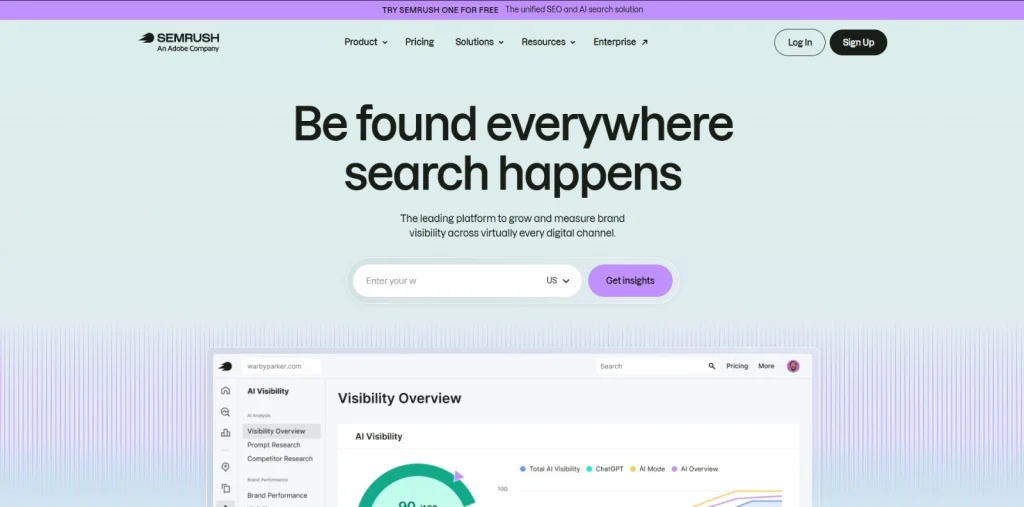
SEMrush is an all-in-one SEO platform for keyword research, competitor analysis, and website audits. I’ve used SEMrush since the early days of my SEO journey to evaluate competitors and uncover ranking opportunities. Its free plan offers enough insights to learn and improve your SEO strategy.
Best for: Keyword research, competitor analysis, and technical SEO audits.
Key Features
- Keyword research and search volume analysis
- Competitor domain analysis
- Website audit reports
- Backlink analysis
- Position tracking
| Pros | Cons |
|---|---|
| Comprehensive free SEO toolkit | Limited daily searches |
| Accurate keyword and competitor data | Most advanced features require a paid plan |
| User-friendly dashboard | |
| Regularly updated SEO database |
2- Google Analytics
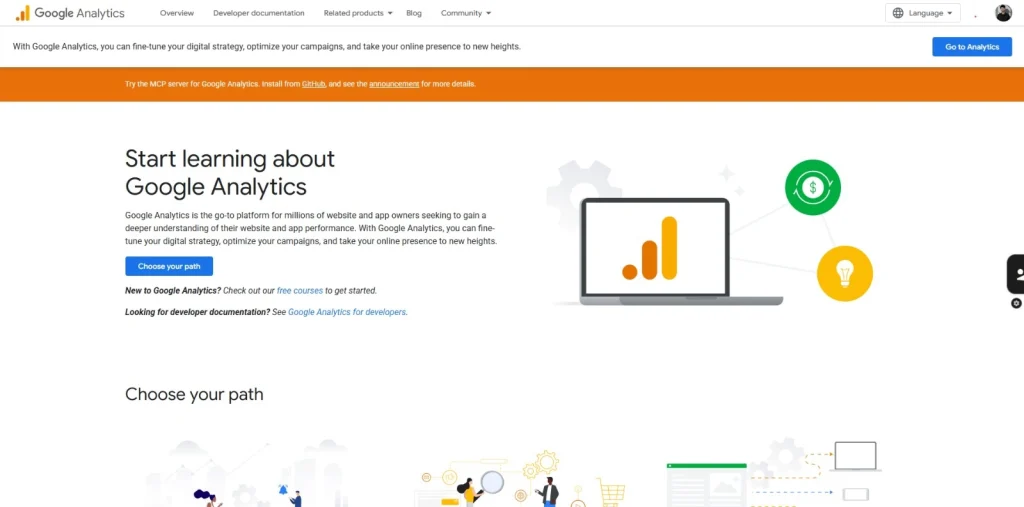
Google Analytics is a free Google tool that tracks website traffic, user behavior, and conversions. I’ve relied on it to understand how visitors interact with websites and measure the impact of SEO efforts beyond search rankings.
Best for: Traffic analysis, user behavior tracking, and conversion measurement.
Key Features
- Monitor website traffic from multiple channels
- Analyze user engagement and behavior
- Track conversions and goals
- Measure acquisition sources
- Generate real-time and custom reports
| Pros | Cons |
|---|---|
| Completely free to use | Steep learning curve for beginners |
| Detailed traffic and audience insights | Doesn’t perform keyword research or SEO audits |
| Integrates seamlessly with other Google tools | |
| Customizable reports and dashboards |
3- Google Search Console
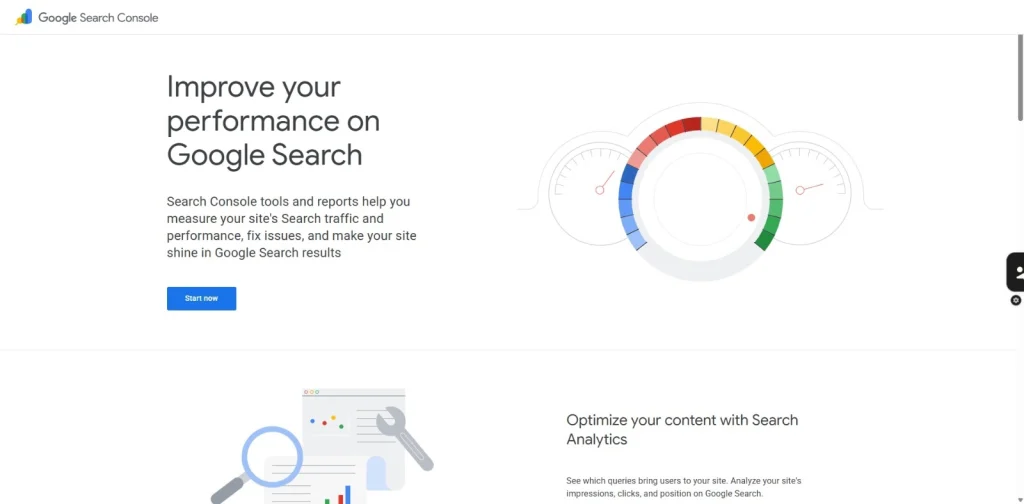
Google Search Console is a free Google tool that monitors search performance, indexing, and website health. It’s the first SEO tool I connect to every new website because it provides reliable data directly from Google Search.
Best for: Search performance monitoring, technical SEO, and index management.
Key Features
- Monitor clicks, impressions, CTR, and keyword rankings
- Submit XML sitemaps and request indexing
- Identify indexing and crawl errors
- Track Core Web Vitals and mobile usability
- Review internal and external links
| Pros | Cons |
|---|---|
| Provides first-party data from Google | Limited competitor analysis |
| Completely free to use | Advanced SEO reporting requires additional tools |
| Essential for monitoring indexing and search performance | |
| Helps identify technical SEO issues quickly |
4- Ubersuggest
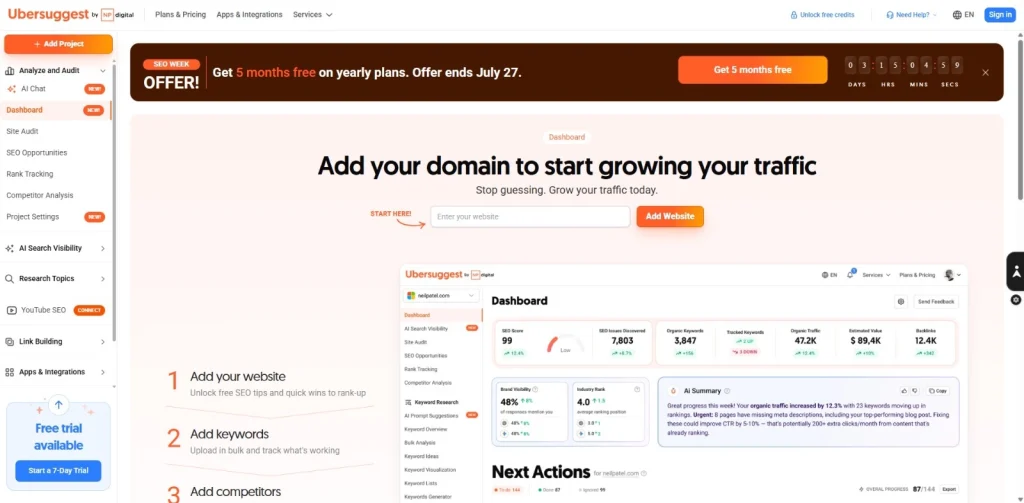
Ubersuggest is a free SEO tool by Neil Patel that helps with keyword research, content ideas, and competitor analysis.
I have often used it in the early days for quick keyword insights and content planning, especially when I need a simple alternative to more advanced SEO platforms.
Best for: Keyword research, content planning, and competitor analysis.
Key Features
- Generate keyword ideas and search volume data
- Analyze SEO difficulty and paid difficulty
- Discover competitor keywords
- View backlink data
- Get content and traffic insights
| Pros | Cons |
|---|---|
| Beginner-friendly interface | Free searches are limited per day |
| Combines multiple SEO features in one tool | Some advanced data requires a paid plan |
| Useful for content and keyword planning | |
| Provides competitor insights and backlink data |
5- Yoast SEO
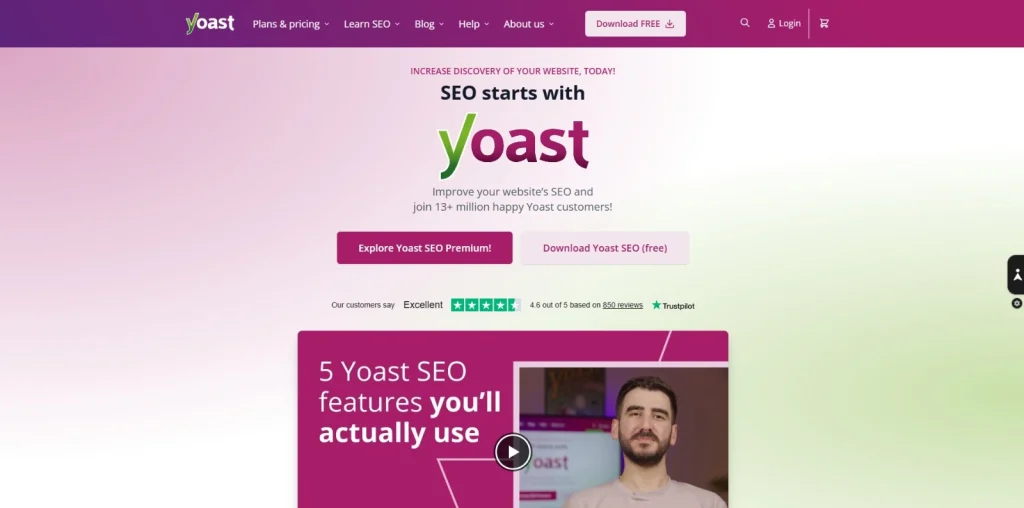
Yoast SEO is a WordPress SEO plugin that helps optimize on-page SEO, readability, and technical SEO elements. I’ve used it on many WordPress websites to streamline content optimization and ensure pages follow SEO best practices before publishing.
Best for: On-page SEO, content optimization, and WordPress websites.
Key Features
- Analyze SEO and content readability
- Optimize titles and meta descriptions
- Generate XML sitemaps
- Manage schema markup and breadcrumbs
- Preview content for search and social media
| Pros | Cons |
|---|---|
| Beginner-friendly WordPress plugin | Advanced features require the Premium version |
| Simplifies on-page SEO optimization | Available only for WordPress websites |
| Built-in readability analysis | |
| Automatically generates XML sitemaps |
6- SEOquake
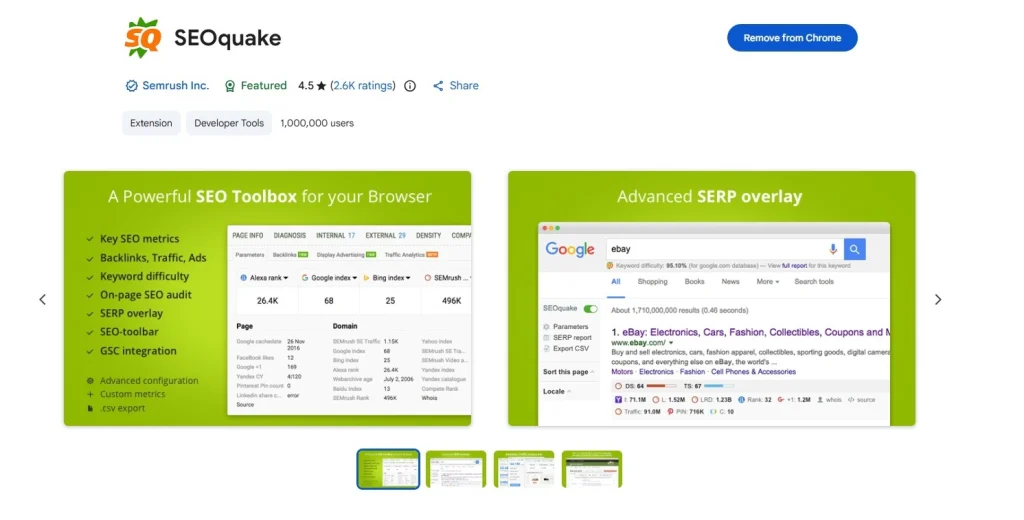
It provides you with a clear view of your competitors and suggests ways you can elevate your page/website on search engines.
SEOquake is a free browser extension that provides instant SEO metrics, on-page analysis, and competitor insights. I use it for quick SEO checks while browsing, making it easy to evaluate any webpage without opening a separate SEO platform.
Best for: On-page SEO analysis, competitor research, and quick website audits.
Key Features
- View on-page SEO metrics instantly
- Analyze internal and external links
- Compare domains and URLs
- Run basic SEO audits
- Export SEO data for analysis
| Pros | Cons |
|---|---|
| Free and easy to use | Requires a supported web browser |
| Provides instant SEO insights for any webpage | Limited advanced analysis compared to full SEO platforms |
| Saves time during competitor research | |
| Lightweight browser extension |
What Are the Limitations of Free SEO Tools?
Free SEO tools provide essential SEO insights but usually limit data, searches, advanced features, and historical reports compared to paid platforms.
Free tools are an excellent starting point, but they aren’t designed to replace premium SEO platforms for large-scale campaigns. As your website grows, you may need more comprehensive data, automation, and reporting capabilities.
Common limitations include:
- Daily search limits and restricted usage.
- Limited keyword and backlink databases.
- Basic reporting with fewer customization options.
- Restricted competitor analysis and historical data.
- Advanced features available only in paid plans.
For beginners, bloggers, and online businesses, these limitations rarely prevent you from building a successful SEO strategy. Starting with free tools also helps you understand your requirements before investing in a premium solution.
How Do You Choose the Right Free SEO Tool?
Choose a free SEO tool based on your SEO goals, whether it’s keyword research, website audits, content optimization, competitor analysis, or performance tracking.
The best tool isn’t necessarily the one with the most features; it’s the one that solves your specific SEO challenge. Many professionals use multiple tools together to cover different aspects of SEO.
If you’re just starting, combine Google Search Console, Google Analytics, and Ubersuggest to build a solid SEO foundation without any cost.
Questions I’m Most Often Asked About Free SEO Tools
What are the best free SEO tools for beginners?
Google Search Console, Google Analytics, Ubersuggest, Yoast SEO, SEMrush, and SEOquake are the best free SEO tools for beginners.
Are free SEO tools enough for small businesses?
Yes. Free SEO tools cover keyword research, website analysis, and performance tracking, making them sufficient for most small business websites.
How do free SEO tools compare to paid tools?
Free SEO tools handle core SEO tasks, while paid tools provide larger databases, advanced reporting, automation, and competitor insights.
Which free SEO tool is best for keyword research?
SEMrush and Ubersuggest are among the best free SEO tools for keyword research, offering search volume, keyword ideas, and competitor insights.
Which free SEO tool is best for website analysis?
Google Search Console and SEMrush help analyze website health, indexing, technical SEO issues, and overall search performance.
Which free SEO tool is best for competitor analysis?
SEMrush, Ubersuggest, and SEOquake help analyze competitors’ keywords, backlinks, and website performance using their free features.
Can I improve Google rankings using free SEO tools?
Yes. Free SEO tools help optimize content, fix technical issues, research keywords, and monitor performance to improve Google rankings.
My Final Thoughts on Free SEO Tools
You don’t need expensive software to build a successful SEO strategy. Throughout my career, tools like SEMrush, Google Analytics, Google Search Console, Ubersuggest, Yoast SEO, and SEOquake have helped me improve keyword research, technical SEO, website performance, and content optimization.
Start with the tools that match your goals, learn how to use them effectively, and upgrade only when your website outgrows their free features. In my experience, the right strategy always matters more than the price of the tool.